



Air France Boeing 777-300ER F-GZNP
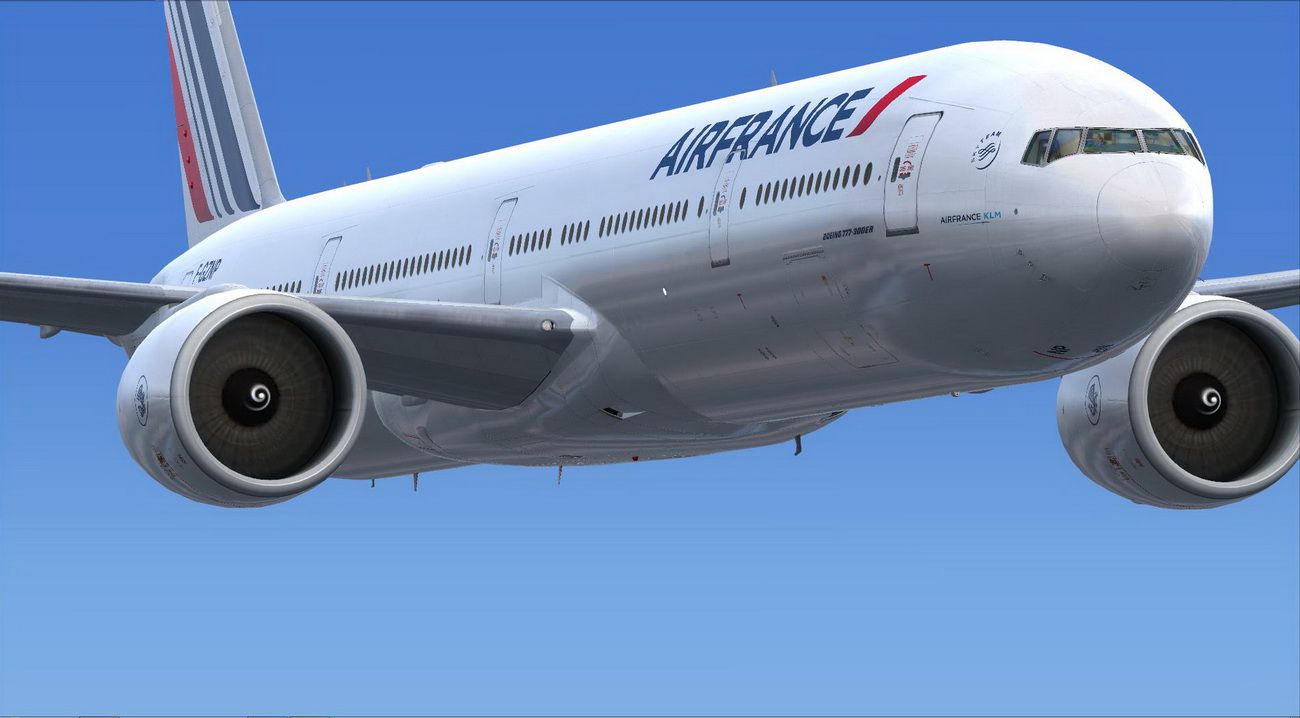
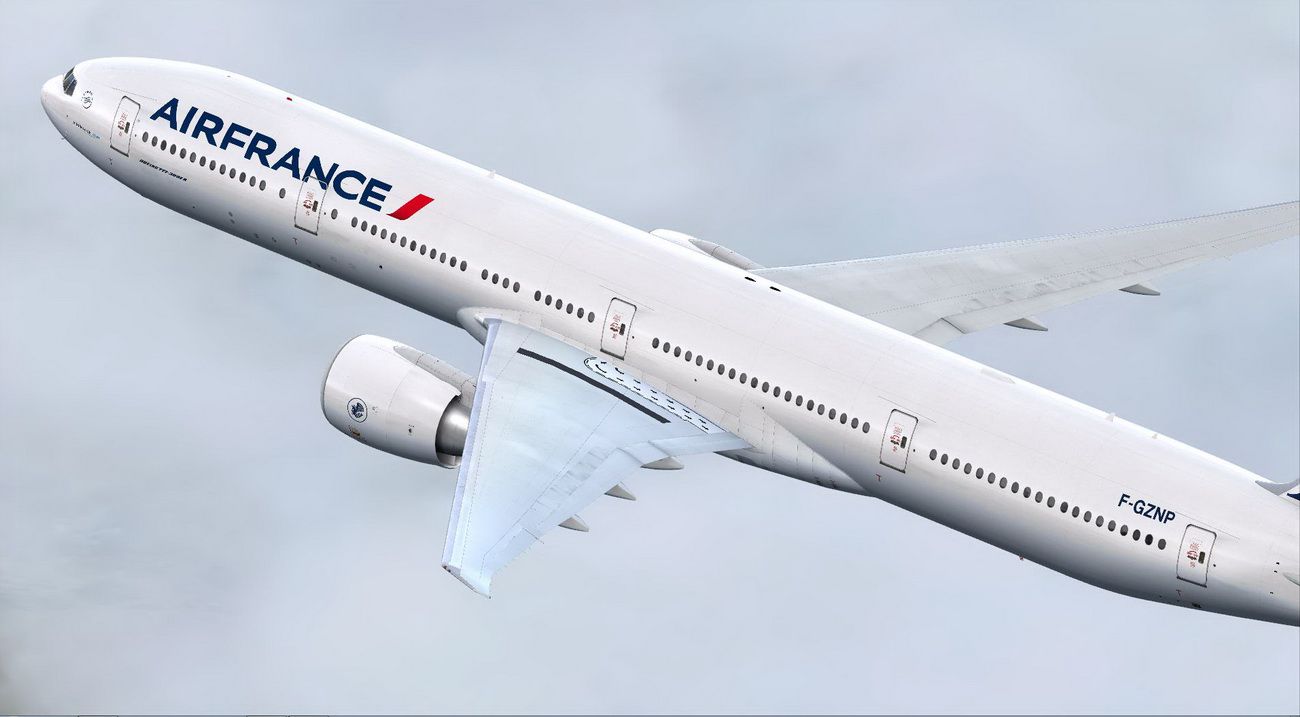
Air France Boeing 777-300ER livery F-GZNP brings a clean, future fleet look to the PMDG 777-300ER with high-quality textures and accurate airline branding for believable long-haul operations. Designed for FSX, it requires the payware PMDG 777-300ER and installs via the PMDG Livery Manager.



 Prepar3D
- Type:Repaint for Payware Model
- File: mf_pmdg773af.zip
- Size:13.99 MB
- Scan:
Clean (19d)
- Access:Freeware
- Content:Everyone

 Description
 Comments
 A repaint of the payware PMDG B777-300ER. This is a repaint of future Air France B777-300ER textures only. By Martial Feron.

Screenshot of Air France Boeing 777-300ER in flight.
Installation:
- Use the PMDG Livery Manager to install.
- Unzip the downloaded file to extract the .ptp livery file.
- Start the PMDG Livery Manager in the PMDG Operations Center.
- Select PMDG 777, then select Livery Manager.
- Click " Click to Add", select the .ptp livery file.
- Livery Manager will manage install from there.
Enjoy!
Images & Screenshots

The archive mf_pmdg773af.zip has 10 files and directories contained within it.
File Contents
This list displays the first 500 files in the package. If the package has more, you will need to download it to view them.
| Filename/Directory | File Date | File Size |
|---|---|---|
| MF_pmdg777AF | 11.25.14 | 0 B |
| Airfrance (F-GZNP).ptp | 11.24.14 | 13.14 MB |
| README.txt | 11.25.14 | 1012 B |
| screenshot37.JPG | 11.23.14 | 184.52 kB |
| screenshot38.JPG | 11.23.14 | 166.69 kB |
| screenshot46.JPG | 11.25.14 | 152.54 kB |
| screenshot47.JPG | 11.25.14 | 197.97 kB |
| screenshot48.JPG | 11.25.14 | 191.69 kB |
| flyawaysimulation.txt | 10.29.13 | 959 B |
| Go to Fly Away Simulation.url | 01.22.16 | 52 B |

Installation Instructions
Most of the freeware add-on aircraft and scenery packages in our file library come with easy installation instructions which you can read above in the file description. For further installation help, please see our Flight School for our full range of tutorials or view the README file contained within the download. If in doubt, you may also ask a question or view existing answers in our dedicated Q&A forum.









0 comments
Leave a Response