

 FSX Military Aircraft
RCAF DeHavilland Vampire F3 400 Sqn
A Royal Canadian Air Force repaint for Rob Richardson's de Havilland Vampire …
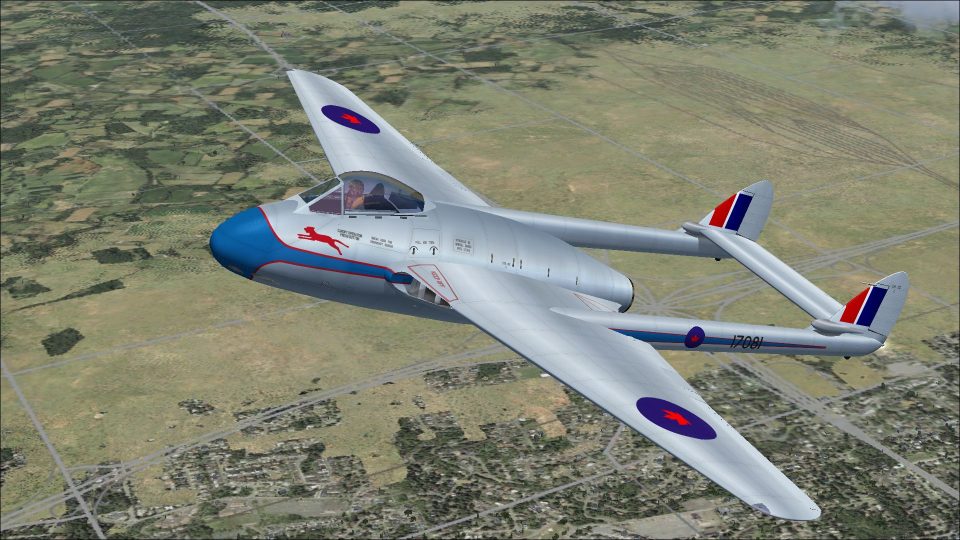
Royal Canadian Air Force De Havilland Vampire F3 Blue Devils livery recreates aircraft 17081 from Canada’s first jet aerobatic team, formed in 1949 at St. Hubert with No. 410 Squadron personnel, bringing period-correct markings to the virtual cockpit. Built for Microsoft Flight Simulator X Acceleration, it requires Rob Richardson’s Vampire F3 model.
 Rate
Rate
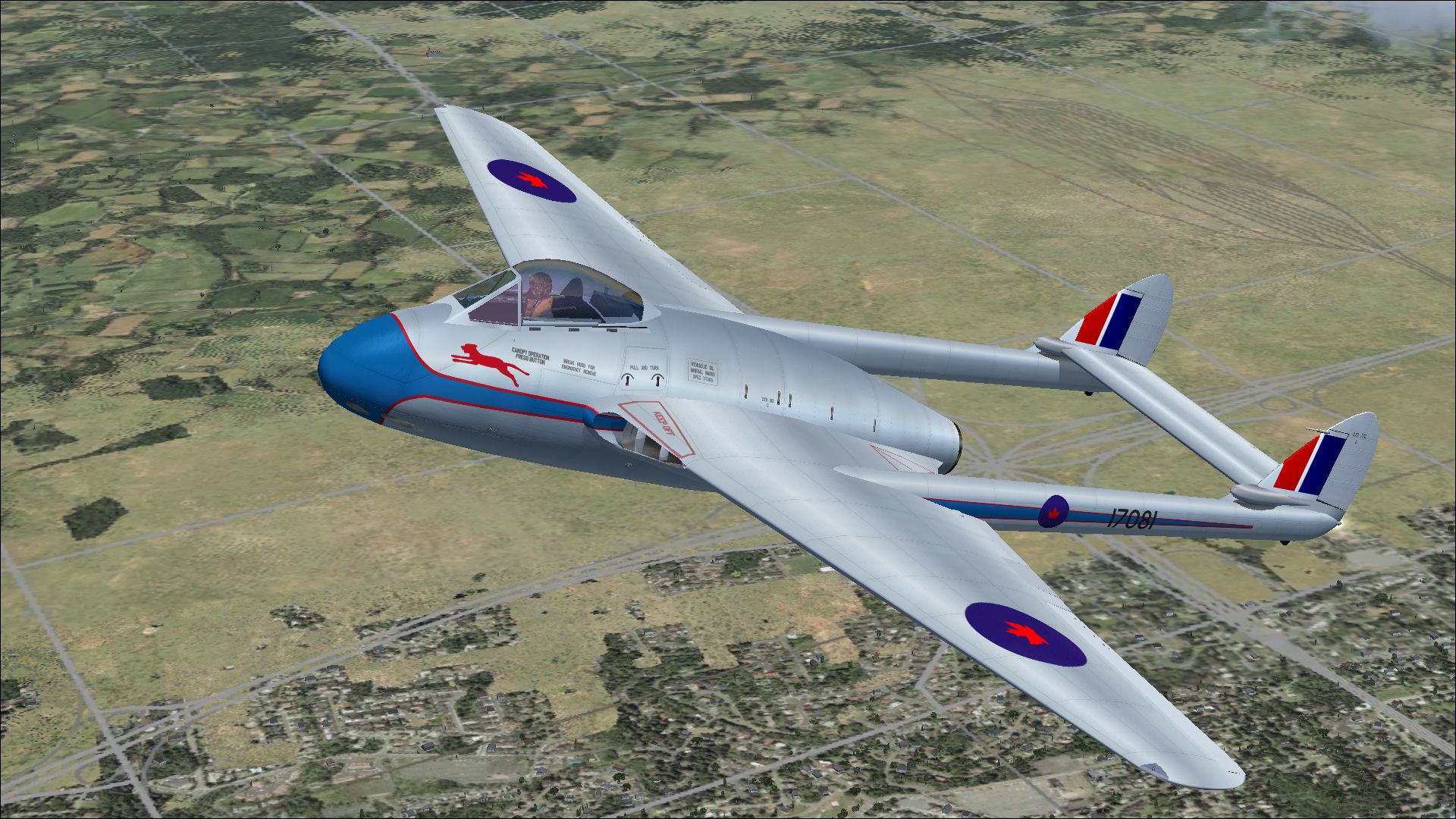
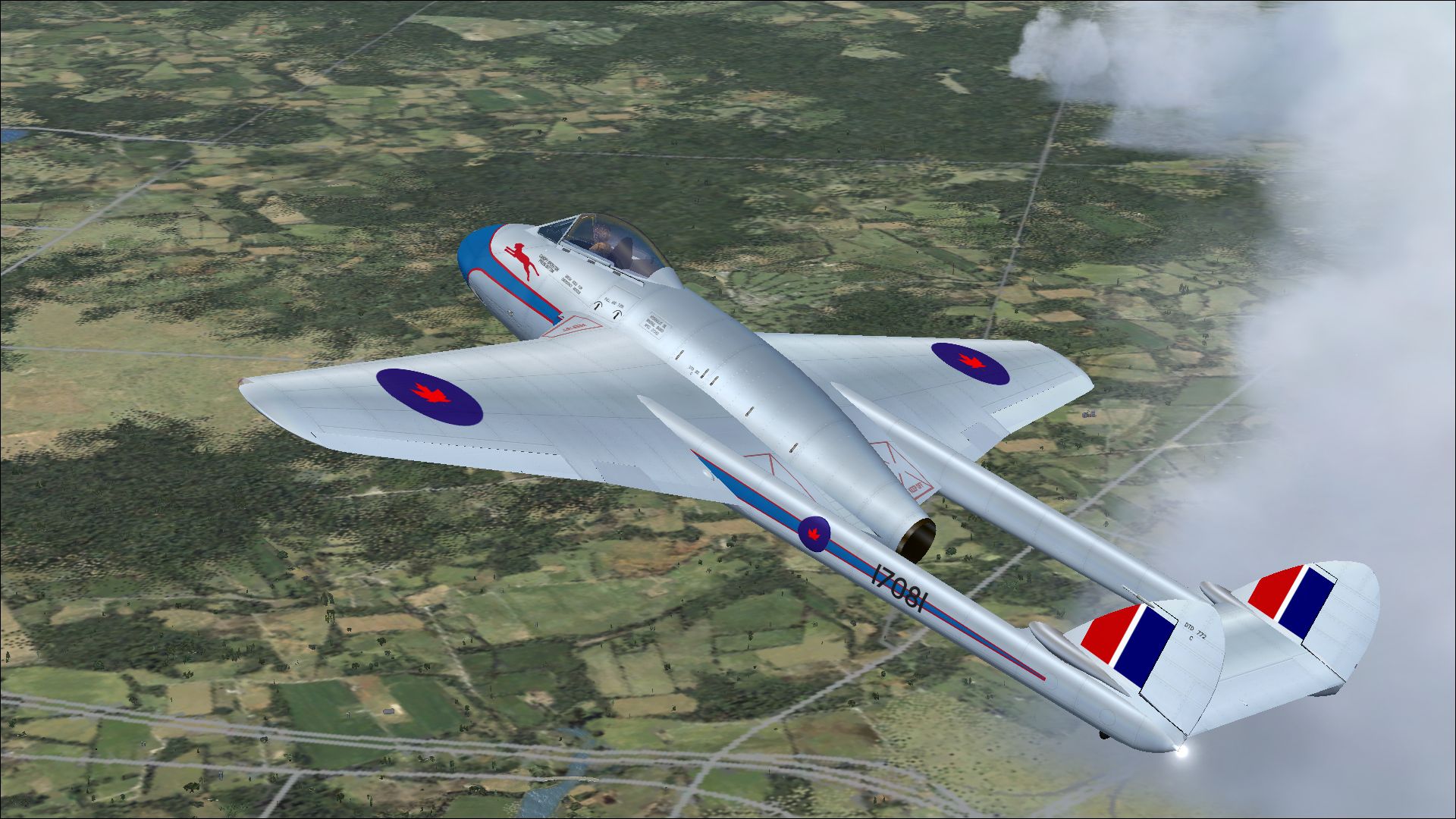
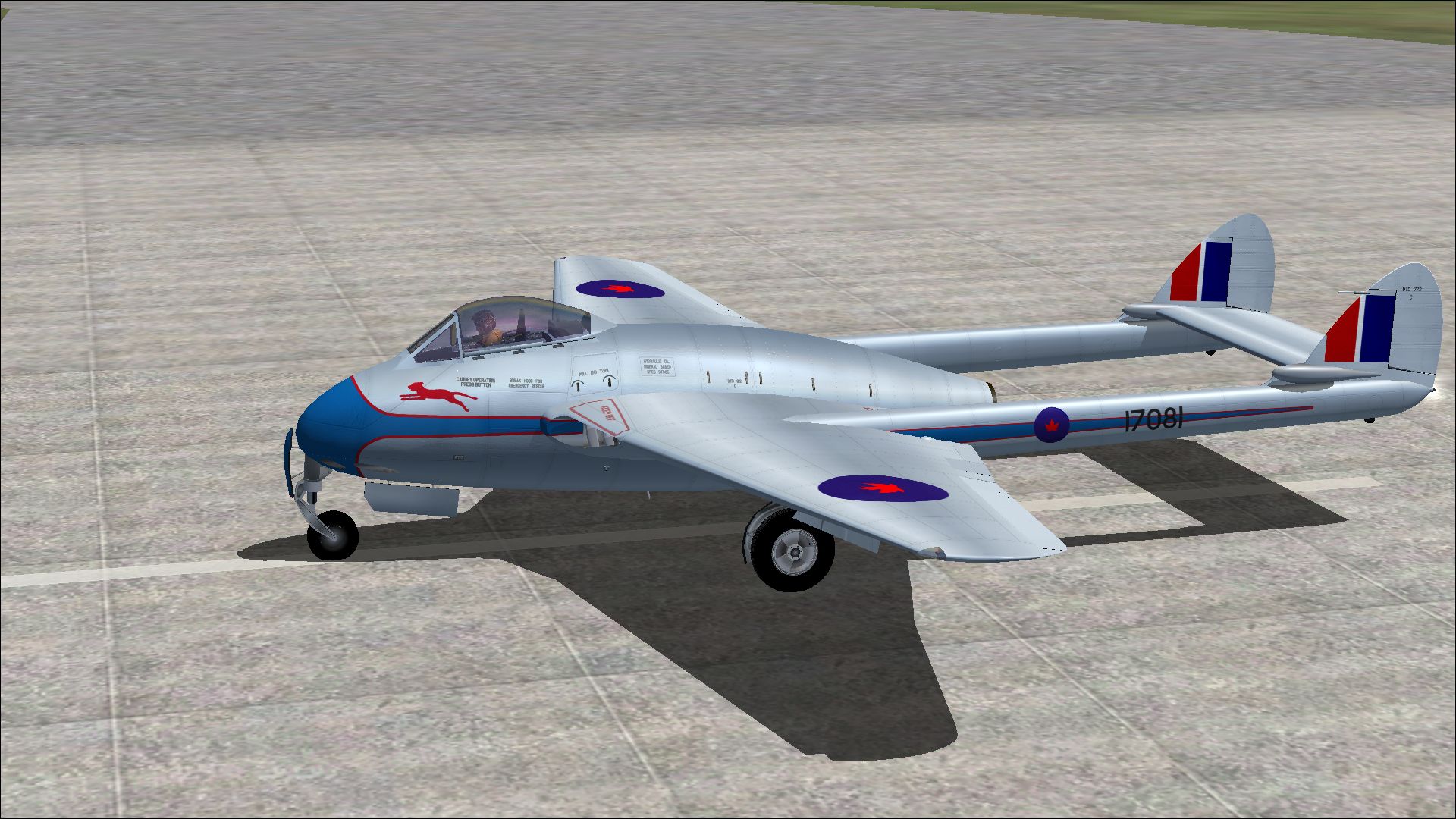
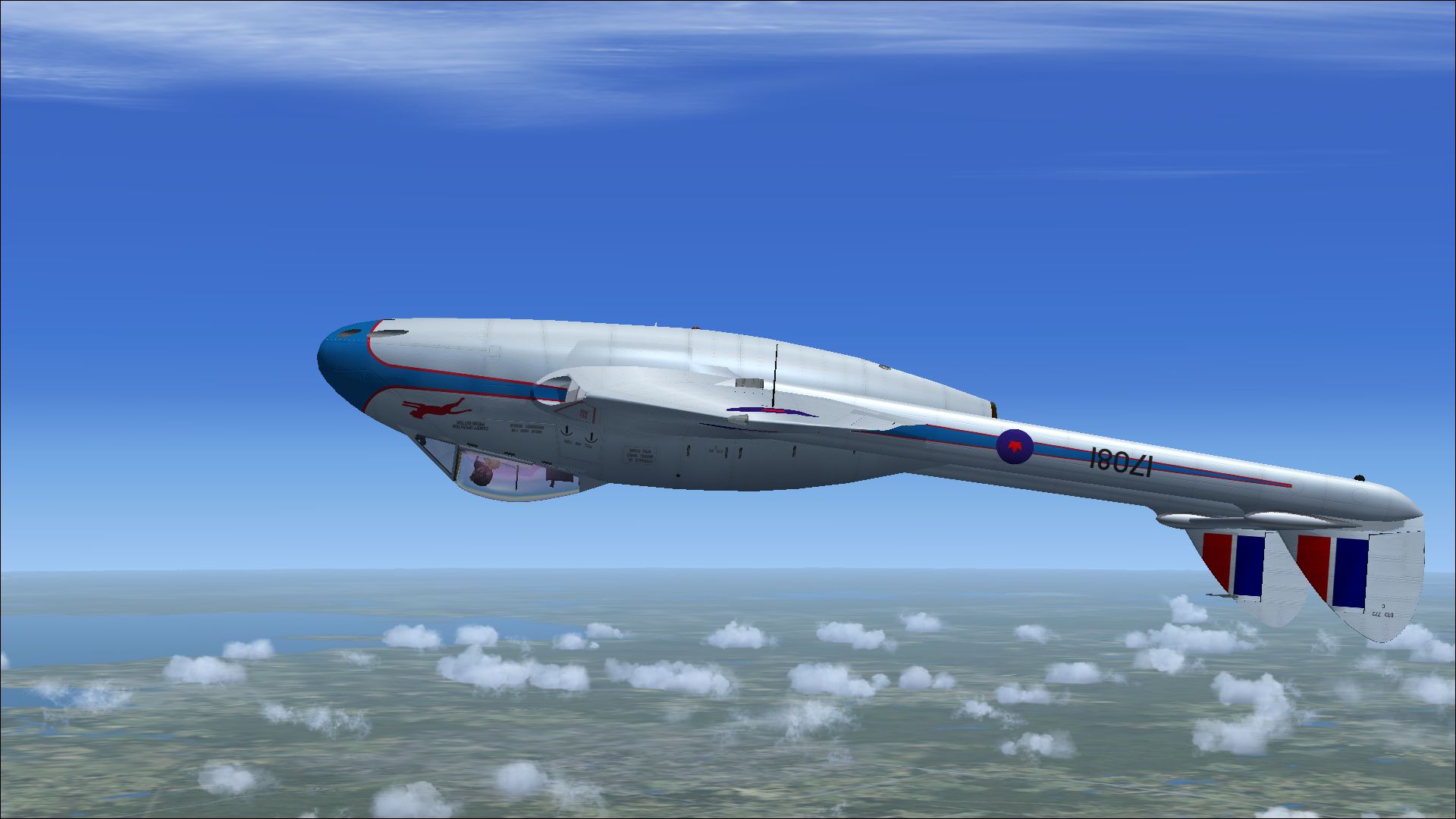
A Royal Canadian Air Force repaint for Rob Richardson's DeHavilland Vampire F3 for Microsoft Flight Simulator X Acceleration. 17081 was operated by Canada's first jet aerobatic team 'The Blue Devils'. They were formed in 1949 at St. Hubert from the staff of No 410 Squadron. This is an updated re-issue of a paint first released on BritSim in 2012. Repaint by Peter Watkins.
Screenshot of RCAF DeHavilland Vampire in flight.
Installation:
[fltsim.xx]

title=DeHavilland Vampire F3 RCAF2

sim=DeHavilland Vampire F3

model=

panel=

sound=

texture=RCAF2

kb_checklists=DH_Vampire_check

kb_reference=DH_Vampire_ref

atc_id= 17081

ui_manufacturer=DeHavilland

ui_type=Vampire

ui_variation=RCAF Blue Devils

Category =airplane

description=17081 was operated by Canada's first jet aerobatic team 'The Blue Devils'.They were formed in 1949 at St.Hubert from the staff of No 410 Squadron.
Free for all simmers · 10.69 MB · Scanned clean Sep 2026
Download speed: Free tier is capped at 0.5 Mbps (this file takes approximately 3 mins at the cap). PRO members download at full line speed.
texture.{airline}) inside FSX\SimObjects\Airplanes\{base-aircraft}\.aircraft.cfg in Notepad. Add a new [fltsim.X] section per the readme.readme.txt or README file. It tells you exactly where files go, what dependencies are needed, and any quirks specific to this add-on.The archive vampire_f3_rcaf_blue_devils.zip has 15 files and directories contained within it.
This list displays the first 500 files in the package. If the package has more, you will need to download it to view them.
| Filename/Directory | File Date | File Size |
|---|---|---|
| 6240149.jpg | 08.06.14 | 1.21 MB |
| 6357415.jpg | 08.06.14 | 1.48 MB |
| 6365573.jpg | 08.06.14 | 1.30 MB |
| 6462528.jpg | 08.06.14 | 650.71 kB |
| Installation readme.txt | 08.06.14 | 2.08 kB |
| texture.RCAF2 | 08.06.14 | 0 B |
| night.dds | 12.23.11 | 1.00 MB |
| tanks.dds | 01.13.12 | 4.00 MB |
| texture.cfg | 10.22.10 | 137 B |
| thumbnail.jpg | 08.06.14 | 1.48 MB |
| vampire_main.dds | 08.06.14 | 16.00 MB |
| vampire_three.dds | 01.26.12 | 16.00 MB |
| vampire_two.dds | 01.26.12 | 16.00 MB |
| flyawaysimulation.txt | 10.29.13 | 959 B |
| Go to Fly Away Simulation.url | 01.22.16 | 52 B |
Only PRO members can place votes.
More FSX & P3D add-ons hand-picked based on this download.
FSX Military Aircraft
A Royal Canadian Air Force repaint for Rob Richardson's de Havilland Vampire …
 FSX Military Aircraft
This is a repaint of the de Havilland Vampire F.3 by Robert Robinson, to repr…
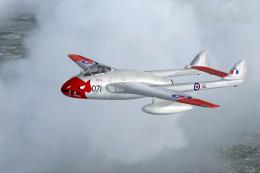 FSX Military Aircraft
This freeware release brings a meticulously crafted De Havilland Vampire F3 f…
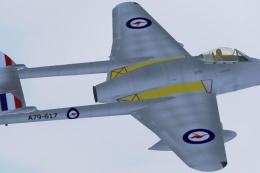 FSX Military Aircraft
This high-fidelity repaint brings the classic Royal Australian Air Force (RAA…
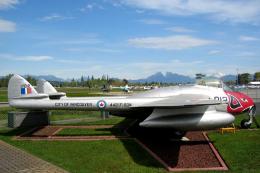 FSX Military Aircraft
DeHavilland DH-100 Vampire. Repaint of VAMPUPXA.ZIP of Langley Museum. Includ…
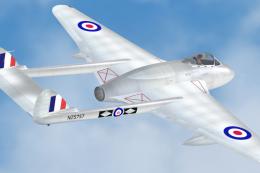 FSX Military Aircraft
This freeware repaint brings the Royal New Zealand Air Force (RNZAF) DeHavill…
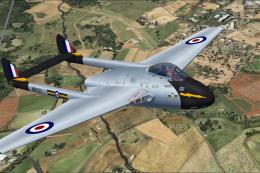 FSX Military Aircraft
A Royal Air Force repaint for Rob Richardson's de Havilland Vampire FB5 for M…
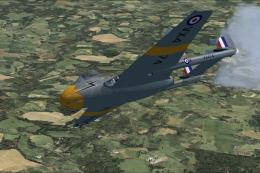 FSX Military Aircraft
A Royal Air Force repaint for Rob Richardson's de Havilland Vampire FB5 for M…
Be the first to leave a comment on this download.
Be the first to share your thoughts on this download.