

 FSX Civil Aircraft
Martinair Cargo Boeing 747-400 PH-MPQ
Martinair Cargo Boeing 747-400, registration PH-MPQ. Textures only for the iF…
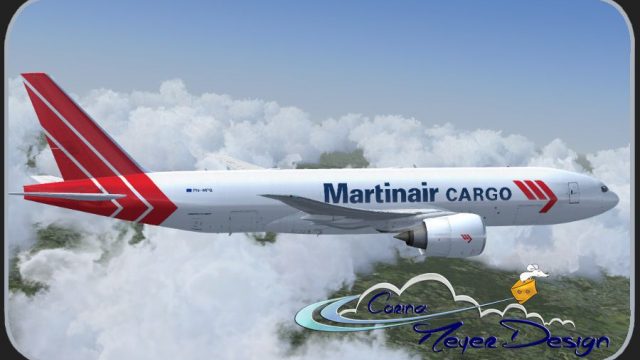
Martinair Cargo colors wrap the Boeing 777-200LR/F in a fictional PH-MPQ scheme, delivering crisp markings across fuselage, wings, and tail for immersive long-haul freight ops in Microsoft Flight Simulator X. The high-resolution repaint targets the PMDG simulation and requires the PMDG 777-200LR/F base pack.
 Rate
Rate
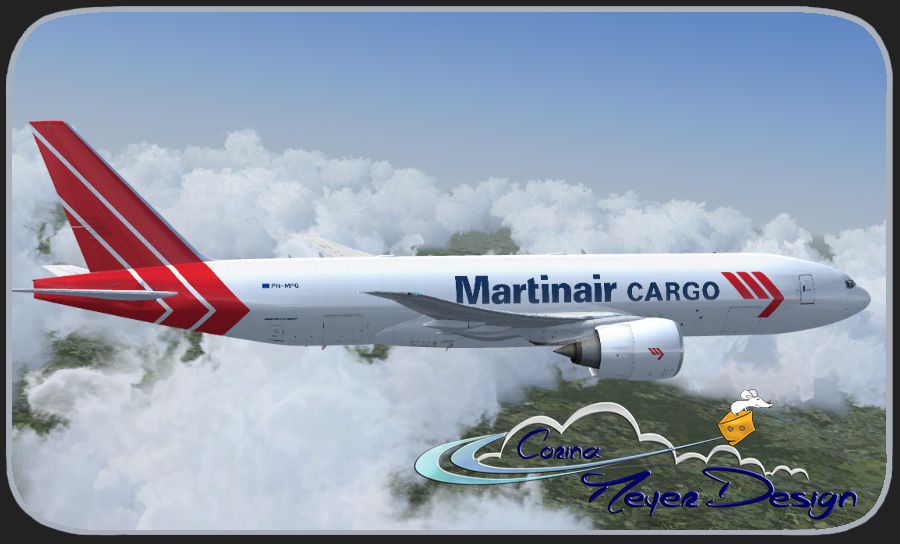
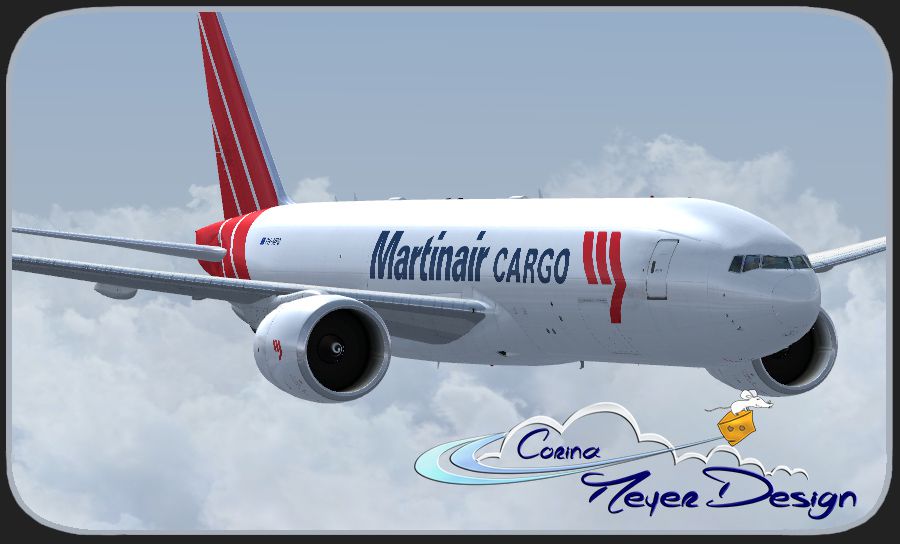

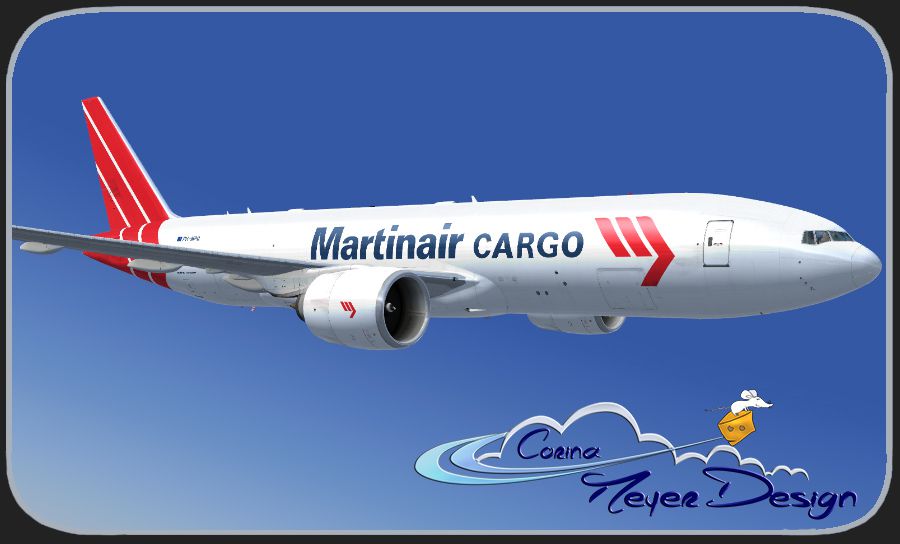
This fictional Martinair Cargo repaint brings a customized look to the PMDG 777-200LR/F base pack, adding a distinctive twist to the classic wide-body airframe. Created by Corina Meyer, it is designed for enthusiasts seeking a realistic cargo environment in Microsoft Flight Simulator X. Please note that the required payware PMDG 777-200LR/F model is not included and must be purchased separately (for instance, through a store such as SimShack).
Although Martinair Cargo predominantly operates other long-haul freighters, this repaint reimagines their colors on a Boeing 777 with the fictional registration PH-MPQ. In reality, the 777 is well-known for its twin-engine efficiency and extensive range, which makes it a favored platform for worldwide freight operations. This rendition includes subtle details around the fuselage, wings, and tail section to enhance immersion and reflects the distinctive Martinair Cargo palette with careful attention to logos and markings.

Screenshot of Martinair Cargo Boeing 777 in flight.
This wide-body aircraft, known for its large twin-engined design, carries substantial payloads while maintaining intercontinental cruise capabilities. Its advanced aerodynamic structure (referring to refined wing profiles and extended raked wingtips) aids in fuel economy and long-range efficiency. Pilots and virtual enthusiasts typically value the 777 for its stable handling characteristics and robust avionics, which are fully represented through the PMDG simulation package.
To incorporate these high-resolution textures into your Microsoft Flight Simulator X setup, follow these steps:
Remember that this package includes textures only and cannot function without the payware PMDG 777-200LR/F product. You will need the complete aircraft model from your preferred vendor before enjoying this add-on.
With this repaint installed, virtual cargo hauls in Microsoft Flight Simulator X will feel more dynamic, thanks to the balanced mix of fictional flare and the reliability of the 777’s original engineering. This modification remains a freeware resource, offered purely for the enjoyment of the flight simulation community by Corina Meyer.
Free for all simmers · 20.02 MB · Scanned clean Oct 2026
Download speed: Free tier is capped at 0.5 Mbps (this file takes approximately 6 mins at the cap). PRO members download at full line speed.
texture.{airline}) inside FSX\SimObjects\Airplanes\{base-aircraft}\.aircraft.cfg in Notepad. Add a new [fltsim.X] section per the readme.readme.txt or README file. It tells you exactly where files go, what dependencies are needed, and any quirks specific to this add-on.The archive pmdg777-f_martinair_cargo_ph-mpq.zip has 9 files and directories contained within it.
This list displays the first 500 files in the package. If the package has more, you will need to download it to view them.
| Filename/Directory | File Date | File Size |
|---|---|---|
| Avsim.gif | 05.08.15 | 14.24 kB |
| PMDG777-200F Martinair Cargo PH-MPQ.ptp | 05.08.15 | 19.47 MB |
| ReadMe_Install.txt | 05.08.15 | 1.04 kB |
| 1.jpg | 05.08.15 | 176.34 kB |
| 2.jpg | 05.08.15 | 185.84 kB |
| 3.jpg | 05.08.15 | 151.32 kB |
| 4.jpg | 05.08.15 | 172.95 kB |
| flyawaysimulation.txt | 10.29.13 | 959 B |
| Go to Fly Away Simulation.url | 01.22.16 | 52 B |
Only PRO members can place votes.
More FSX & P3D add-ons hand-picked based on this download.
FSX Civil Aircraft
Martinair Cargo Boeing 747-400, registration PH-MPQ. Textures only for the iF…
 FSX Civil Aircraft
This fictional repaint package offers a customized Martinair-themed look for …
 FSX Civil Aircraft
This release features custom exterior textures for the Commercial Level Simul…
 FSX Civil Aircraft
This repaint showcases Martinair Holland’s Airbus A310-203C (PH-MCB), known a…
 FSX Civil Aircraft
Experience a meticulously crafted “Prins Bernhard Red Cross” paint scheme cre…
 FSX Civil Aircraft
Experience a carefully crafted livery for the payware Commercial Level Simula…
 FSX Civil Aircraft
This is a fixed version of the previous repaint. Fixed dutchman, logo tail ni…
 FSX Civil Aircraft
Martinair Cargo Airbus A330-200F. Fictive textures only of a Martinair A330-2…
Be the first to leave a comment on this download.
Be the first to share your thoughts on this download.