












 MSFS Scenery
Grand Canyon National Park Airport (KGCN)
This mod developed by JustOkayPilot brings Grand Canyon National Park Airport…
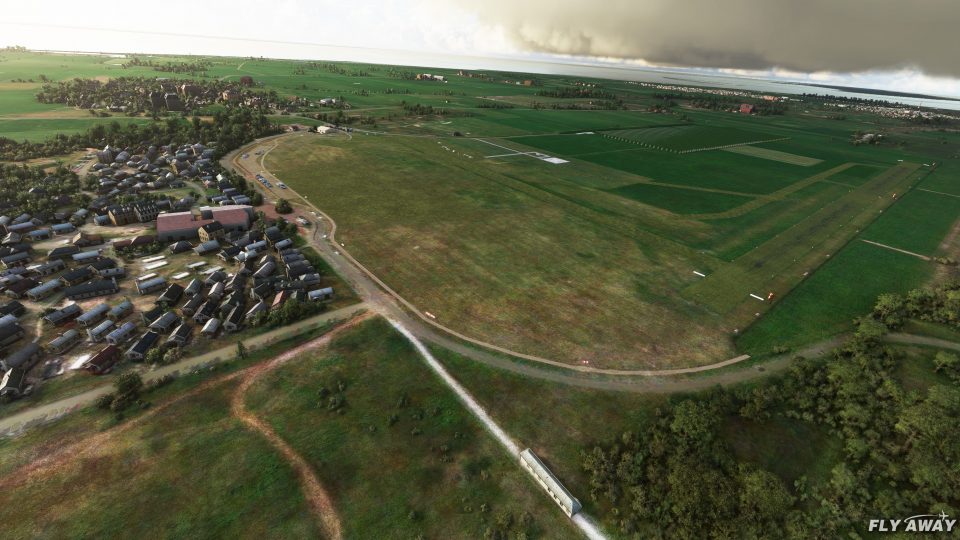
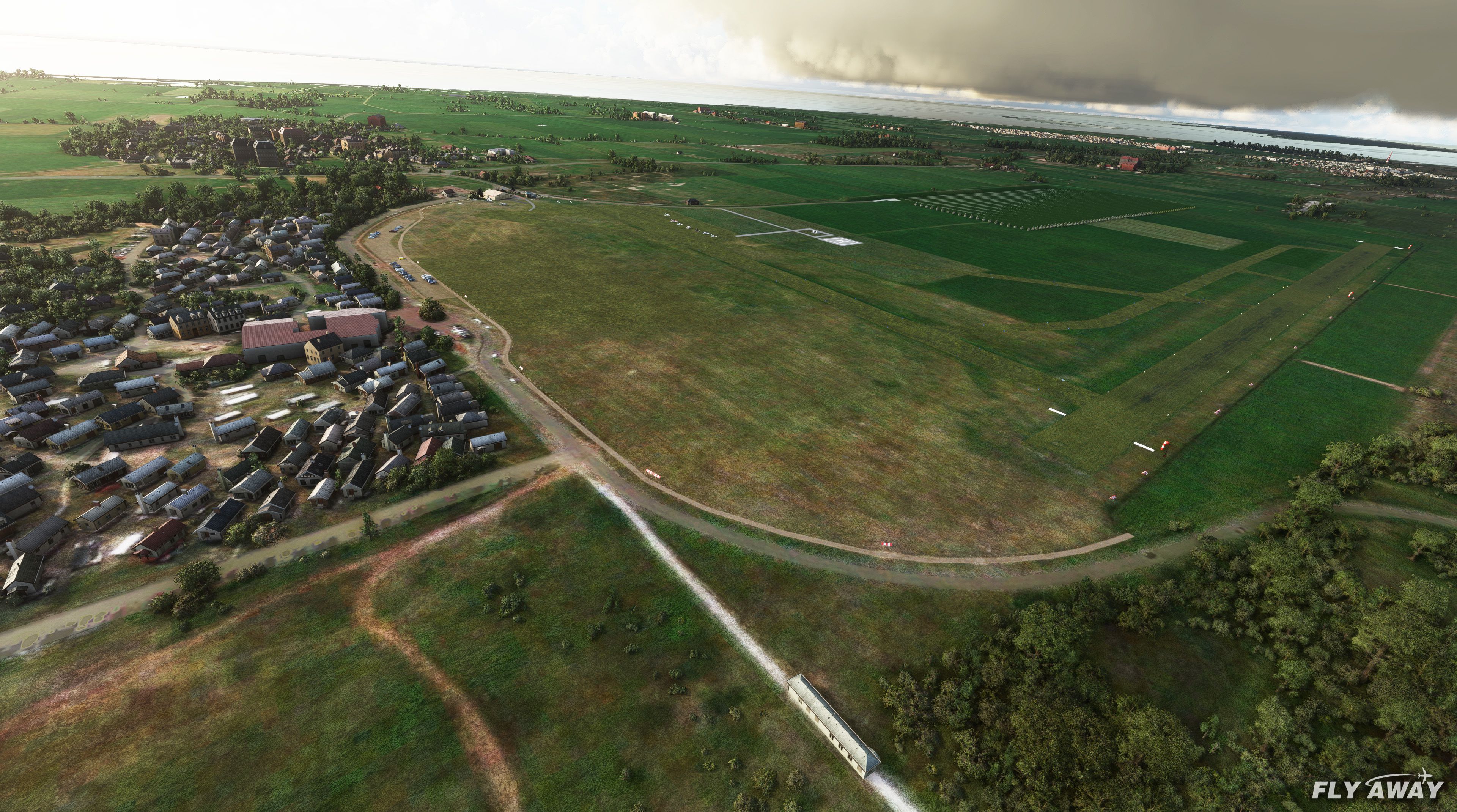
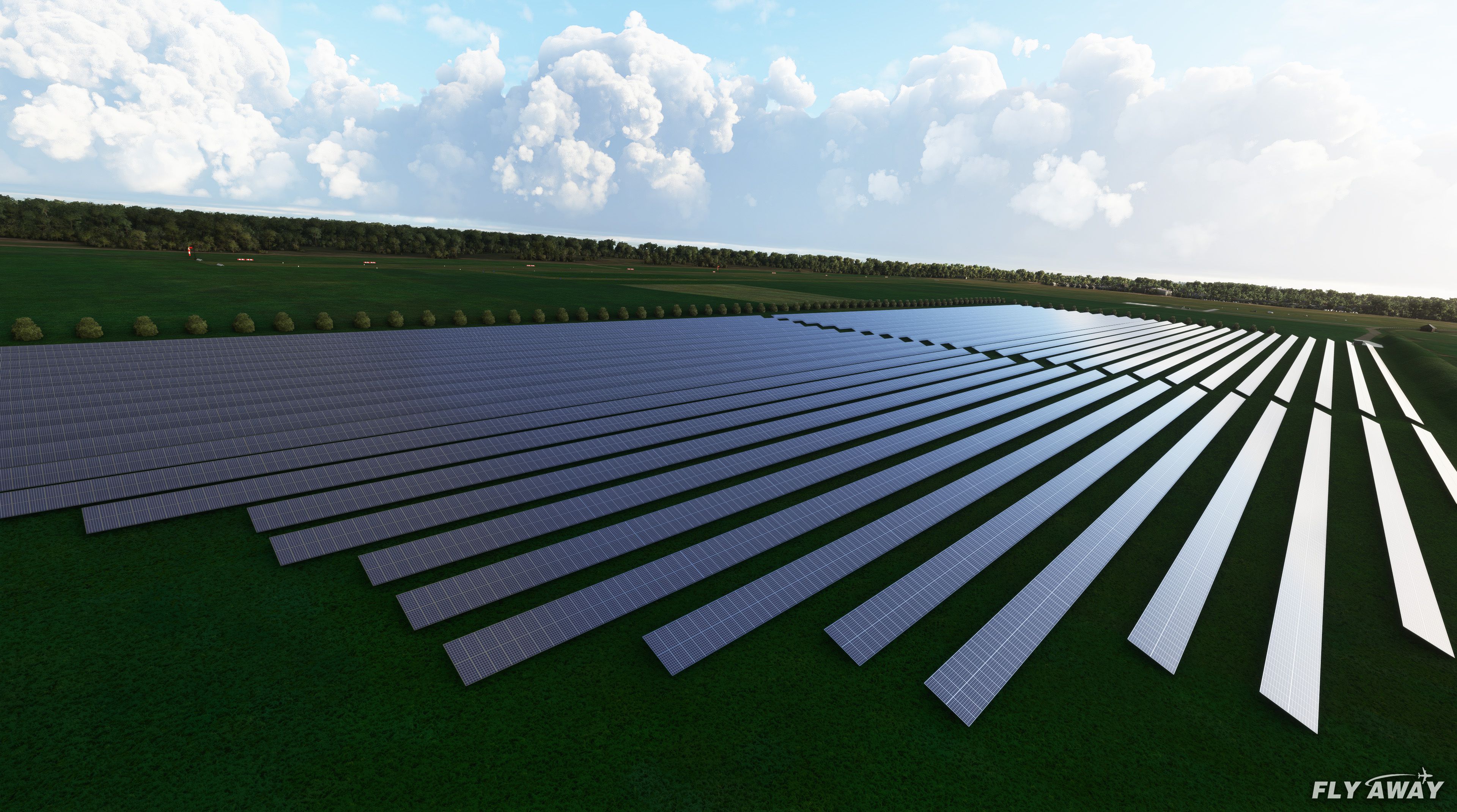
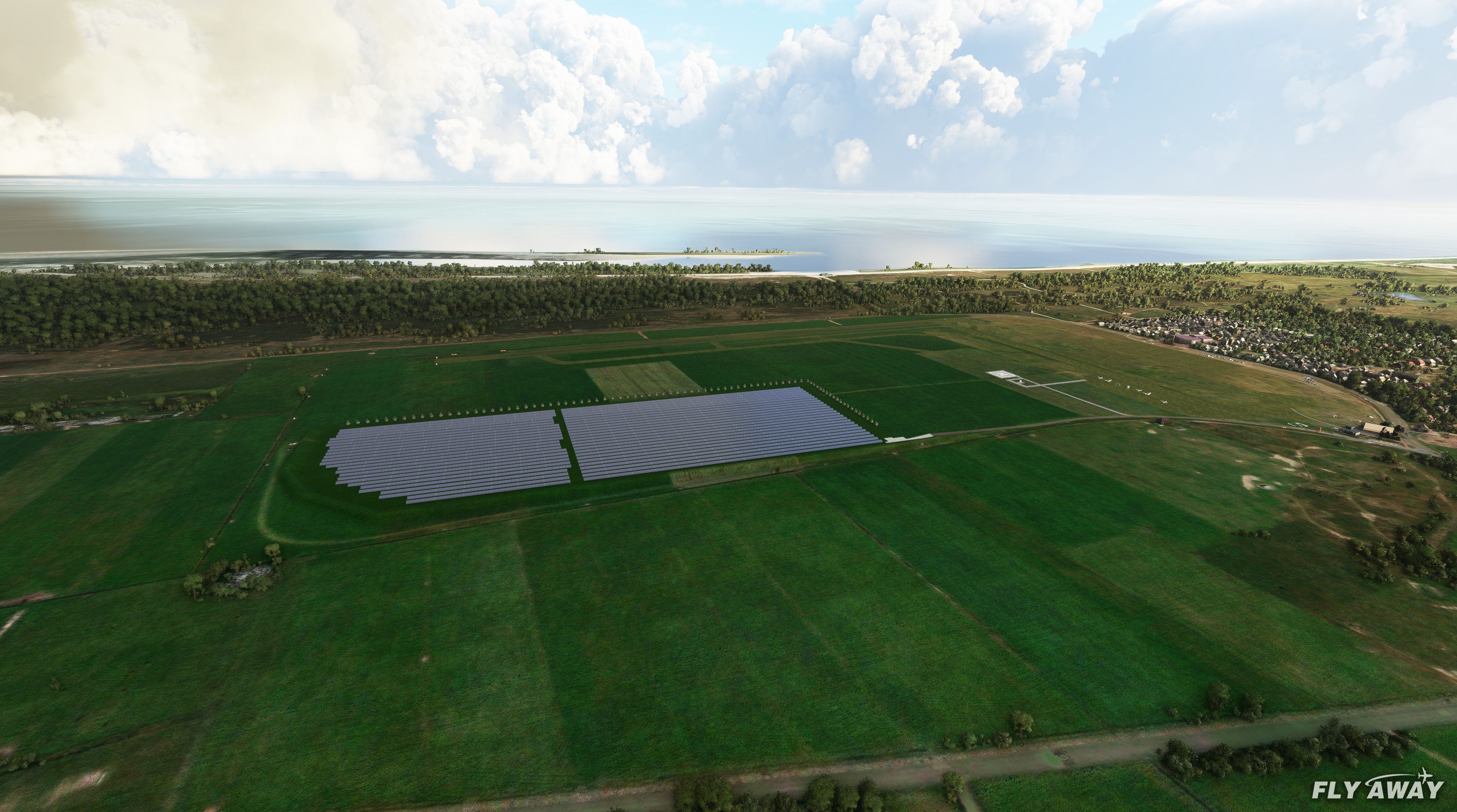
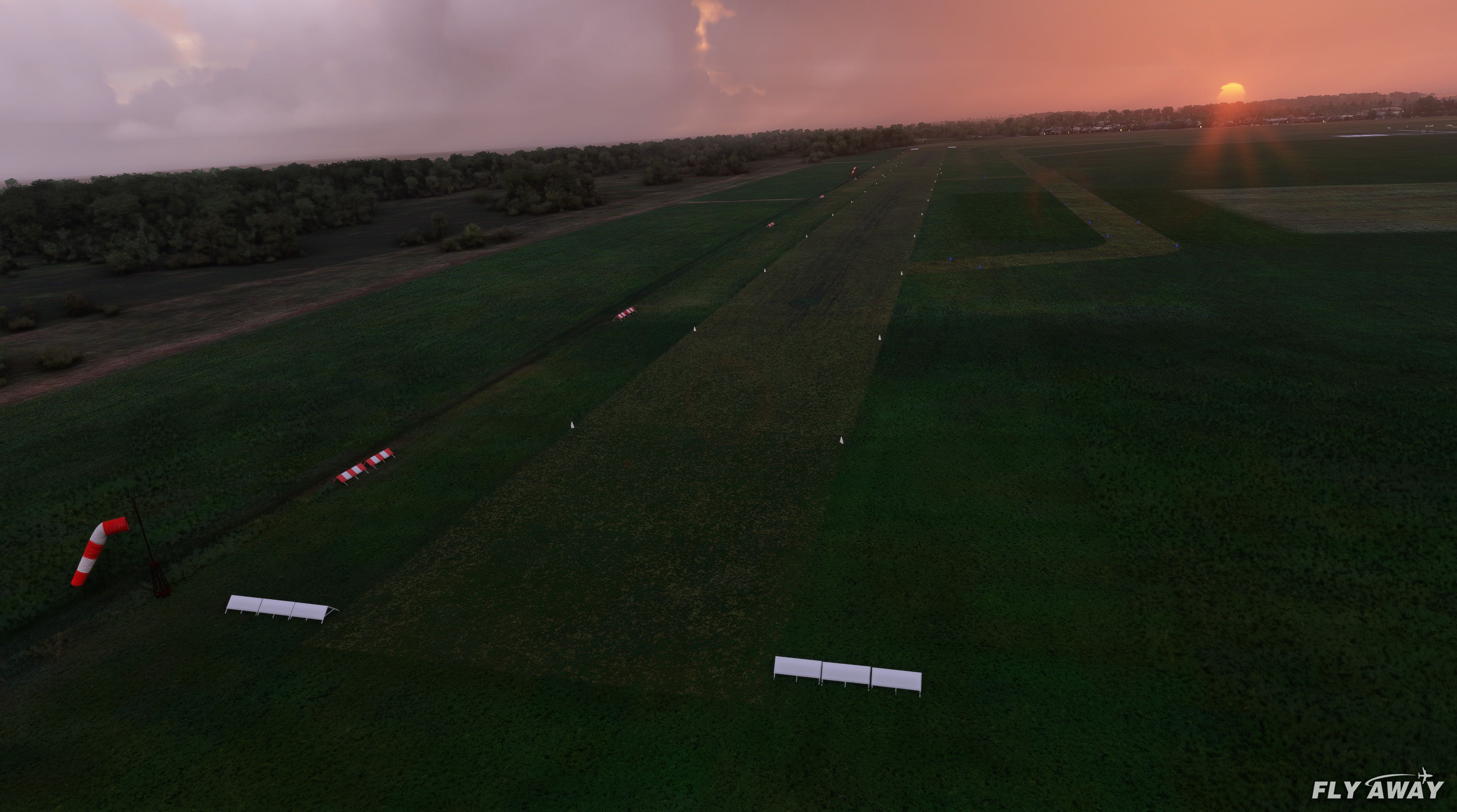
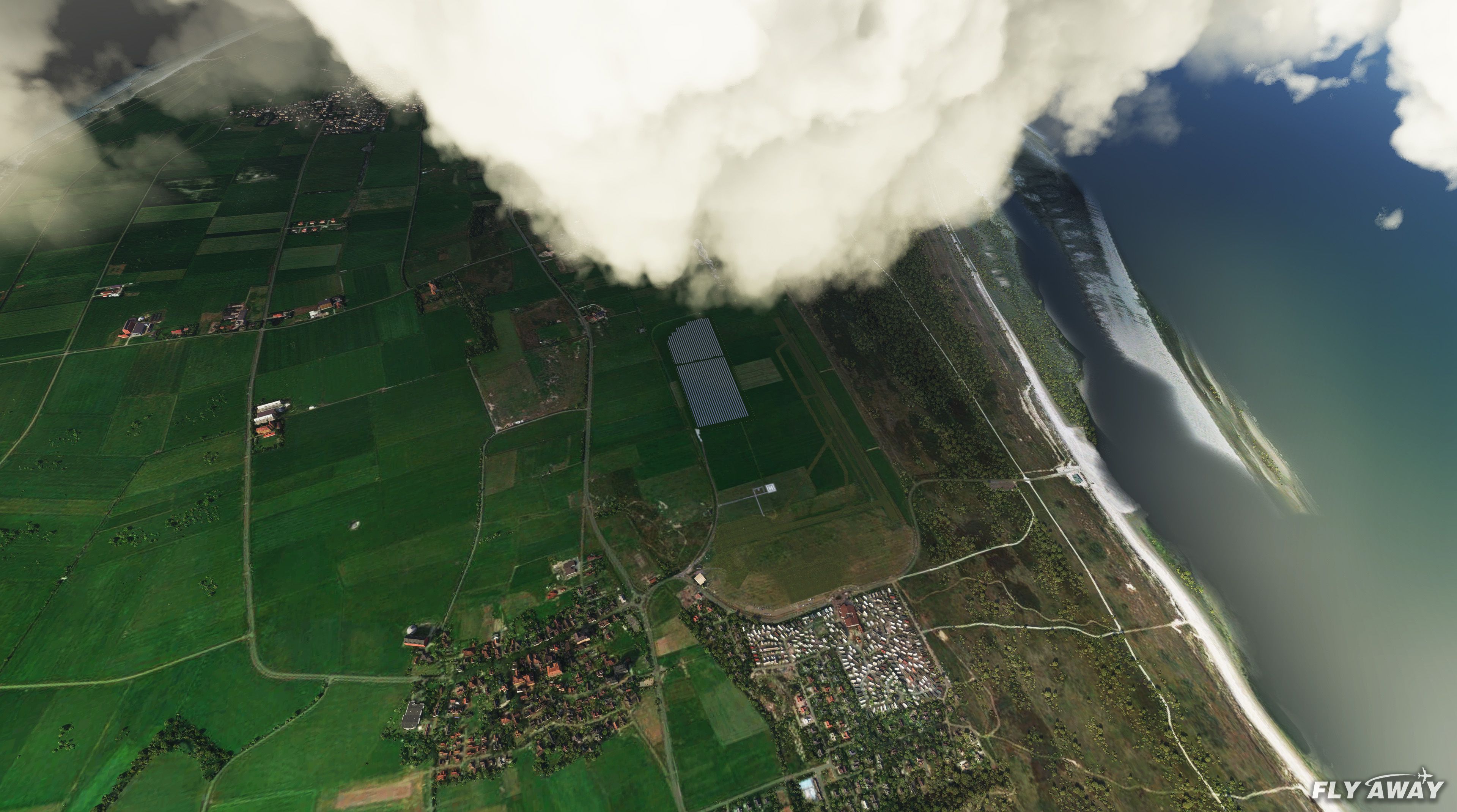
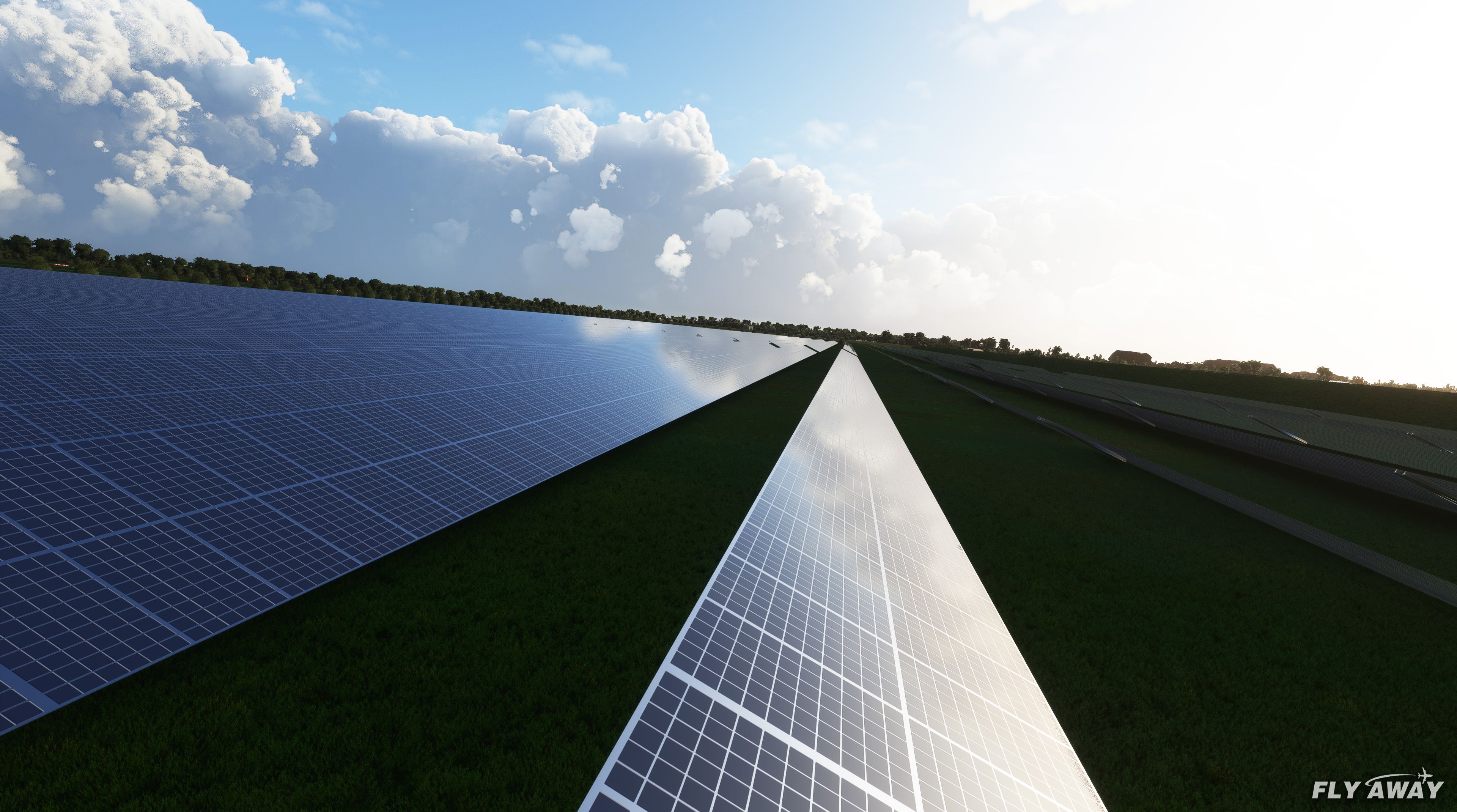
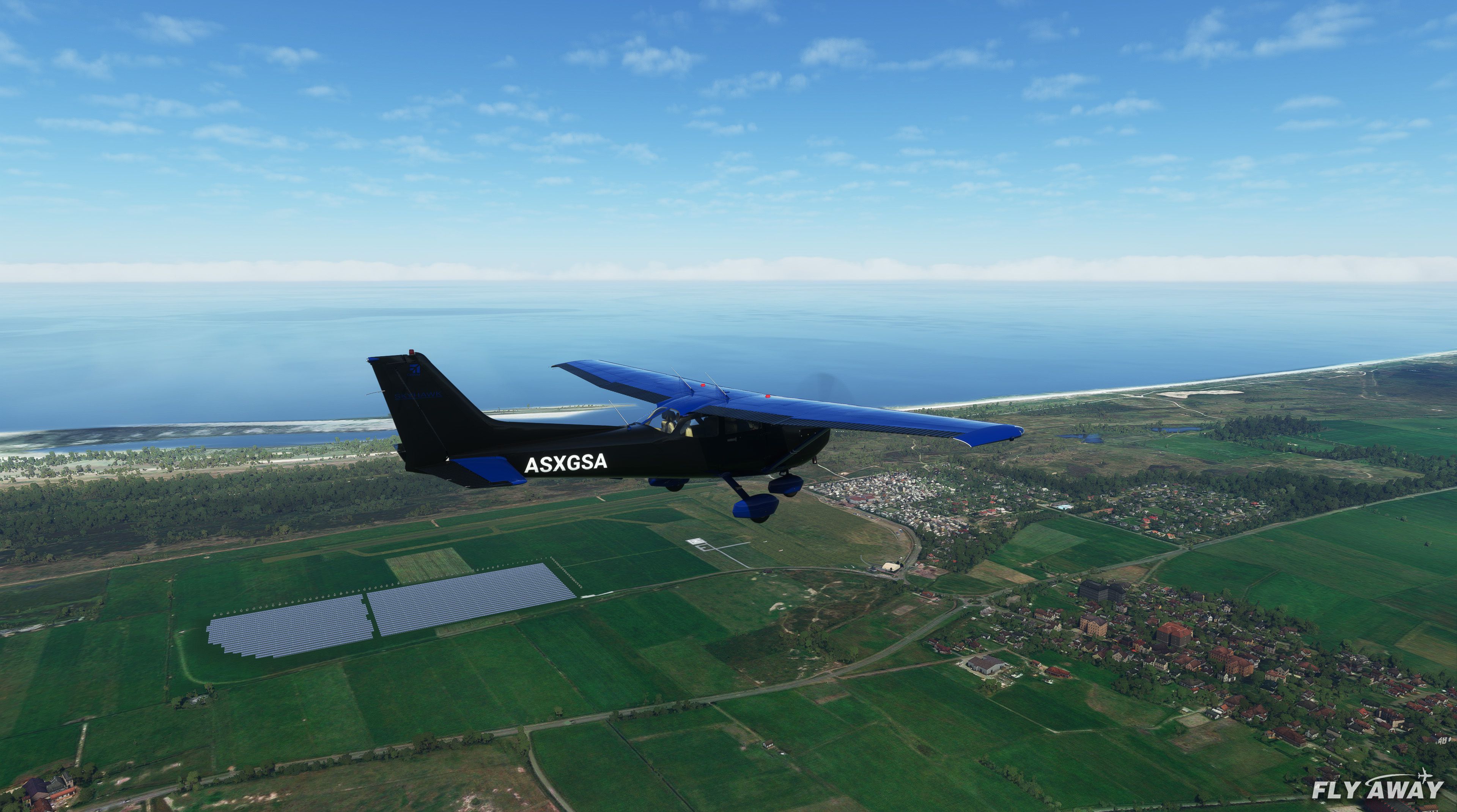
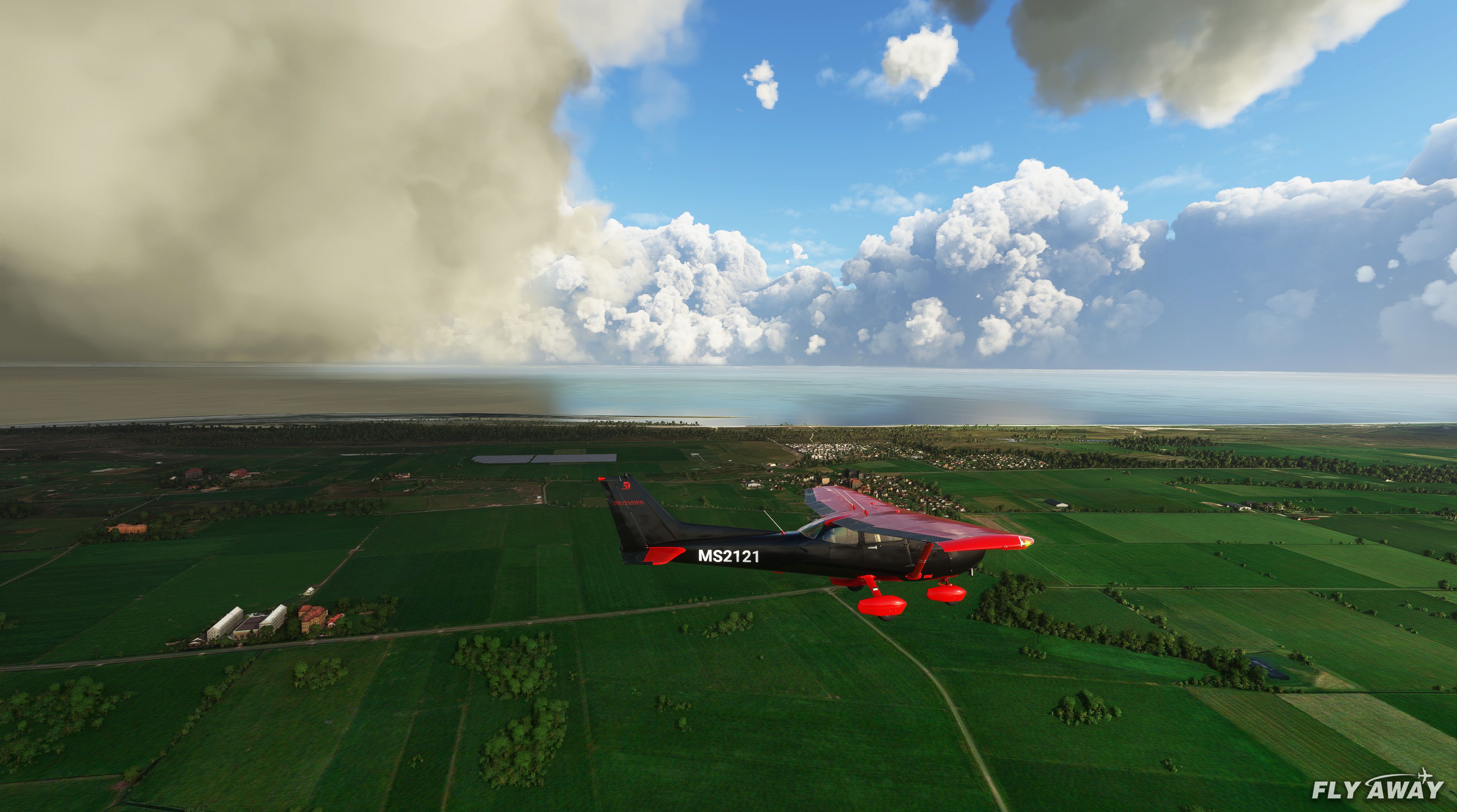
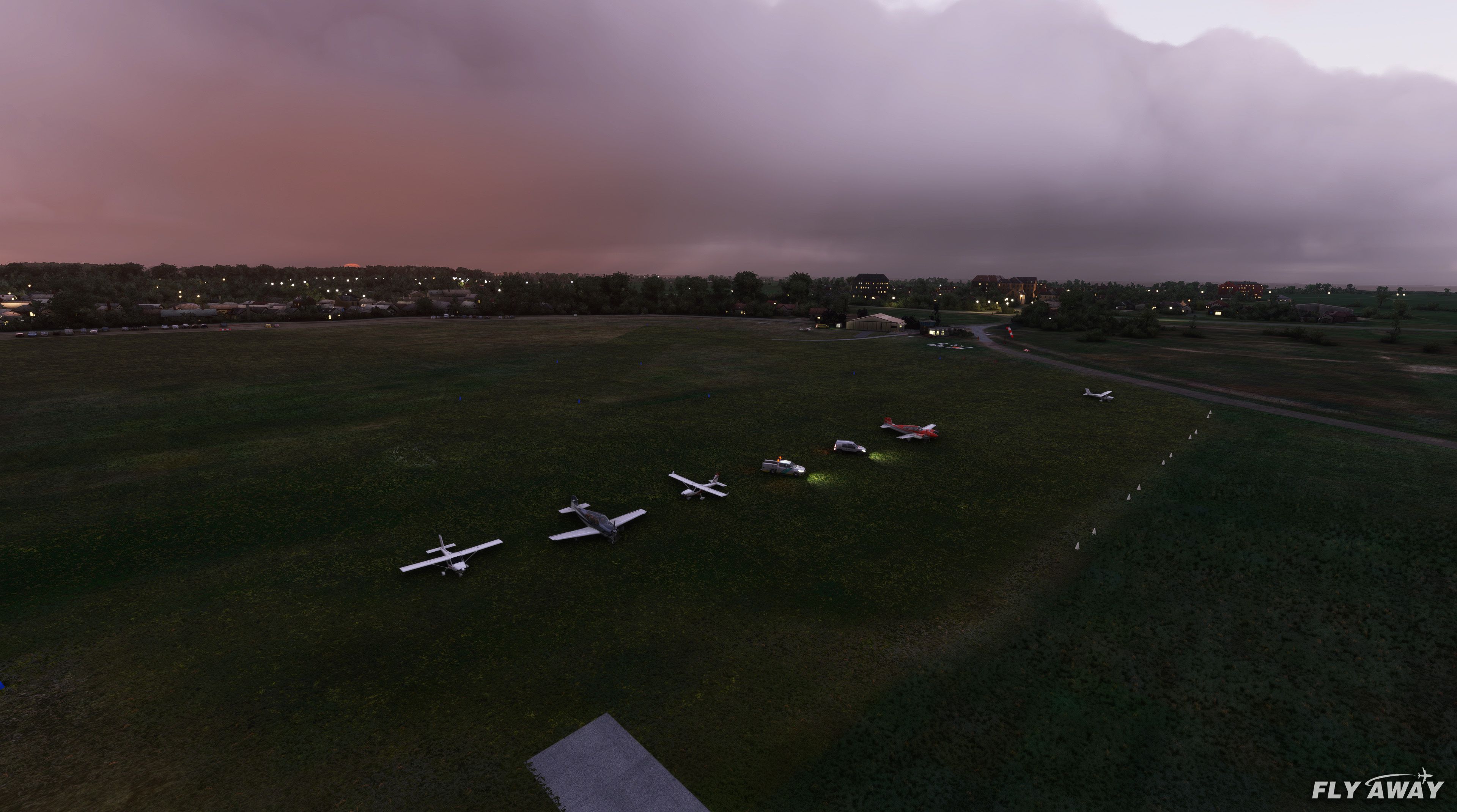
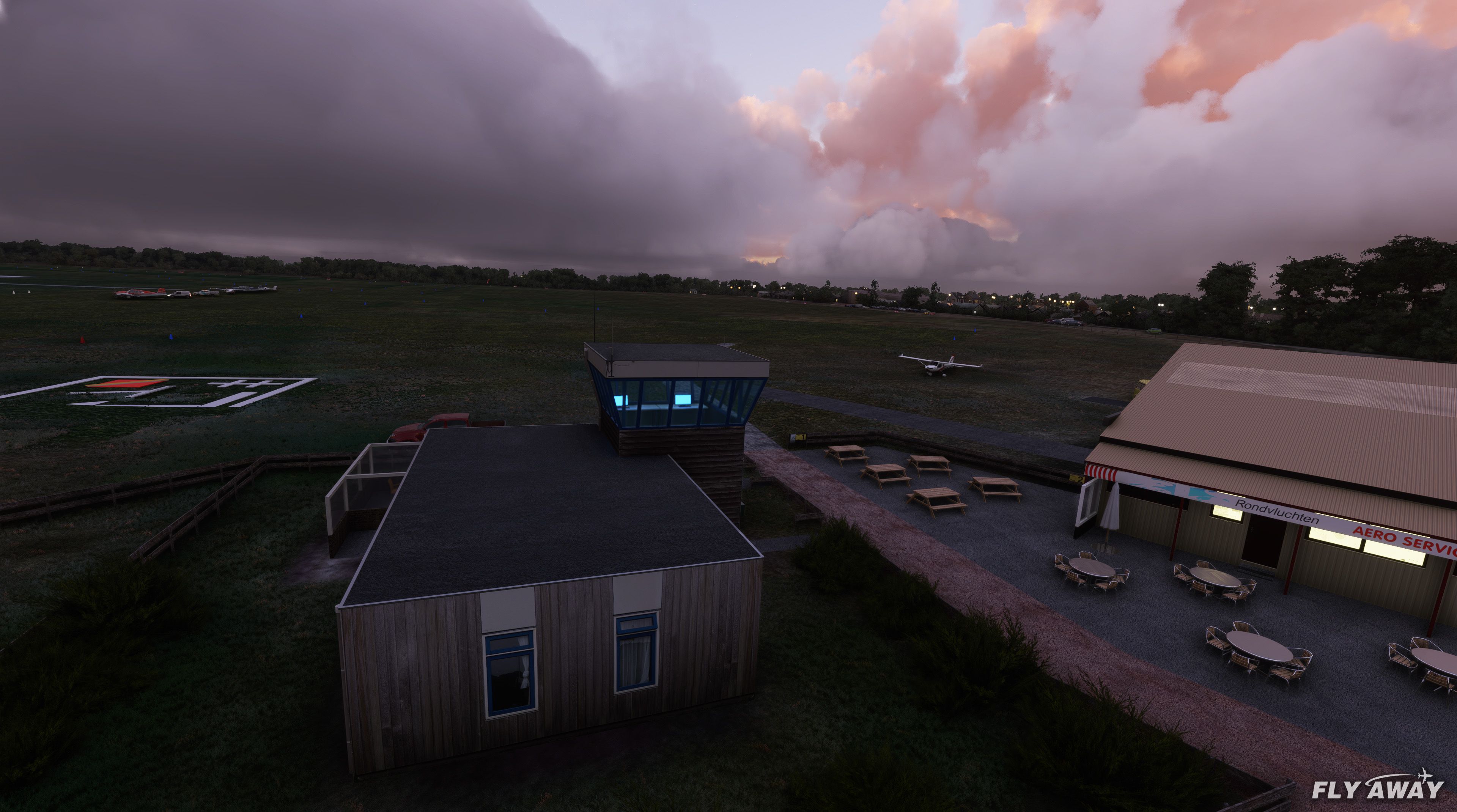
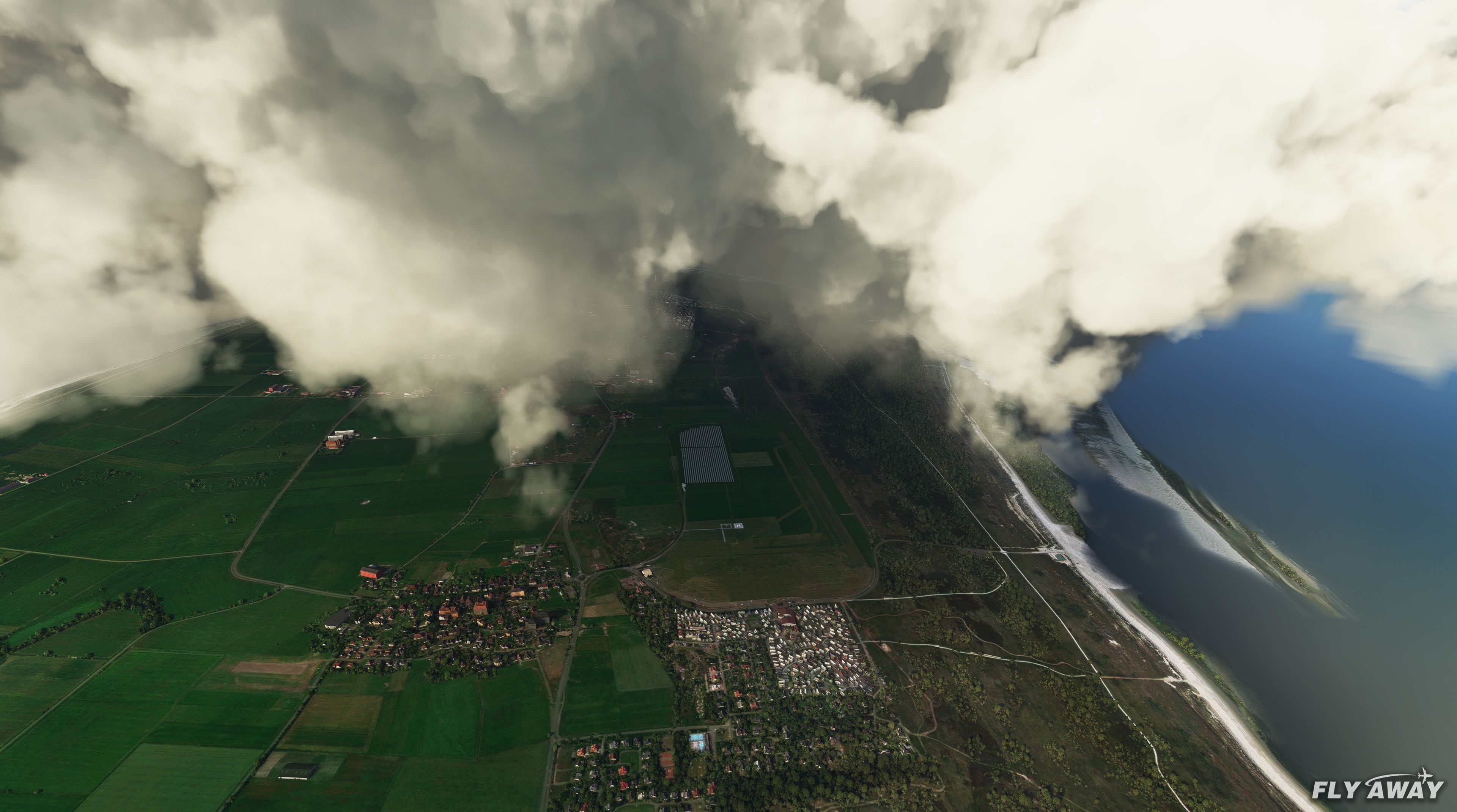
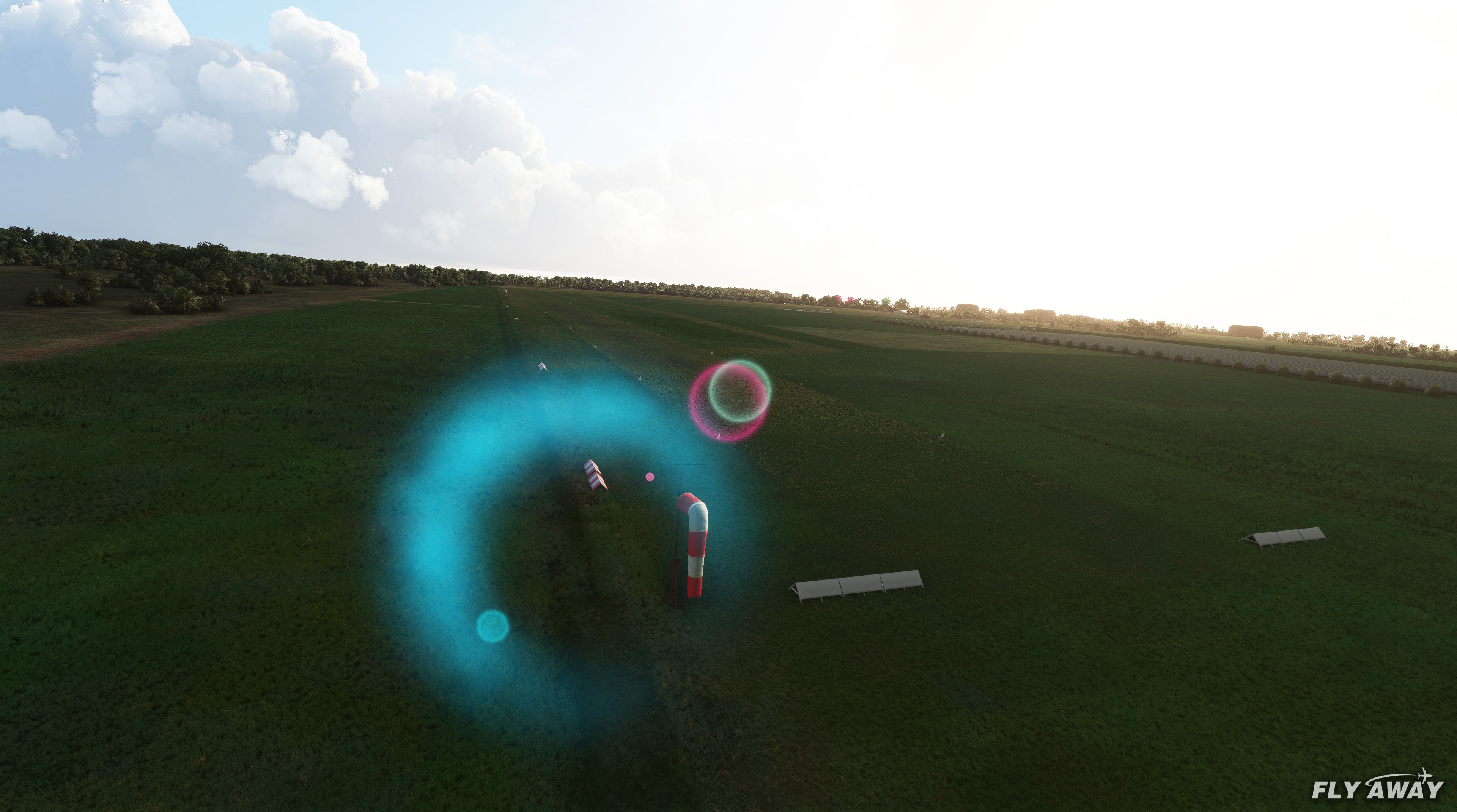
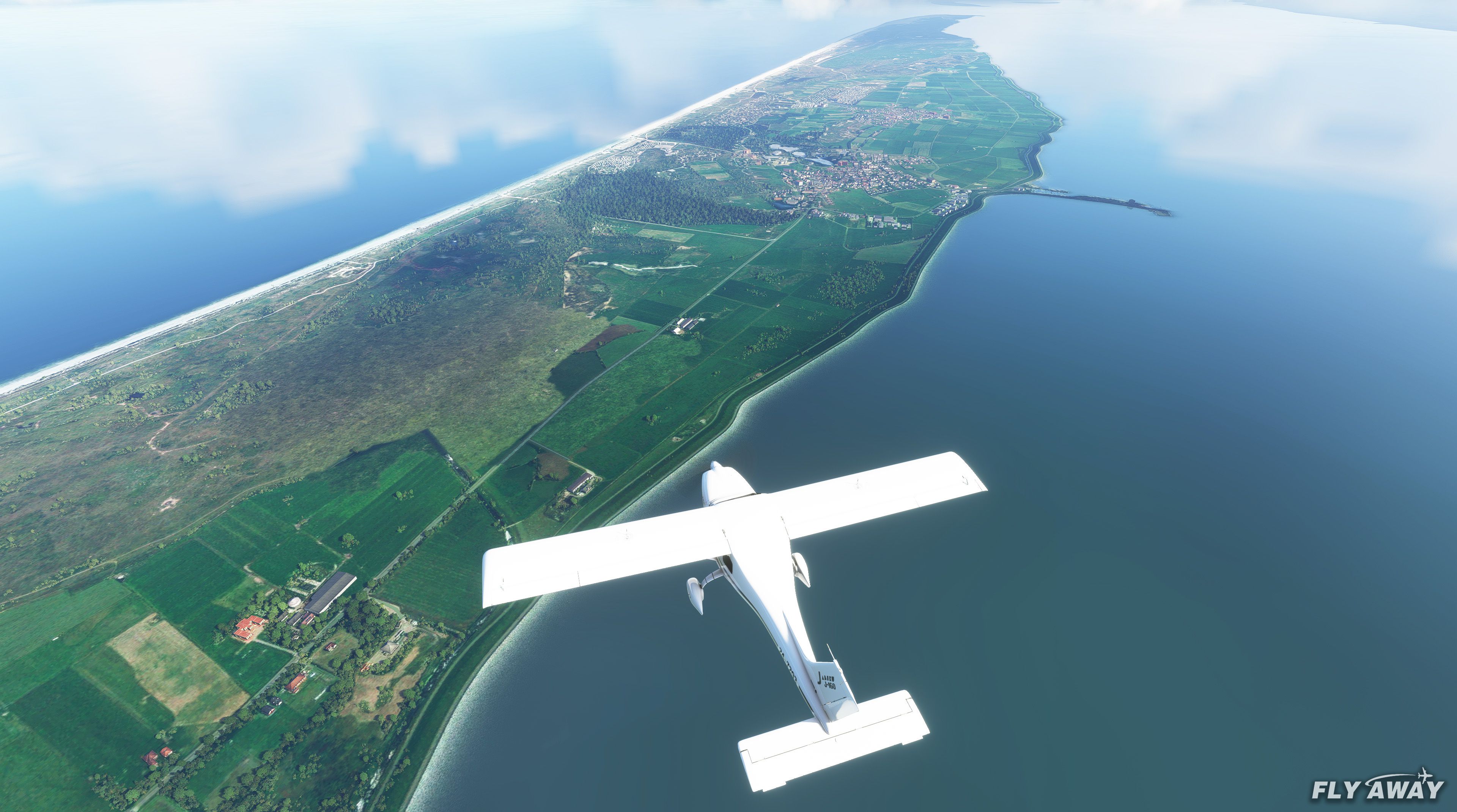
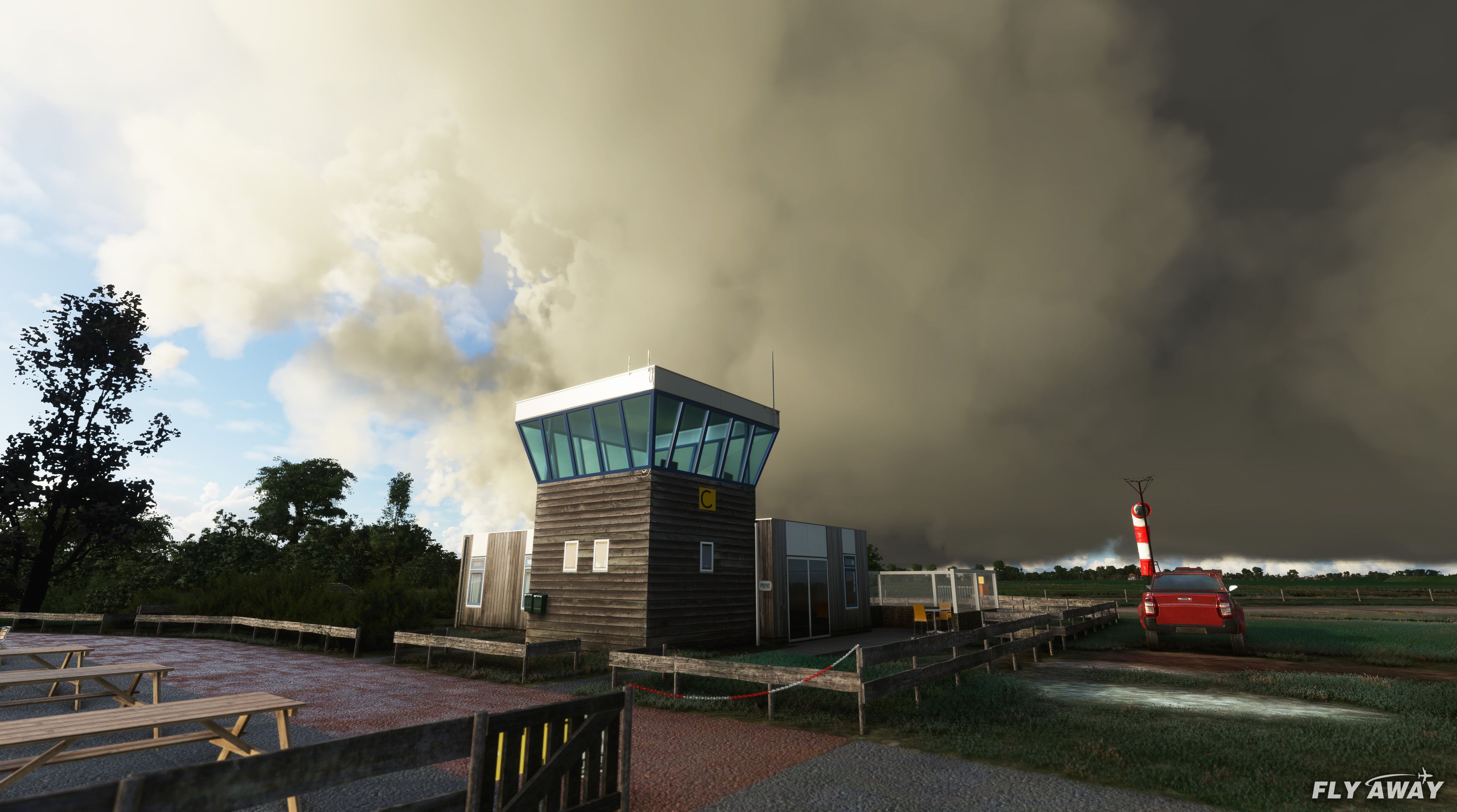
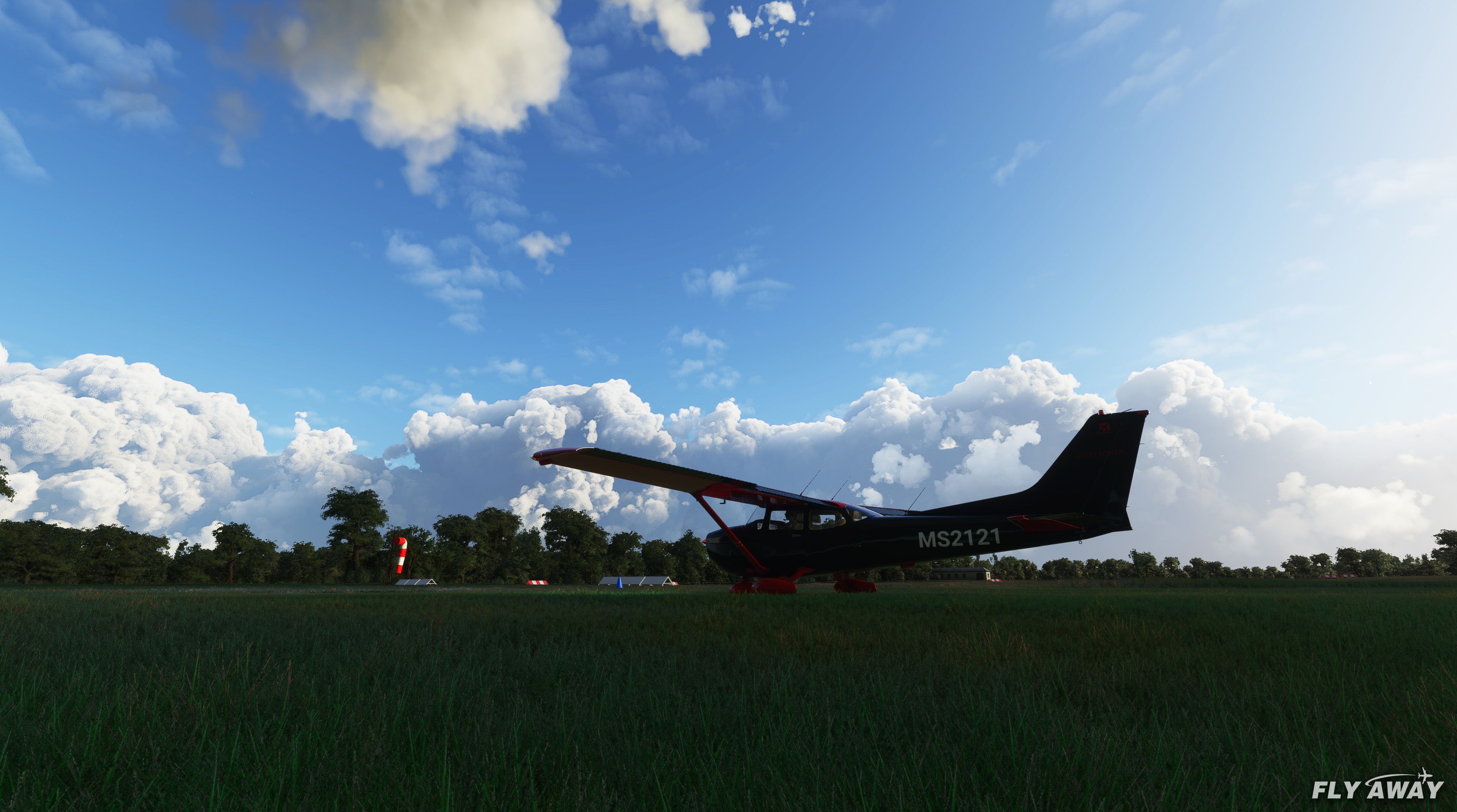
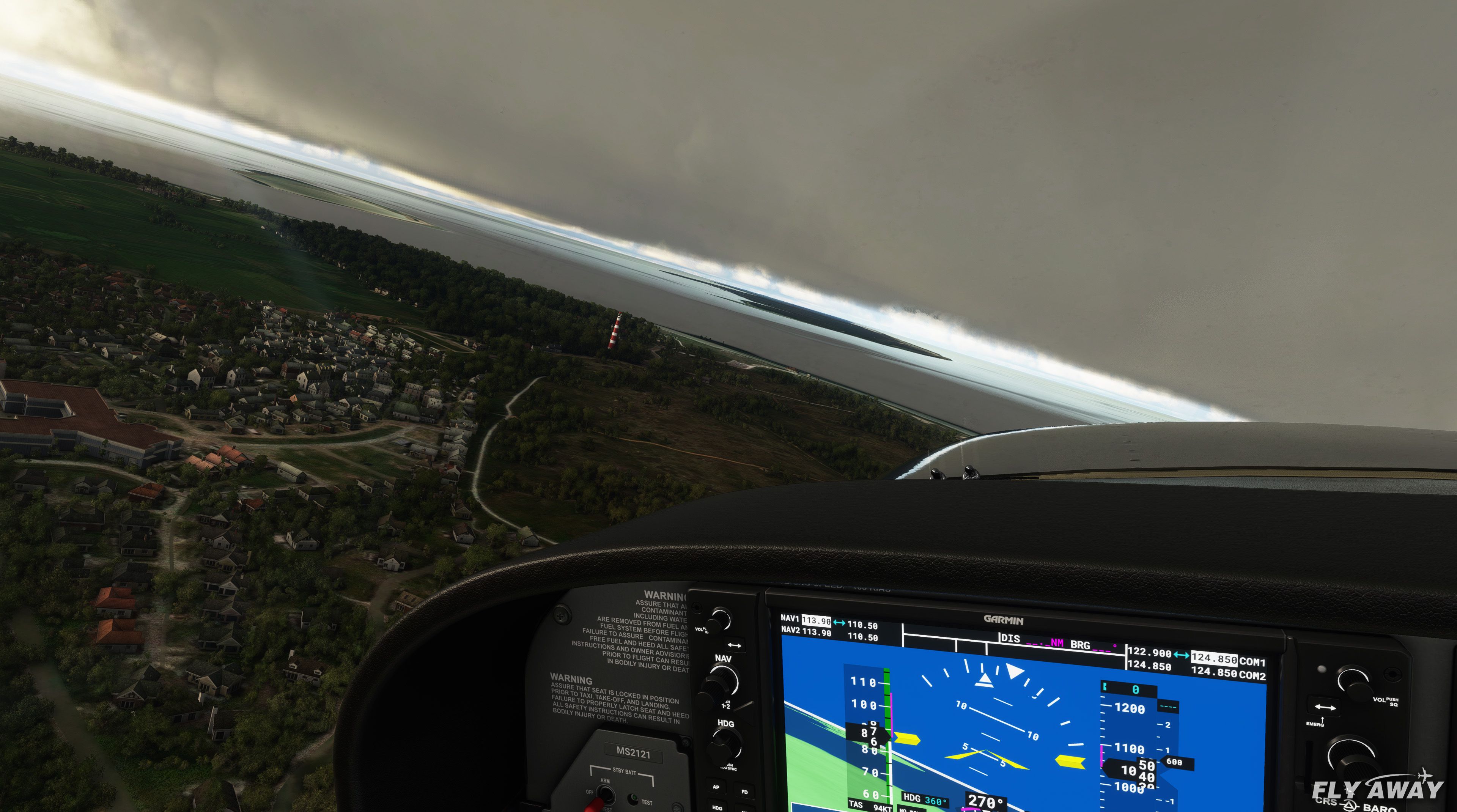
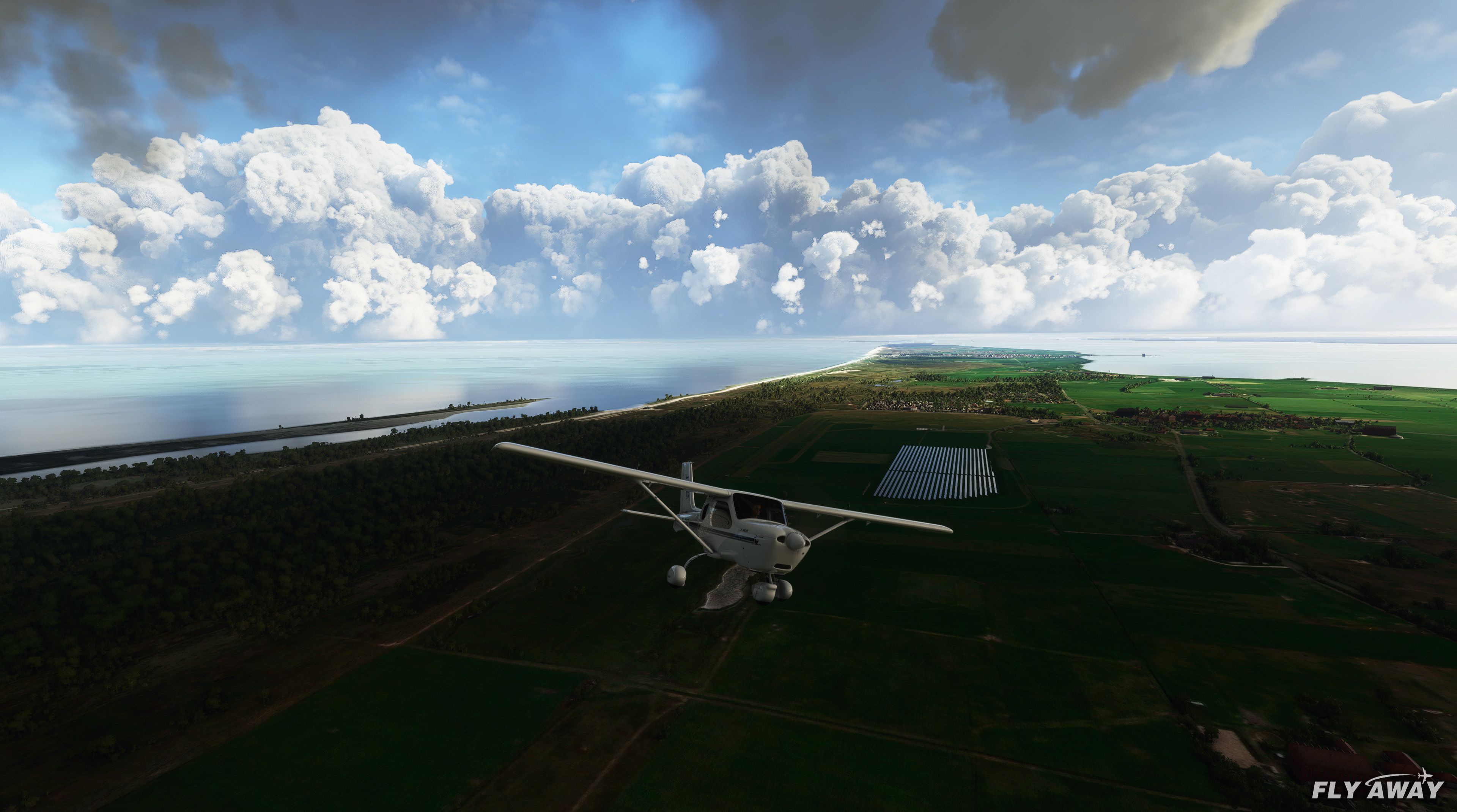
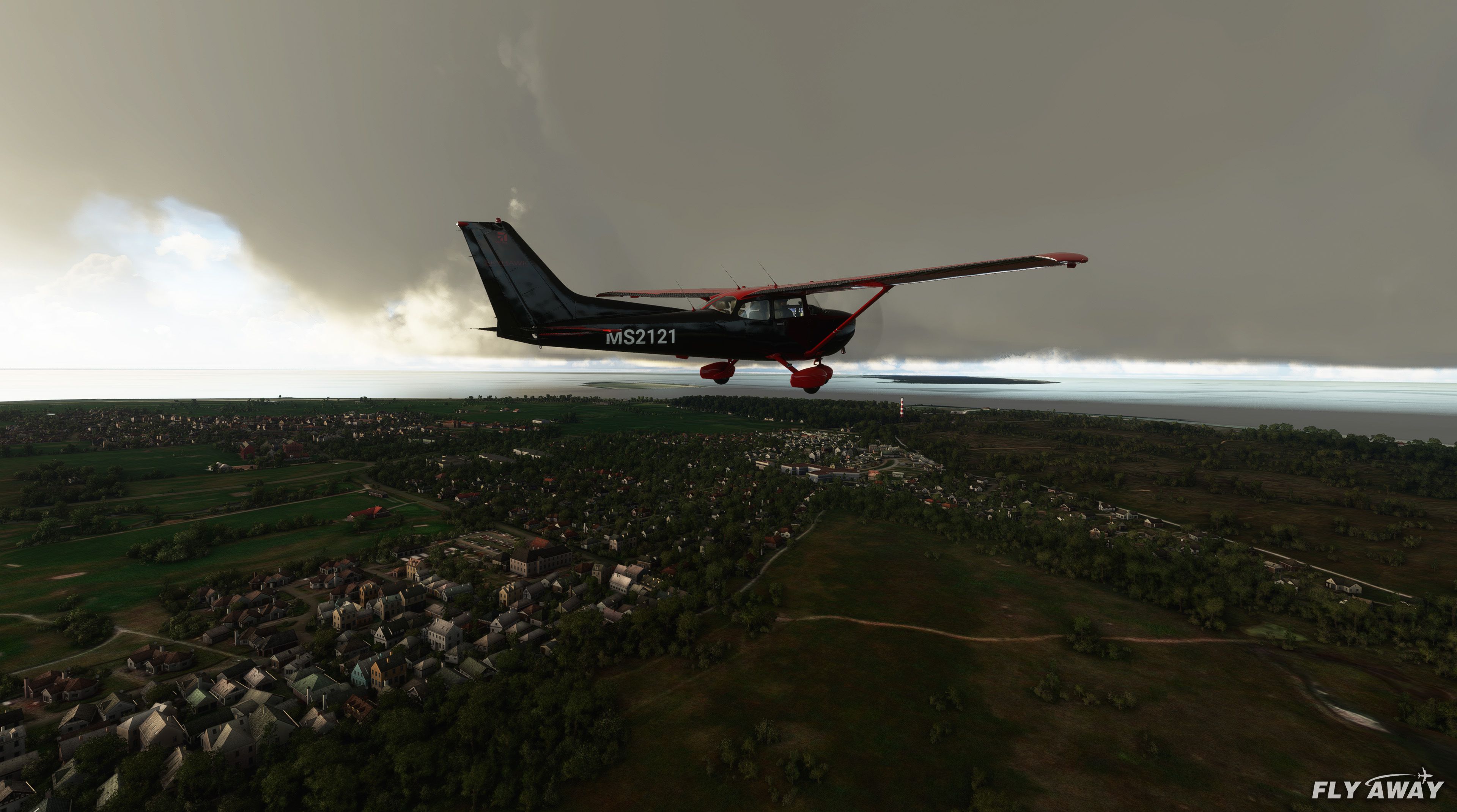
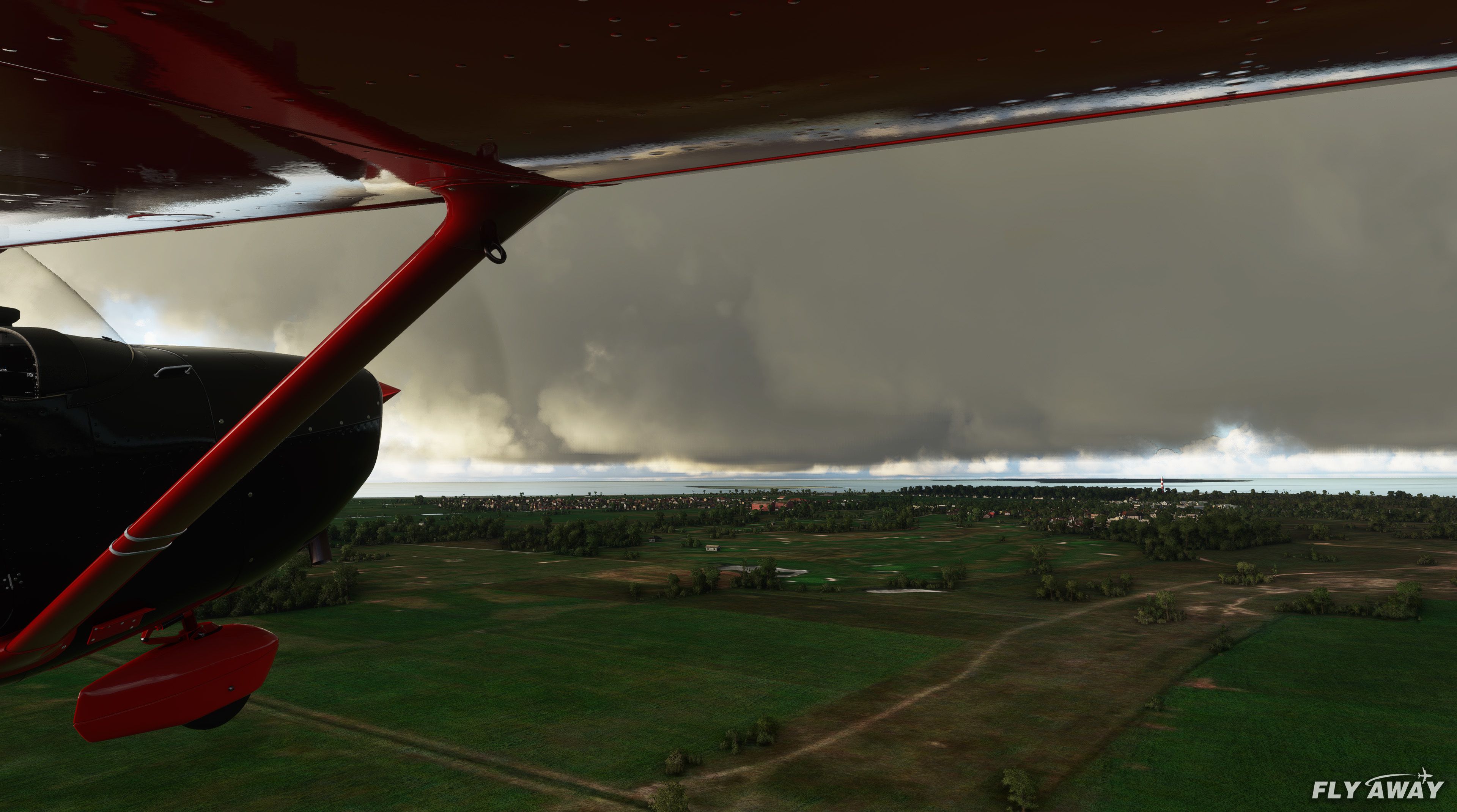
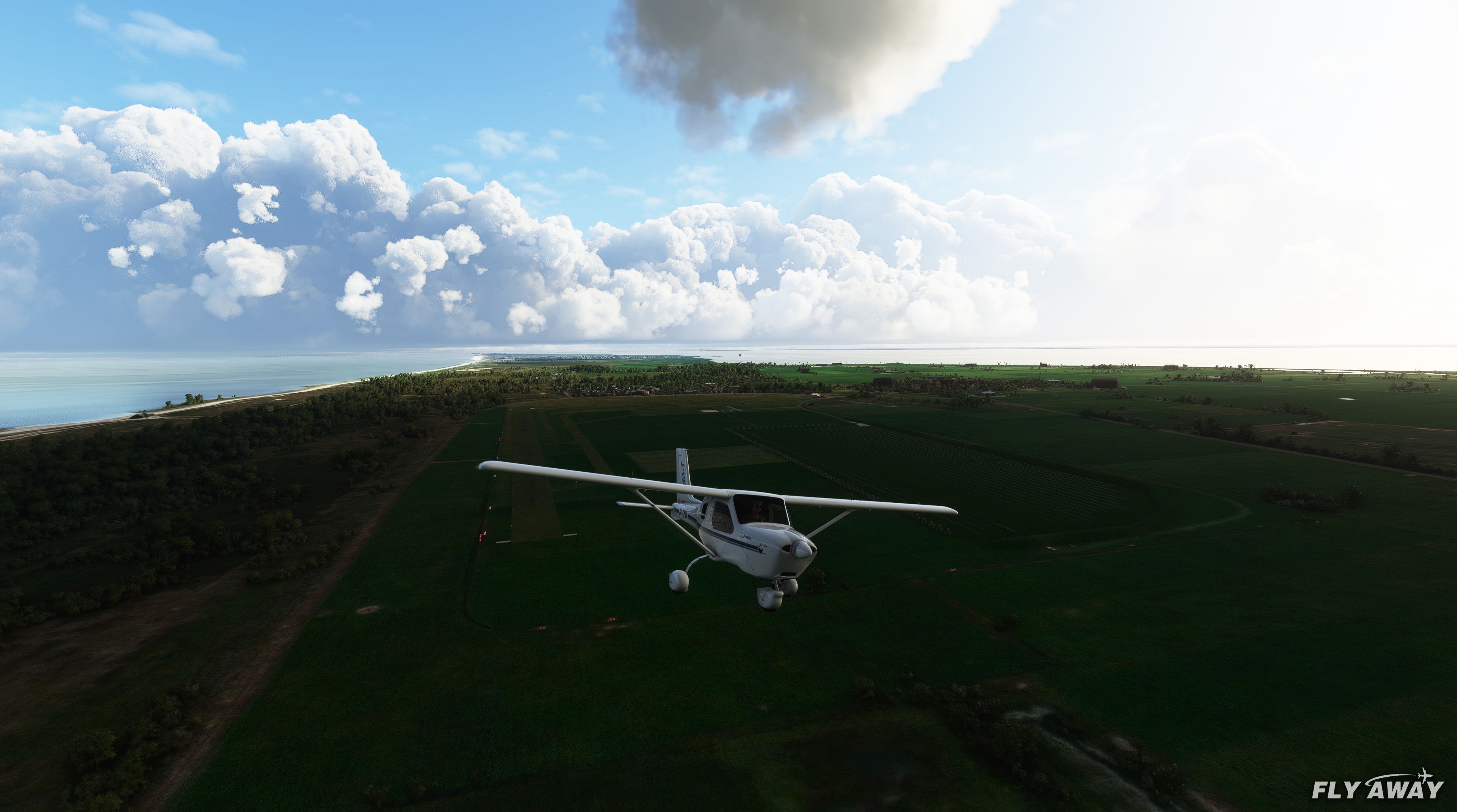
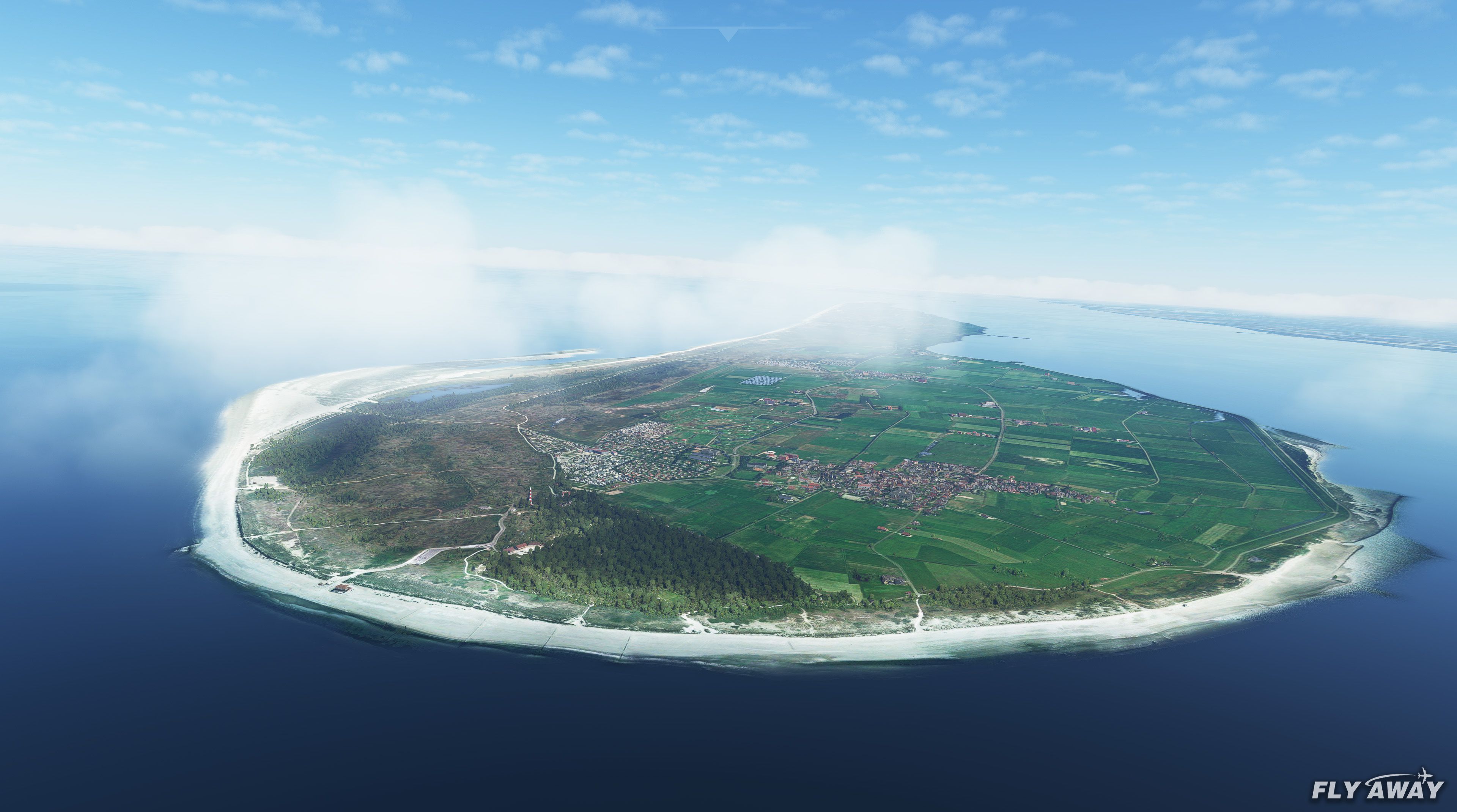
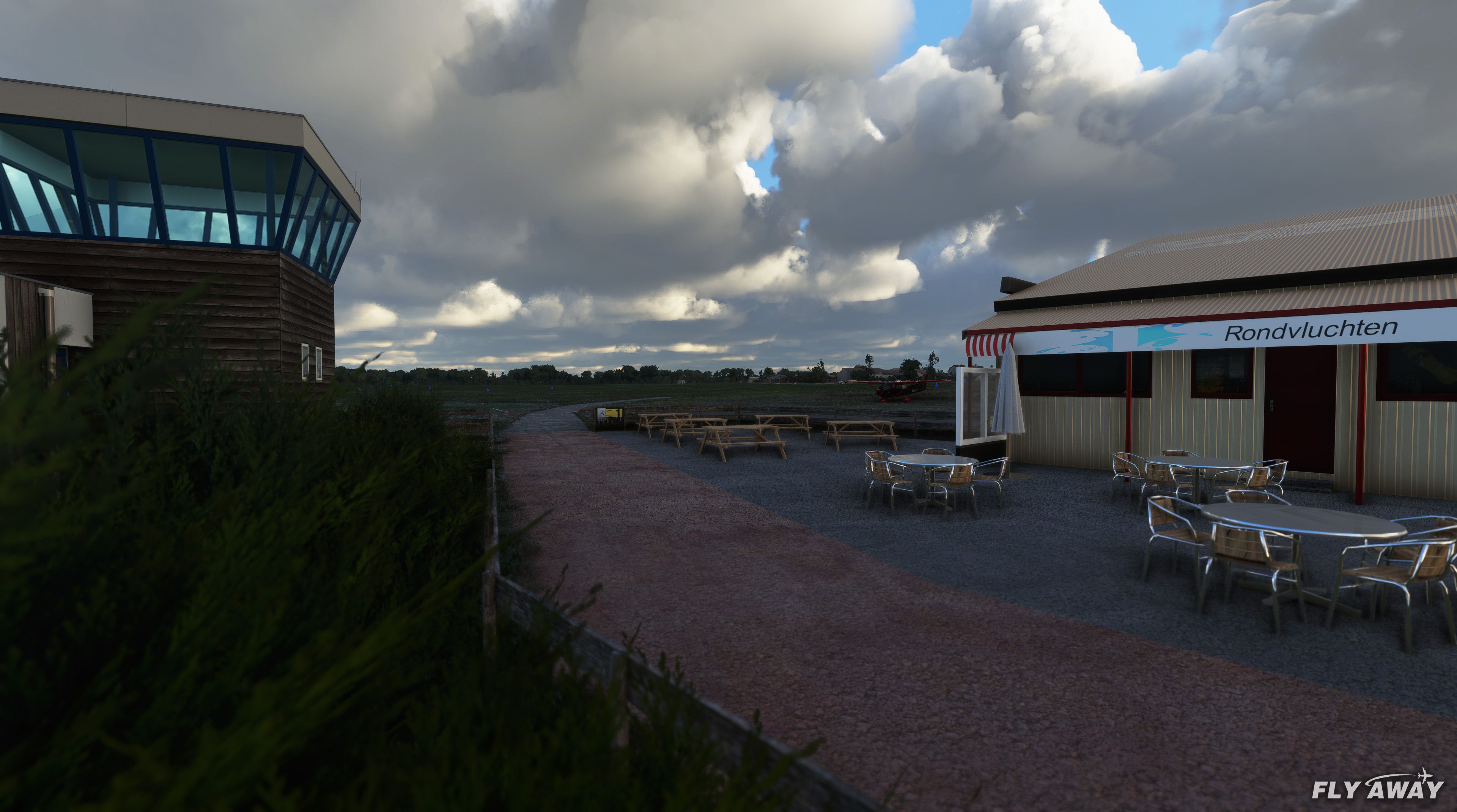
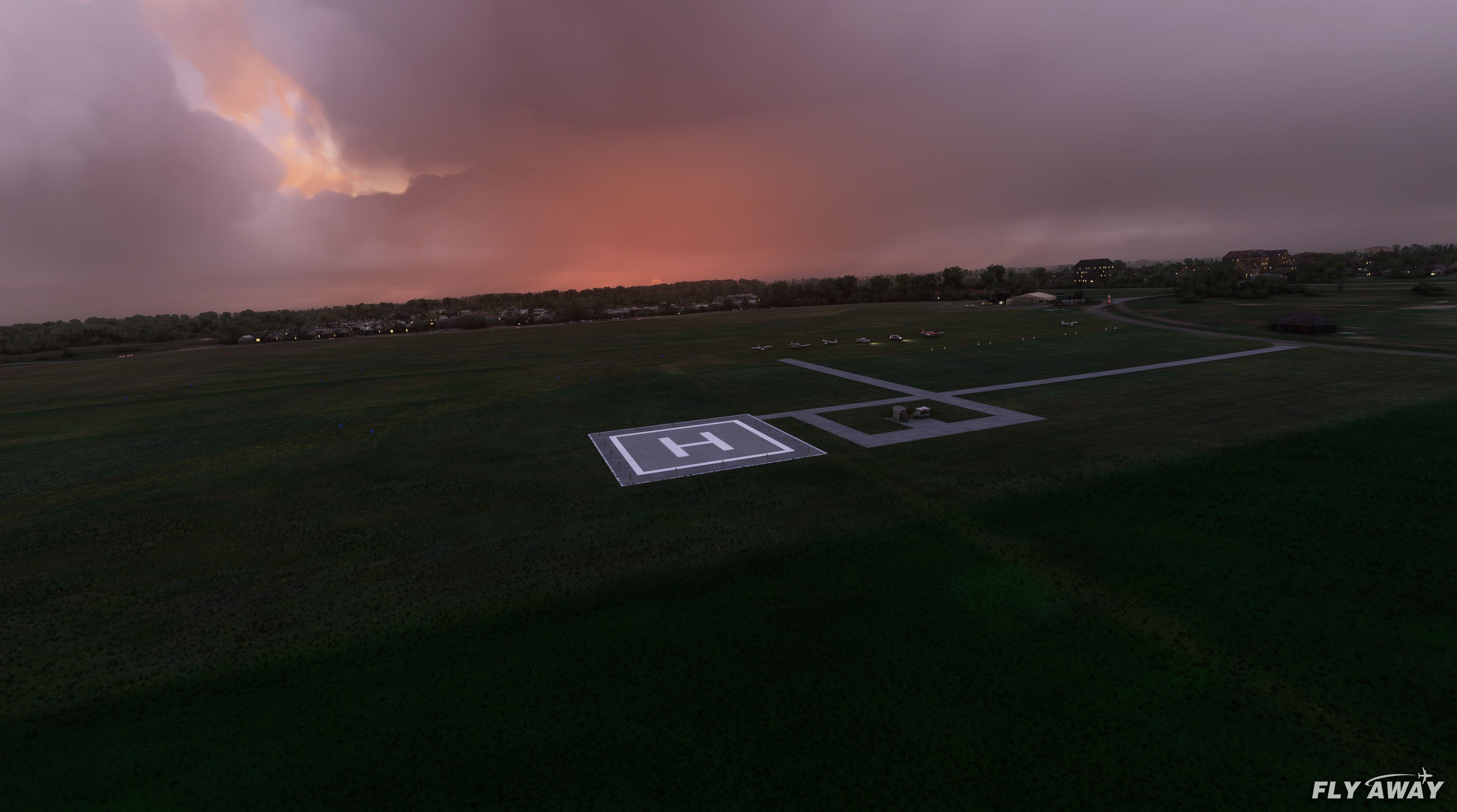
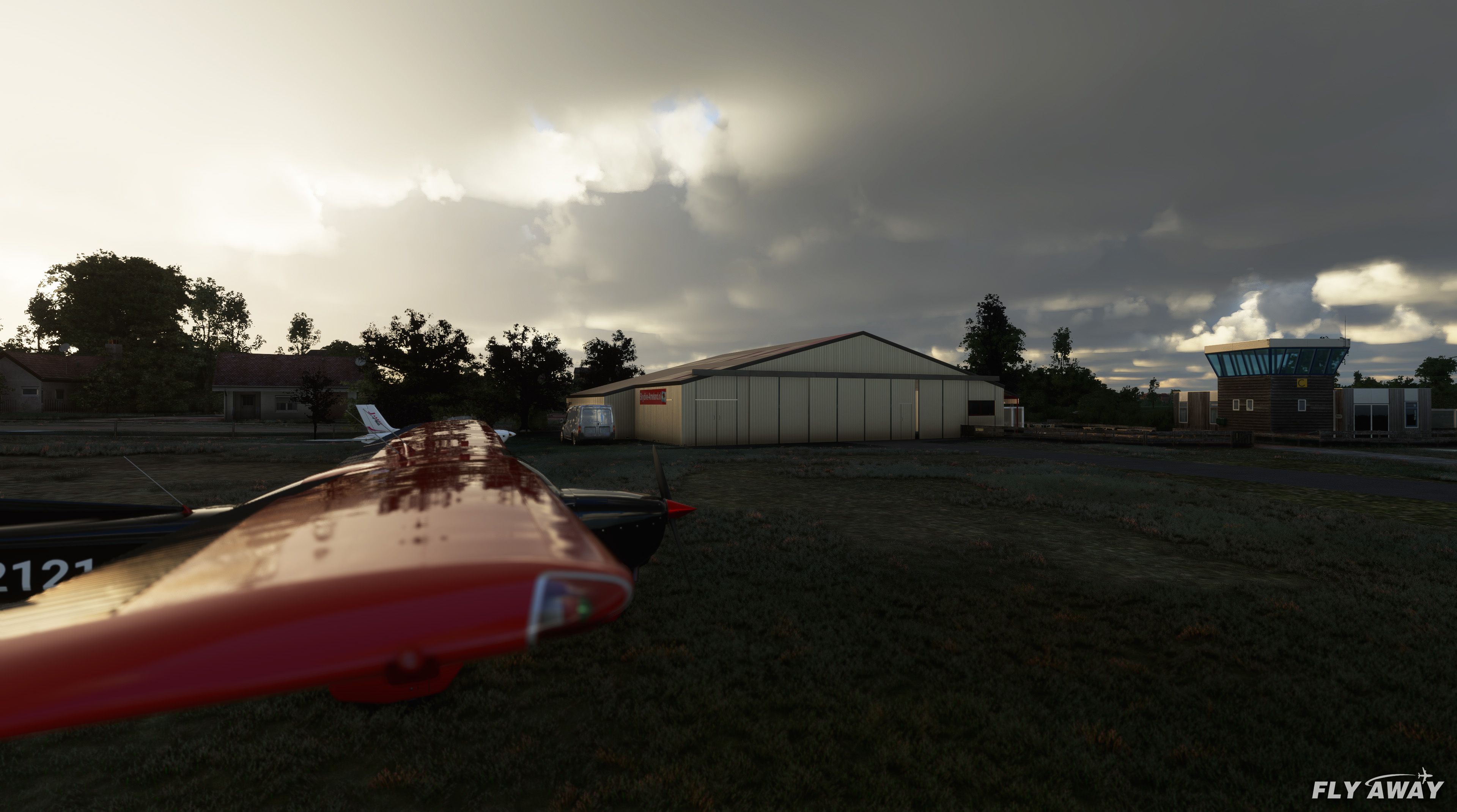
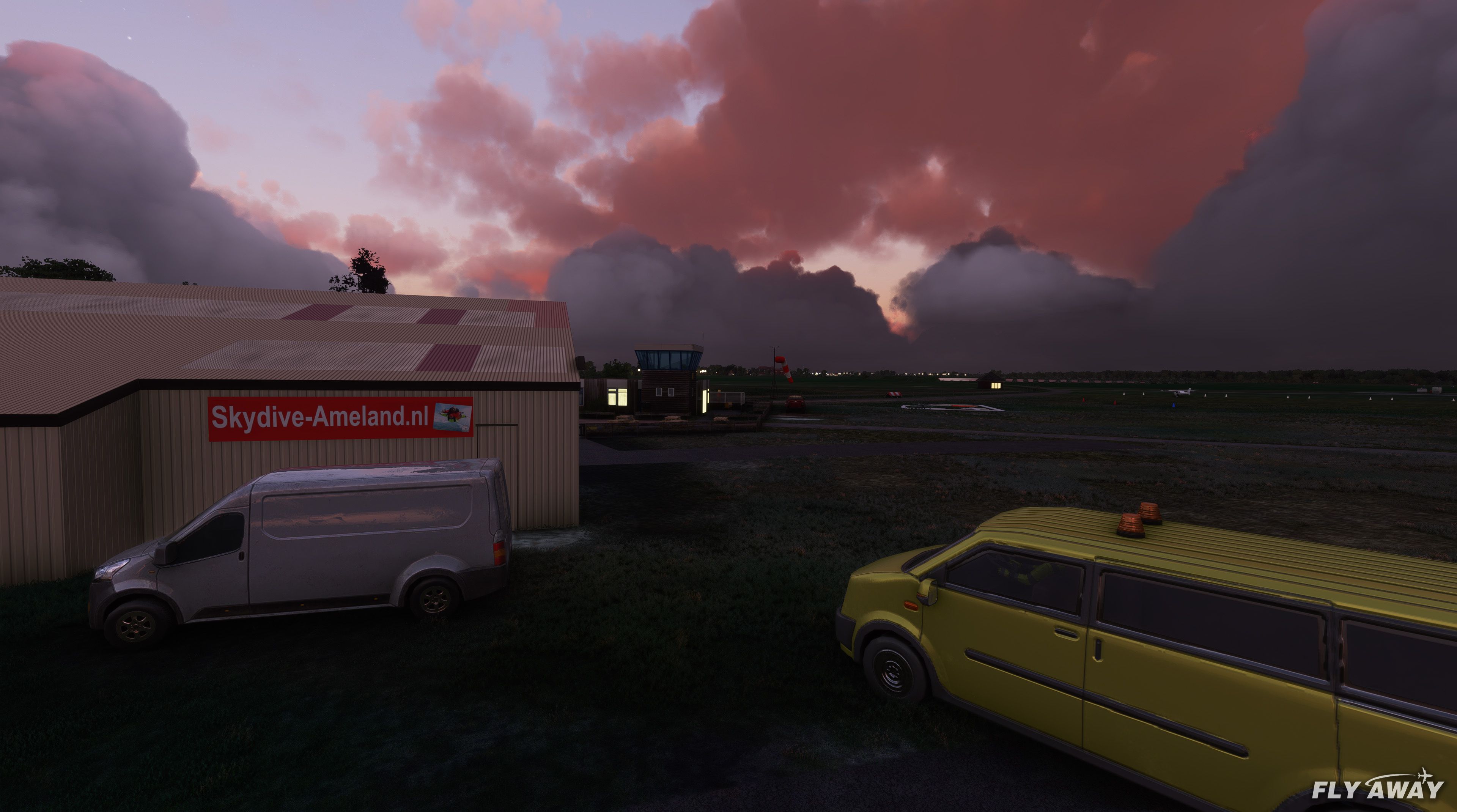
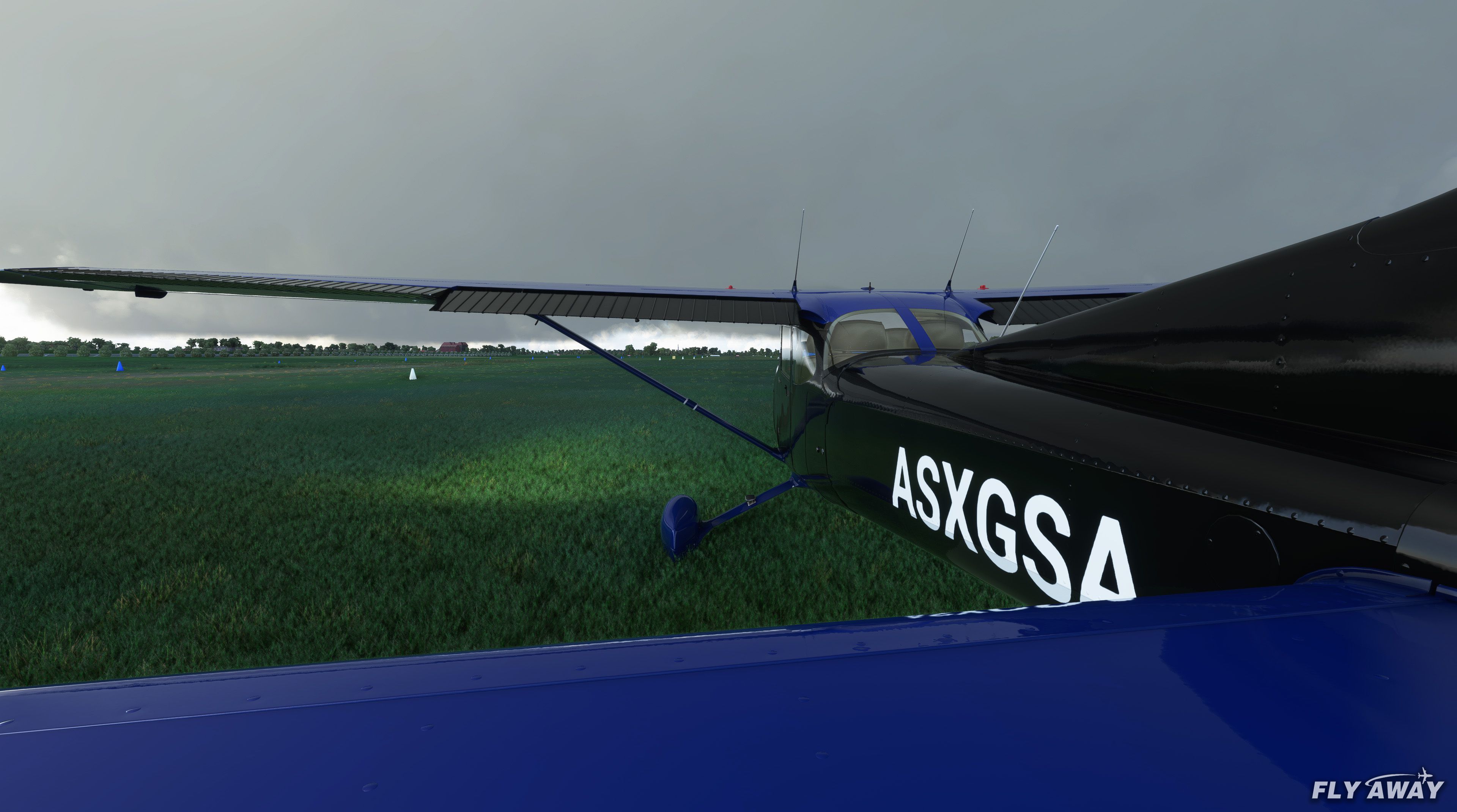
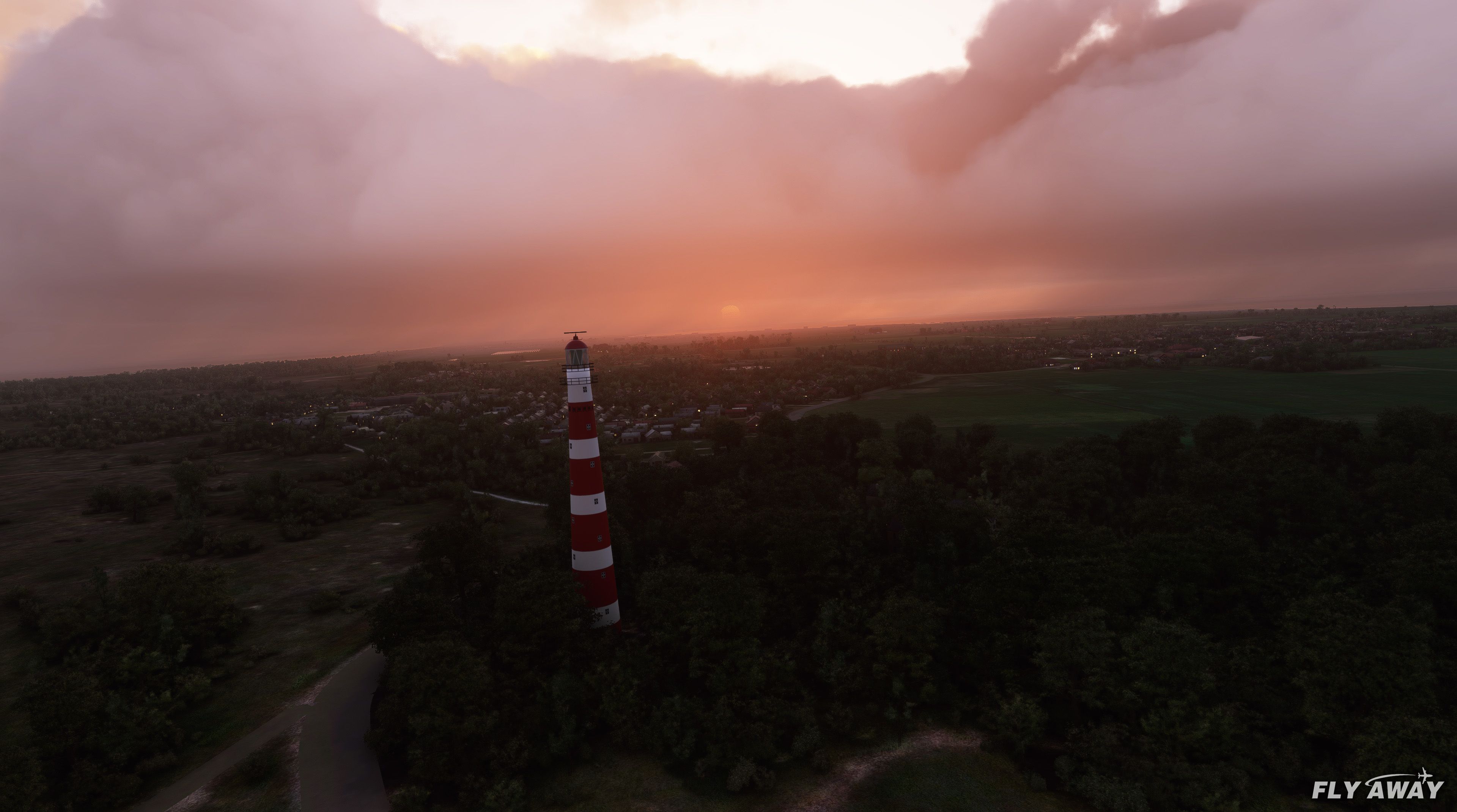
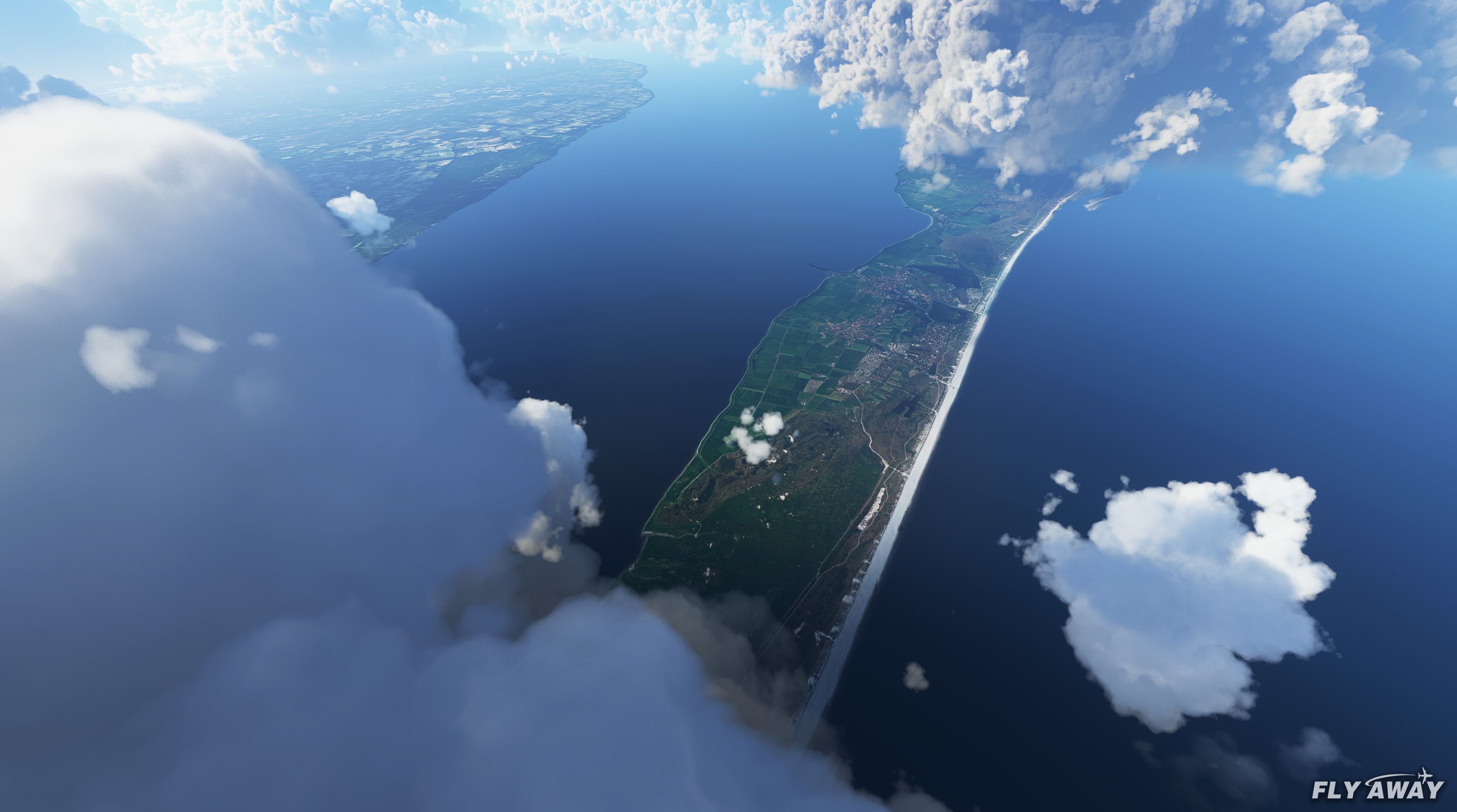
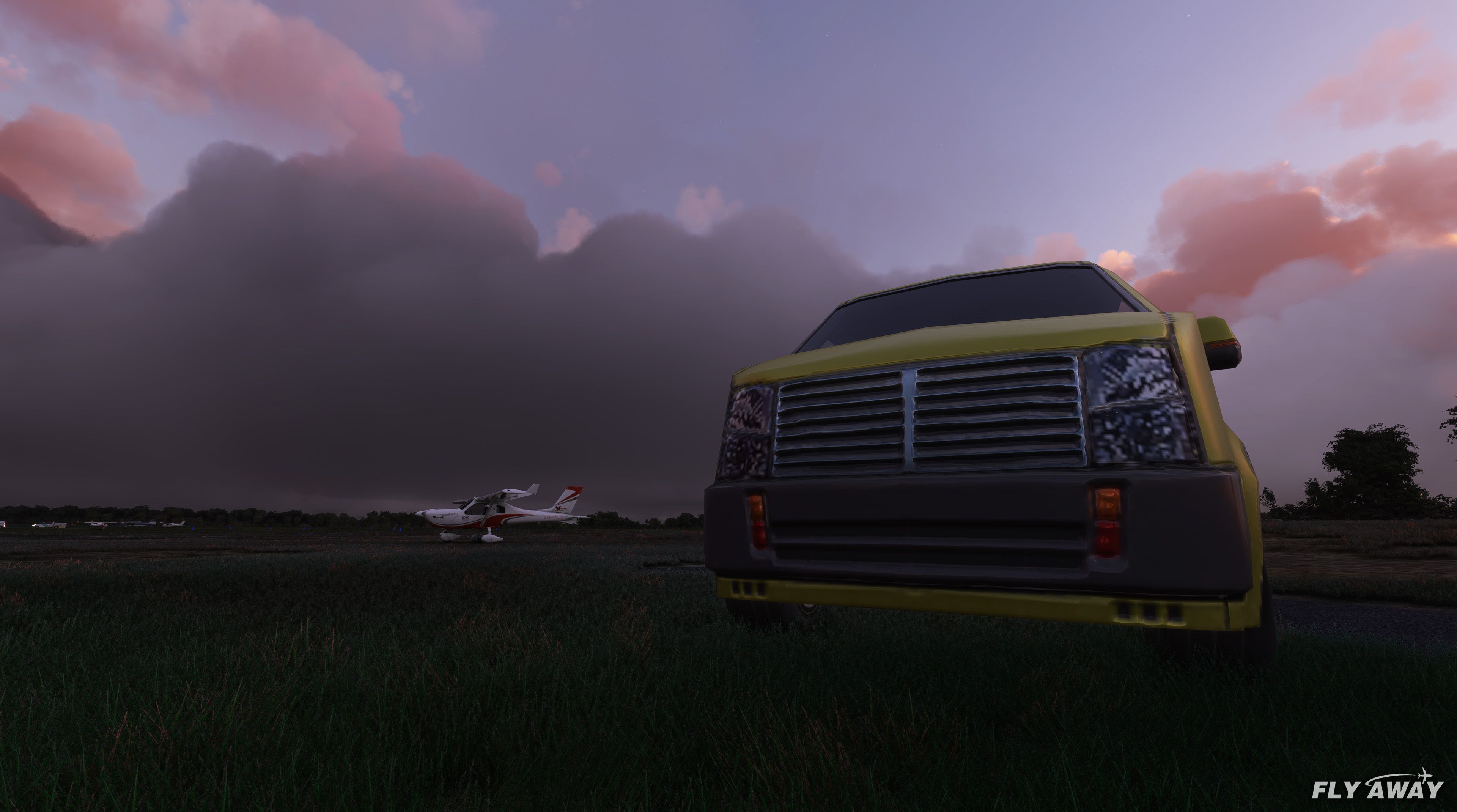
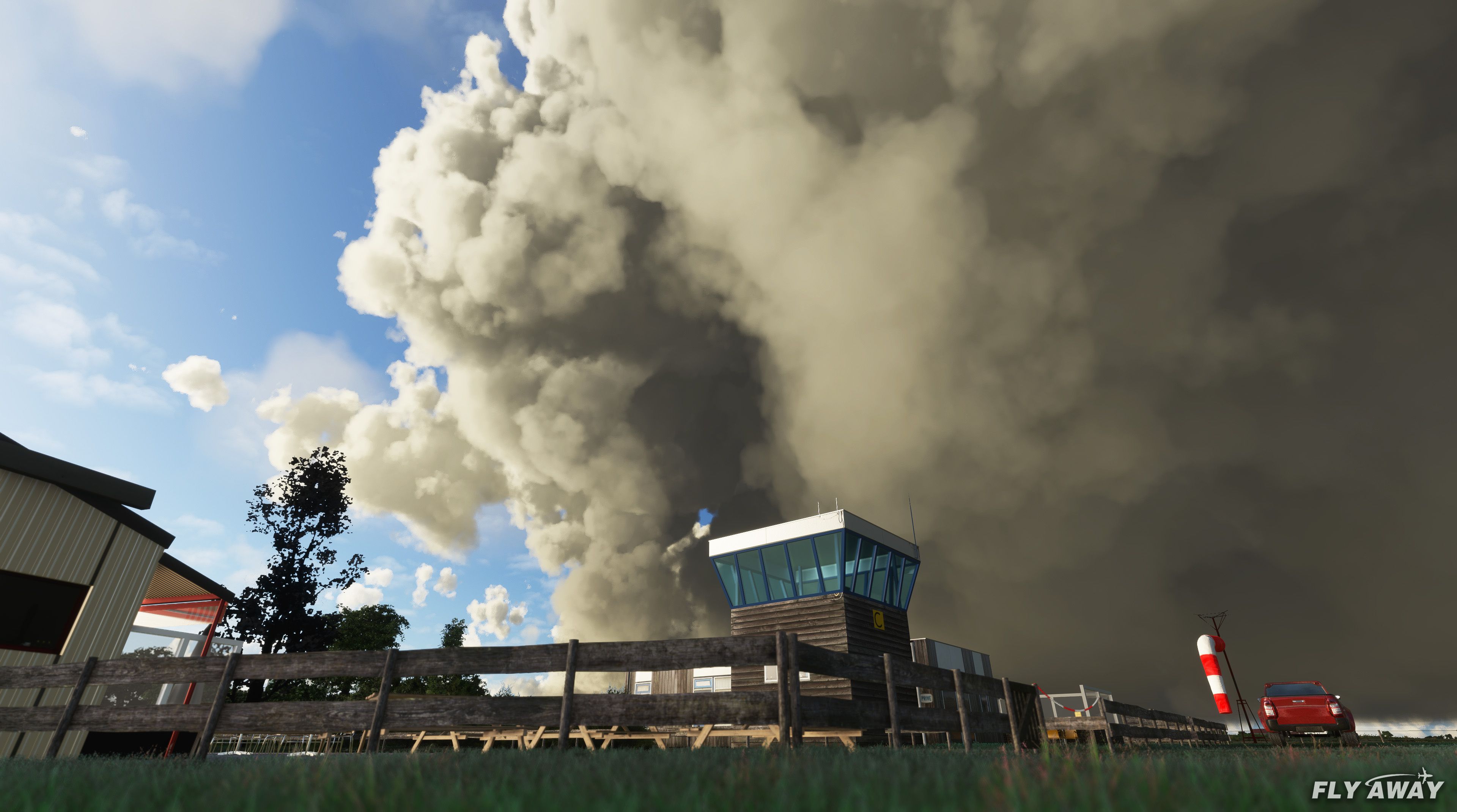
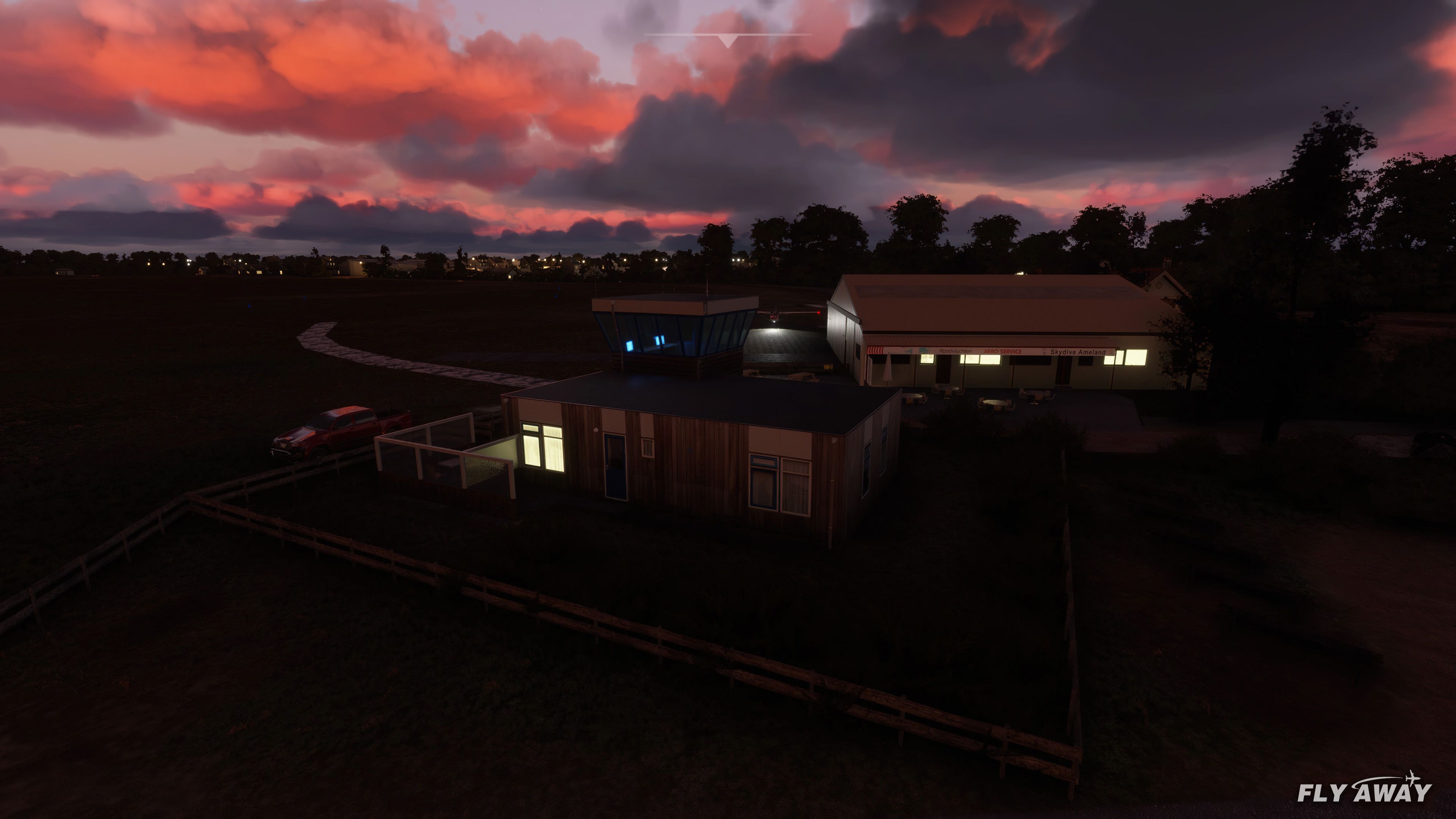
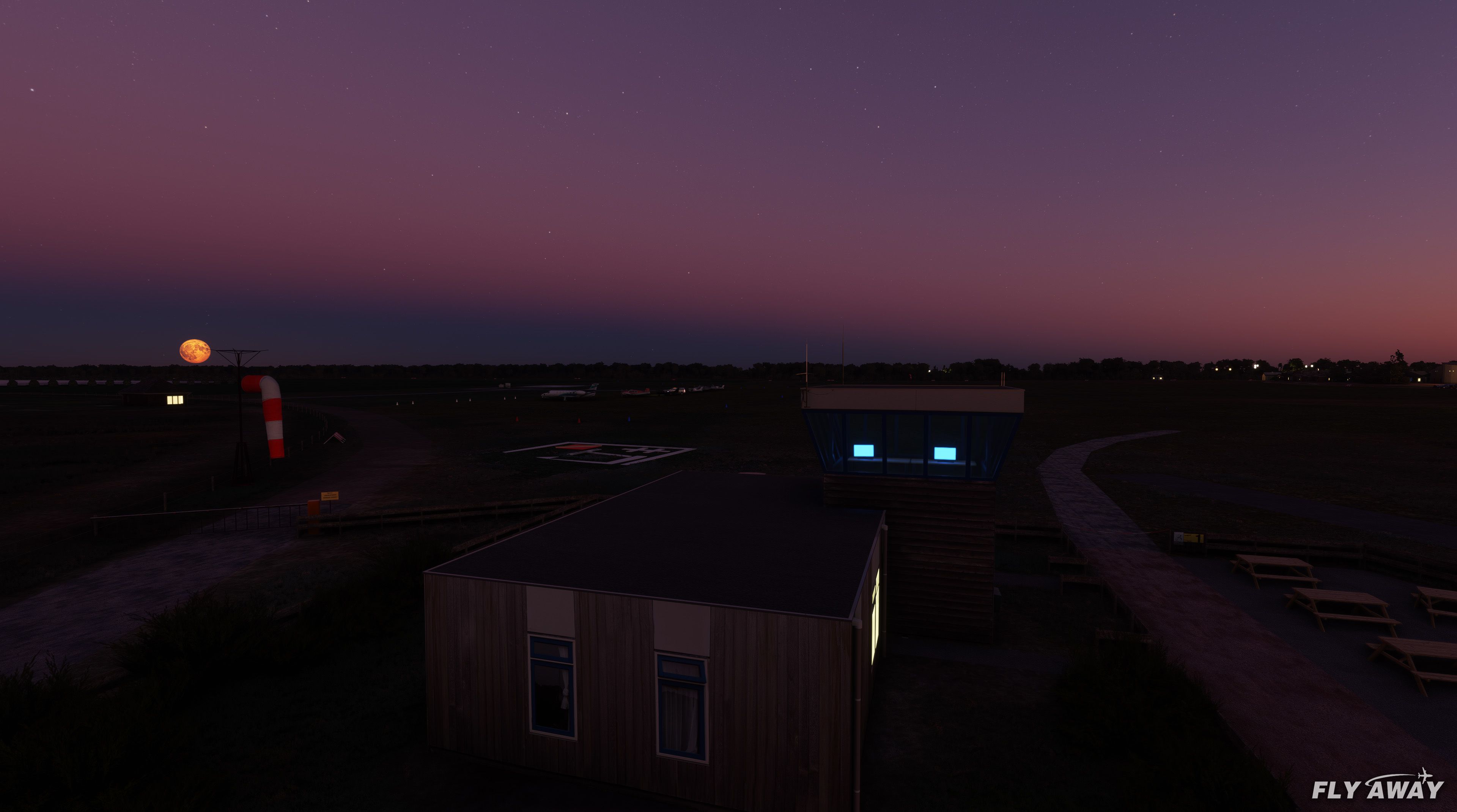
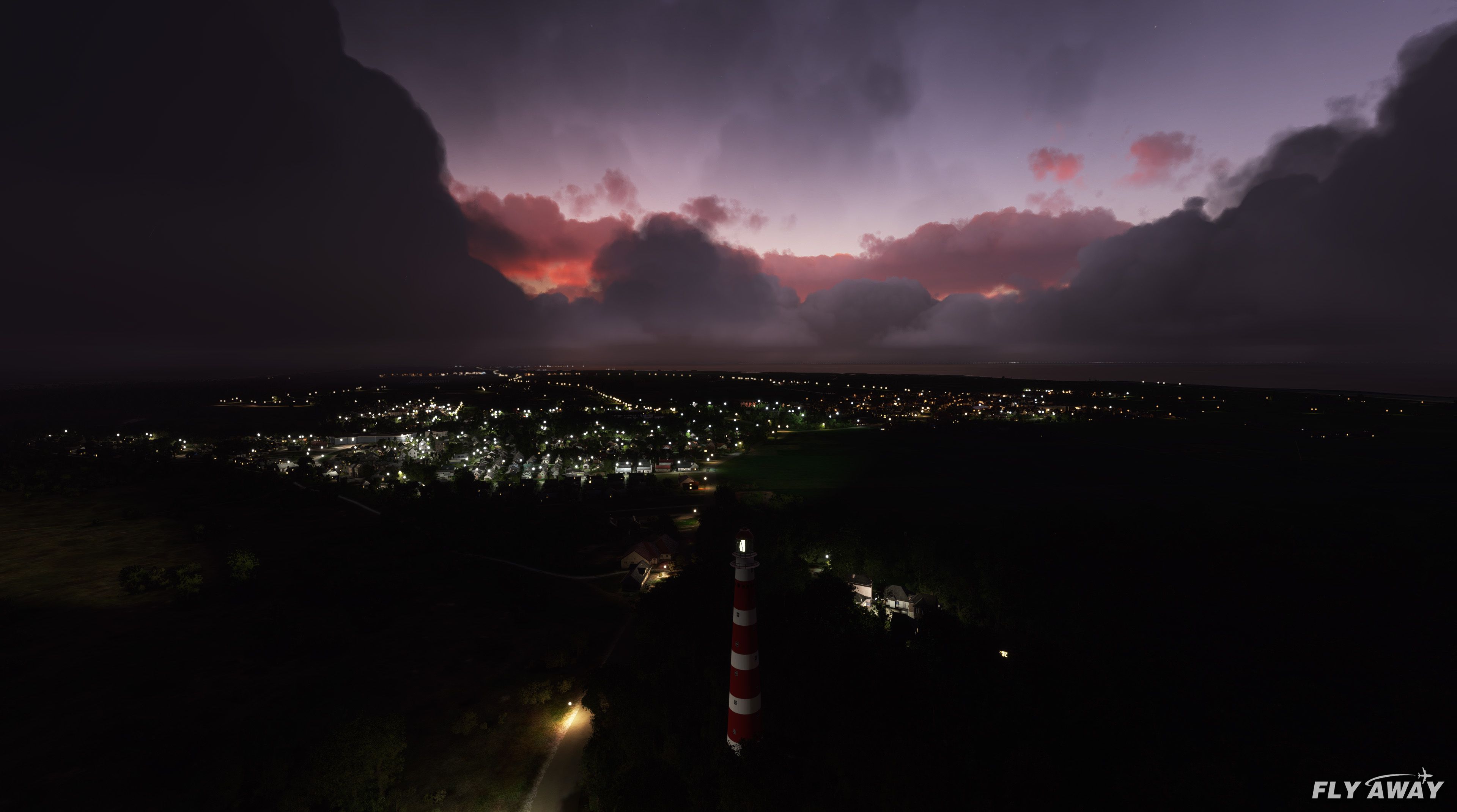
Ameland Airport (EHAL) on the Frisian island of Ameland gets a fully realized GA airfield with custom 3D buildings, PBR textures, helipad, parking, and accurate runway and taxiway layout for Microsoft Flight Simulator. The package adds night lighting, basic terraforming, solar park scenery, wind-driven animated signal island, and cleans up distracting autogen.
 Rate
Rate
 Netherlands

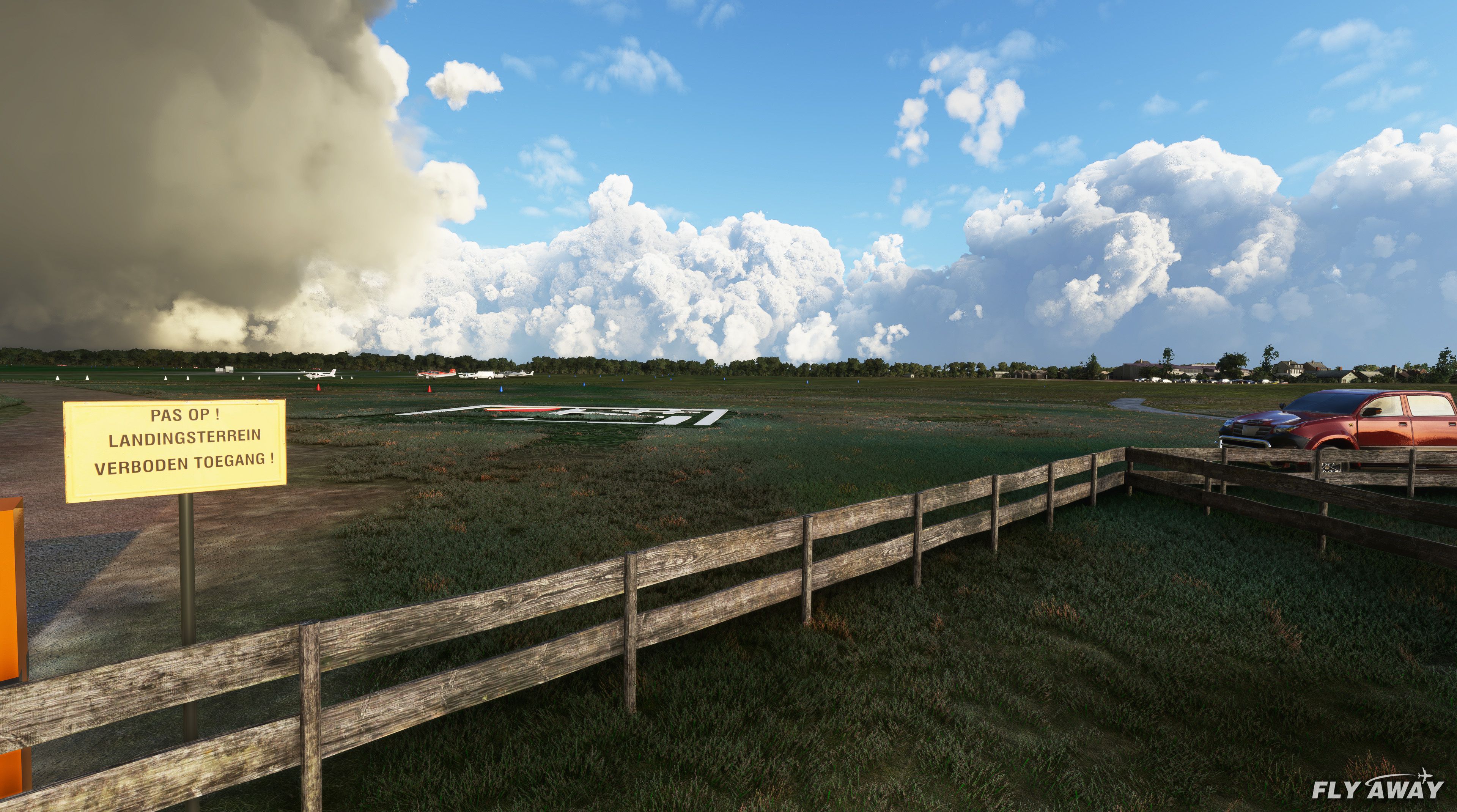
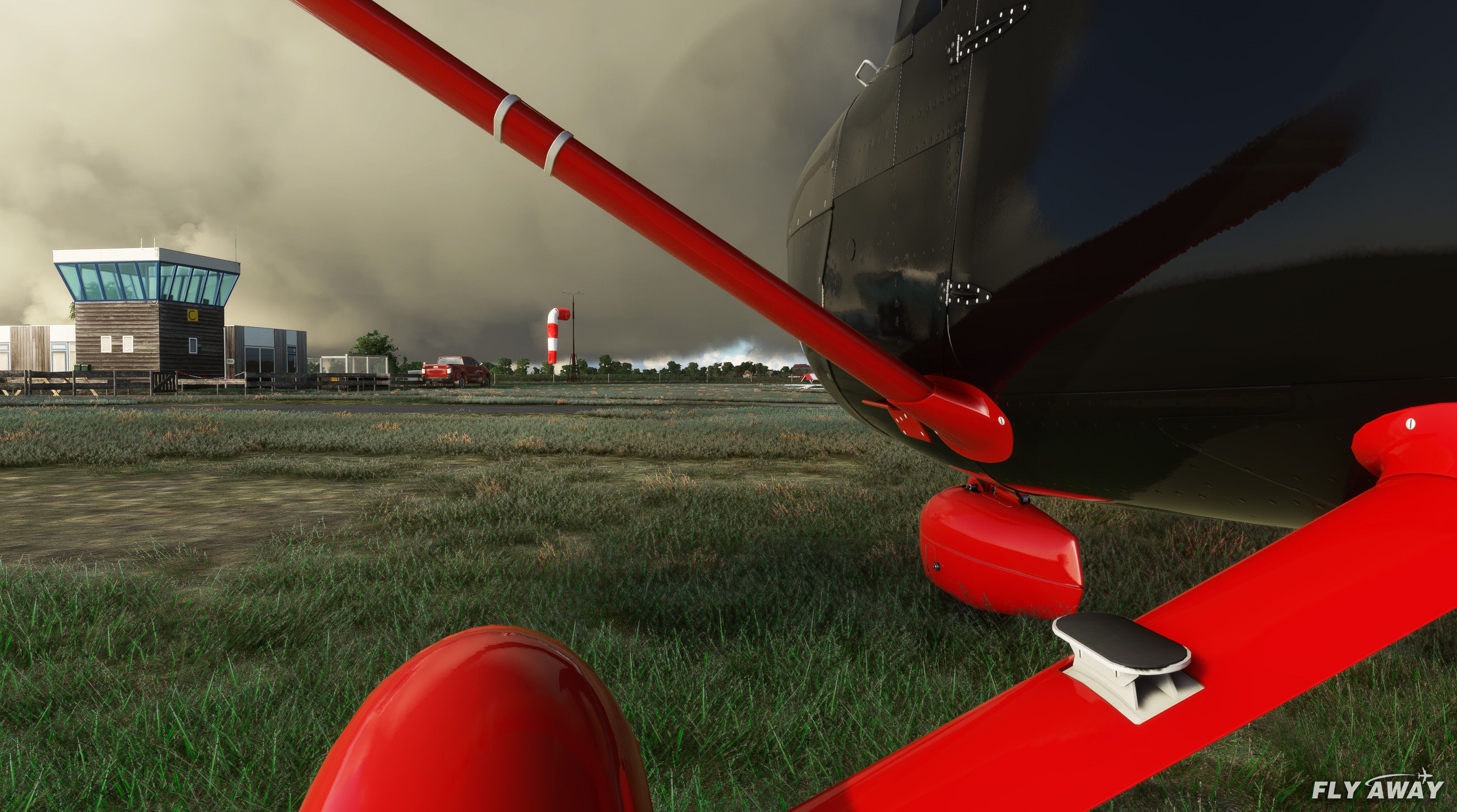
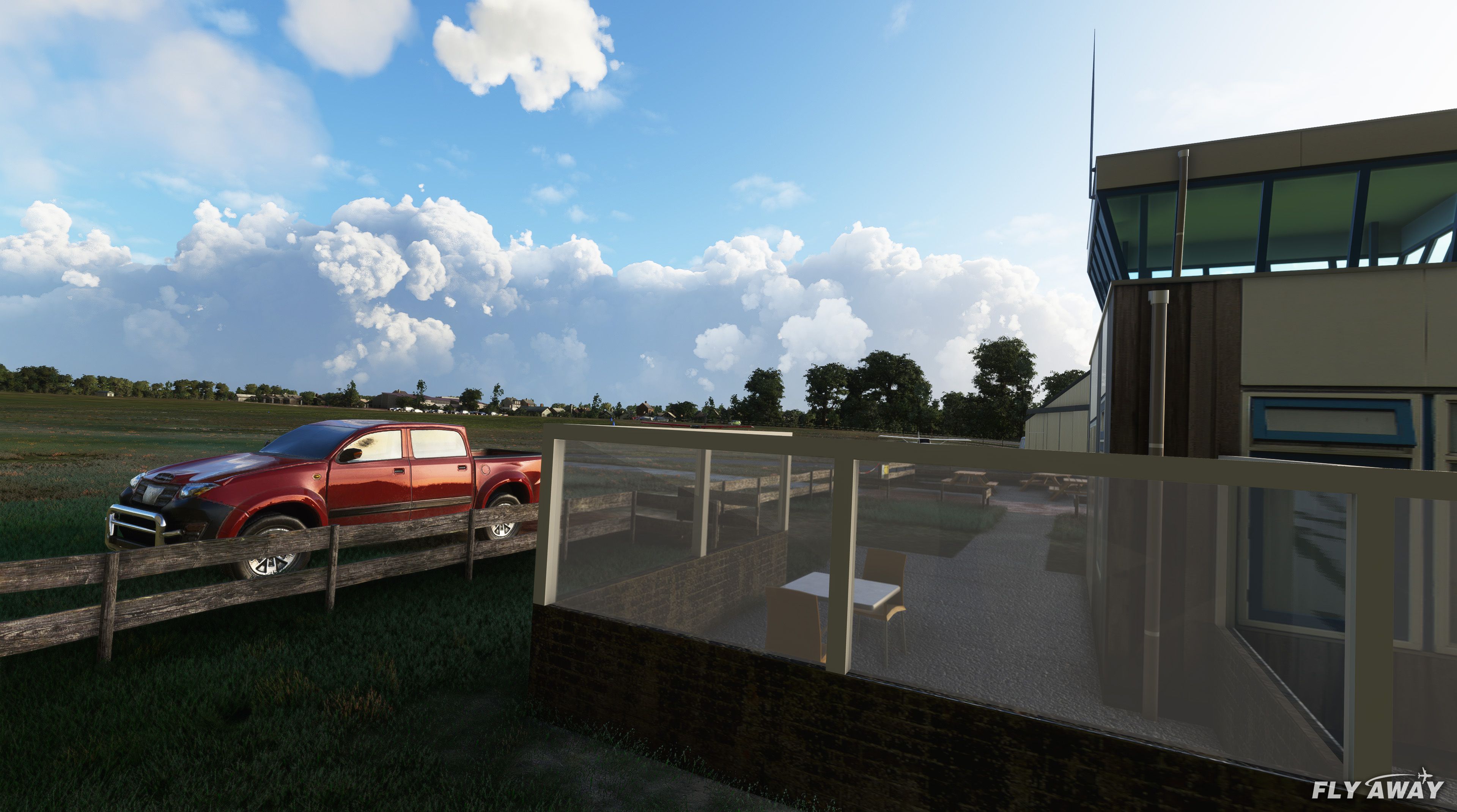
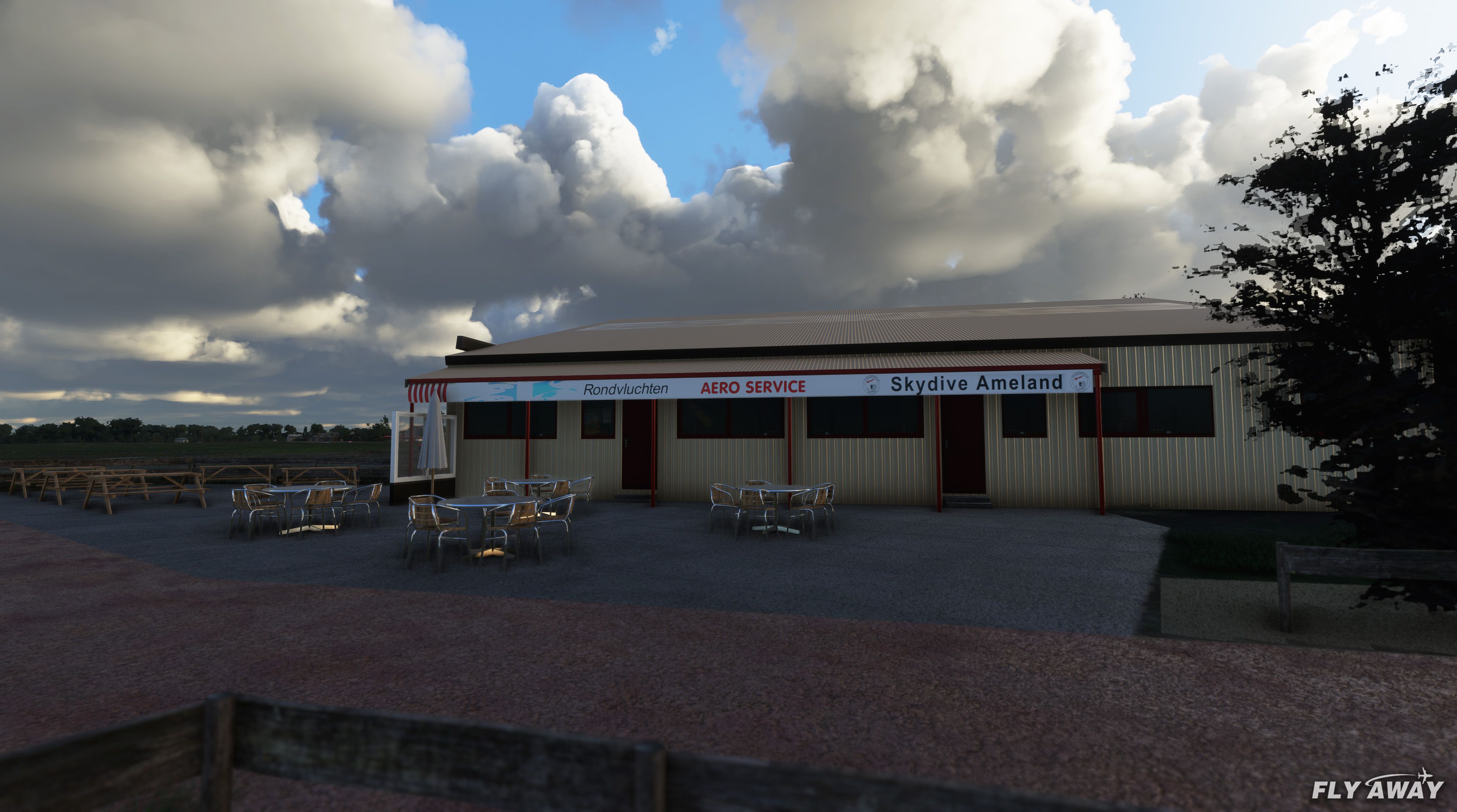
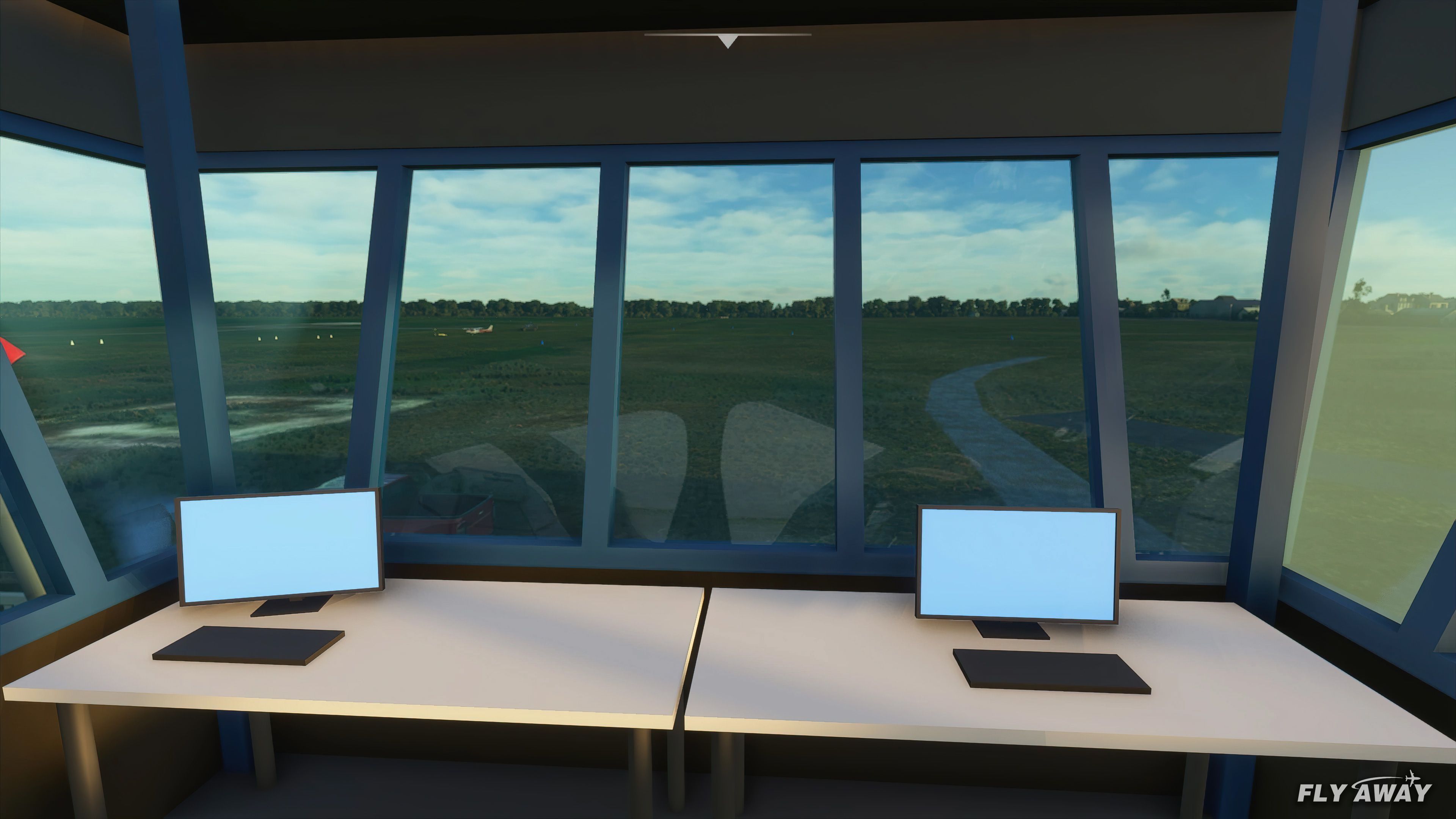
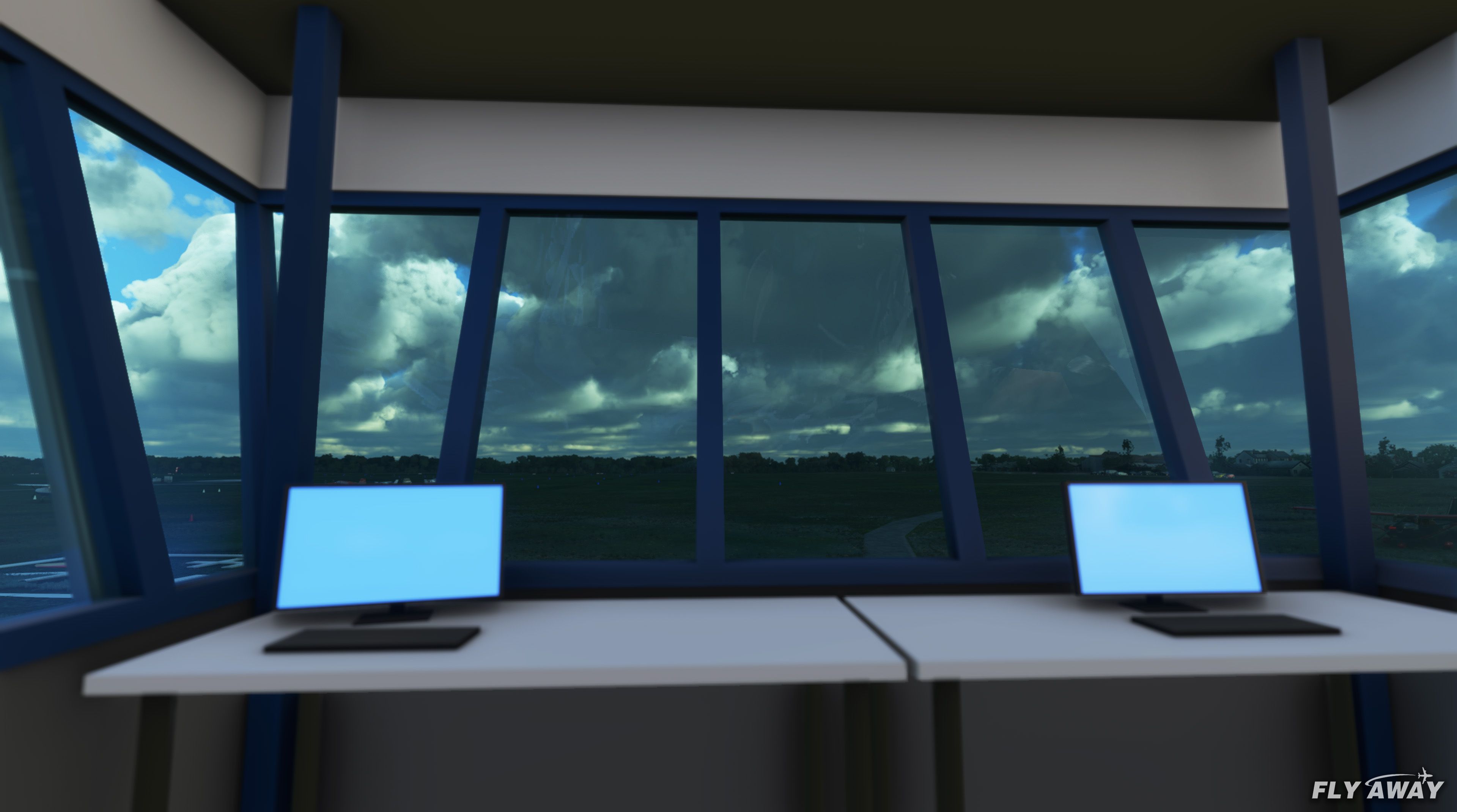
The custom-developed EHAL (Ameland Airport) mod transforms a once bare location on the Frisian island of Ameland into a vibrant and authentic general aviation hub. The developer, SinusJayCee, has modeled every structure from the control tower and hangar to the nearby solar park, adding lifelike runway and taxiway markings, fences, and a functional signal island that responds to wind direction. With custom 3D buildings, high-quality textures, and PBR materials, the scenery accurately captures the daily operations of this charming Dutch airfield.
Beyond the core structures, you’ll find a helipad, multiple parking spots, carefully terraformed areas, and ambient objects like windsocks, tables, and static aircraft. Night lighting boosts the atmosphere for evening flights, and the overall optimization ensures a performance-friendly experience. In my long-standing experience within the simulation community, this mod offers an impressive upgrade for MSFS enthusiasts who want to immerse themselves in an accurate and enjoyable depiction of Ameland Airport.
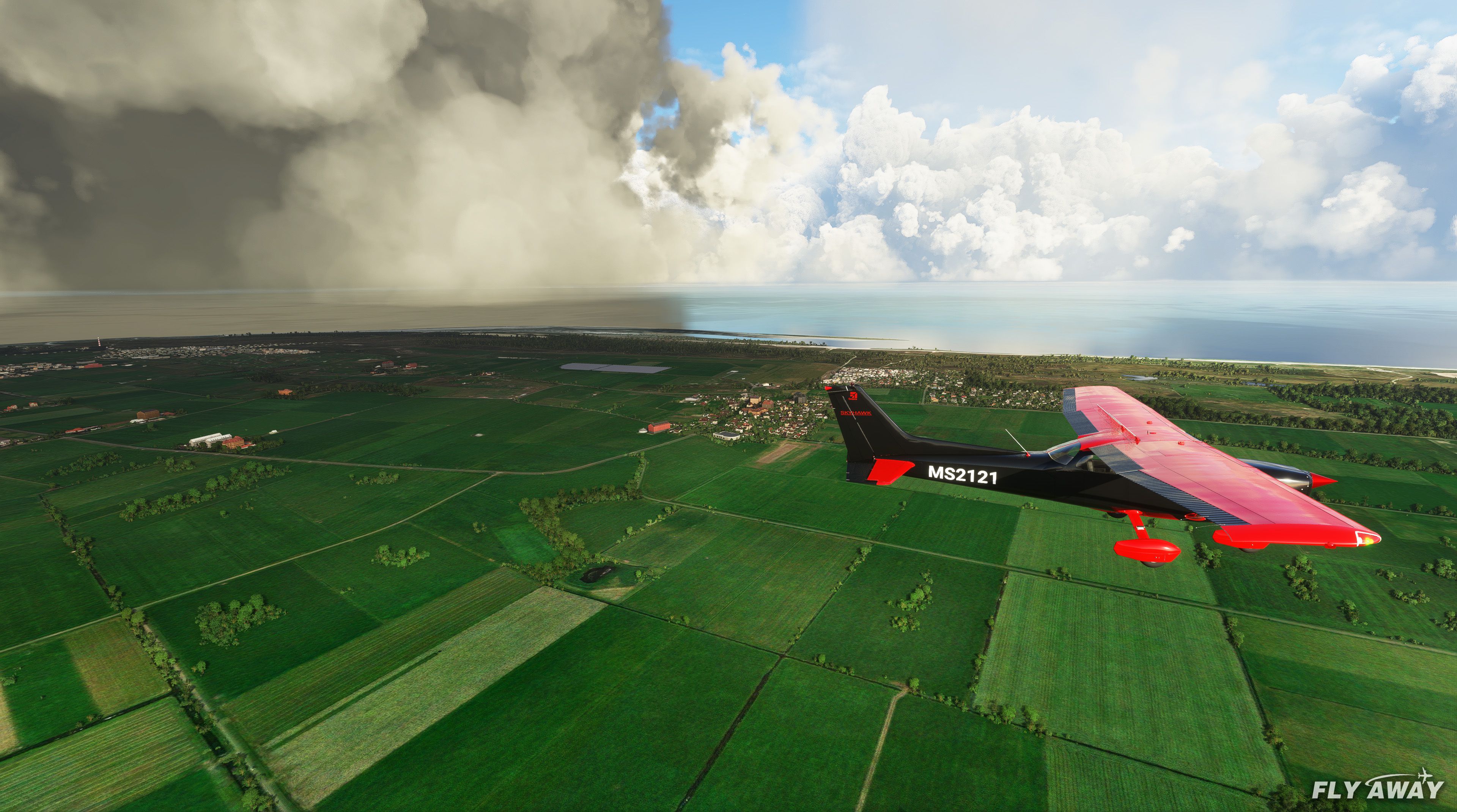
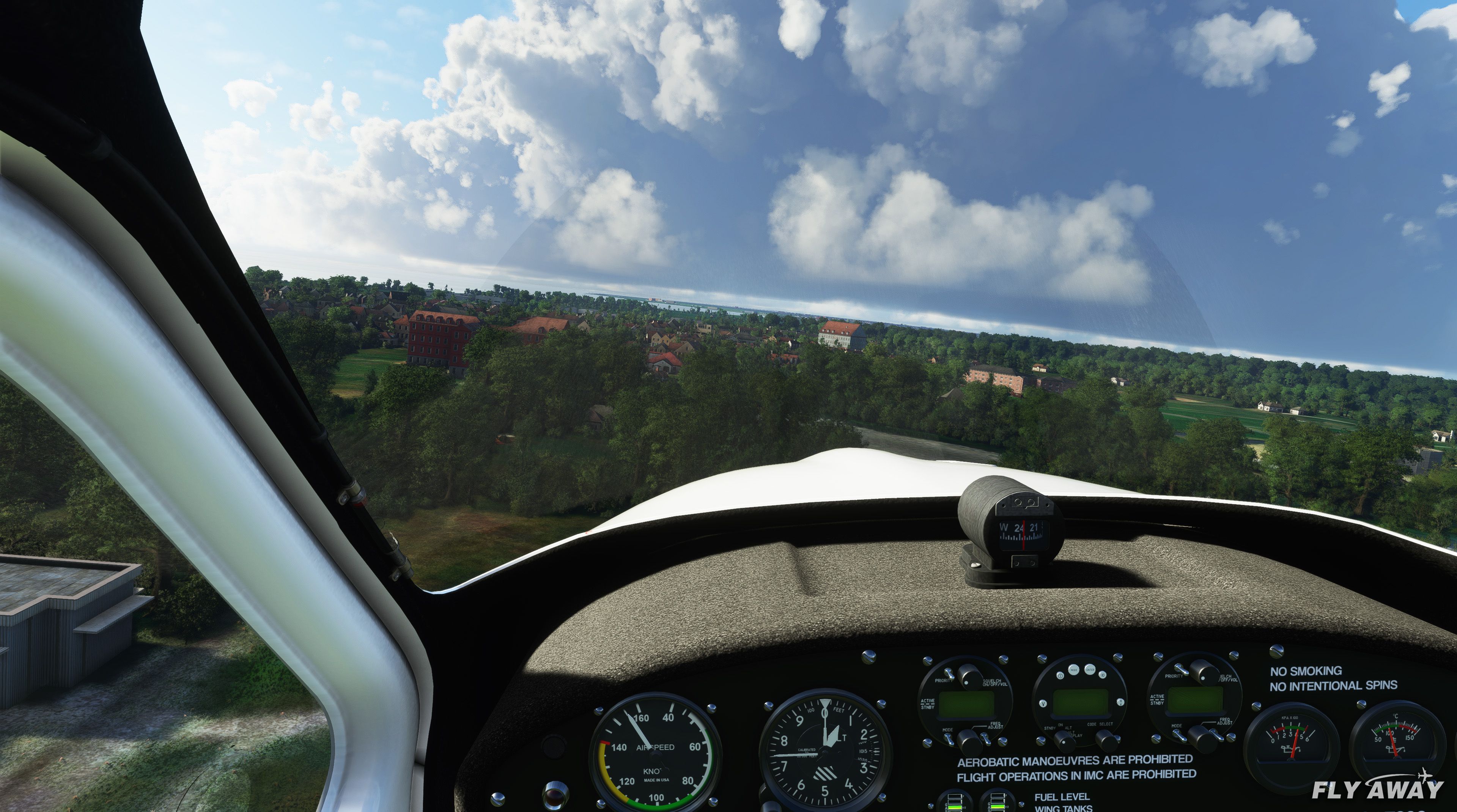
EHAL (Ameland Airport) is a small GA airport based on the Frisian island of Ameland in the Netherlands. This scenery pack developed by SinusJayCee brings this airfield to life in your copy of the Microsoft Flight Simulator (MSFS) 2020 release. The default version is pretty much non-existent and lacking much detail.
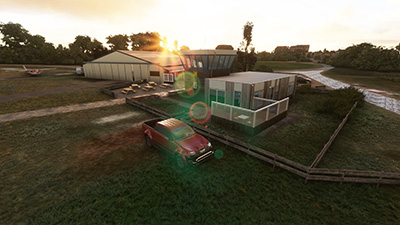 ?The scenery pack features the whole area in and around the airfield including the nearby "solar park".
All of the buildings and objects on the airfield are custom designed and hand-generated using custom textures and 3D modeling.
Features
Installation
Simply copy the sinusjaycee-ameland folder from the ZIP file into your MSFS community folder.
Developer: SinusJayCee.
The developer (SinusJayCee) does publish a public donation page and you can donate to their projects via their PayPal page here.
Free for all simmers · 136.8 MB · Scanned clean Oct 2026
Download speed: Free tier is capped at 2 Mbps (this file takes approximately 10 mins at the cap). PRO members download at full line speed.
%LOCALAPPDATA%\Packages\Microsoft.FlightSimulator_8wekyb3d8bbwe\LocalCache\Packages\Community\. Steam version: %APPDATA%\Microsoft Flight Simulator\Packages\Community\. Tip: enable Developer Mode in MSFS to see your exact Community folder path.readme.txt or README file. It tells you exactly where files go, what dependencies are needed, and any quirks specific to this add-on.Only PRO members can place votes.
More MSFS add-ons hand-picked based on this download.
MSFS Scenery
This mod developed by JustOkayPilot brings Grand Canyon National Park Airport…
 MSFS Scenery
Sandane Airport (ENSD) is located on the beautiful west coast of Norway and i…
 MSFS Scenery
Enhance your flight simulation experience with this mod for Microsoft Flight …
 MSFS Scenery
The Disney World airport/STOLport (also known as the Lake Buena Vista airport…
 MSFS Scenery
Enhance your flight simulation experience with a detailed rendition of Madrid…
 MSFS Scenery
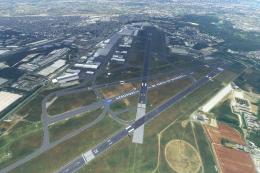
A complete and extensive replacement freeware scenery package for Paris–Le Bo…
 MSFS Scenery
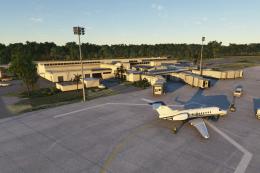
A highly detailed rendition of Gainesville Regional Airport (KGNV), Florida (…
 MSFS Scenery
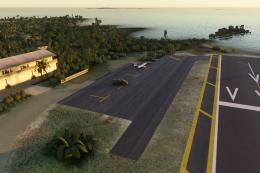
A rendition of George T. Lewis Airport for Microsoft Flight Simulator (MSFS) …
Be the first to leave a comment on this download.
Be the first to share your thoughts on this download.