



 Italy
Italy 


 MSFS Scenery
Gibraltar Photogrammetry
Immerse yourself in the stunningly recreated Gibraltar region in Microsoft Fl…
Genoa’s Ligurian coastline comes alive with photogrammetry scenery that recreates the city’s real-world terrain, harbor, and urban density for convincing low-level sightseeing in Microsoft Flight Simulator. Detailed 3D points of interest such as Forte Diamante and Forte Fratello Minore pair with tuned color balance and smooth integration alongside other scenery.
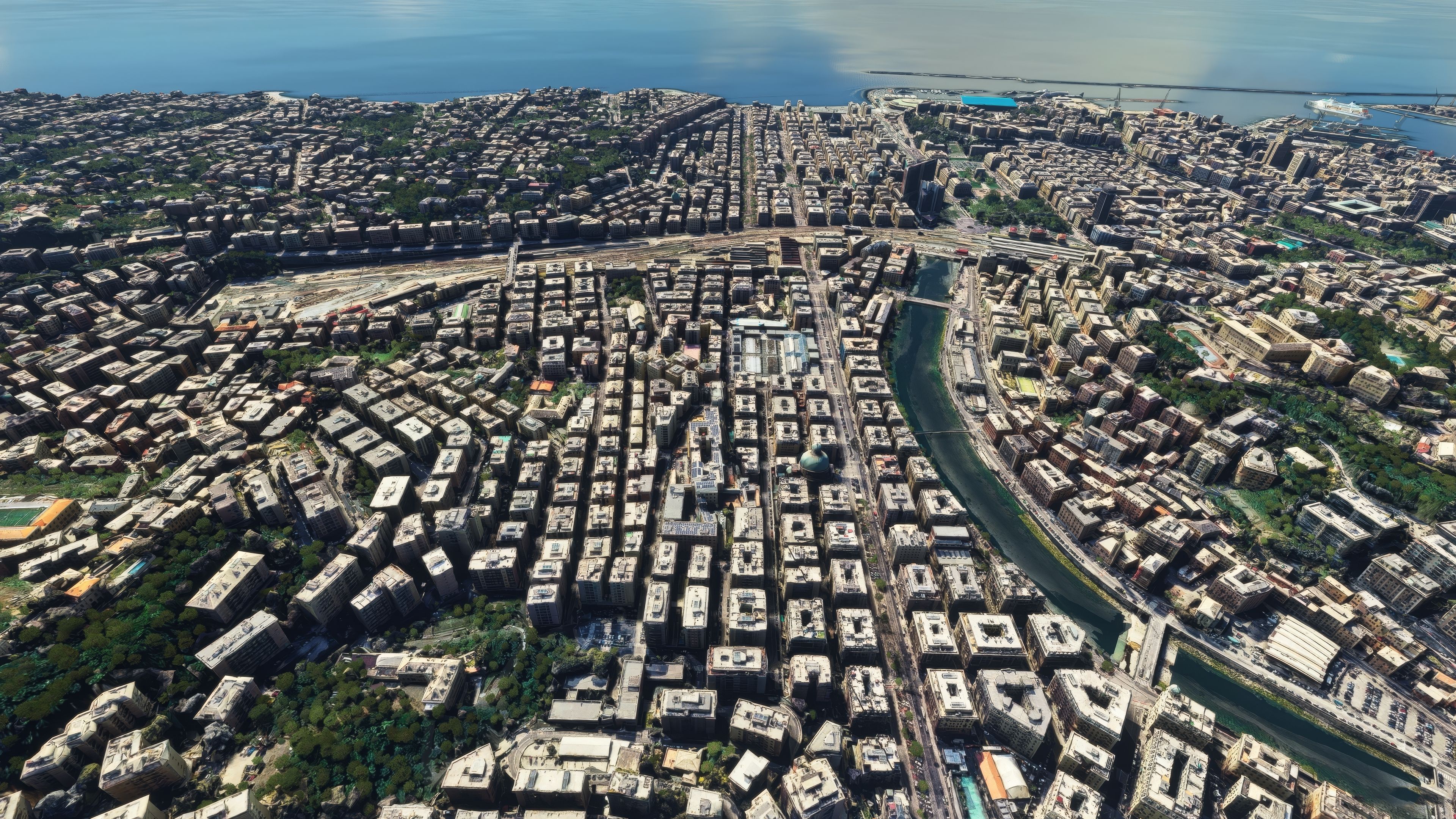
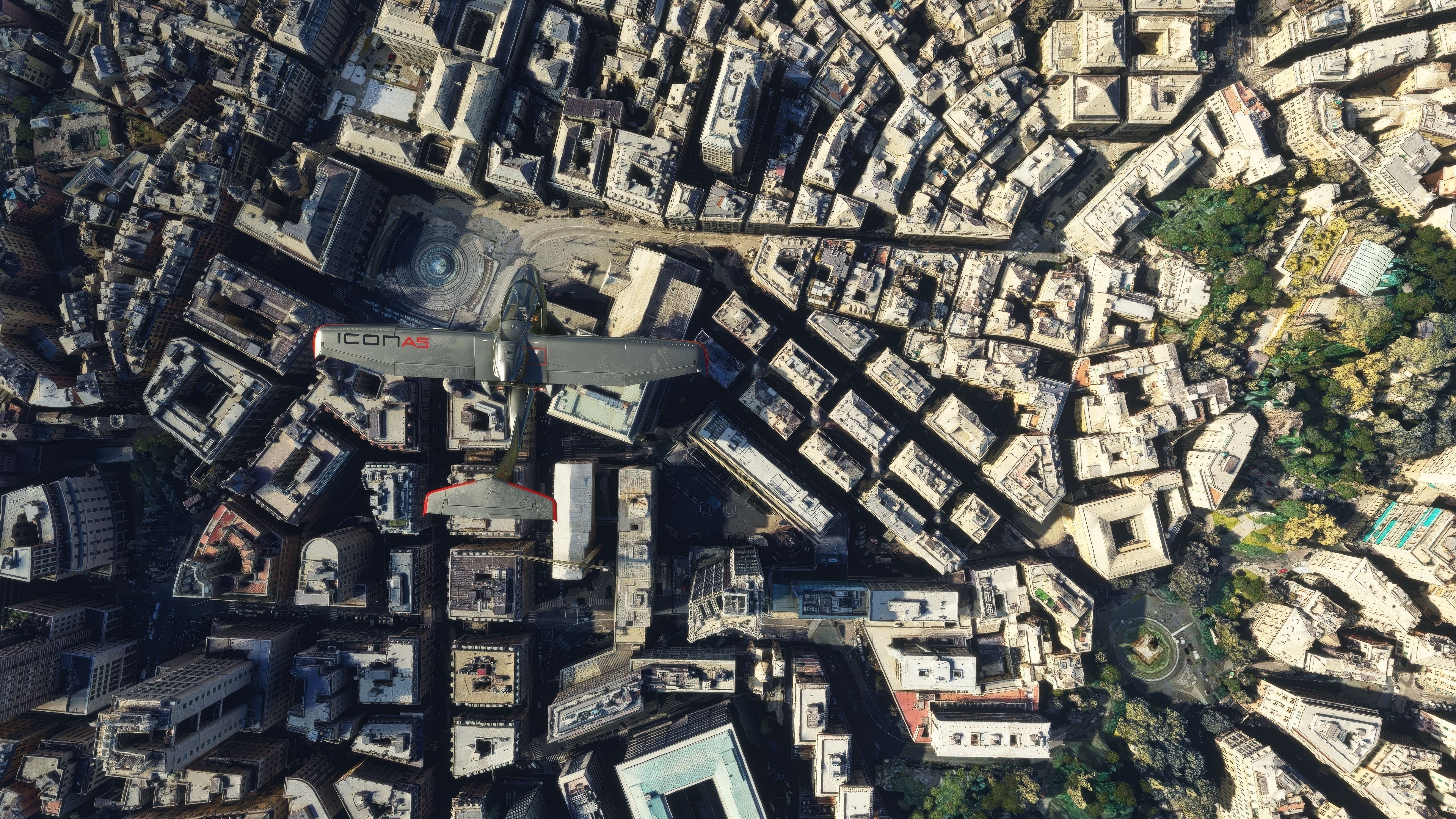
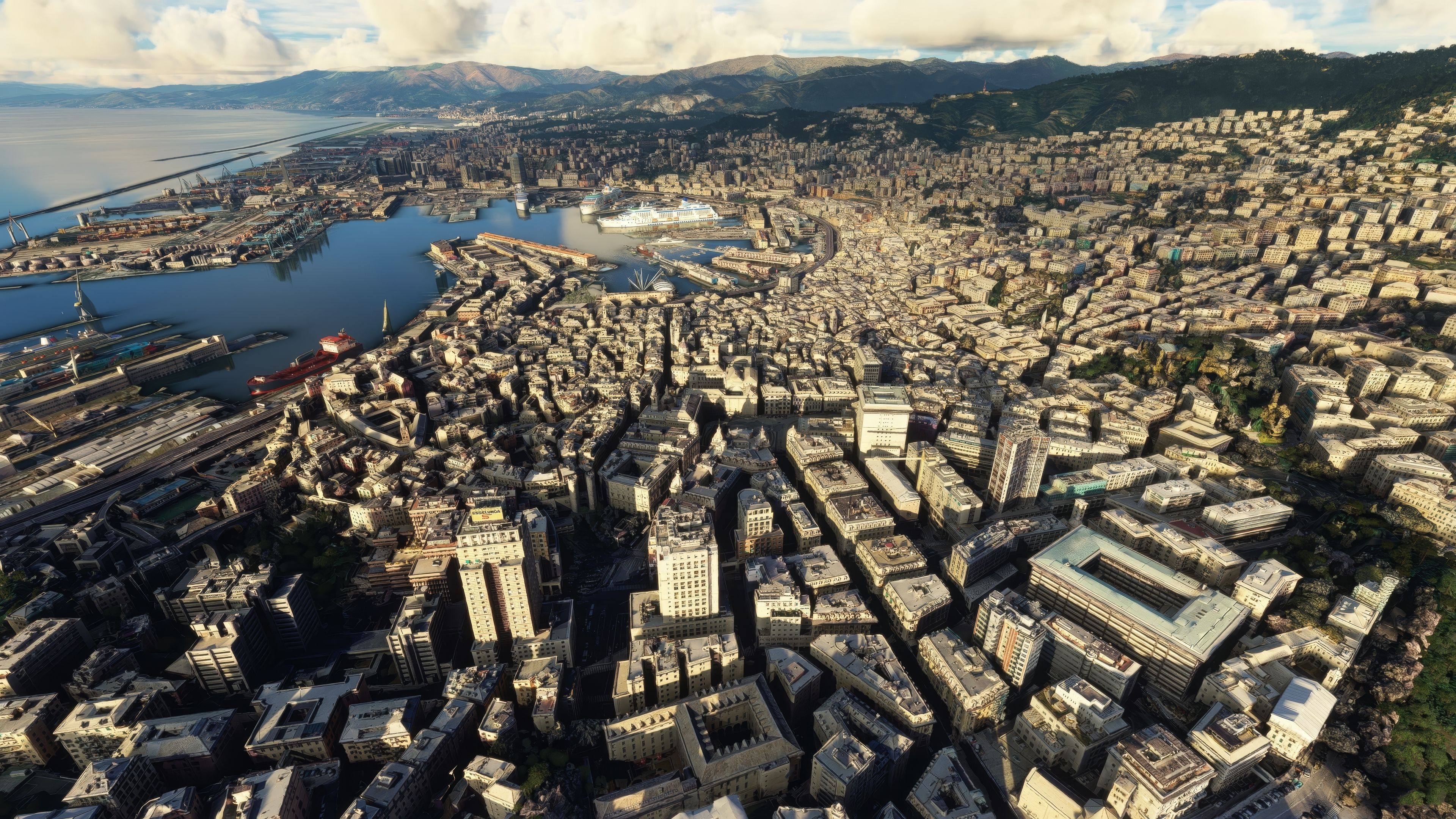
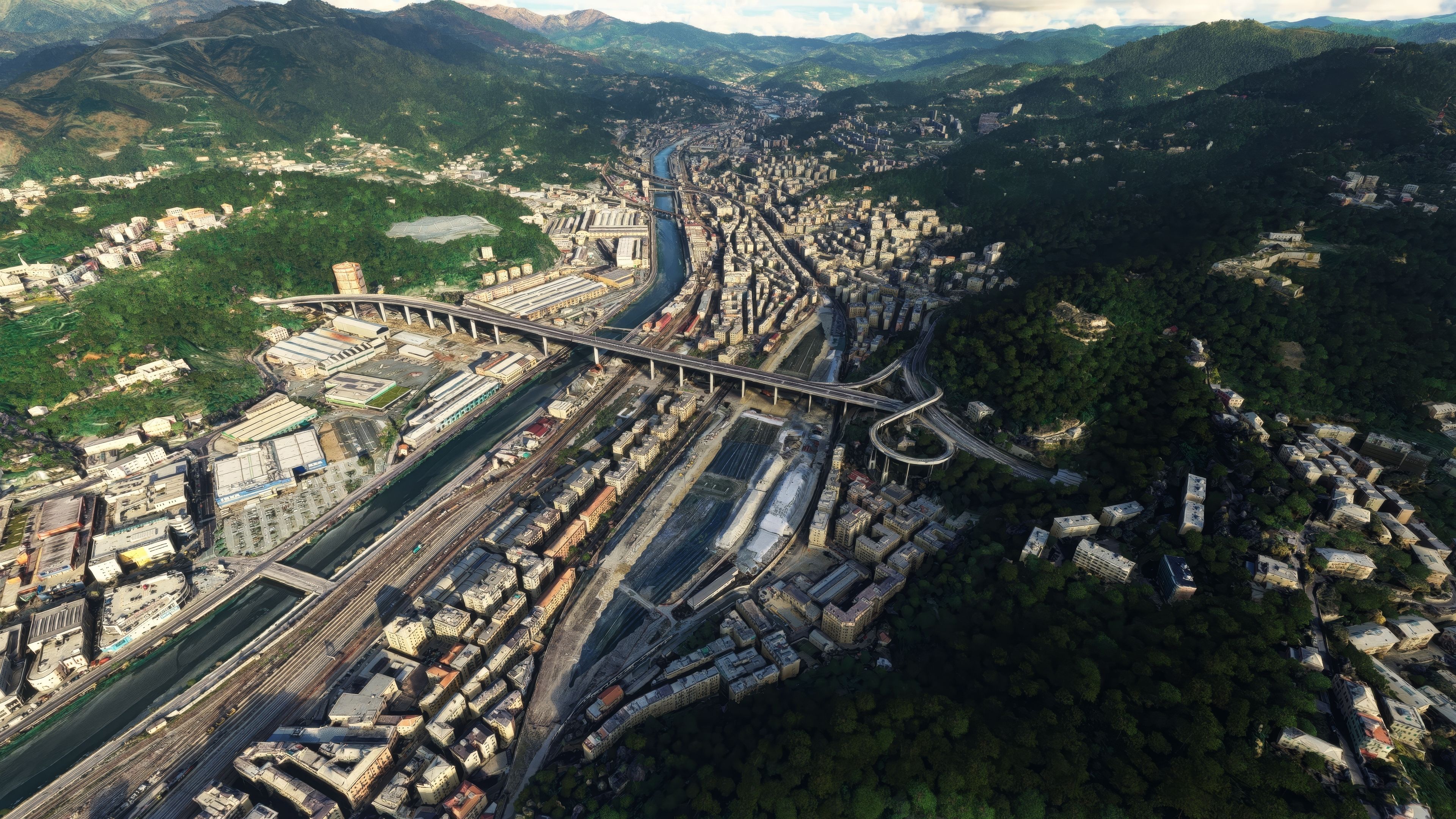
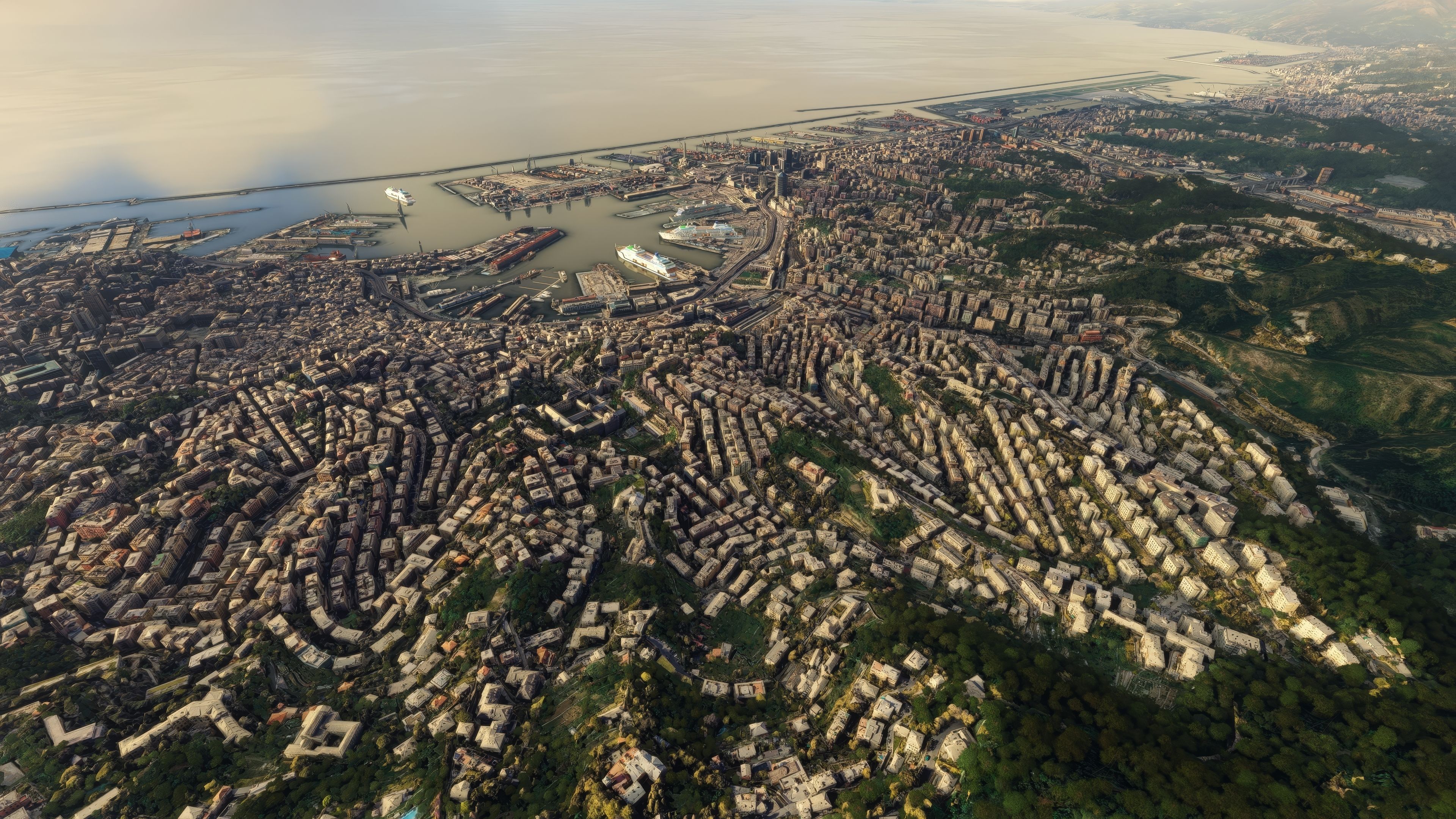
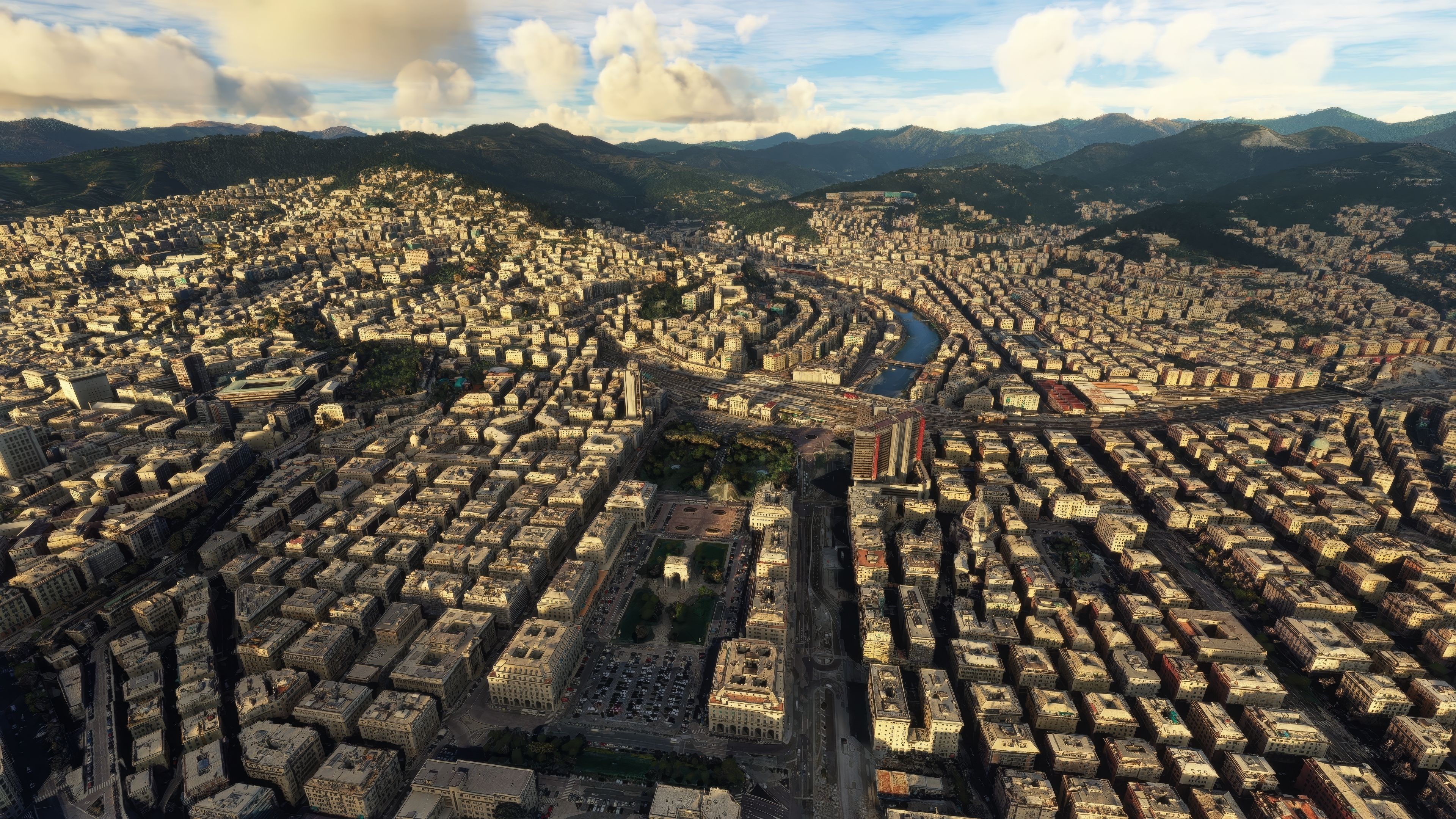
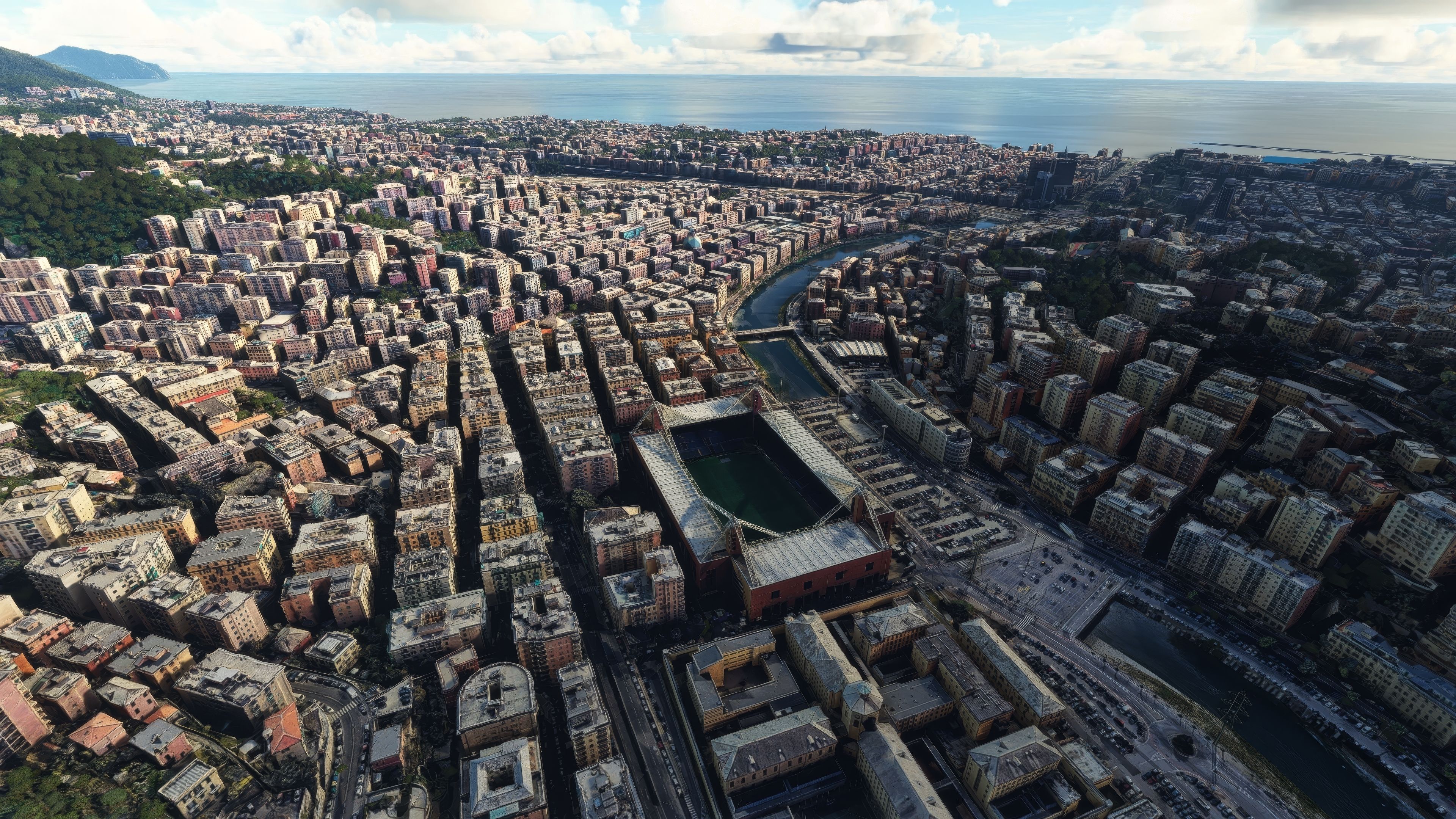
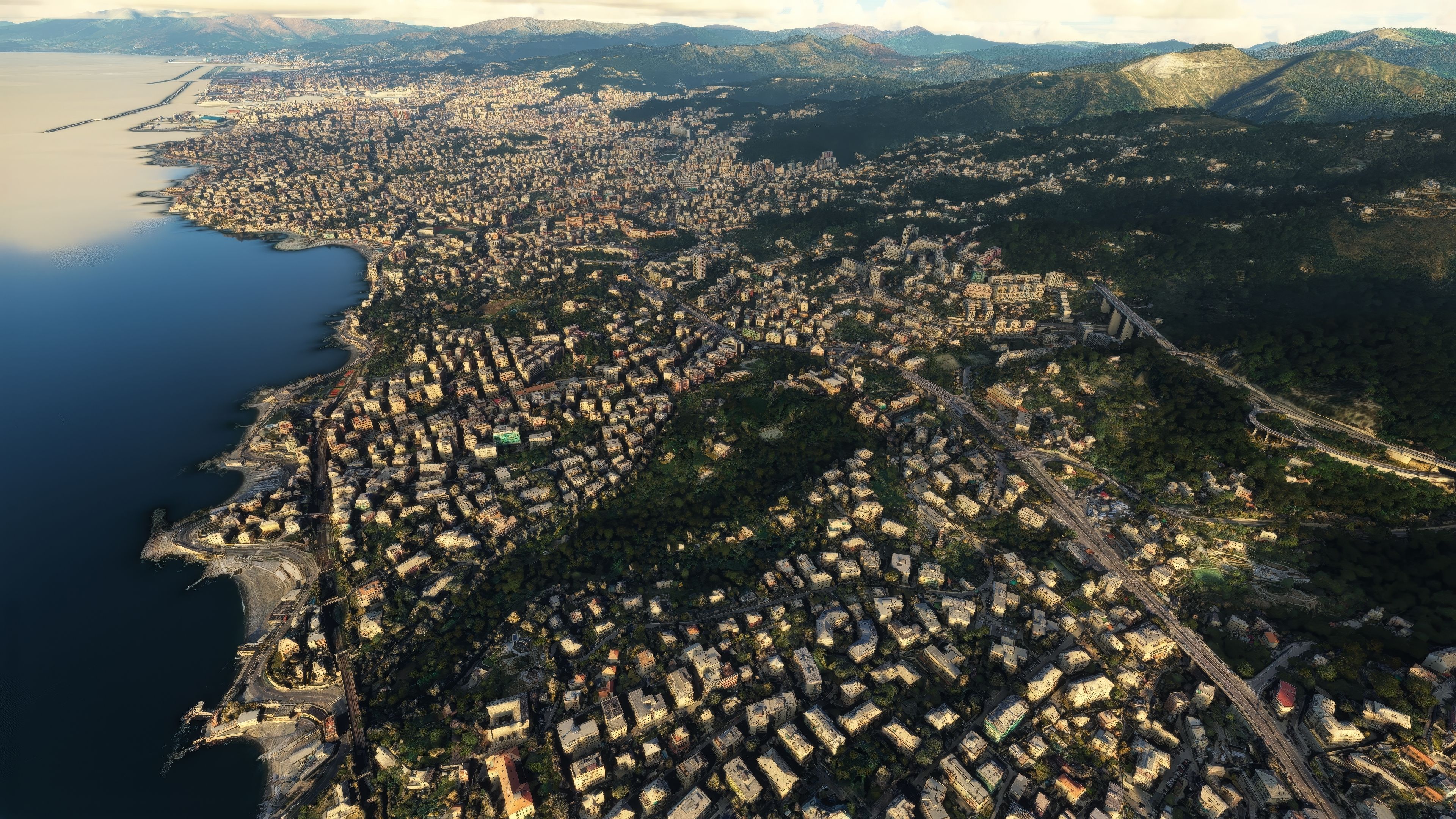
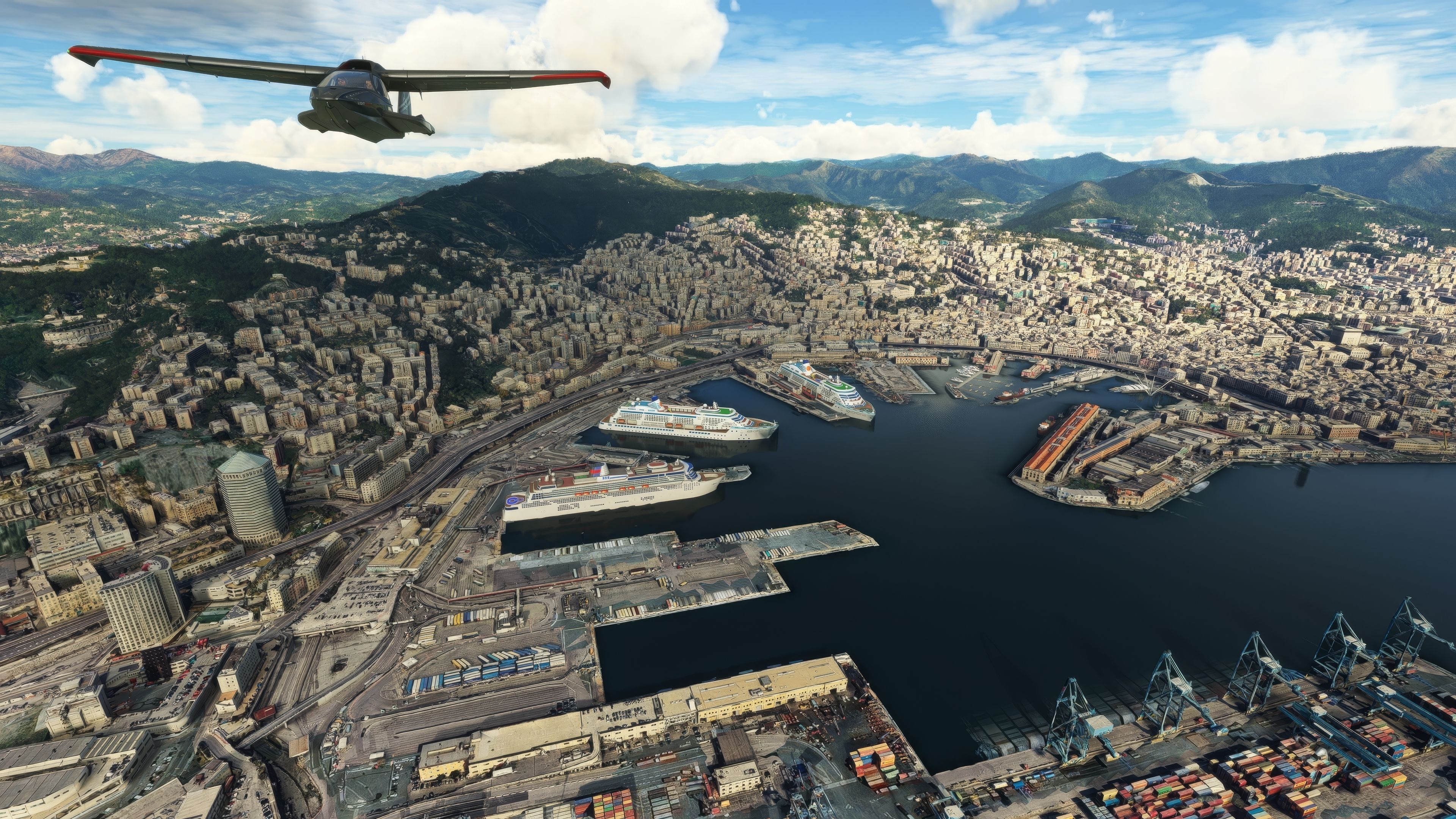
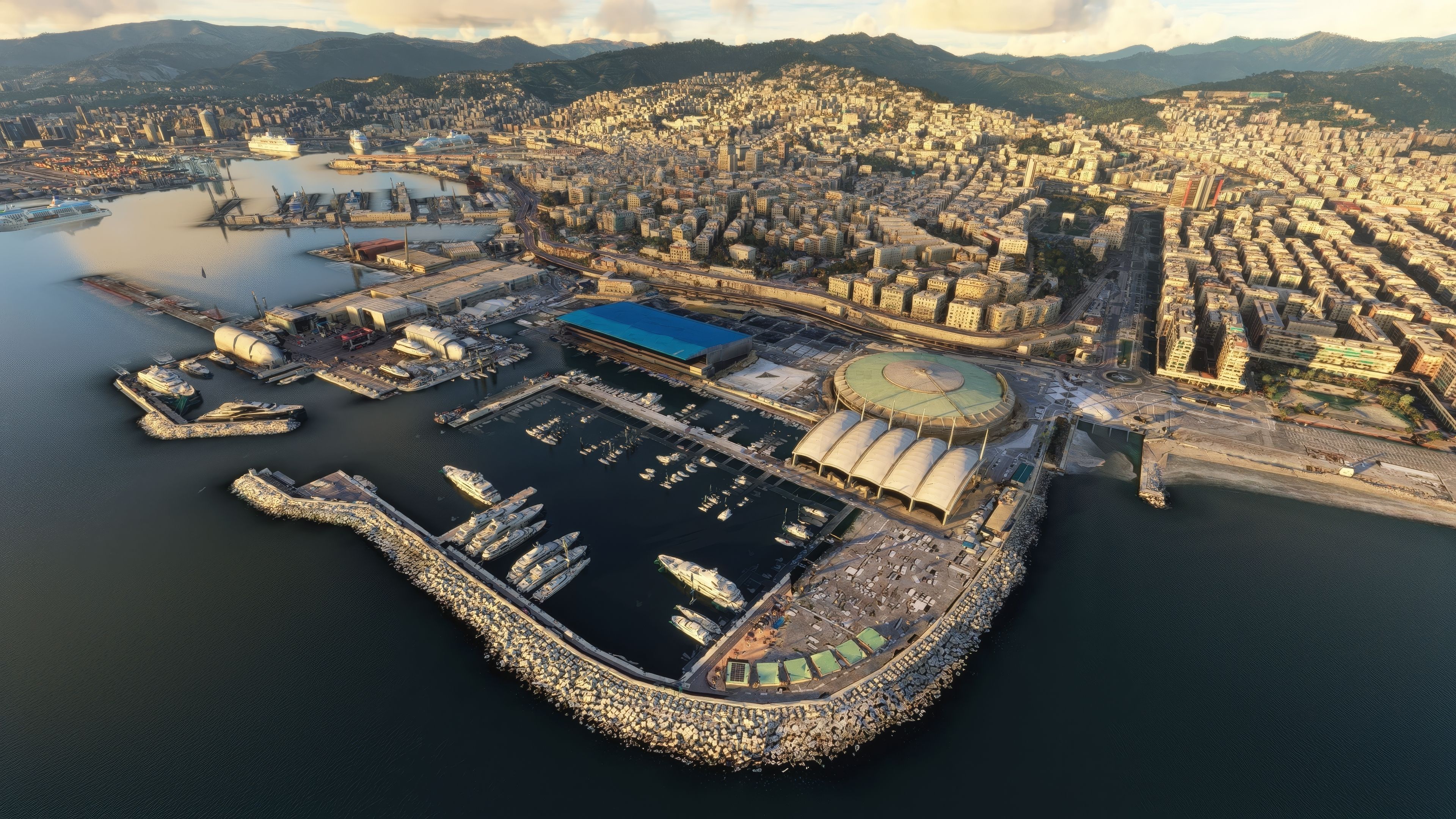
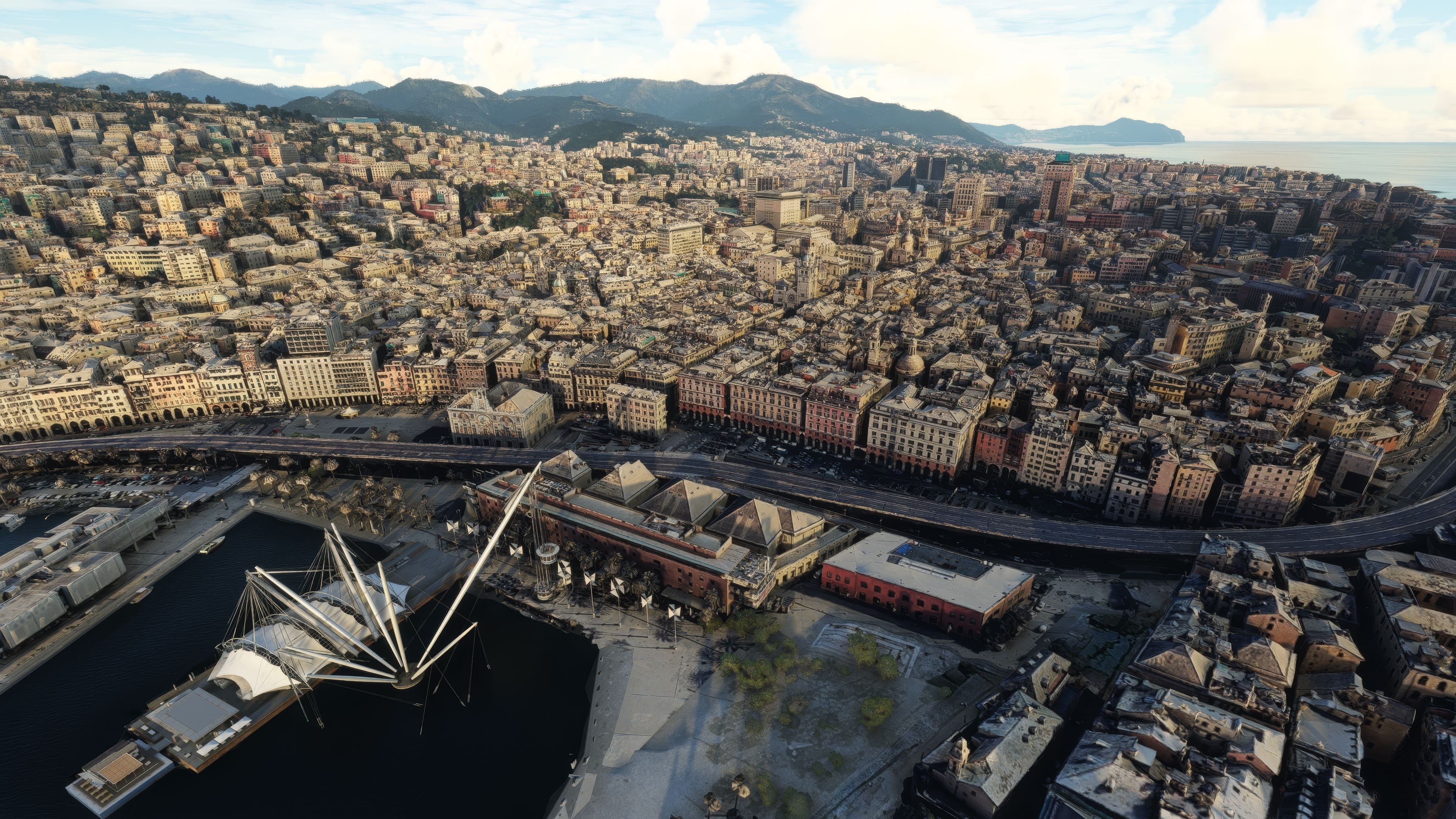
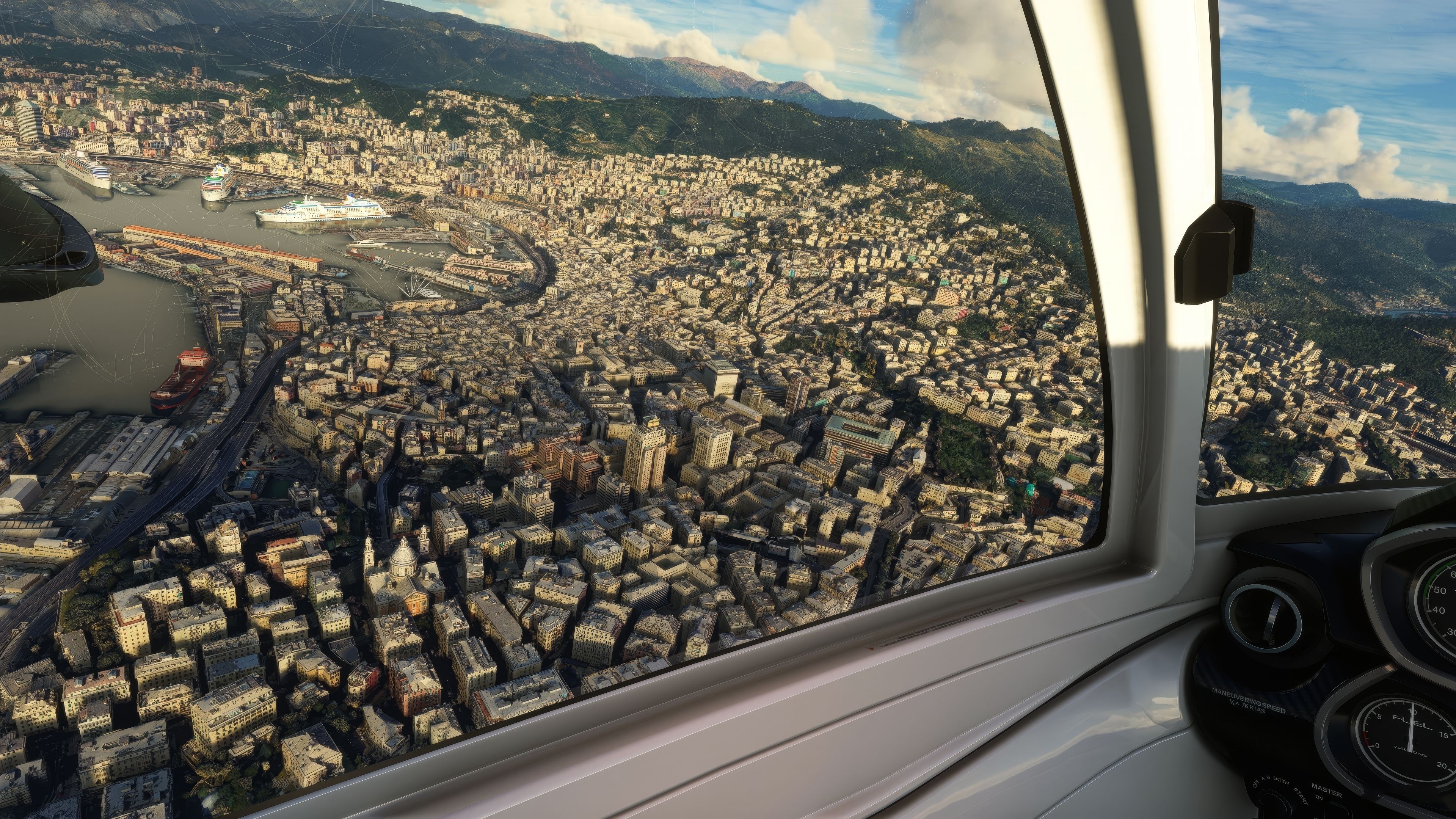
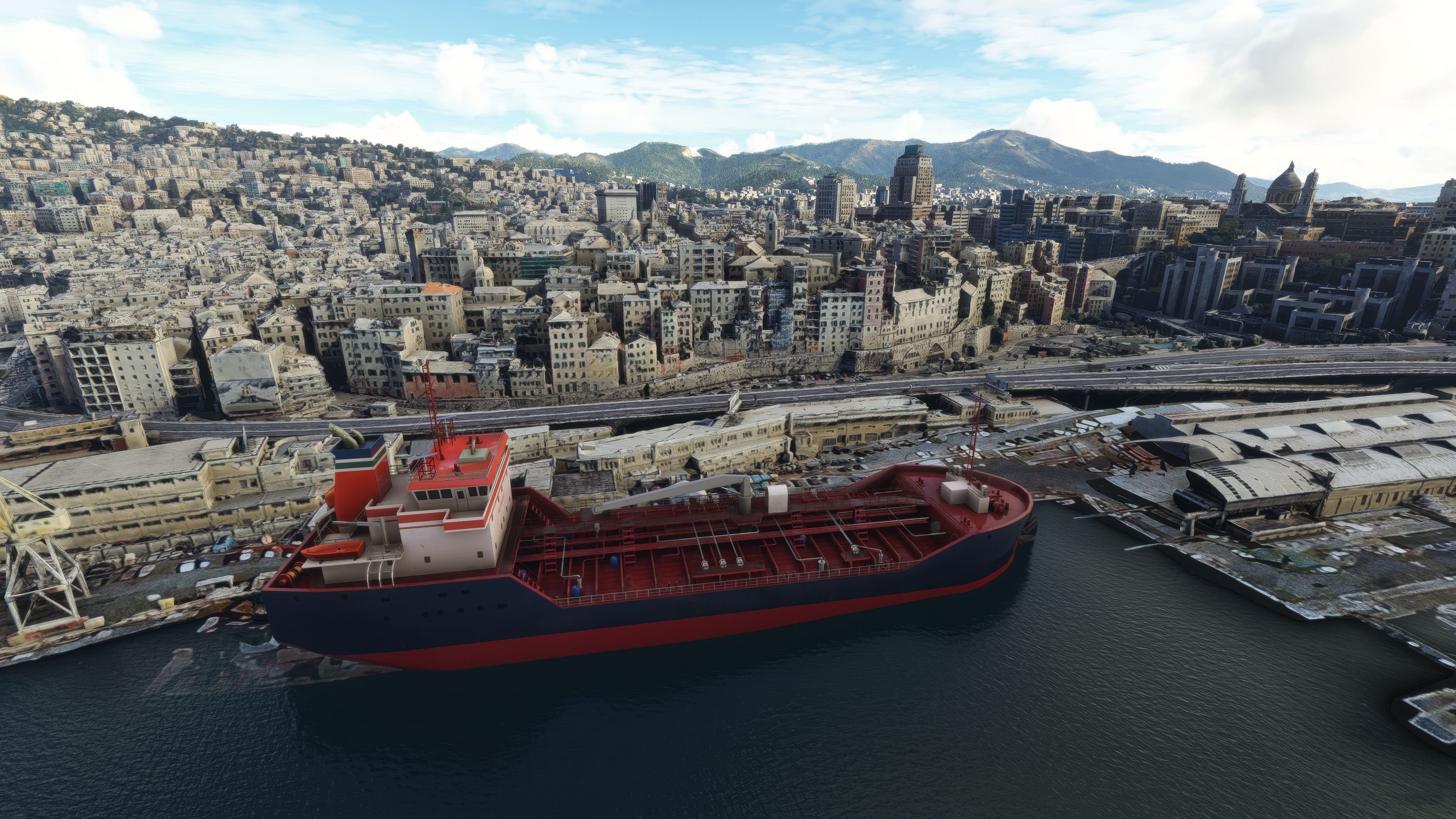
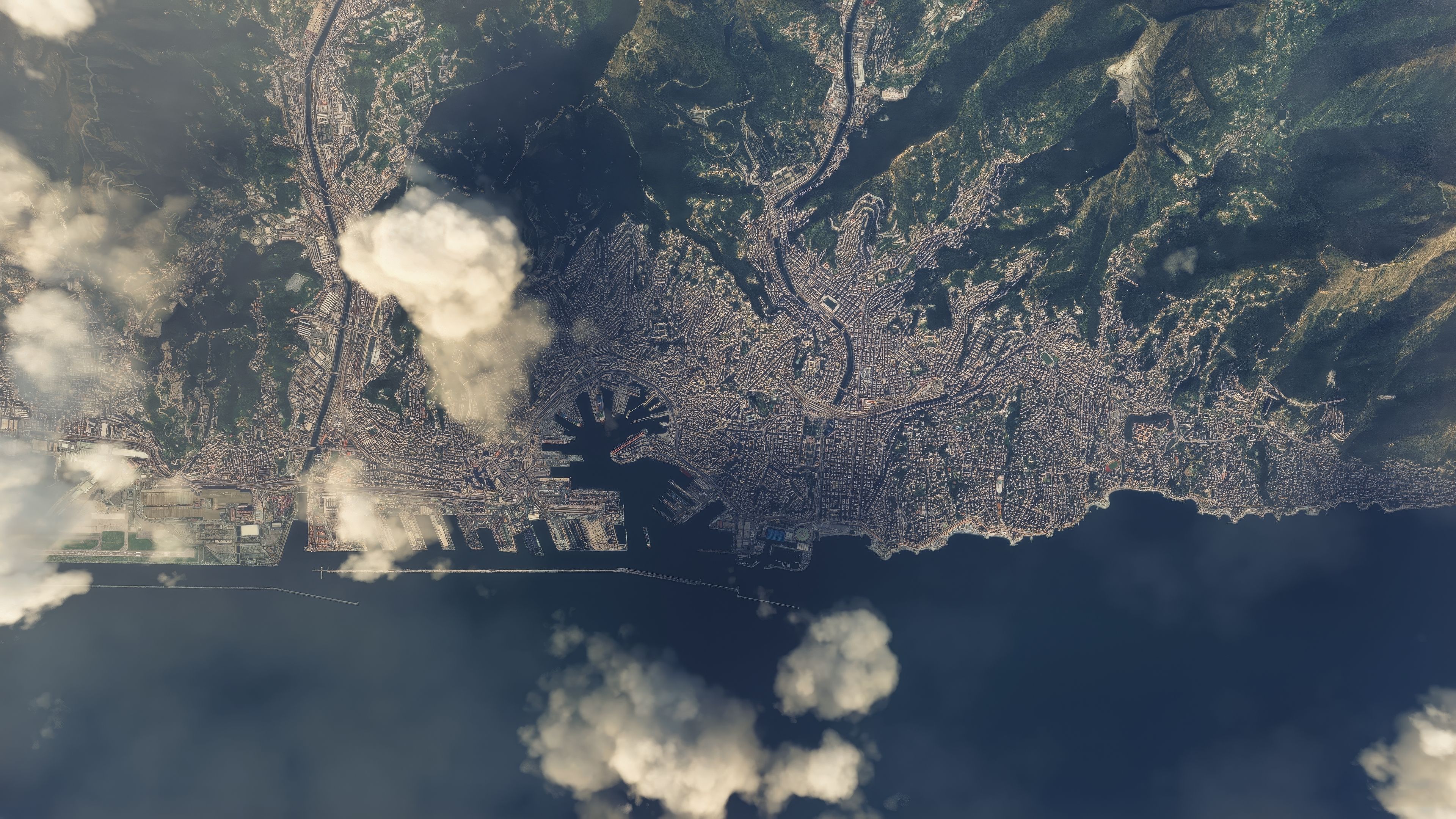
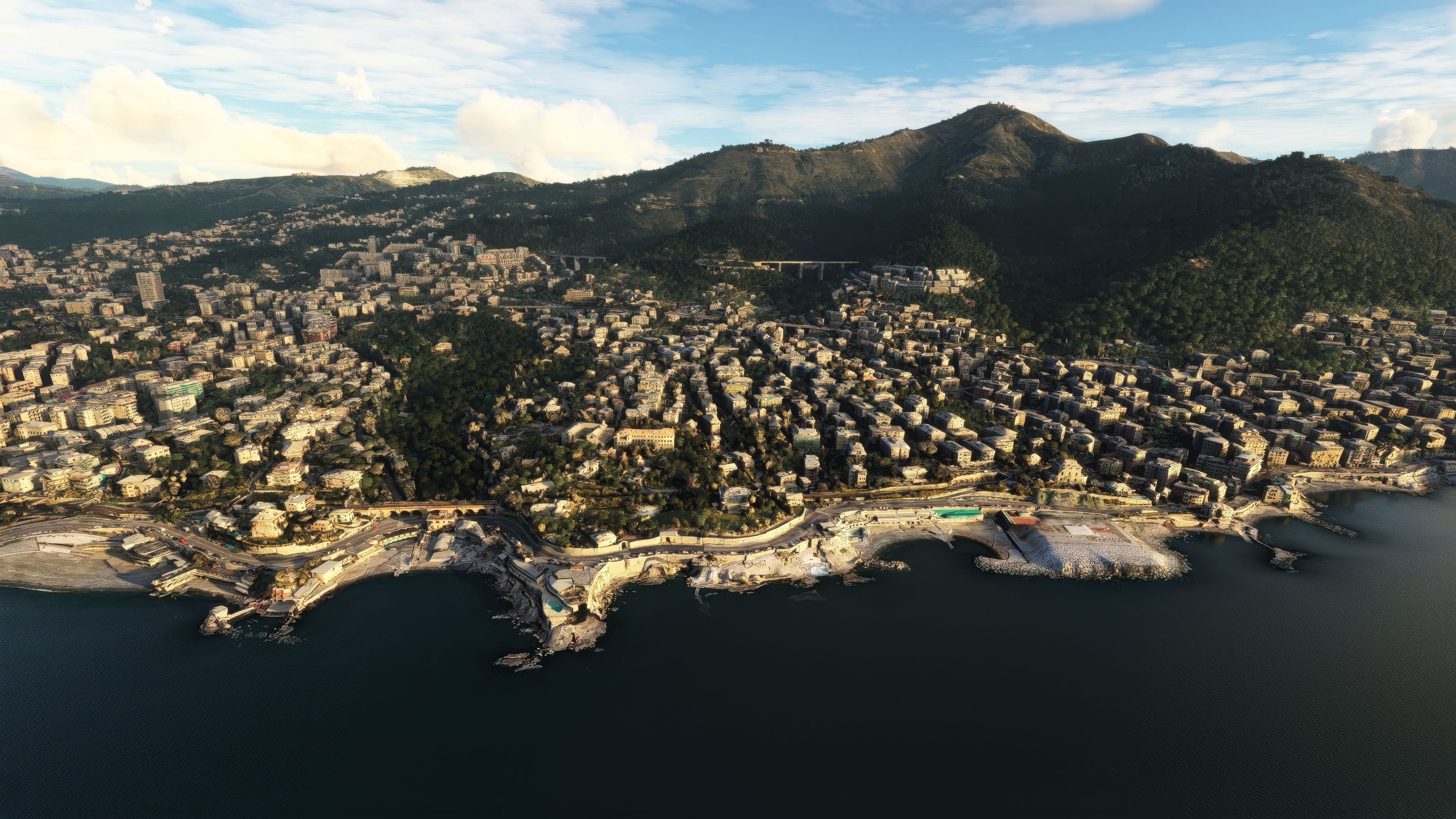
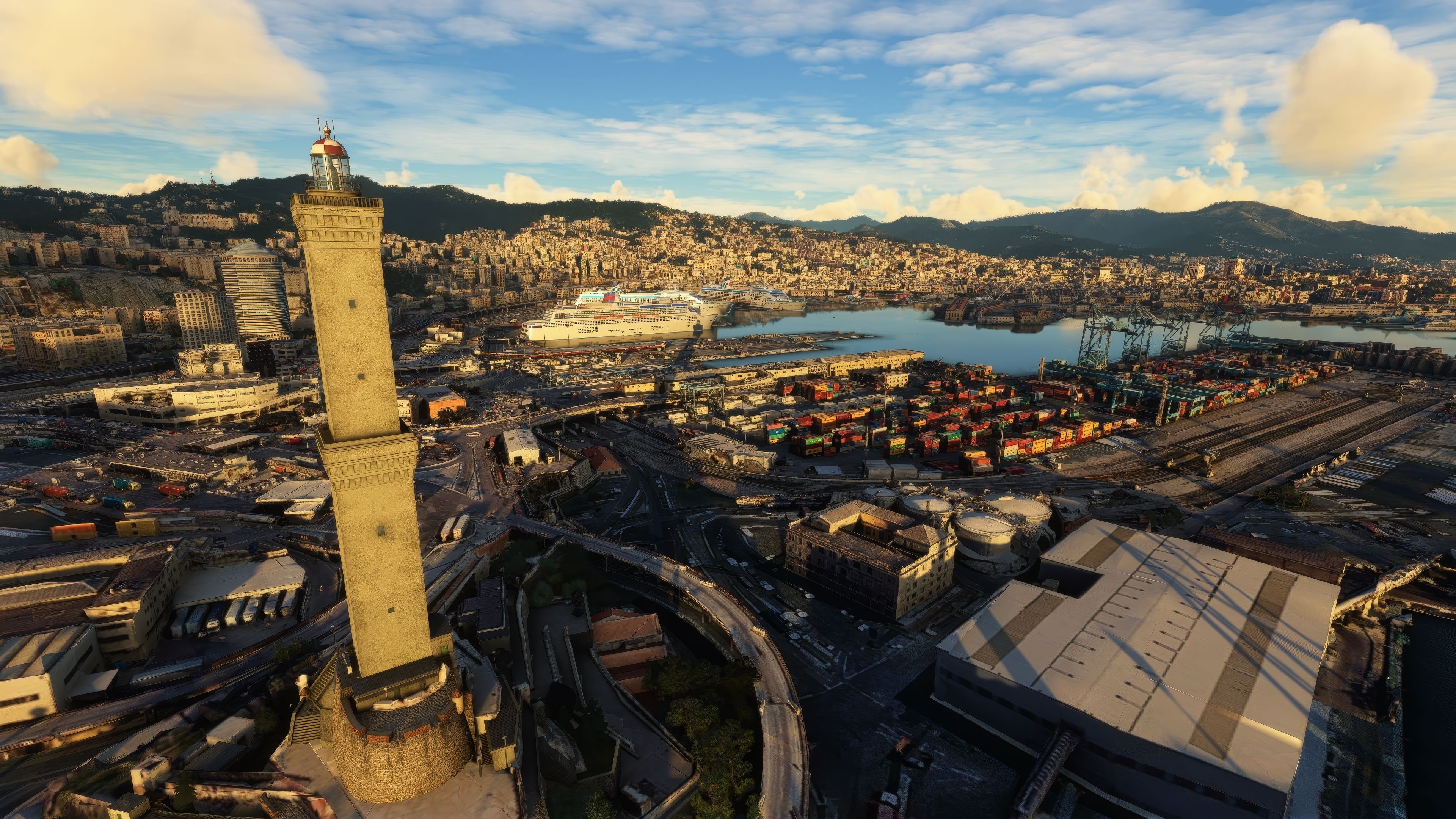
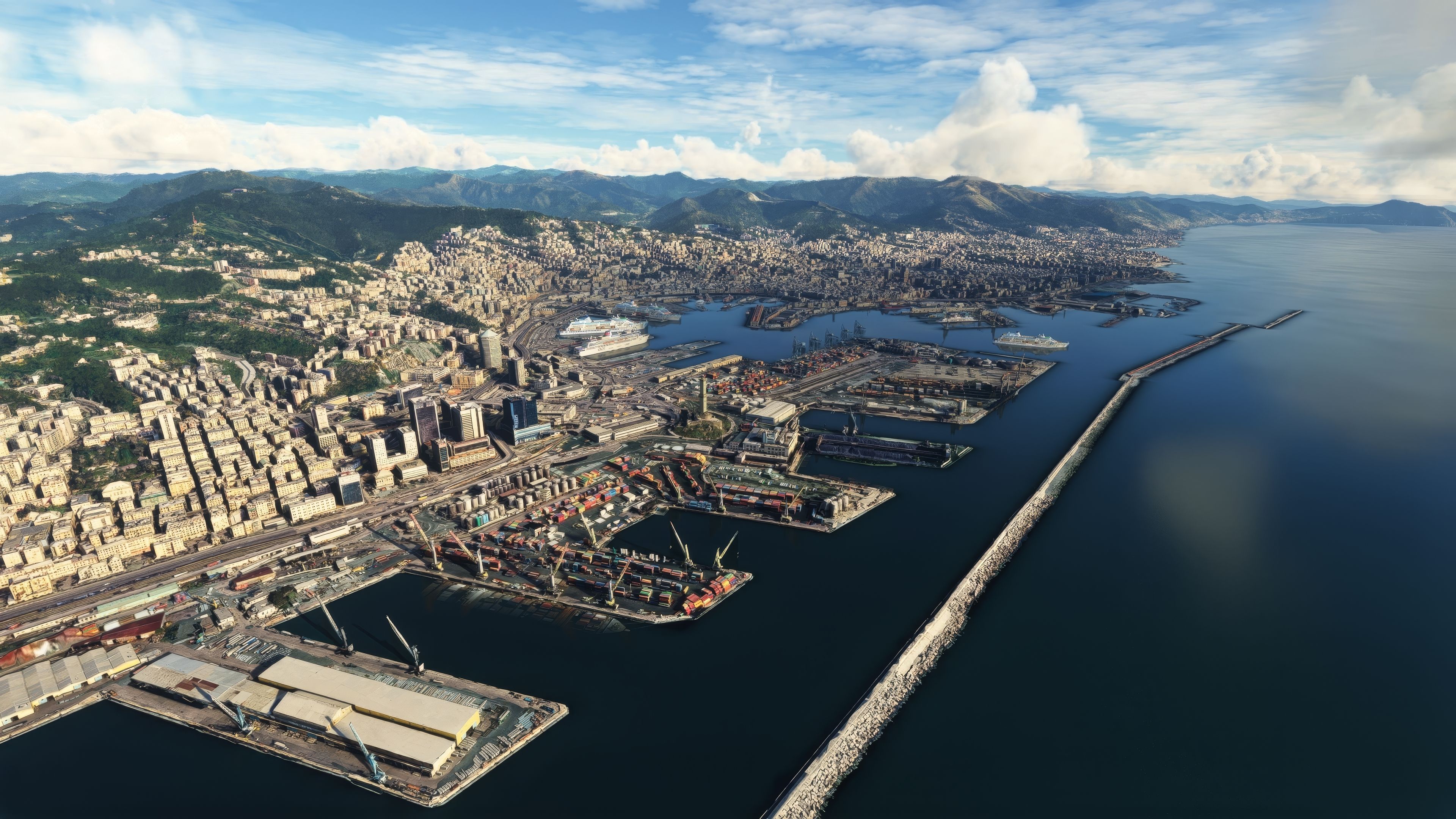
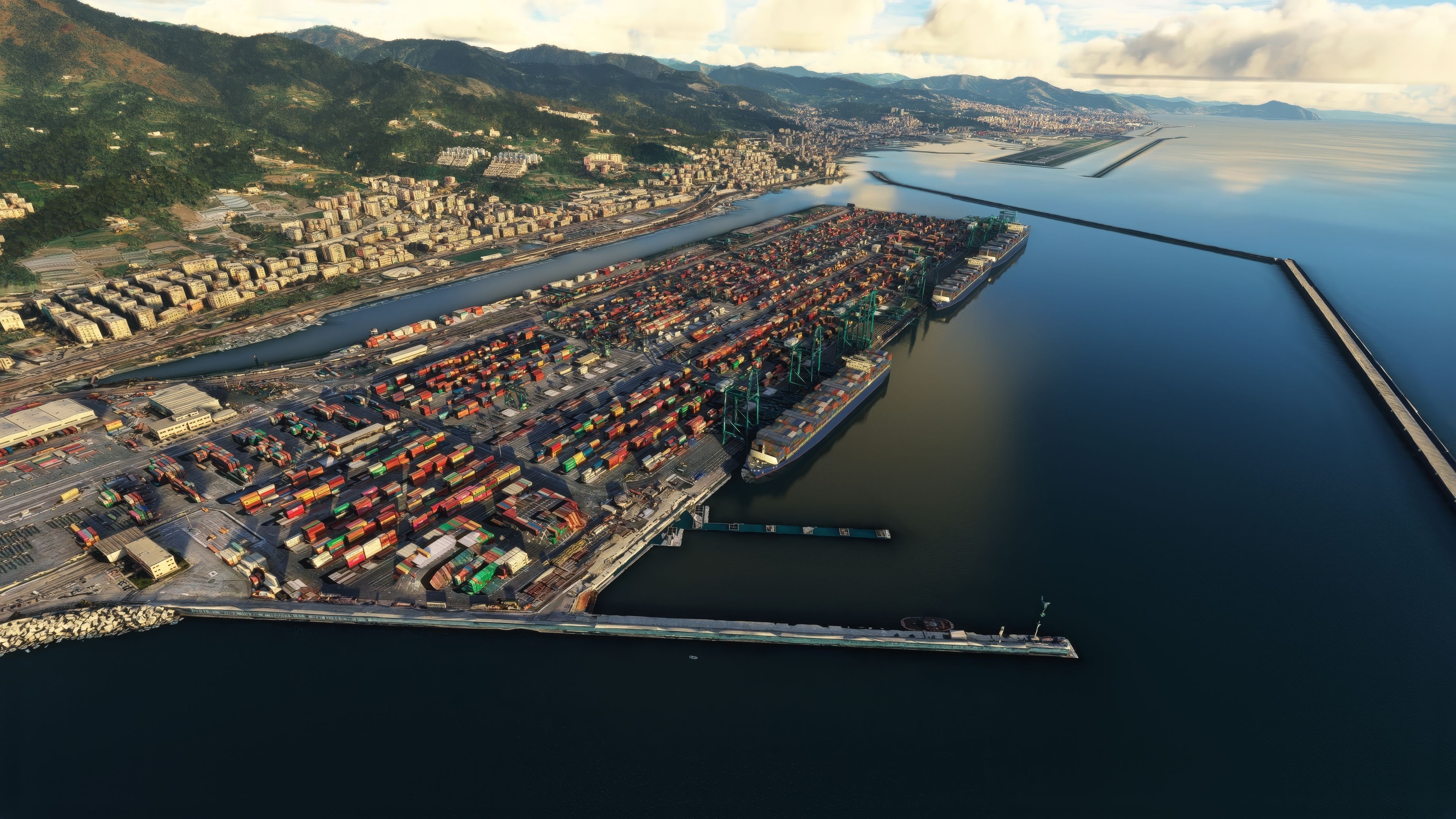

The MSFS Genoa Photogrammetry Scenery offers an impressively detailed and lifelike rendition of Genoa, transforming your simulator environment with true-to-life coastlines, architecture, and topography. By leveraging advanced photogrammetry techniques and exploiting rich terrestrial data modeling, the mod brings you closer than ever to the vibrant maritime history of this iconic Italian port city.
Along with landmarks such as Forte Diamante and Forte Fratello Minore, this freeware enhancement boasts refined color balance and high-resolution textures that make every flight more compelling. Seamless integration with other MSFS add-ons ensures smooth performance, while the city’s characteristic harbor and historical center shine under vivid lighting. In my experience, this mod strikes the perfect balance of realism and performance, making it an essential addition for both casual explorers and serious virtual aviators.
Embark on a visually rich journey over Genoa, the pivotal maritime city in Italy, with the Genoa Photogrammetry Scenery. This freeware add-on for Microsoft Flight Simulator brings to life the intricate textures and real-world topography of Genoa through the cutting-edge technique of photogrammetry.
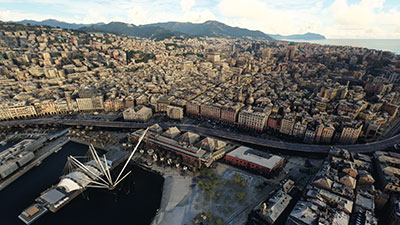 What is Photogrammetry?
Photogrammetry in flight simulation refers to the process of using photographic data to create three-dimensional models of terrain and structures. It ensures a high level of realism, capturing the nuances of the environment. In this add-on, such a detailed approach means that pilots can experience Genoa as if they were truly flying over the city.
Effortlessly integrate this scenery into your MSFS experience. Download the main file and extract the archive and copy the xxxxx folder into the MSFS Community folder. Relish the seamless addition to your virtual skies.
To fully immerse in the Genoa scenery, consider starting or ending your flights at these nearby airports:
The MSFS Genoa Photogrammetry Scenery mod is more than just a scenic addition to your flight simulator. It's a bridge to the rich heritage and captivating landscapes of Genoa, delivered with technological precision and artistic care. As a freeware offering, it stands out as a must-have for both casual flyers and seasoned sim aviators.
Free for all simmers · 4.18 GB · Scanned clean Oct 2026
Download speed: Free tier is capped at 2 Mbps (this file takes approximately 4h 59m at the cap). PRO members download at full line speed.
%LOCALAPPDATA%\Packages\Microsoft.FlightSimulator_8wekyb3d8bbwe\LocalCache\Packages\Community\. Steam version: %APPDATA%\Microsoft Flight Simulator\Packages\Community\. Tip: enable Developer Mode in MSFS to see your exact Community folder path.readme.txt or README file. It tells you exactly where files go, what dependencies are needed, and any quirks specific to this add-on.Thalixte is a developer that has focused on creating photogrammetry and scenery packs for the latest Microsoft Flight Simulator (MSFS) 2020 release. All of this developer's releases have received fantastic feedback from many users on various flight sim websites including Fly Away Simulation.
Based in France, the developer tends to focus on creation of European packs however some "further afield" packs have also been created.
Are you Thalixte? Sign in to Fly Away Creators for download stats, comment replies and updates. Make add-ons? Publish them here.
Only PRO members can place votes.
More MSFS add-ons hand-picked based on this download.
MSFS Scenery
Immerse yourself in the stunningly recreated Gibraltar region in Microsoft Fl…
 MSFS Scenery
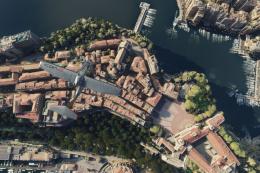
The MSFS Monaco Photogrammetry Scenery mod is an intricate addition to Micros…
 MSFS Scenery
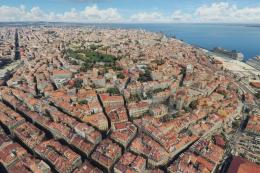
Embark on a visually stunning exploration with the Lisbon Photogrammetry Scen…
 MSFS Scenery
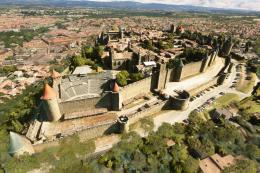
Step into a world of historical authenticity and stunning detail with the Car…
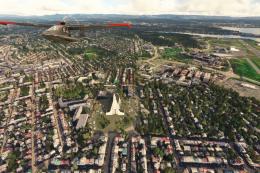 MSFS Scenery
Immerse yourself in the rugged beauty of Iceland's capital with the Reykjavik…
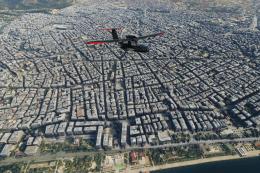 MSFS Scenery
Immerse yourself in the historic charm and breathtaking landscapes of Greece'…
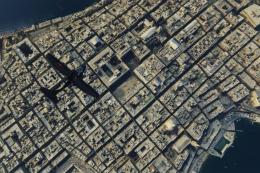 MSFS Scenery
Immerse yourself in the historical and architectural splendor of Valletta, th…
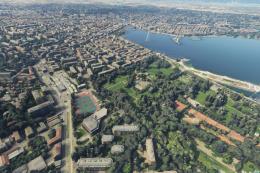 MSFS Scenery
Delve into the heart of Europe with the Geneva City Photogrammetry Scenery, a…
Read what other simmers think, or add your own. The developer replies here.


How does one add a location into the Community folder without overwriting the .json files that you already have from another add-on?
Is only one location allowed at a time?
Thanks for your kind attention.

Thank you, guys, for this free download. I have been searching for this one all year.