



 Portugal


 MSFS Scenery
Lisbon, Portugal Mega Pack
A massive freeware mega pack containing vast upgrades of the scenery includin…
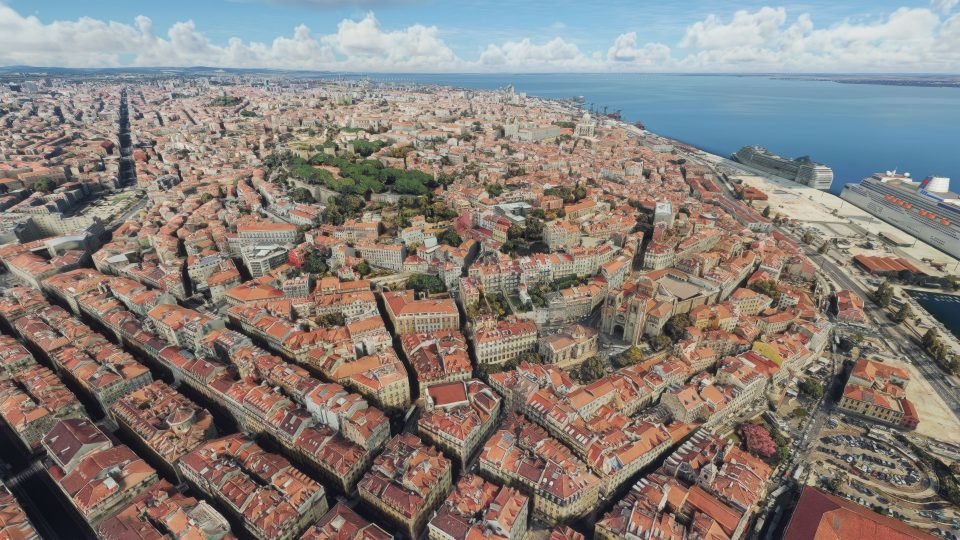
Lisbon’s skyline and waterfront come alive with high-fidelity photogrammetry, delivering accurate 3D buildings, terrain, and landmark detail for immersive city overflights and VFR navigation in Microsoft Flight Simulator. It requires Lisboa Megapack v2.0 and includes tuned colliders and corrected tile placement to improve smoothness and stability.

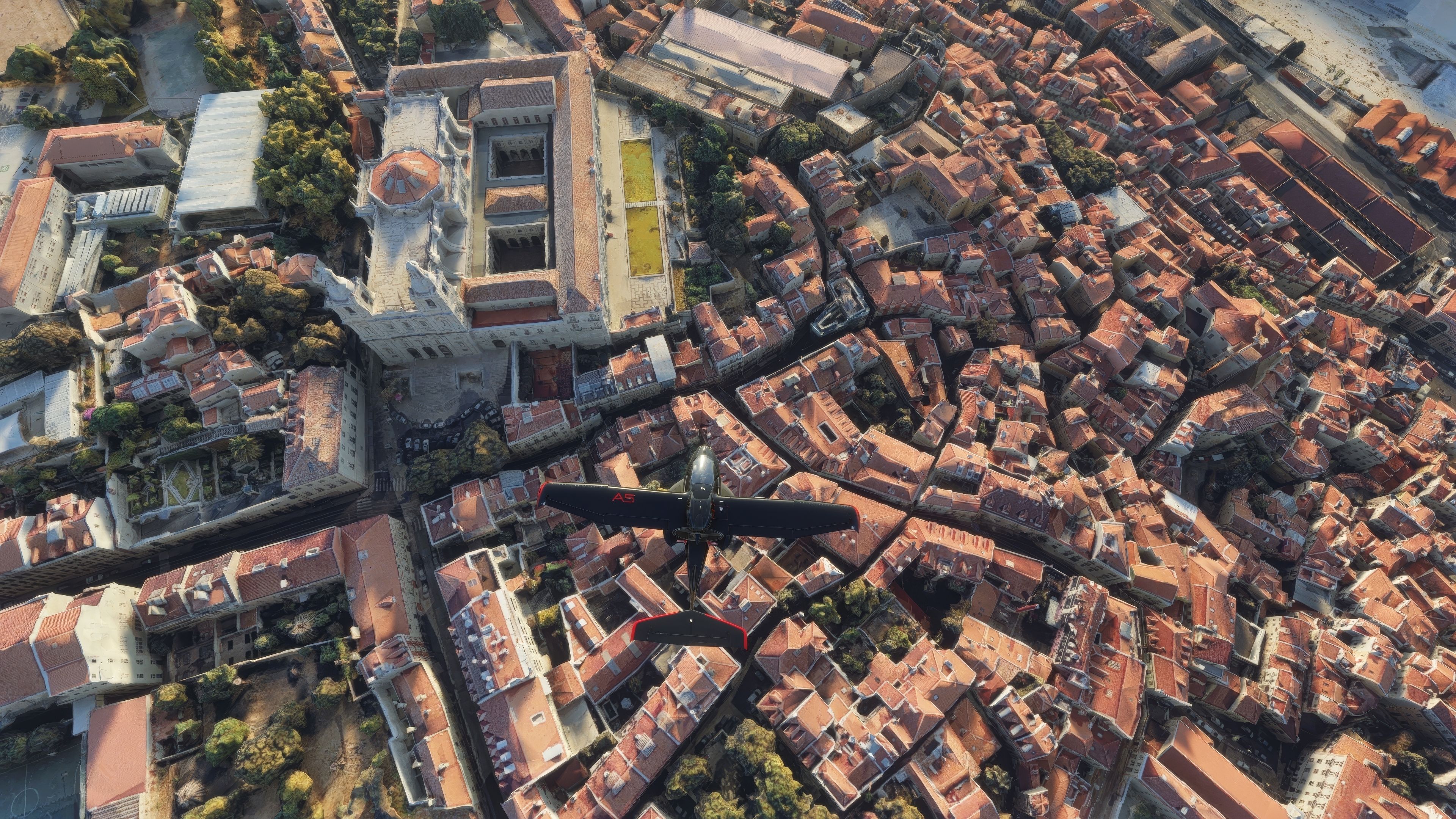

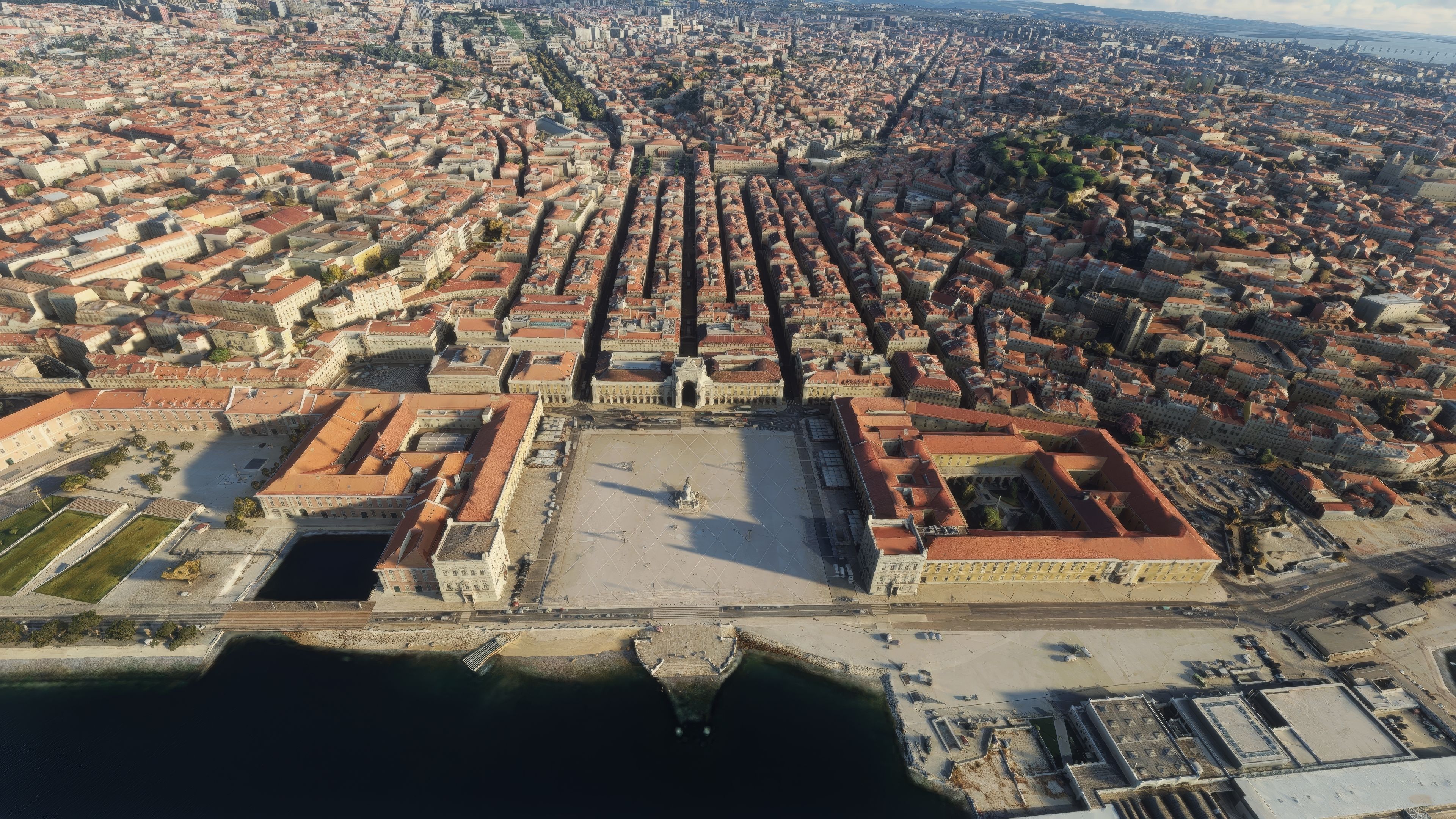
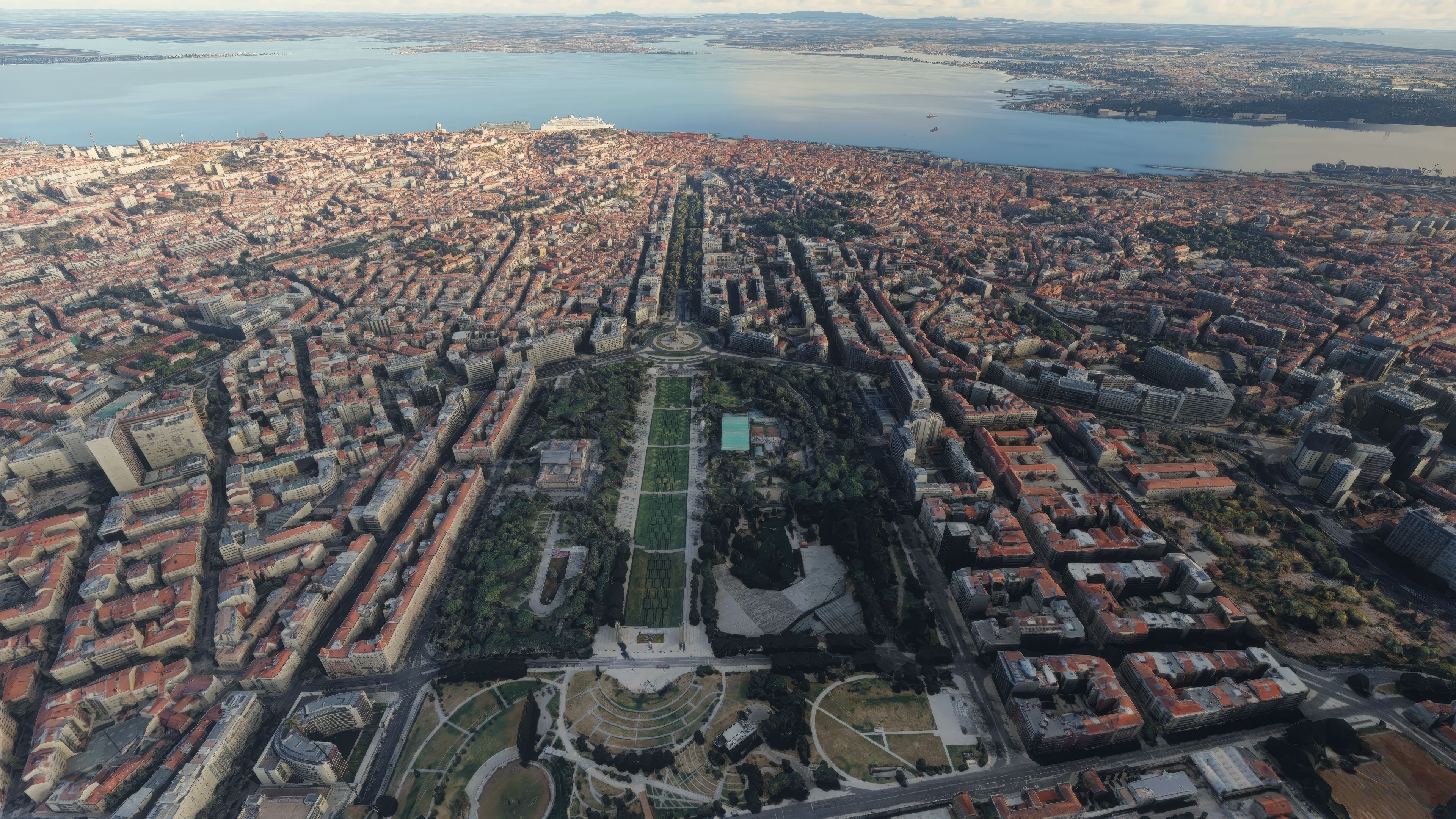
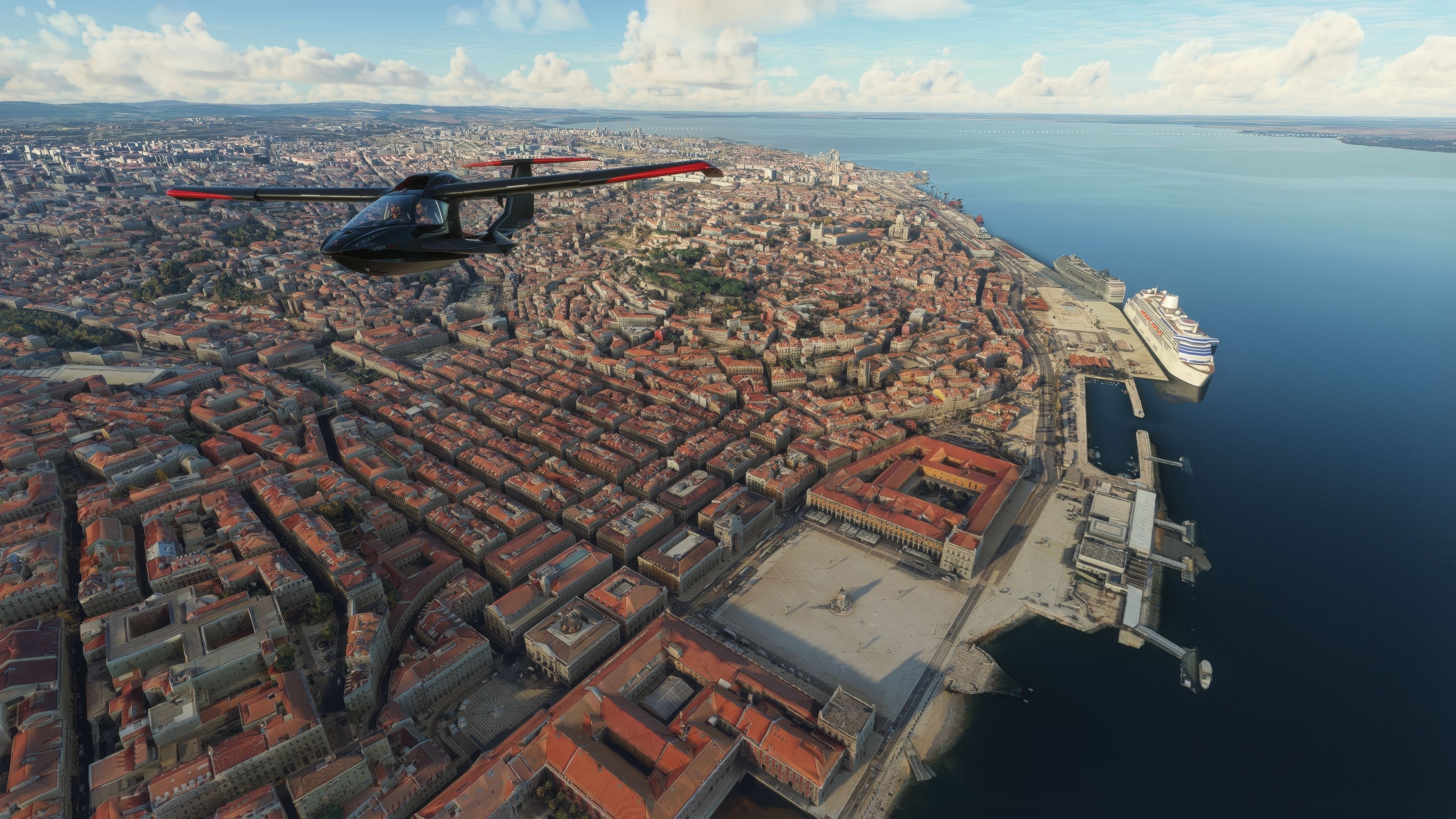

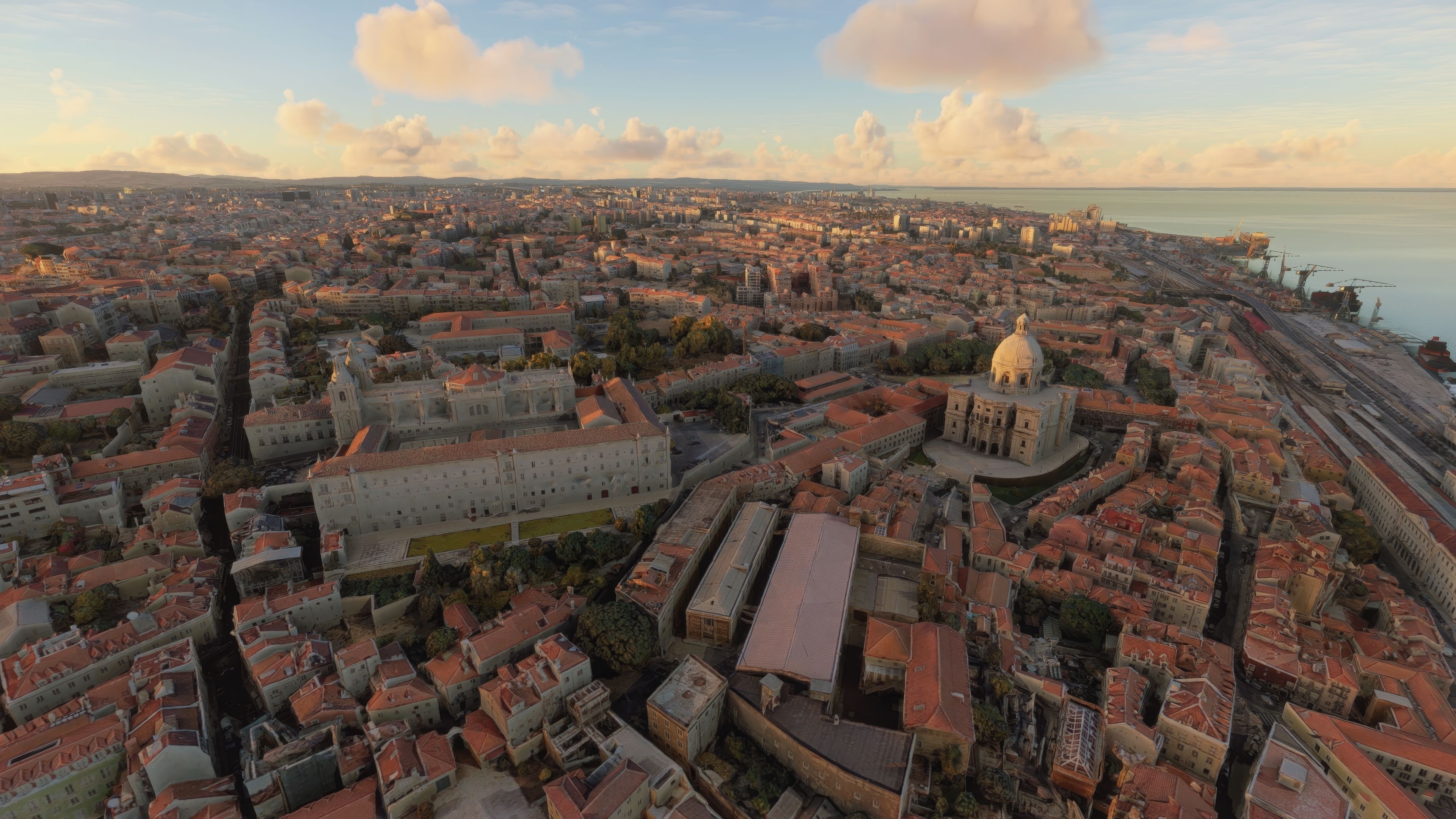

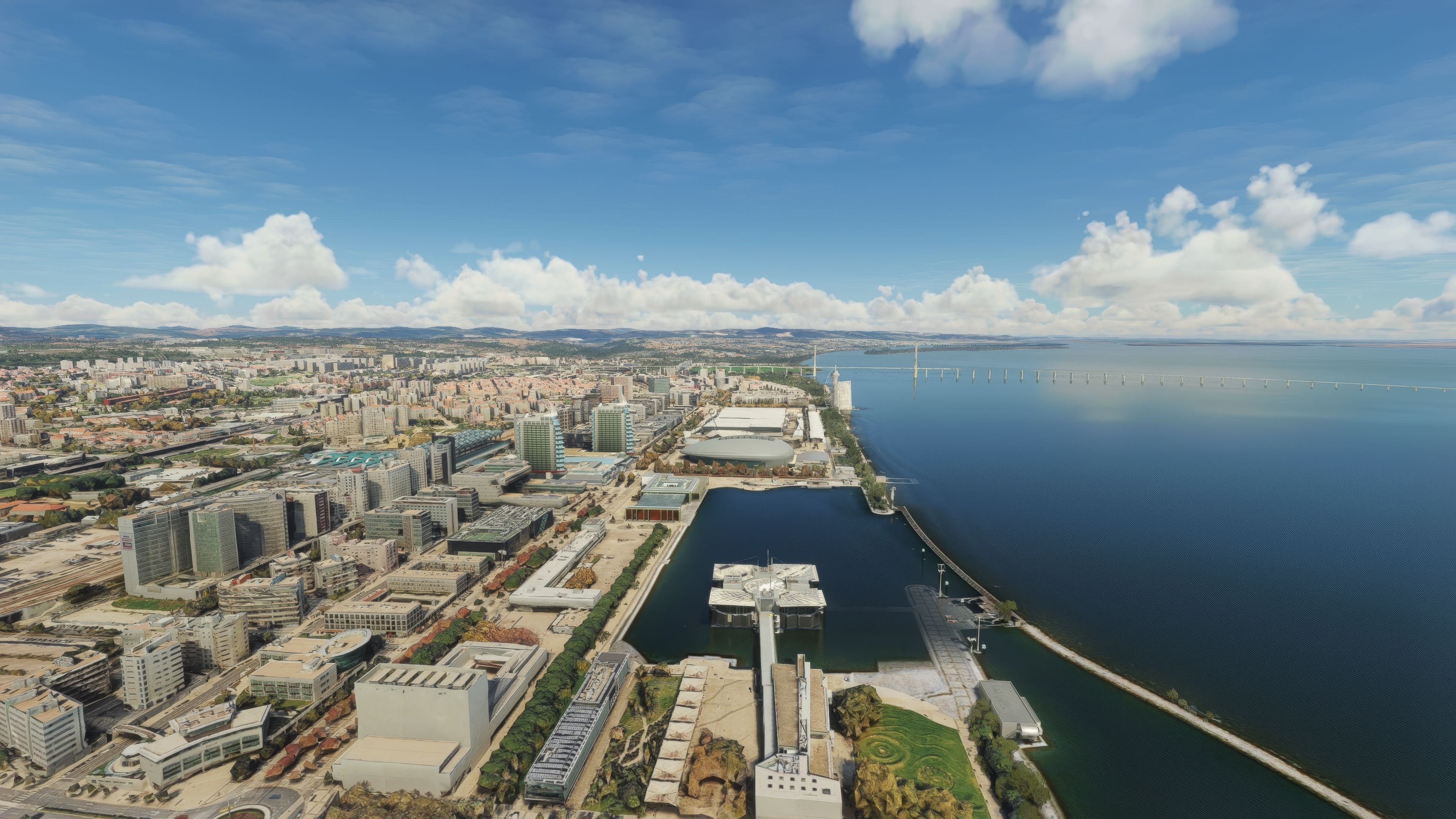

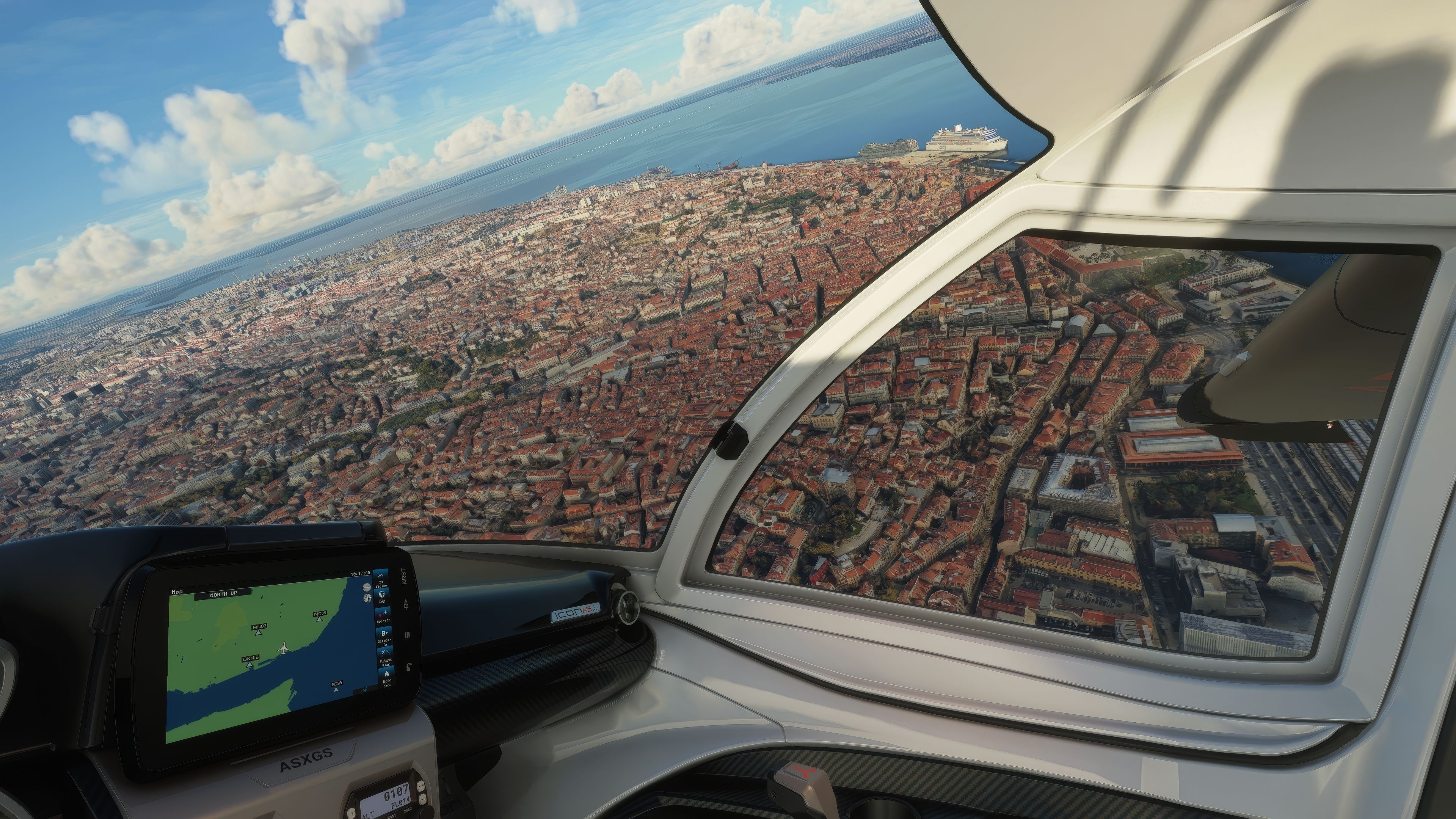

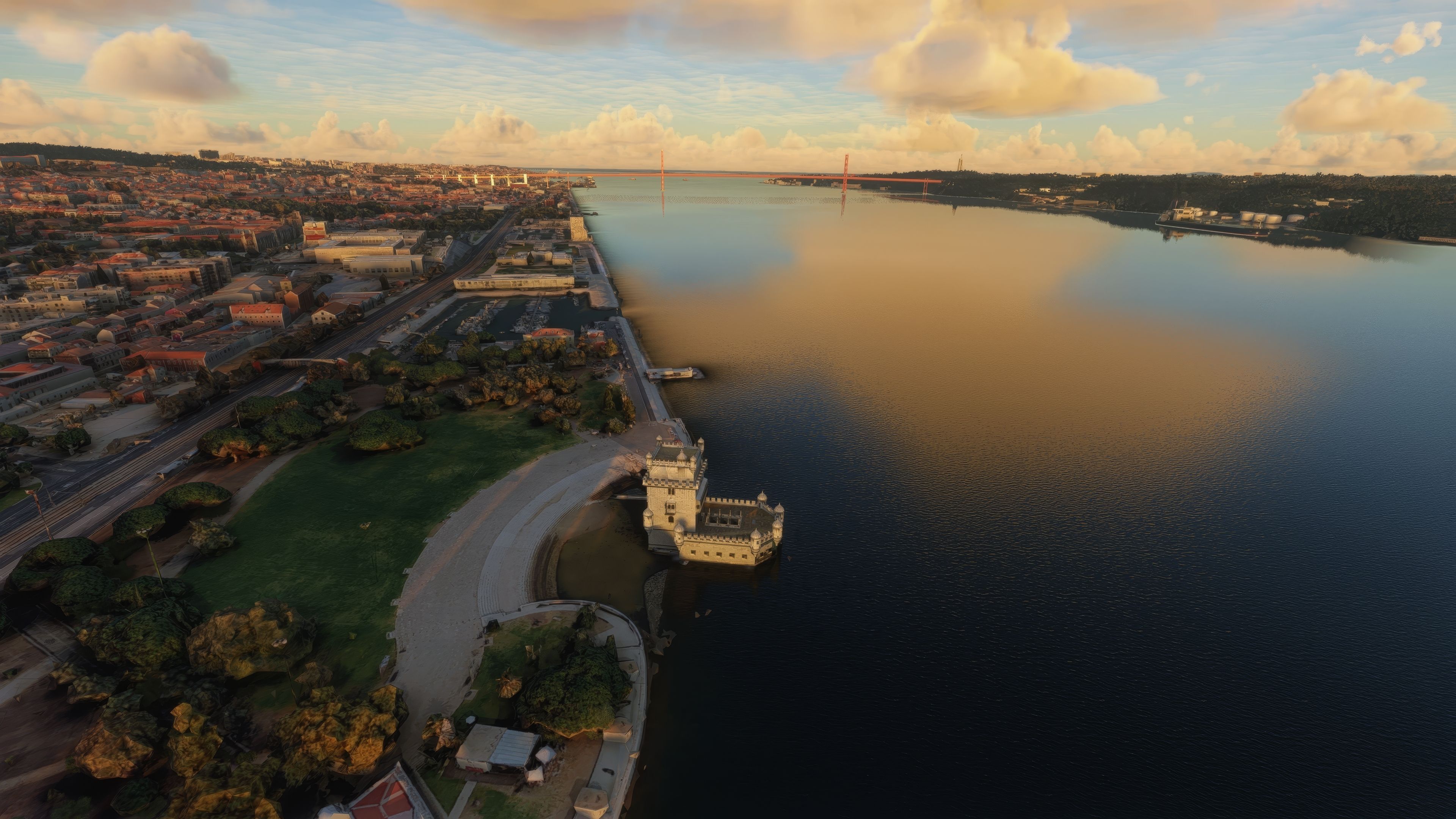
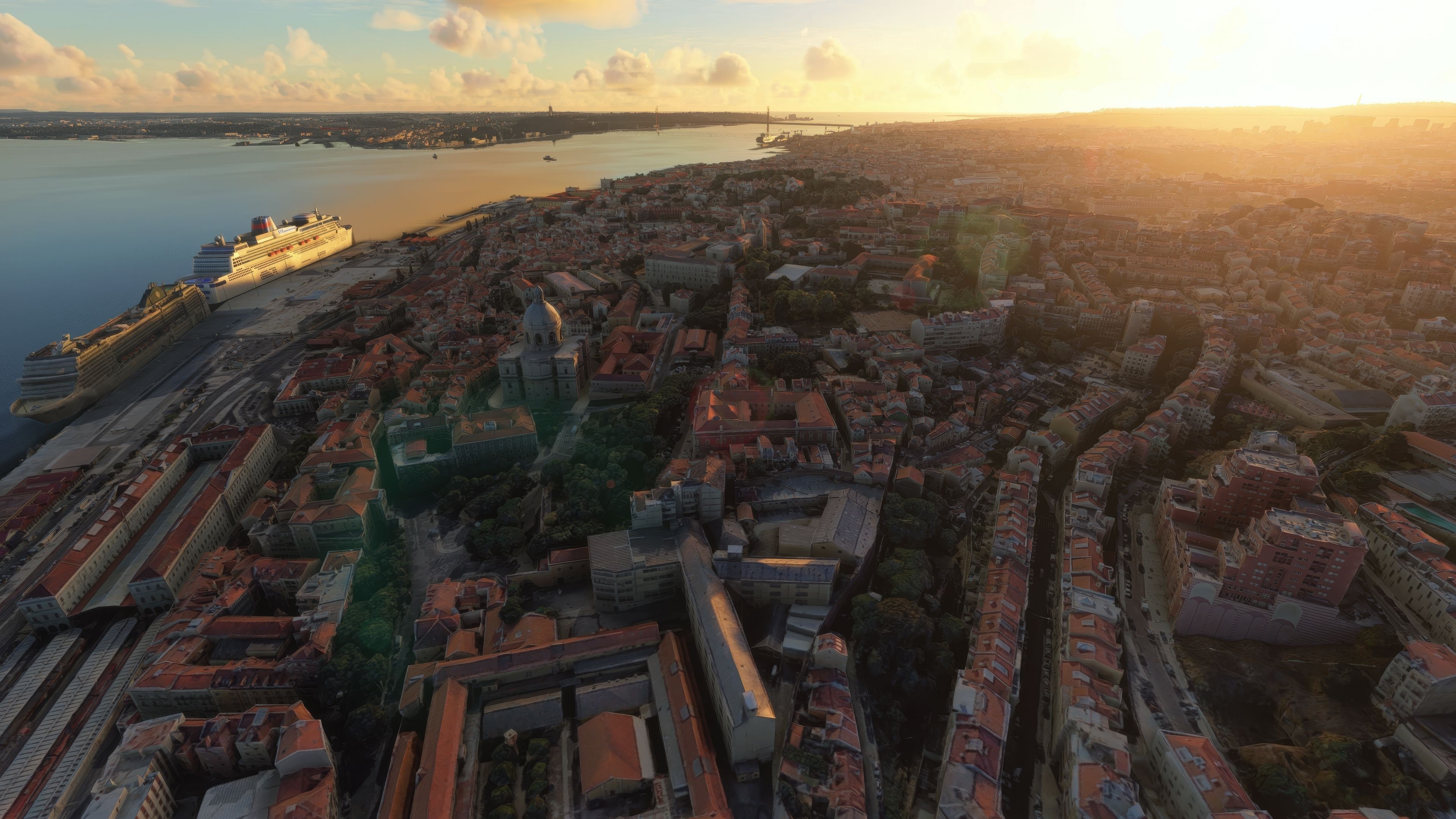

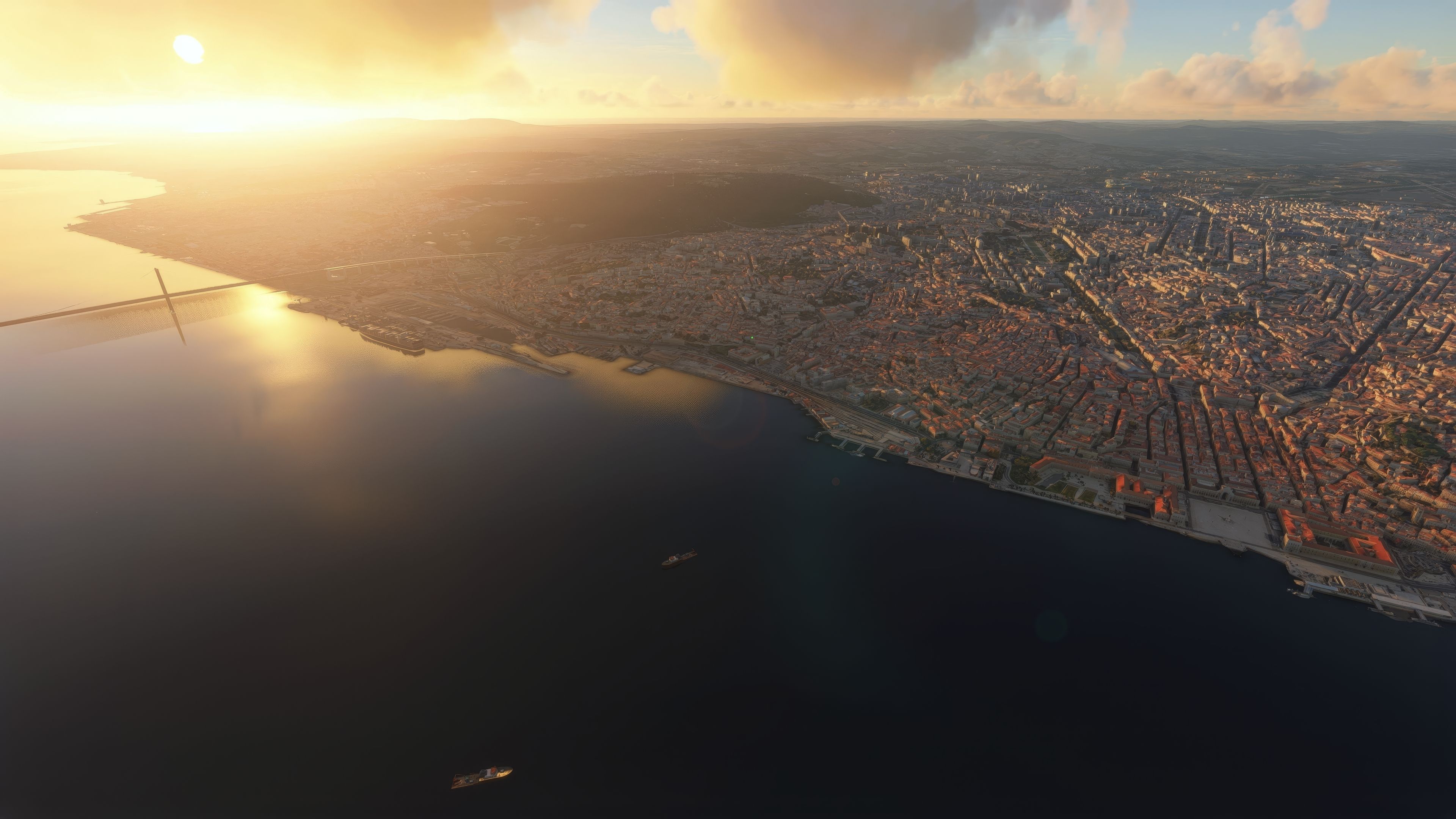
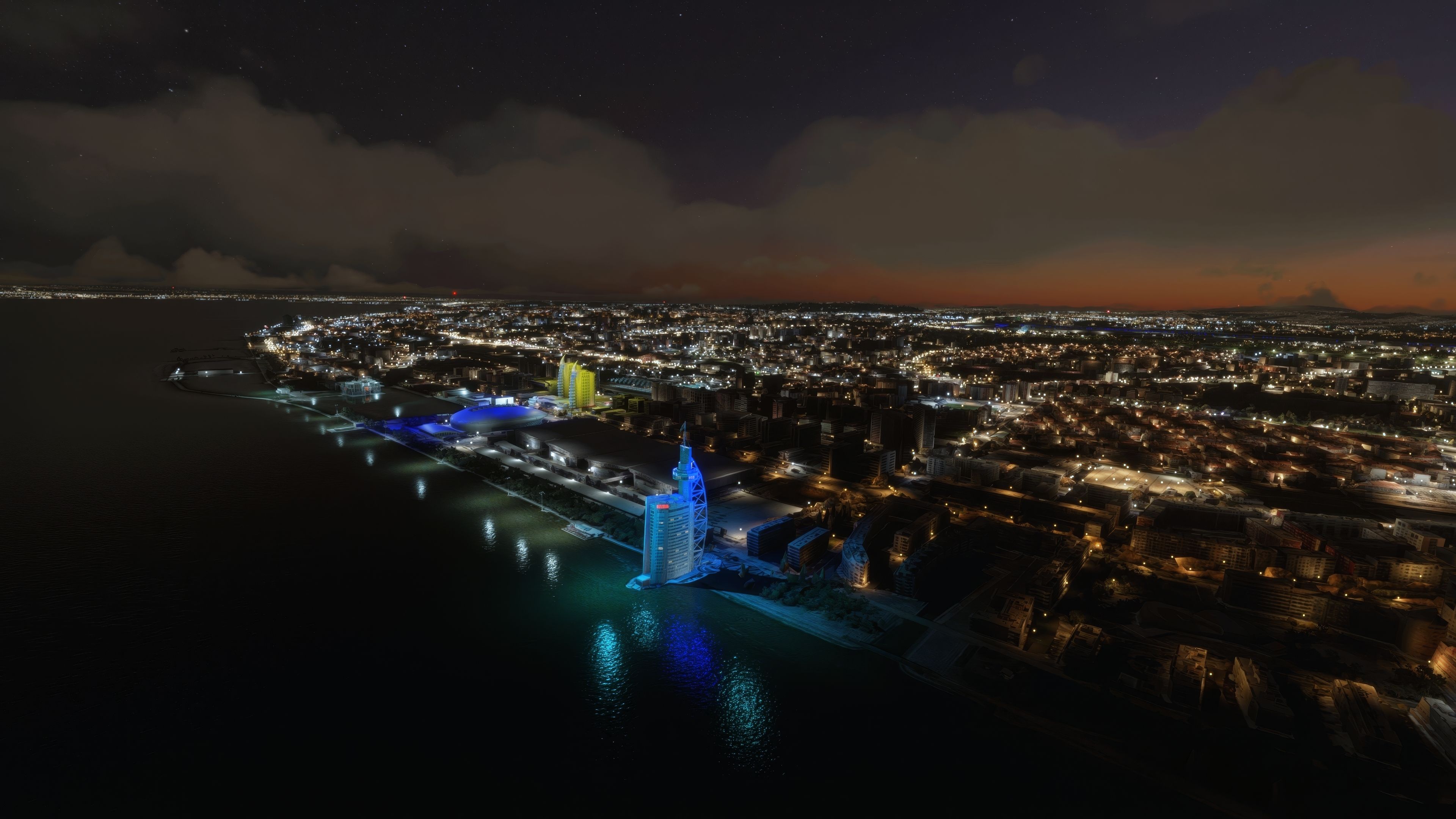

Lisbon Photogrammetry Scenery brings a beautifully detailed recreation of Portugal’s capital right into Microsoft Flight Simulator. By leveraging next-generation photogrammetry and seamless integration with the Lisboa Megapack v2.0, it accurately reflects the unique architecture and coastal charm of Lisbon’s historic districts. From soaring over the cityscape to skirting along the River Tagus, every flight feels like an authentic tour of this bustling metropolis.
Having tested it extensively, I’ve been impressed by its optimized performance and precise three-dimensional modeling, which capture everything from famous landmarks to the subtle contours of city streets. The added authenticity enriches both VFR exploration and IFR approaches, especially around Humberto Delgado Airport or Cascais Aerodrome. Overall, this scenery is a fantastic way to experience Lisbon’s timeless allure while enjoying a smooth flight simulation experience.
Embark on a visually stunning exploration with the Lisbon Photogrammetry Scenery, a meticulously crafted add-on for the avid flight simulator enthusiast. Offering an intricate recreation of Lisbon, Portugal's vibrant capital, this add-on brings a layer of realism and authenticity to your virtual flights over this historic city.
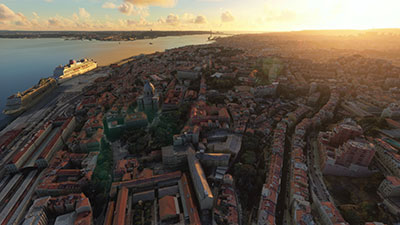 Overview of the Add-On
Developed with high-fidelity photogrammetry, this add-on encapsulates Lisbon's unique architecture and geographical setting. It's important to note that this scenery requires the Lisboa Megapack v2.0 as a foundation. By harnessing the power of cutting-edge technologies, the scenery injects life into the MSFS experience, offering pilots an opportunity to navigate Lisbon's skies with unprecedented realism.
The Lisbon Photogrammetry Scenery captures the essence of one of Europe's most storied capitals. From the picturesque River Tagus to the historic architecture dotting the city, every flight offers a journey through time and culture. Its geographical coordinates, 38° 43? 30.96? N, 9° 9? 0.07? W, lead you straight to the heart of the city.
To fully experience the scenery, consider starting or ending your flight at these nearby airports:
Installation follows a straightforward process, requiring the prior installation of the Lisboa Megapack v2.0. Once extracted and installed the scenery megapack, copy the xxxxx folder into your MSFS Community folder. Credits for this scenery go to Google for 3D representations and the creators of the Google Earth Decoder tool and the colors light pack, alongside the permissions granted by Camiba for the Lisboa megapack.
In summary, the MSFS Lisbon Photogrammetry Scenery brings an immersive and detailed experience to Microsoft Flight Simulator. Its precise representation of Lisbon, coupled with performance optimizations, makes it an essential addition for flight simulation enthusiasts seeking to explore Portugal's captivating capital.
Free for all simmers · 3.86 GB · Scanned clean Oct 2026
Download speed: Free tier is capped at 2 Mbps (this file takes approximately 4h 36m at the cap). PRO members download at full line speed.
%LOCALAPPDATA%\Packages\Microsoft.FlightSimulator_8wekyb3d8bbwe\LocalCache\Packages\Community\. Steam version: %APPDATA%\Microsoft Flight Simulator\Packages\Community\. Tip: enable Developer Mode in MSFS to see your exact Community folder path.readme.txt or README file. It tells you exactly where files go, what dependencies are needed, and any quirks specific to this add-on.Thalixte is a developer that has focused on creating photogrammetry and scenery packs for the latest Microsoft Flight Simulator (MSFS) 2020 release. All of this developer's releases have received fantastic feedback from many users on various flight sim websites including Fly Away Simulation.
Based in France, the developer tends to focus on creation of European packs however some "further afield" packs have also been created.
Are you Thalixte? Sign in to Fly Away Creators for download stats, comment replies and updates. Make add-ons? Publish them here.
Only PRO members can place votes.
More MSFS add-ons hand-picked based on this download.
MSFS Scenery
A massive freeware mega pack containing vast upgrades of the scenery includin…
 MSFS Scenery
Immerse yourself in the stunningly recreated Gibraltar region in Microsoft Fl…
 MSFS Scenery
The MSFS Monaco Photogrammetry Scenery mod is an intricate addition to Micros…
 MSFS Scenery
Step into a world of historical authenticity and stunning detail with the Car…
 MSFS Scenery
Immerse yourself in the rugged beauty of Iceland's capital with the Reykjavik…
 MSFS Scenery
Immerse yourself in the historic charm and breathtaking landscapes of Greece'…
 MSFS Scenery
Embark on a visually rich journey over Genoa, the pivotal maritime city in It…
 MSFS Scenery
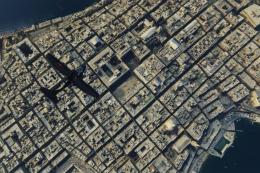
Immerse yourself in the historical and architectural splendor of Valletta, th…
Read what other simmers think, or add your own.

Great work on Lisbon Photogrammetry Scenery; however, Amoreiras towers (on final rwy02) are missing. Thanks.

Hello. I checked your incredible work with photogrammetry in cities and I would like to ask you a question.
In case of photogrammetry—for example, Lisboa—is it compatible with the MSFS default photogrammetry as a part of the world updates? Thank you.