


 MSFS Utilities & Tools
Fronsky EFB - Electronic Flight Bag for PC and iPad
Fronsky EFB runs alongside Microsoft Flight Simulator 2020 and Microsoft Flig…
CheckRide records and grades flights in Microsoft Flight Simulator 2020 and 2024, offering spoken coaching, practical-test tasks, FAA and airline grading standards, and detailed debriefs. It requires Windows 10 or 11 and combines flight replay, a logbook, certificates, SimBrief flight-plan checks and a VR-compatible toolbar, with optional AI support and assessments covering flight discipline, maneuvers and landings.
 Rate
 By ClearedtoCode
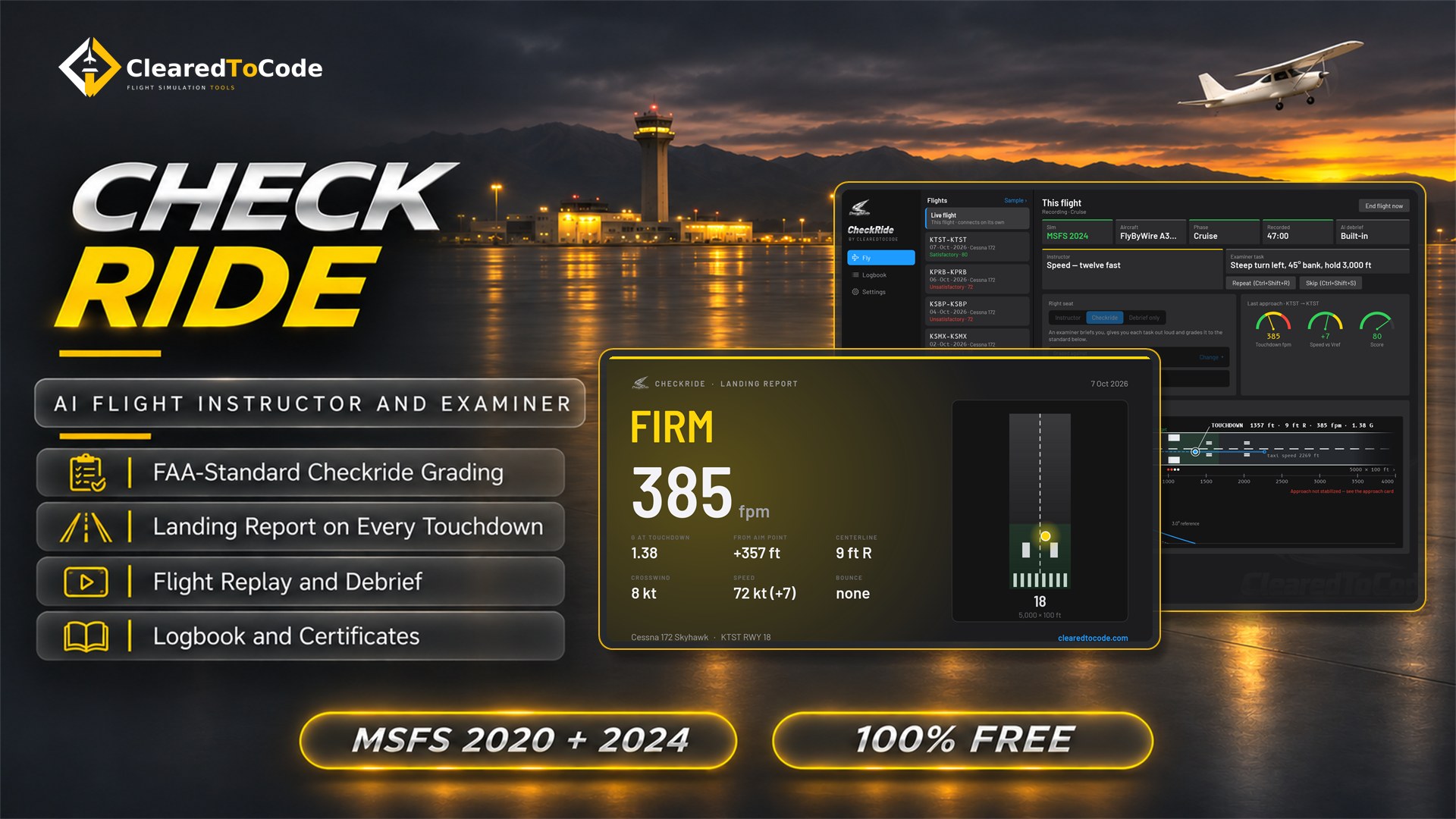

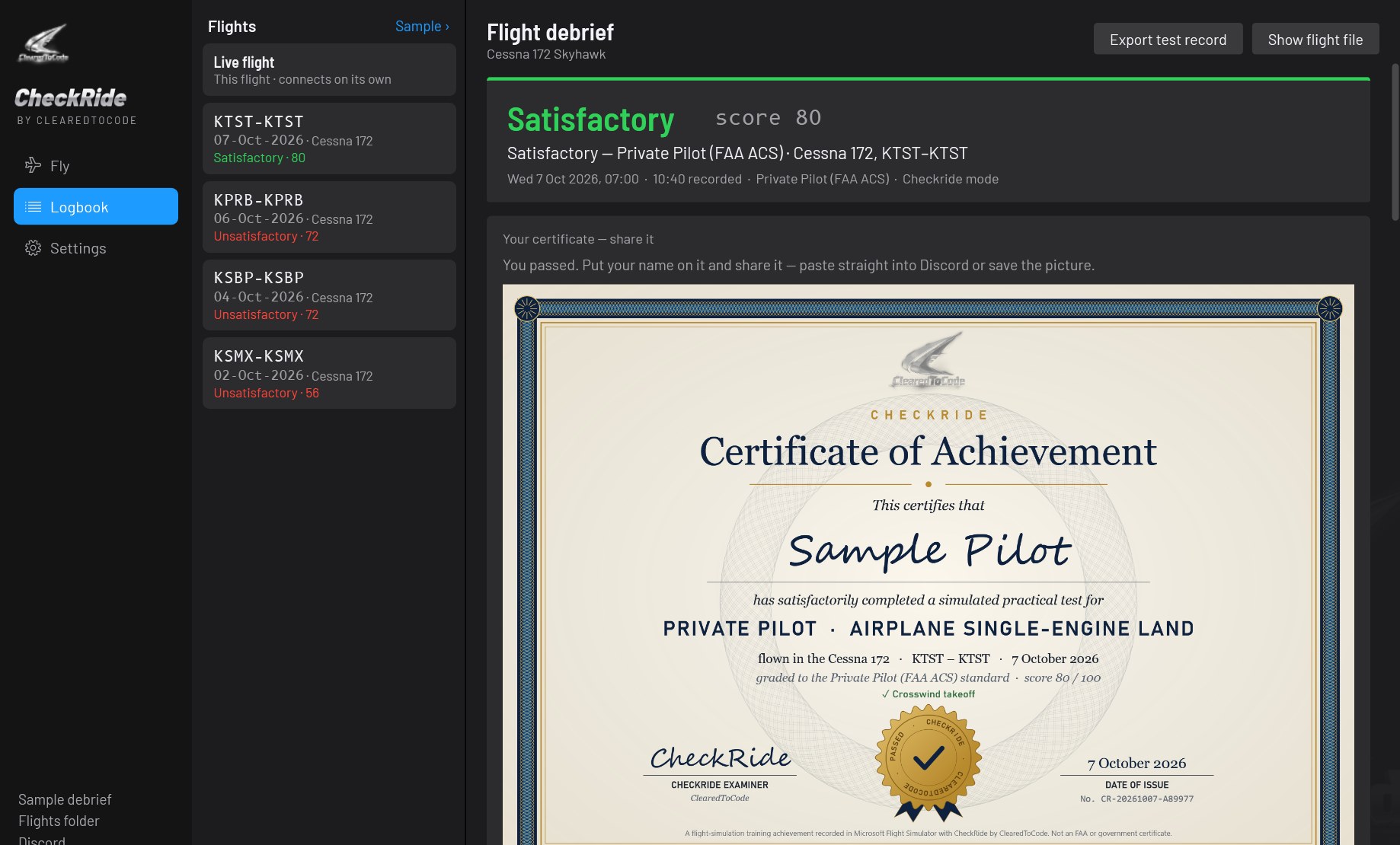
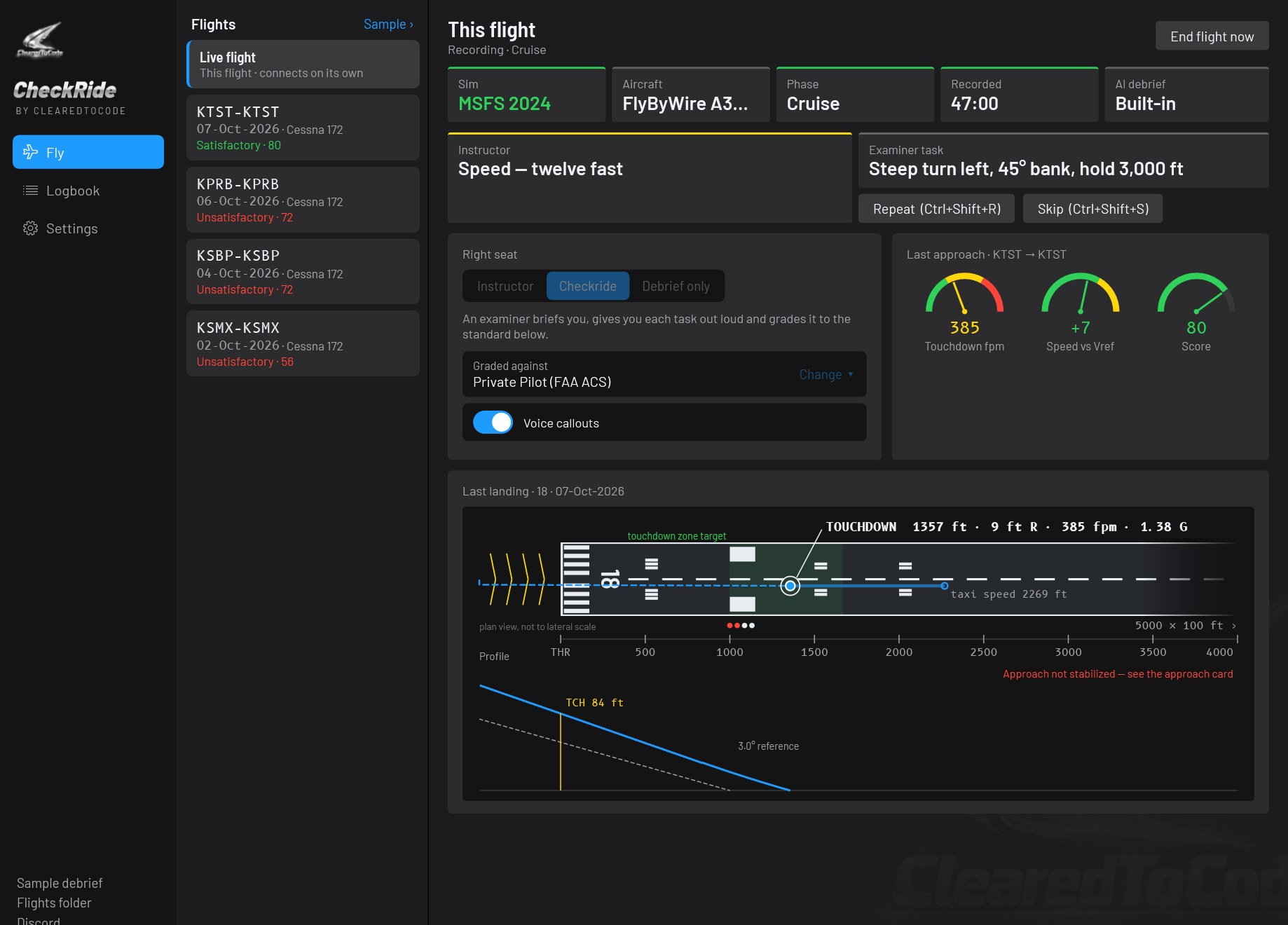
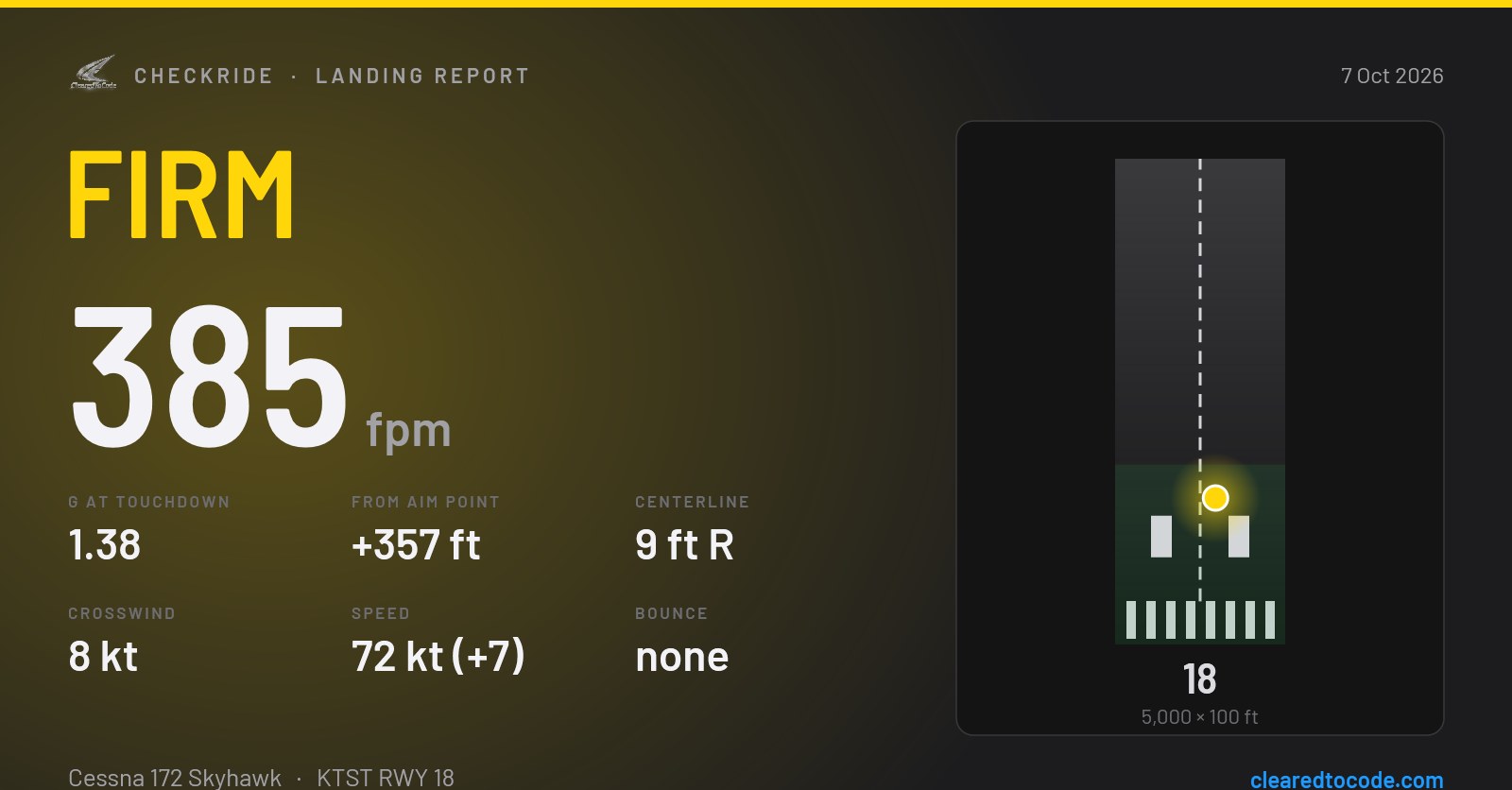

My question was whether CheckRide would give me anything useful beyond a touchdown rate. It did: touchdown position relative to the runway, float, bounce and crab all count. I care about those because a soft arrival can still be a poor landing if I've used too much runway getting there. Stabilized-approach gates give me another reason not to judge the flight by the flare alone.
After parking and shutting down, I waited the 30 seconds for the debrief, then checked where I'd touched down rather than stopping at the landing-rate figure. The runway plot puts the touchdown marker against the target zone, with an approach profile beneath it. That's a useful pairing. I'd rather see where the approach went than try to reconstruct it from a score.
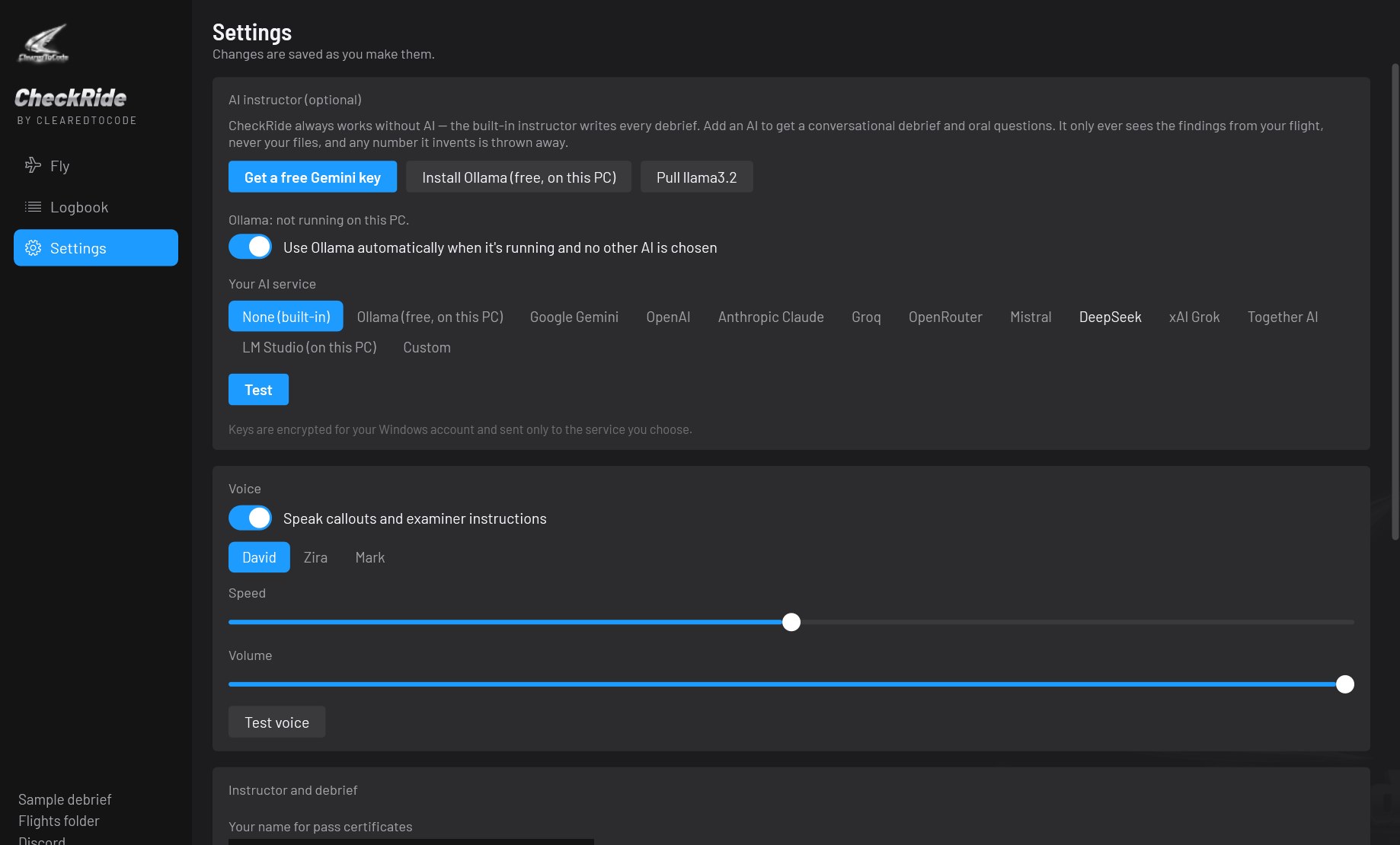
CheckRide records and grades your flights in Microsoft Flight Simulator 2020 and Microsoft Flight Simulator 2024, then breaks down the points in a post-flight debrief. ClearedtoCode’s free instructor and checkride examiner can give spoken coaching or set practical-test tasks. Despite the name, AI is optional; the utility works fully without it.
Load a flight and fly. ClearedtoCode recommends starting cold and dark at a parking spot. Recording begins automatically when you start the engine; park and shut down afterward, and the debrief opens 30 seconds later. Pass a checkride and CheckRide issues a certificate with your name on it.
Flights are sampled 20 times a second and divided into taxi, takeoff, climb, cruise, descent, approach, final, flare and rollout. CheckRide also recognizes go-arounds, touch-and-goes and holds. Flight replay, a logbook and certificates let you review the results afterward.
You can choose Coach, FAA Private Pilot, Instrument Rating, Commercial Pilot, ATP / Type Rating with ACS tolerances, or Airline SOP standards. ACS refers to the FAA’s Airman Certification Standards, the framework used for practical tests.
Instructor mode gives short spoken callouts as you fly. In Checkride mode, an examiner briefs you, announces each task aloud and grades it. Tasks include steep turns, slow flight, stalls, engine failure, approaches and holds.
An in-sim toolbar panel supports VR use, and the hotkeys work while MSFS is in the foreground.
CheckRide requires Windows 10/11. Run ClearedToCode CheckRide Setup.exe from the ZIP and follow the setup steps.
The installer isn't code-signed yet. Windows may display “Windows protected your PC” on the first run; ClearedtoCode’s instructions are to select More info, then Run anyway.
For the optional AI features, you can supply a free Google Gemini key, use a local Ollama model or provide your own AI key. Any free or paid key is the pilot’s own.
Free for all simmers · 71.11 MB · Scanned clean Nov 2026
Download speed: Free tier is capped at 2 Mbps (this file takes approximately 5 mins at the cap). PRO members download at full line speed.
1.5.2: current release, with the in-sim toolbar panel for VR, the type rating ride with a rejected takeoff, and score breakdowns on every debrief.
%LOCALAPPDATA%\Packages\Microsoft.FlightSimulator_8wekyb3d8bbwe\LocalCache\Packages\Community\. Steam version: %APPDATA%\Microsoft Flight Simulator\Packages\Community\. Tip: enable Developer Mode in MSFS to see your exact Community folder path.readme.txt or README file. It tells you exactly where files go, what dependencies are needed, and any quirks specific to this add-on.ClearedToCode is a premium development company for Microsoft Flight Simulator 2020 and 2024. We care about two things: building every product to a high standard, and looking after the people who use them.
Are you ClearedtoCode? Sign in to Fly Away Creators for download stats, comment replies and updates. Make add-ons? Publish them here.
Only PRO members can place votes.
More MSFS add-ons hand-picked based on this download.
MSFS Utilities & Tools
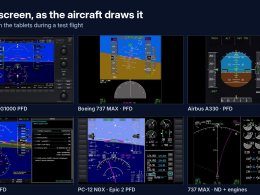
Fronsky EFB runs alongside Microsoft Flight Simulator 2020 and Microsoft Flig…
 MSFS Utilities & Tools
Max Flight Deck Lite sends Microsoft Flight Simulator 2024 cockpit screens to…
 MSFS Utilities & Tools
PERFLIGHT from Innersanctum Studios handles mod selection, flight-service lau…
 MSFS Utilities & Tools
Jetstream gives Microsoft Flight Simulator 2020 and Microsoft Flight Simulato…
 MSFS Utilities & Tools
AeroTuneMFS runs alongside Microsoft Flight Simulator 2020 and Microsoft Flig…
 MSFS Utilities & Tools
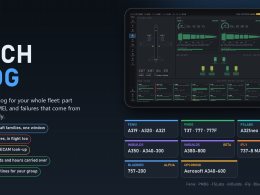
TechLog tracks maintenance, wear and defects across supported airliners in Mi…
 MSFS Utilities & Tools
Vantage lets you watch a flight through airport cameras, automated cinematic …
 MSFS Utilities & Tools
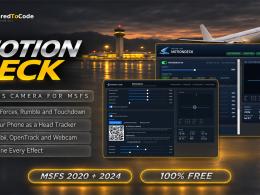
MotionDeck by ClearedtoCode adds a free physics-driven cockpit camera and pho…
Be the first to leave a comment on this download.
Be the first to share your thoughts on this download.