


 Costa Rica

 MSFS Scenery
Cóbano Airport MRAF Costa Rica
Matías Barrenechea’s Cóbano Airport scenery updates Aeródromo de Cóbano (MRAF…
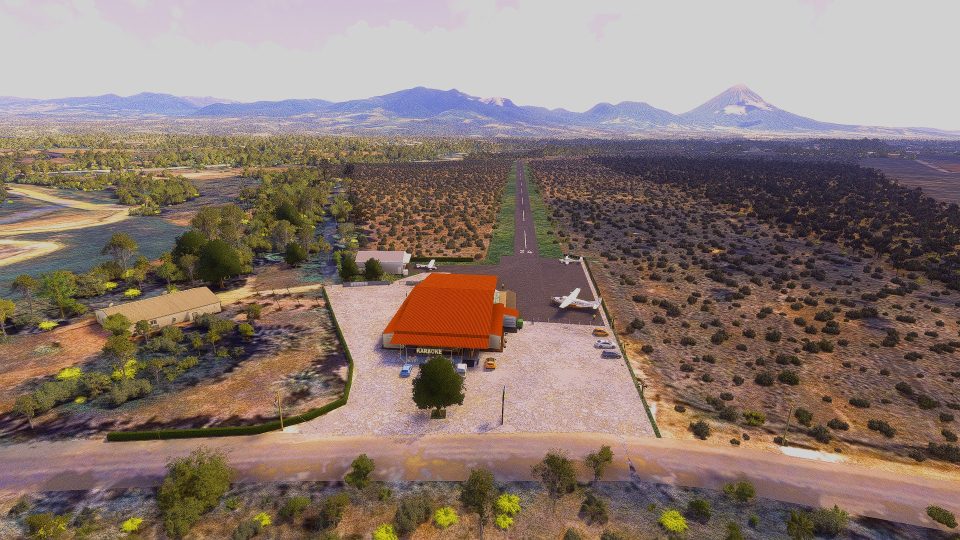
Arenal Airport (MRAN) scenery brings La Fortuna, Costa Rica, to Microsoft Flight Simulator 2020, with an 800-meter asphalt runway for general aviation and regional flights. Set among tropical forests and mountains, the airport offers a scenic base for VFR sightseeing near Arenal Volcano, with views toward the San Carlos plains.
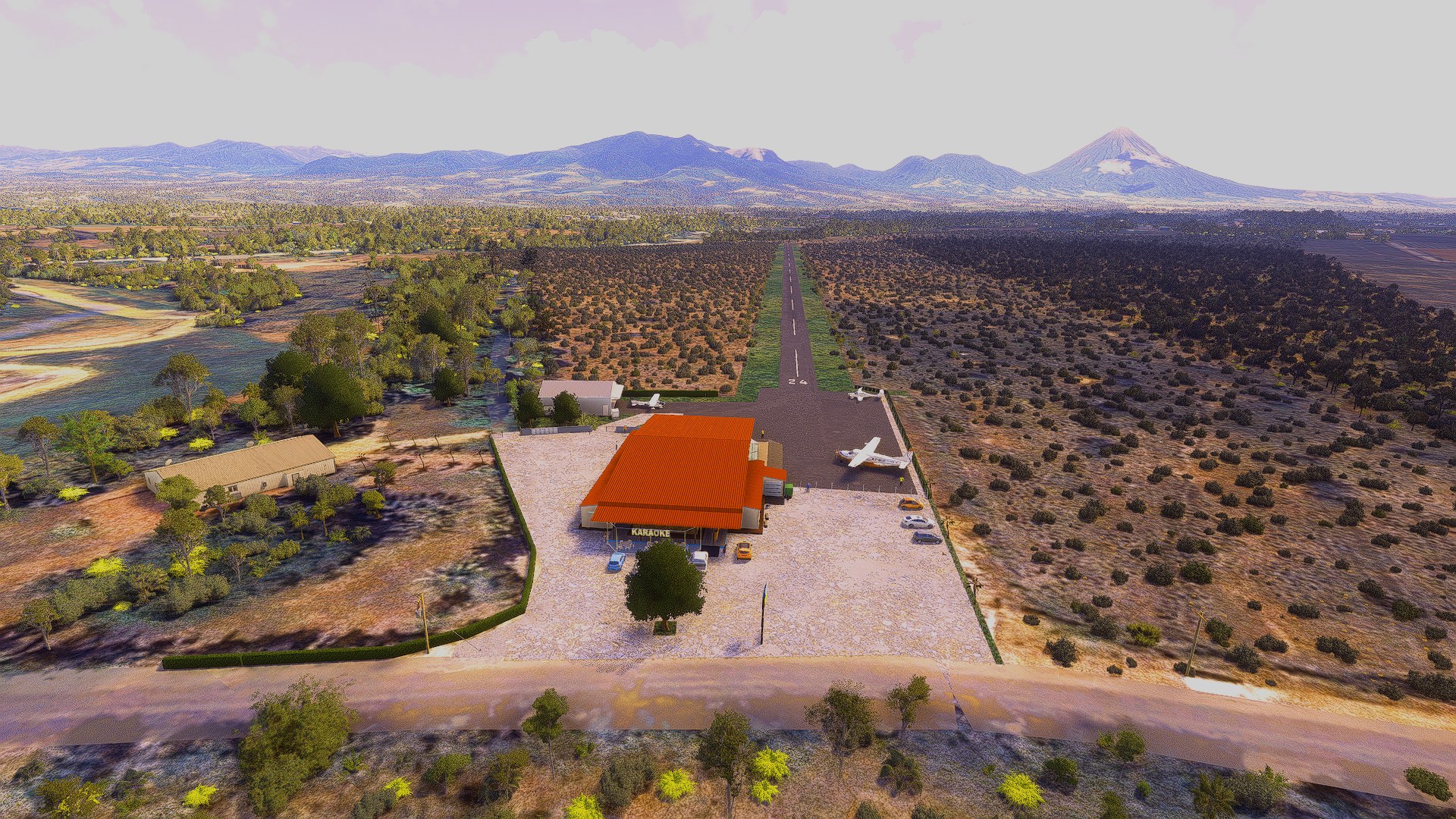
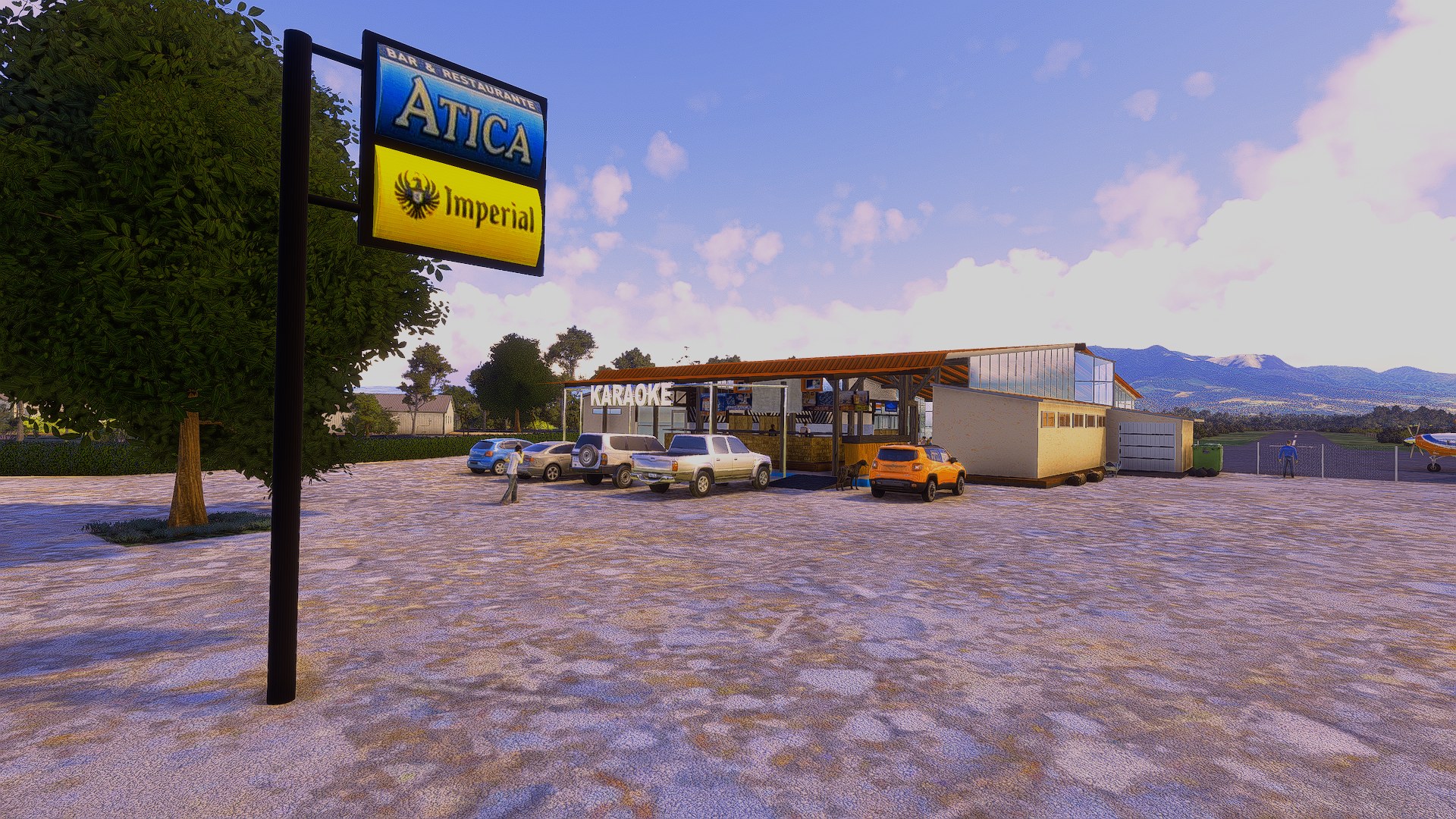
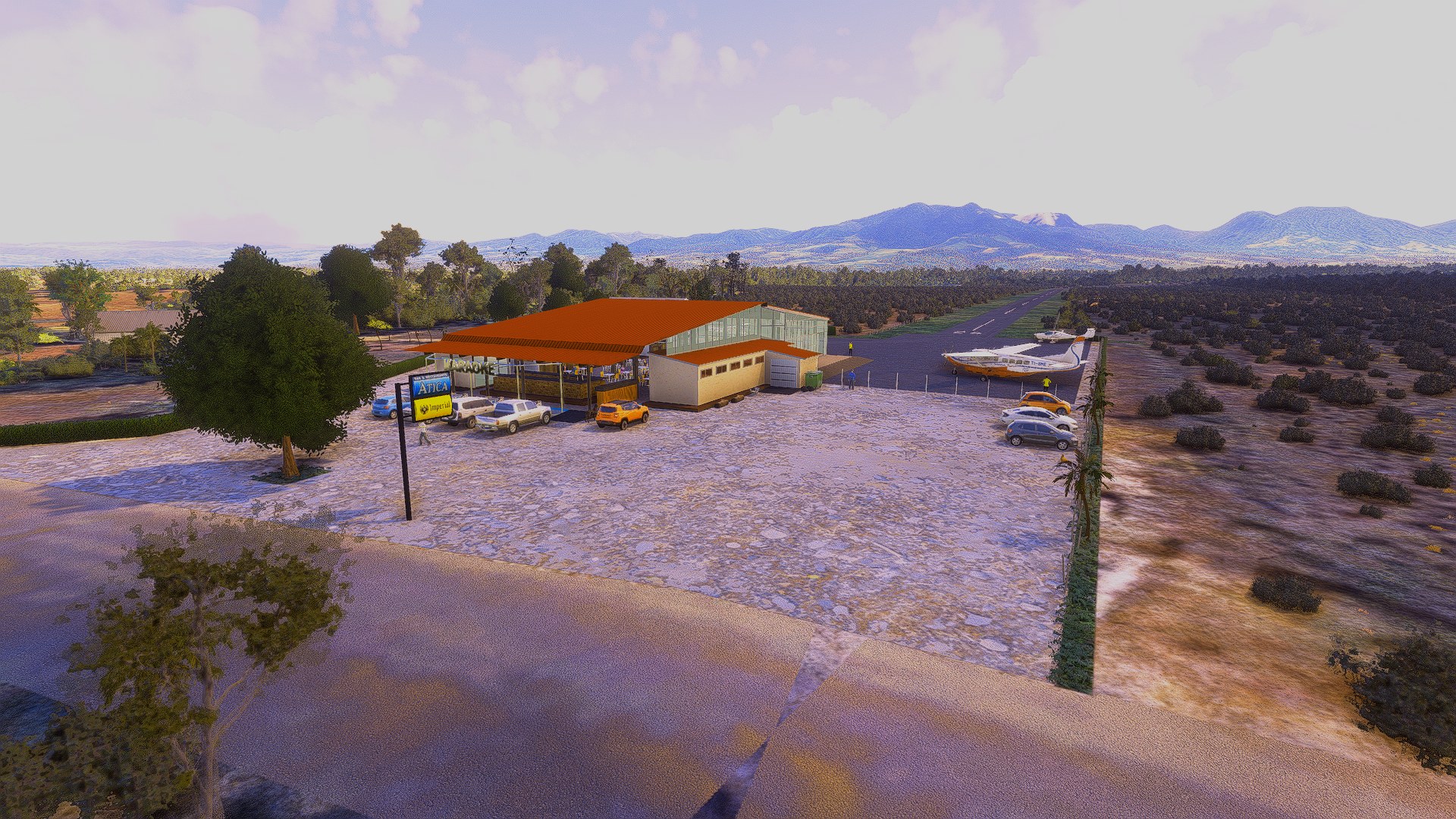
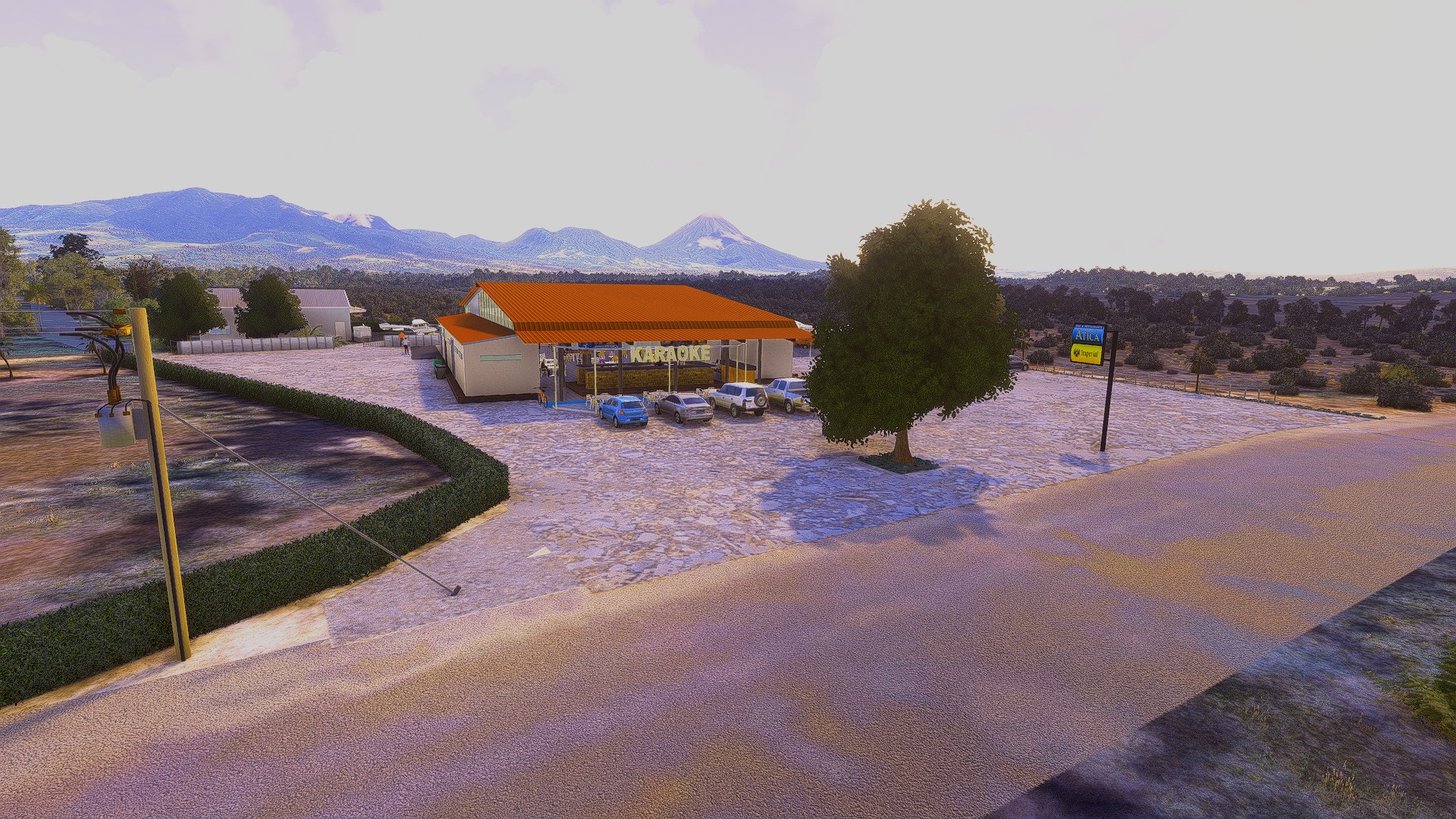
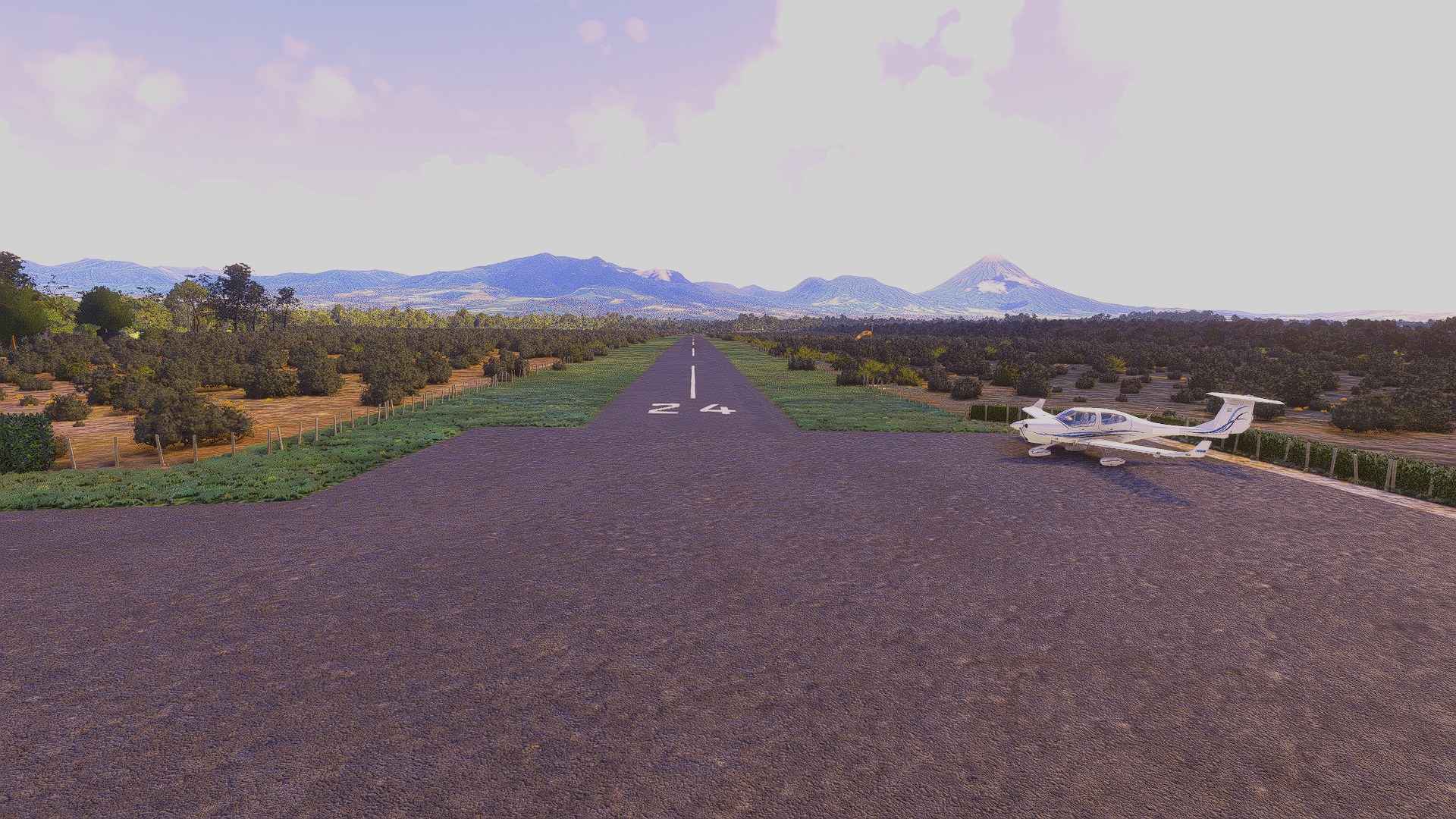
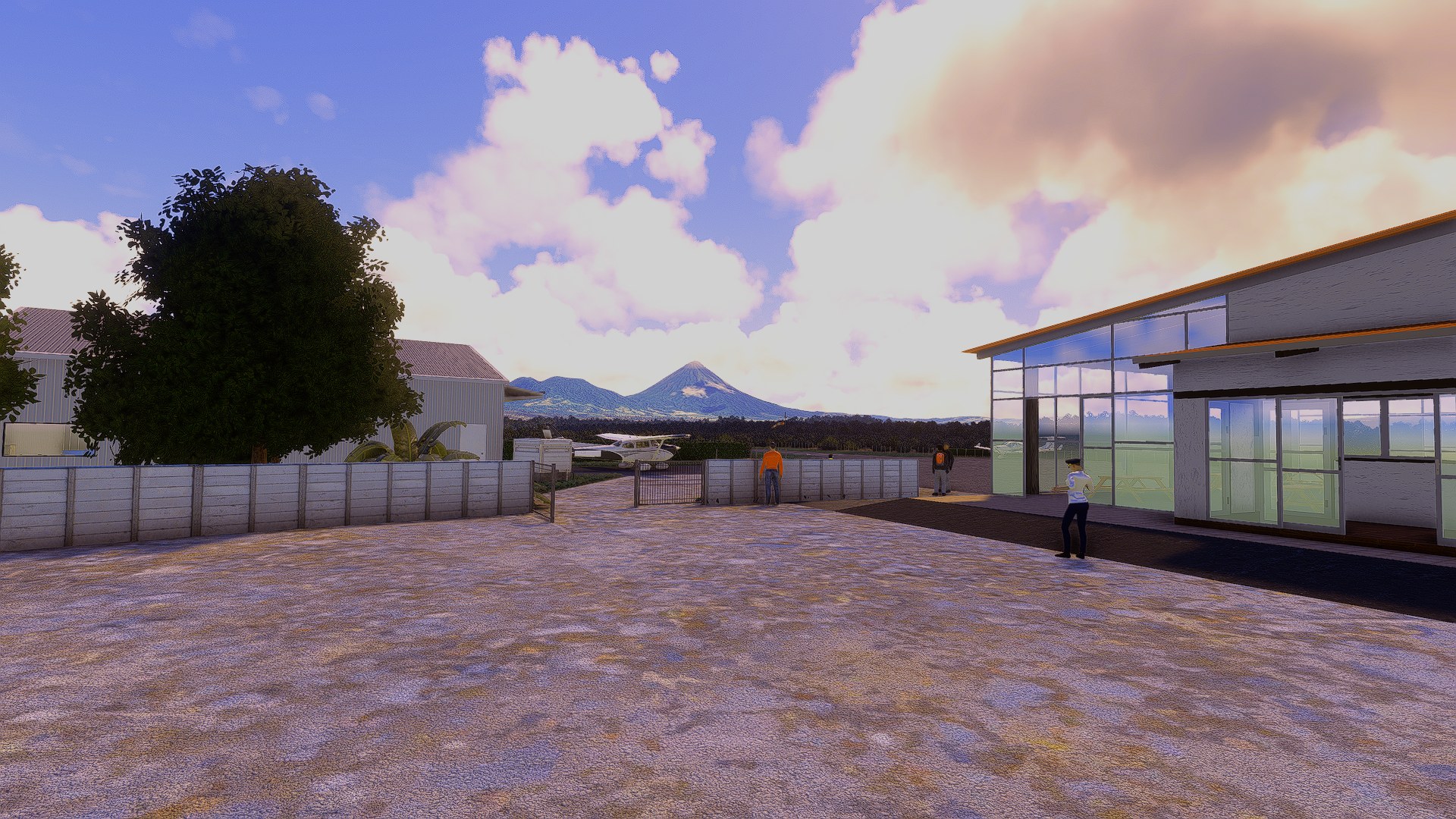
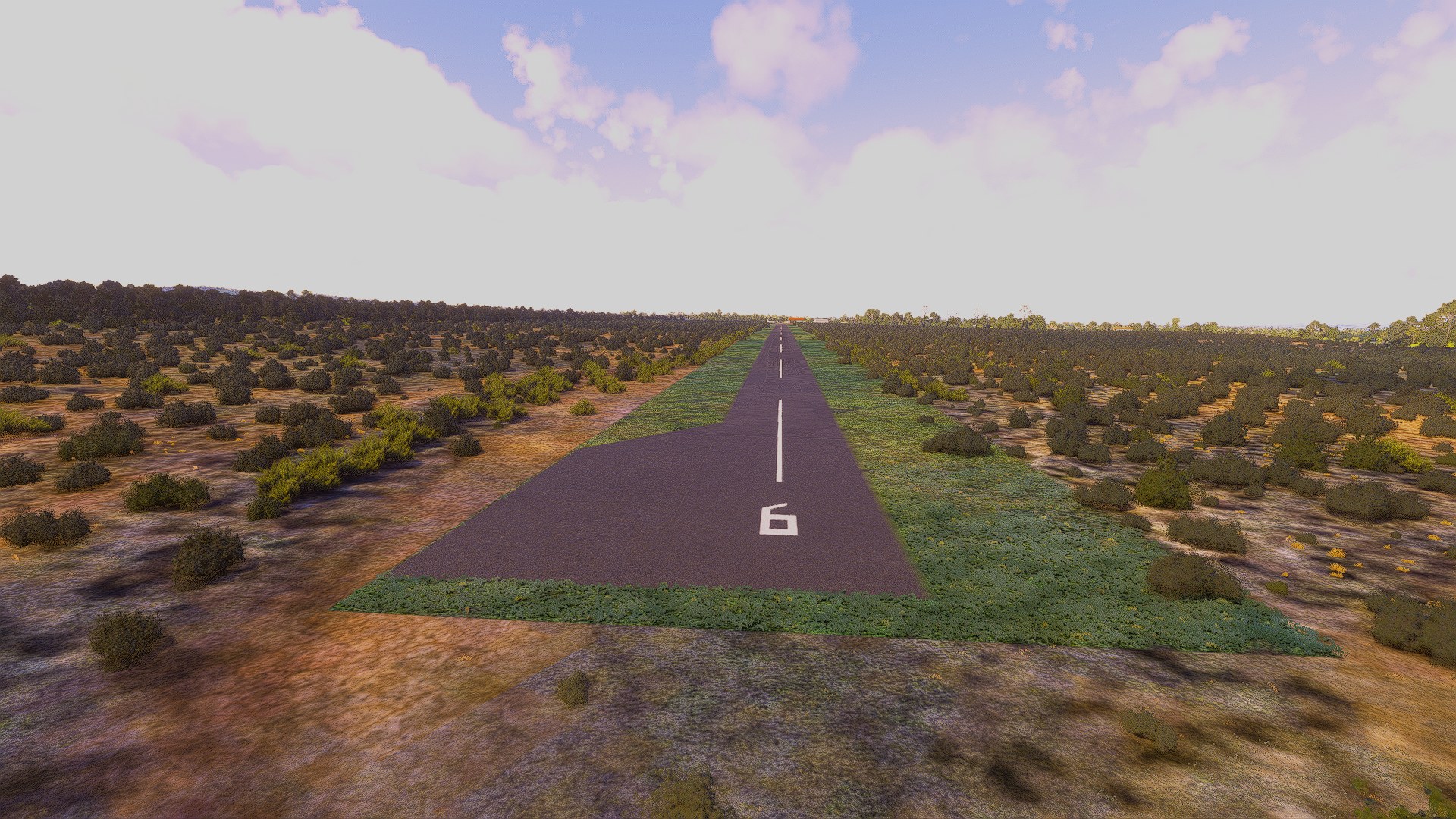
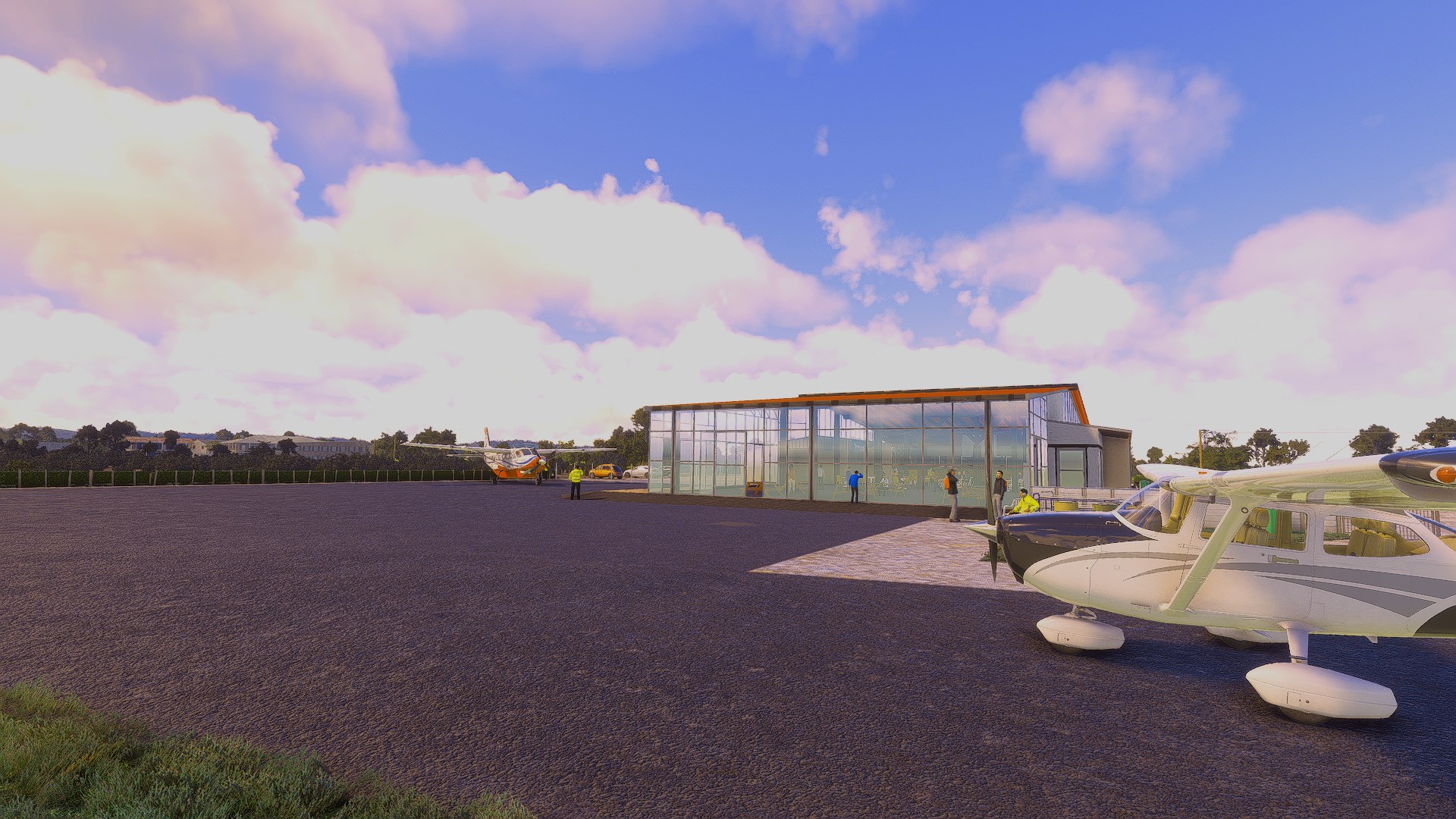
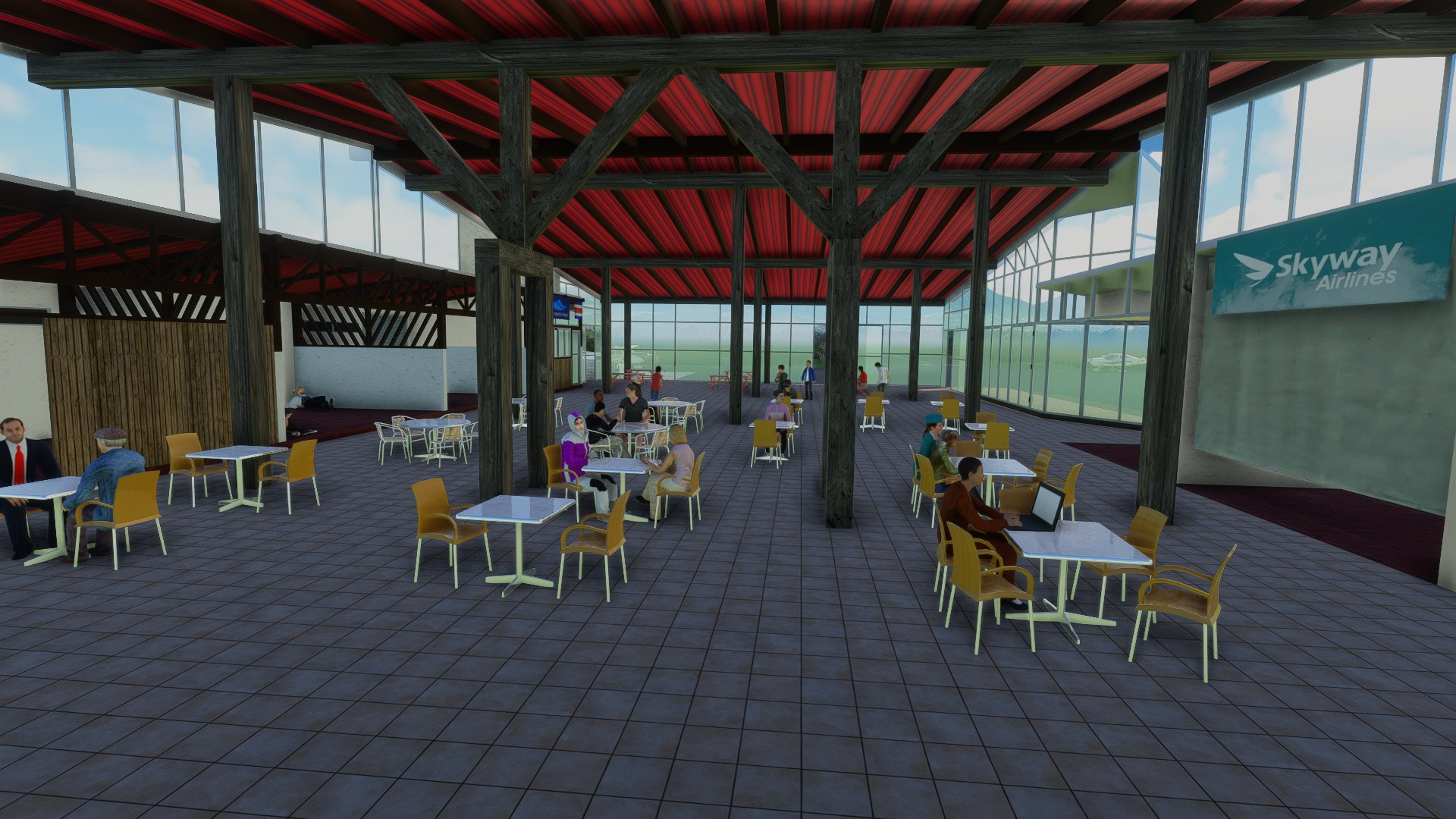

The airport-side restaurant gives MRAN the sort of local identity I don’t get from a stock airport layout. Its orange roof and oversized KARAOKE lettering are wonderfully unglamorous details to find beside the apron. I like that Barrenechea has given attention to the place you arrive at, not just the pavement you land on. For a small destination, that matters: there’s a reason to linger after shutting down rather than immediately load the next flight.
Coming in on 24, I found the straightforward approach a good opportunity to concentrate on my touchdown point. There isn’t much room here to excuse a casual arrival, and I’d choose an aircraft for its landing performance before planning the trip. That combination suits me: an uncomplicated approach, but a landing that still deserves preparation. I’d use MRAN for short flights where the arrival gets as much attention as the route. Keep the compatibility limit in mind, though: this release is for MSFS 2020 only.
Matías Barrenechea’s Arenal Airport scenery covers MRAN at La Fortuna, Costa Rica, for Microsoft Flight Simulator 2020. Developed in collaboration with Mullberywing for the Costa Rican community, it puts a short, asphalt runway within reach of the Arenal Volcano tourist area, a useful destination for general aviation, regional hops, and sightseeing flights.
The public airport sits in La Fortuna, Alajuela, among the tropical forests and mountains of northern Costa Rica. At 800 meters, its runway calls for more attention to aircraft choice and landing distance than the scenery alone might suggest.
Runway 06 takes you northeast, with views of Arenal Volcano and the surrounding mountains. The developer highlights this direction for VFR operations. Runway 24 heads southwest toward views of the San Carlos plains and tropical vegetation; its approach is described as straightforward and scenic.
Read the README for the setup instructions needed for proper functioning. This release is for MSFS 2020 only.
Free for all simmers · 95.94 MB · Scanned clean Nov 2026
Download speed: Free tier is capped at 2 Mbps (this file takes approximately 7 mins at the cap). PRO members download at full line speed.
Initial release.
%LOCALAPPDATA%\Packages\Microsoft.FlightSimulator_8wekyb3d8bbwe\LocalCache\Packages\Community\. Steam version: %APPDATA%\Microsoft Flight Simulator\Packages\Community\. Tip: enable Developer Mode in MSFS to see your exact Community folder path.readme.txt or README file. It tells you exactly where files go, what dependencies are needed, and any quirks specific to this add-on.Use these coordinates to fly directly to this location once the mod is installed.
10.46930000,-84.57910000
Paste these coordinates into the Microsoft Flight Simulator search bar when planning a flight, or into the Developer Mode Teleport window, to fly directly to this location.
Soy un Piloto, desarrollador de escenarios y liveries de Costa Rica!Me enfoco en completar a mi país con sus aeródromos y aerolíneas regionales para msfs2020, me encanta recrear los lugares más preciosos y atractivos para el disfrute de…
Are you Matías Barrenechea? Sign in to Fly Away Creators for download stats, comment replies and updates. Make add-ons? Publish them here.
Only PRO members can place votes.
More MSFS add-ons hand-picked based on this download.
MSFS Scenery
Matías Barrenechea’s Cóbano Airport scenery updates Aeródromo de Cóbano (MRAF…
 MSFS Scenery
Matías Barrenechea recreates Golfito Airport (MRGF) on Costa Rica’s southern …
 MSFS Scenery
Matías Barrenechea models Nosara Airport (MRNS / NOB) in Costa Rica for Micro…
 MSFS Scenery
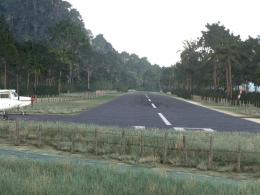
Matías Barrenechea recreates Carate Airport (MRCE) and its surroundings in Co…
 MSFS Scenery
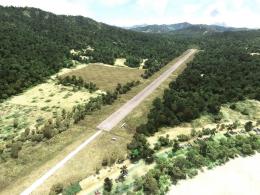
Matías Barrenechea models Carrillo Airport (MRCR) near Puerto Carrillo in Gua…
 MSFS Scenery
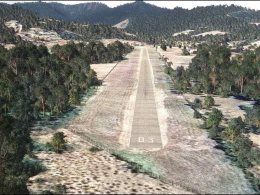
Matías Barrenechea recreates Punta Islita Airport (MRIA/PBP) for Microsoft Fl…
 MSFS Scenery
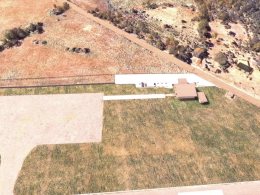
Matías Barrenechea recreates Drake Bay Airport (MRDK) and its surroundings on…
 MSFS Scenery
Matías Barrenechea models Upala Airport (MRUP) in northern Costa Rica for Mic…
Be the first to leave a comment on this download.
Be the first to share your thoughts on this download.