


 Costa Rica

 MSFS Scenery
Cóbano Airport MRAF Costa Rica
Matías Barrenechea’s Cóbano Airport scenery updates Aeródromo de Cóbano (MRAF…
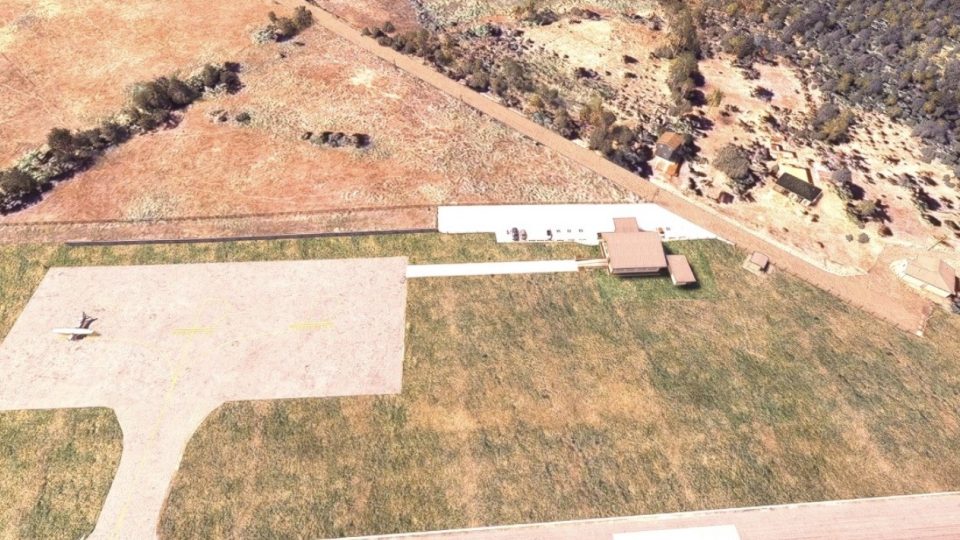
Drake Bay Airport (MRDK) scenery recreates a Pacific-coast destination on Costa Rica’s Osa Peninsula for Microsoft Flight Simulator 2020, with airport buildings and surrounding tropical landscapes. Its 1,060-meter concrete runway measures 18 meters wide, providing a setting for daytime VFR regional airline, charter and general aviation flights near Corcovado National Park.
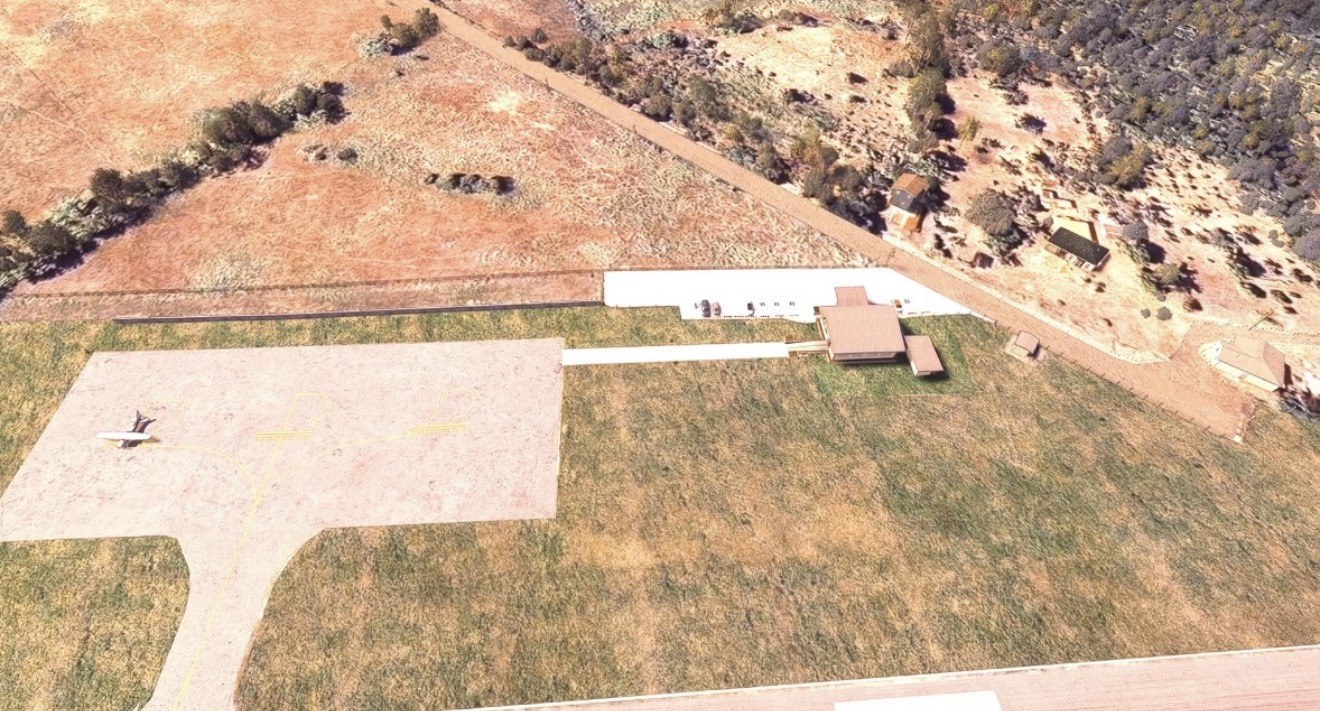
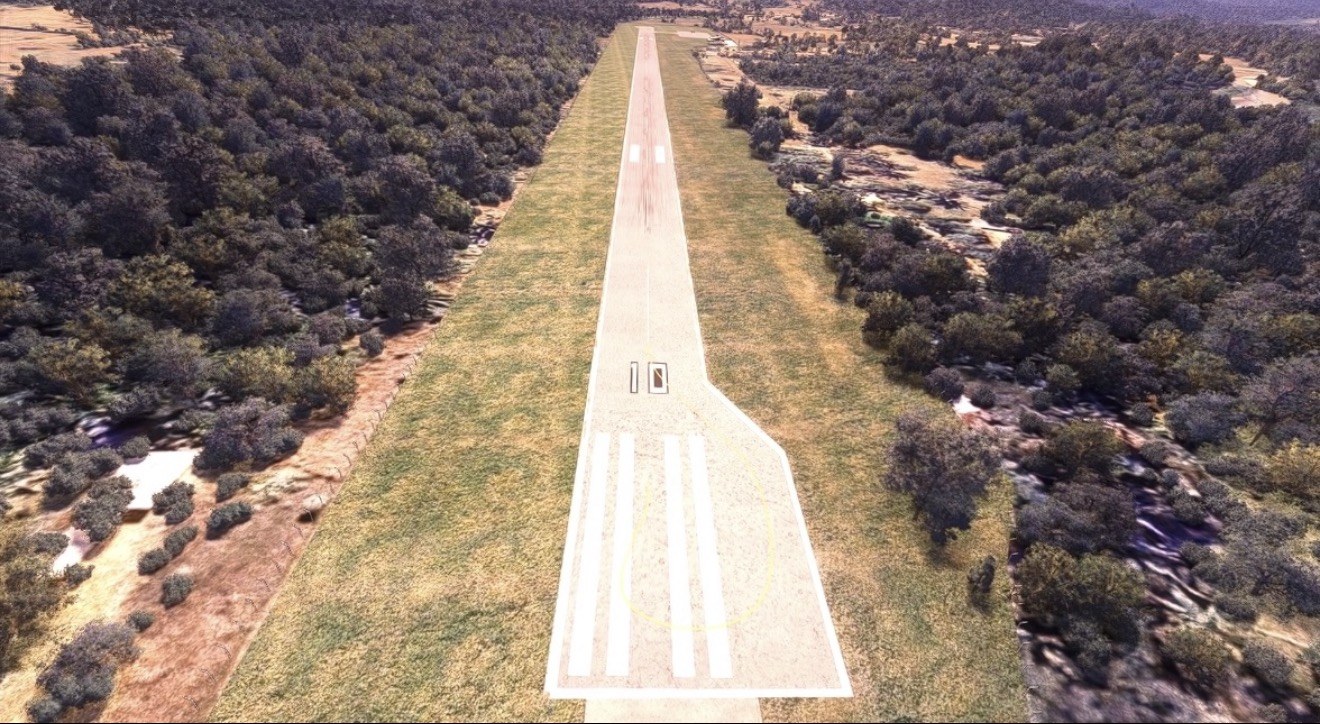
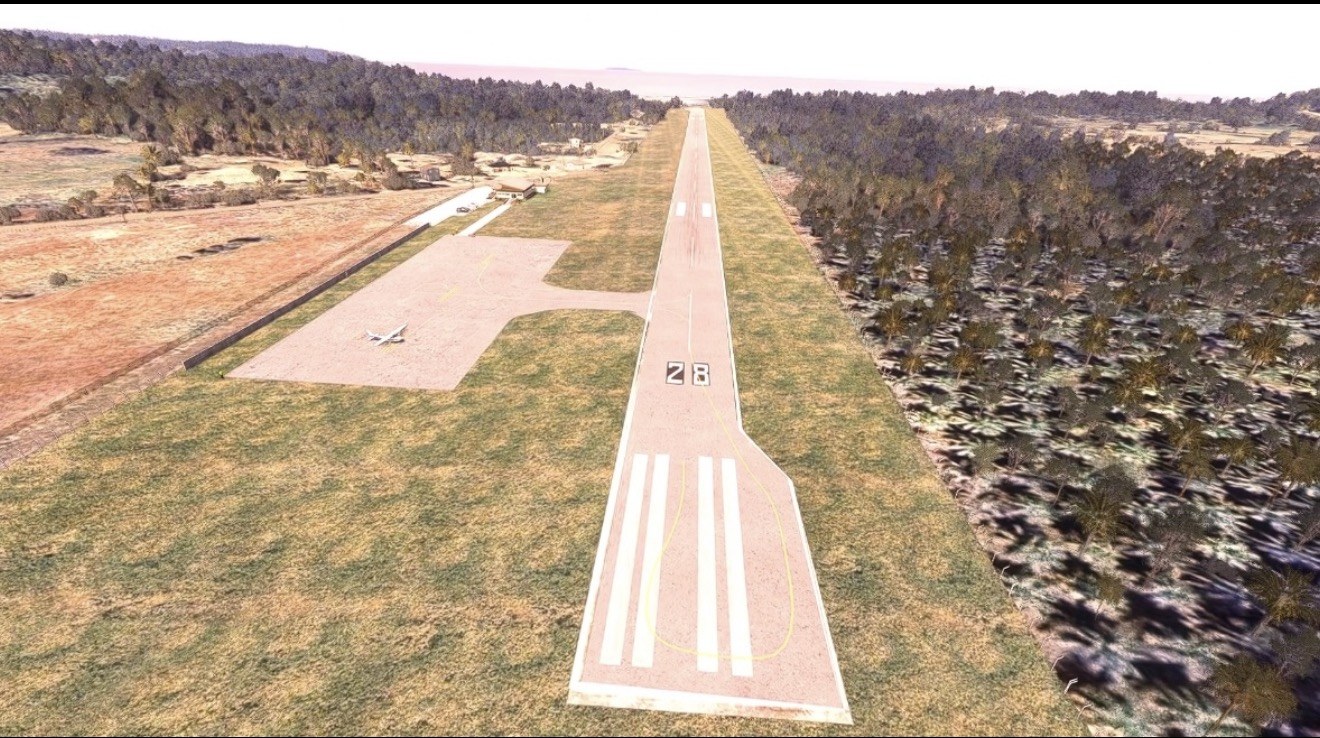
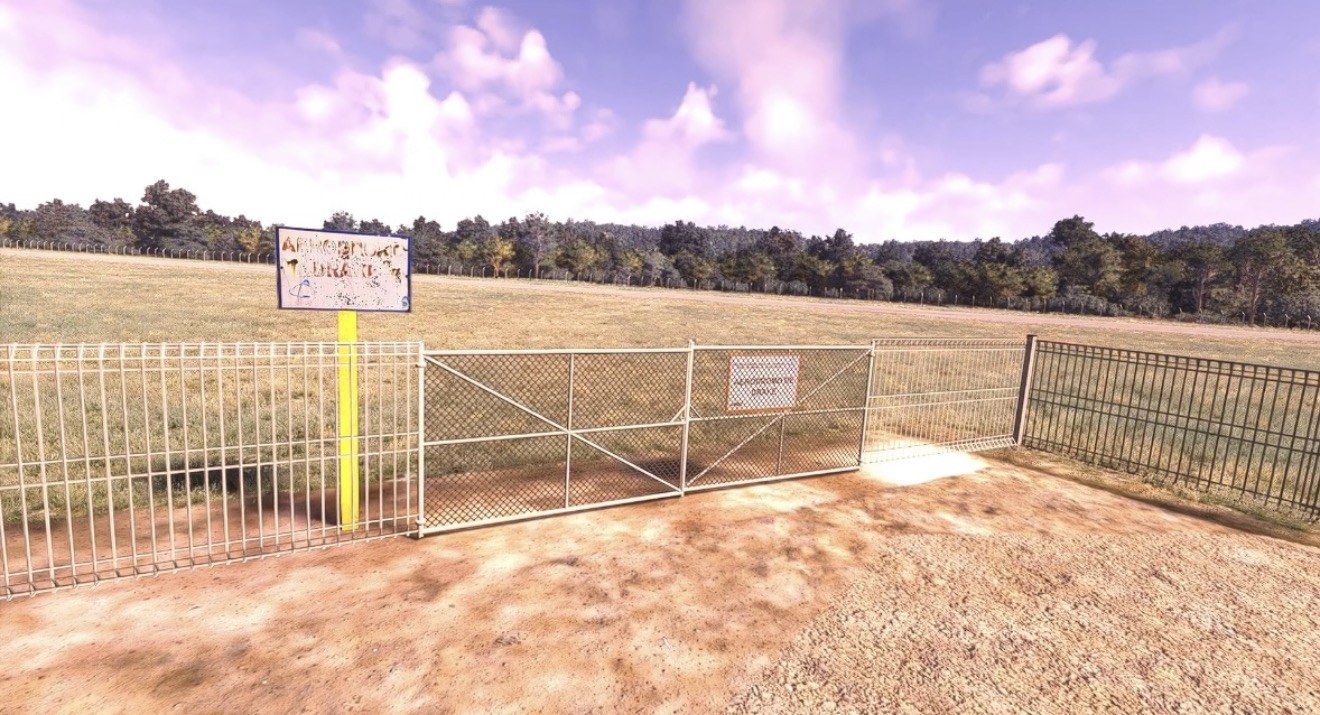
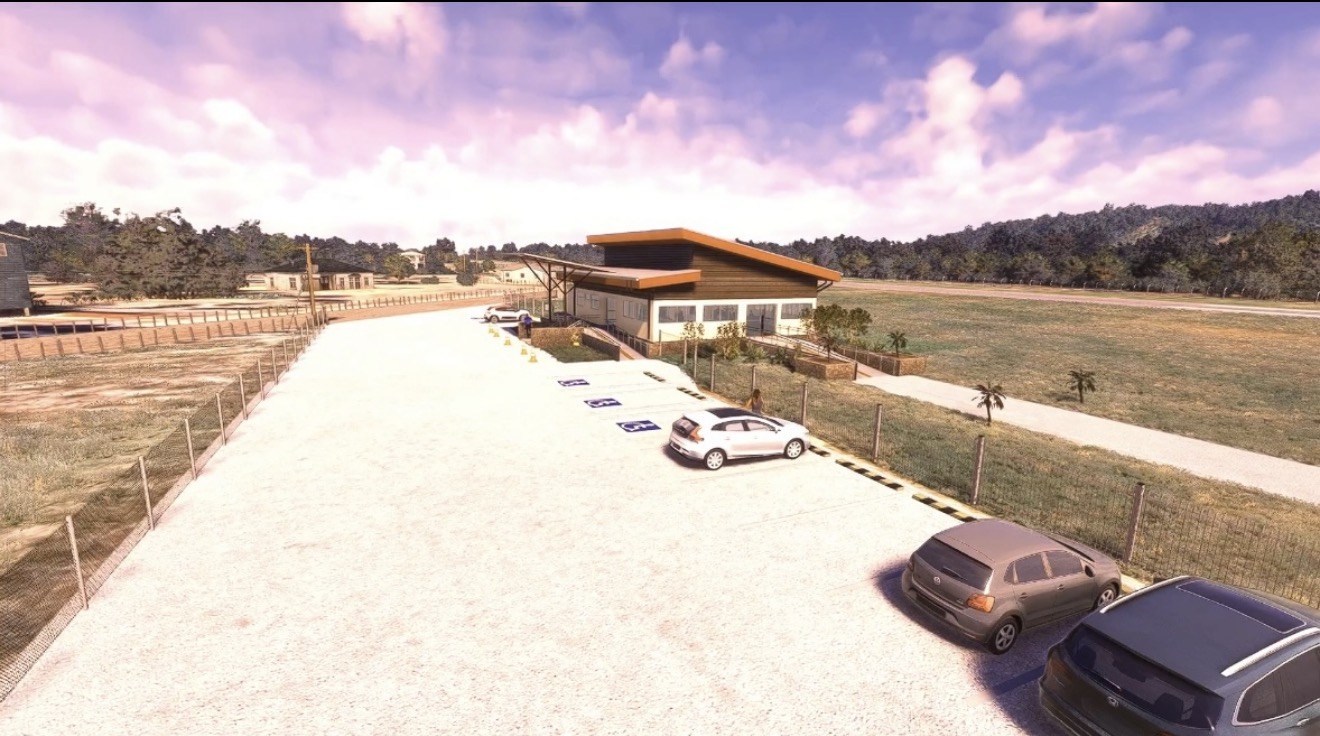
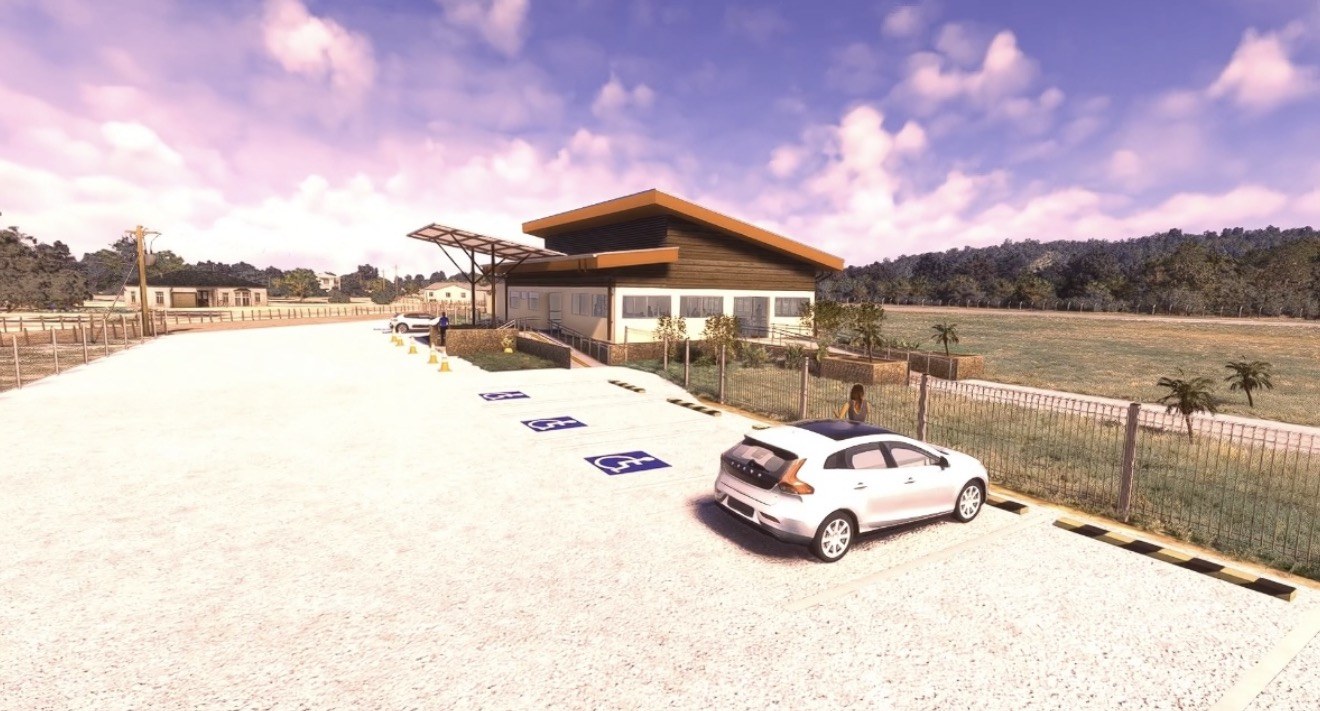
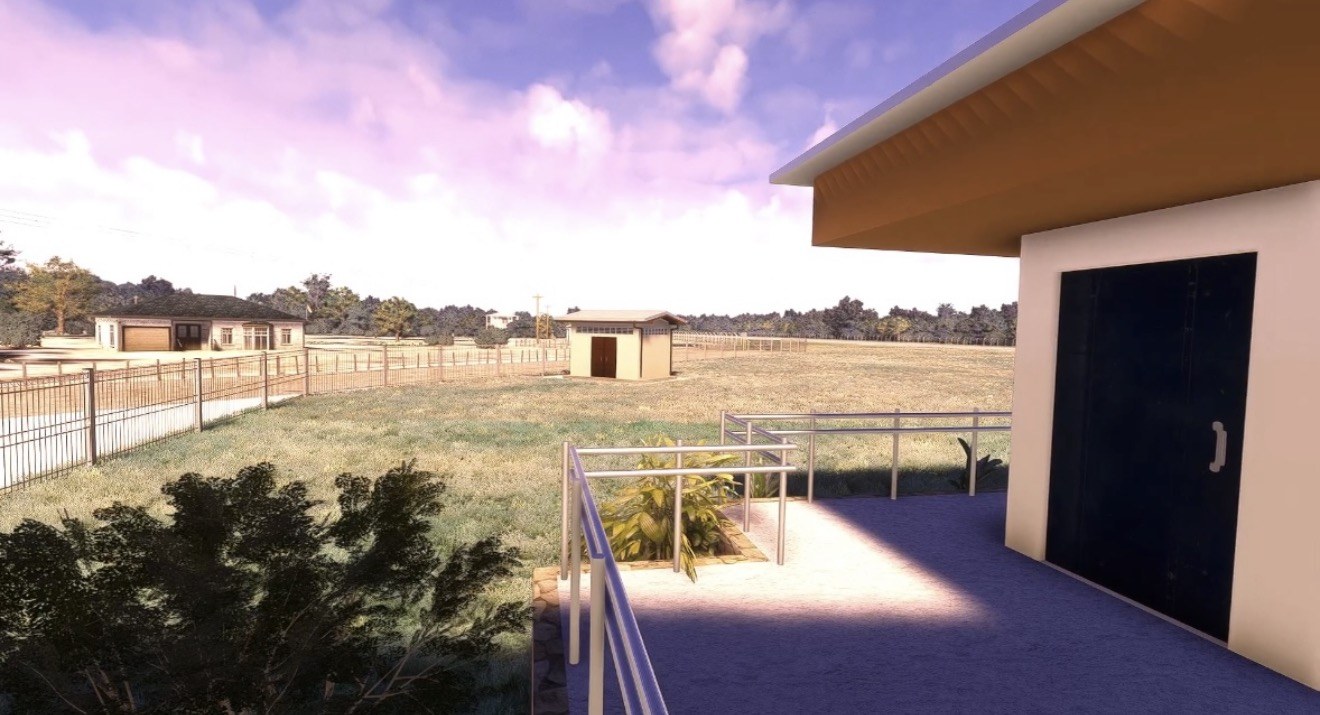
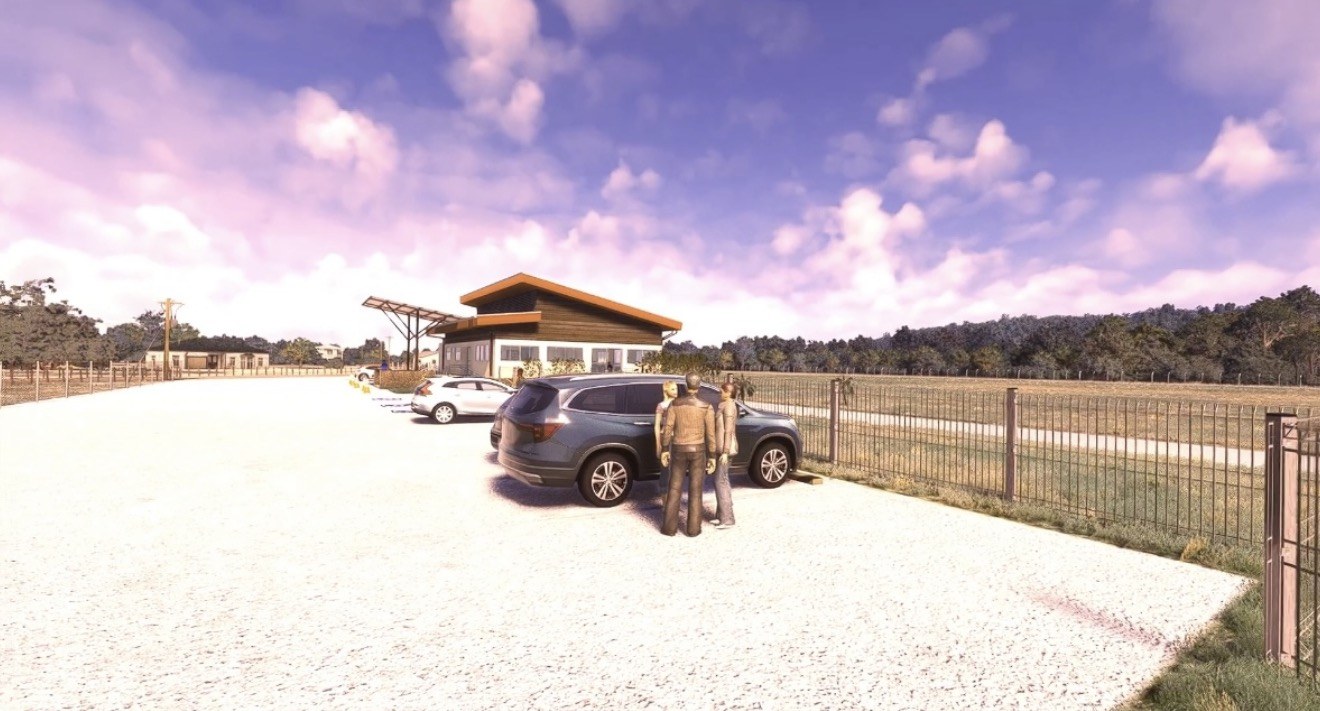
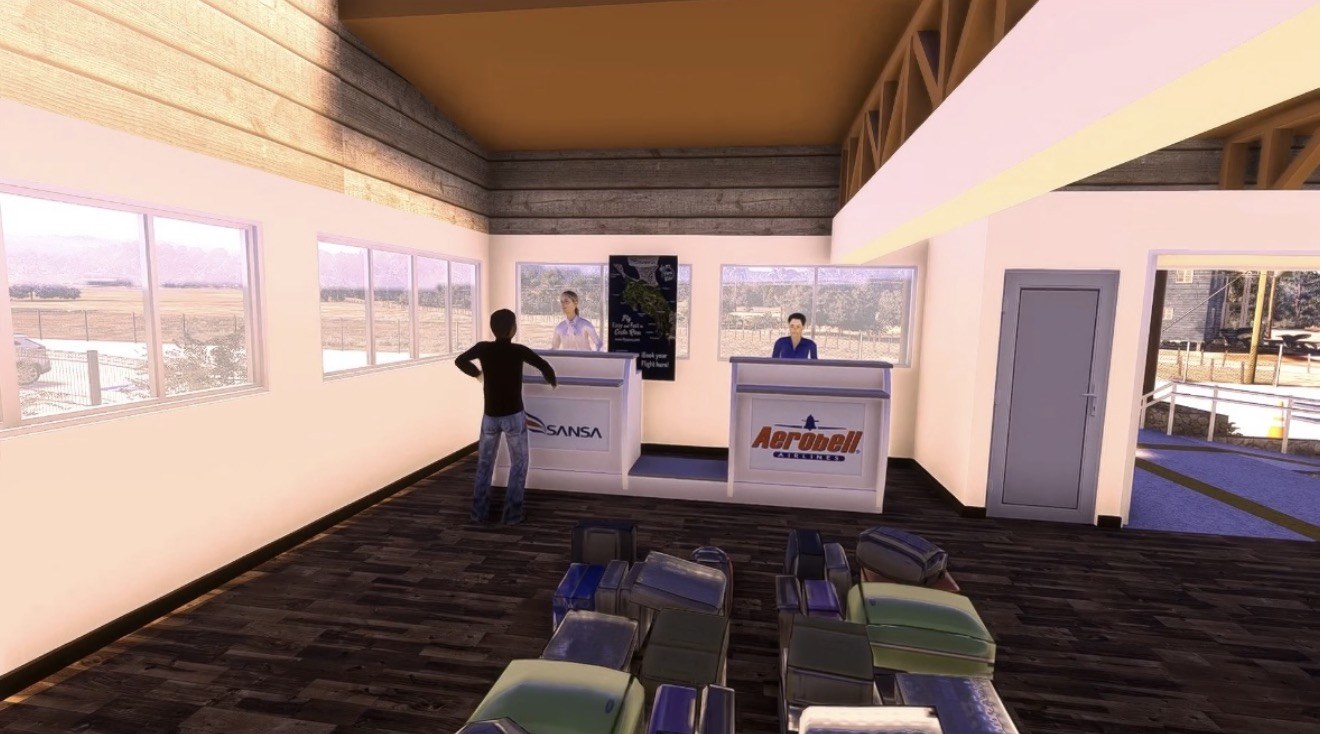
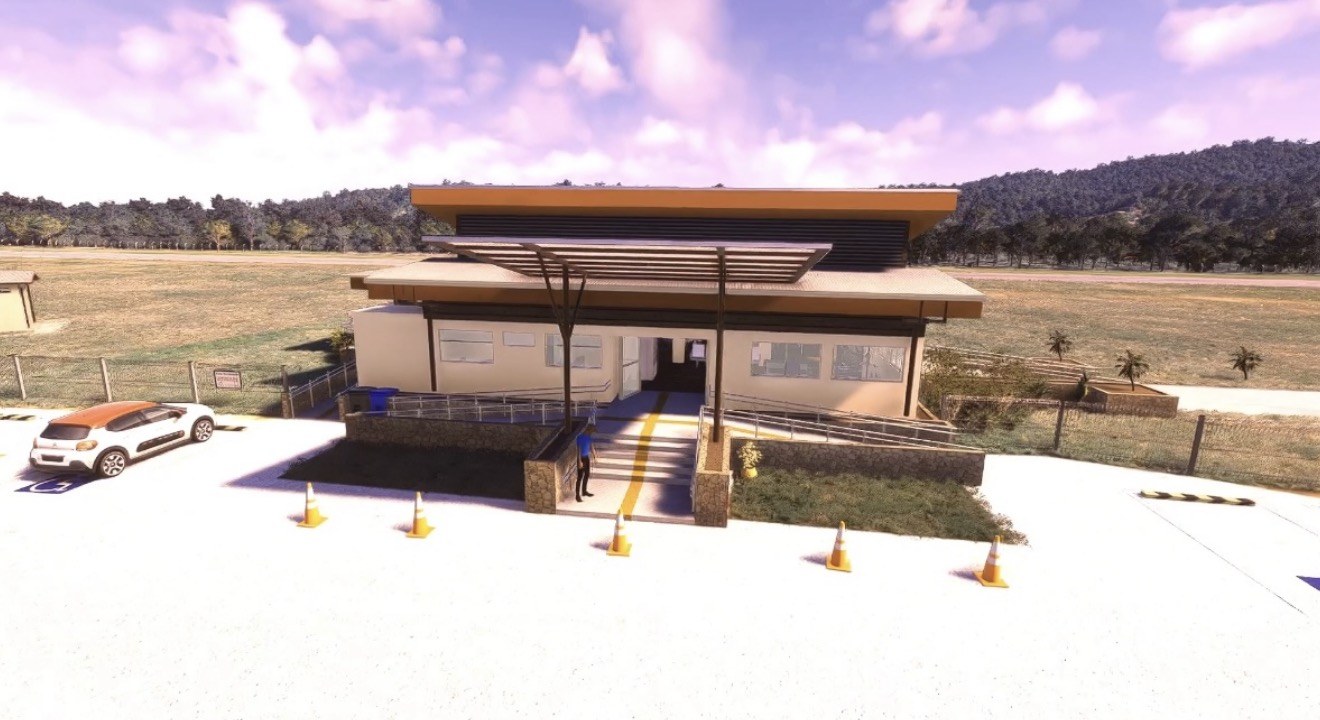
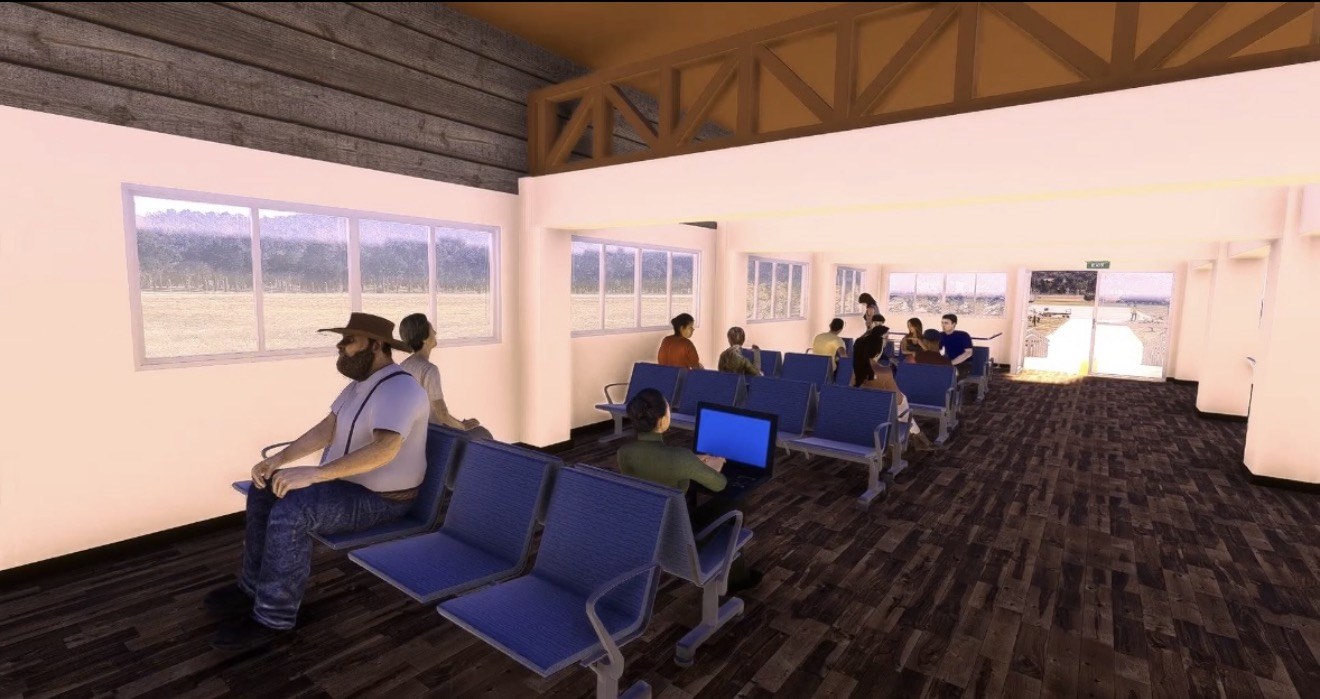
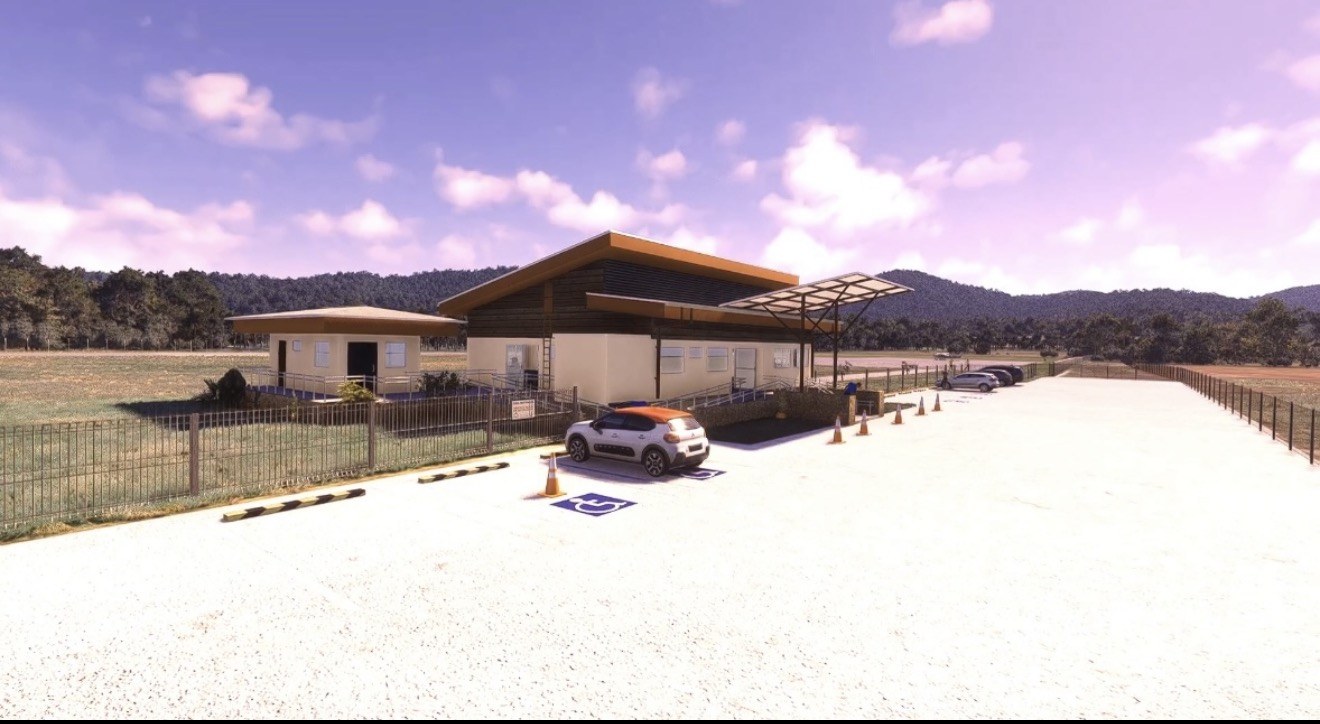
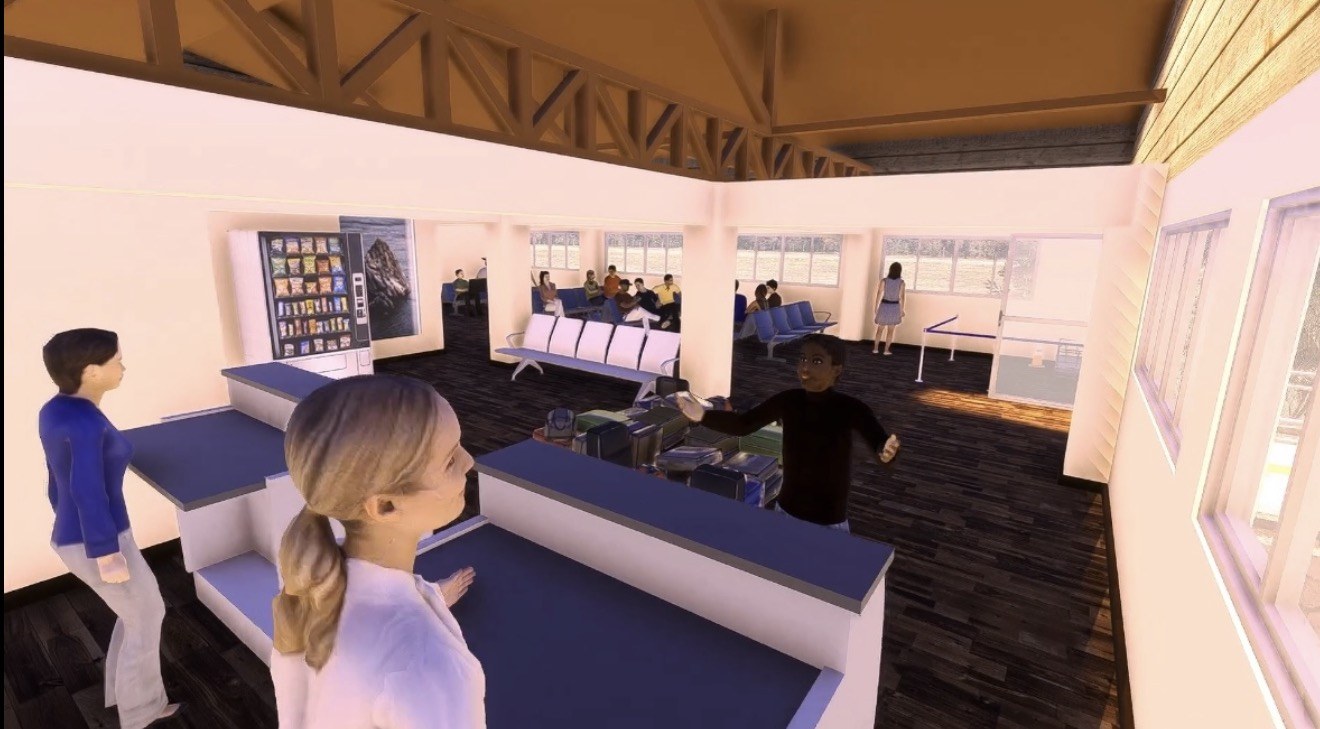

Most of my sightseeing flights end with a quick arrival; at Drake Bay, I wanted another circuit before parking. Coming around for Runway 10, I found the cleared strip easy to pick out against the trees, then settled down to keeping the approach lined up. That transition from looking around to concentrating on the landing suits my kind of light-aircraft flying. The modest apron and small building connected by a straight walkway give the airport a convincing sense of scale. I like that restraint. There’s enough airport here to make the arrival worthwhile without distracting from the surrounding landscape. I’d use MRDK as a stopping point on a regional flight rather than just circle overhead. Check compatibility before downloading: this release is MSFS 2020 only, and its required dependencies are identified in the README, not the listing.
Matías Barrenechea recreates Drake Bay Airport (MRDK) and its surroundings on Costa Rica’s Osa Peninsula for Microsoft Flight Simulator 2020. Built with MullberryWing, who contributed all the buildings, the scenery offers a small Pacific-coast destination for regional airline, charter and general aviation flights, with a narrow concrete runway and daytime VFR operations.
The public aerodrome serves Drake Bay in Osa, Puntarenas, a gateway to nearby Corcovado National Park. Tropical vegetation, agricultural land and the Pacific coastline frame the airport; the rugged landscape of southern Costa Rica gives sightseeing flights plenty to work with beyond the circuit.
At just 18 meters wide, the runway deserves attention even when its length is comfortable for your chosen aircraft. The developer suggests the Cessna 172 / 182, Piper PA-28, Grand Caravan, Pilatus PC-12 and King Air, along with twin-engine regional aircraft and types used on Costa Rican domestic and charter services.
For regional VFR flying, suggested connections link MRDK with MRPJ, MRPM, MRGF, MRCE, MRSN, MROC and MRPV. These give you routes along the Pacific region and into southern Costa Rica.
The developer cites Costa Rican aeronautical information advising a visual assessment before landing because people, domestic animals, wildlife and birds may be present in and around the aerodrome. Trees are also identified as an obstacle in the approach area toward Runway 28. These are real-world operating cautions; the description does not establish that those hazards are modeled in the scenery.
This release is for Microsoft Flight Simulator 2020 only. Before using the airport, read the README, download the required dependencies and verify that they function correctly. The description does not name those dependencies or provide installation steps, so check the README before setting up the scenery.
Free for all simmers · 103.91 MB · Scanned clean Nov 2026
Download speed: Free tier is capped at 2 Mbps (this file takes approximately 7 mins at the cap). PRO members download at full line speed.
Initial release.
%LOCALAPPDATA%\Packages\Microsoft.FlightSimulator_8wekyb3d8bbwe\LocalCache\Packages\Community\. Steam version: %APPDATA%\Microsoft Flight Simulator\Packages\Community\. Tip: enable Developer Mode in MSFS to see your exact Community folder path.readme.txt or README file. It tells you exactly where files go, what dependencies are needed, and any quirks specific to this add-on.Use these coordinates to fly directly to this location once the mod is installed.
8.71917000,-83.64028000
Paste these coordinates into the Microsoft Flight Simulator search bar when planning a flight, or into the Developer Mode Teleport window, to fly directly to this location.
Soy un Piloto, desarrollador de escenarios y liveries de Costa Rica!Me enfoco en completar a mi país con sus aeródromos y aerolíneas regionales para msfs2020, me encanta recrear los lugares más preciosos y atractivos para el disfrute de…
Are you Matías Barrenechea? Sign in to Fly Away Creators for download stats, comment replies and updates. Make add-ons? Publish them here.
Only PRO members can place votes.
More MSFS add-ons hand-picked based on this download.
MSFS Scenery
Matías Barrenechea’s Cóbano Airport scenery updates Aeródromo de Cóbano (MRAF…
 MSFS Scenery
Matías Barrenechea’s Arenal Airport scenery covers MRAN at La Fortuna, Costa …
 MSFS Scenery
Matías Barrenechea recreates Golfito Airport (MRGF) on Costa Rica’s southern …
 MSFS Scenery
Matías Barrenechea models Nosara Airport (MRNS / NOB) in Costa Rica for Micro…
 MSFS Scenery
Matías Barrenechea recreates Carate Airport (MRCE) and its surroundings in Co…
 MSFS Scenery
Matías Barrenechea models Carrillo Airport (MRCR) near Puerto Carrillo in Gua…
 MSFS Scenery
Matías Barrenechea recreates Punta Islita Airport (MRIA/PBP) for Microsoft Fl…
 MSFS Scenery
Matías Barrenechea models Upala Airport (MRUP) in northern Costa Rica for Mic…
Be the first to leave a comment on this download.
Be the first to share your thoughts on this download.