


 Costa Rica

 MSFS Scenery
Cóbano Airport MRAF Costa Rica
Matías Barrenechea’s Cóbano Airport scenery updates Aeródromo de Cóbano (MRAF…
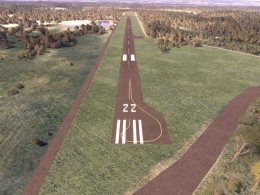
Carate Airport (MRCE) brings remote light-aircraft flying on Costa Rica’s southern Osa Peninsula to Microsoft Flight Simulator 2020, recreating the airfield and its coastal rainforest surroundings. Its 720-metre concrete runway offers a focused setting for general aviation, tourist flights, and local transport, with Pacific views and tropical vegetation framing approaches.
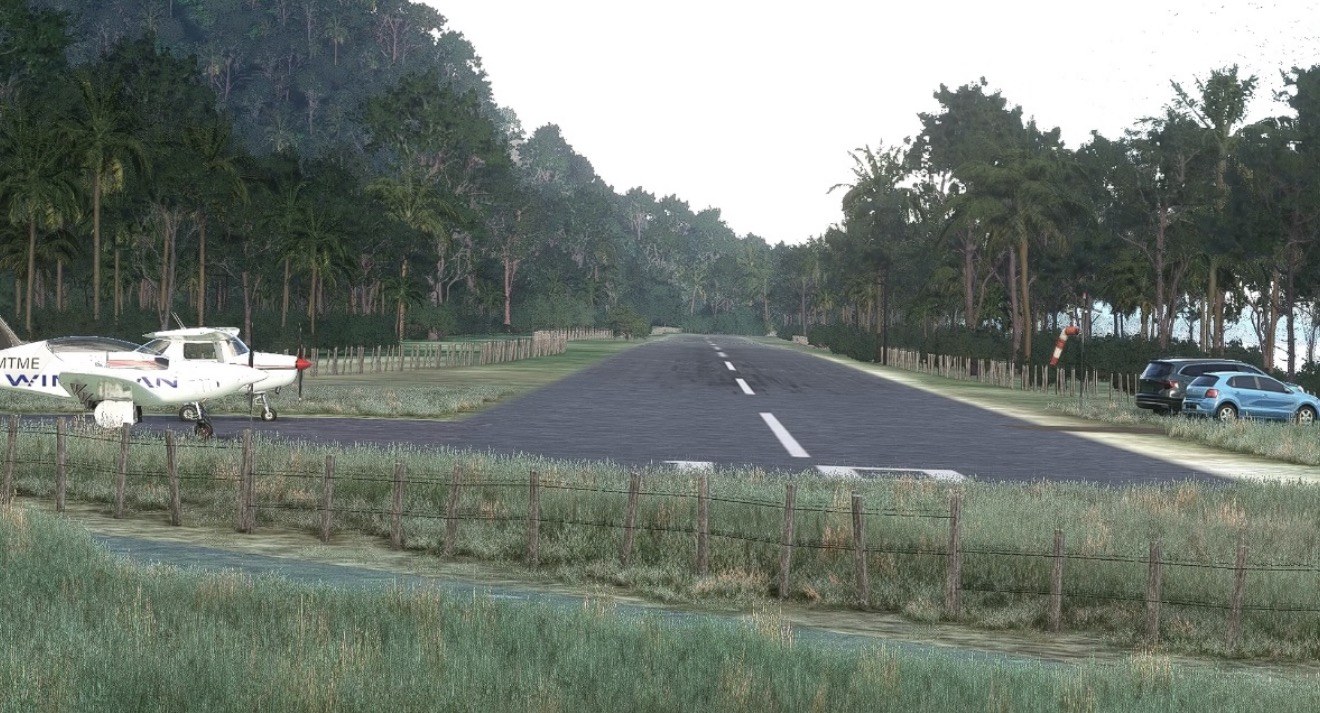
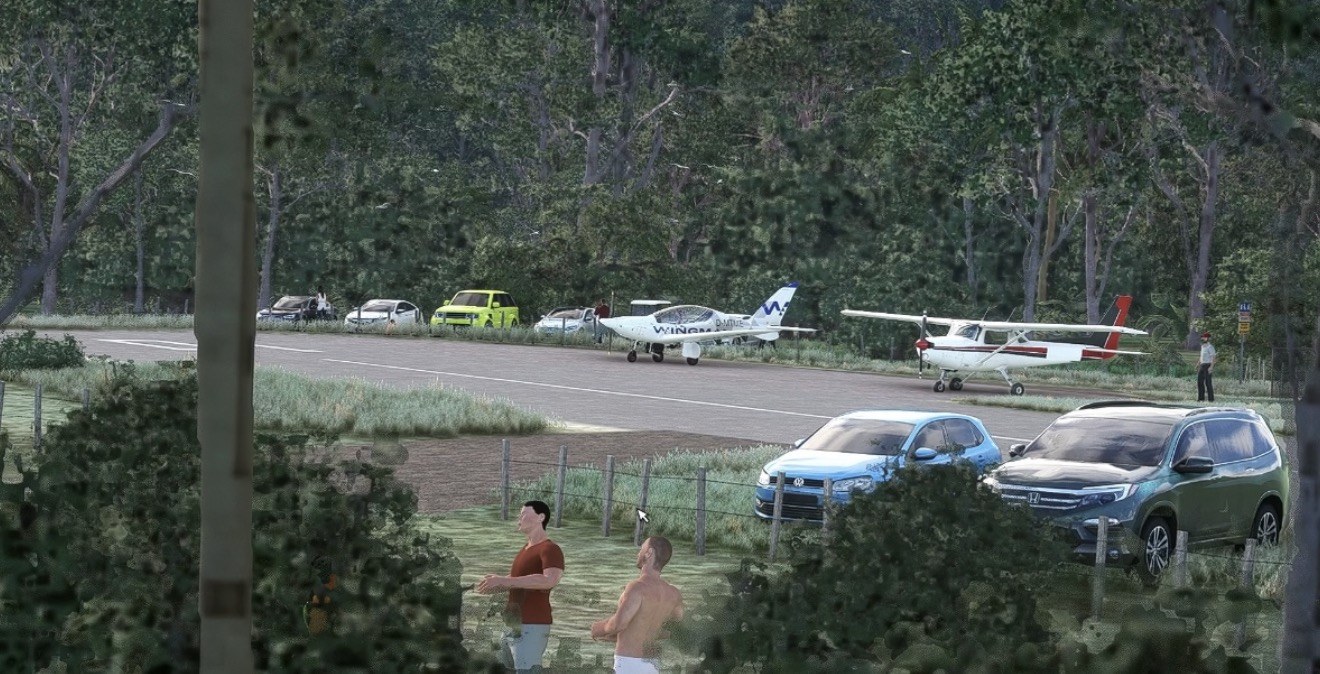
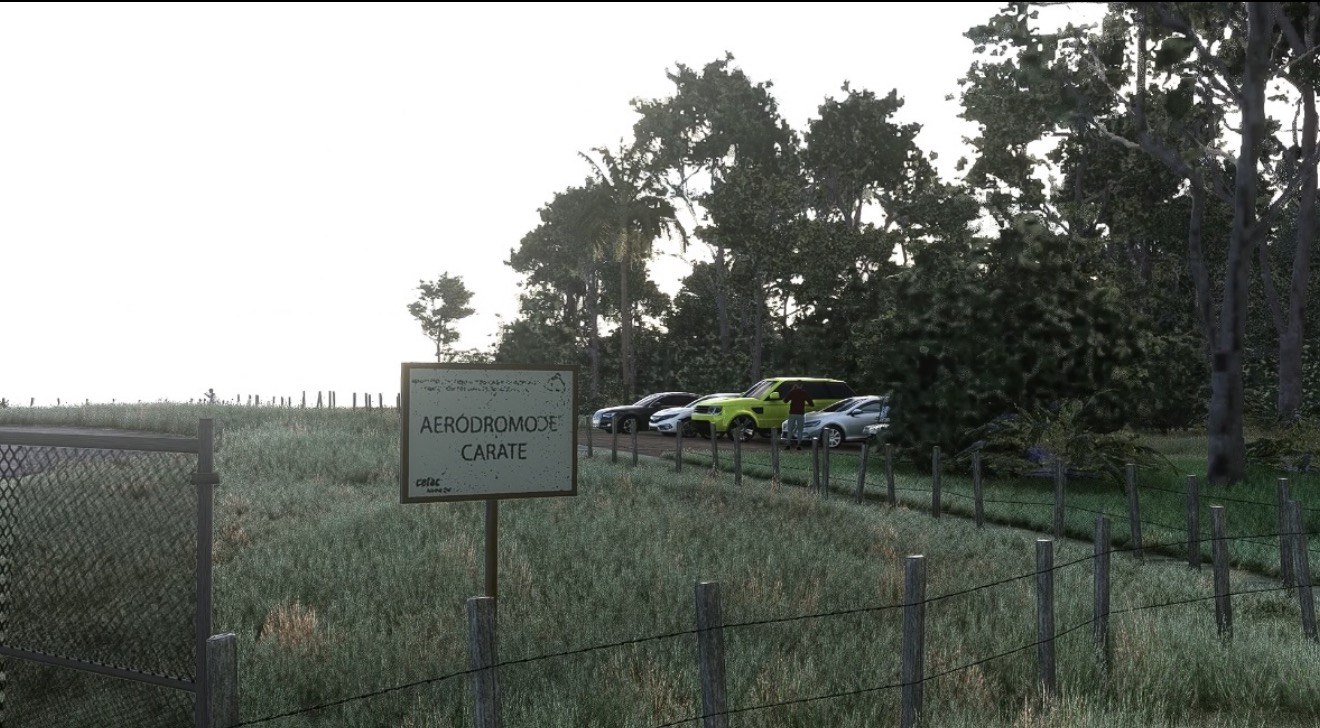
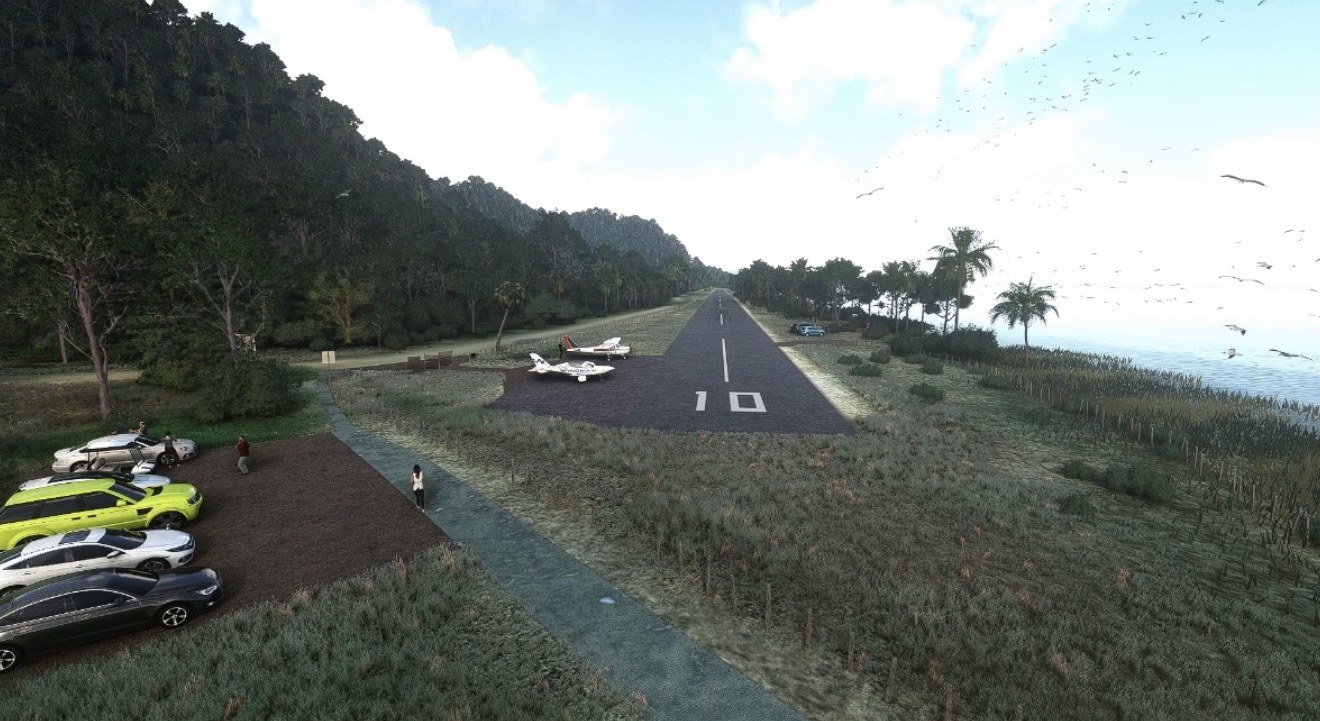
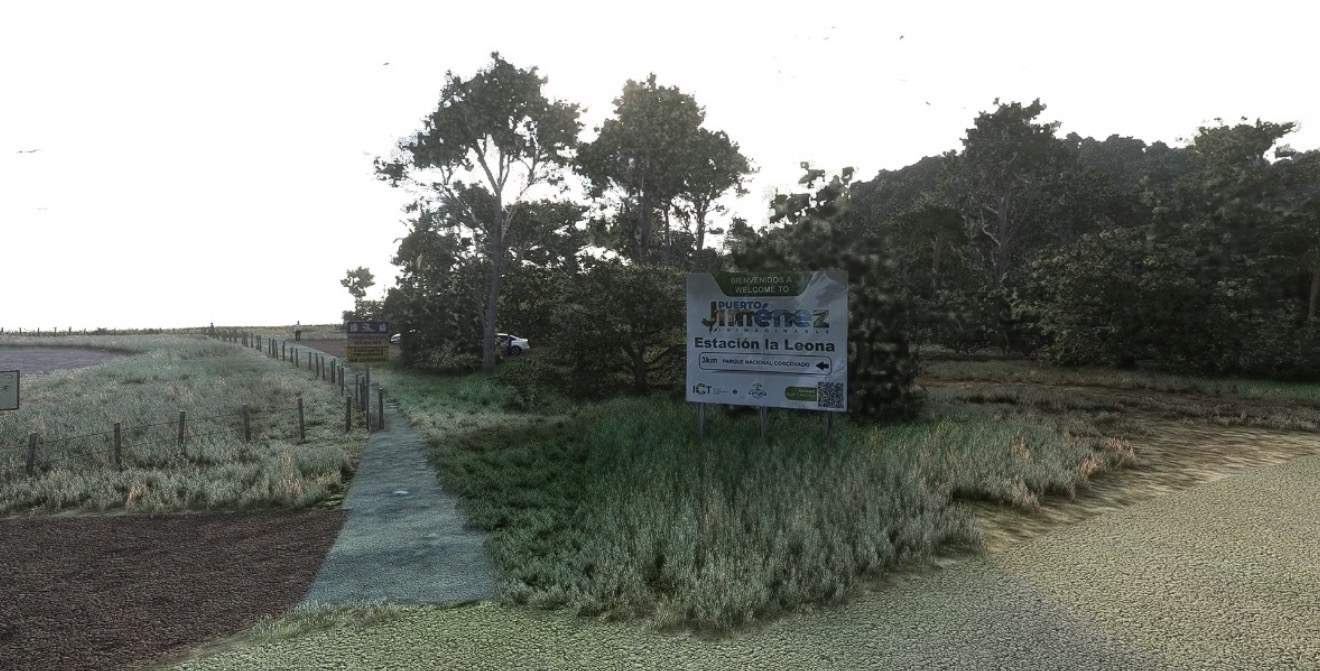
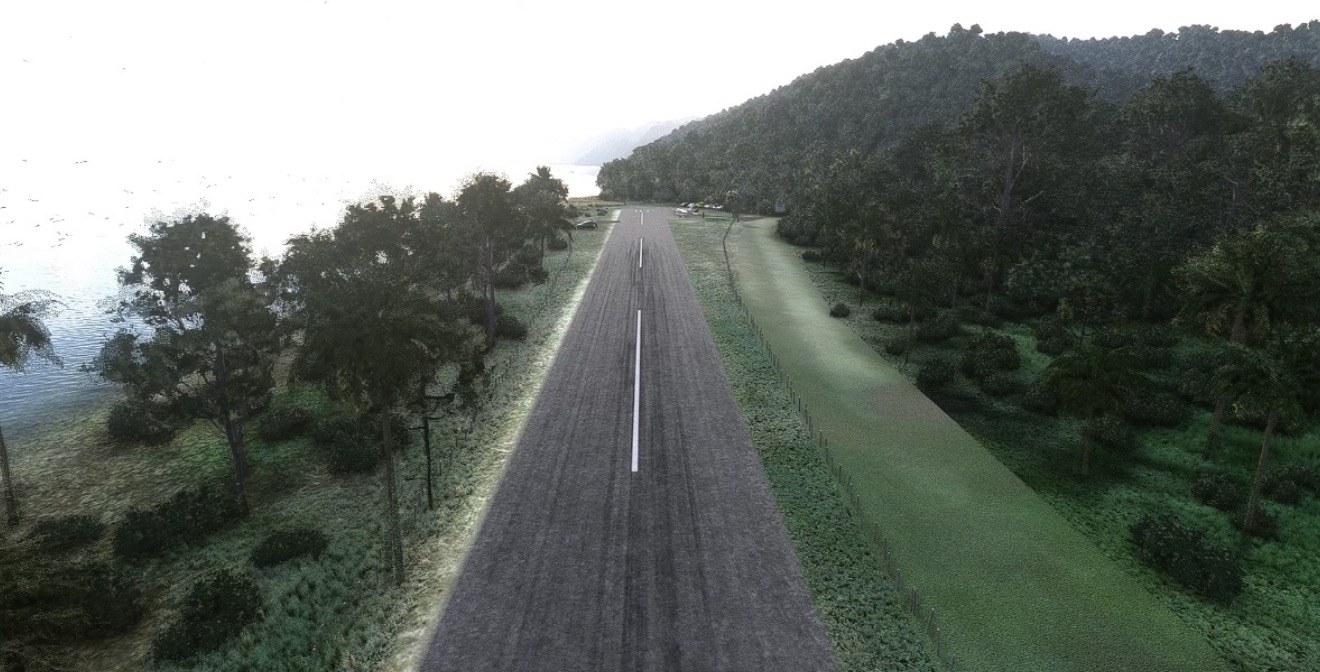
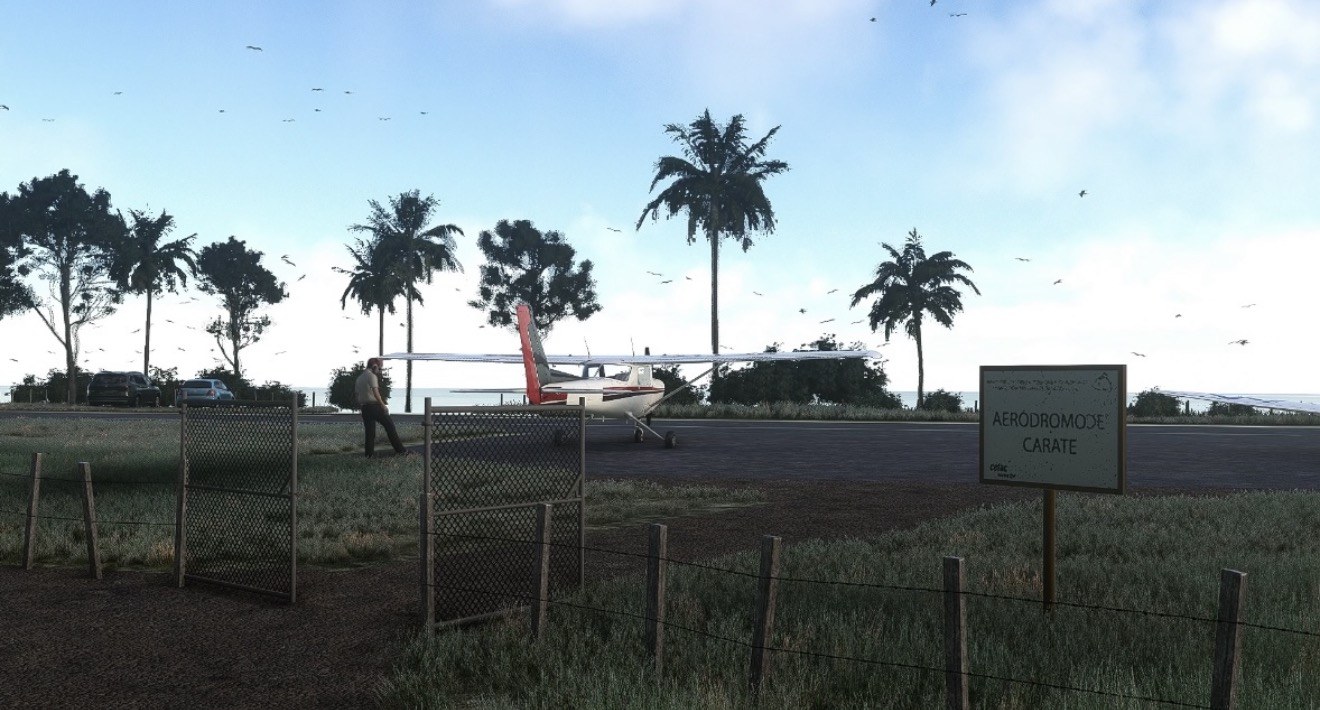
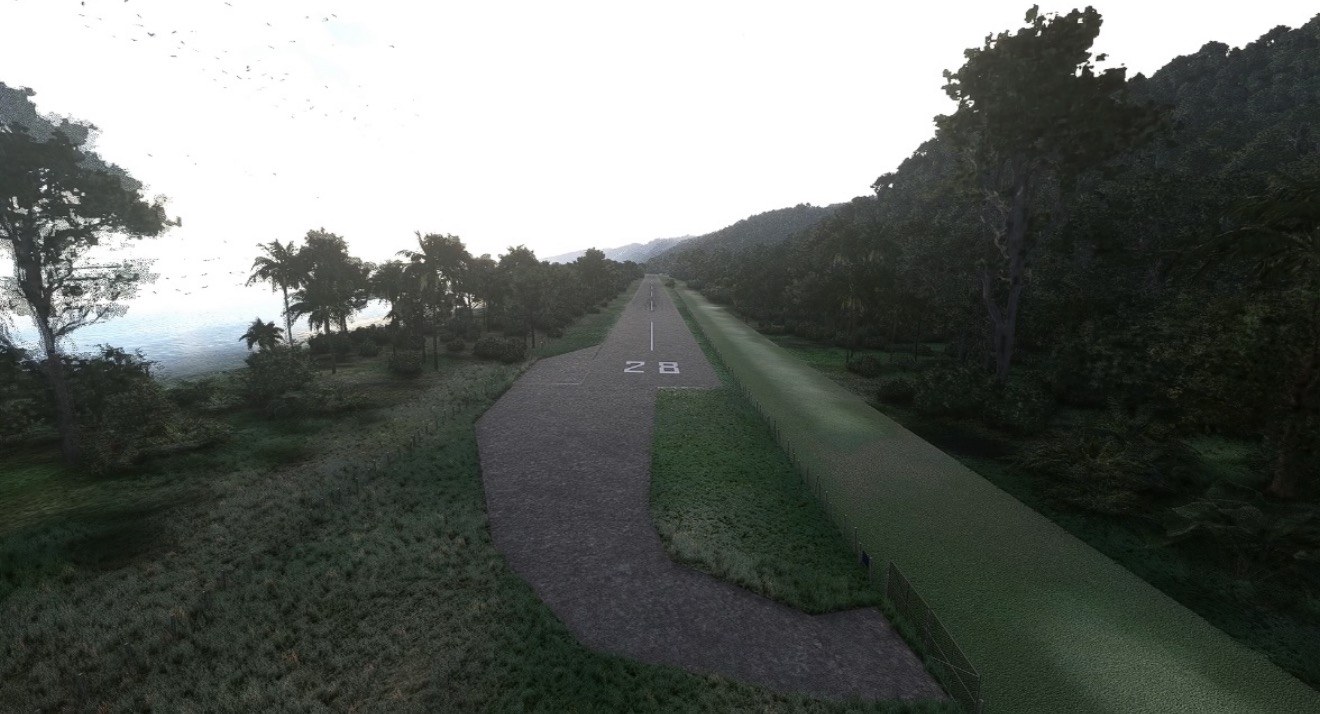
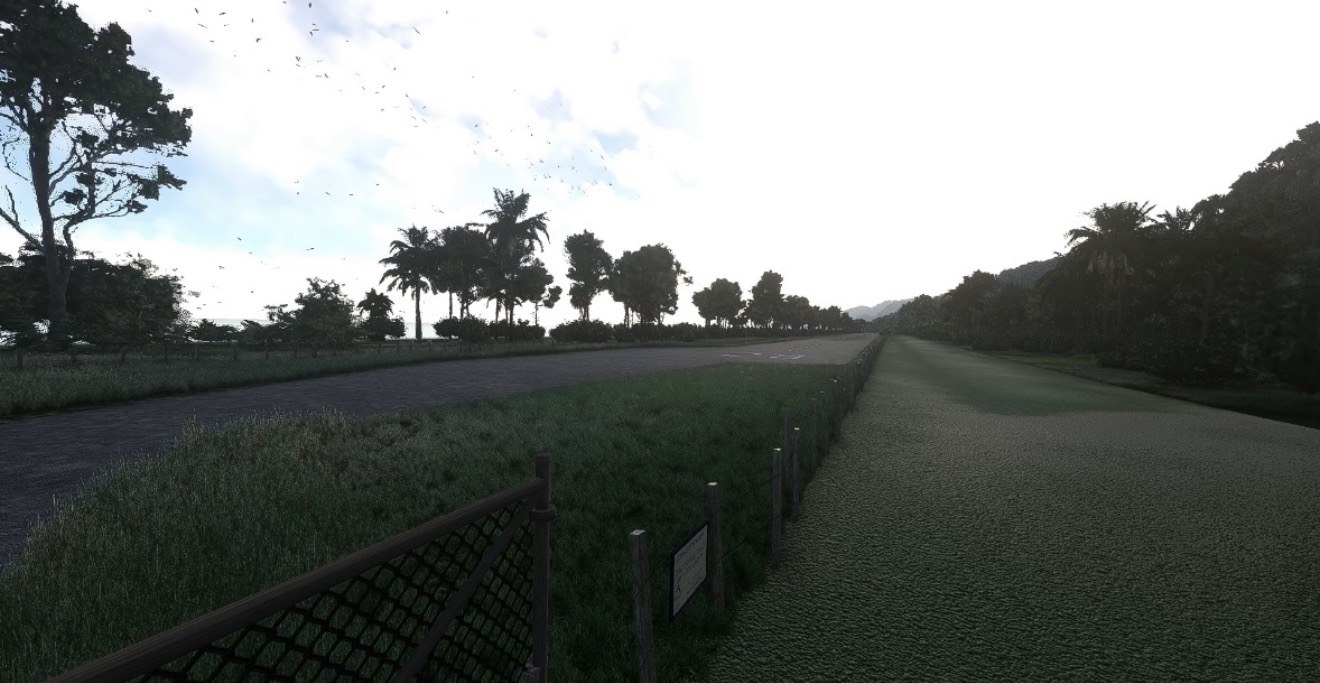

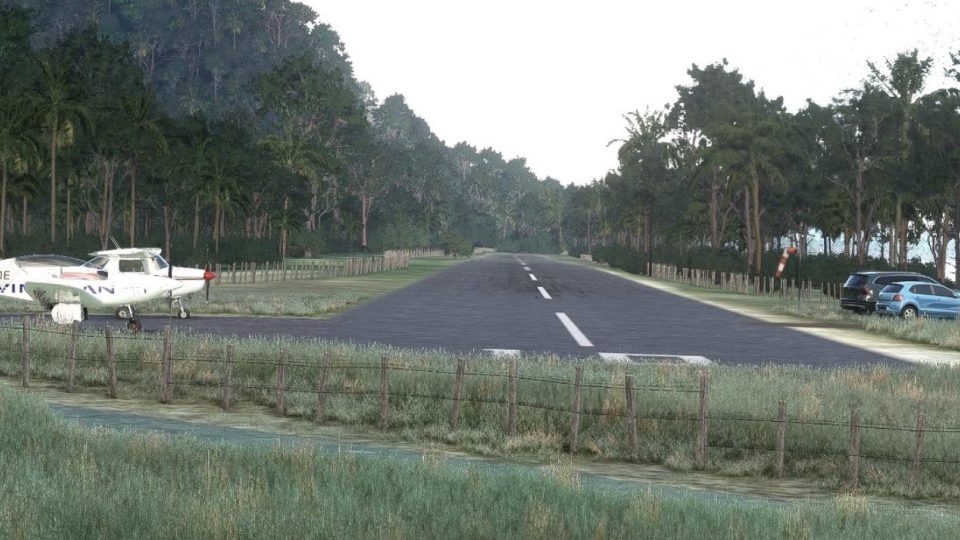
On casual scenery flights, I tend to pick a forgiving runway and spend more time looking outside than planning the arrival. Carate got me paying attention to the landing before I reached the pattern. The 12-meter width matters as much to me as the length: this is a field where I'd choose the aircraft for the destination, not simply take whatever I last flew.
Turning onto final, I brought my attention back to alignment rather than letting the surroundings distract me. That’s the appeal here—a sightseeing destination with an arrival worth practicing. Down at ground level, the wire fences and rough grass edges give the field a convincing informality. I like those details; they make the pavement feel part of a small working airfield rather than an isolated strip.
Matías Barrenechea recreates Carate Airport (MRCE) and its surroundings in Costa Rica for Microsoft Flight Simulator 2020. Built around light-aircraft flying, this scenery covers a remote general aviation field on the southern Osa Peninsula, where a short, narrow runway calls for careful aircraft selection and performance planning.
Carate lies in Puntarenas Province, close to the Pacific coastline and surrounded by dense tropical vegetation. The airfield serves private aircraft, tourist flights, and local and regional transport, providing an air connection to the area’s remote visitor destinations. Coastal and rainforest views are part of the appeal here.
There isn’t much runway to spare. Check takeoff and landing distances at your planned weight, especially in aircraft that need more pavement. Wind, temperature, and runway conditions all affect the margins; the surrounding terrain and vegetation also deserve attention during the approach, departure, and traffic pattern.
Read the README for the setup needed to make the scenery function properly. The description does not provide installation steps or an itemized account of the modeled airport features.
The developer’s original release notes flag a slight apron-area error near the Runway 28 threshold and announce a correction for a subsequent update. Those notes do not establish whether the issue remains in this download.
MullberryWing helped with the scenery by providing the lettering.
Free for all simmers · 24.95 MB · Scanned clean Nov 2026
Download speed: Free tier is capped at 2 Mbps (this file takes approximately 2 mins at the cap). PRO members download at full line speed.
Initial release.
%LOCALAPPDATA%\Packages\Microsoft.FlightSimulator_8wekyb3d8bbwe\LocalCache\Packages\Community\. Steam version: %APPDATA%\Microsoft Flight Simulator\Packages\Community\. Tip: enable Developer Mode in MSFS to see your exact Community folder path.readme.txt or README file. It tells you exactly where files go, what dependencies are needed, and any quirks specific to this add-on.Use these coordinates to fly directly to this location once the mod is installed.
8.44080000,-83.46360000
Paste these coordinates into the Microsoft Flight Simulator search bar when planning a flight, or into the Developer Mode Teleport window, to fly directly to this location.
Soy un Piloto, desarrollador de escenarios y liveries de Costa Rica!Me enfoco en completar a mi país con sus aeródromos y aerolíneas regionales para msfs2020, me encanta recrear los lugares más preciosos y atractivos para el disfrute de…
Are you Matías Barrenechea? Sign in to Fly Away Creators for download stats, comment replies and updates. Make add-ons? Publish them here.
Only PRO members can place votes.
More MSFS add-ons hand-picked based on this download.
MSFS Scenery
Matías Barrenechea’s Cóbano Airport scenery updates Aeródromo de Cóbano (MRAF…
 MSFS Scenery
Matías Barrenechea’s Arenal Airport scenery covers MRAN at La Fortuna, Costa …
 MSFS Scenery
Matías Barrenechea recreates Golfito Airport (MRGF) on Costa Rica’s southern …
 MSFS Scenery
Matías Barrenechea models Nosara Airport (MRNS / NOB) in Costa Rica for Micro…
 MSFS Scenery
Matías Barrenechea models Carrillo Airport (MRCR) near Puerto Carrillo in Gua…
 MSFS Scenery
Matías Barrenechea recreates Punta Islita Airport (MRIA/PBP) for Microsoft Fl…
 MSFS Scenery
Matías Barrenechea recreates Drake Bay Airport (MRDK) and its surroundings on…
 MSFS Scenery
Matías Barrenechea models Upala Airport (MRUP) in northern Costa Rica for Mic…
Be the first to leave a comment on this download.
Be the first to share your thoughts on this download.