


 Costa Rica

 MSFS Scenery
Cóbano Airport MRAF Costa Rica
Matías Barrenechea’s Cóbano Airport scenery updates Aeródromo de Cóbano (MRAF…
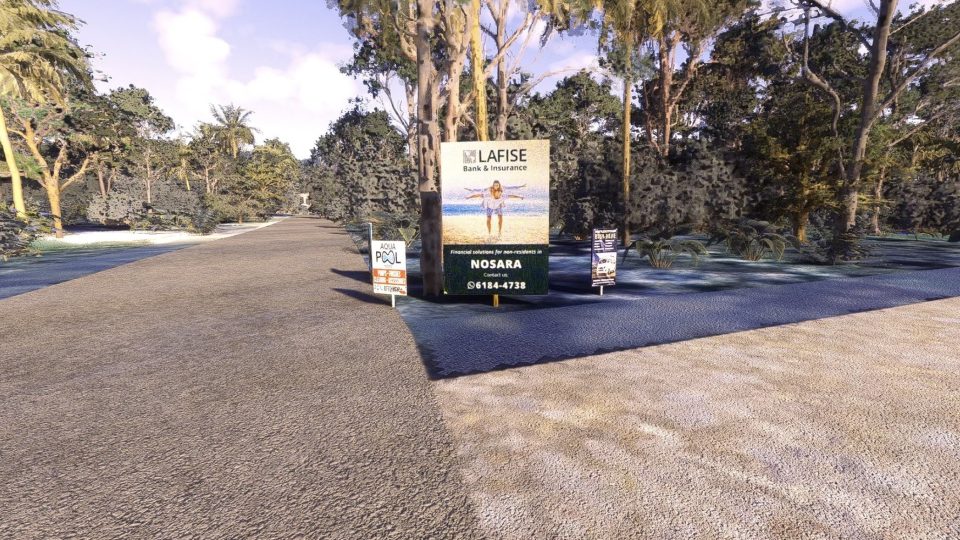
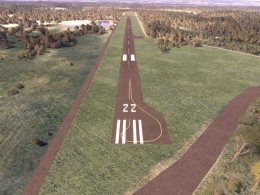
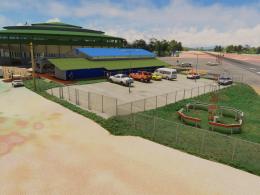
Nosara Airport (MRNS) scenery recreates Costa Rica’s small coastal gateway in Microsoft Flight Simulator 2020 with modeled airport buildings and detailed objects. Set on the Nicoya Peninsula near Playa Guiones and Playa Pelada, it offers a destination for domestic turboprop services, general aviation, and short coastal flights around Guanacaste’s beaches and nature reserves.
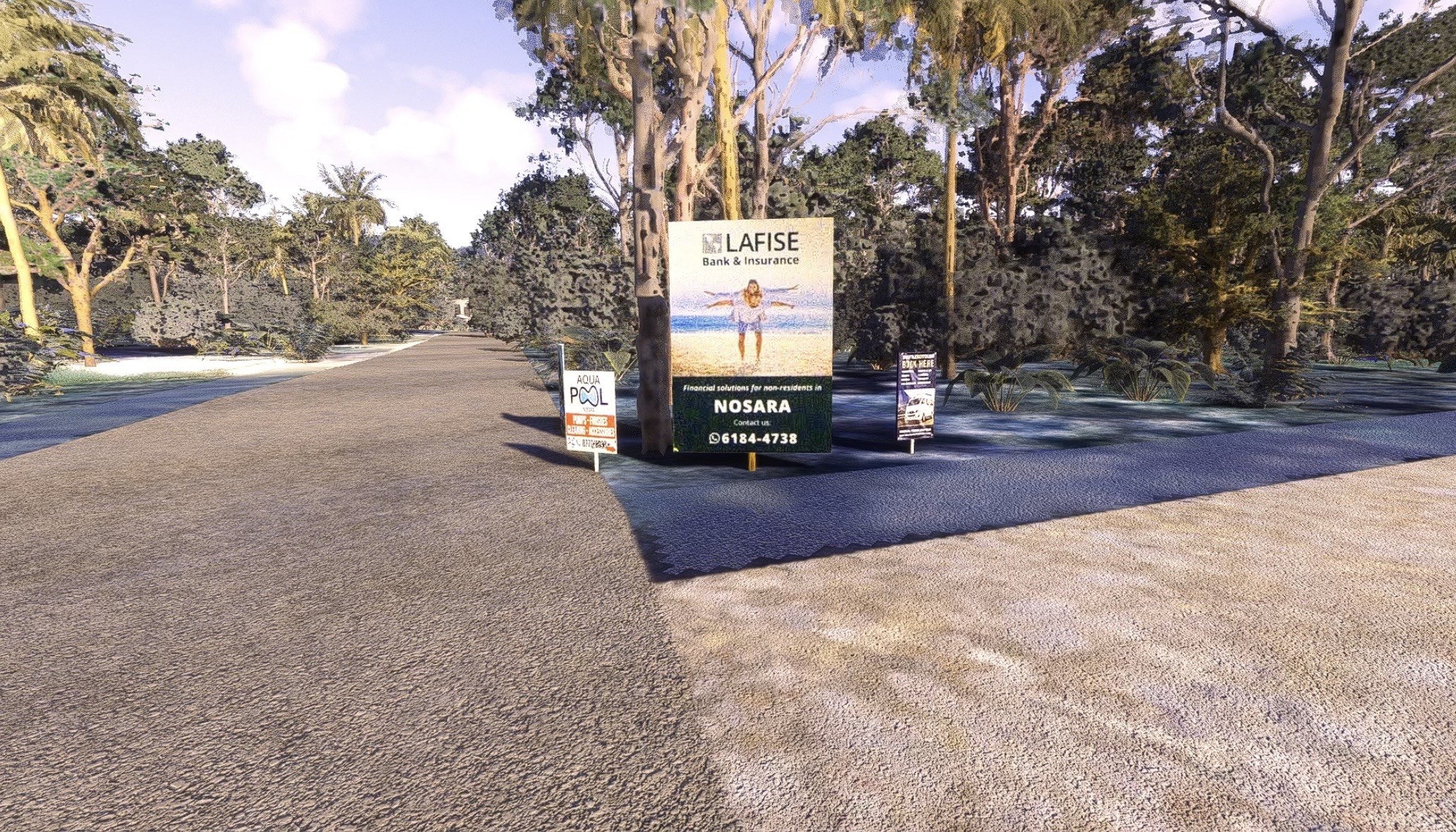
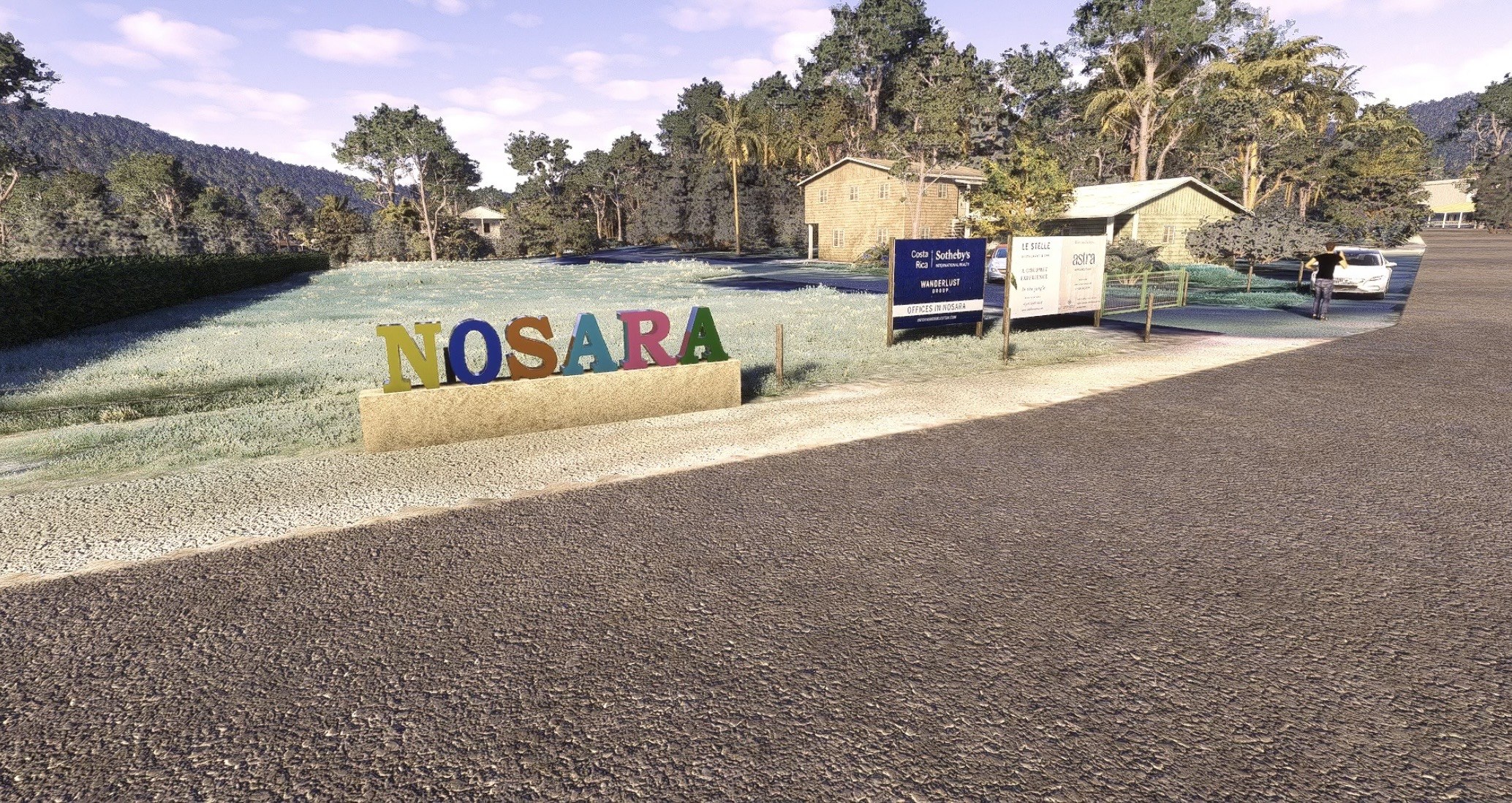
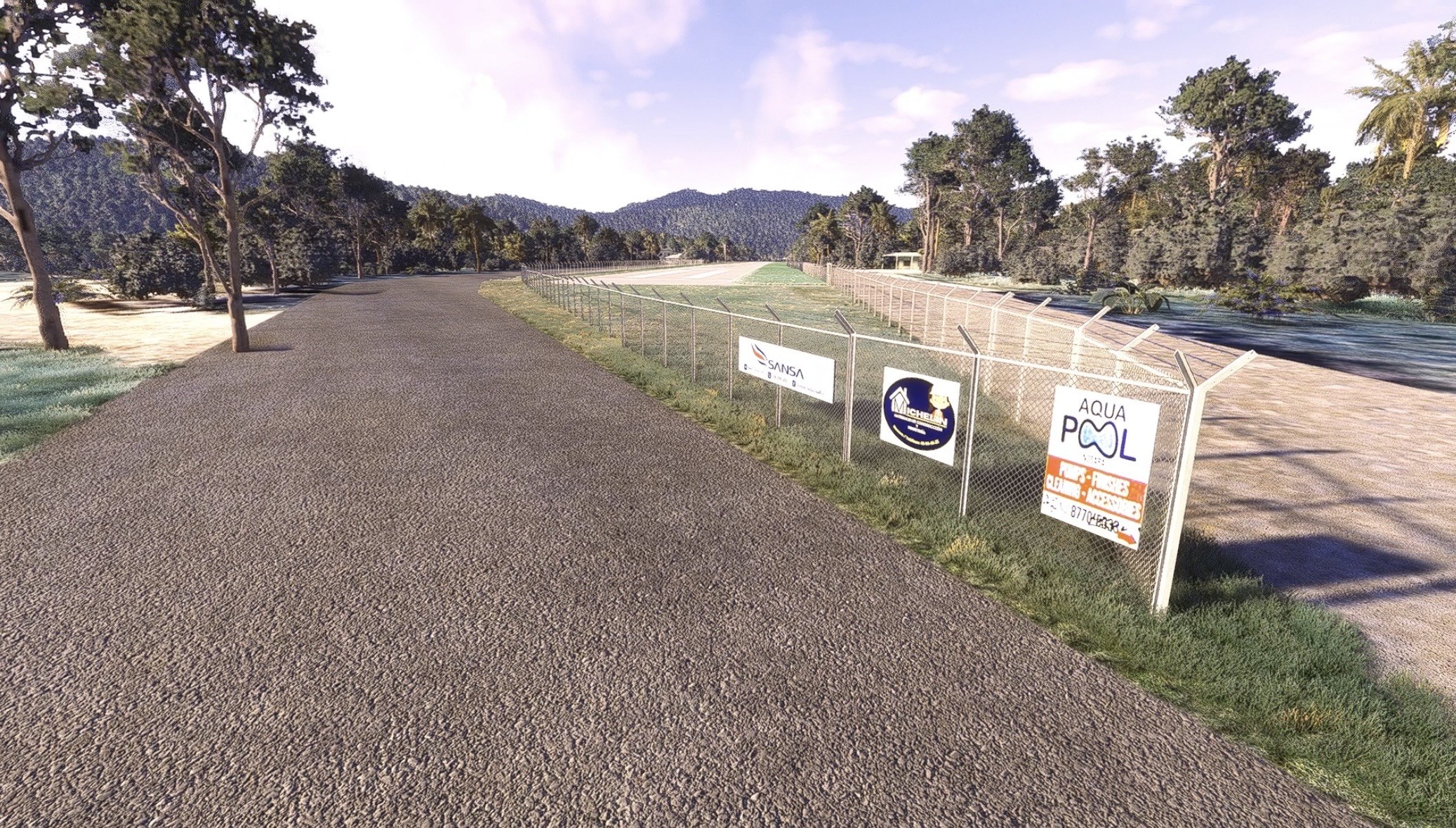
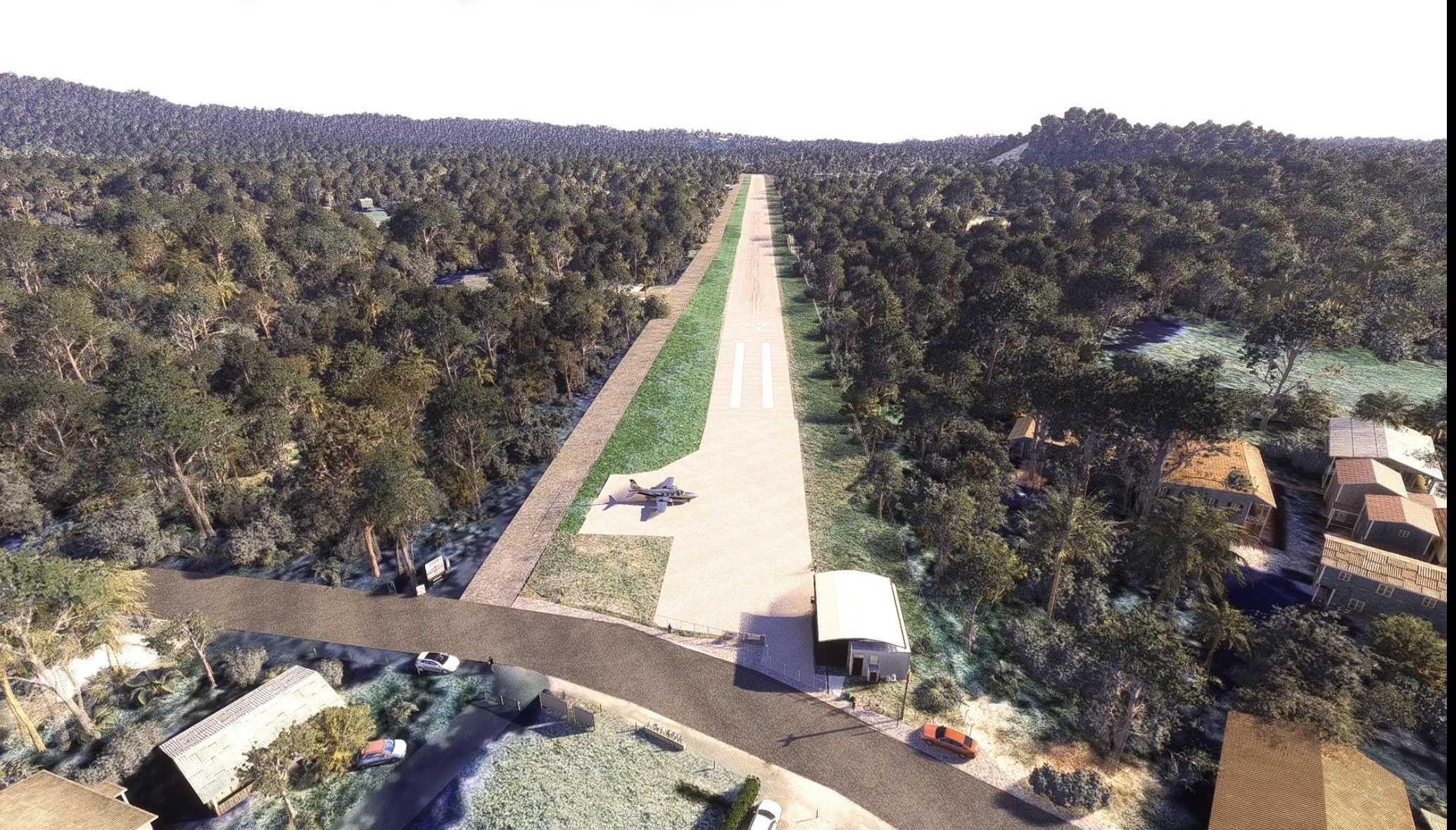
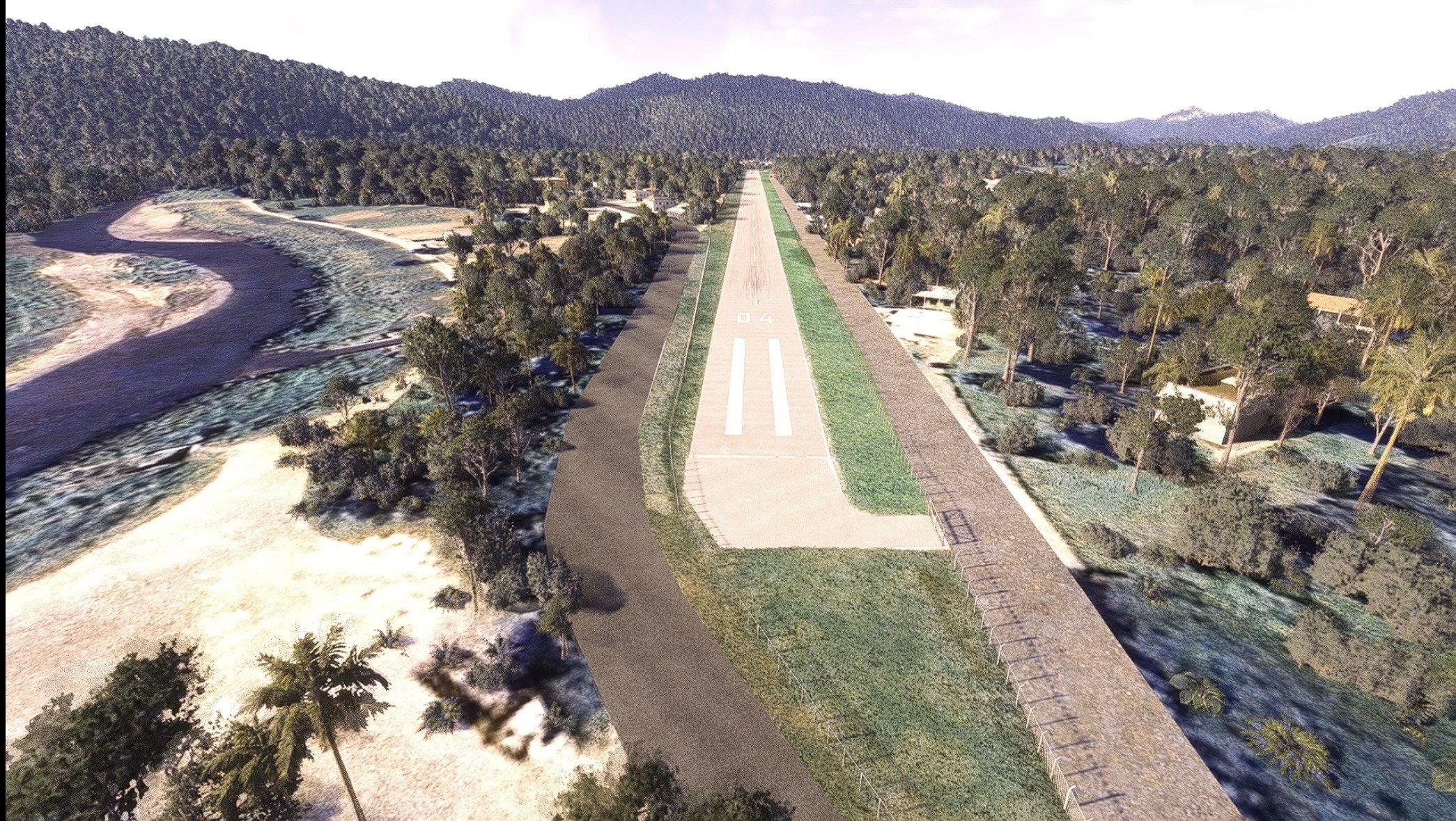
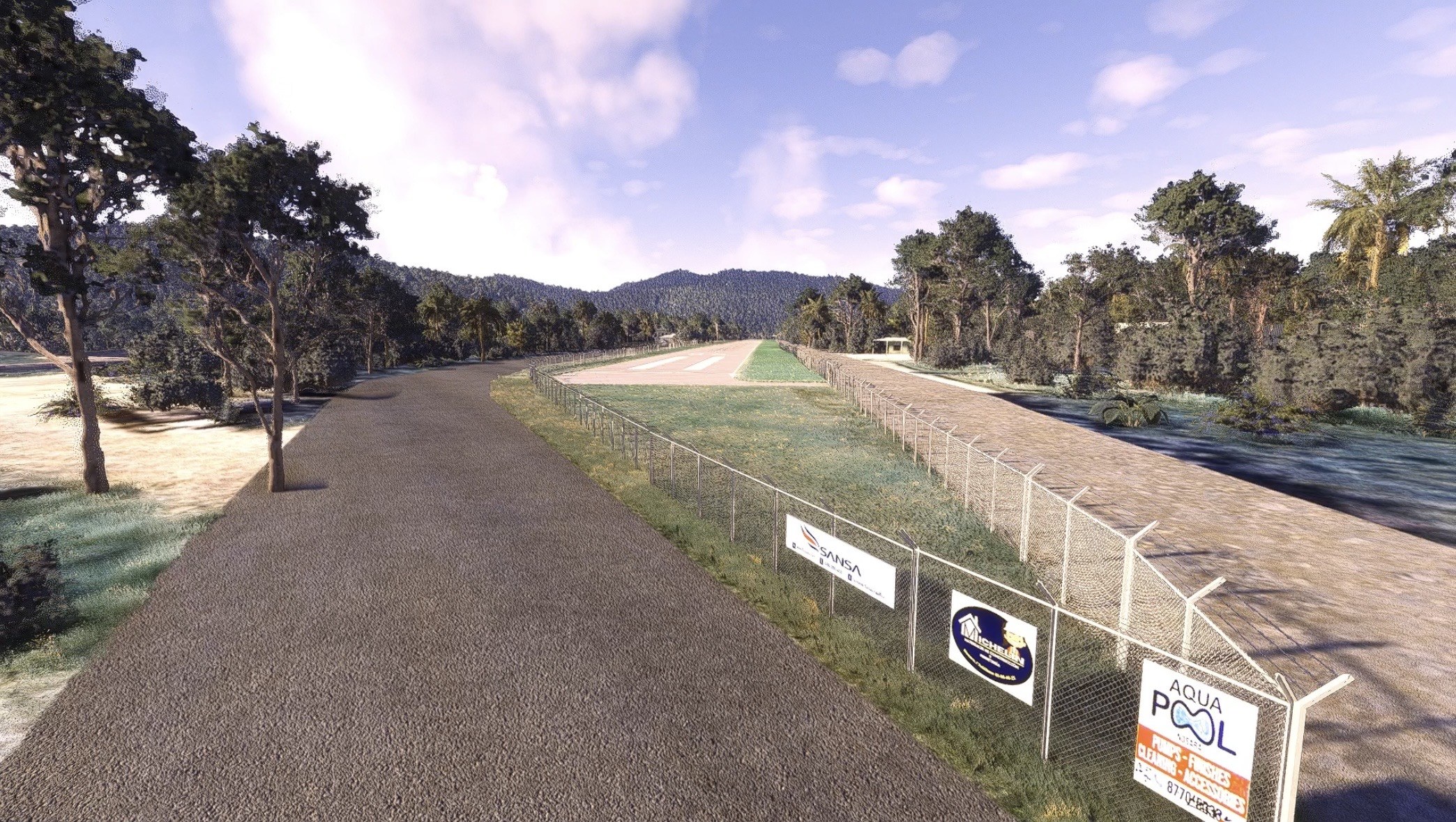
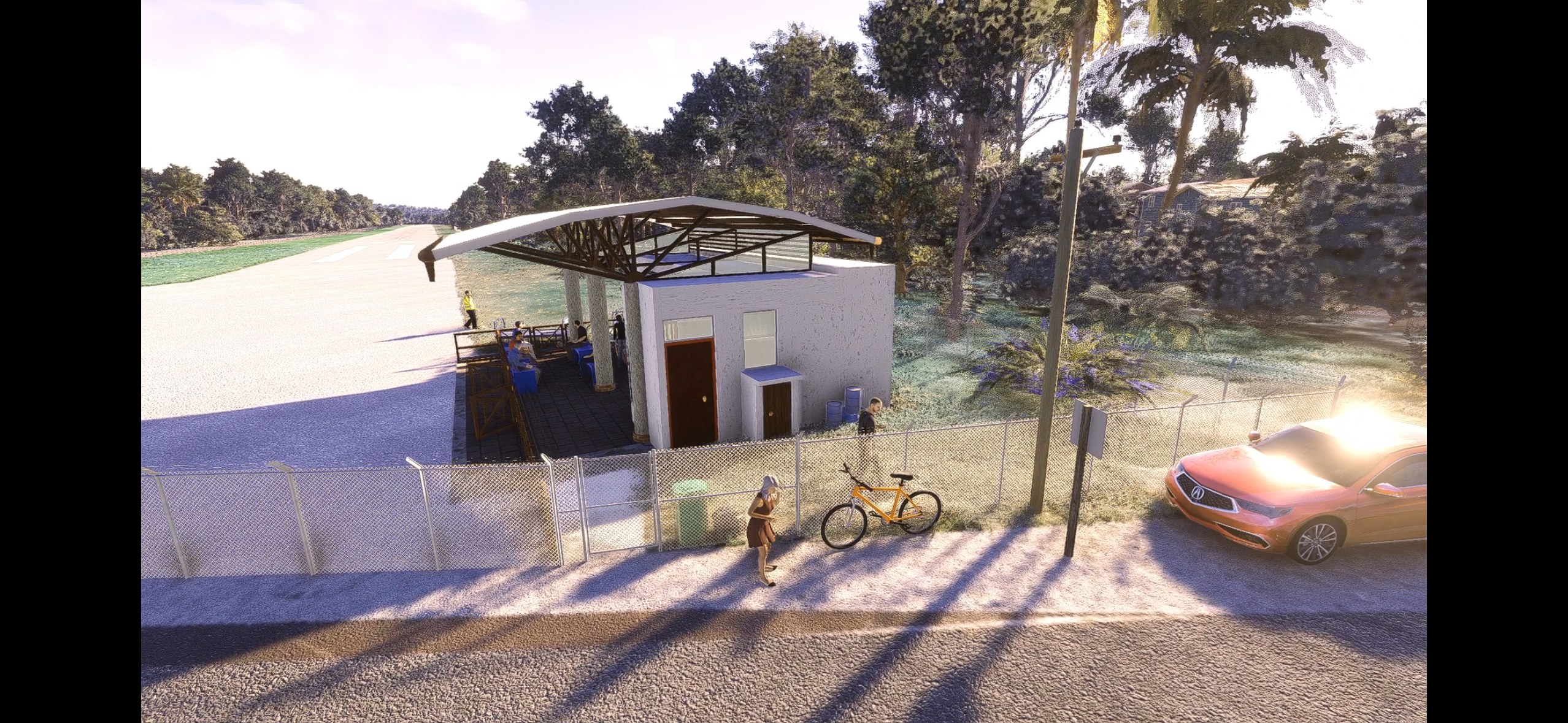
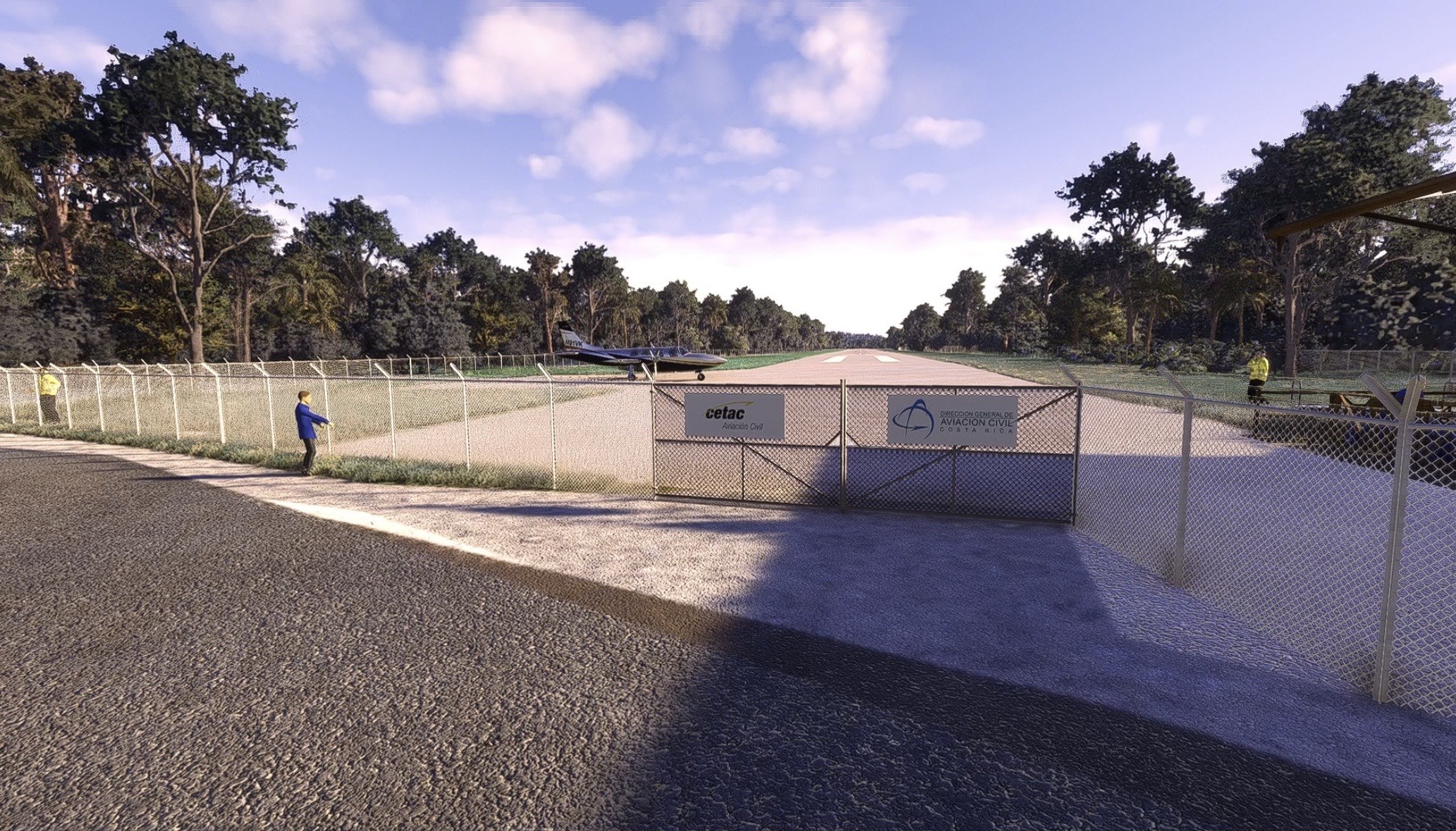
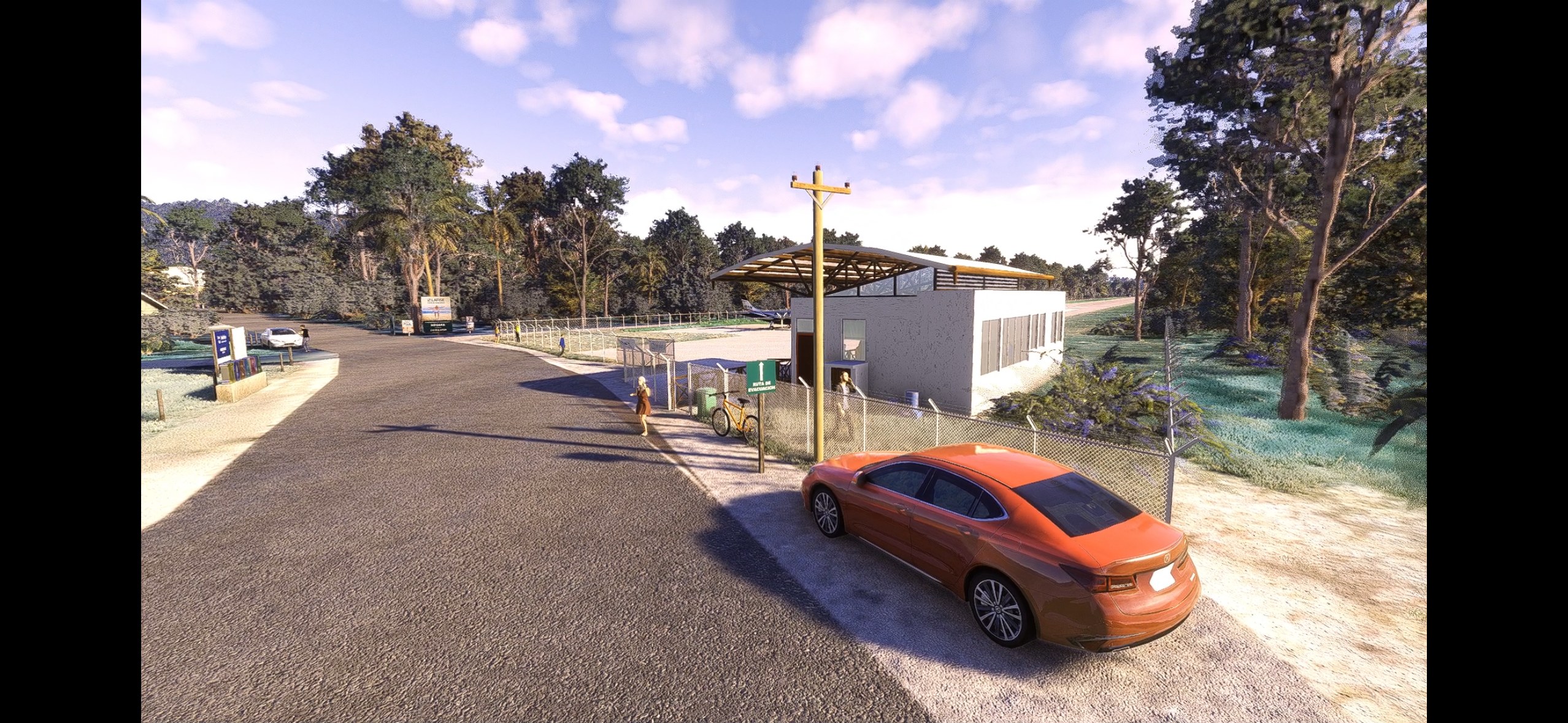
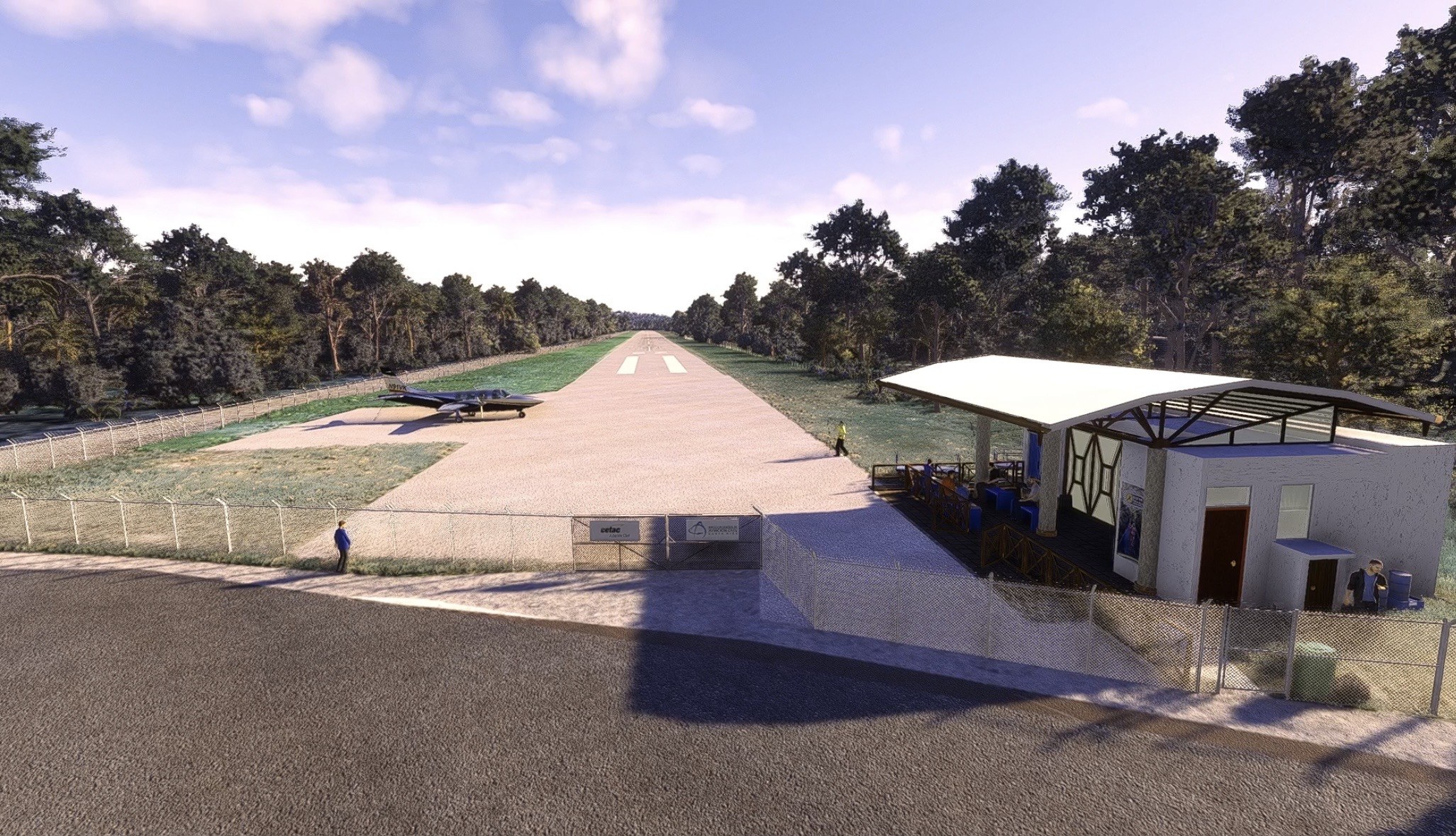
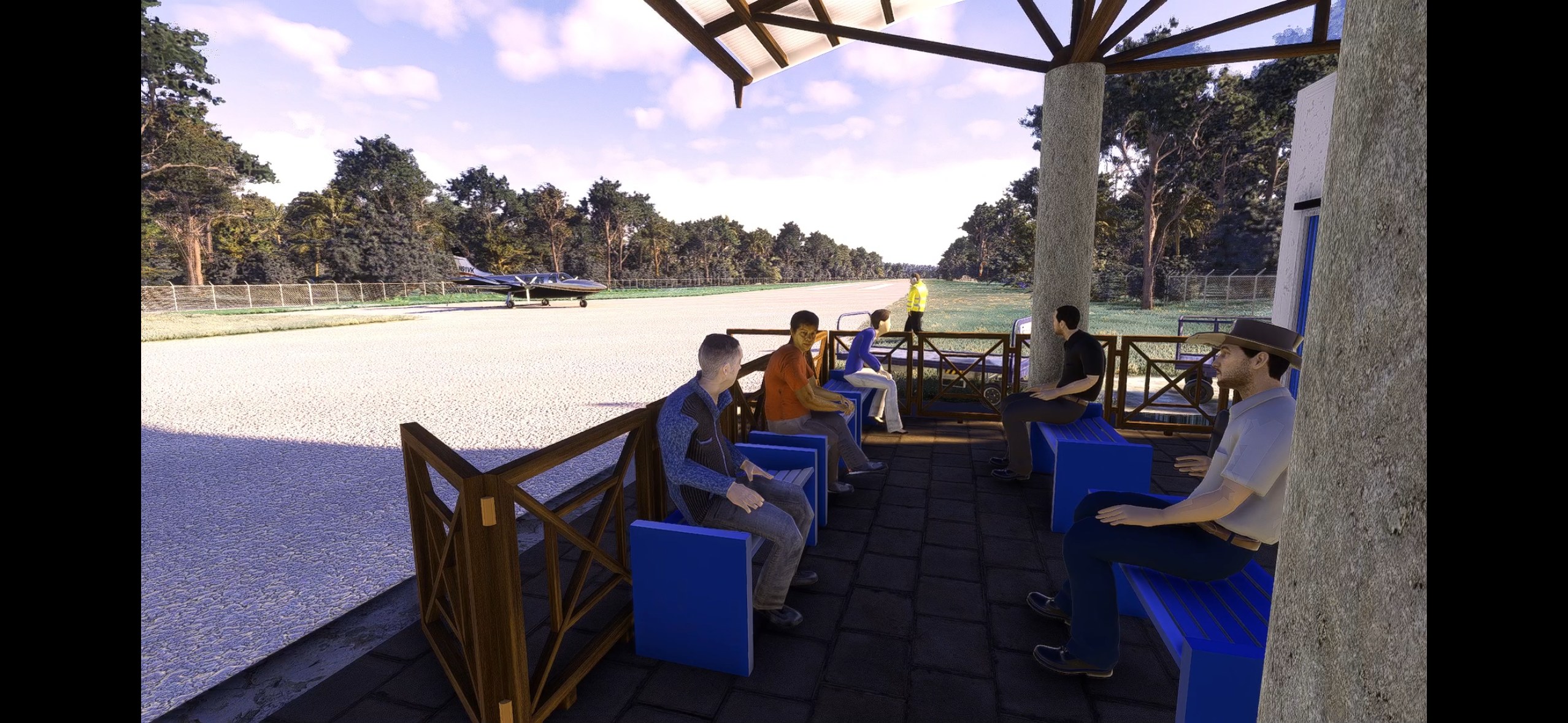

The road surface looks too coarse to me at ground level; I’d tone that down, but the local signage gives Nosara enough character to carry it. The multicolored NOSARA letters and advertisements along the fence are worth keeping your eyes outside for. After landing, I slowed down to look around the airport buildings rather than ending the flight as soon as I was parked. MulberryWing’s object work rewards that extra look. That matters at a small field, where you spend much of your ground time close enough to notice what’s been modeled. I’d use this for an unhurried arrival, with a few minutes left to explore after shutdown. Check your sim before downloading: this release supports MSFS 2020 only. The separate MSFS 2024 edition is announced as forthcoming, not included here.
Matías Barrenechea models Nosara Airport (MRNS / NOB) in Costa Rica for Microsoft Flight Simulator 2020, with all buildings and detailed objects contributed by collaborator MulberryWing. This small public regional airport handles domestic commercial services, general aviation, and tourist flights on the Nicoya Peninsula.
Nosara sits in the canton of Nicoya, Guanacaste province, a few kilometers from Playa Guiones and Playa Pelada. The airport serves both Costa Rican and international visitors heading to the beaches and nature reserves for surfing, ecotourism, and wellness tourism. Its airline operations are primarily domestic, flown by Costa Rican carriers.
The real airport has a small, functional terminal and a paved runway used by light aircraft and turboprops on routes within Costa Rica. Field elevation is approximately 10 m (33 ft) above sea level. That makes MRNS a useful destination for short coastal hops and domestic turboprop flying.
The developer asks users to read the README for proper functioning. Follow its instructions when setting up the scenery; the supplied description gives no installation steps.
This release supports MSFS 2020 only. MulberryWing is preparing a separate Microsoft Flight Simulator 2024 release, which the developer says is coming soon. Barrenechea offers the scenery as a gift to Costa Rica’s virtual pilot community.
Free for all simmers · 177.2 MB · Scanned clean Nov 2026
Download speed: Free tier is capped at 2 Mbps (this file takes approximately 12 mins at the cap). PRO members download at full line speed.
Initial release.
%LOCALAPPDATA%\Packages\Microsoft.FlightSimulator_8wekyb3d8bbwe\LocalCache\Packages\Community\. Steam version: %APPDATA%\Microsoft Flight Simulator\Packages\Community\. Tip: enable Developer Mode in MSFS to see your exact Community folder path.readme.txt or README file. It tells you exactly where files go, what dependencies are needed, and any quirks specific to this add-on.Use these coordinates to fly directly to this location once the mod is installed.
9.97650000,-85.65300000
Paste these coordinates into the Microsoft Flight Simulator search bar when planning a flight, or into the Developer Mode Teleport window, to fly directly to this location.
Soy un Piloto, desarrollador de escenarios y liveries de Costa Rica!Me enfoco en completar a mi país con sus aeródromos y aerolíneas regionales para msfs2020, me encanta recrear los lugares más preciosos y atractivos para el disfrute de…
Are you Matías Barrenechea? Sign in to Fly Away Creators for download stats, comment replies and updates. Make add-ons? Publish them here.
Only PRO members can place votes.
More MSFS add-ons hand-picked based on this download.
MSFS Scenery
Matías Barrenechea’s Cóbano Airport scenery updates Aeródromo de Cóbano (MRAF…
 MSFS Scenery
Matías Barrenechea’s Arenal Airport scenery covers MRAN at La Fortuna, Costa …
 MSFS Scenery
Matías Barrenechea recreates Golfito Airport (MRGF) on Costa Rica’s southern …
 MSFS Scenery
Matías Barrenechea recreates Carate Airport (MRCE) and its surroundings in Co…
 MSFS Scenery
Matías Barrenechea models Carrillo Airport (MRCR) near Puerto Carrillo in Gua…
 MSFS Scenery
This mod developed by JustOkayPilot brings Grand Canyon National Park Airport…
 MSFS Scenery
Sandane Airport (ENSD) is located on the beautiful west coast of Norway and i…
 MSFS Scenery
Enhance your flight simulation experience with this mod for Microsoft Flight …
Be the first to leave a comment on this download.
Be the first to share your thoughts on this download.