


 Costa Rica

 MSFS Scenery
Cóbano Airport MRAF Costa Rica
Matías Barrenechea’s Cóbano Airport scenery updates Aeródromo de Cóbano (MRAF…
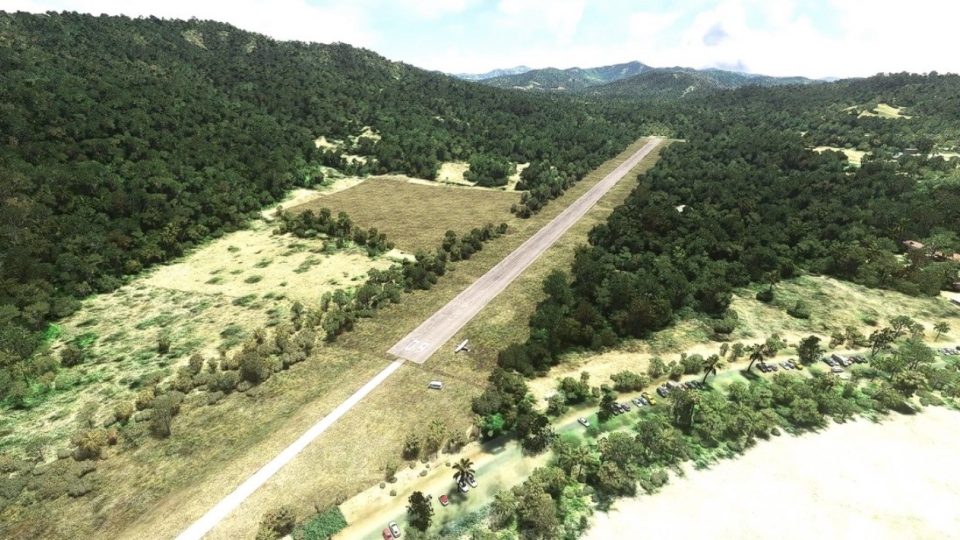
Carrillo Airport (MRCR) scenery brings a small Costa Rican airfield near Puerto Carrillo, Guanacaste, to Microsoft Flight Simulator 2020. The scenery models the runway and surrounding area, creating a recognizable setting for general aviation and VFR flying at an airfield whose runway 09/27 measures 1,200 metres long and 20 metres wide.
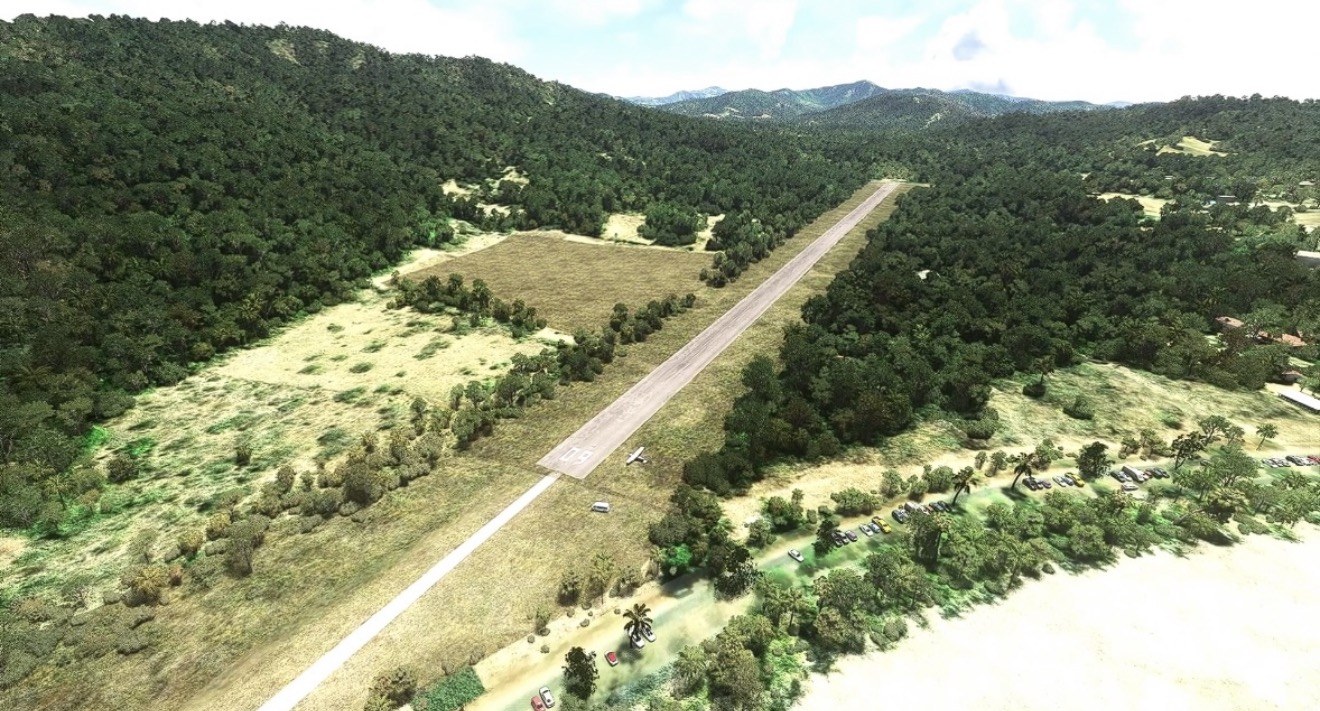
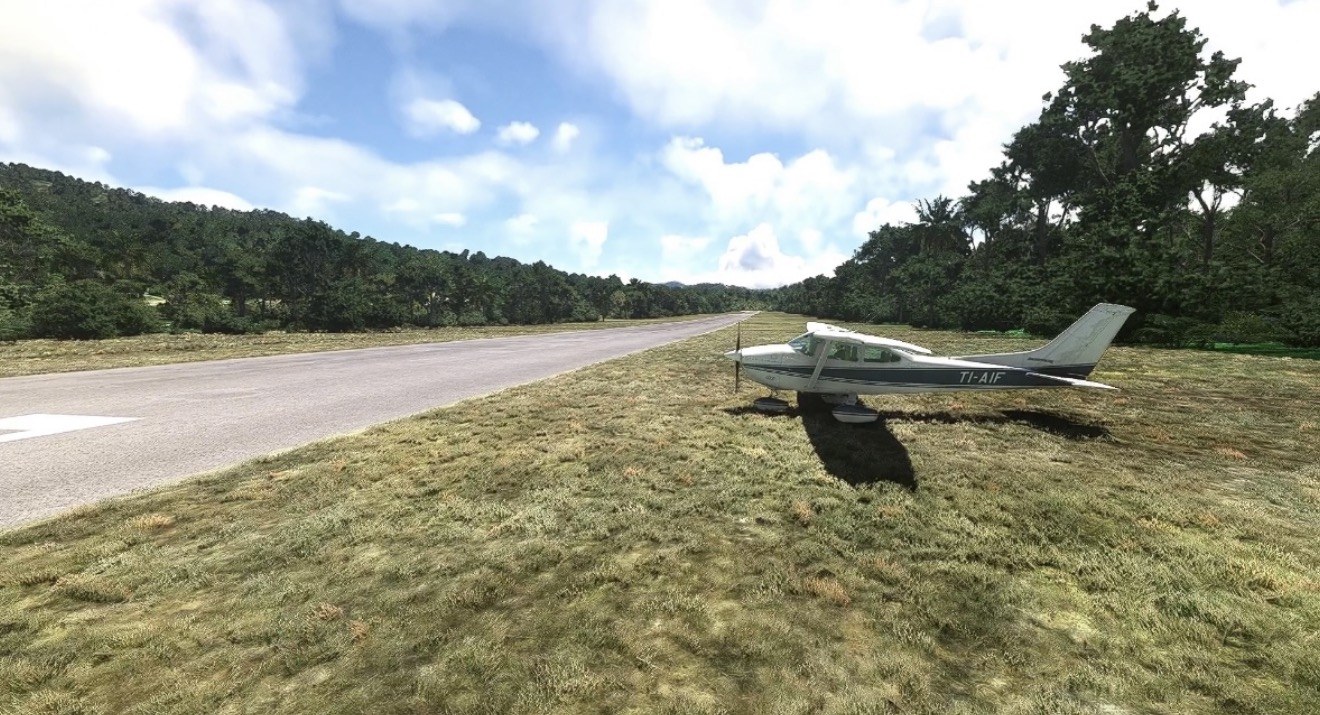
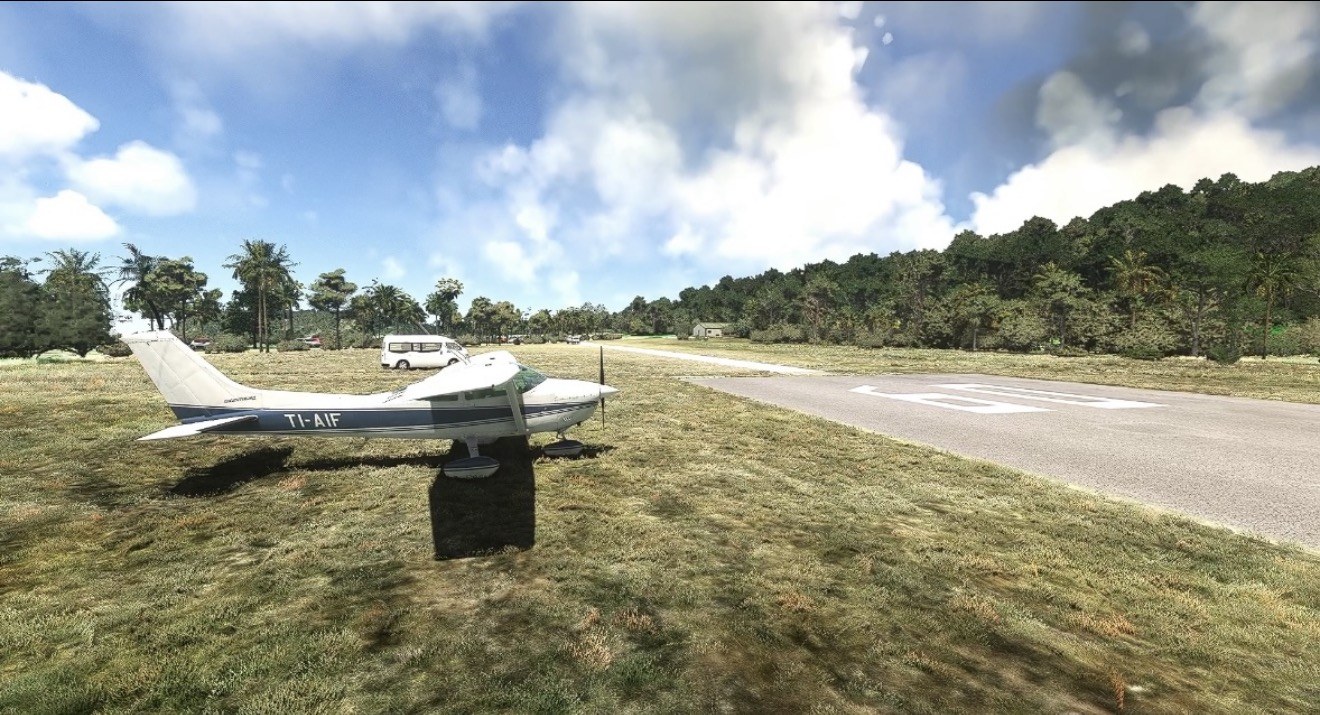
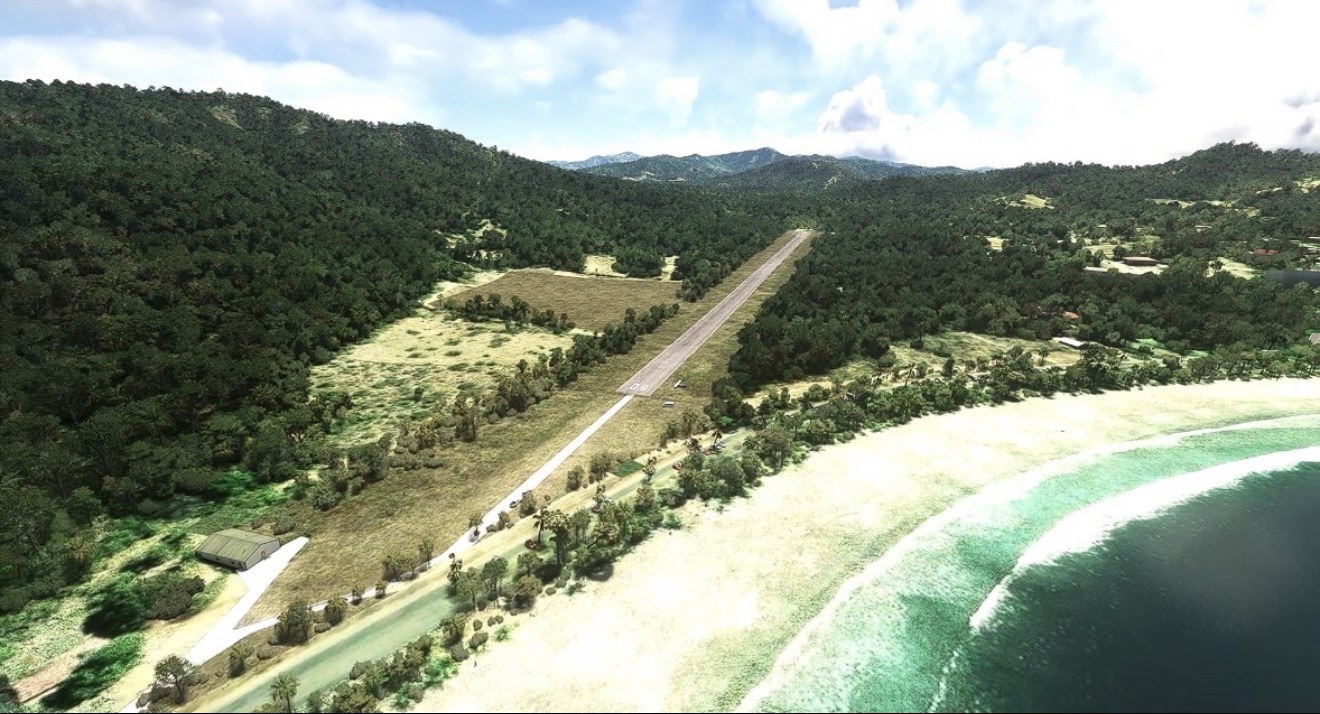
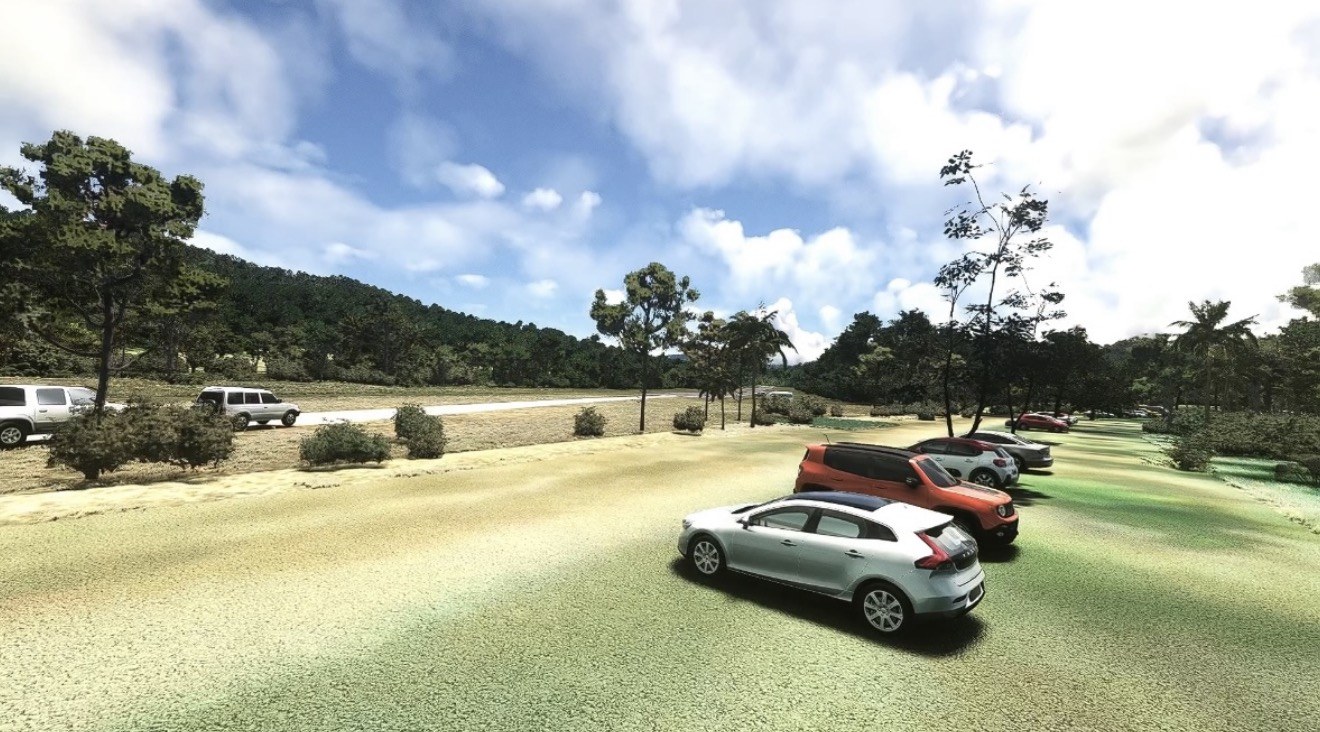
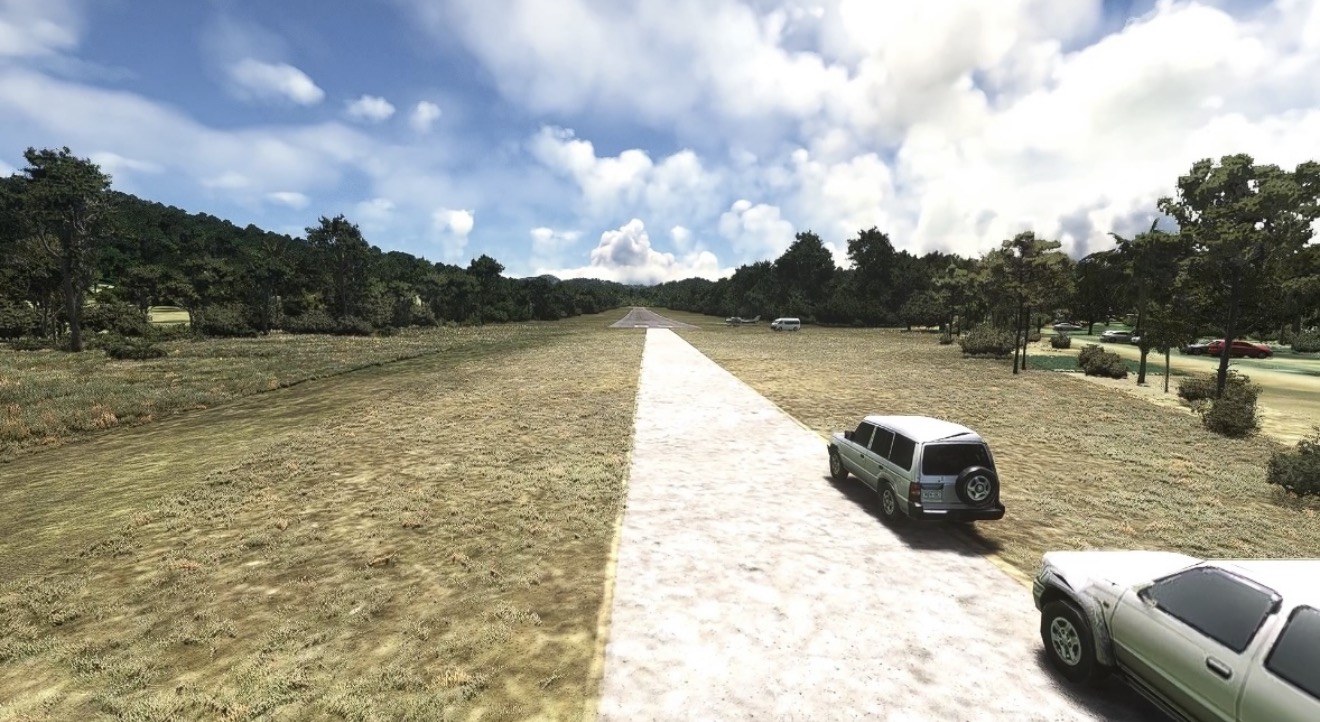

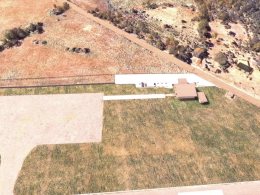
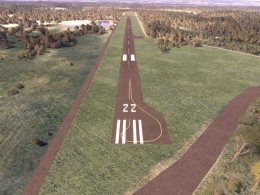
Coming in from the coast, I picked out the strip between the beach and the wooded hills, then found myself paying more attention to the trees beside it as I descended. That setting gives the arrival its character. The open grass along the runway keeps the airfield looking modest, and I like that Barrenechea hasn't made a small strip feel overbuilt. For an informal afternoon flight, there's enough here to make Carrillo a destination I'd choose rather than just pass over.
The beta label deserves attention, though. I'd put the planned perimeter and vegetation work high on the list: at a field this sparse, those edges contribute a lot to how convincing it feels from the cockpit. More buildings alone wouldn't be my measure of progress. Limited recent reference material also means I wouldn't use this release to recreate current real-world operations, particularly with the airport not officially reopened. I'm happy to fly it as an evolving interpretation of Carrillo. This release is for MSFS 2020 only.
Matías Barrenechea models Carrillo Airport (MRCR) near Puerto Carrillo in Guanacaste, Costa Rica, for Microsoft Flight Simulator 2020. This beta scenery covers the runway and surrounding area, with a recognizable representation of the small airfield taking priority while references for its latest condition remain limited.
MRCR serves general aviation and VFR traffic. The real aerodrome has not officially reopened, though runway markings and other preparatory work have reportedly been carried out toward a possible future reopening. Treat the scenery as a work in progress, not a definitive record of the airport’s present condition.
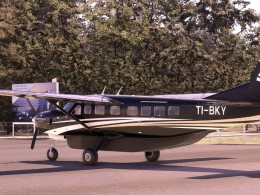
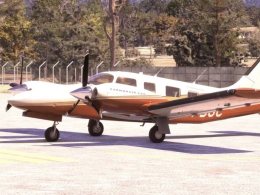
The developer cites Costa Rica’s official aeronautical information from Subdirección DGAC for the Carrillo name, runway designation, and dimensions. Local and charter flying in the region has included the Pilatus PC-12, Cessna 182, Cessna 172, Airbus H125 helicopters, and other general aviation aircraft. These are regional traffic examples, not a list of static aircraft supplied with the scenery.
Publicly available photographs and reference material for the airport’s latest condition are scarce. The developer plans the following work as better references become available:
The airport’s changing real-world condition may also leave differences between the scenery and the site. Matías Barrenechea welcomes feedback, screenshots, and additional reference material to help guide future updates.
This release is for Microsoft Flight Simulator 2020 only. Read the README for the instructions needed for proper functioning; the supplied description does not give an installation procedure.
Free for all simmers · 35.88 KB · Scanned clean Nov 2026
Download speed: Free tier is capped at 2 Mbps. PRO members download at full line speed.
Initial release.
%LOCALAPPDATA%\Packages\Microsoft.FlightSimulator_8wekyb3d8bbwe\LocalCache\Packages\Community\. Steam version: %APPDATA%\Microsoft Flight Simulator\Packages\Community\. Tip: enable Developer Mode in MSFS to see your exact Community folder path.readme.txt or README file. It tells you exactly where files go, what dependencies are needed, and any quirks specific to this add-on.Use these coordinates to fly directly to this location once the mod is installed.
9.87050000,-85.48140000
Paste these coordinates into the Microsoft Flight Simulator search bar when planning a flight, or into the Developer Mode Teleport window, to fly directly to this location.
Soy un Piloto, desarrollador de escenarios y liveries de Costa Rica!Me enfoco en completar a mi país con sus aeródromos y aerolíneas regionales para msfs2020, me encanta recrear los lugares más preciosos y atractivos para el disfrute de…
Are you Matías Barrenechea? Sign in to Fly Away Creators for download stats, comment replies and updates. Make add-ons? Publish them here.
Only PRO members can place votes.
More MSFS add-ons hand-picked based on this download.
MSFS Scenery
Matías Barrenechea’s Cóbano Airport scenery updates Aeródromo de Cóbano (MRAF…
 MSFS Scenery
Matías Barrenechea’s Arenal Airport scenery covers MRAN at La Fortuna, Costa …
 MSFS Scenery
Matías Barrenechea recreates Golfito Airport (MRGF) on Costa Rica’s southern …
 MSFS Scenery
Matías Barrenechea models Nosara Airport (MRNS / NOB) in Costa Rica for Micro…
 MSFS Scenery
Matías Barrenechea recreates Carate Airport (MRCE) and its surroundings in Co…
 MSFS Scenery
Matías Barrenechea recreates Punta Islita Airport (MRIA/PBP) for Microsoft Fl…
 MSFS Scenery
Matías Barrenechea recreates Drake Bay Airport (MRDK) and its surroundings on…
 MSFS Scenery
Matías Barrenechea models Upala Airport (MRUP) in northern Costa Rica for Mic…
Be the first to leave a comment on this download.
Be the first to share your thoughts on this download.