


 Costa Rica

 MSFS Scenery
Cóbano Airport MRAF Costa Rica
Matías Barrenechea’s Cóbano Airport scenery updates Aeródromo de Cóbano (MRAF…
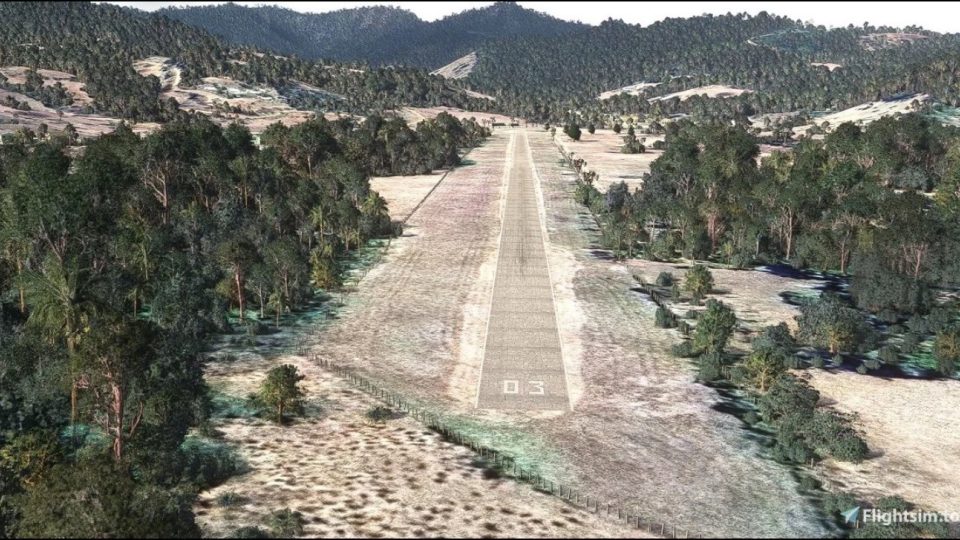
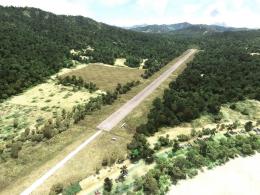
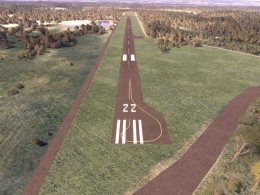
Punta Islita Airport (MRIA/PBP) scenery recreates a private coastal airfield on Costa Rica’s southern Nicoya Peninsula for Microsoft Flight Simulator 2020. Its narrow, 800-metre paved runway, tropical vegetation, and surrounding hills provide a distinctive setting for daytime VFR approaches, general aviation visits, and charter flights along the Pacific coast.
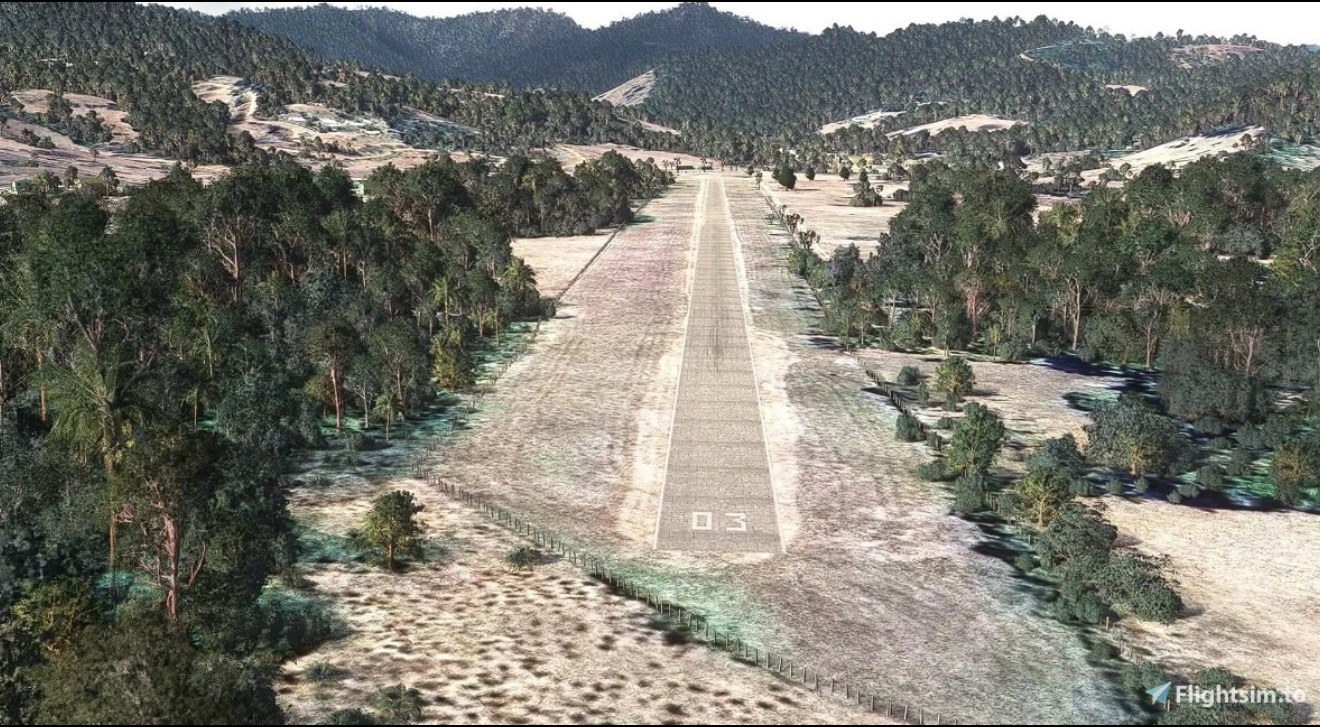
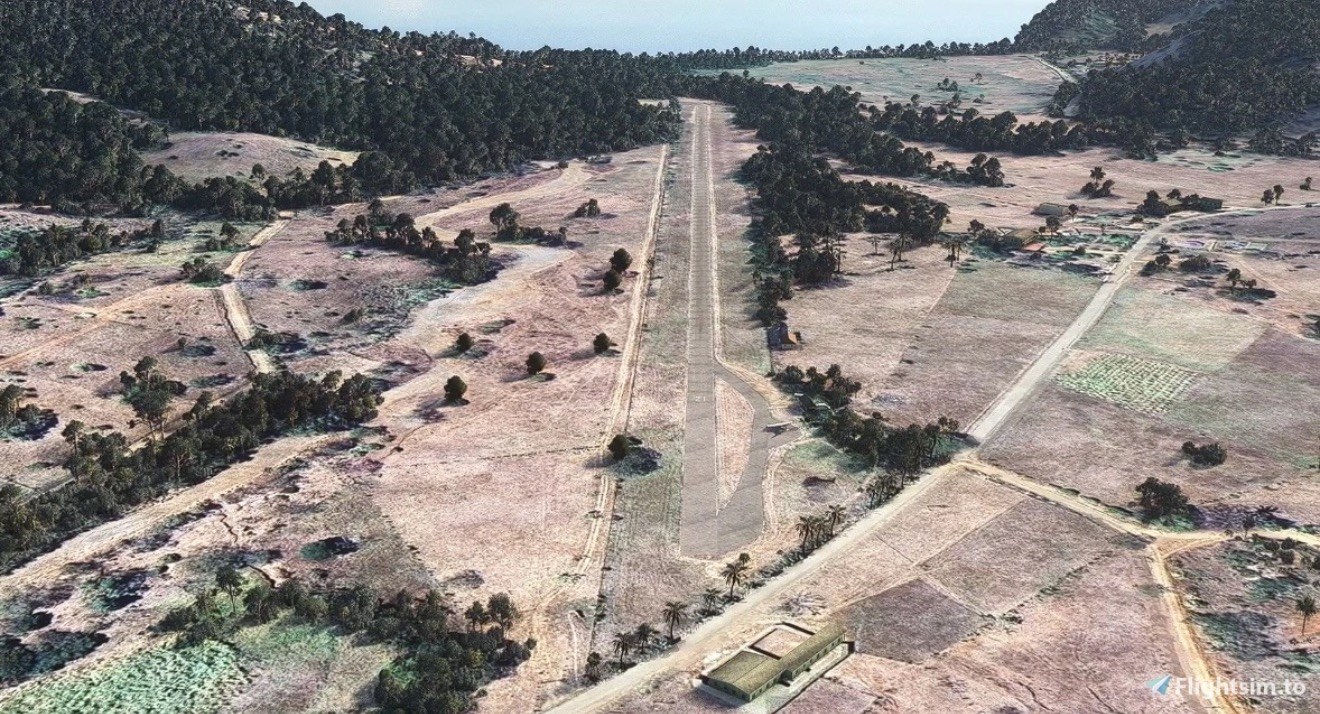
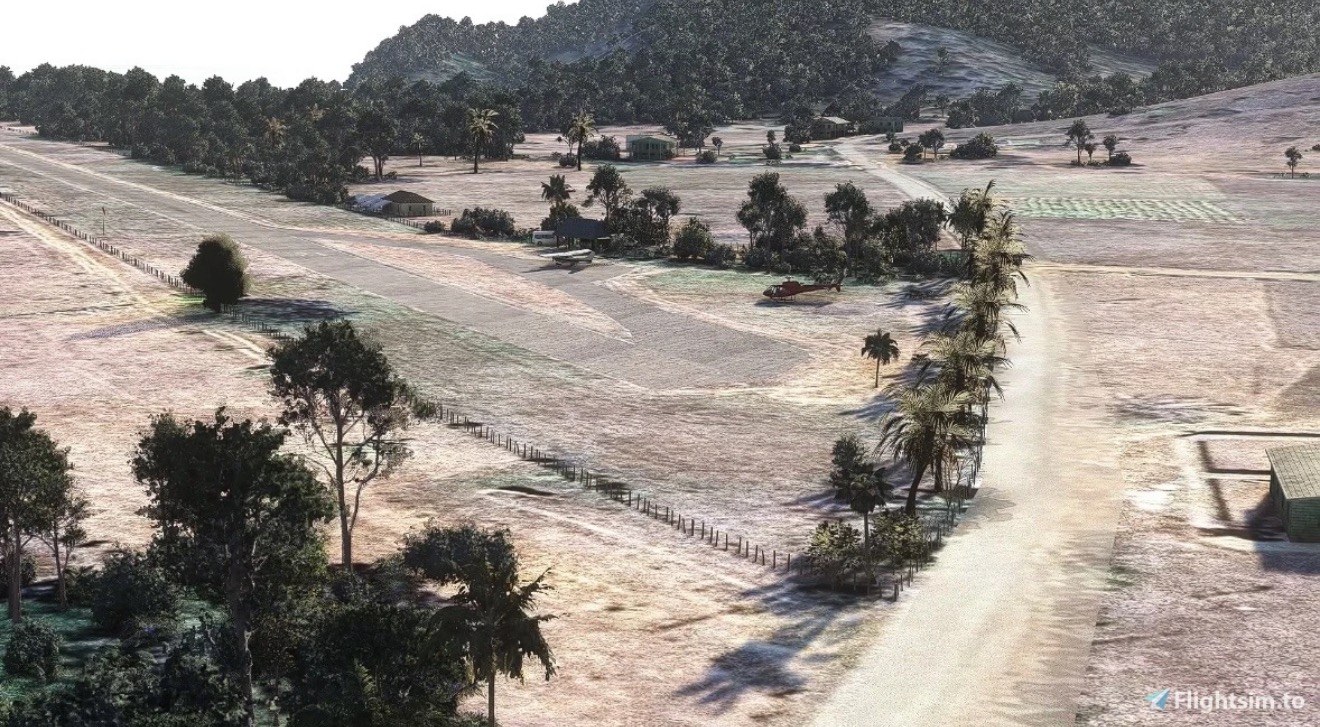
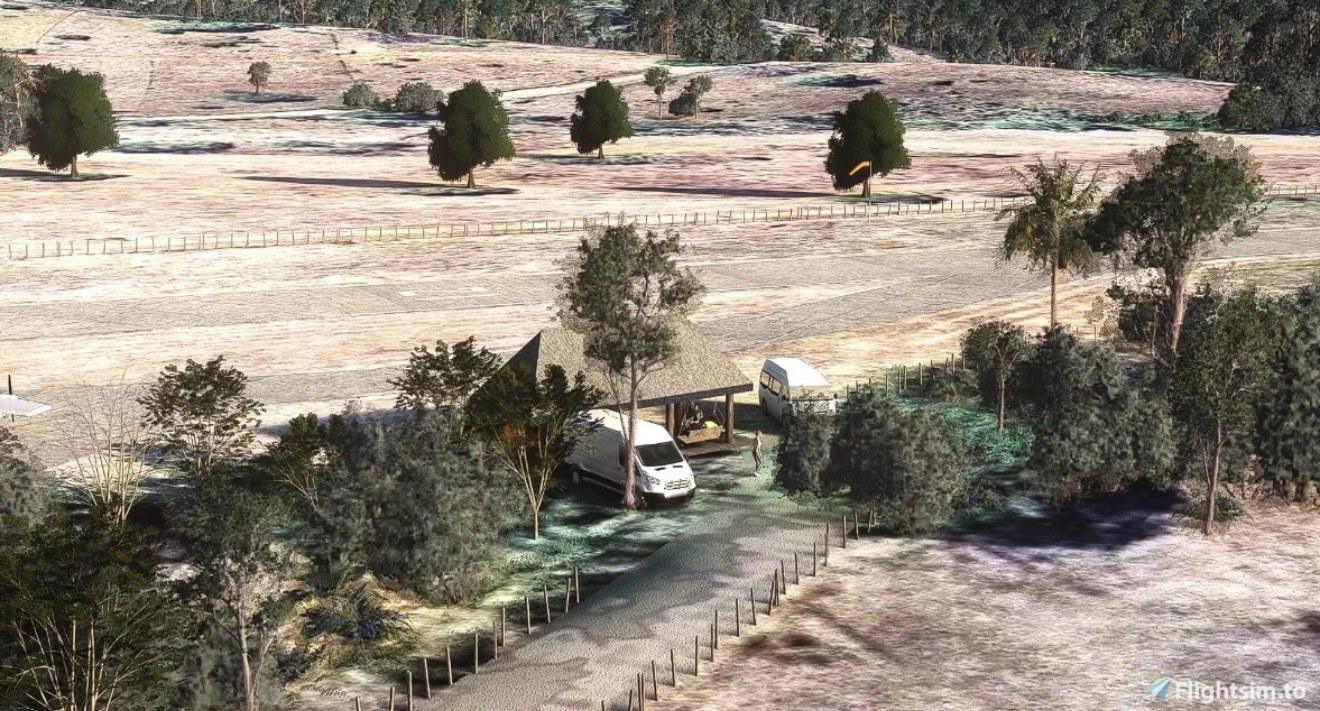
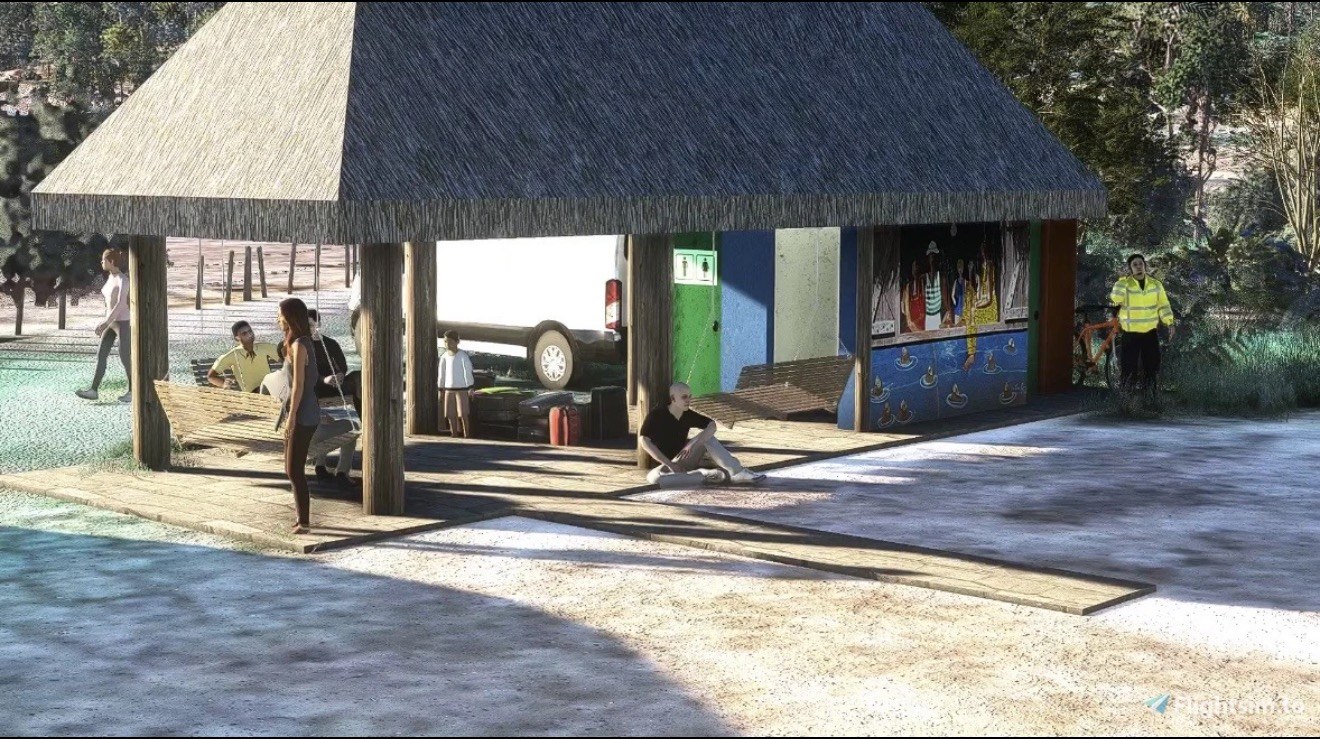
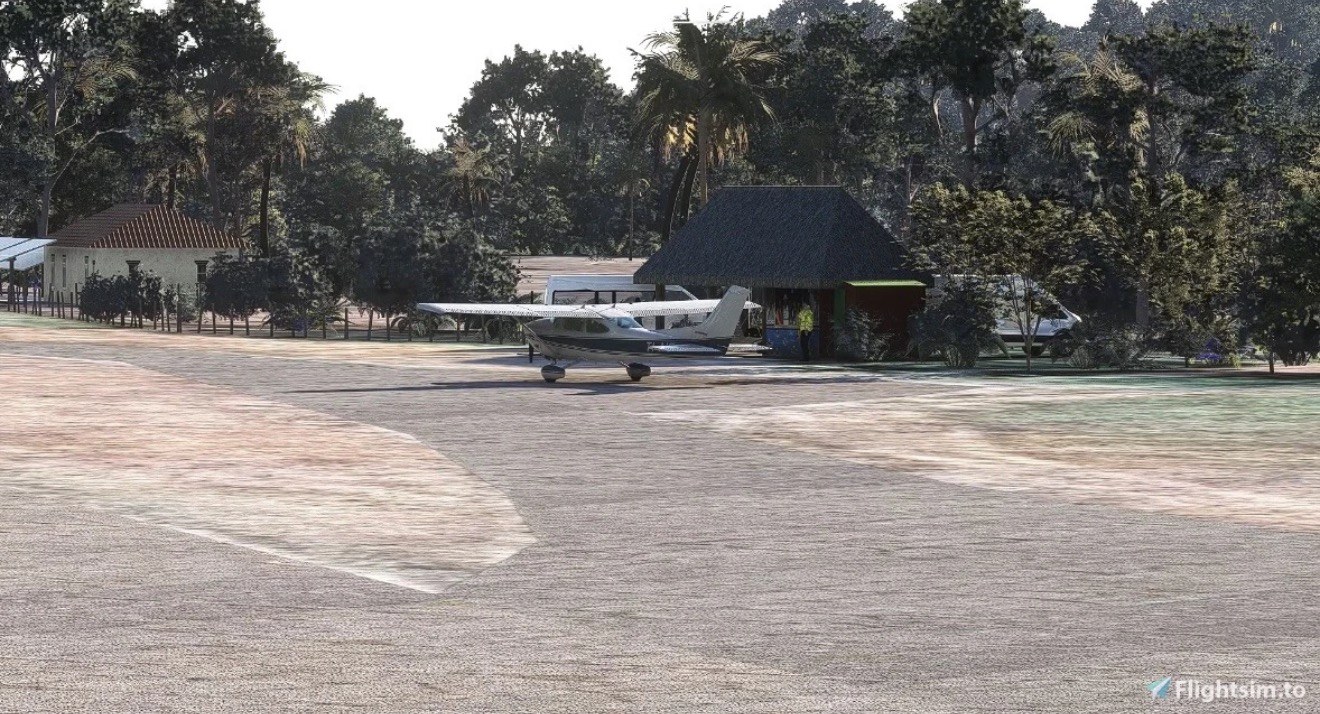
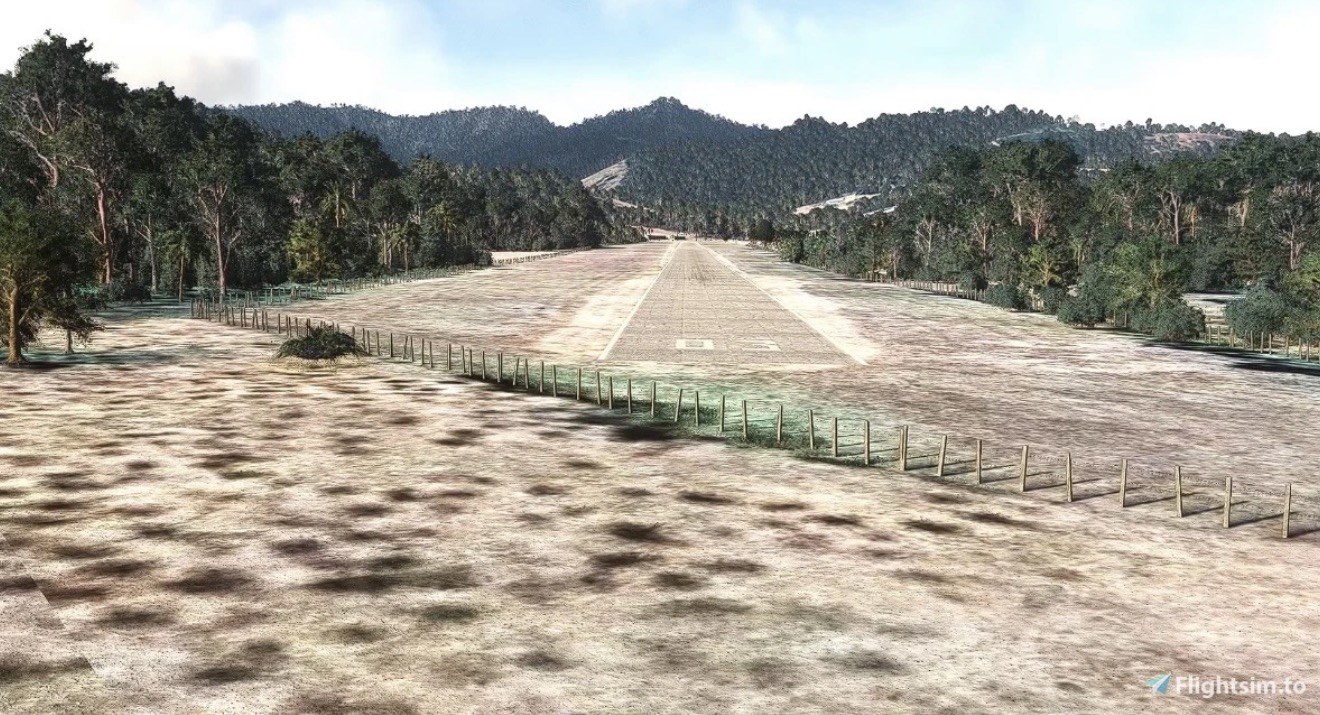
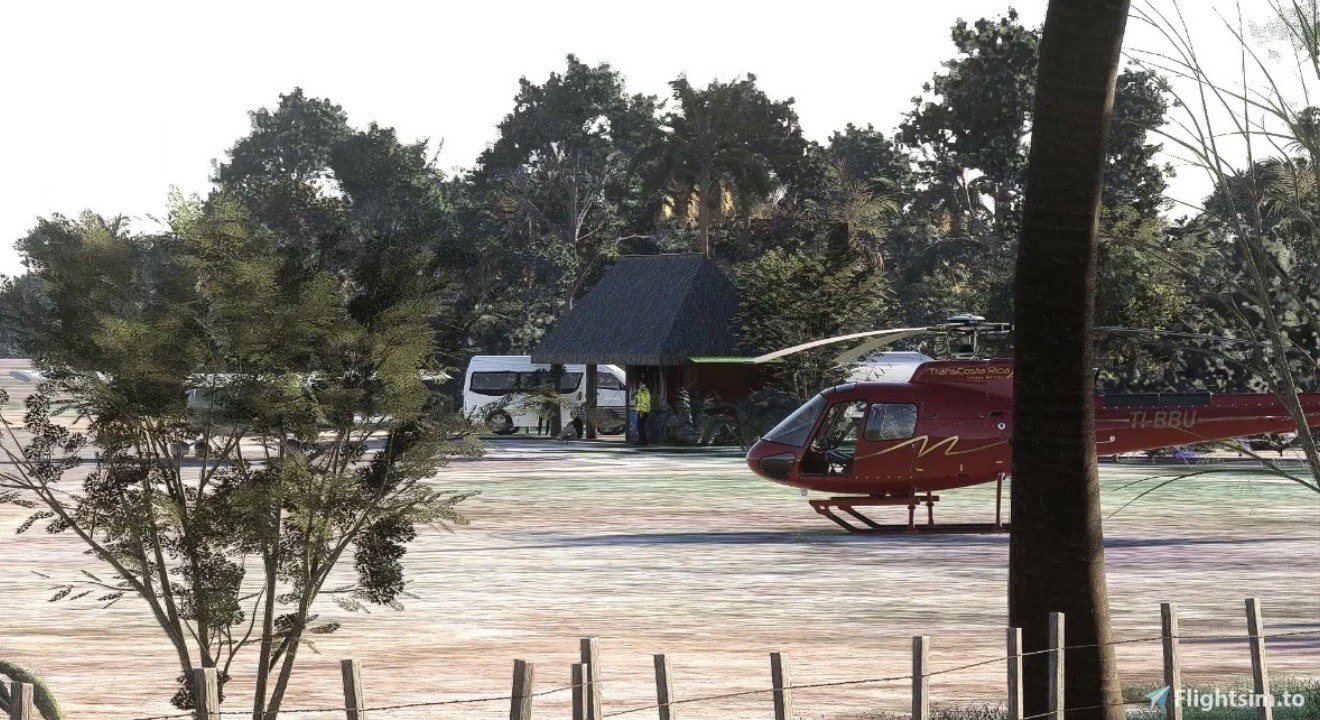
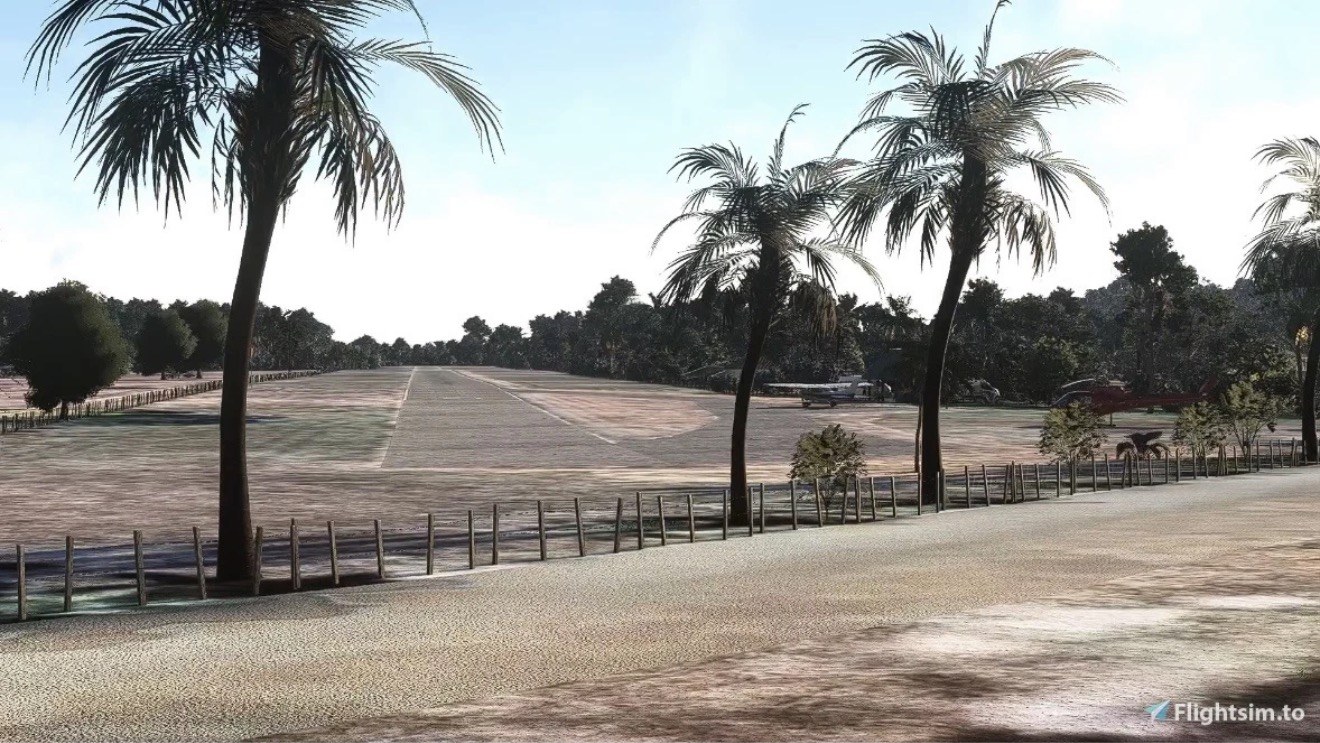
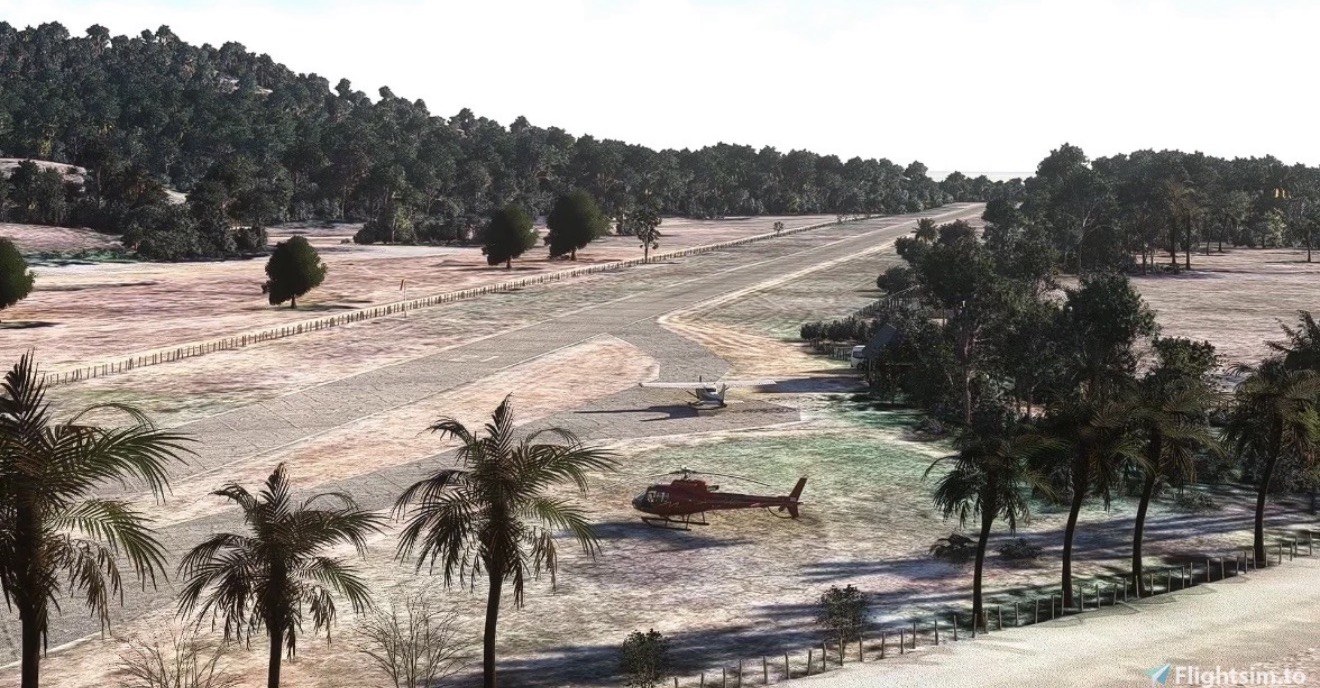
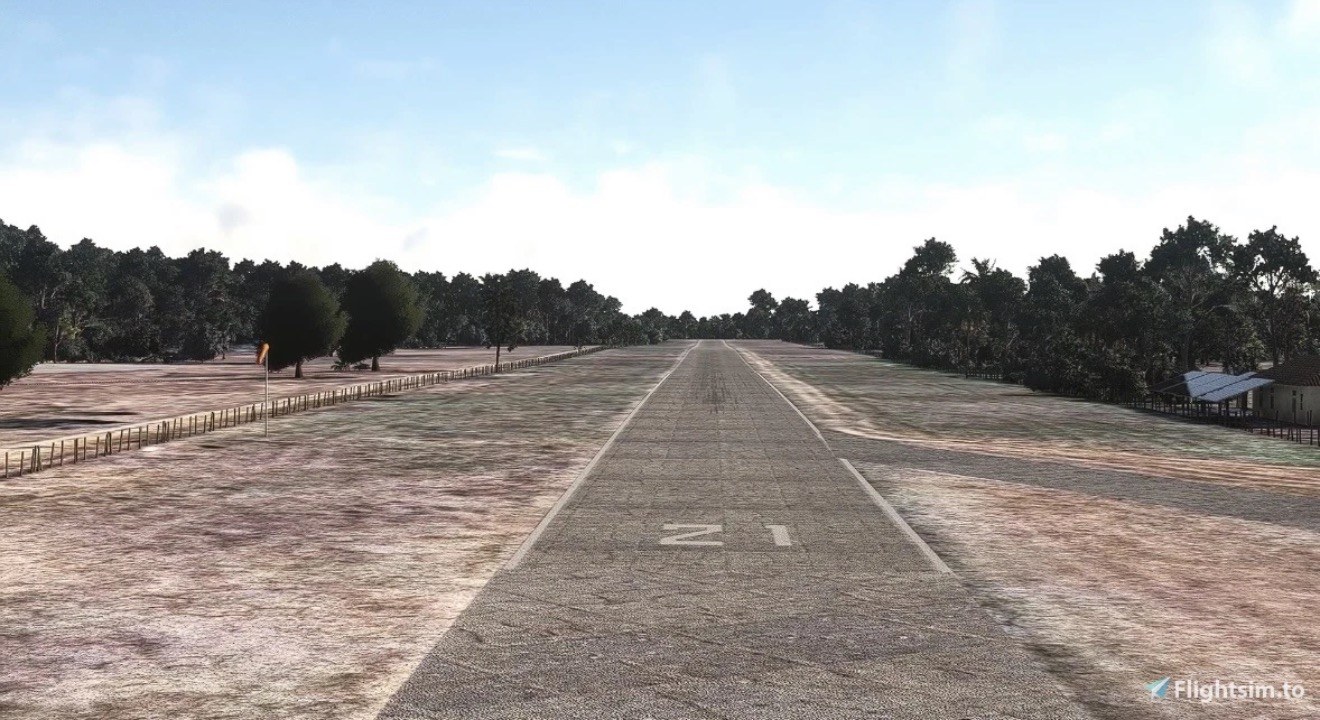

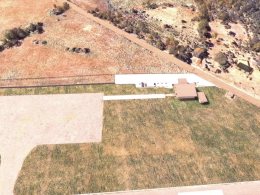
Small-airfield regulars who enjoy having to earn a tidy arrival are the audience I see here; the approach toward Runway 21 gives me a reason to think through the landing before turning final. I chose the Cessna 172 and found myself watching lateral alignment closely as the pavement came up beneath the nose. There’s little room to be casual. That’s the appeal for me: a familiar light aircraft, but an arrival that asks for some discipline. The developer’s warning about trees and rising terrain toward 21 deserves attention, particularly if you’re considering one of the larger suggested aircraft. On the ground, the open-sided shelter and parked vans give the airfield a convincing small-charter feel. I like that modest scale; it suits a place where passengers would be only a few steps from the aircraft. I’d use MRIA as the destination for a short hop from Nosara or Tambor, with the landing as the main event. This release is limited to MSFS 2020.
Matías Barrenechea recreates Punta Islita Airport (MRIA/PBP) for Microsoft Flight Simulator 2020, a small private airfield on Costa Rica’s southern Nicoya Peninsula. The scenery focuses on the coastal setting used by general aviation, charter, and regional traffic, with a narrow paved runway bordered by tropical vegetation and rising terrain.
Also known as Islita Airport, the aerodrome sits near Corozalito and Punta Islita in the Nandayure canton of Guanacaste. It provides access to a secluded stretch of Pacific coastline, with hills close enough to make approach and departure planning part of the attraction.
Eight meters leaves little lateral room. This is the airport’s only runway, and the developer draws particular attention to trees, obstacles, and rising terrain when operating toward Runway 21, as noted in the official aerodrome information.
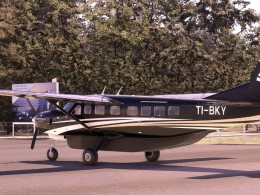
The airport has historically handled regional and charter traffic. Barrenechea suggests the Cessna 172, Cessna 182, Pilatus PC-12, Grand Caravan, King Air, and other light or regional aircraft as candidates for simulated visits. Aircraft choice still deserves care on a strip of these dimensions.
The scenery is intended to complement Costa Rica’s smaller-airport network. San José, Nosara, Tamarindo, Liberia, Tambor, and Cóbano offer departure points for flights here or onward along the Pacific coast.
Read the README for proper operation. This release is for Microsoft Flight Simulator 2020 only. Barrenechea credits his friend MullberryWing with helping make the scenery possible.
The simulated airfield should not be used as a source of real-world operating information. Airport conditions, restrictions, obstacles, runway availability, and procedures may differ from those represented here.
Free for all simmers · 56.46 MB · Scanned clean Nov 2026
Download speed: Free tier is capped at 2 Mbps (this file takes approximately 4 mins at the cap). PRO members download at full line speed.
Initial release.
%LOCALAPPDATA%\Packages\Microsoft.FlightSimulator_8wekyb3d8bbwe\LocalCache\Packages\Community\. Steam version: %APPDATA%\Microsoft Flight Simulator\Packages\Community\. Tip: enable Developer Mode in MSFS to see your exact Community folder path.readme.txt or README file. It tells you exactly where files go, what dependencies are needed, and any quirks specific to this add-on.Use these coordinates to fly directly to this location once the mod is installed.
9.85609200,-85.37115300
Paste these coordinates into the Microsoft Flight Simulator search bar when planning a flight, or into the Developer Mode Teleport window, to fly directly to this location.
Soy un Piloto, desarrollador de escenarios y liveries de Costa Rica!Me enfoco en completar a mi país con sus aeródromos y aerolíneas regionales para msfs2020, me encanta recrear los lugares más preciosos y atractivos para el disfrute de…
Are you Matías Barrenechea? Sign in to Fly Away Creators for download stats, comment replies and updates. Make add-ons? Publish them here.
Only PRO members can place votes.
More MSFS add-ons hand-picked based on this download.
MSFS Scenery
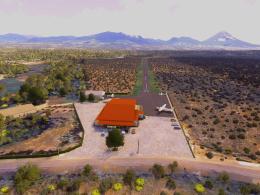
Matías Barrenechea’s Cóbano Airport scenery updates Aeródromo de Cóbano (MRAF…
 MSFS Scenery
Matías Barrenechea’s Arenal Airport scenery covers MRAN at La Fortuna, Costa …
 MSFS Scenery
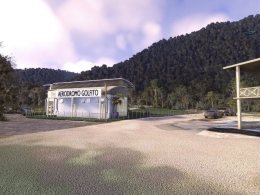
Matías Barrenechea recreates Golfito Airport (MRGF) on Costa Rica’s southern …
 MSFS Scenery
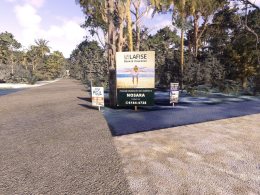
Matías Barrenechea models Nosara Airport (MRNS / NOB) in Costa Rica for Micro…
 MSFS Scenery
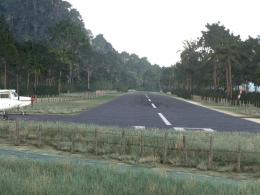
Matías Barrenechea recreates Carate Airport (MRCE) and its surroundings in Co…
 MSFS Scenery
Matías Barrenechea models Carrillo Airport (MRCR) near Puerto Carrillo in Gua…
 MSFS Scenery
Matías Barrenechea recreates Drake Bay Airport (MRDK) and its surroundings on…
 MSFS Scenery
Matías Barrenechea models Upala Airport (MRUP) in northern Costa Rica for Mic…
Be the first to leave a comment on this download.
Be the first to share your thoughts on this download.