


 Dominican Republic

 MSFS Scenery
Pyongyang International Airport (ZKPY)
A fun and detailed recreation of North Korea's Pyongyang International Airpor…
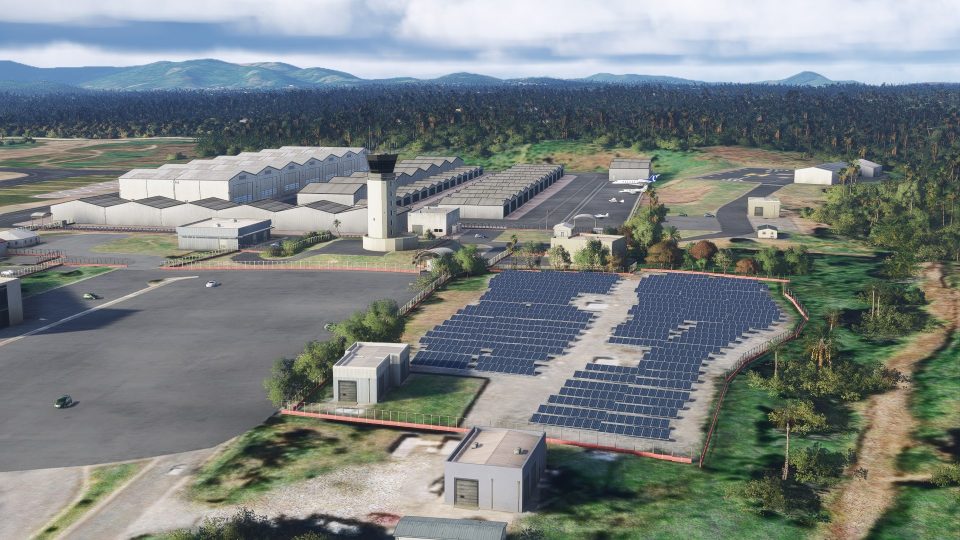
Dr. Joaquín Balaguer International Airport (MDJB) scenery recreates the general aviation hub north of Santo Domingo in Microsoft Flight Simulator 2024 with satellite-based runway markings, realistic pavement wear and corrected runway width. Realigned taxiways, refined signage, hangar markings, detailed overruns and five yellow-ringed helipads complement terrain and vegetation corrections around this Dominican Republic airport.
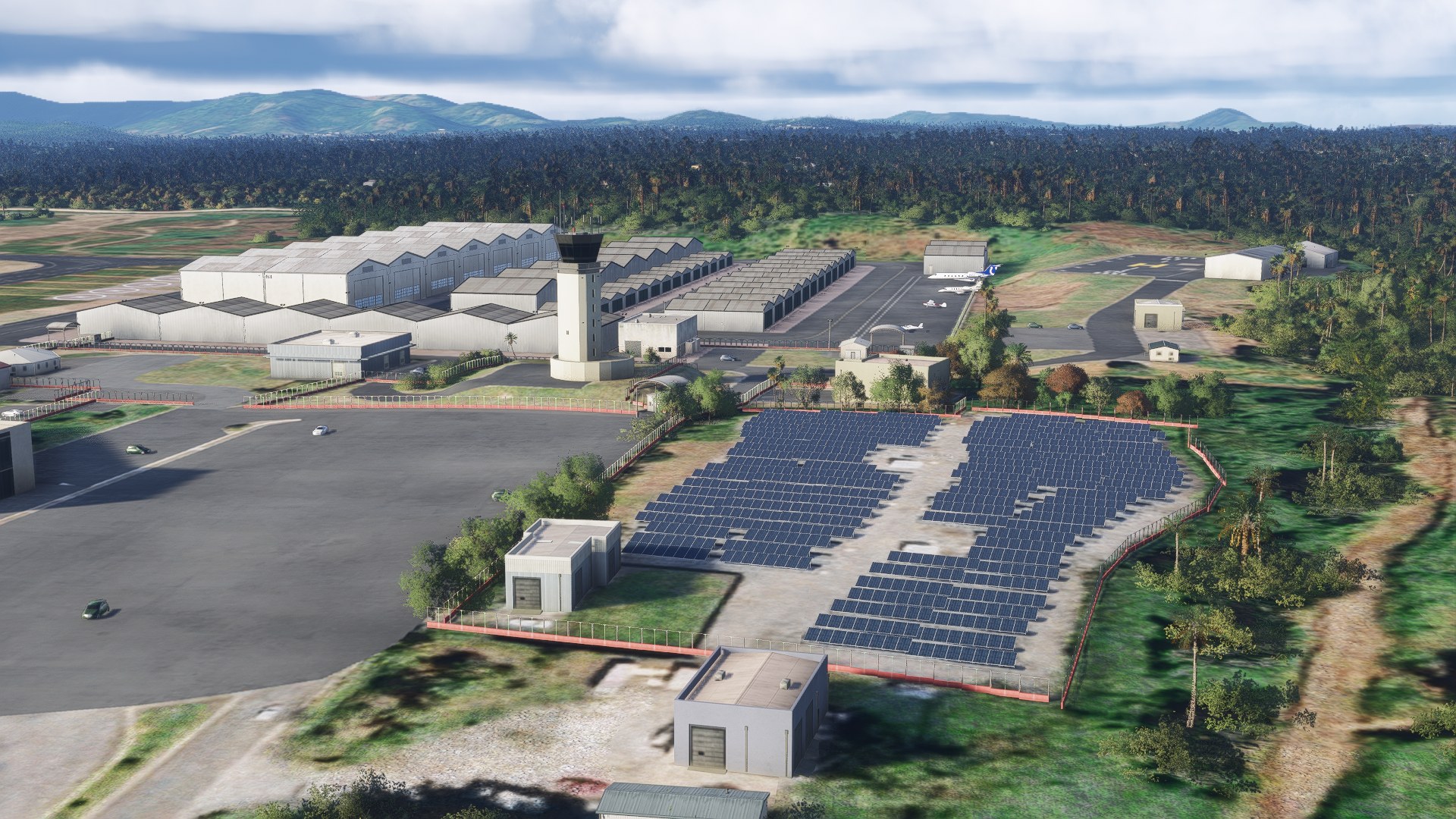
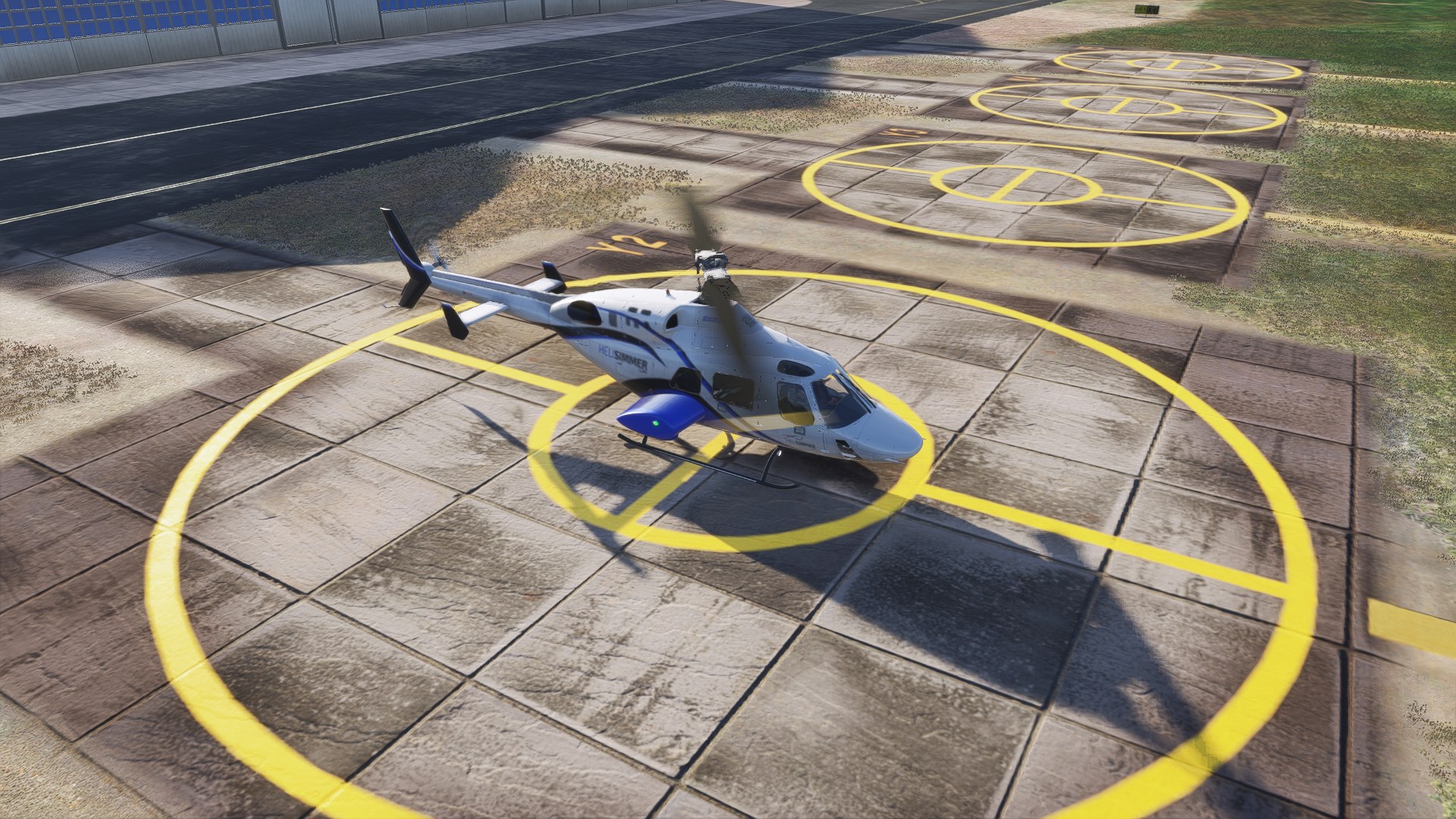
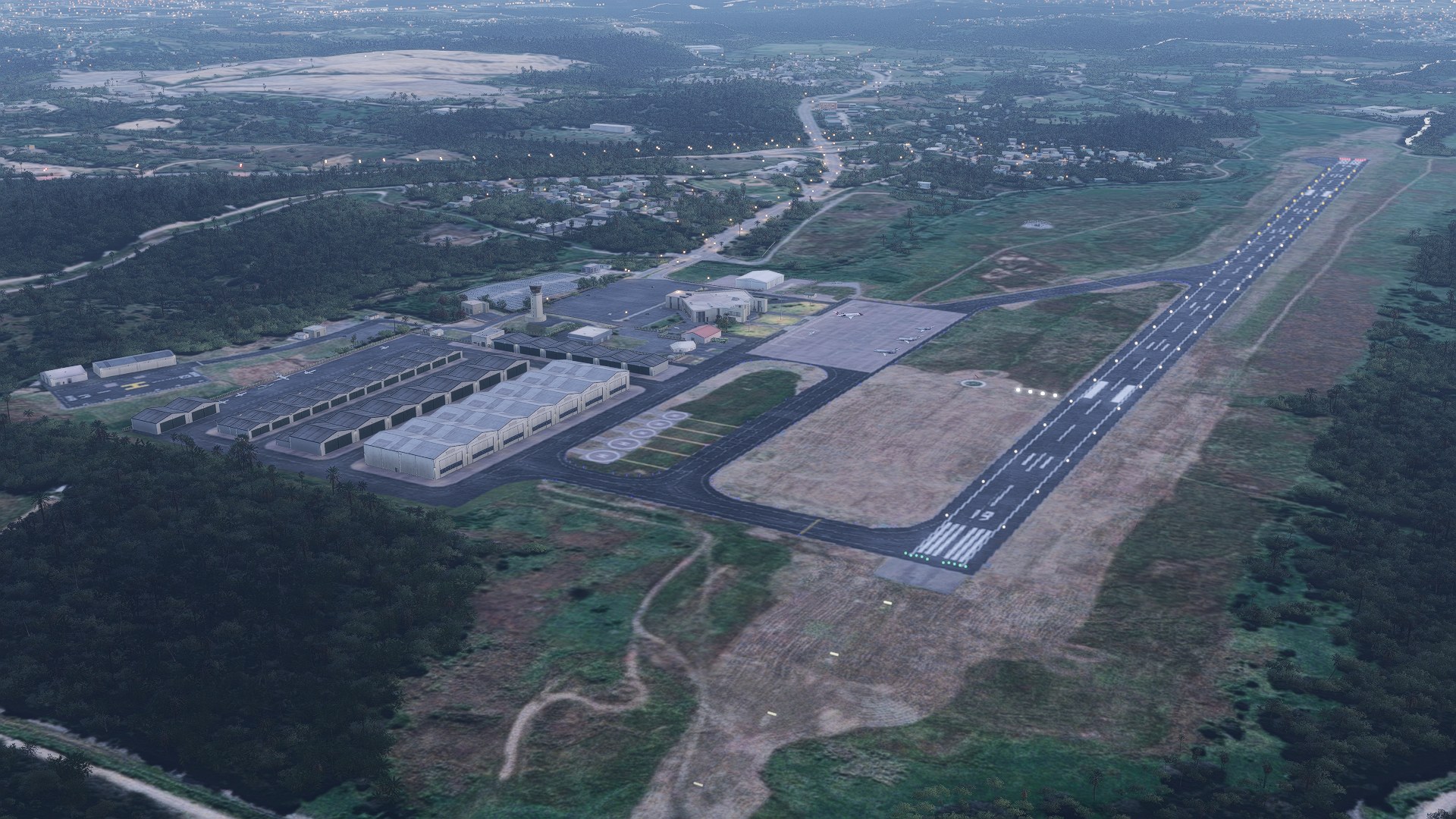
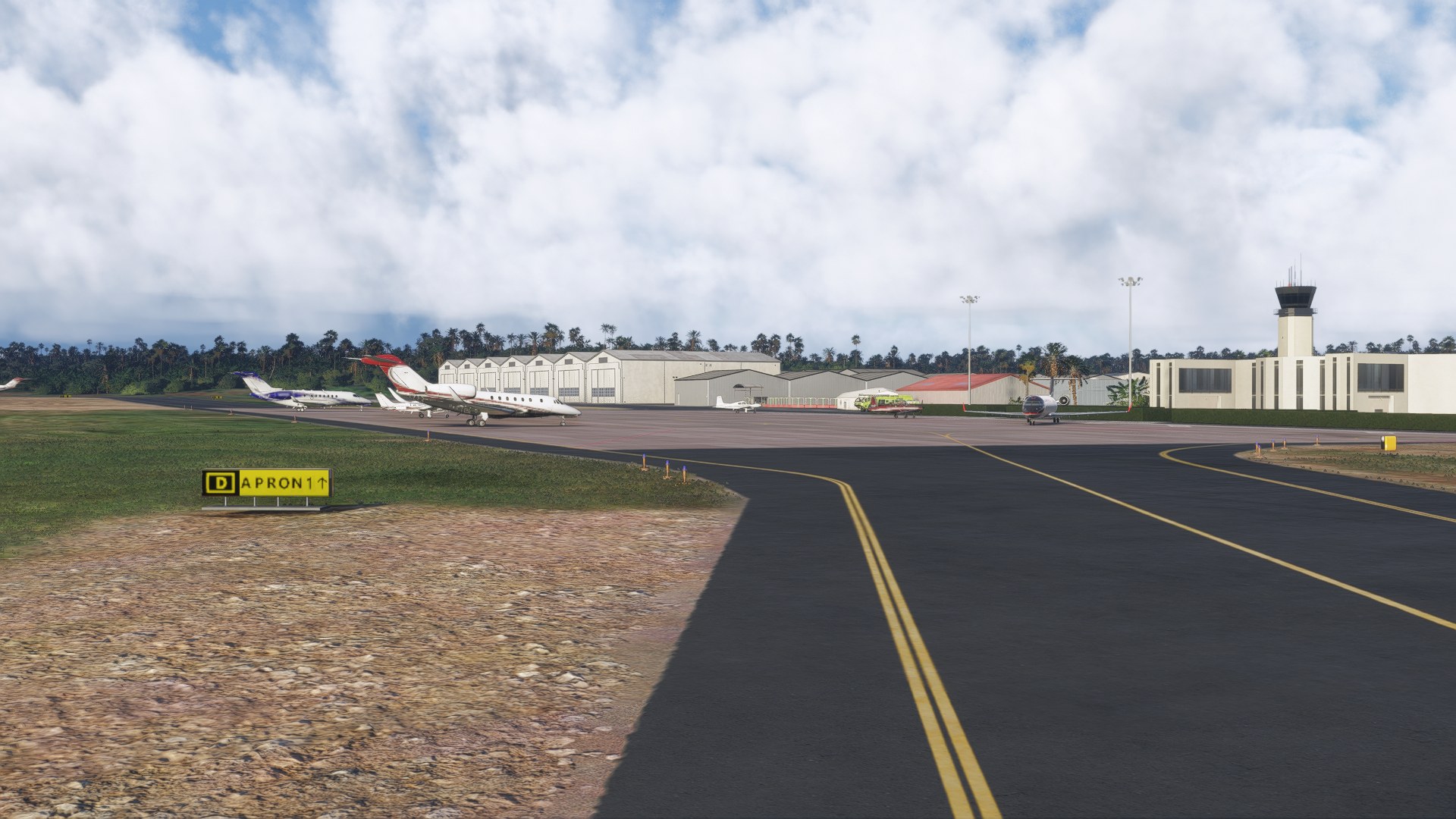
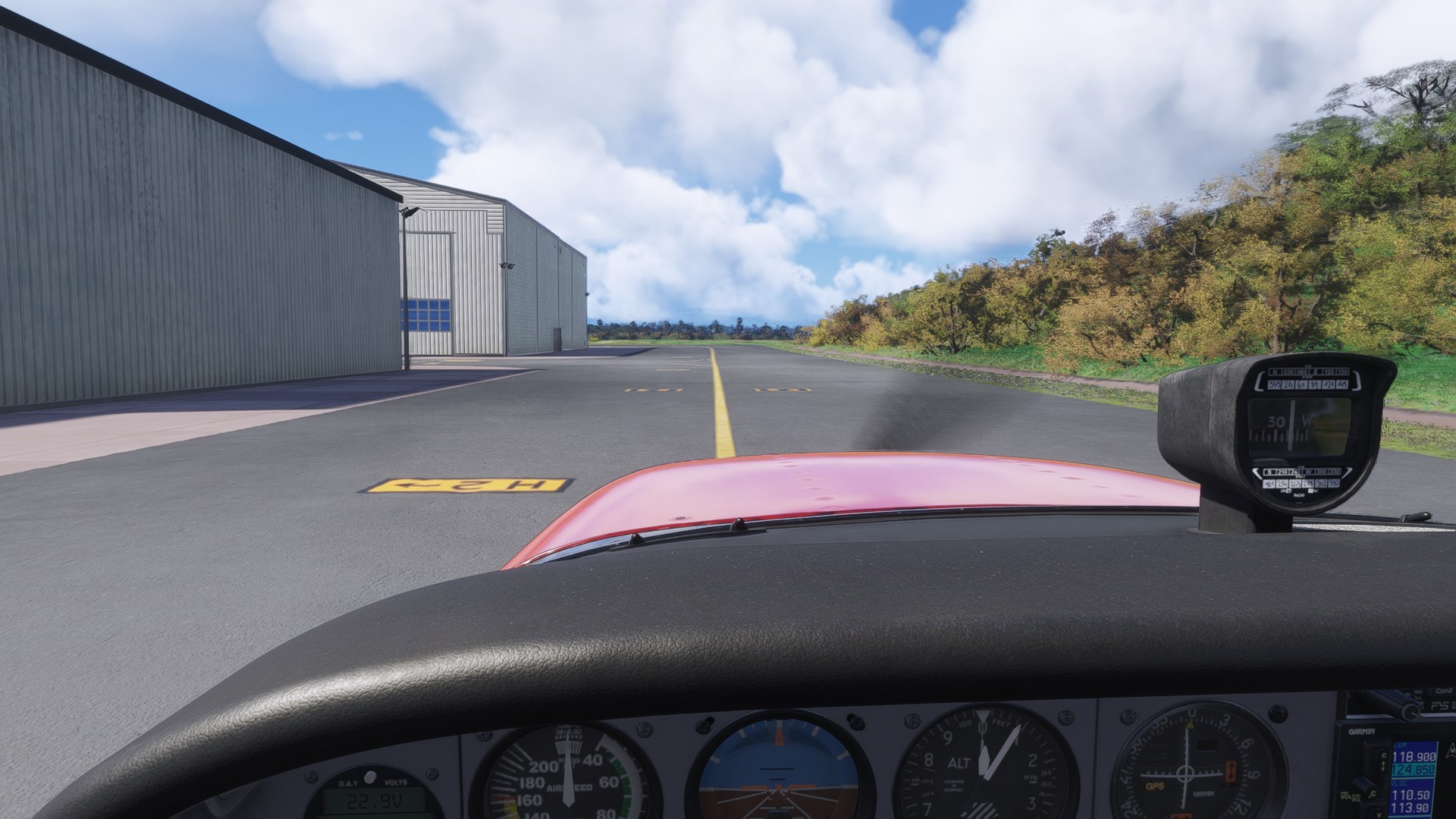
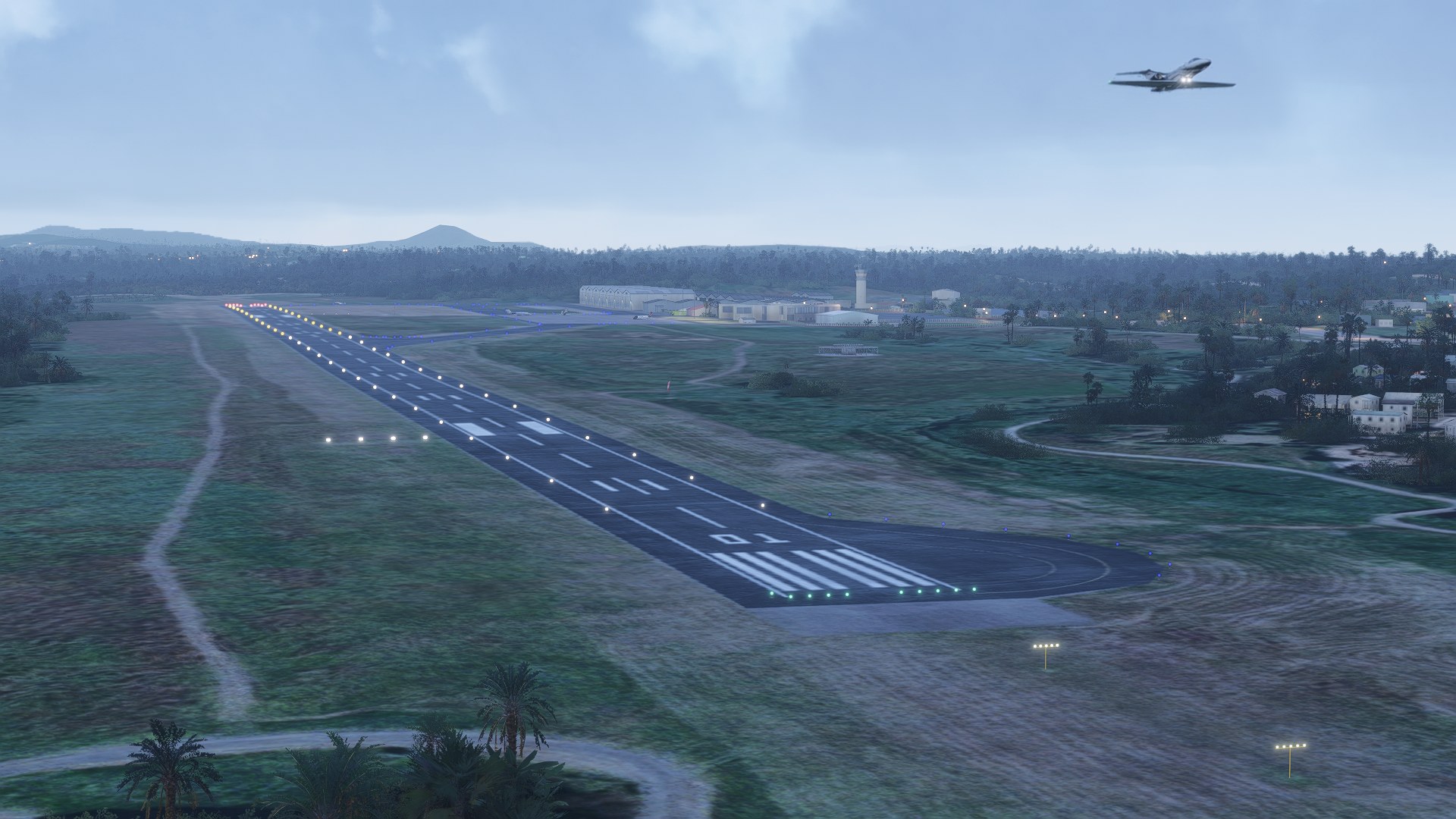
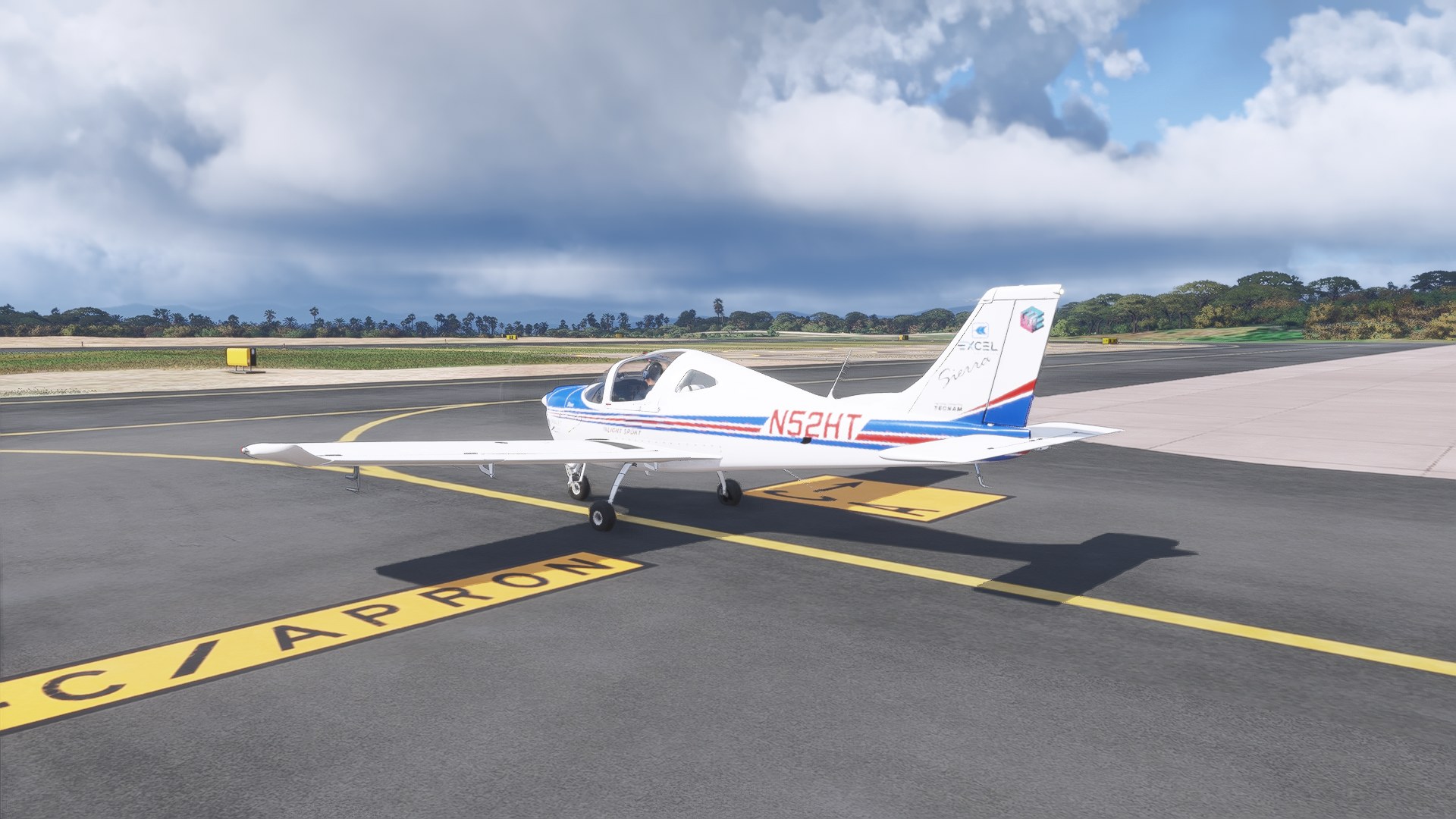
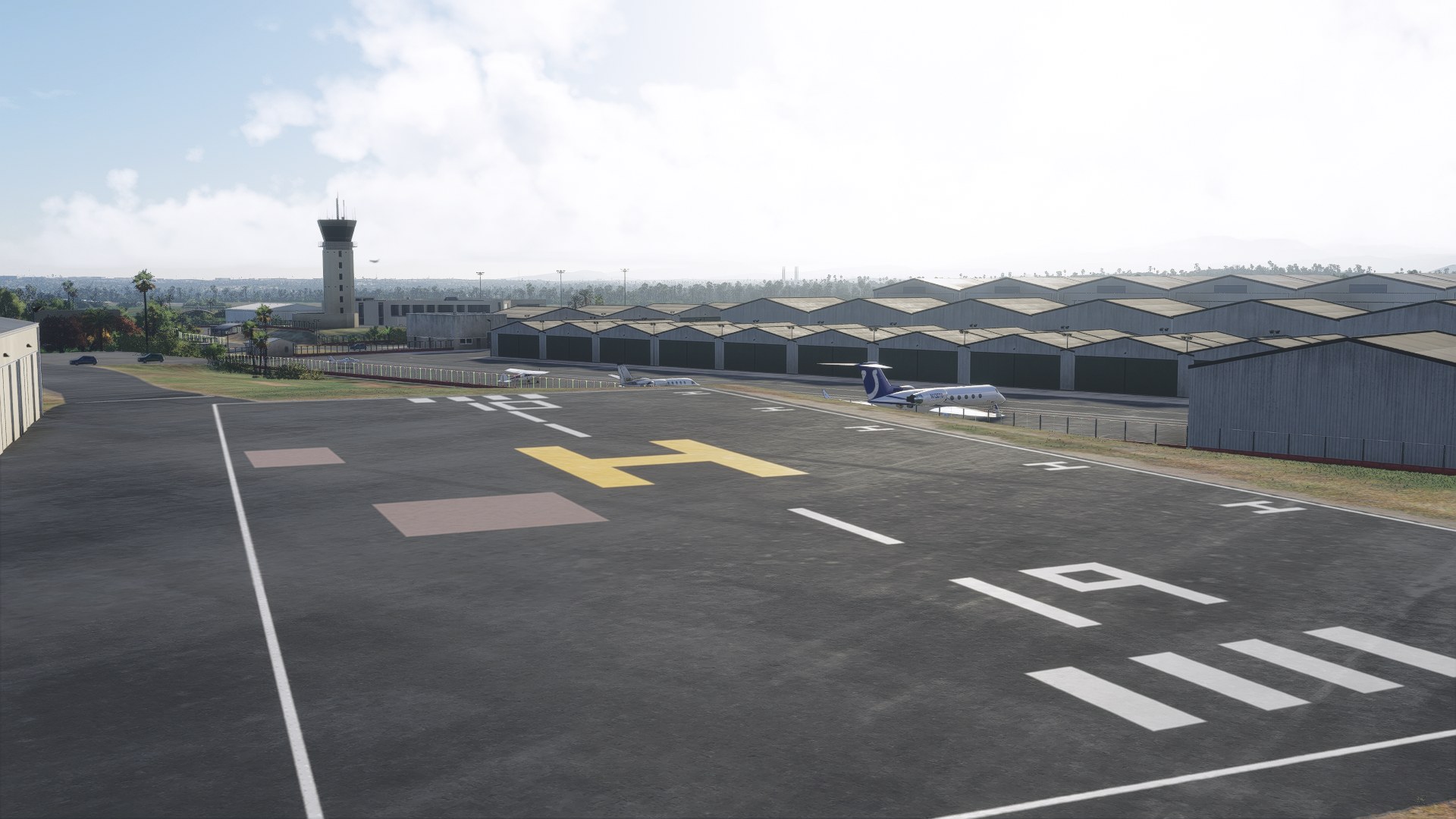

Replacing generic runway paint with markings drawn for MDJB is the sort of default-airport correction I value: it makes the runway worth studying rather than just aiming at. The rubber deposits and sealed patches help, too. I like pavement that suggests repeated use without needing abandoned equipment or clutter to make the point. Taxiing toward the apron, I picked out the yellow APRON 1 sign beside the bend and followed the painted line in; that’s where the attention to ground navigation paid off for me. The helicopter pads deserve a close look as well, with bright rings against worn concrete slabs. For an airport built around smaller aircraft and helicopters, putting this much effort into the surfaces under them makes sense. This release is MSFS 2024 only, and DR-Aerospace strongly recommends enabling all World Updates.
DR-Aerospace rebuilds the default Dr. Joaquín Balaguer International Airport (MDJB) in Microsoft Flight Simulator 2024, with particular attention to runway paint, pavement wear and taxiway alignment. Also known as El Higüero, the airport sits just north of Santo Domingo in the Dominican Republic. The scenery includes five marked helipads and corrections to the surrounding terrain and vegetation.
El Higüero is the country's main general aviation hub, with flight schools, helicopters and military operations alongside domestic flights and regional Caribbean services. The ground layout matters here, especially around the hangars and helicopter operating areas.
This scenery is for Microsoft Flight Simulator 2024 only. DR-Aerospace strongly recommends enabling all World Updates.
Unzip the downloaded folder and place the extracted scenery folder in your Community folder.
MDJB forms part of DR-Aerospace's project to recreate Dominican airports in the simulator. The developer welcomes feedback and bug reports.
Free for all simmers · 52.29 KB · Scanned clean Nov 2026
Download speed: Free tier is capped at 2 Mbps. PRO members download at full line speed.
Initial release.
%LOCALAPPDATA%\Packages\Microsoft.FlightSimulator_8wekyb3d8bbwe\LocalCache\Packages\Community\. Steam version: %APPDATA%\Microsoft Flight Simulator\Packages\Community\. Tip: enable Developer Mode in MSFS to see your exact Community folder path.readme.txt or README file. It tells you exactly where files go, what dependencies are needed, and any quirks specific to this add-on.Use these coordinates to fly directly to this location once the mod is installed.
18.57250000,-69.98560000
Paste these coordinates into the Microsoft Flight Simulator search bar when planning a flight, or into the Developer Mode Teleport window, to fly directly to this location.
DR Aerospace is a scenery project focused on bringing the Dominican Republic to life in Microsoft Flight Simulator 2024.It's currently run by one developer, David, a Dominican aerospace engineering student and pilot who flies these airports…
Are you DR-Aerospace? Sign in to Fly Away Creators for download stats, comment replies and updates. Make add-ons? Publish them here.
Only PRO members can place votes.
More MSFS add-ons hand-picked based on this download.
MSFS Scenery
A fun and detailed recreation of North Korea's Pyongyang International Airpor…
 MSFS Scenery
Introducing a meticulously crafted addition to the Microsoft Flight Simulator…
 MSFS Scenery
Introducing the meticulously crafted Ciudad Juárez International Airport (MMC…
 MSFS Scenery
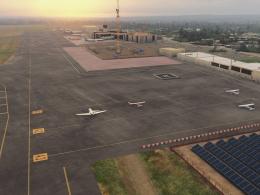
DR-Aerospace rebuilds Cibao International Airport (MDST) for Microsoft Flight…
 MSFS Scenery
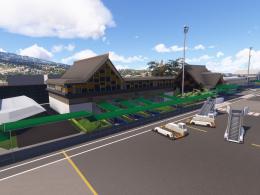
Givenchy’s freeware Faaʻa International Airport (NTAA) scenery brings Tahiti’…
 MSFS Scenery
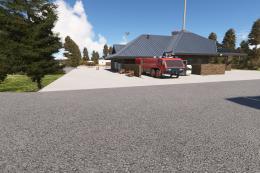
This mod developed by JustOkayPilot brings Grand Canyon National Park Airport…
 MSFS Scenery
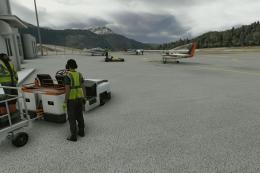
Sandane Airport (ENSD) is located on the beautiful west coast of Norway and i…
 MSFS Scenery
Enhance your flight simulation experience with this mod for Microsoft Flight …
Be the first to leave a comment on this download.
Be the first to share your thoughts on this download.