



 United States of America

 MSFS Scenery
Naval Air Station Joint Reserve Base New Orleans (KNBG)
This scenery package focuses on Naval Air Station Joint Reserve Base New Orle…
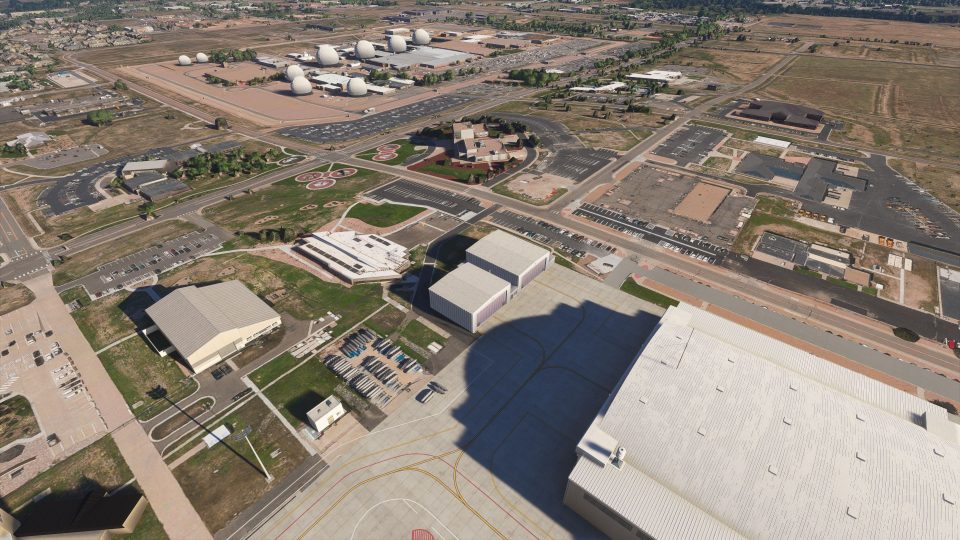
Buckley Space Force Base (KBKF) scenery sharpens Aurora, Colorado operations with a custom control tower, dense hand-placed static military aircraft including F-16C Fighting Falcons and a CH-47 Chinook, plus an expanded mix of custom and library buildings. For Microsoft Flight Simulator 2024 and 2020, it also refines aprons and runway surfaces for dependable taxi and ground handling, and requires the.
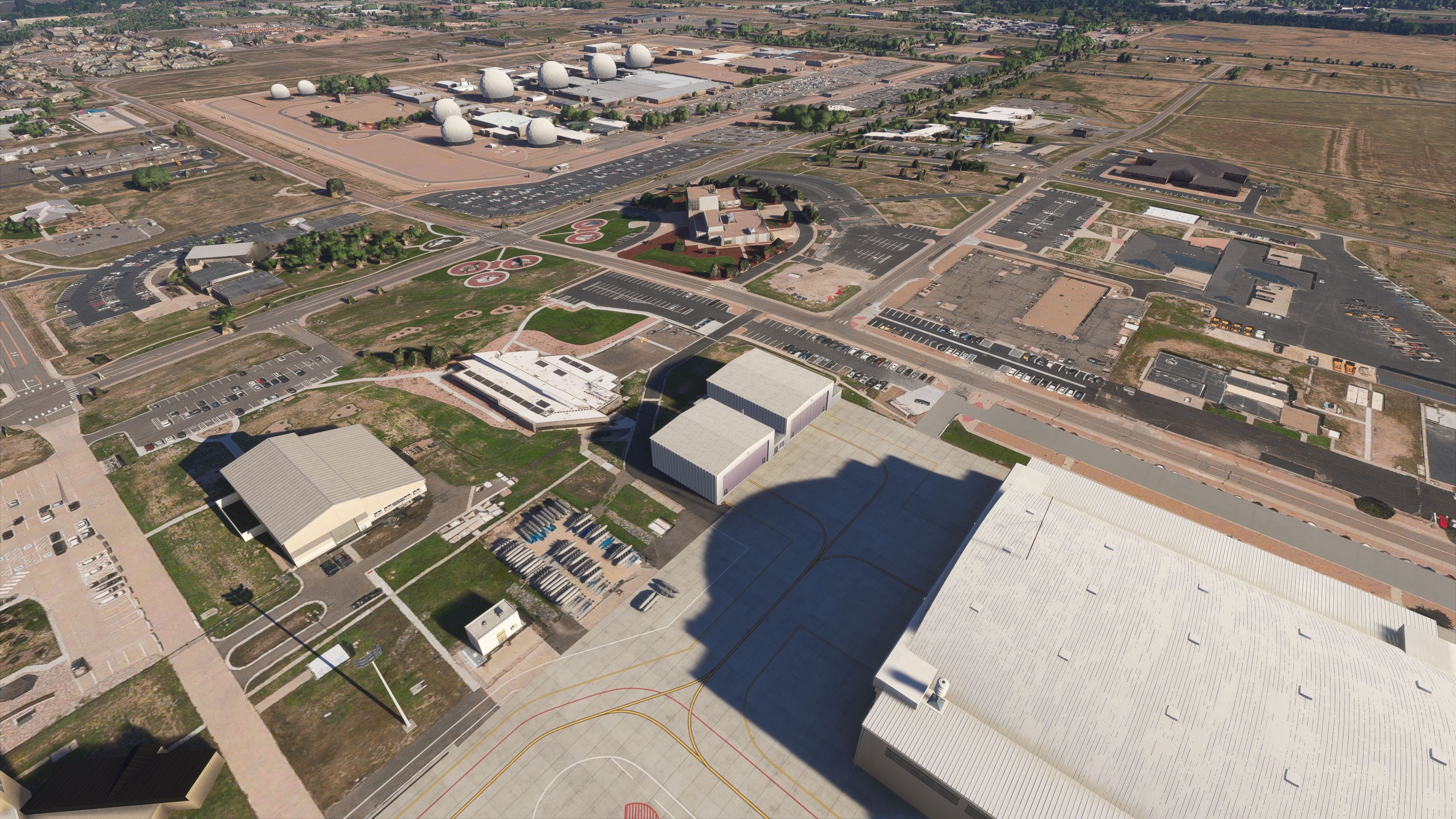
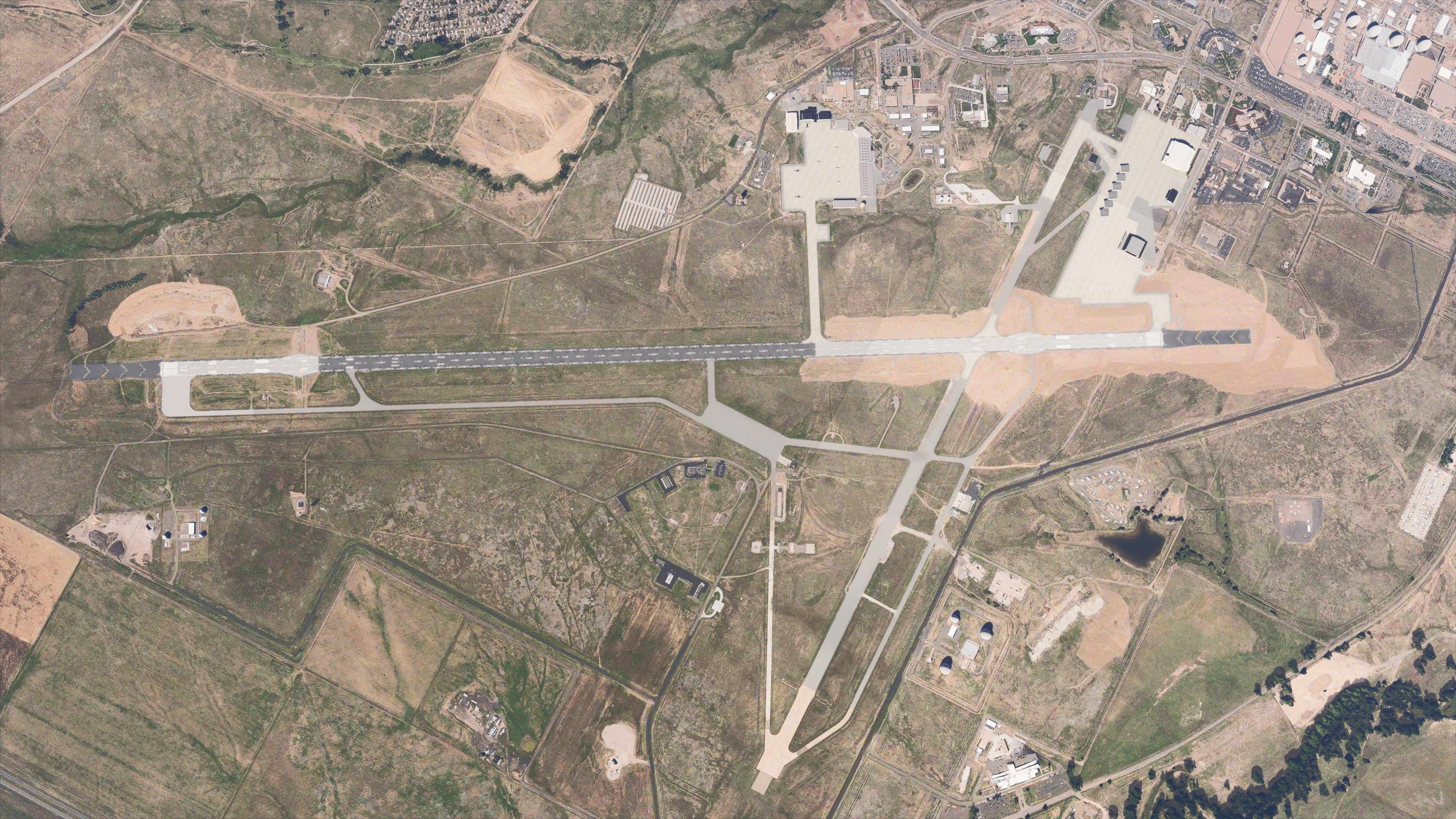
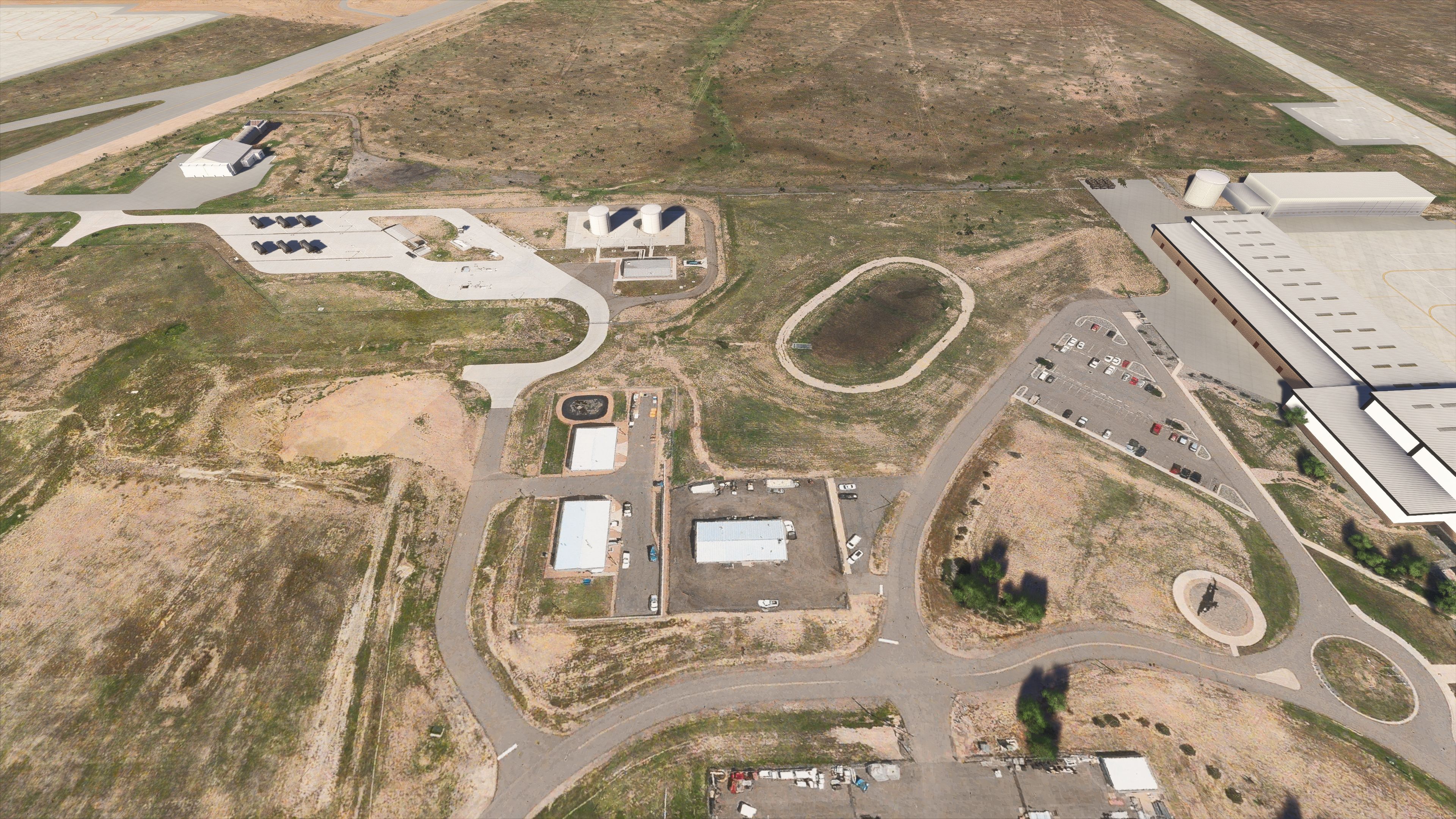
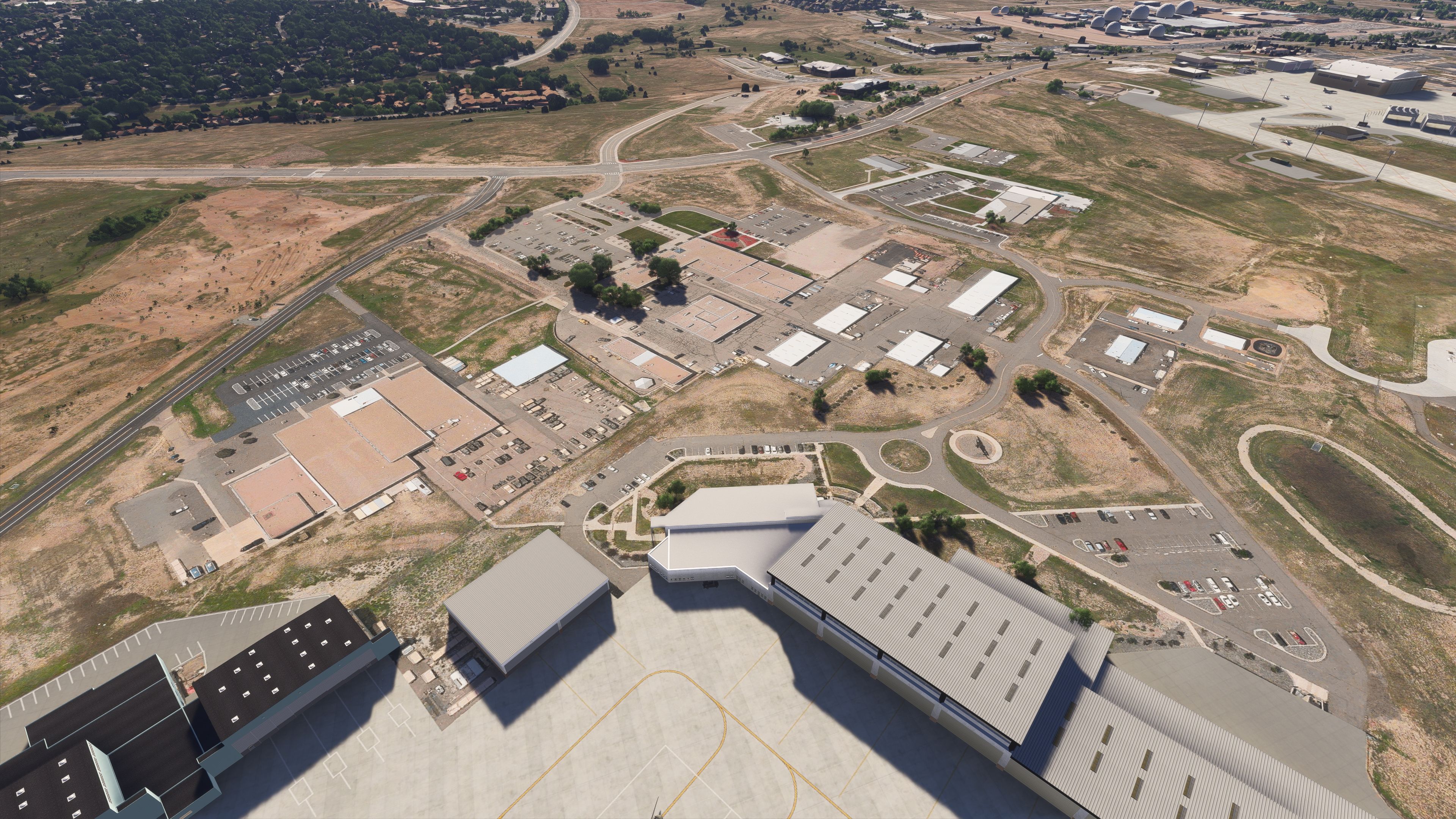
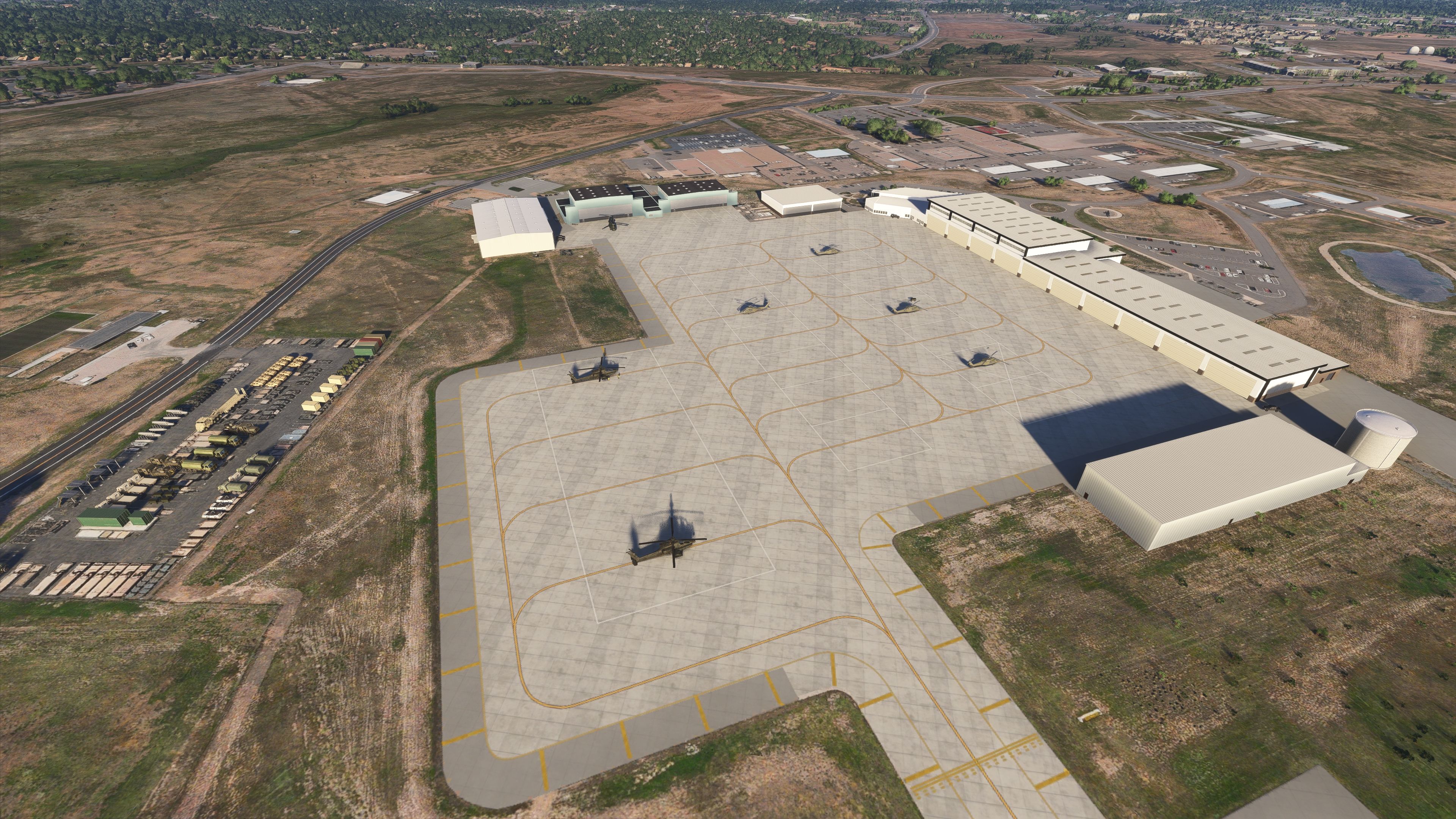
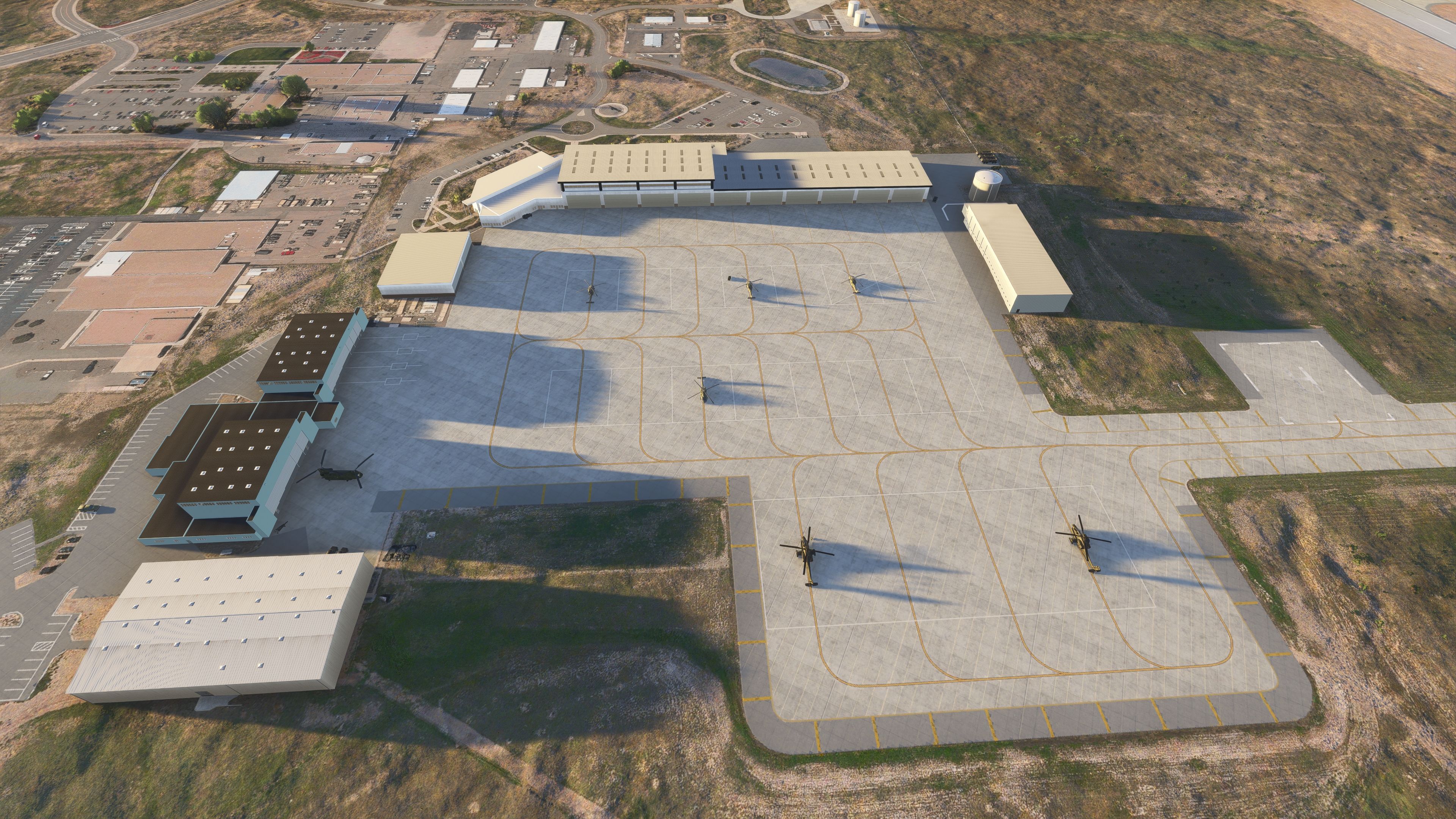
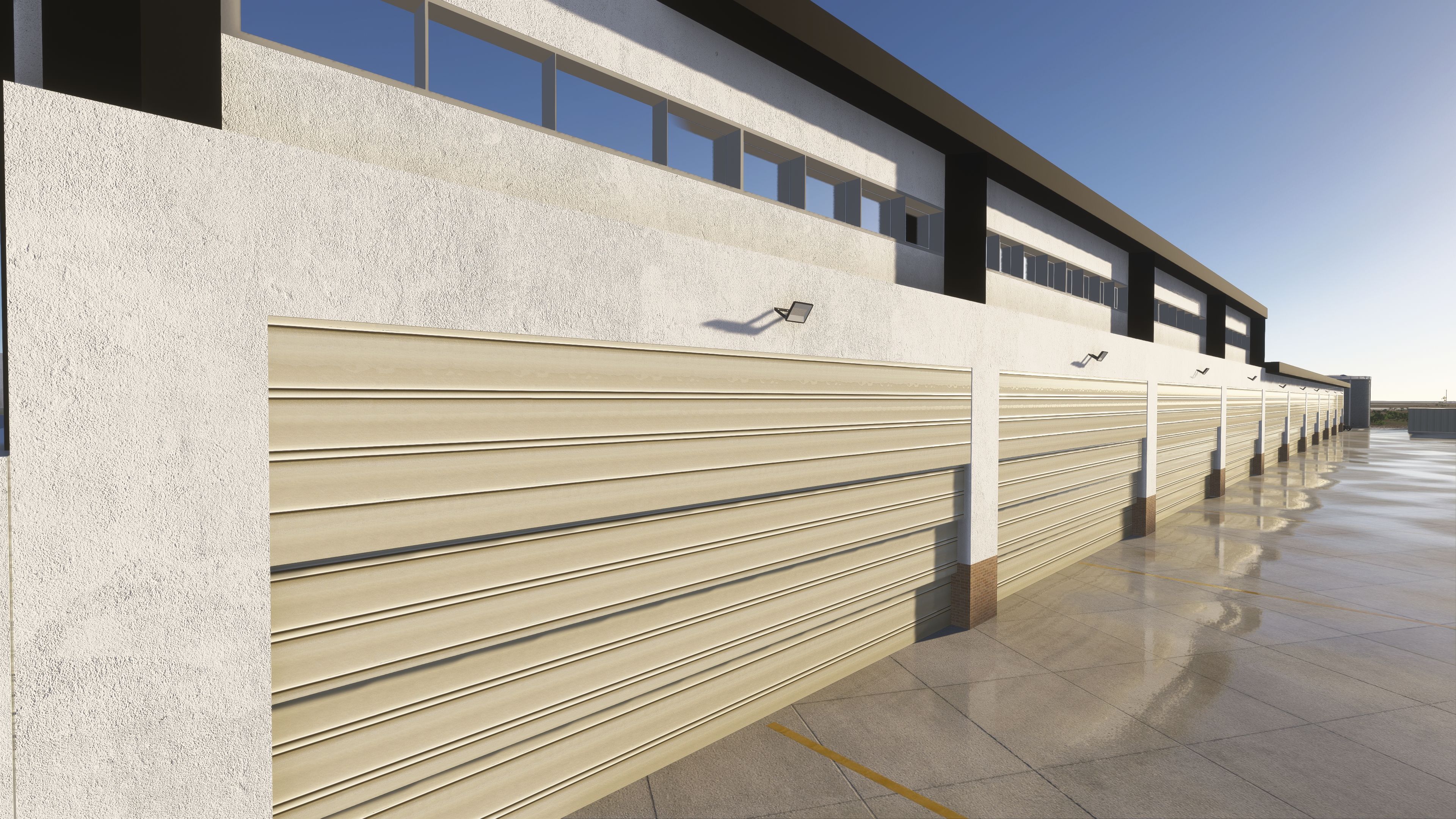
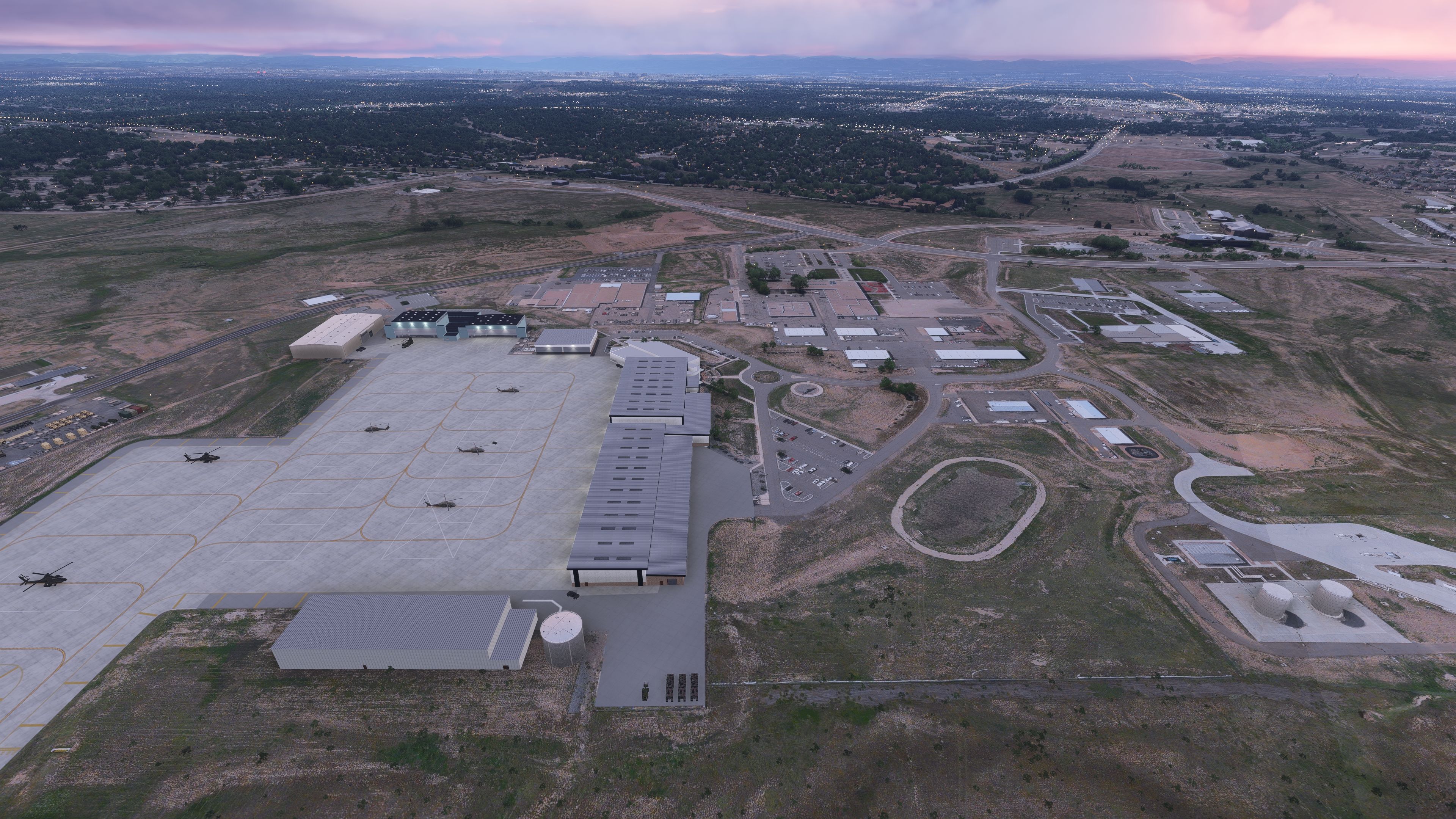
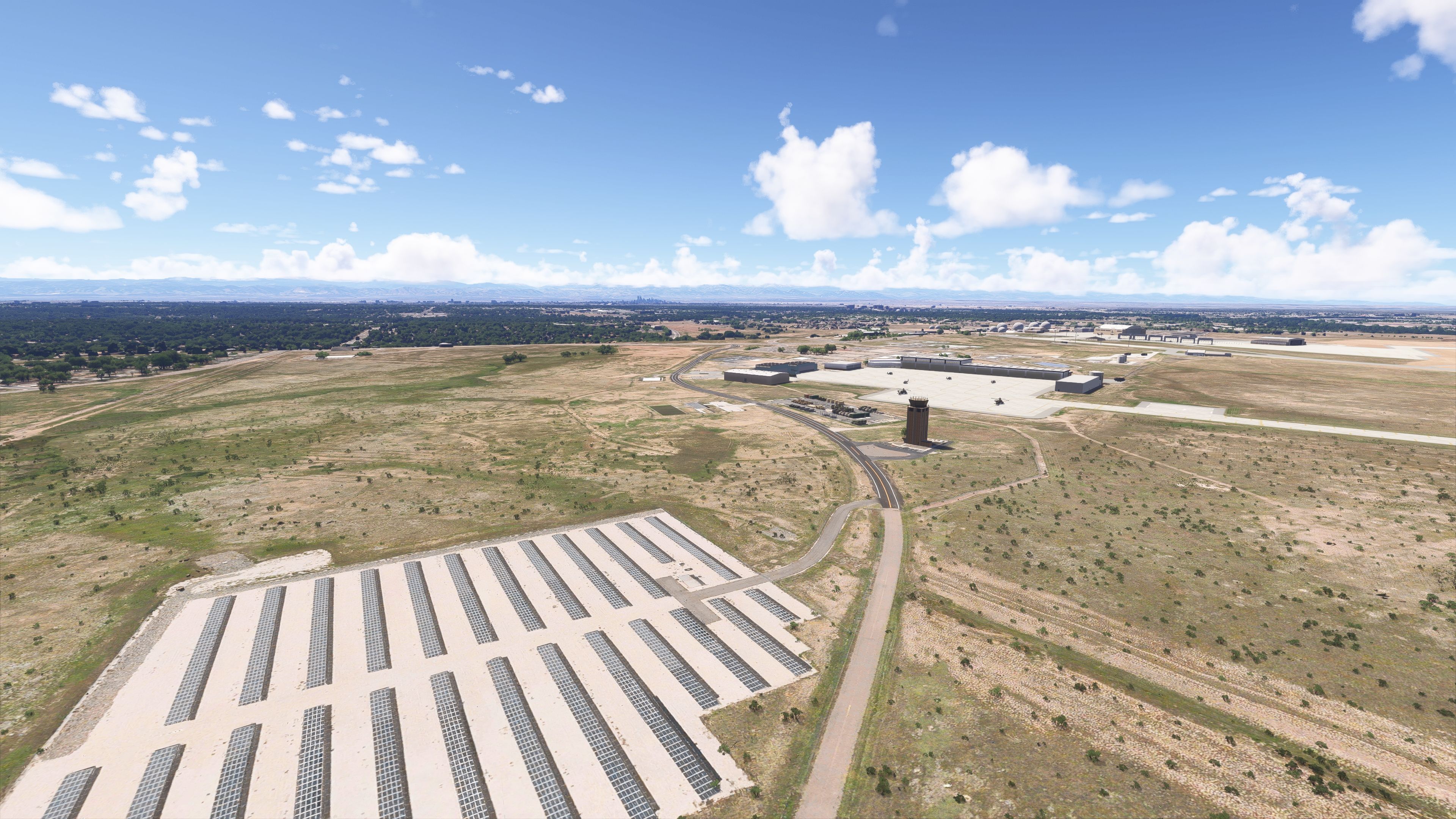
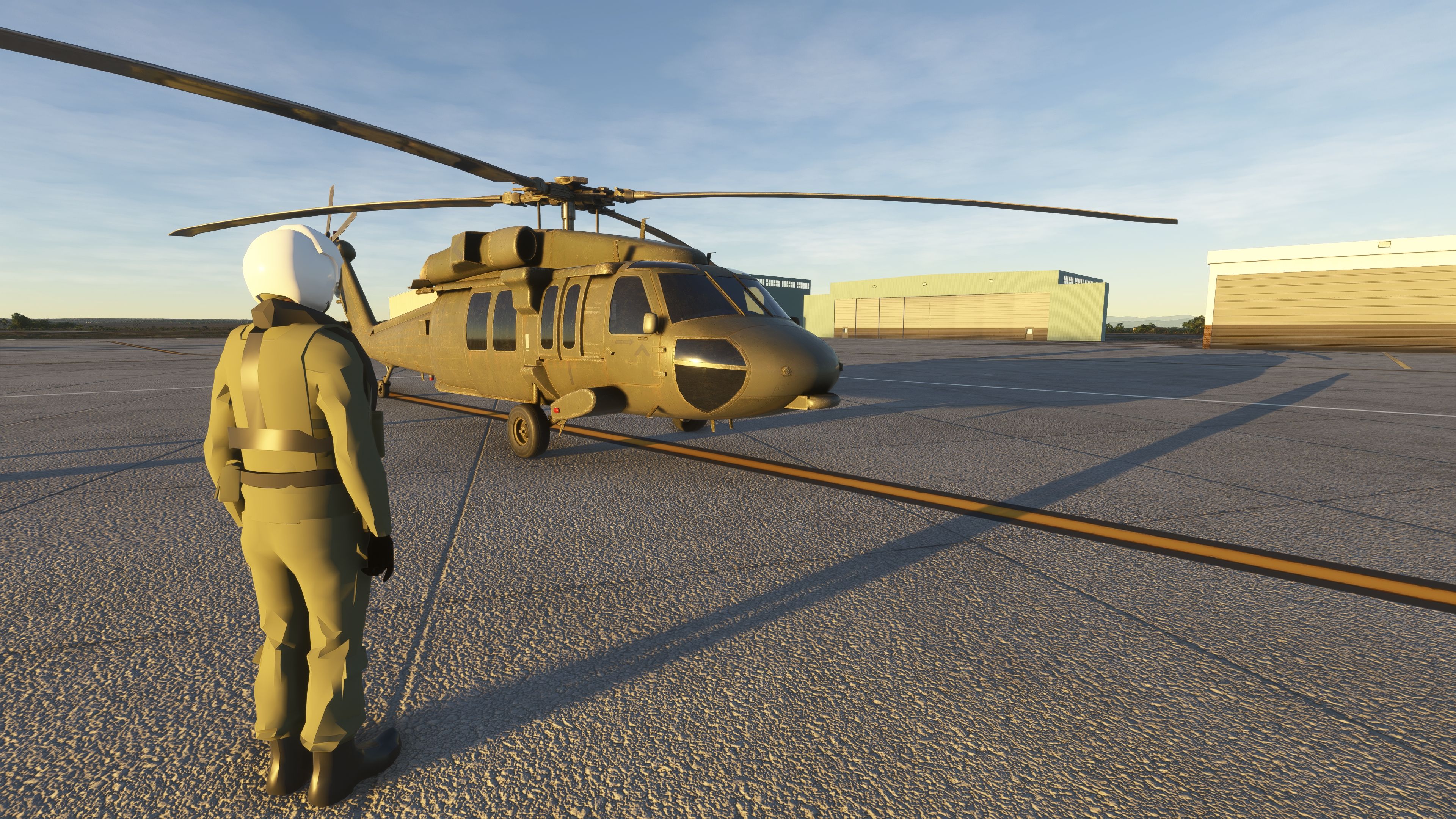
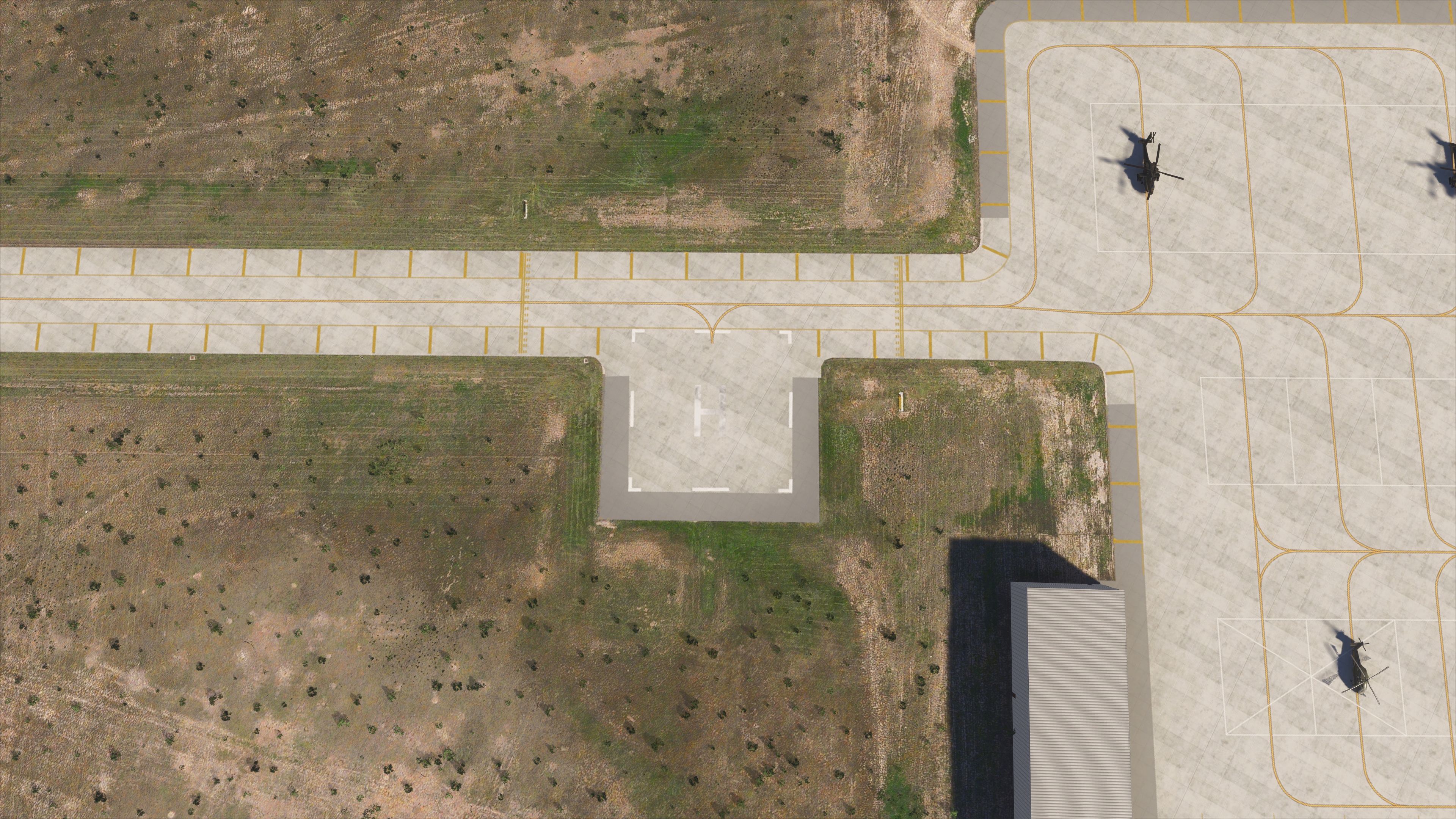
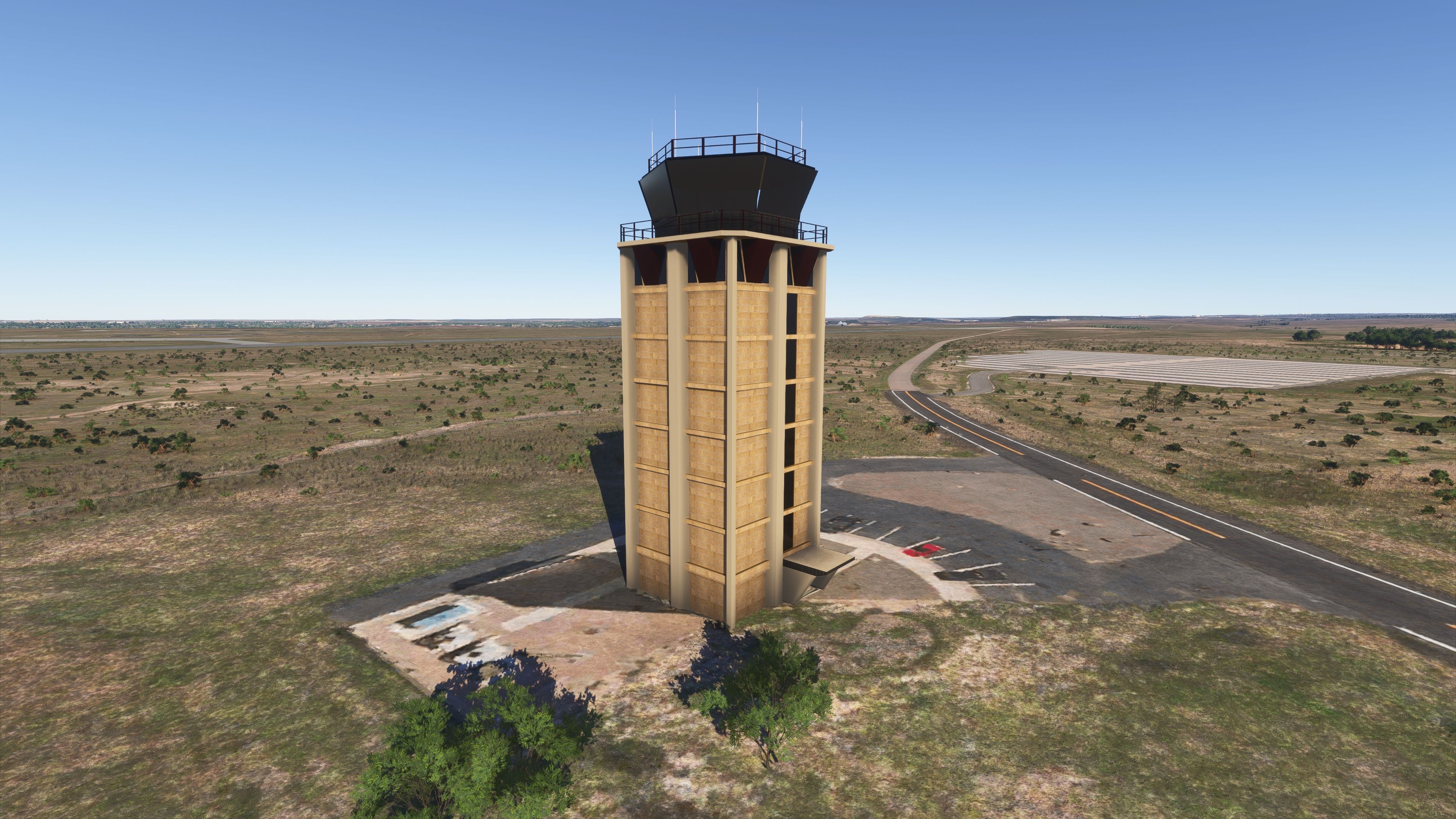
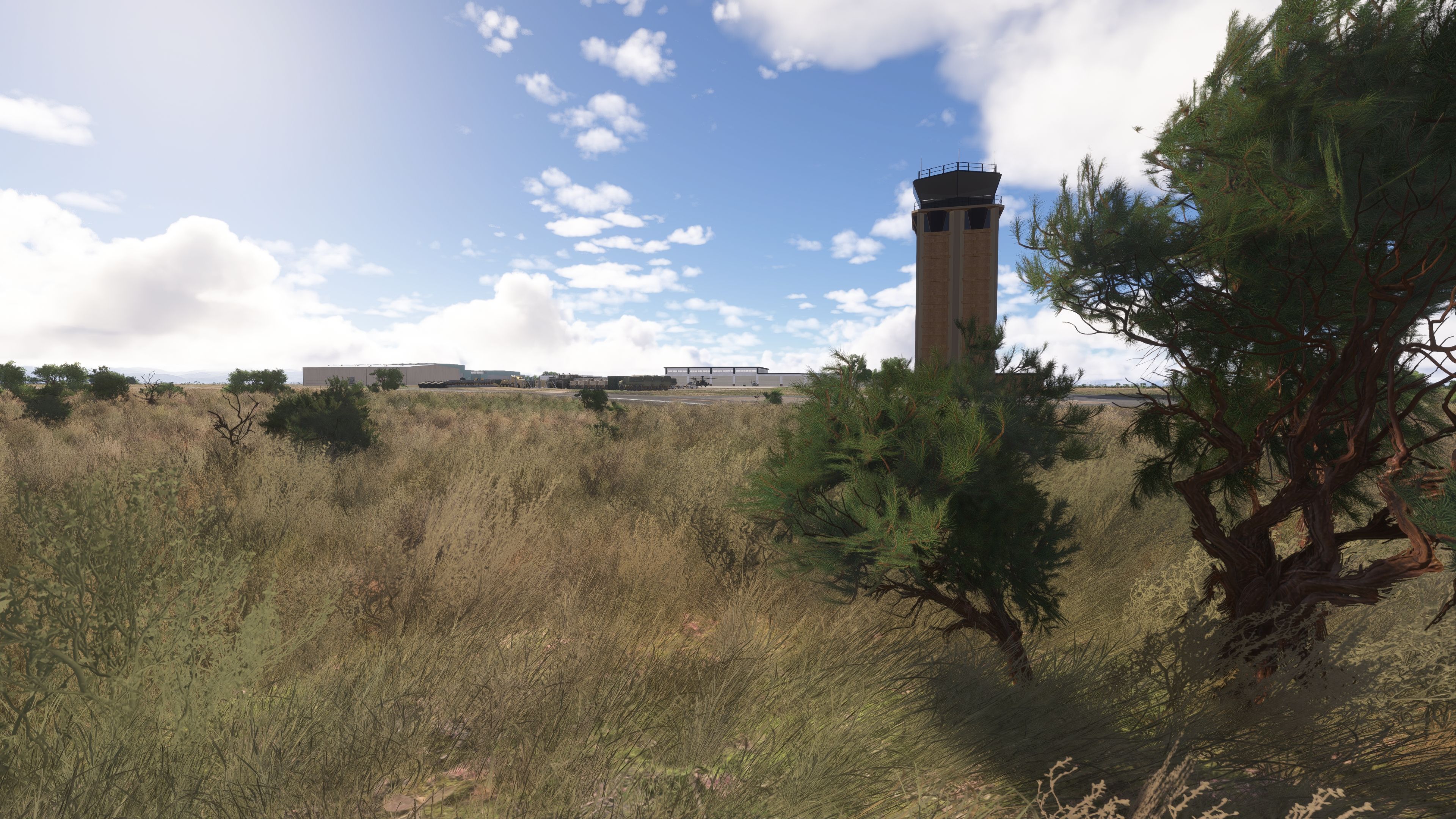
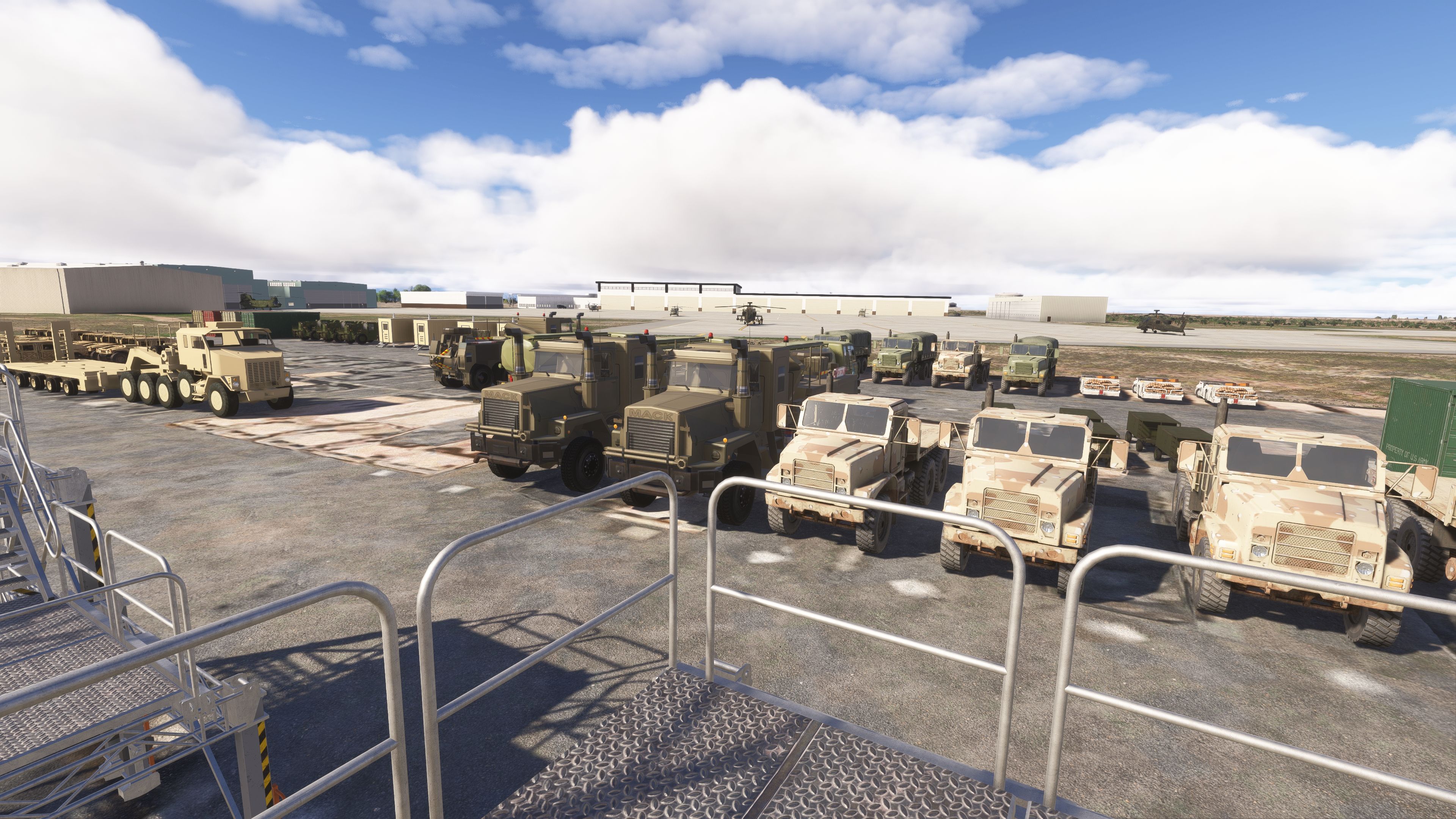
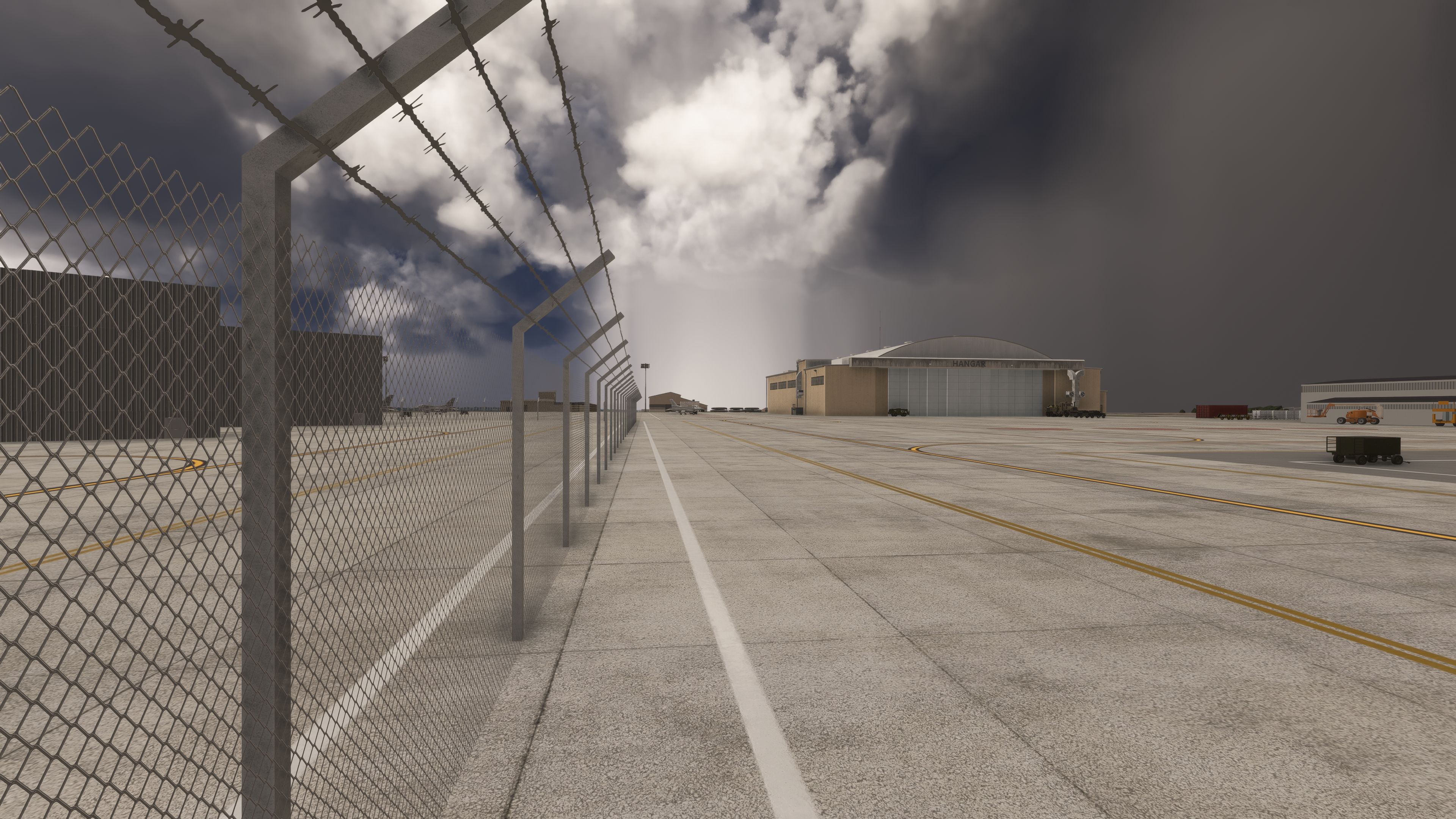
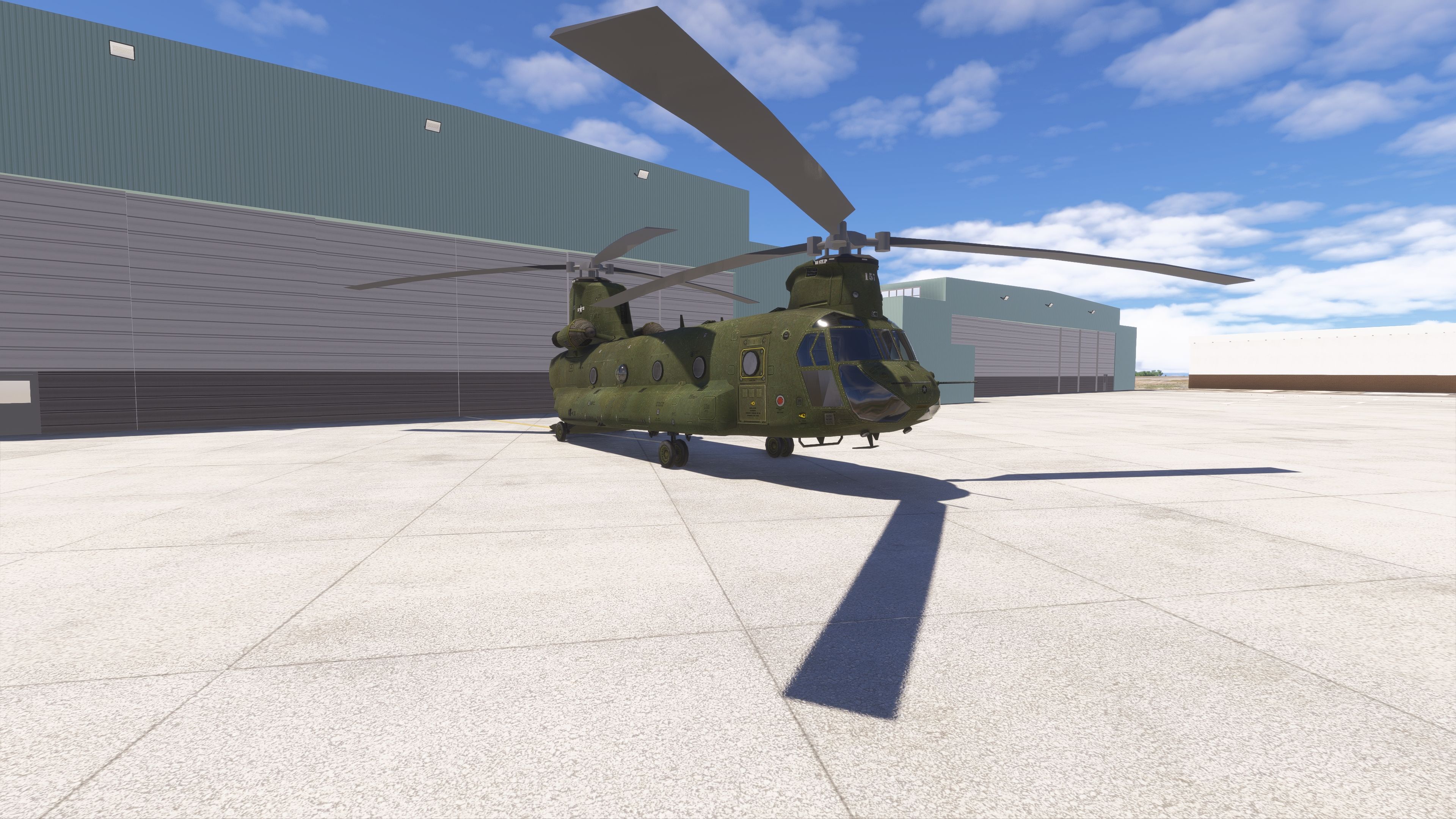
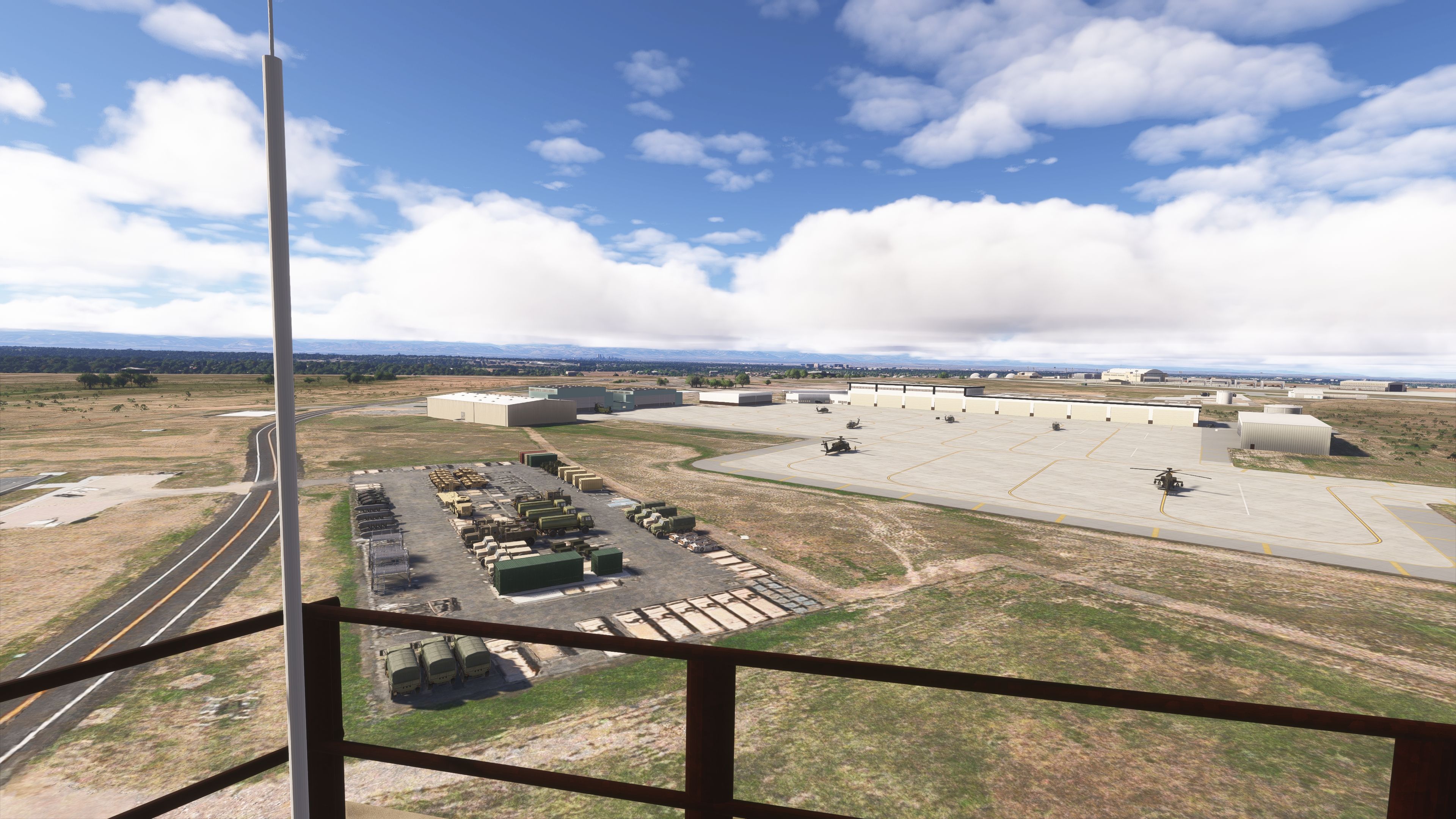
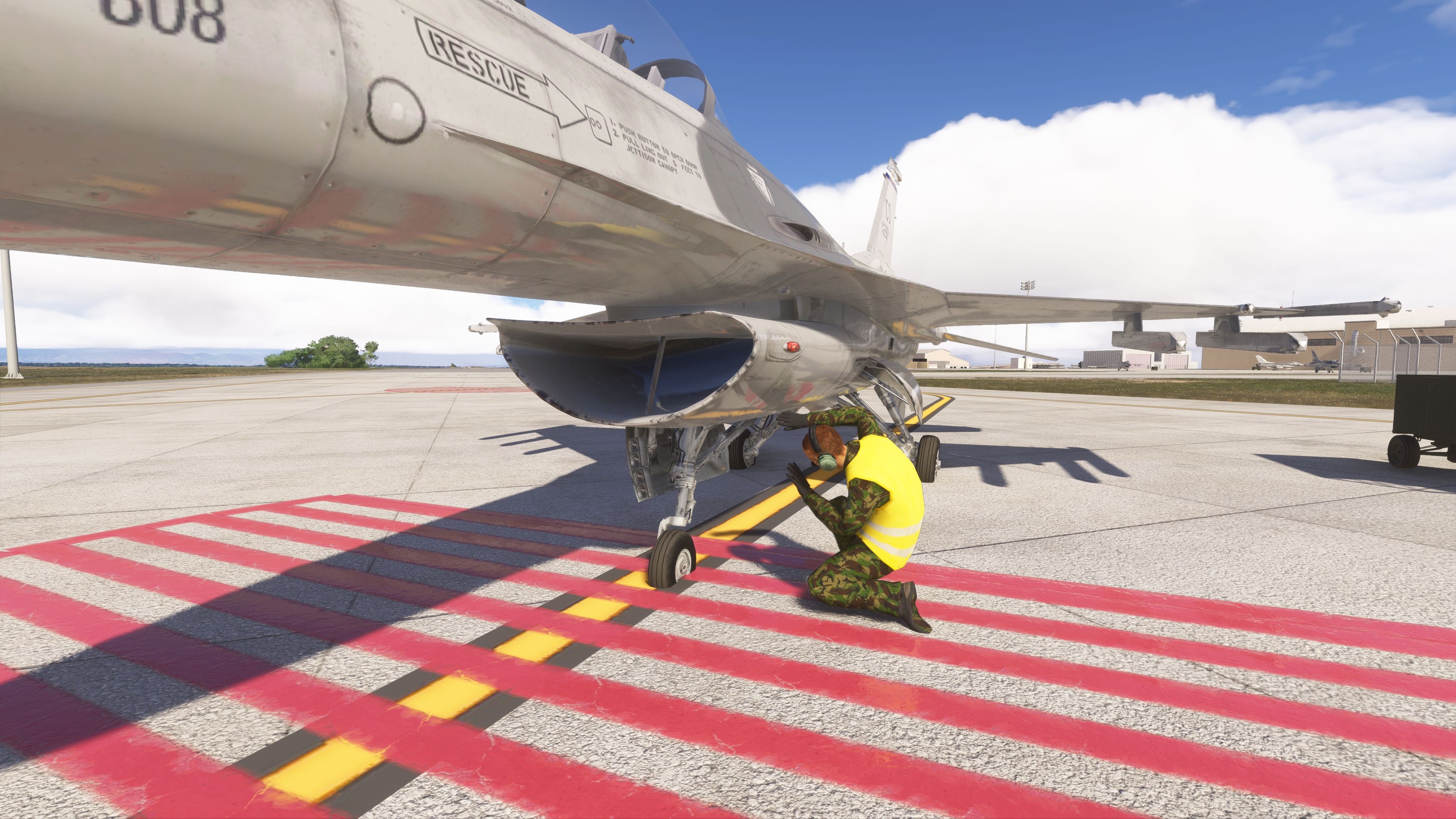
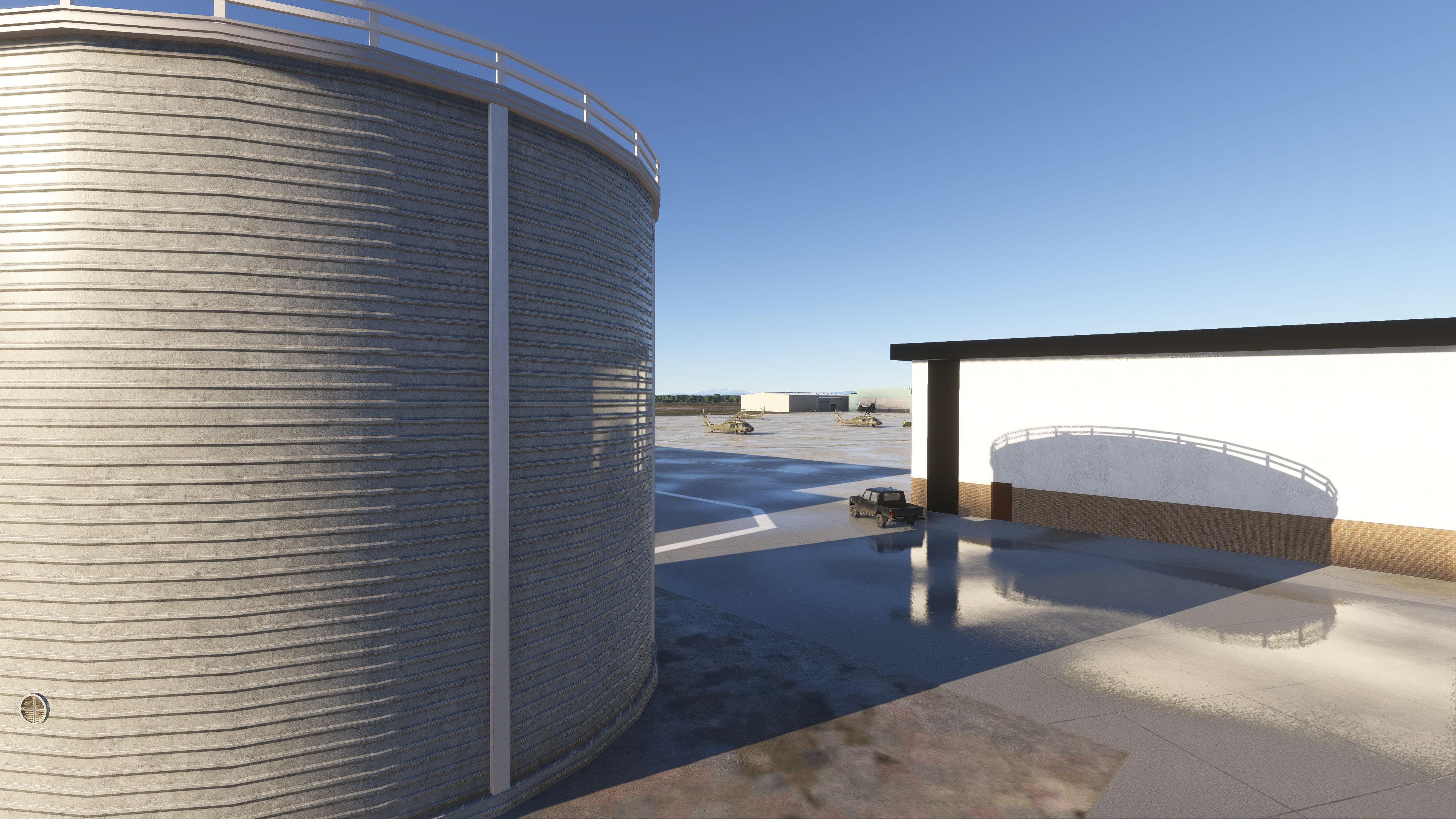
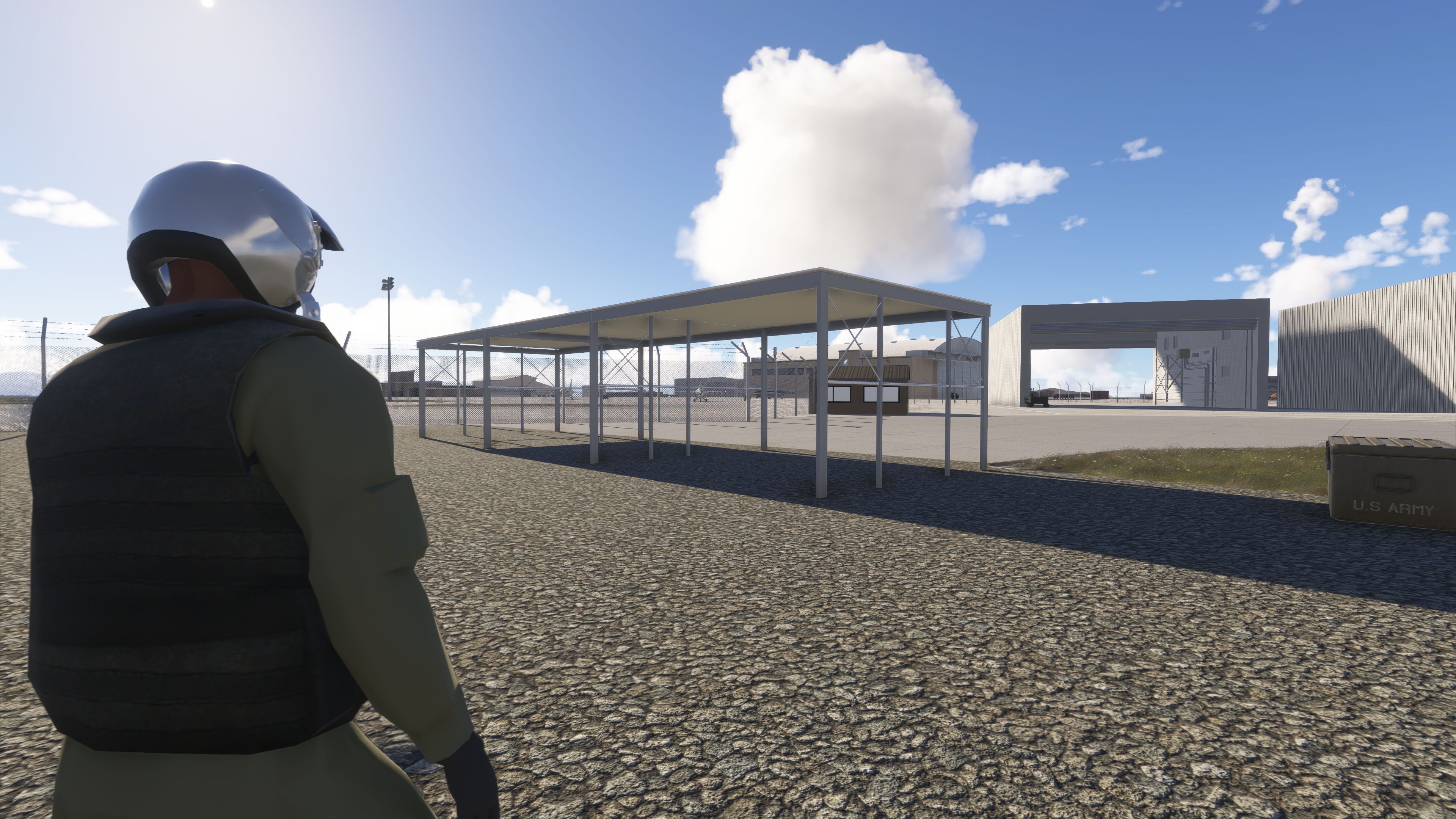
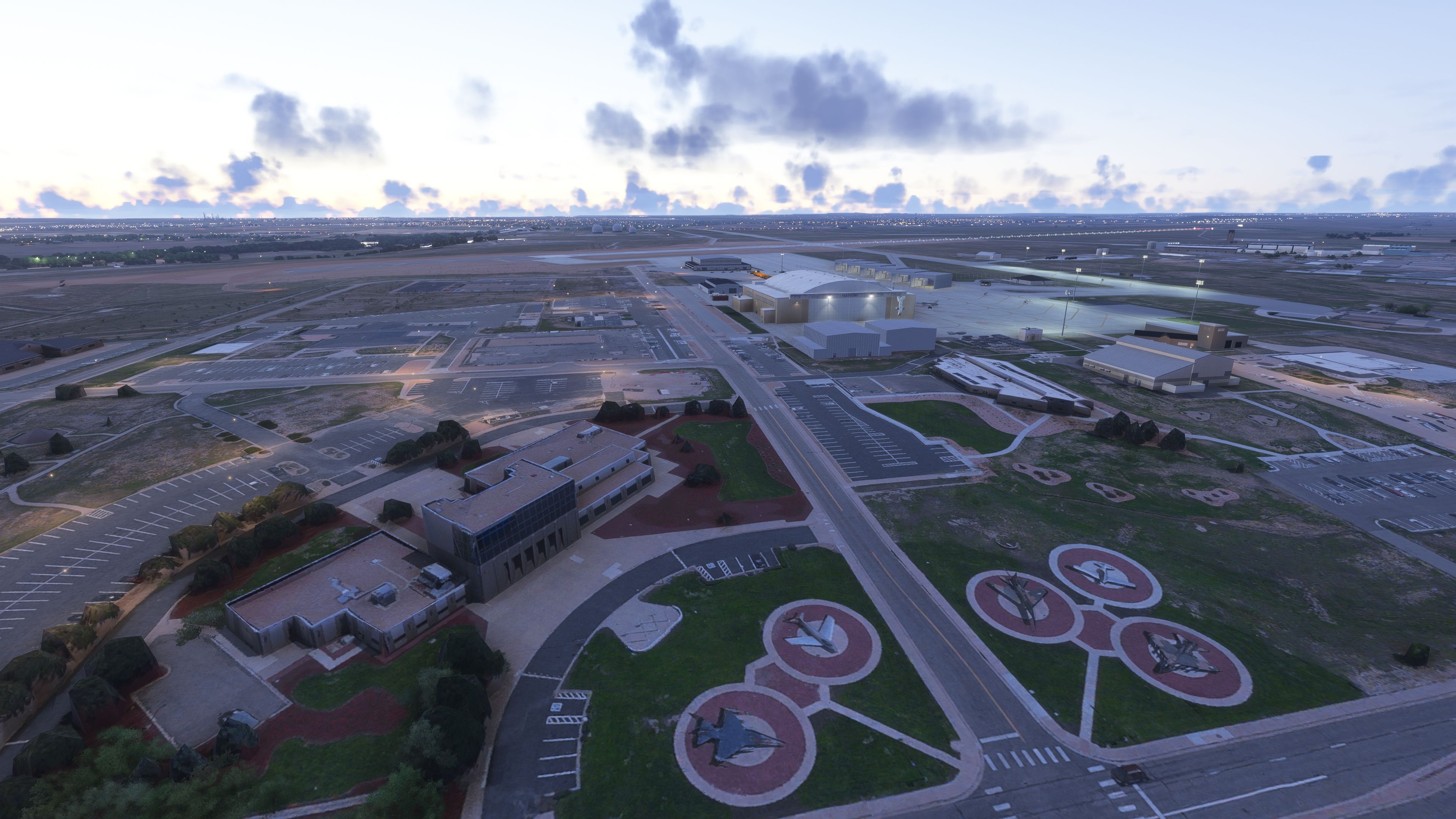
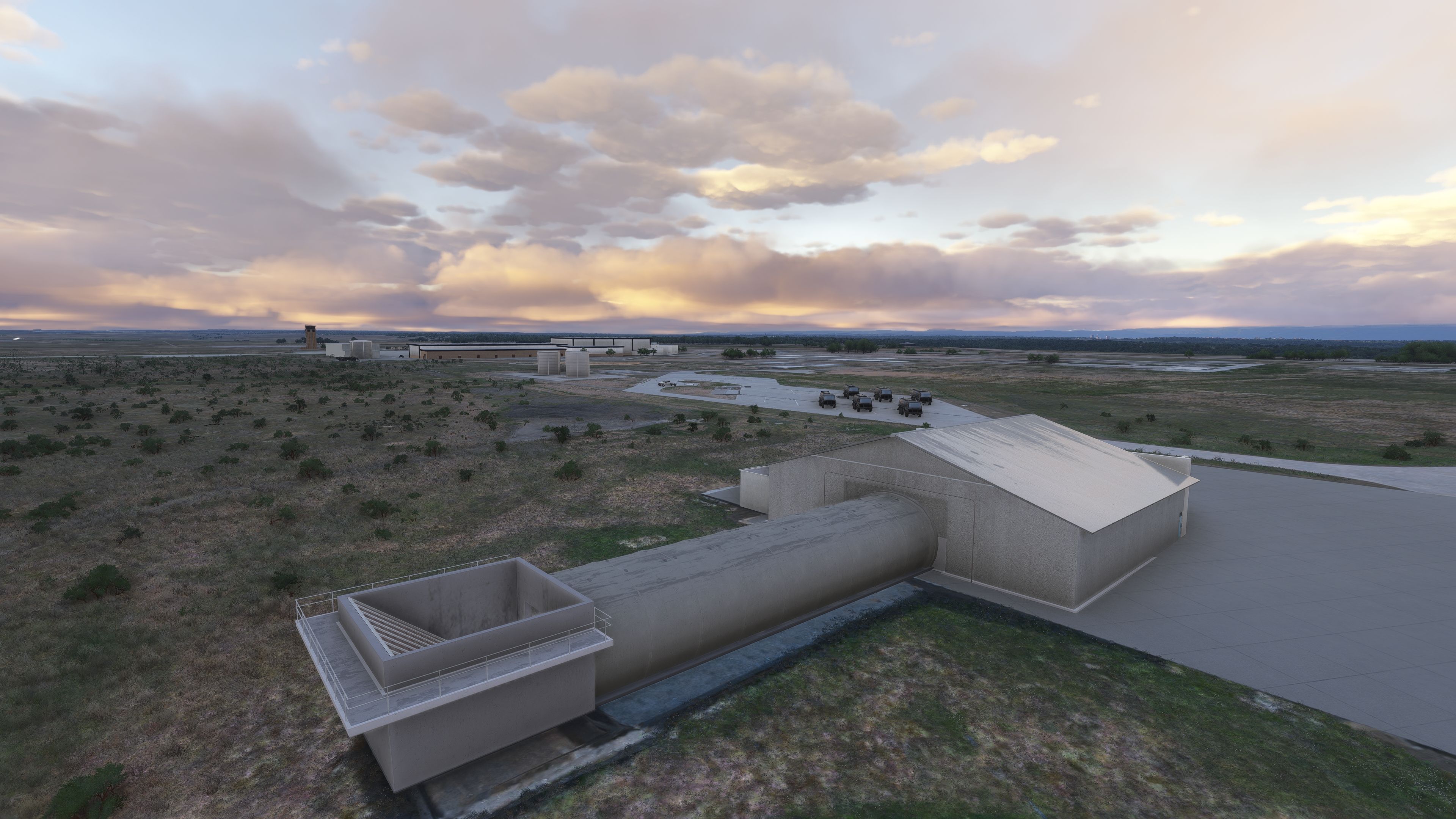
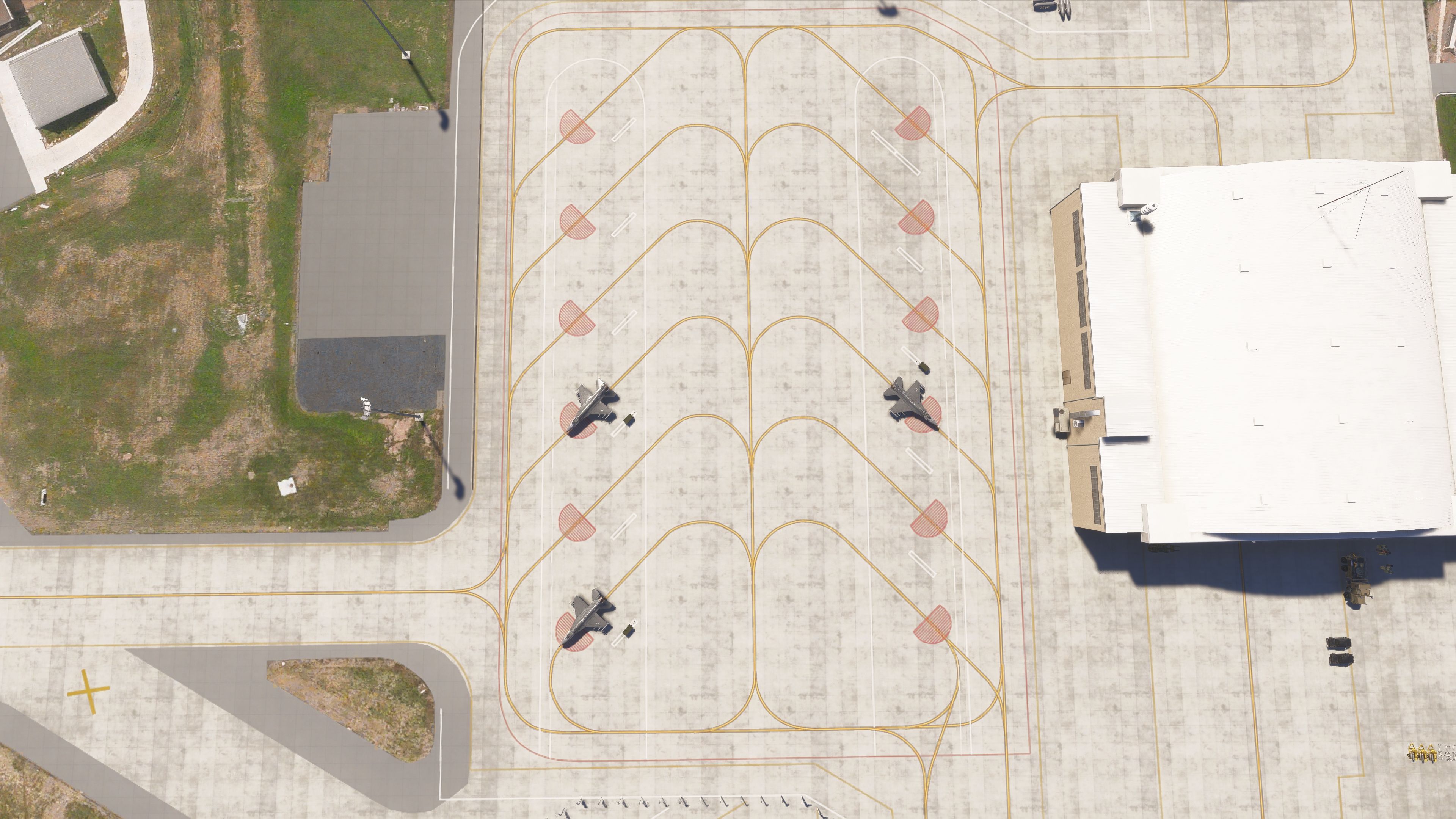
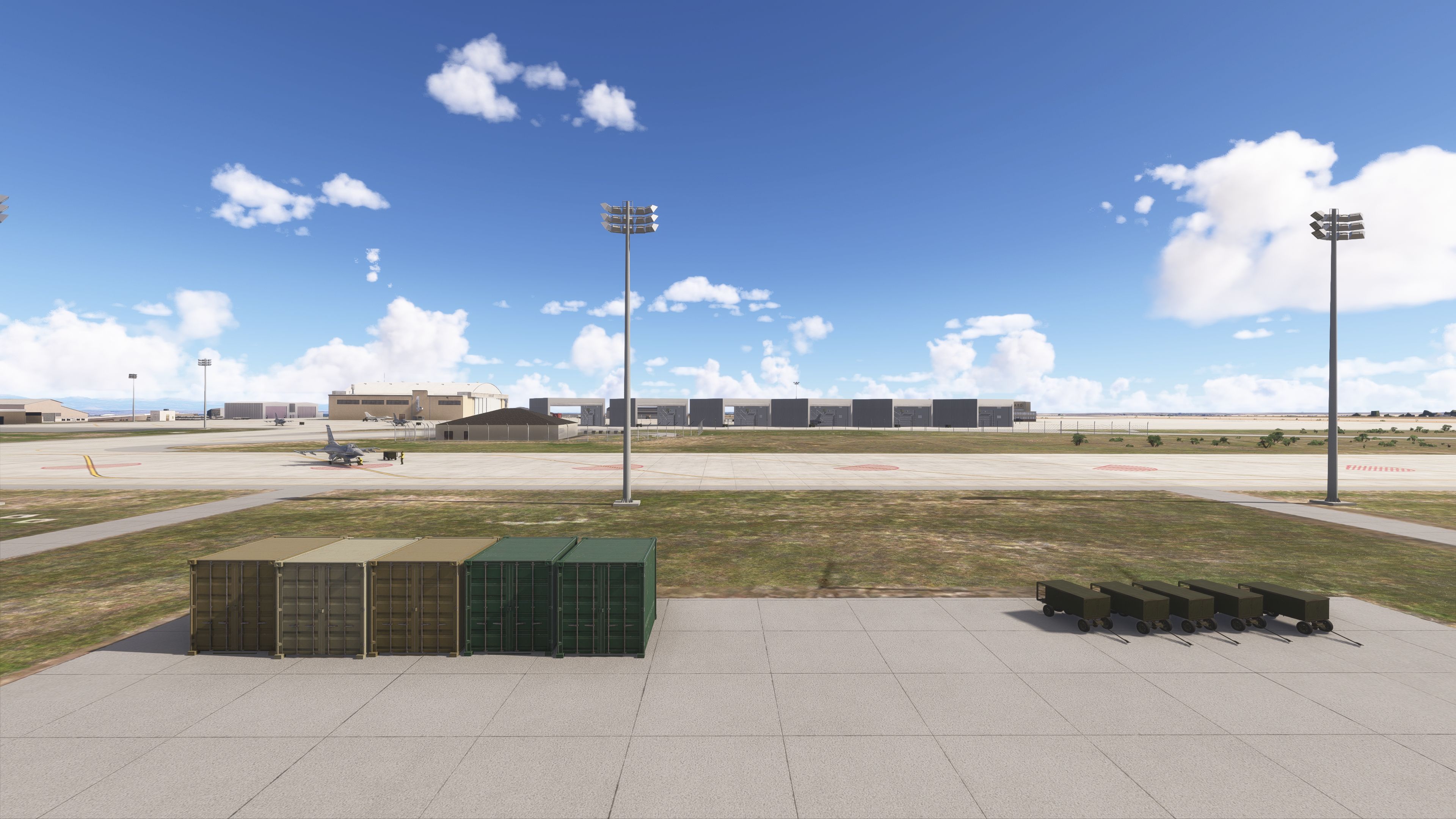
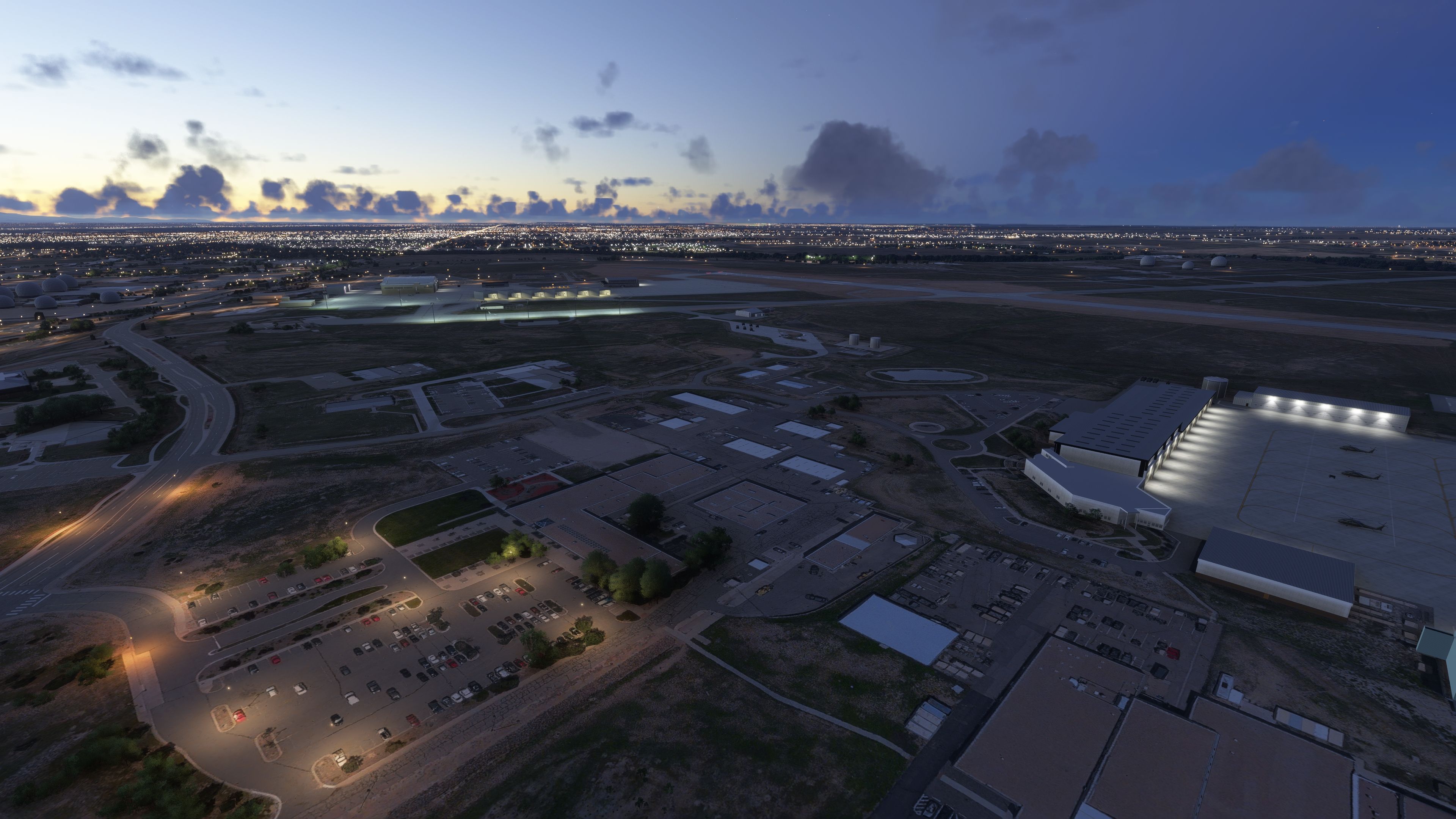
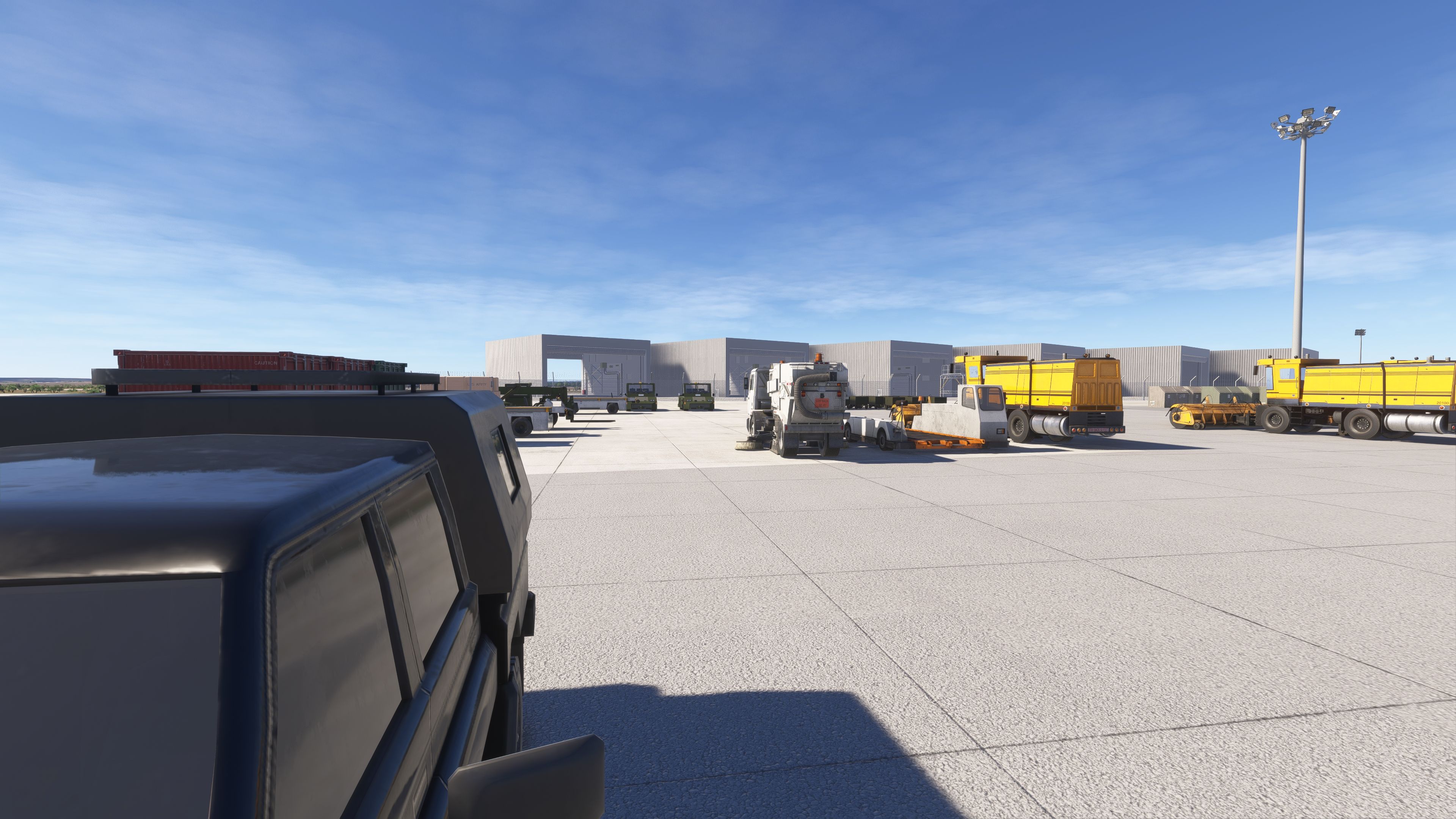
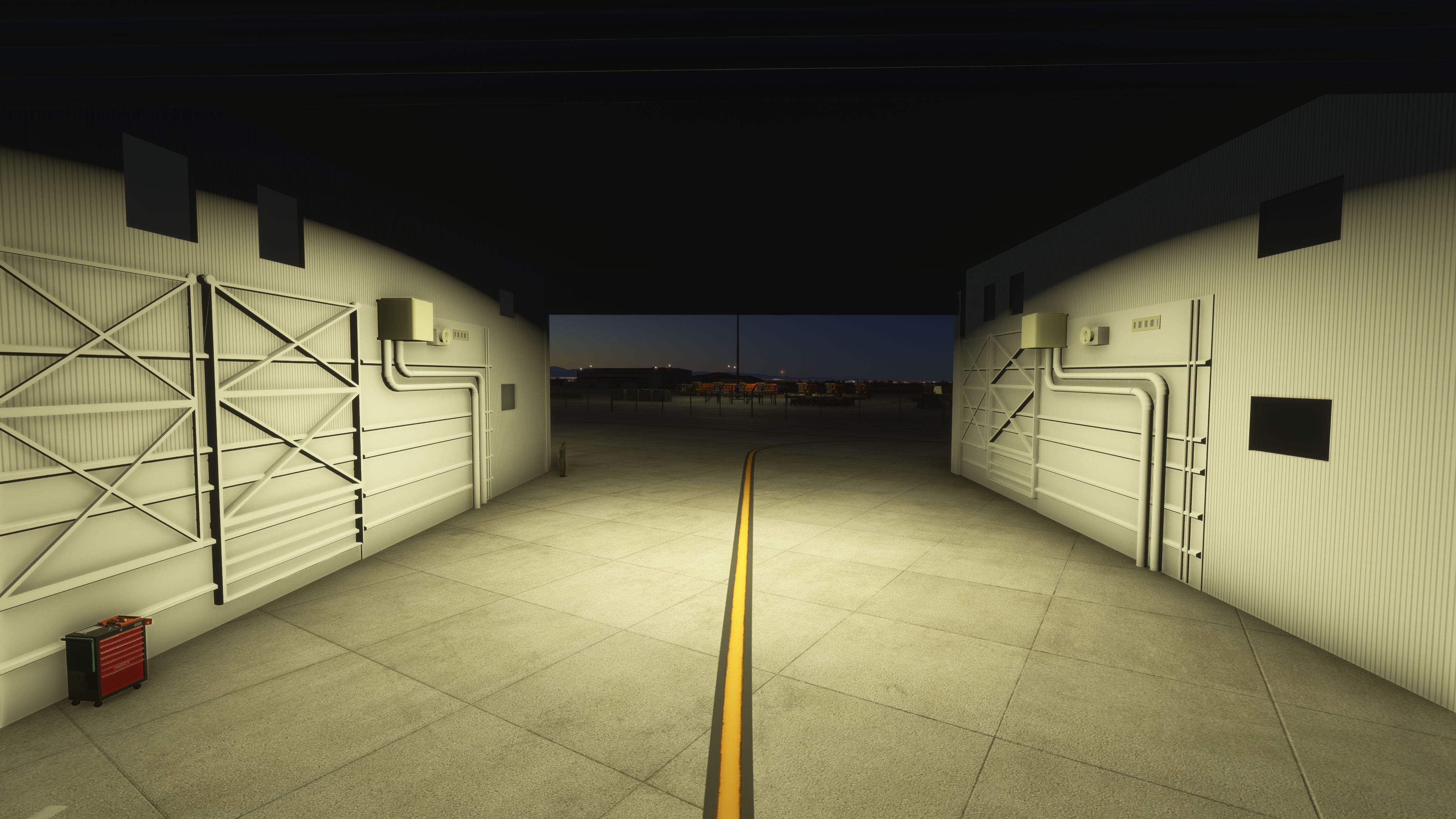
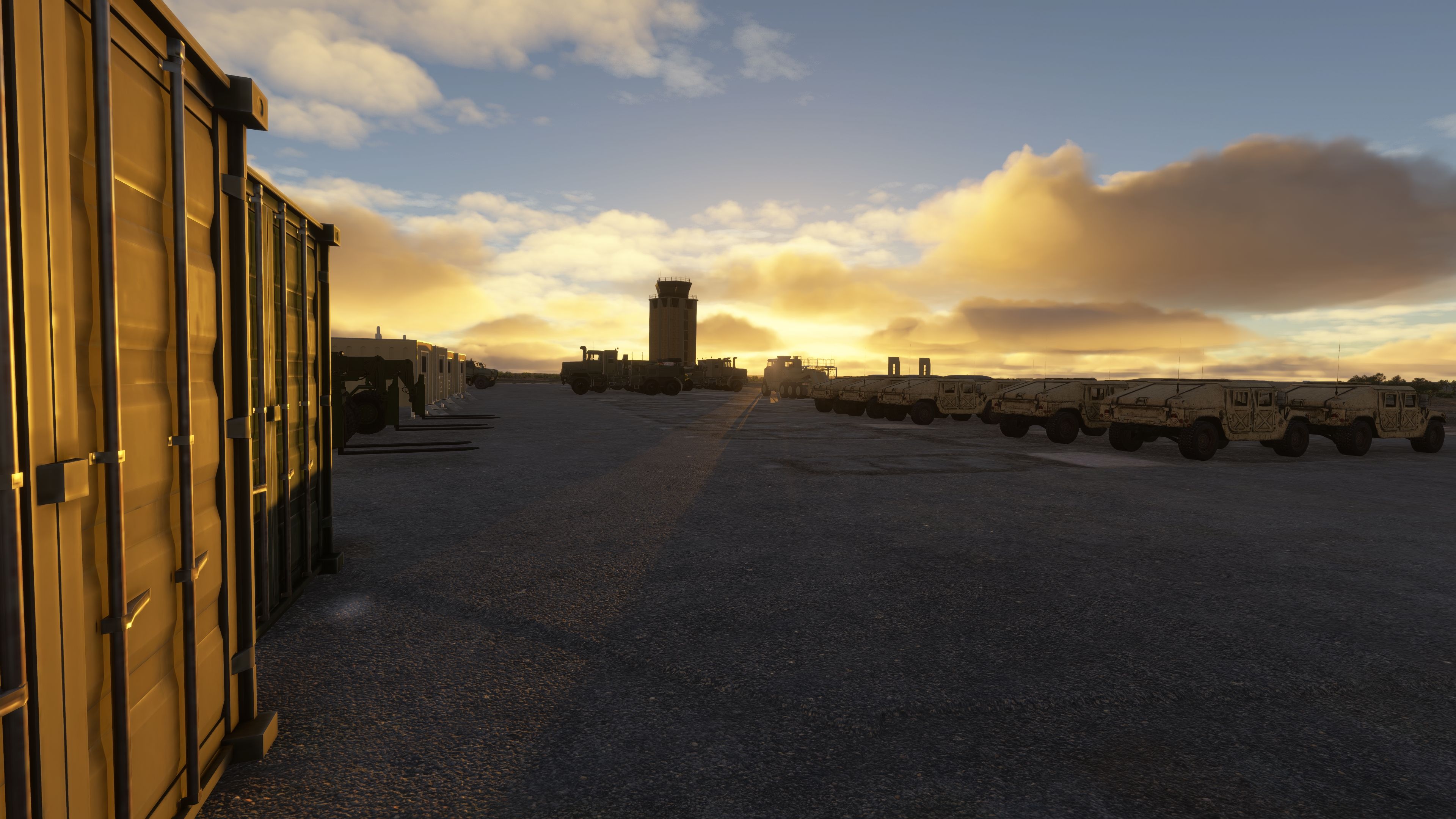
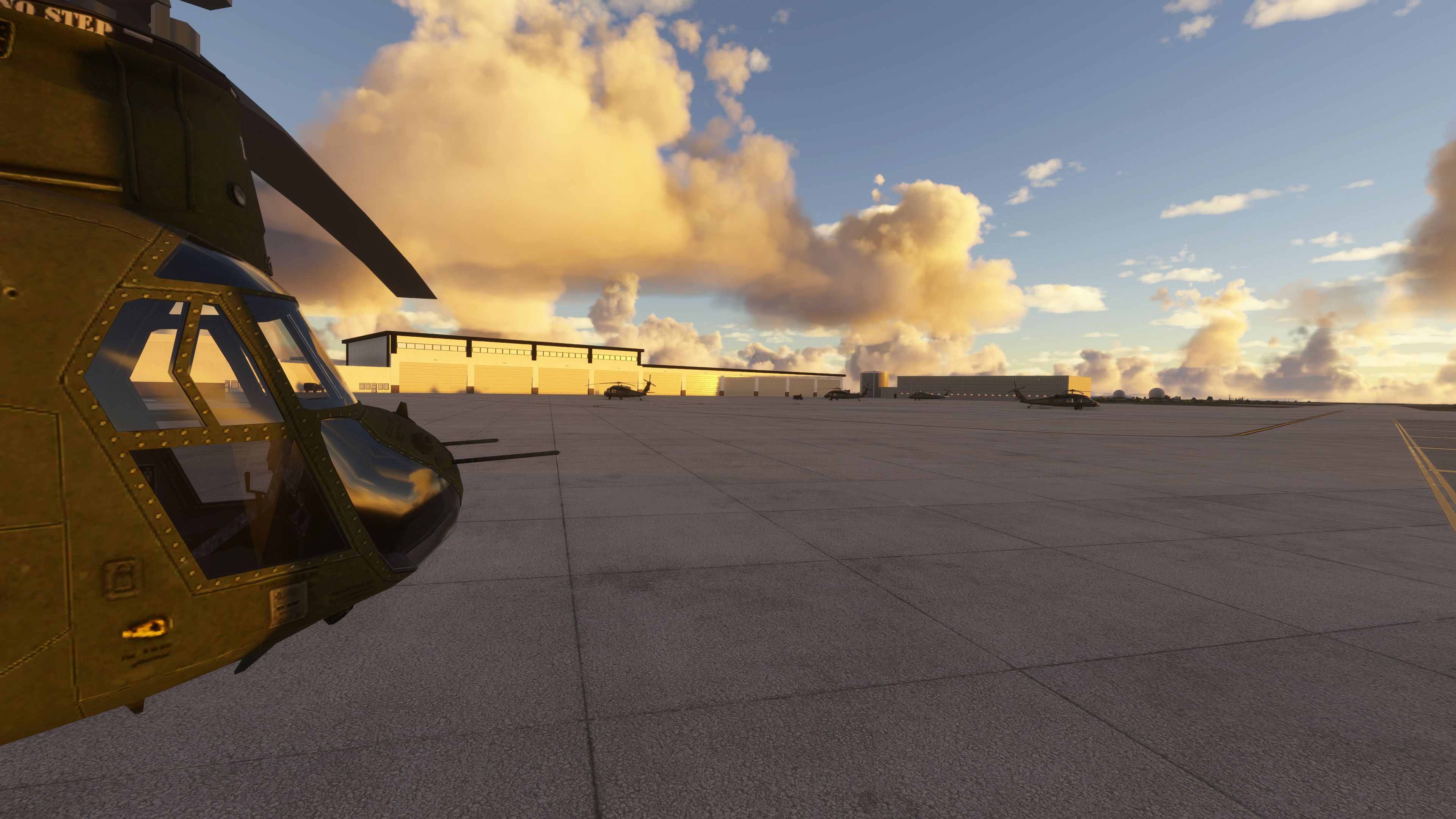
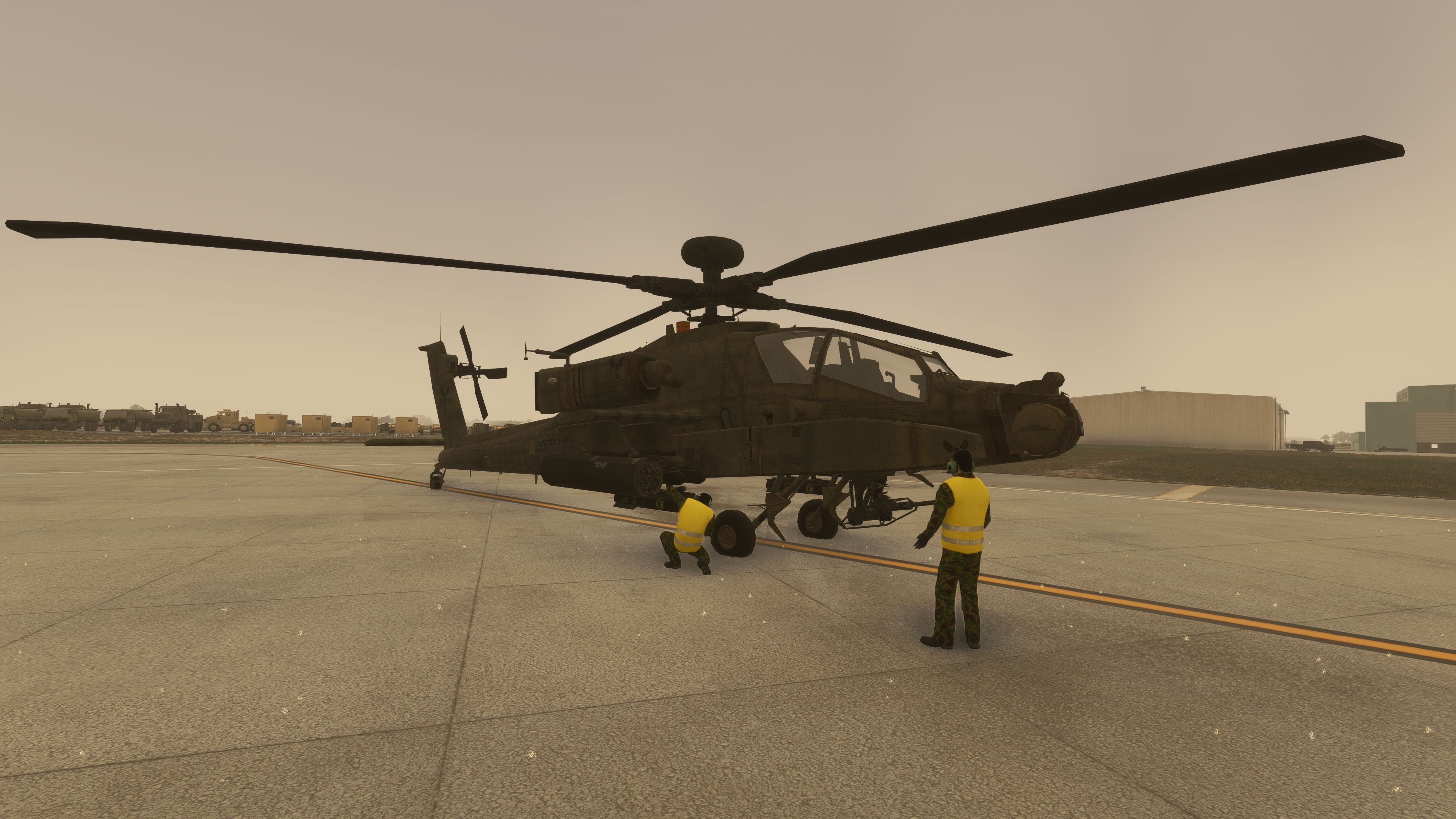
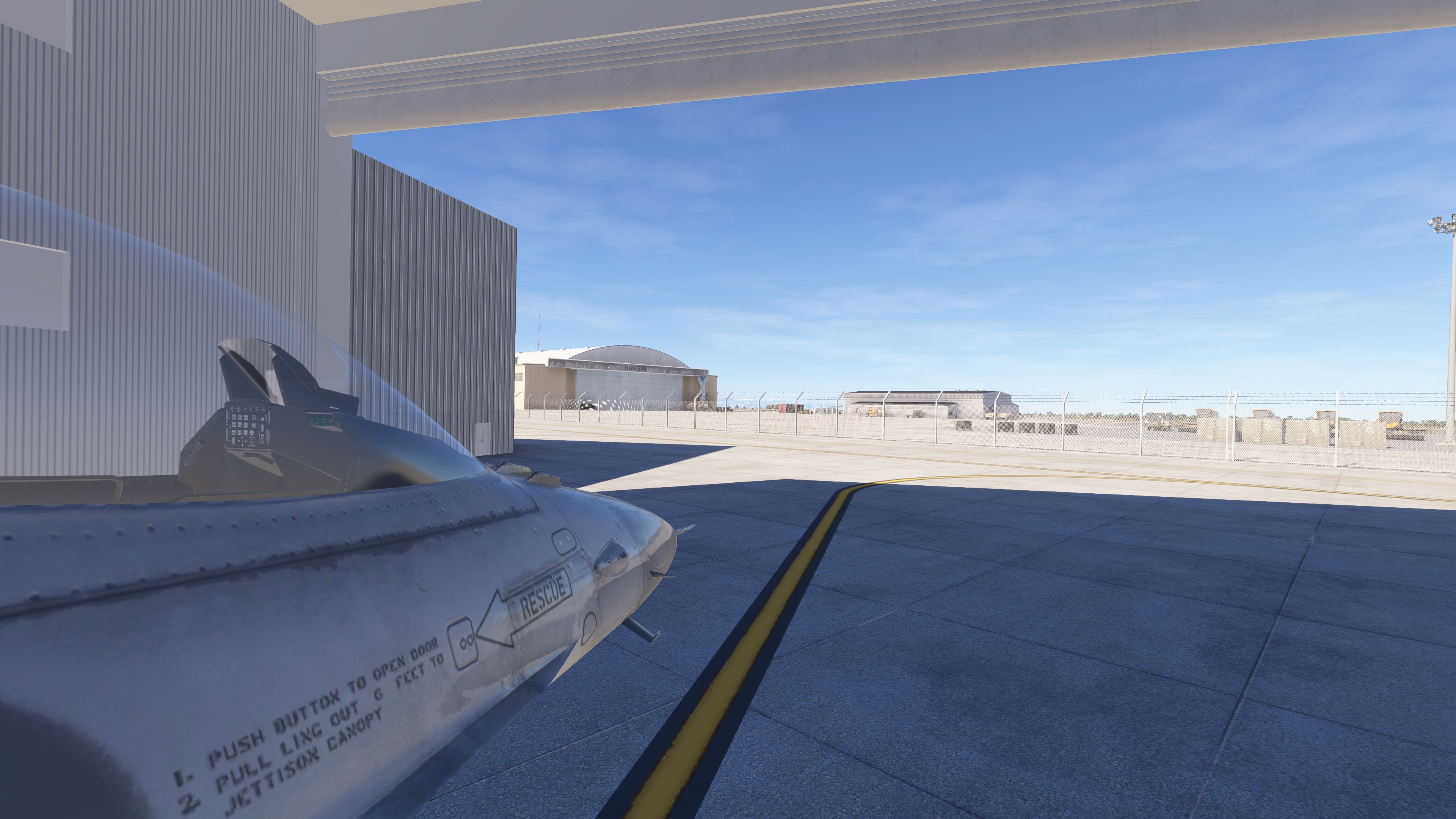
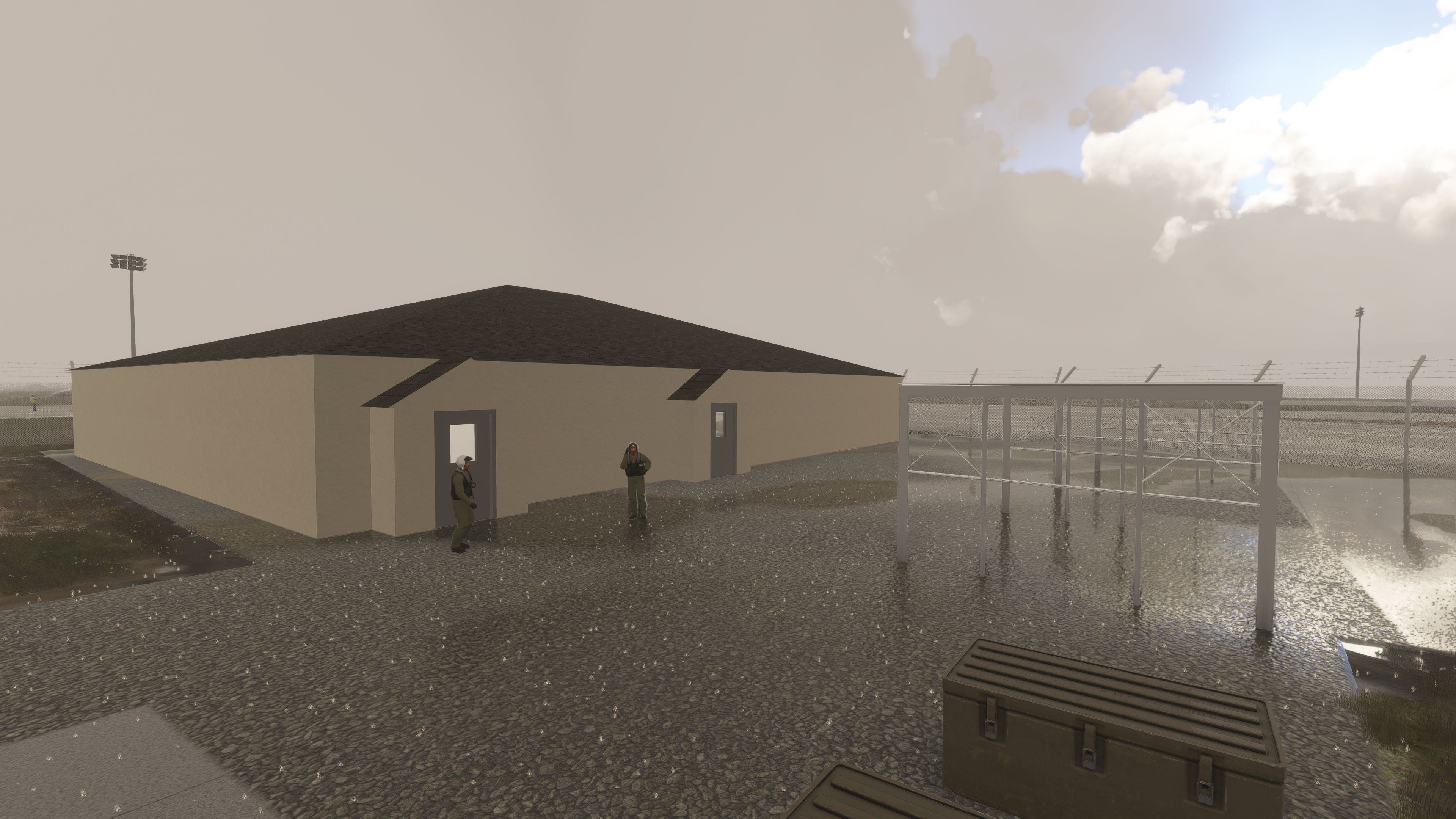
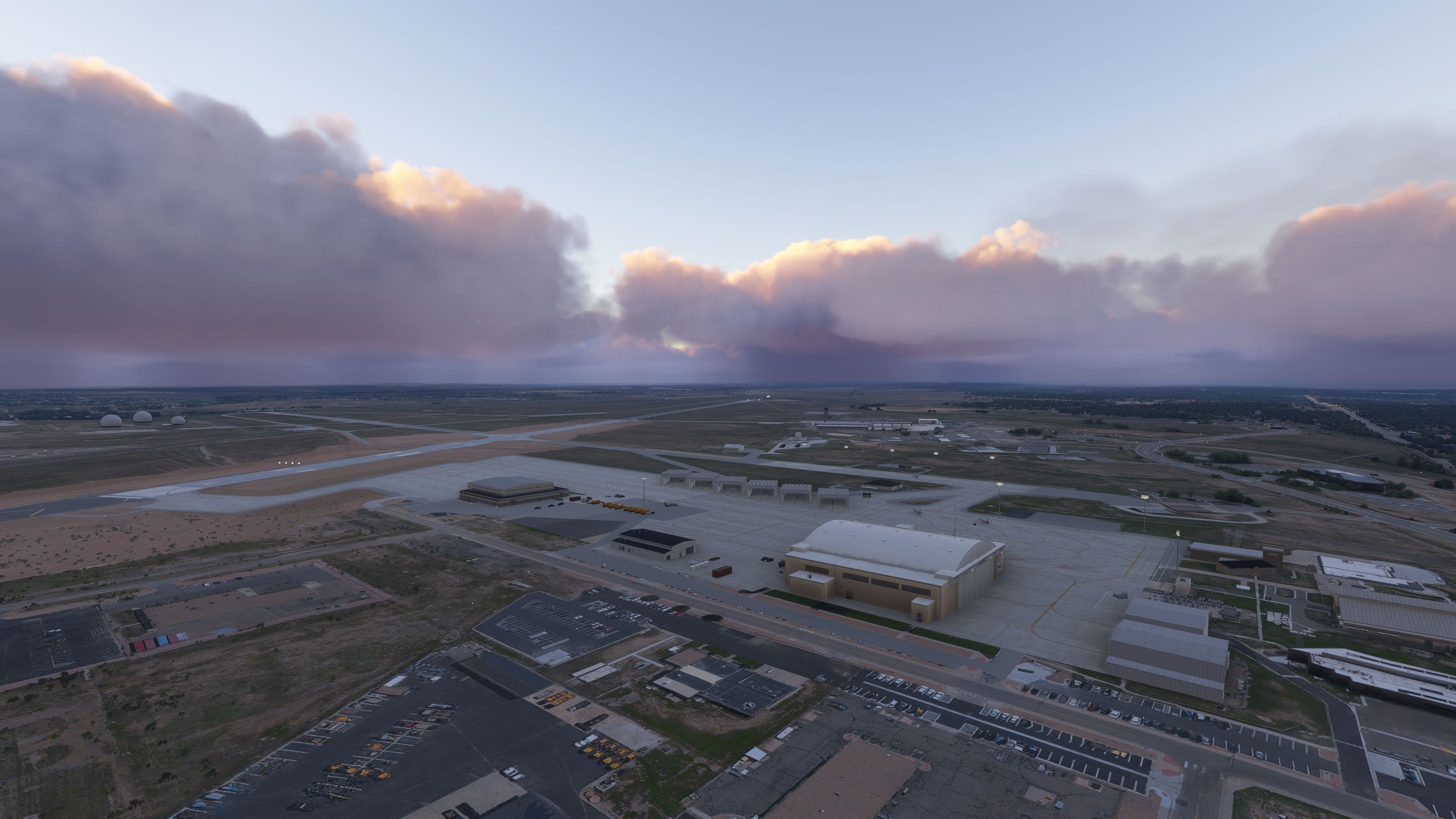
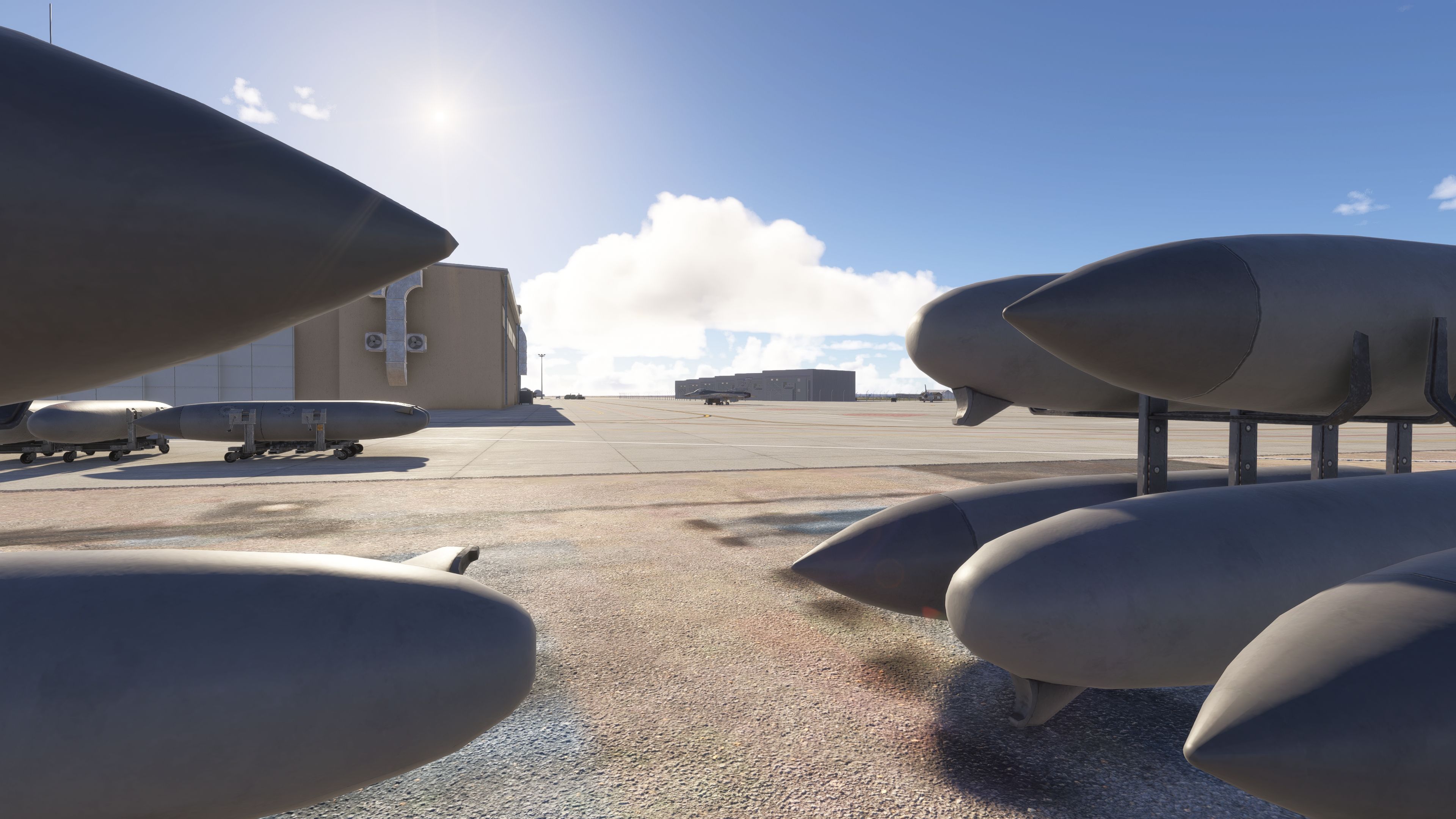
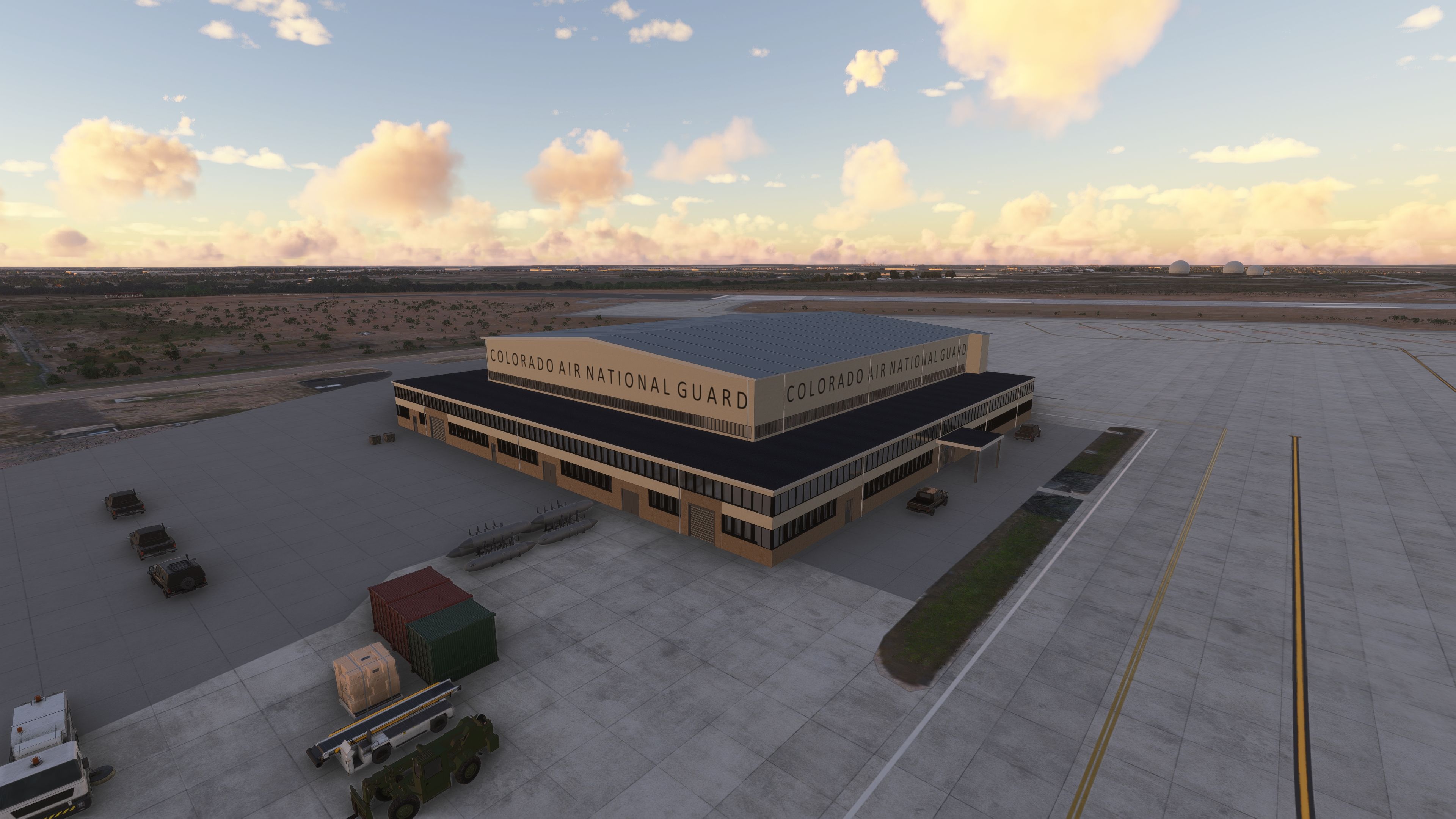
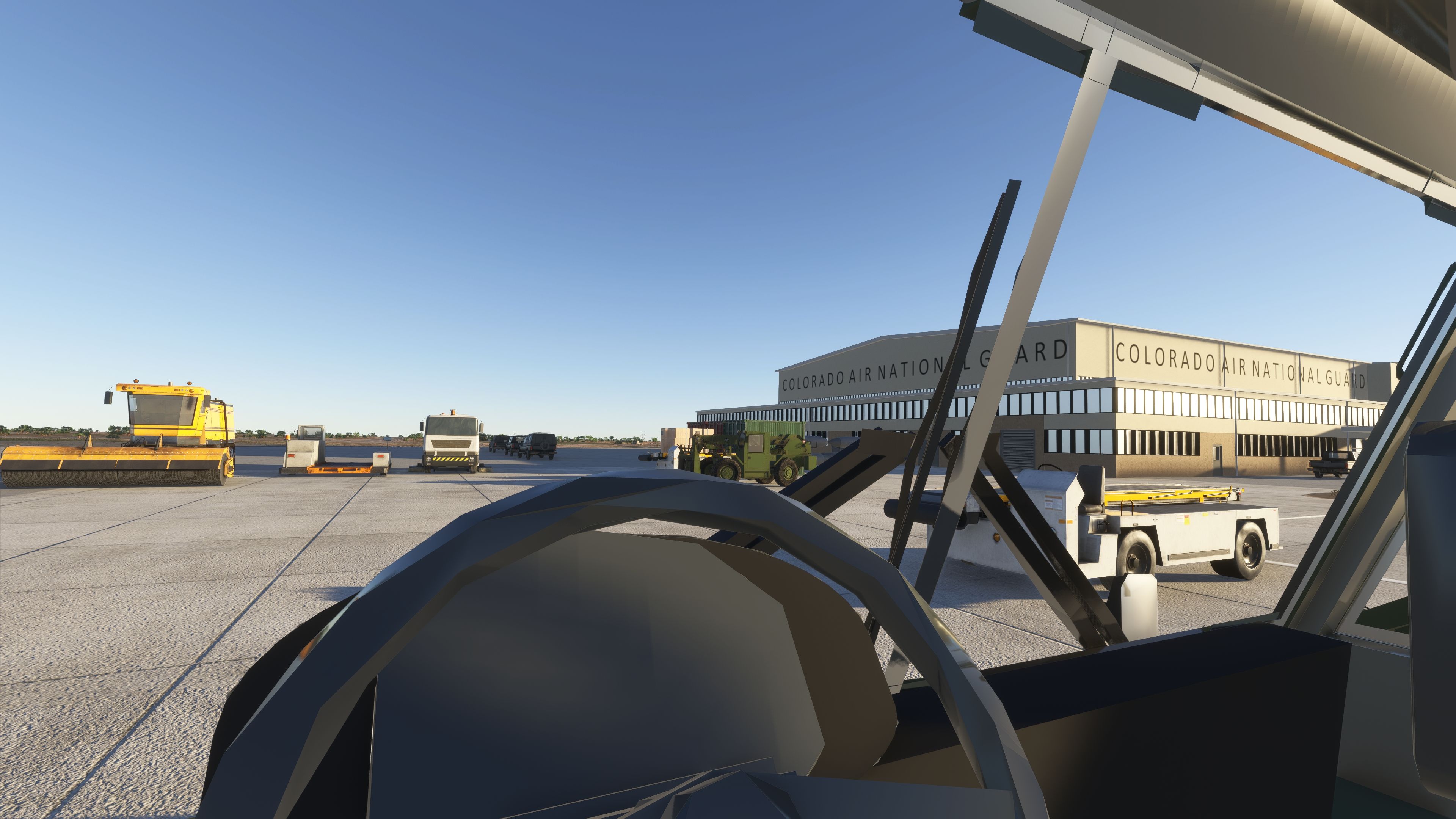
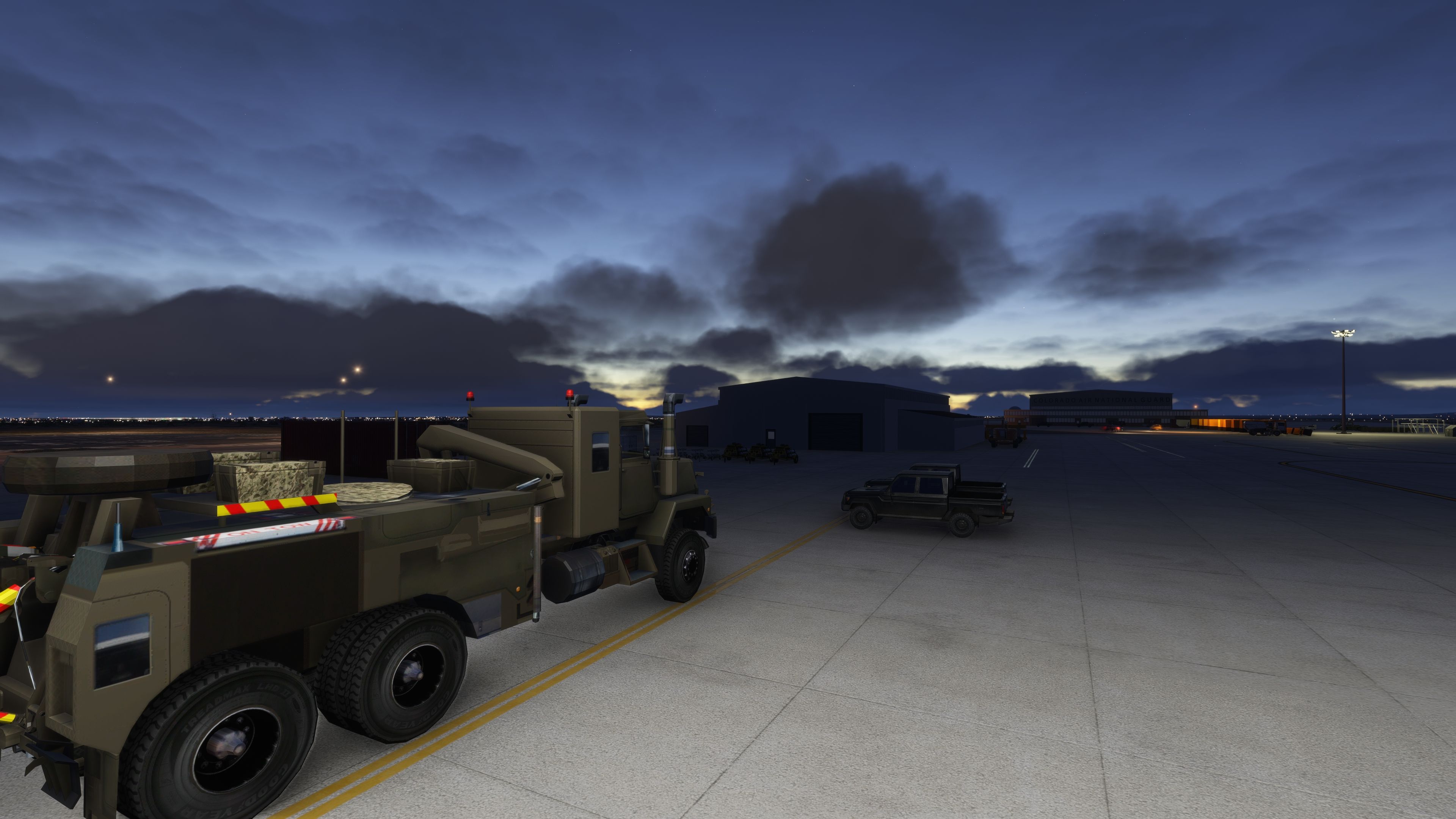
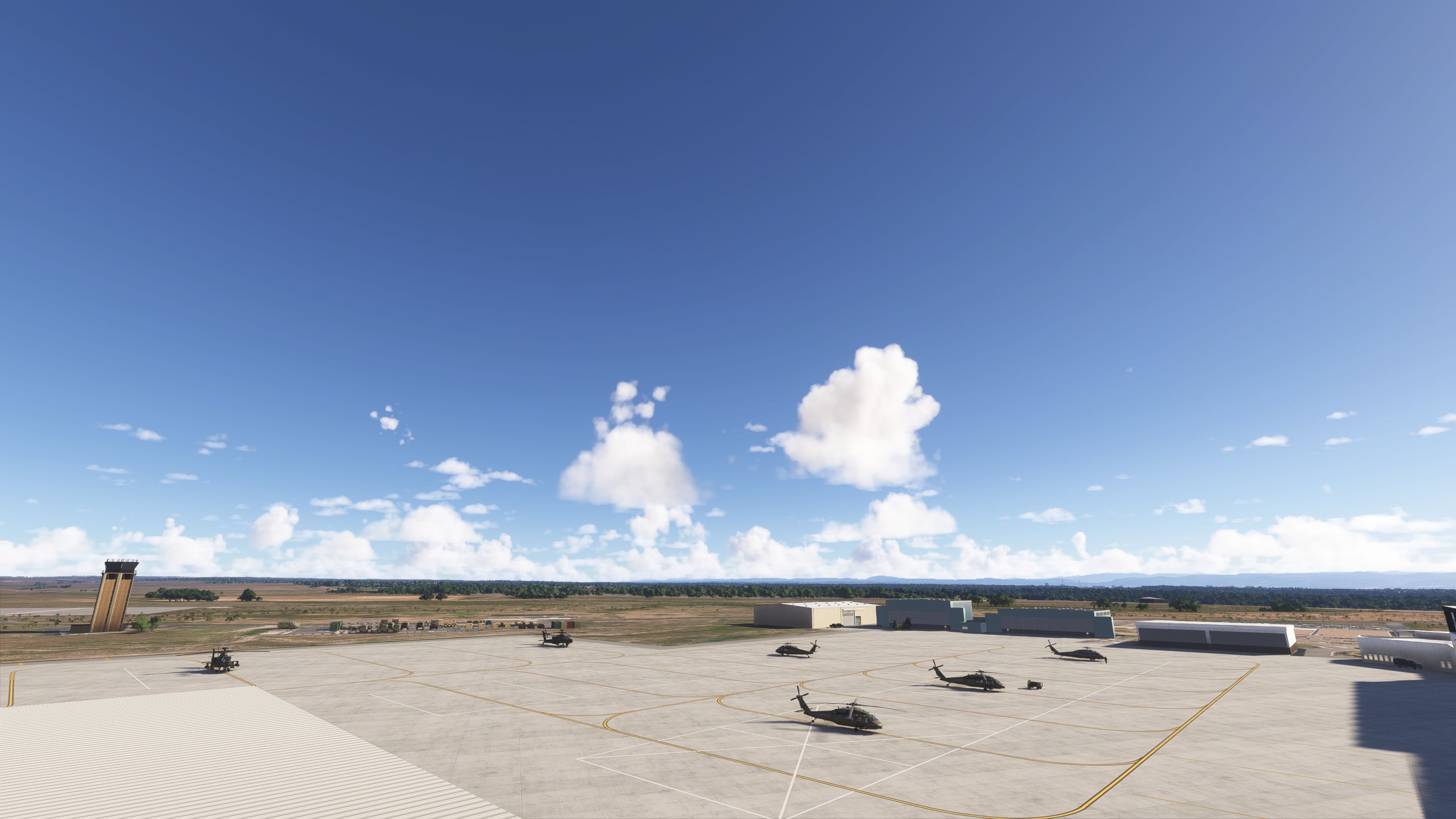
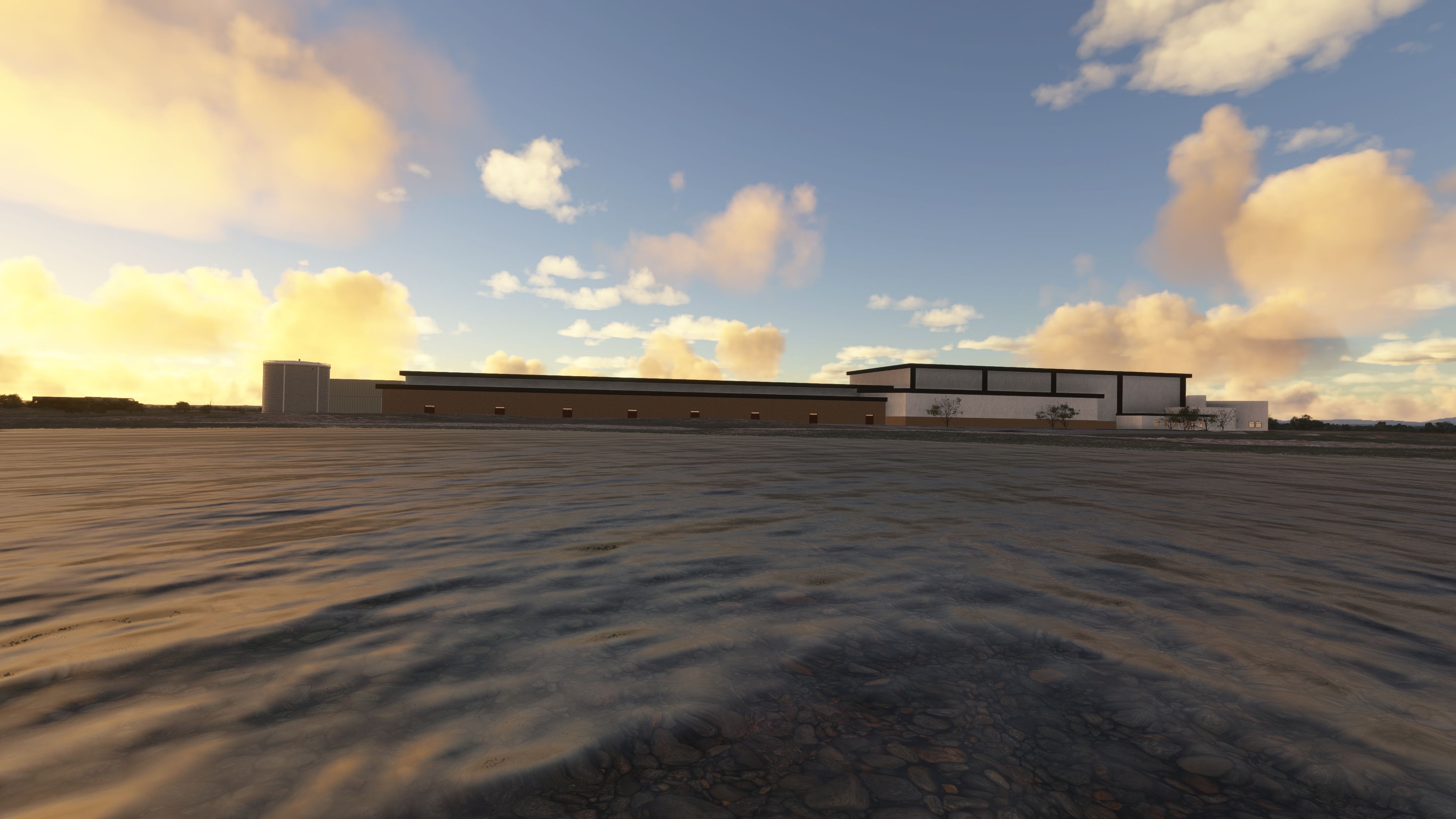
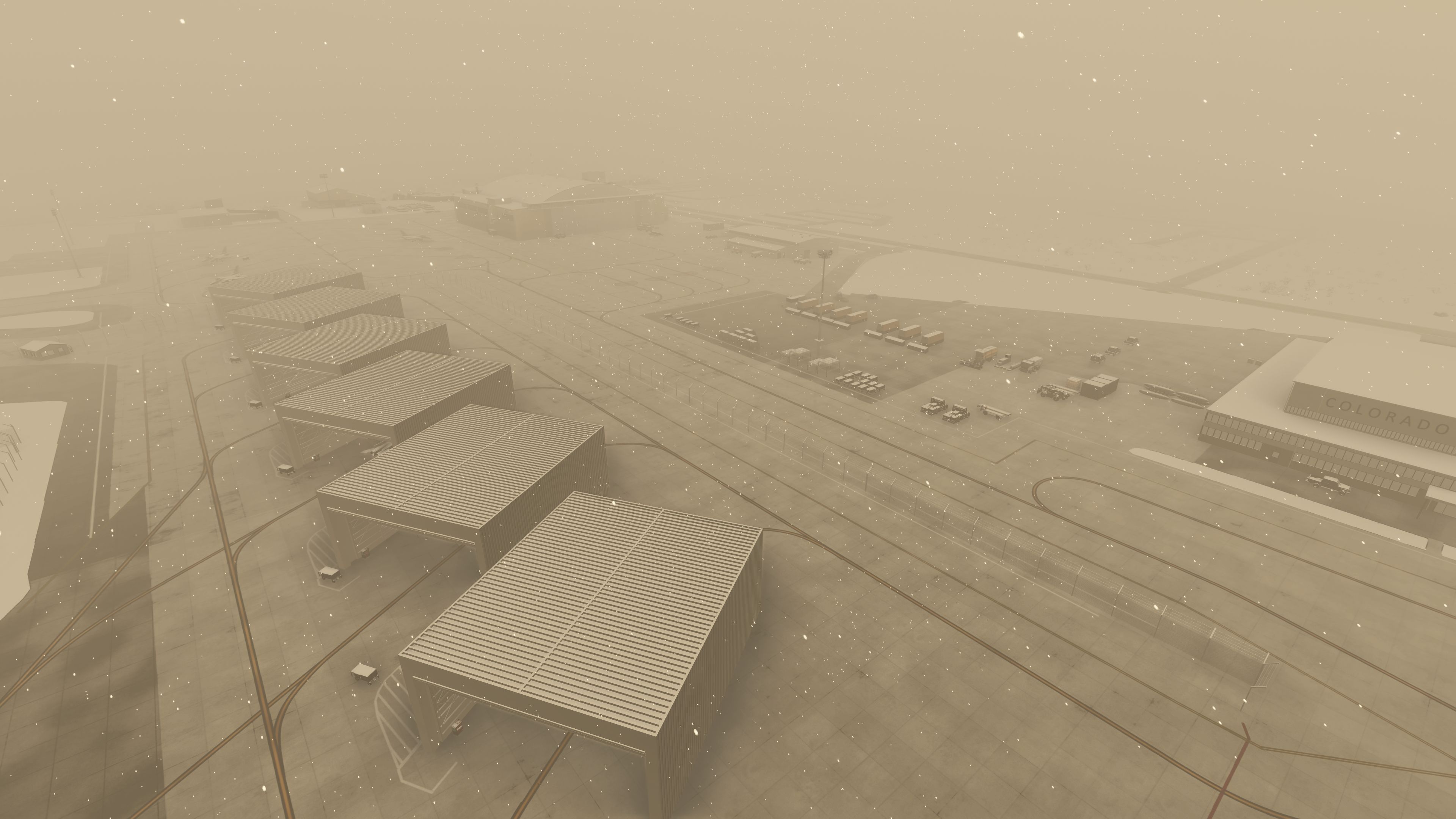
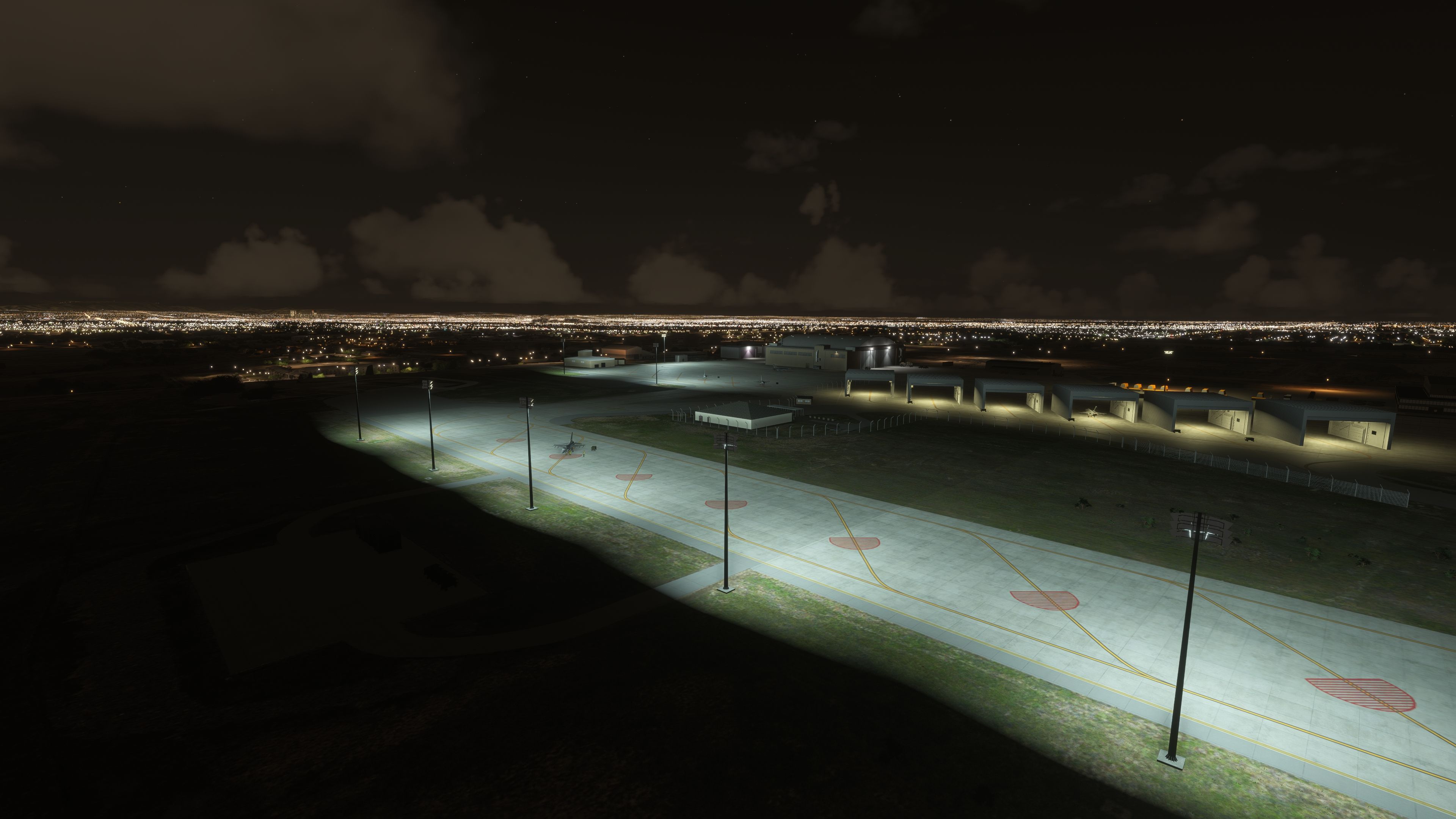
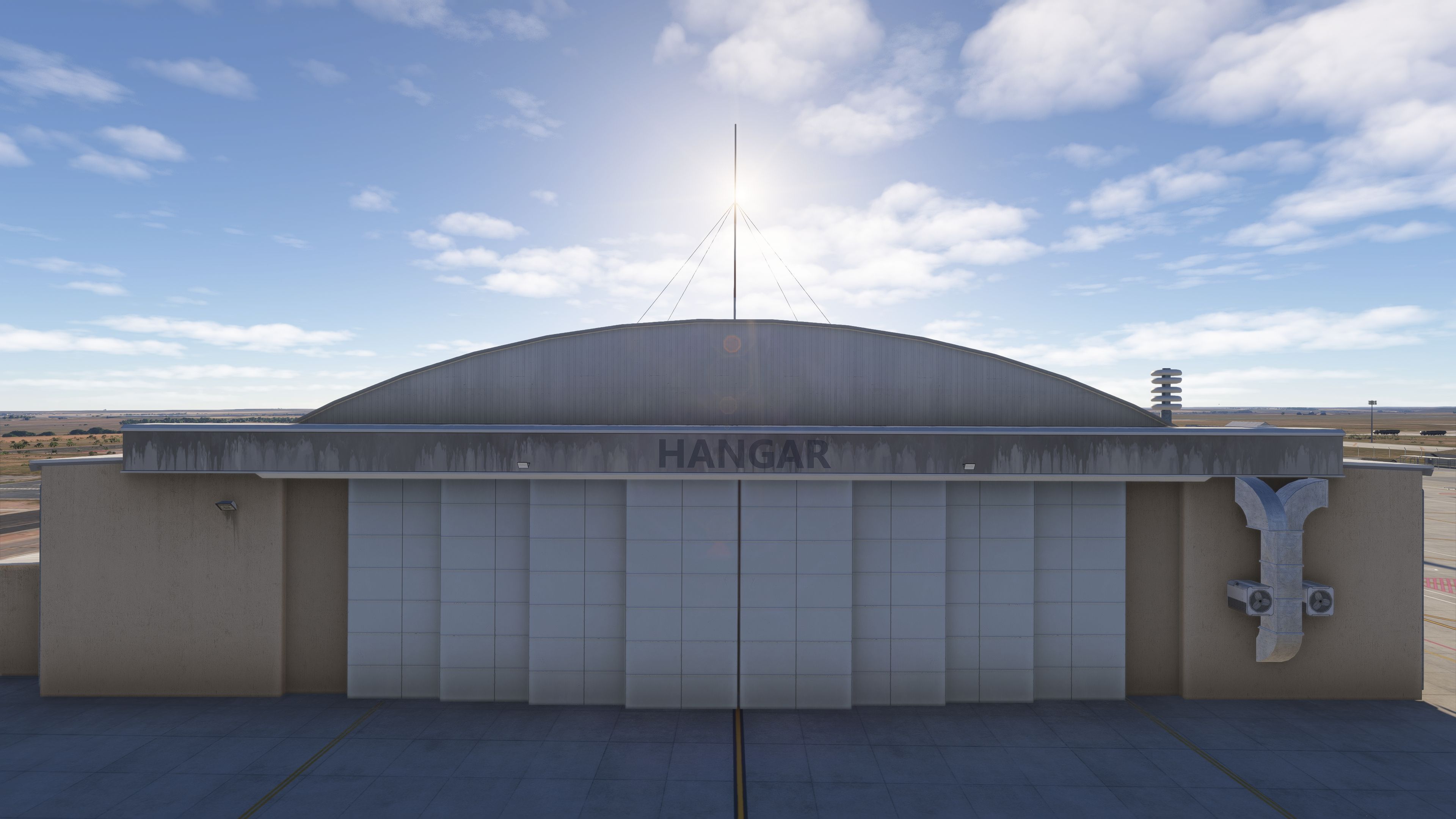
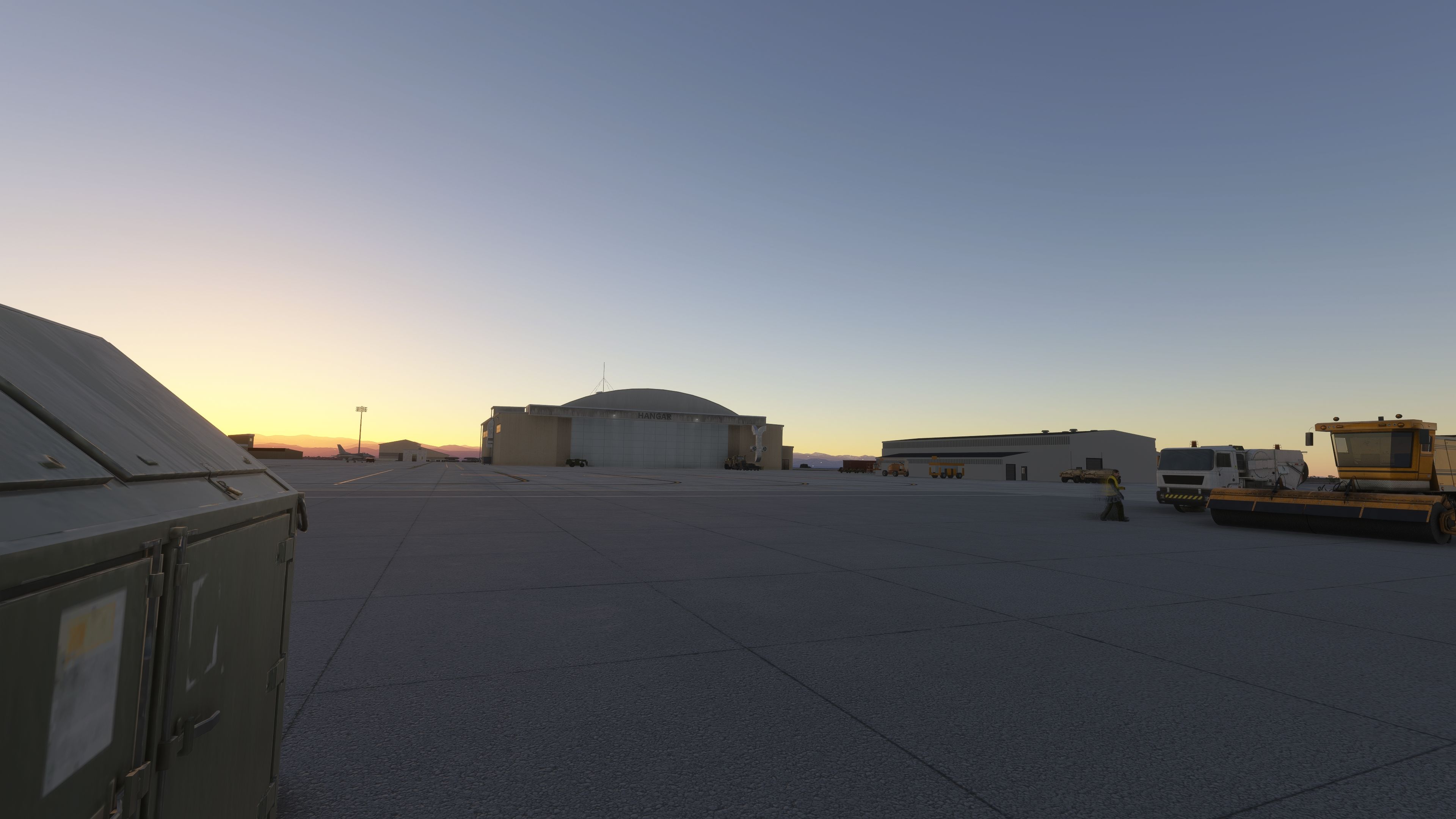
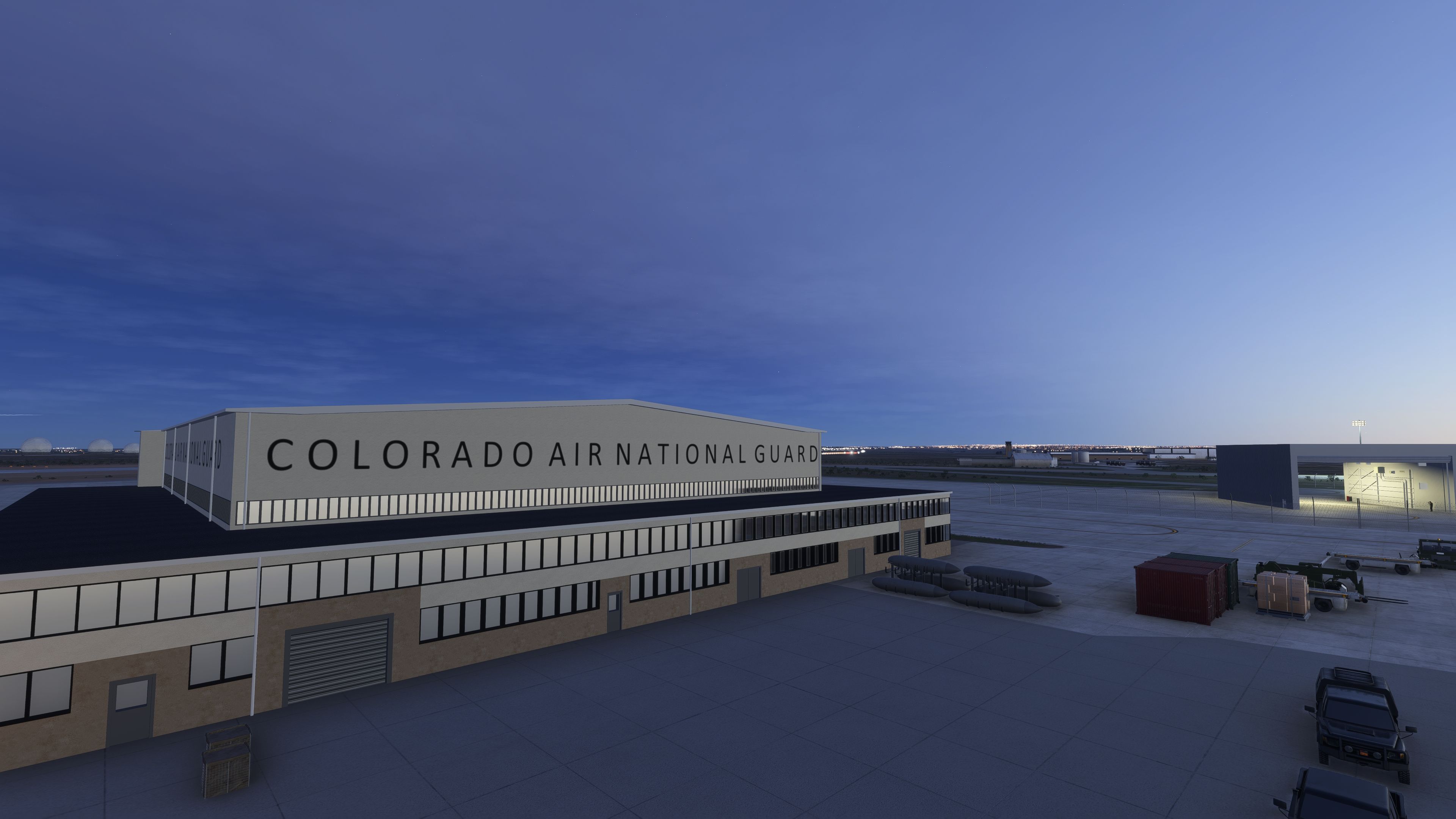
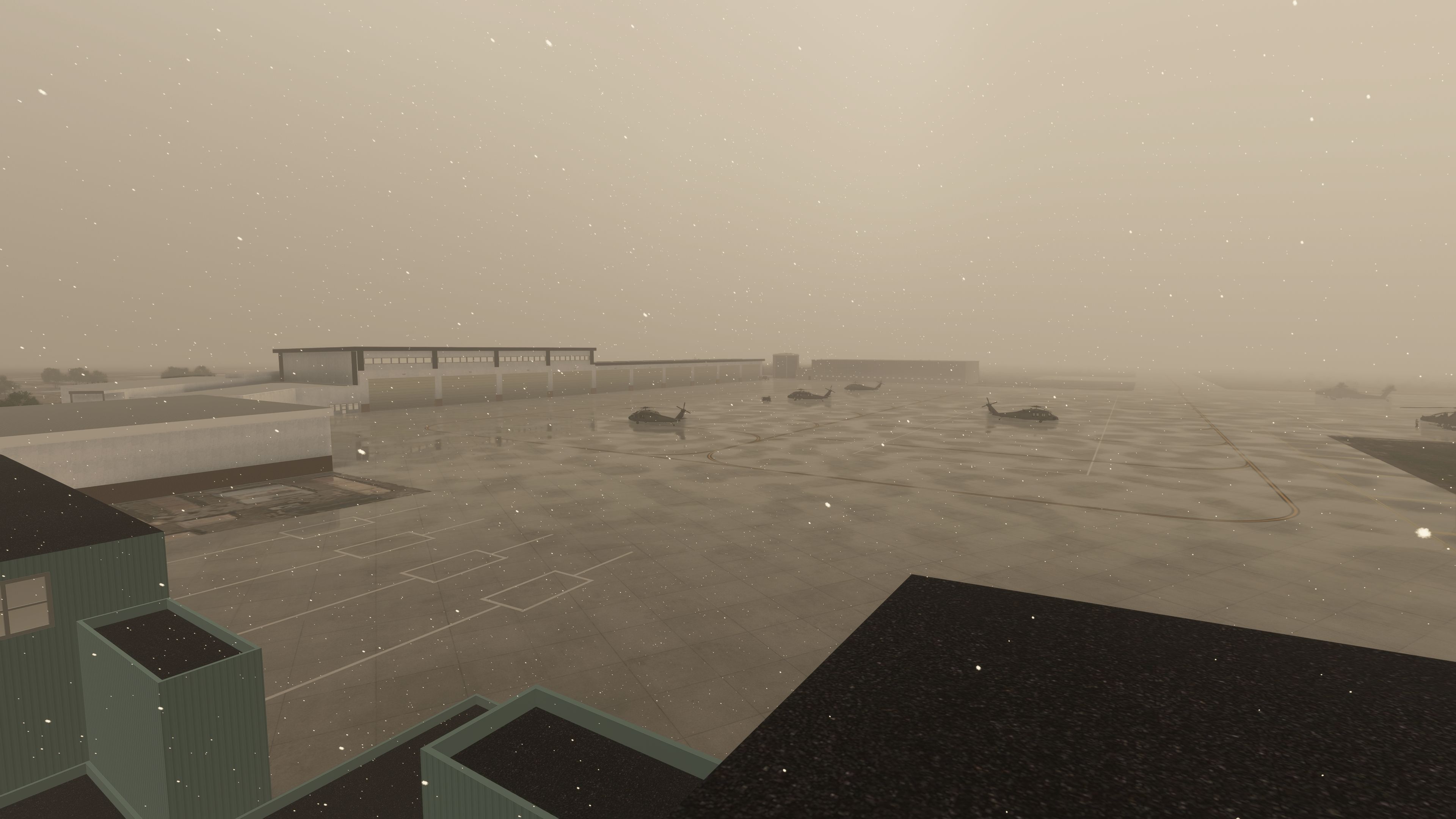
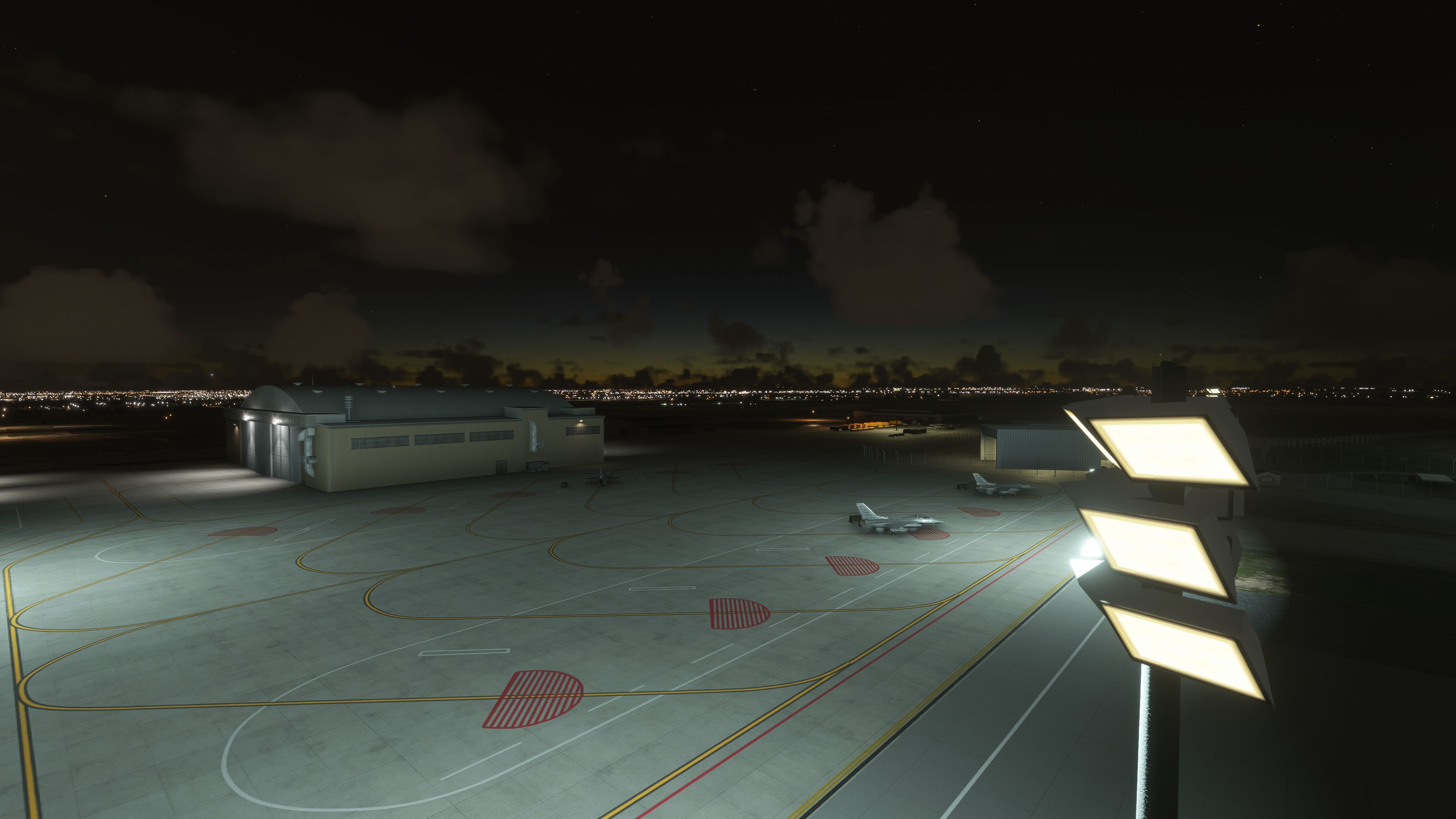
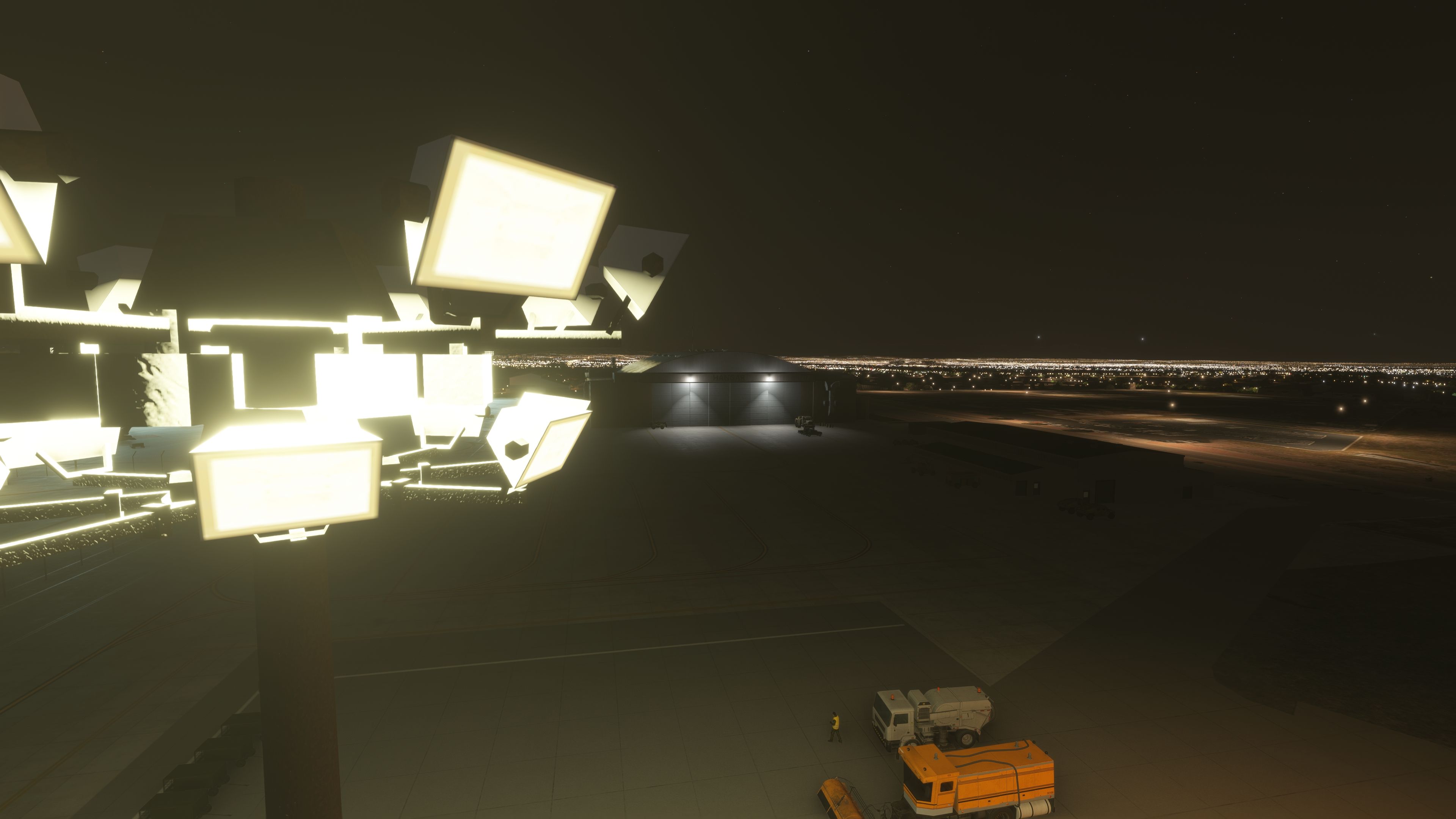
Bring Buckley Space Force Base (KBKF) into sharper focus in Microsoft Flight Simulator 2024 and 2020 with a comprehensive scenery package by nickb007. This freeware release adds a bespoke control tower, scores of hand-placed static aircraft—including F-16C Fighting Falcons, rotary assets, and a CH-47 Chinook—and a broad set of buildings drawn from both library objects and custom-built models. The layout mirrors Buckley’s real-world footprint in Aurora, Colorado, while recent groundwork focuses on stabilizing aprons and runway surfaces for reliable operations at this high-altitude Front Range field.
Buckley Space Force Base (ICAO: KBKF) anchors a critical part of the U.S. missile warning architecture in the Denver–Aurora metro area. Space Base Delta 2 oversees the installation, with Space Delta 4 conducting missile warning operations tied to the Defense Support Program [DSP] and the Space-Based Infrared System [SBIRS]. The 140th Wing of the Colorado Air National Guard flies F-16C Fighting Falcons from the airfield, and the site also hosts the Denver Naval Operations Support Center and the NRO’s Aerospace Data Facility–Colorado.
The air station’s lineage dates to 1938, evolving from a U.S. Army Air Corps auxiliary field to Naval Air Station Denver, then Buckley Air National Guard Base, and later Buckley Air Force Base. Since 2021, it has operated under the U.S. Space Force as Buckley SFB. The package respects the base’s mixed mission set by populating the ramps and support zones with the right balance of fighters, helos, and utility infrastructure—appropriate for a busy, joint-use military installation operating in variable Rocky Mountain weather.
Because the surrounding terrain mesh can be uneven in the default sim, v1.02 prioritizes a reliable operating surface. The author has removed large-scale terraforming around the perimeter while ensuring the runway and aprons remain properly flattened. This approach reduces terrain conflicts that previously caused structures to float or sink on undulating ground. The broader area may still exhibit elevation quirks pending further investigation, but the core operating footprint is now stable for everyday use.
This initial release establishes the base layout and primary structures, with additional custom buildings planned. The aim is to incrementally replace generic assets as new bespoke models are completed by nickb007 and integrated into the existing footprint.
nickb-airport-kbkf-aurora into your Microsoft Flight Simulator Community folder.Free for all simmers · 510.66 MB · Scanned clean Oct 2026
Download speed: Free tier is capped at 2 Mbps (this file takes approximately 36 mins at the cap). PRO members download at full line speed.
%LOCALAPPDATA%\Packages\Microsoft.FlightSimulator_8wekyb3d8bbwe\LocalCache\Packages\Community\. Steam version: %APPDATA%\Microsoft Flight Simulator\Packages\Community\. Tip: enable Developer Mode in MSFS to see your exact Community folder path.readme.txt or README file. It tells you exactly where files go, what dependencies are needed, and any quirks specific to this add-on.Use these coordinates to fly directly to this location once the mod is installed.
39.70780000,-104.76580000
Paste these coordinates into the Microsoft Flight Simulator search bar when planning a flight, or into the Developer Mode Teleport window, to fly directly to this location.
nickb007 is a freeware scenery developer for Microsoft Flight Simulator 2020 and 2024 specialising in Royal Air Force stations and UK military aviation. Best known for RAF Marham (EGYM) and RAF Lossiemouth (EGQS), both built with custom-modelled buildings, hardened aircraft shelters, static Typhoon, F-35B and Poseidon assets and regular updates, nickb007 has also produced RAF Akrotiri, RAF Cranwell and RAF Leeming, and contributed models to the freeware RAF Coningsby project. Alongside the airbases, nickb007 releases supporting add-ons including a GSX profile for RAF Brize Norton, F-35B tail-number packs for RAF Marham and squadron livery packs for the CJ Simulations Eurofighter Typhoon. Fly Away Simulation hosts nickb007's RAF scenery in our freeware UK military airfield library.
Are you nickb? Sign in to Fly Away Creators for download stats, comment replies and updates. Make add-ons? Publish them here.
Only PRO members can place votes.
More MSFS add-ons hand-picked based on this download.
MSFS Scenery
This scenery package focuses on Naval Air Station Joint Reserve Base New Orle…
 MSFS Scenery
Edwards Air Force Base (KEDW) brings revised runways, custom-painted taxiway …
 MSFS Scenery
The latest version 6 of the GAIST global ship, boat, and maritime traffic add…
 MSFS Scenery
A large freeware scenery add-on pack put together by the developer who goes b…
 MSFS Scenery
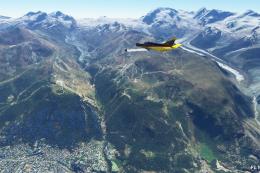
A quick rework of several Swiss cities and landmarks such as the Matterhorn u…
 MSFS Scenery
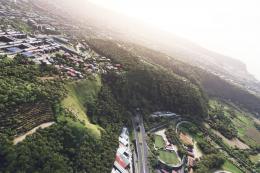
This pack by the developer who simply goes by the name of Chris brings the me…
 MSFS Scenery
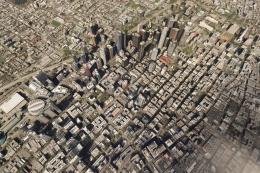
Enhance your Microsoft Flight Simulator experience with the Downtown Los Ange…
 MSFS Scenery
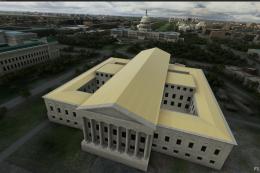
A massive freeware pack created by the developer Srinivasman containing over …
Be the first to leave a comment on this download.
Be the first to share your thoughts on this download.