


 Dominican Republic

 MSFS Scenery
Pyongyang International Airport (ZKPY)
A fun and detailed recreation of North Korea's Pyongyang International Airpor…
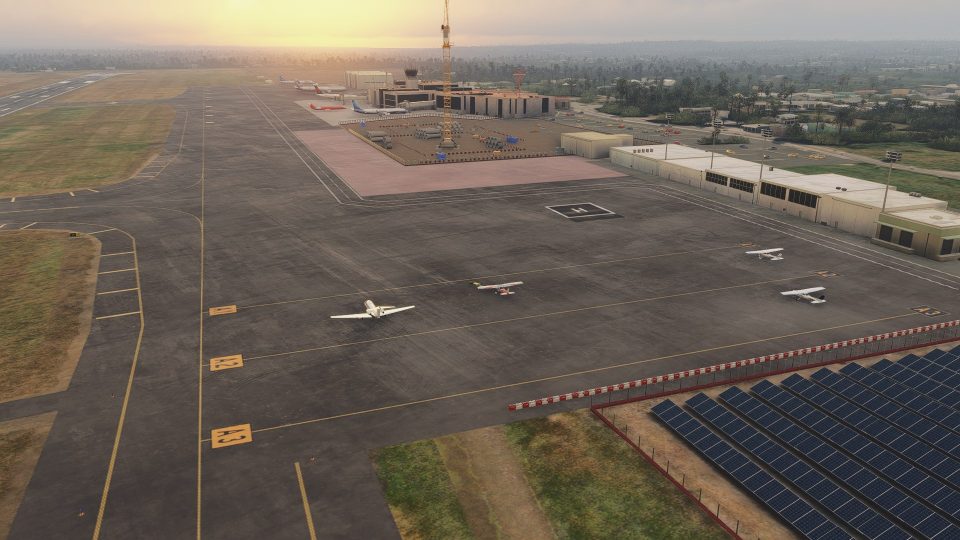
Cibao International Airport (MDST) scenery recreates Santiago’s gateway in the Dominican Republic for Microsoft Flight Simulator 2024, with chart-based taxiways, aircraft-sized passenger, cargo and general aviation parking, a new apron, updated markings, taxiway edge lighting, service roads with vehicle traffic, a helipad and terminal construction areas. It uses default assets and requires all World Updates for object display.
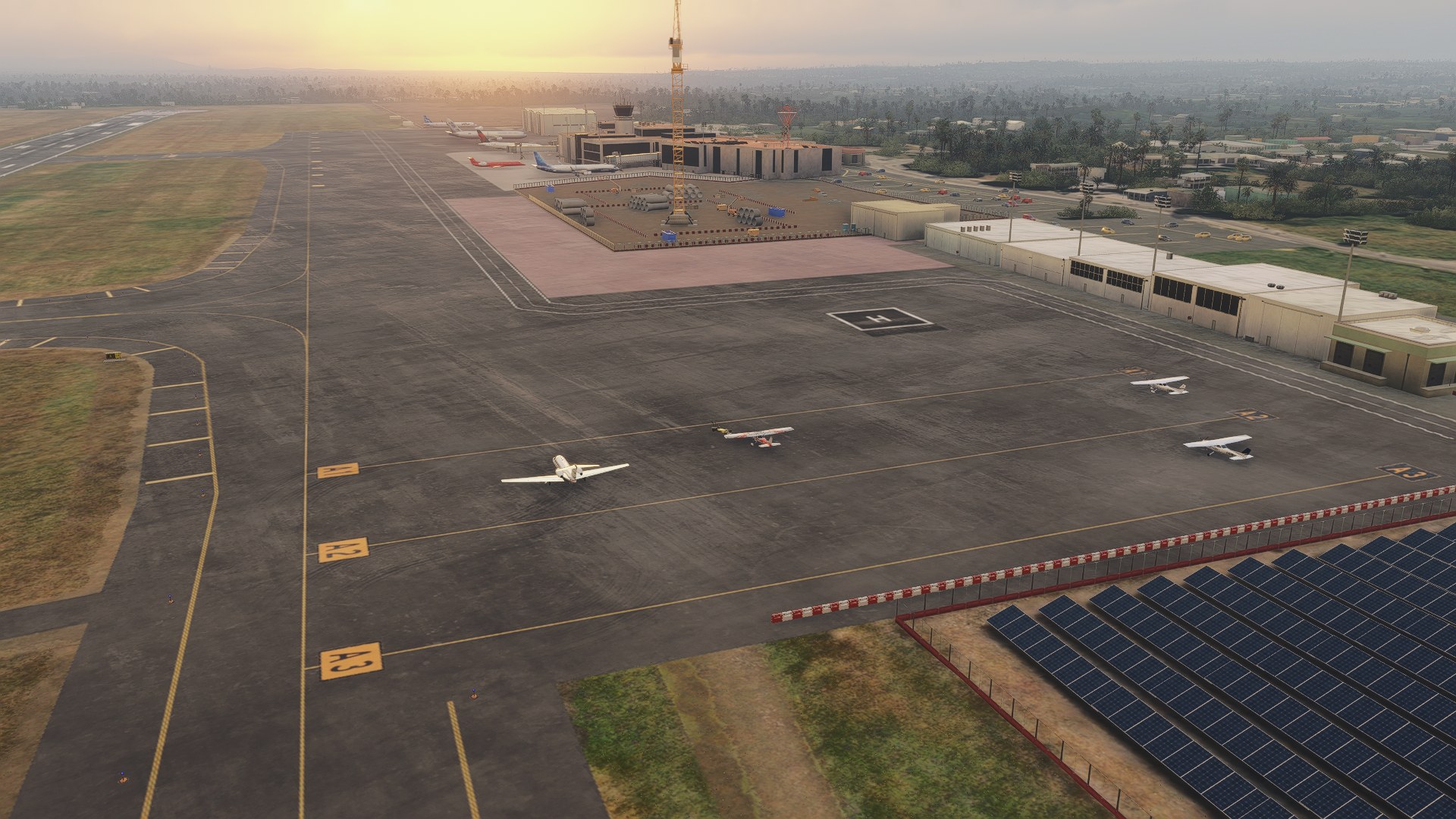
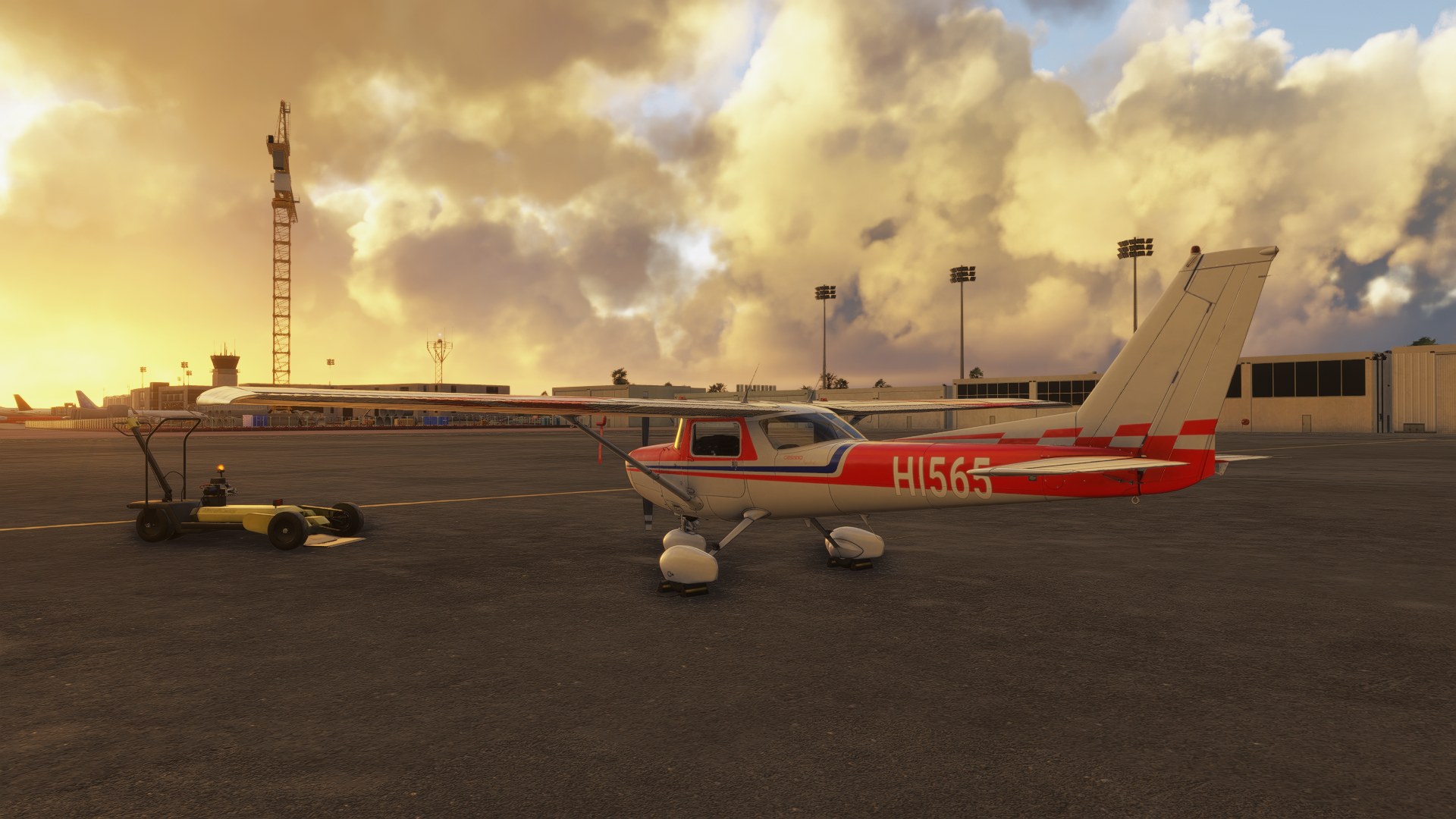
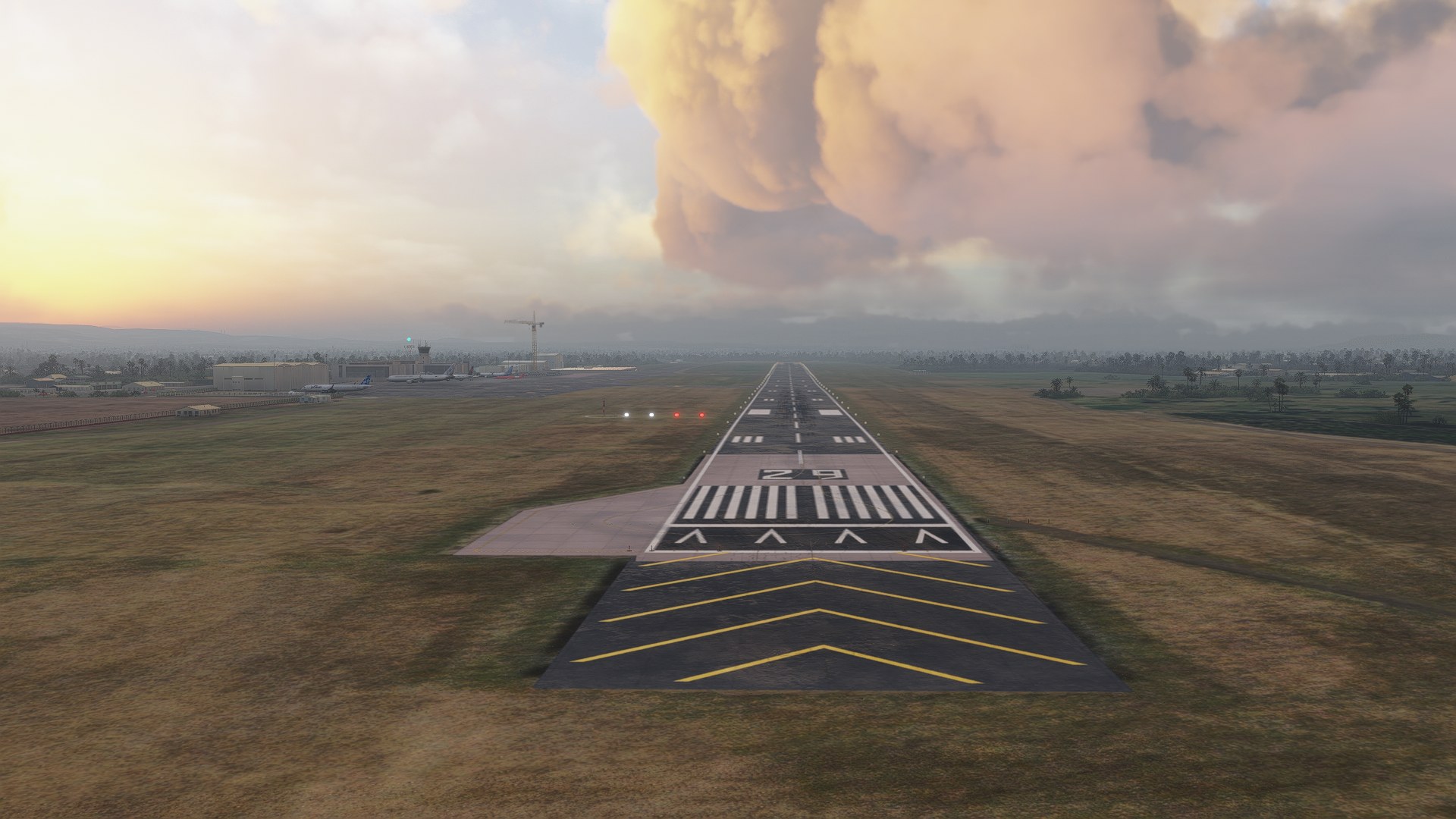
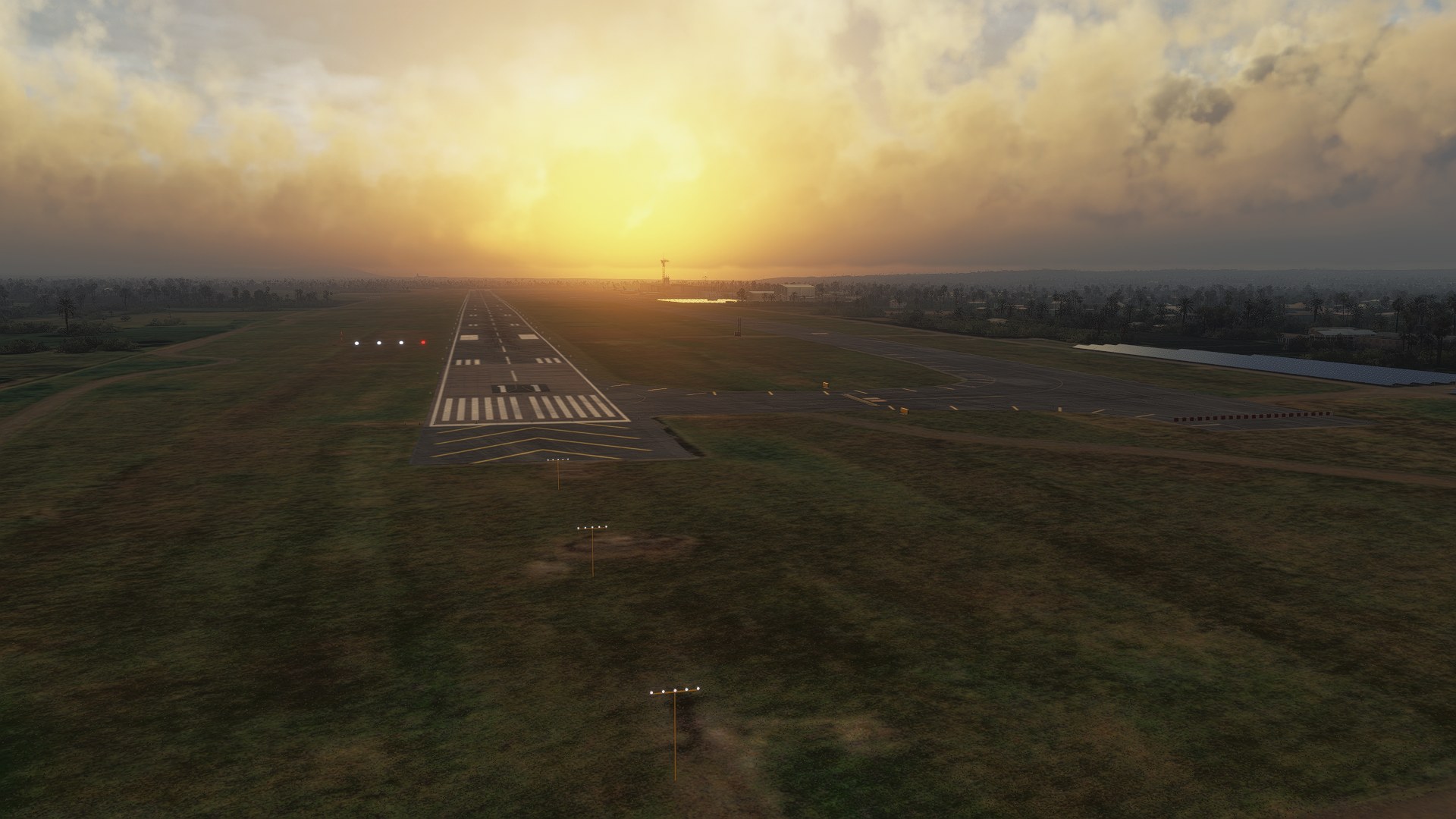
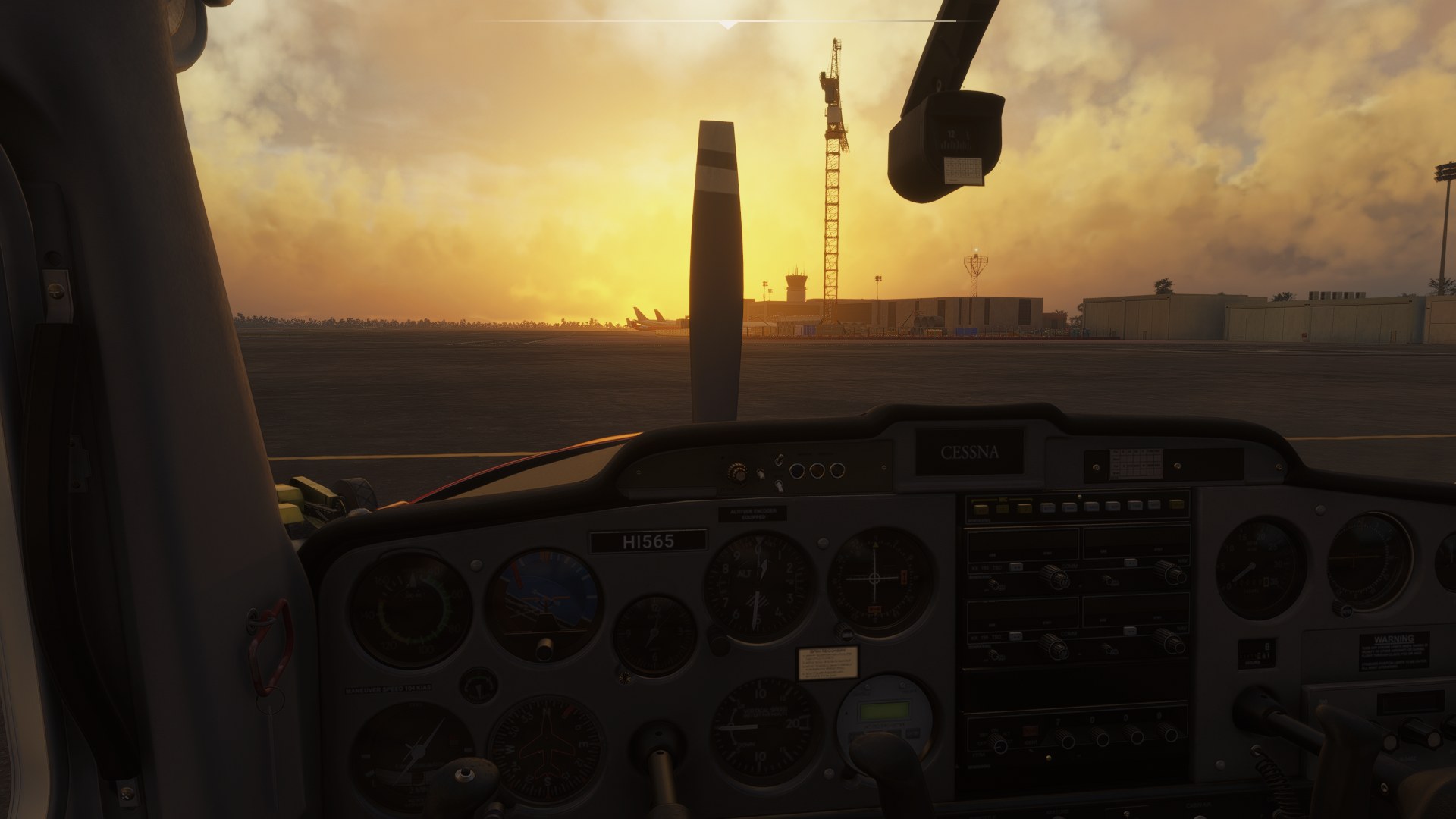

I’d give the terminal buildings more individual character; the default assets look ordinary, but the attention to taxi routes and parking makes MDST worth flying into anyway. Those are useful priorities for an airport I’ll spend time navigating after landing. Taxiing toward the general aviation parking, I found my eye drawn past the apron to the crane and barriers around the terminal works. That unfinished corner gives the airport a sense of being in use and changing, rather than tidied up for the simulator. I like that choice. The chart-based work on taxiways A through D is the stronger reason I’d keep this scenery, though: getting the ground layout right matters when I’m following a taxi route, not just looking out of the window. This is a practical airport rebuild, and that’s where I think it earns its place. It’s limited to MSFS 2024 and needs all World Updates enabled for the objects to display; Bijan Seasons 2024 enhanced is a recommendation, not another required purchase.
DR-Aerospace rebuilds Cibao International Airport (MDST) for Microsoft Flight Simulator 2024, with chart-based taxiways, revised parking and a new main apron. The scenery covers Santiago’s airport in the Dominican Republic, including its terminal construction zone, and uses default simulator assets. All World Updates must be enabled so the objects appear.
Cibao is the Dominican Republic’s third-busiest airport and serves Santiago and the northern Cibao region. Its New York JFK service is among the country’s busiest routes, a useful starting point for airline flying from this field.
The work concentrates on bringing the default airport layout closer to its current real-world counterpart. Parking positions are sized for the aircraft that use them, across passenger, cargo and general aviation areas.
Compatibility is limited to Microsoft Flight Simulator 2024. Unzip the download and place the extracted scenery folder in your Community folder.
DR-Aerospace also strongly recommends Bijan Seasons 2024 enhanced for additional vegetation realism across the Dominican Republic. It’s optional.
This is DR-Aerospace’s first release in a project focused on Dominican airports. The developer welcomes feedback and bug reports.
Free for all simmers · 31.7 KB · Scanned clean Nov 2026
Download speed: Free tier is capped at 2 Mbps. PRO members download at full line speed.
Initial release.
%LOCALAPPDATA%\Packages\Microsoft.FlightSimulator_8wekyb3d8bbwe\LocalCache\Packages\Community\. Steam version: %APPDATA%\Microsoft Flight Simulator\Packages\Community\. Tip: enable Developer Mode in MSFS to see your exact Community folder path.readme.txt or README file. It tells you exactly where files go, what dependencies are needed, and any quirks specific to this add-on.Use these coordinates to fly directly to this location once the mod is installed.
19.40610000,-70.60470000
Paste these coordinates into the Microsoft Flight Simulator search bar when planning a flight, or into the Developer Mode Teleport window, to fly directly to this location.
DR Aerospace is a scenery project focused on bringing the Dominican Republic to life in Microsoft Flight Simulator 2024.It's currently run by one developer, David, a Dominican aerospace engineering student and pilot who flies these airports…
Are you DR-Aerospace? Sign in to Fly Away Creators for download stats, comment replies and updates. Make add-ons? Publish them here.
Only PRO members can place votes.
More MSFS add-ons hand-picked based on this download.
MSFS Scenery
A fun and detailed recreation of North Korea's Pyongyang International Airpor…
 MSFS Scenery
Introducing a meticulously crafted addition to the Microsoft Flight Simulator…
 MSFS Scenery
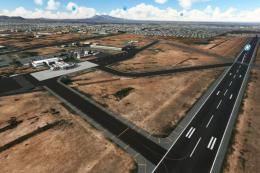
Introducing the meticulously crafted Ciudad Juárez International Airport (MMC…
 MSFS Scenery
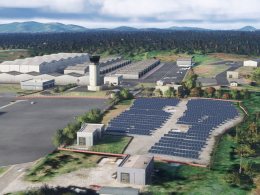
DR-Aerospace rebuilds the default Dr. Joaquín Balaguer International Airport …
 MSFS Scenery
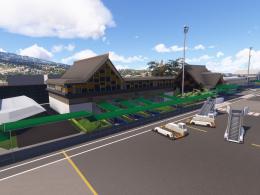
Givenchy’s freeware Faaʻa International Airport (NTAA) scenery brings Tahiti’…
 MSFS Scenery
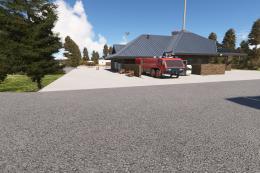
This mod developed by JustOkayPilot brings Grand Canyon National Park Airport…
 MSFS Scenery
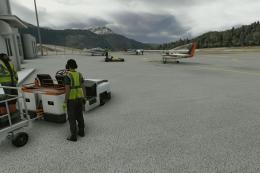
Sandane Airport (ENSD) is located on the beautiful west coast of Norway and i…
 MSFS Scenery
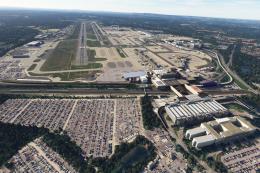
Enhance your flight simulation experience with this mod for Microsoft Flight …
Be the first to leave a comment on this download.
Be the first to share your thoughts on this download.