


 United States of America

 MSFS Scenery
Hulett (W43) and Devils Tower
Hulett and Devils Tower, Wyoming (WY), USA. This scenery pack updates the air…
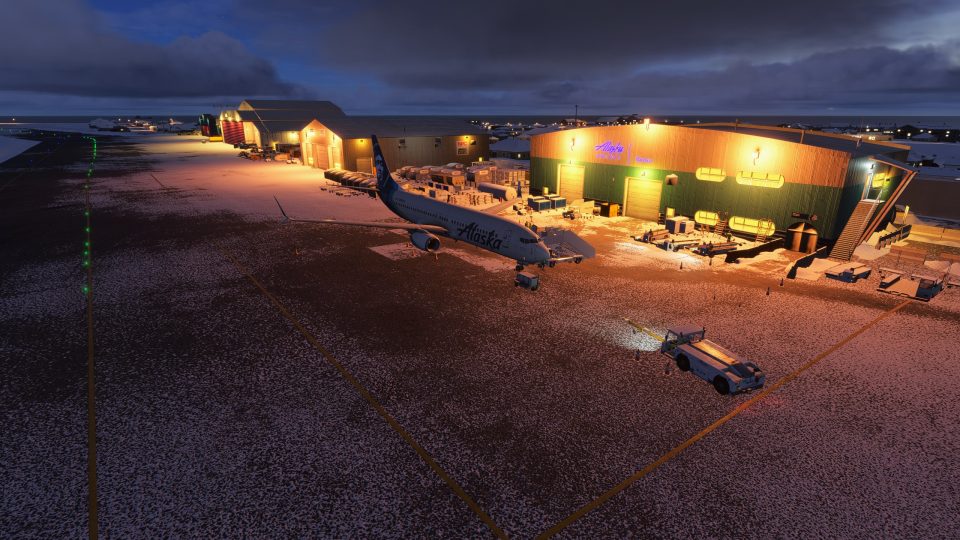
PABR at Utqiagvik, Alaska, gains a 2026 chart-based layout for Microsoft Flight Simulator 2024, featuring runway renumbering, a corrected displaced threshold, stopways, revised taxiways, connected stands, updated signs, water features, an aligned runway 8 localizer and runway 26 backcourse. The update requires the 2020 edition of SDR Barrow scenery and Turtletank1997’s asset library.
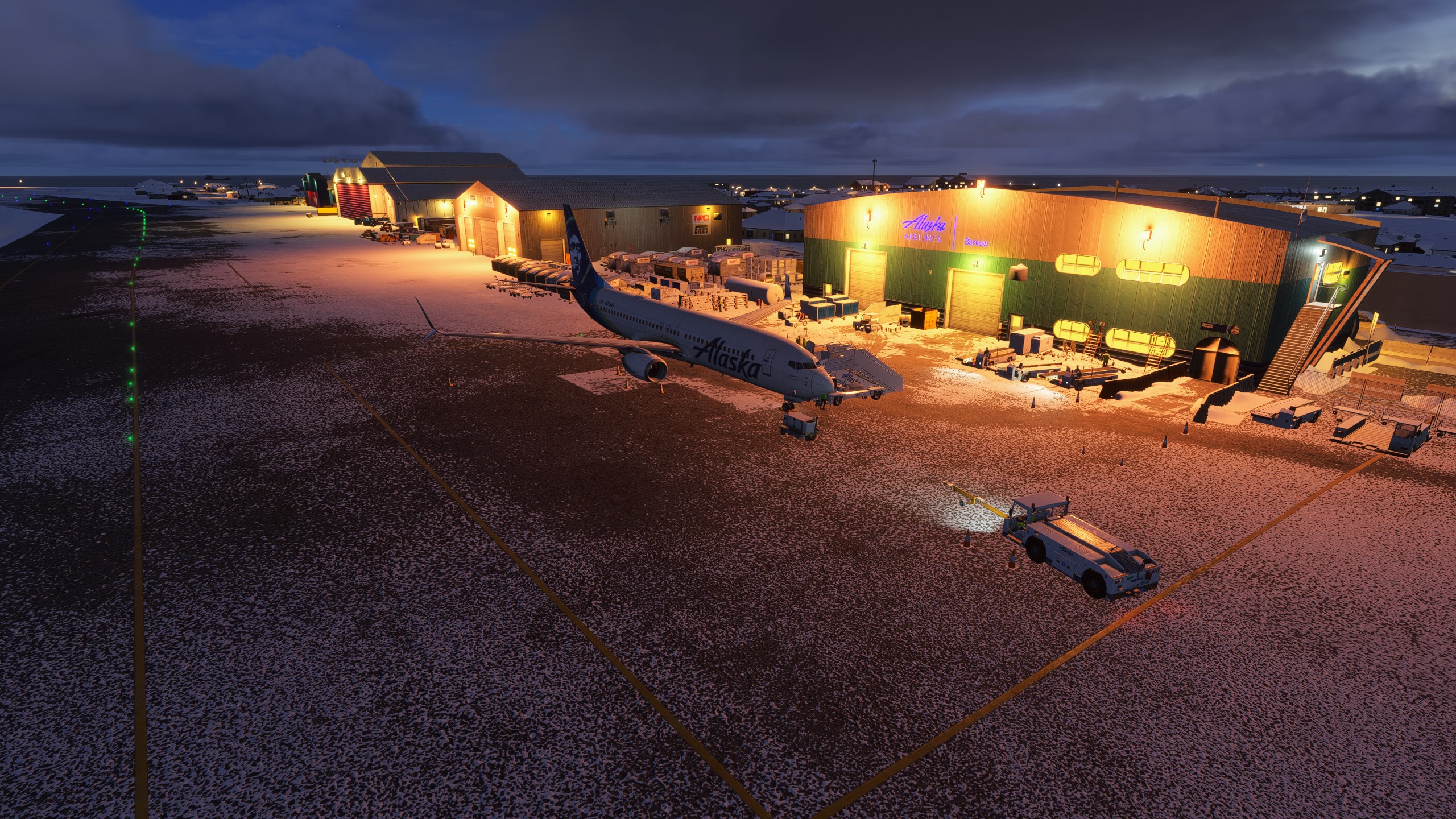
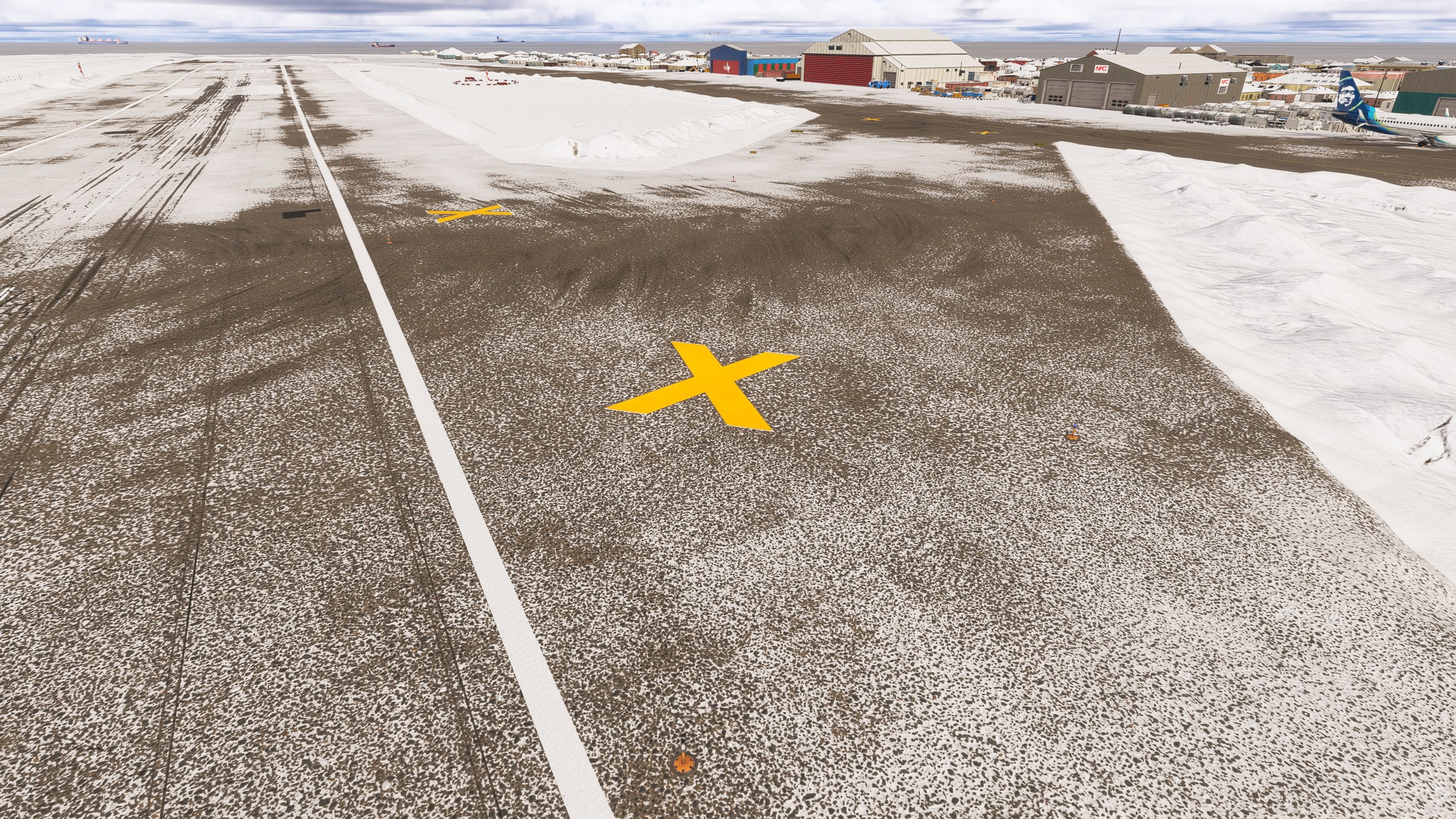
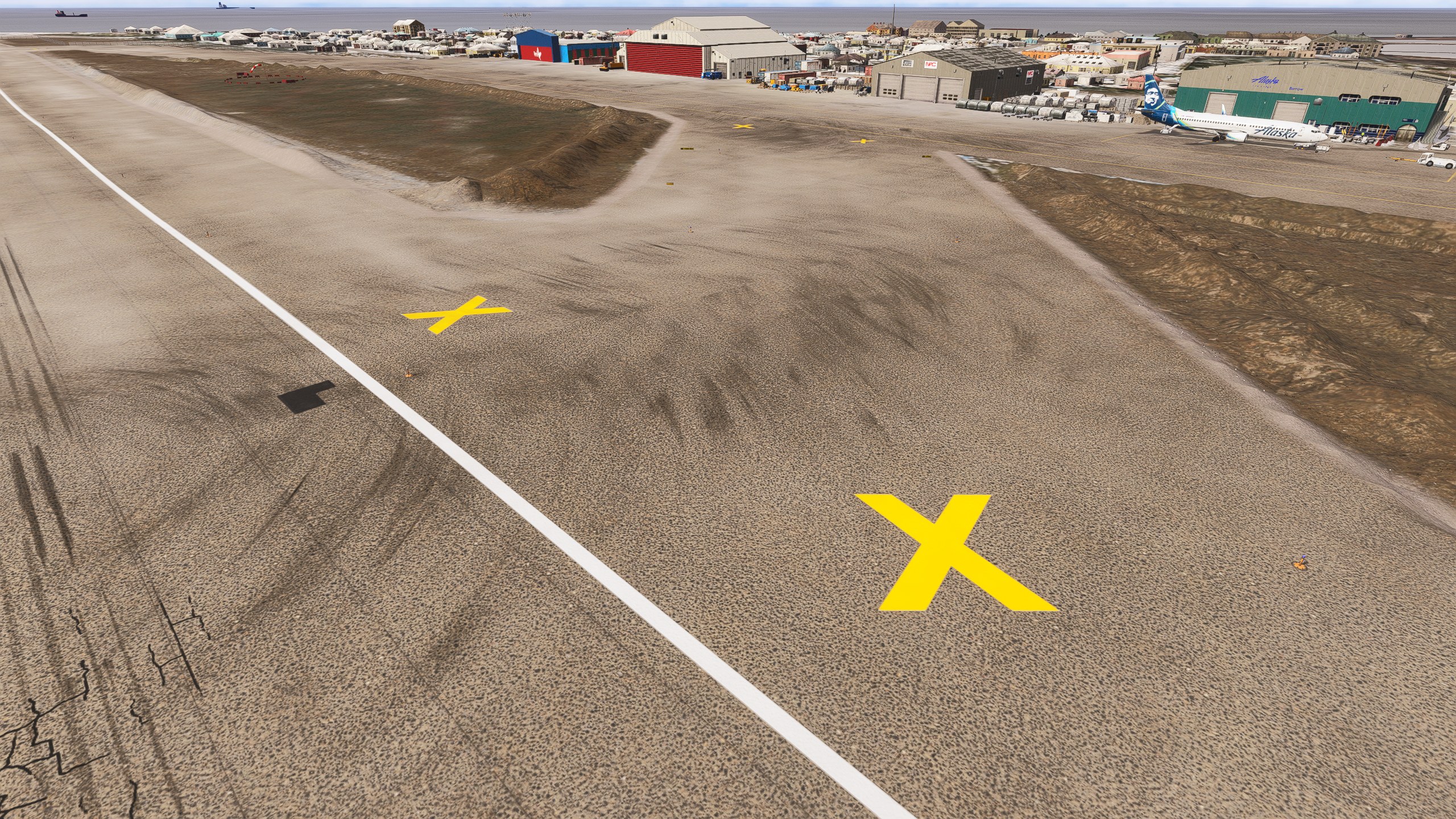
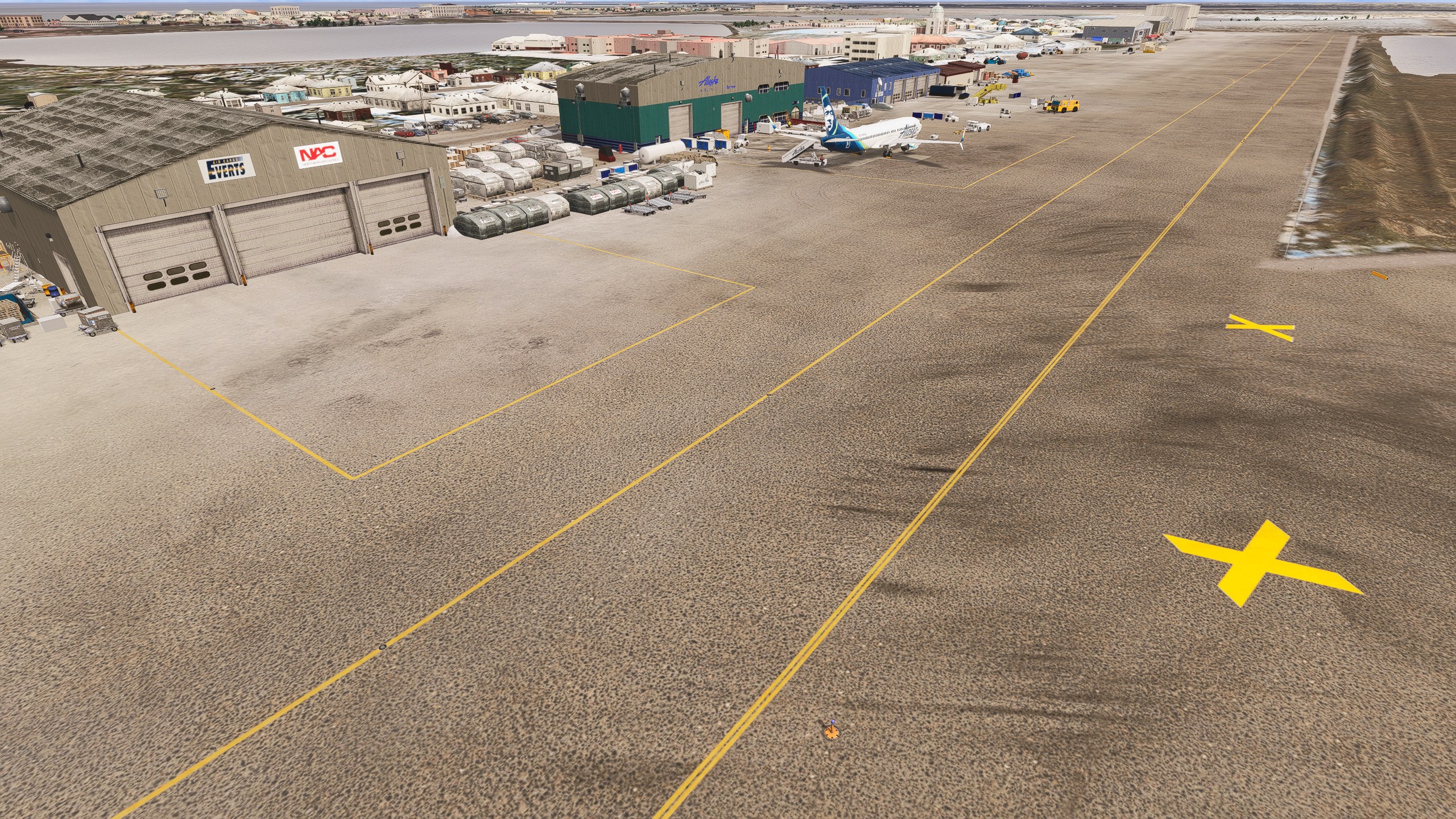
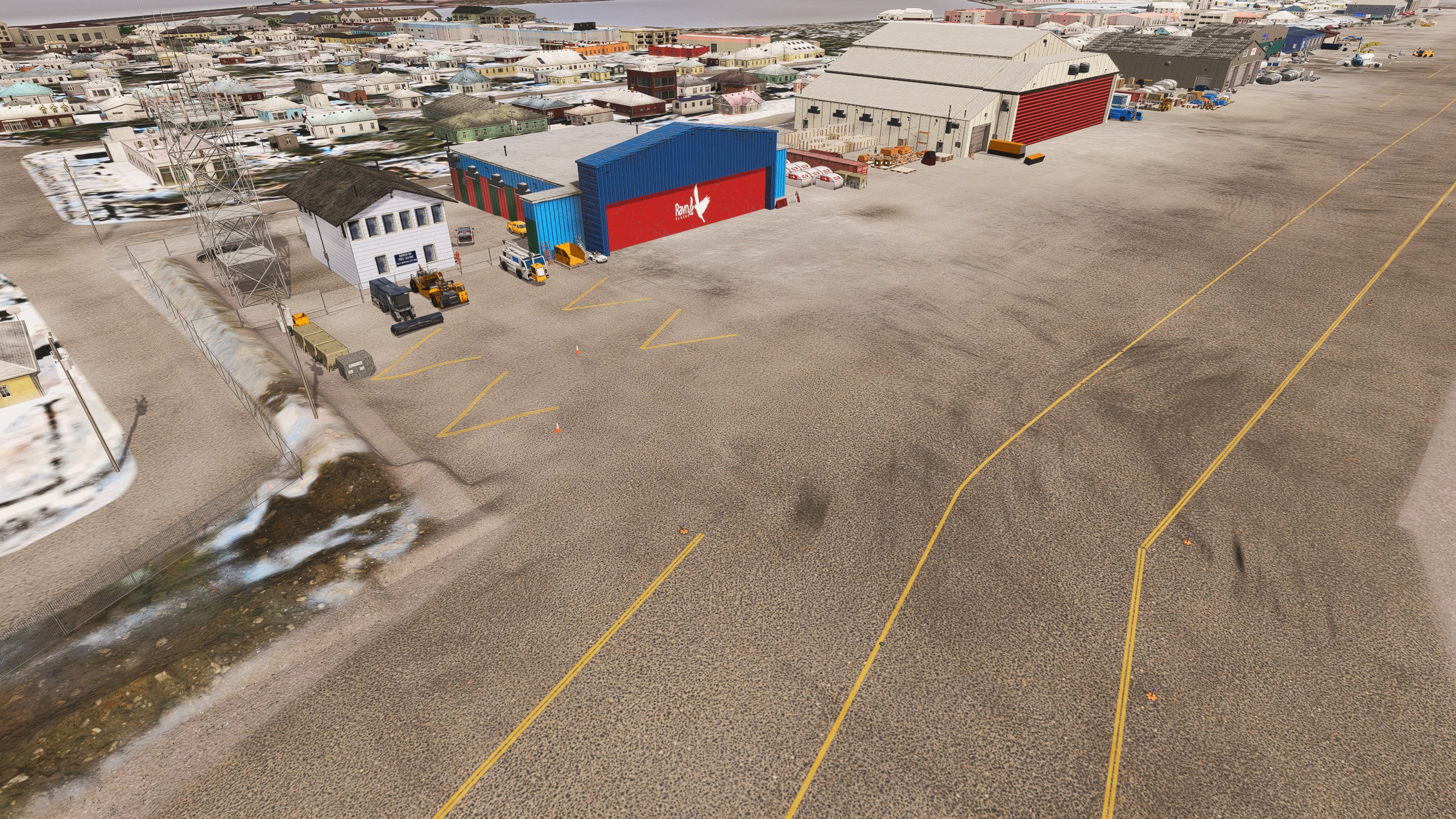
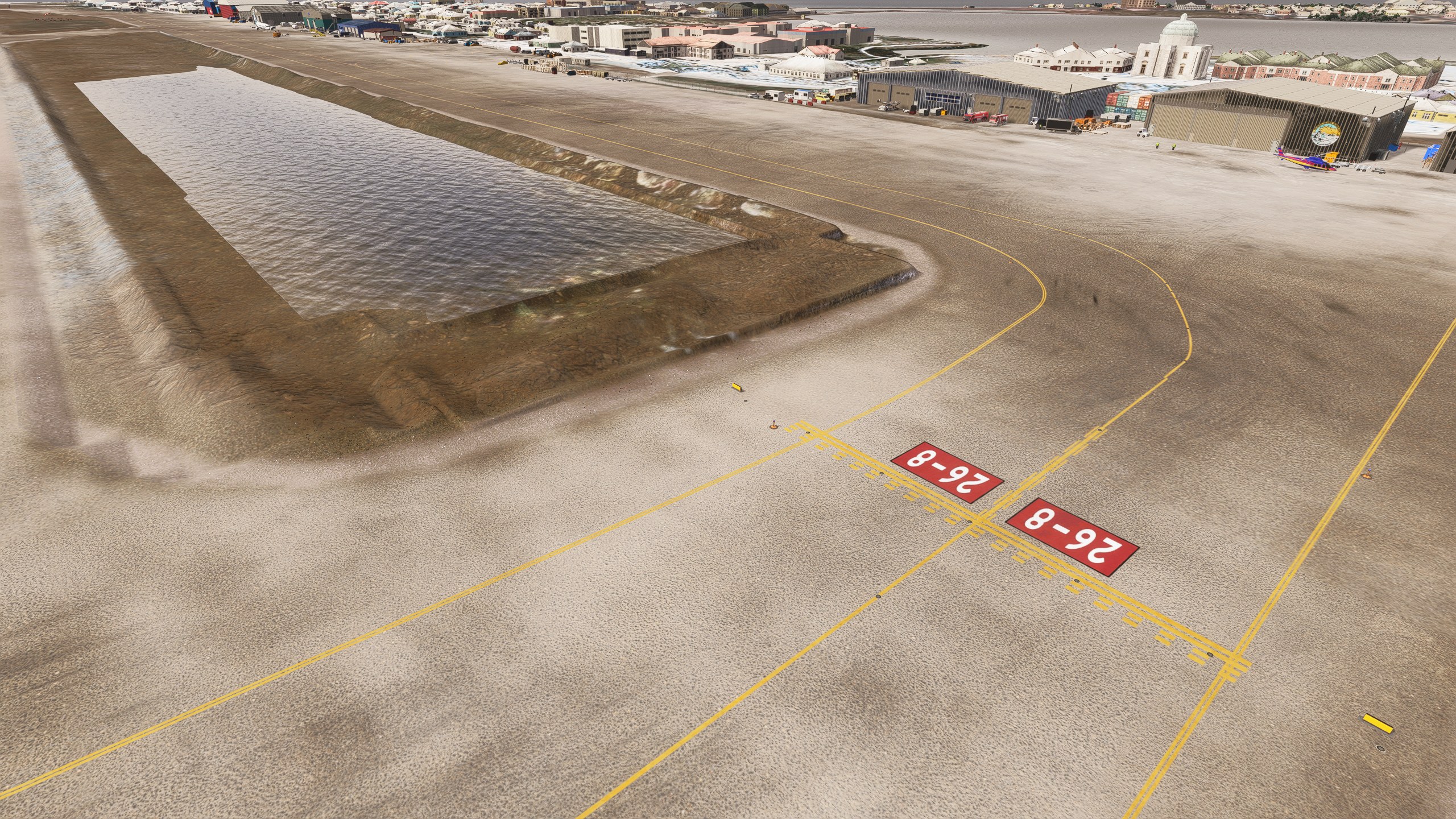
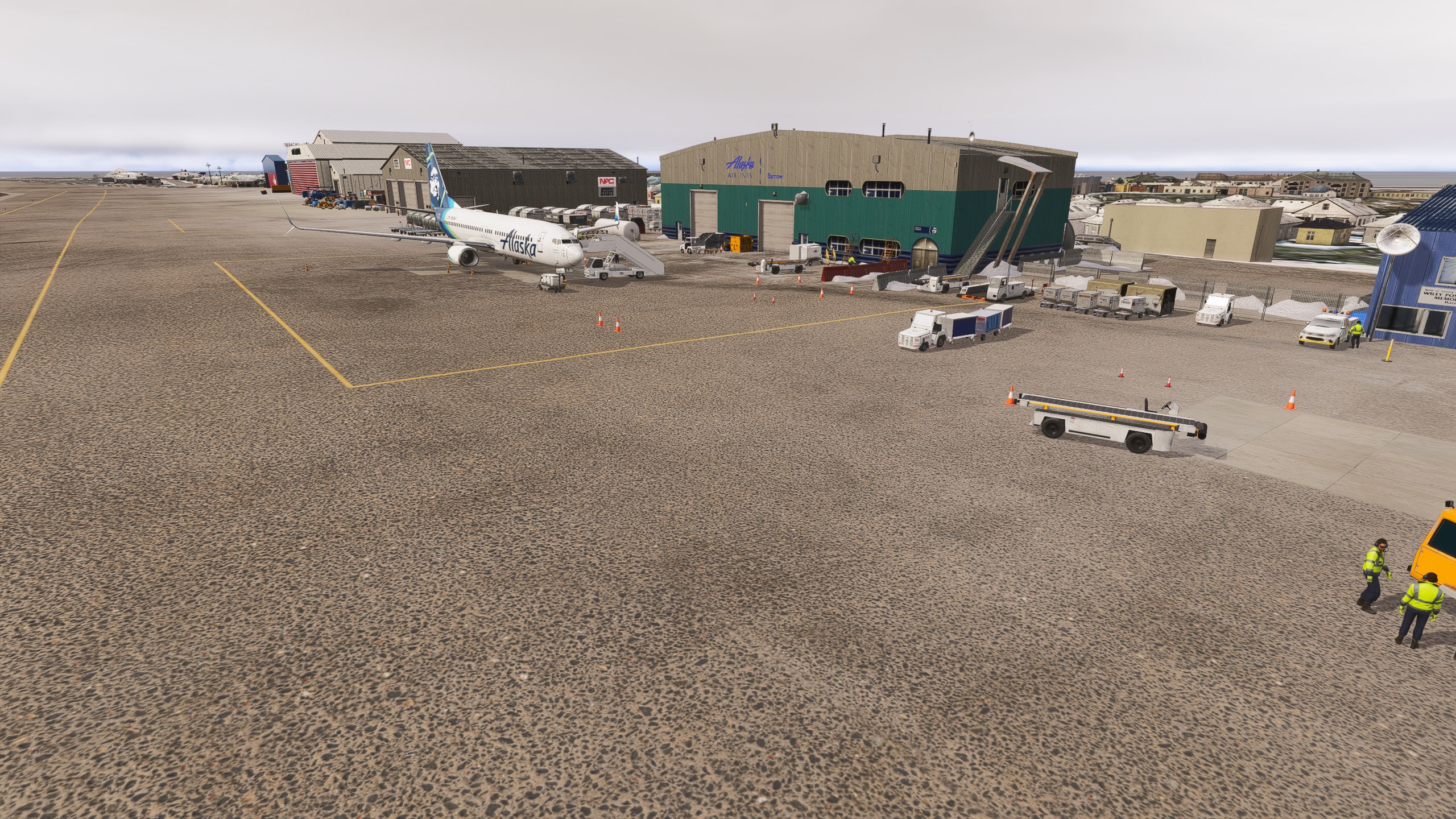
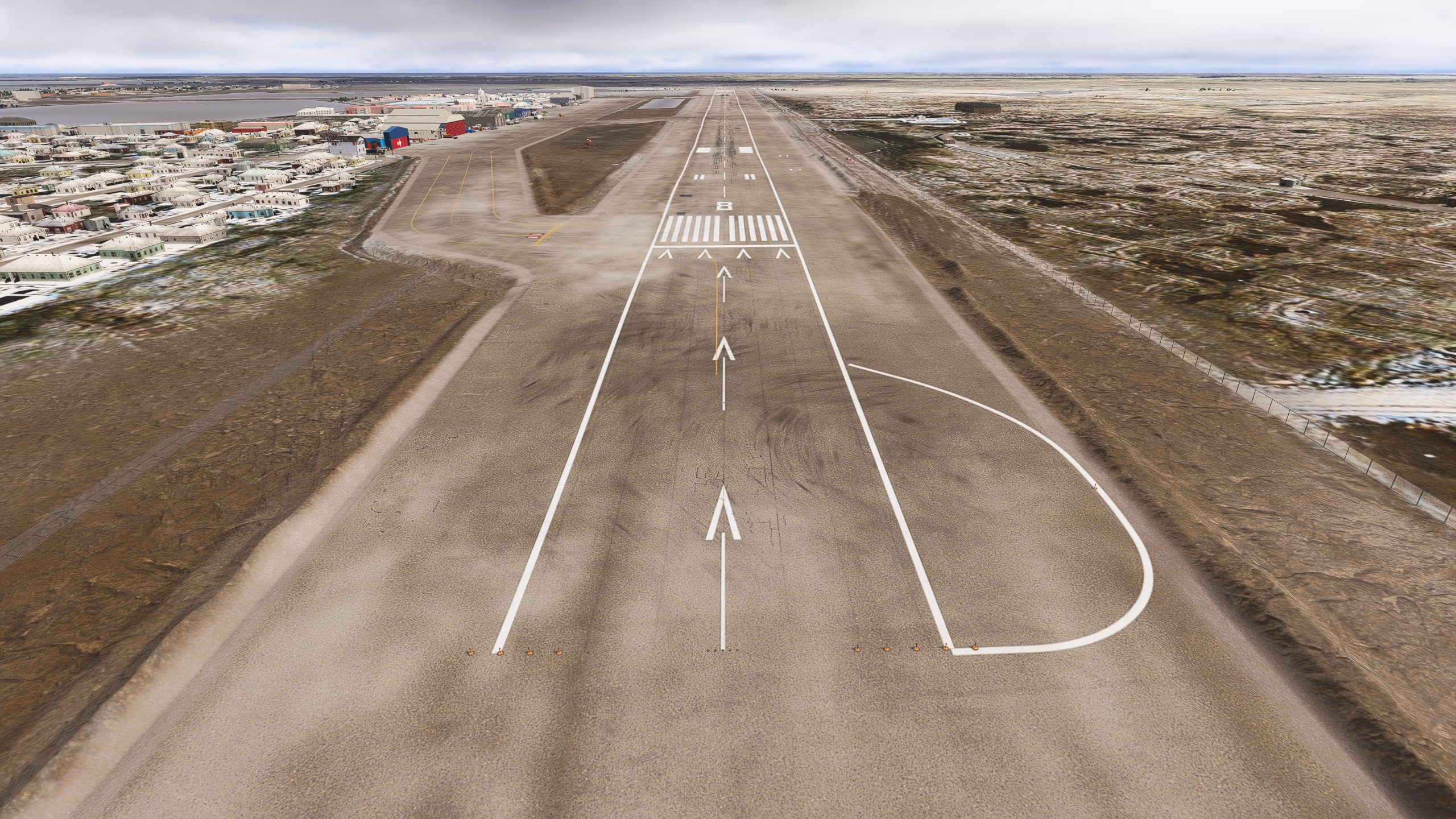
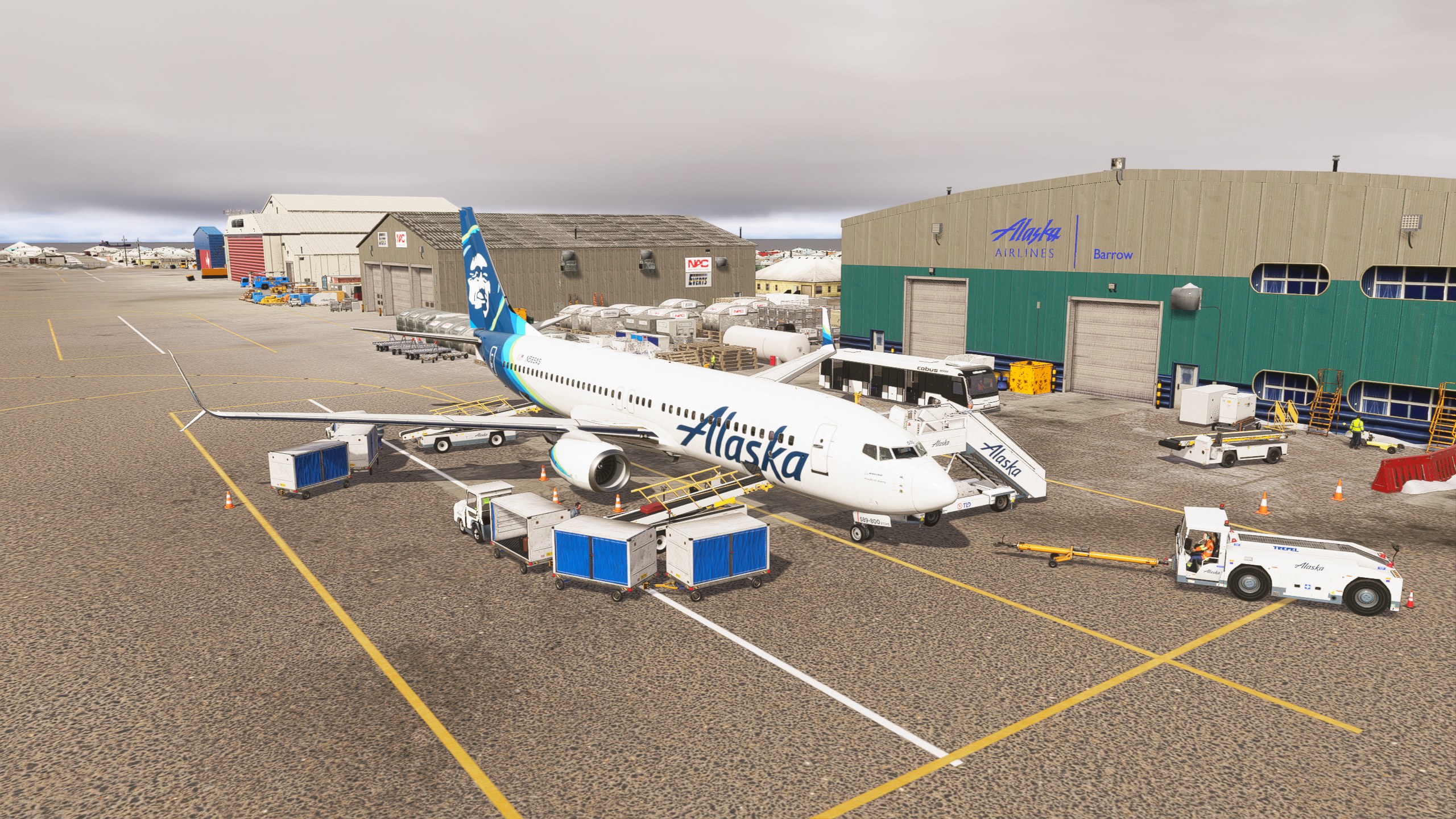
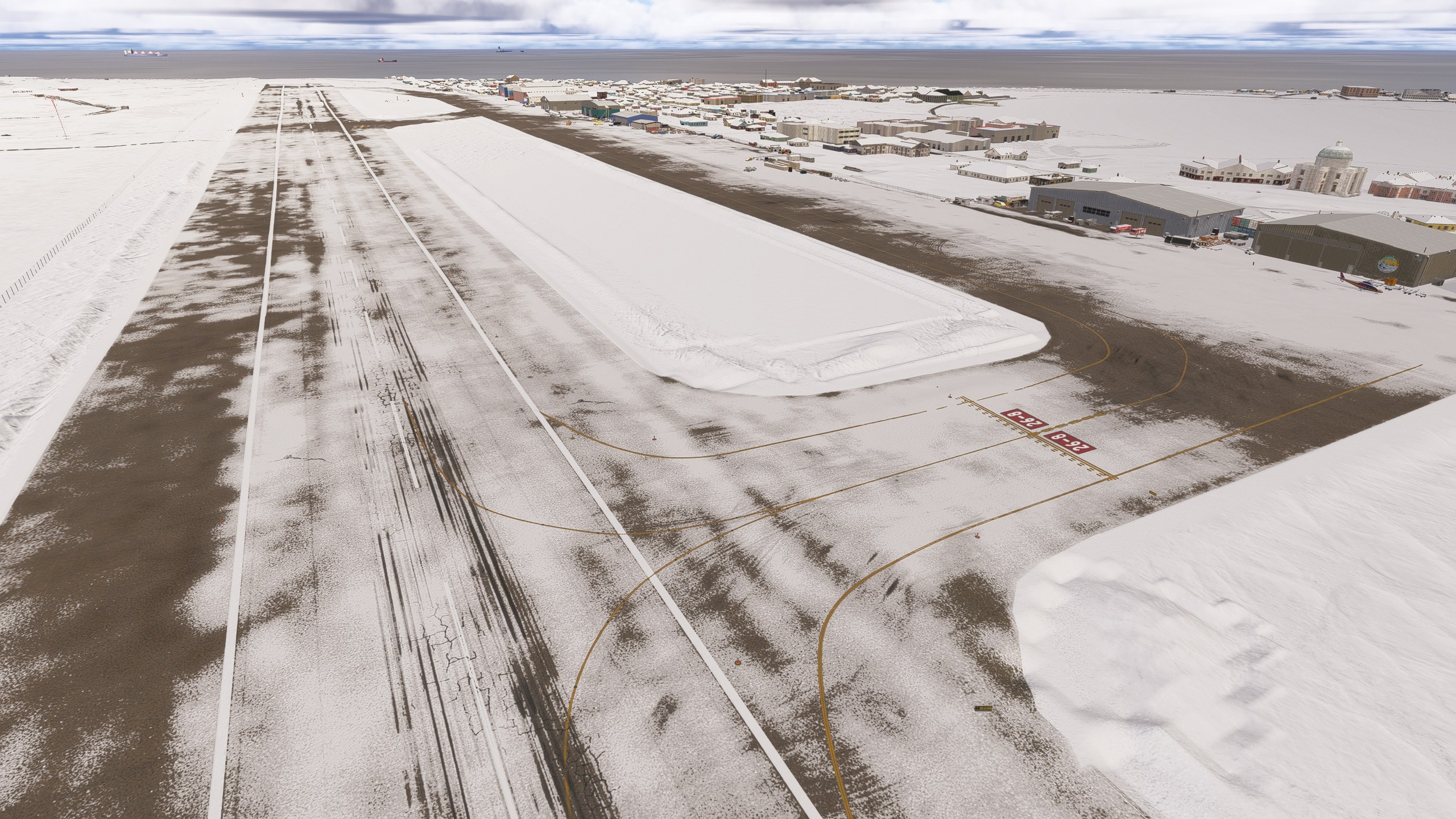
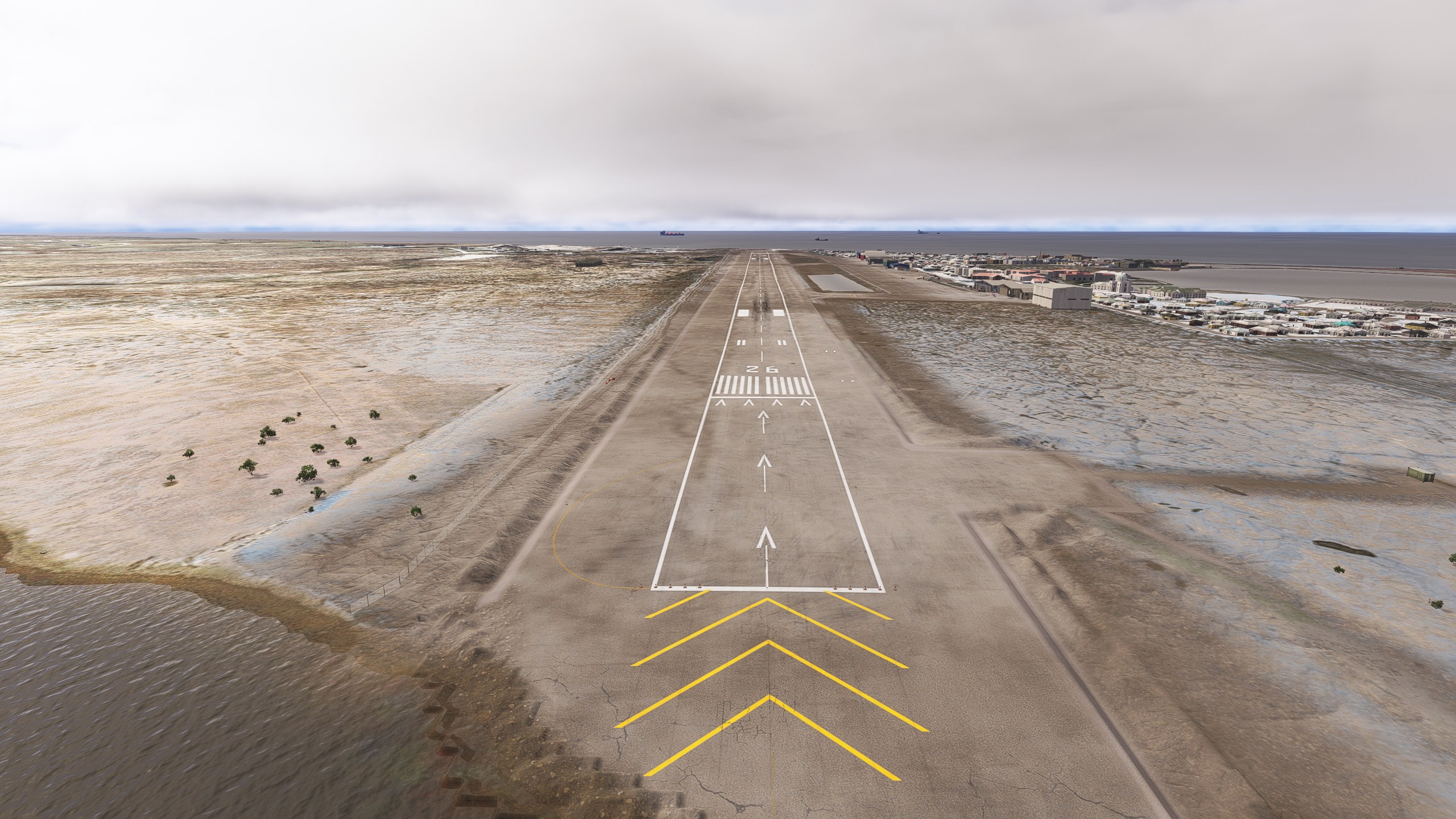

At familiar sim airports, I tend to taxi from memory; this Barrow update made me pay attention to the route again. Taxiway B’s closure is the change I’d be most likely to overlook on a return visit. Taxiing past it, the big yellow crosses made the message clear. They stand out against the worn pavement without needing a close look.
The connected remote stands matter to me, too. Parking positions ought to belong to the taxiway network, and I’m glad that work made it into this update. It’s an unglamorous correction, but a worthwhile one for anyone who uses more than the main apron.
LakiSceneries updates SDR Barrow’s PABR scenery for Microsoft Flight Simulator 2024 with a layout based on 2026 charts and corrections to the runway 8 ILS. It requires Sergio del Rosso’s SDR Barrow scenery for Microsoft Flight Simulator 2020 and Turtletank1997’s asset library; neither is included in this update.
PABR is Wiley Post–Will Rogers Memorial Airport at Utqiagvik, Alaska, on the Arctic coast. This update adapts the older third-party scenery for MSFS 2024 only.
The runway 8 localizer is now aligned with the runway, and a backcourse is available for runway 26. On the ground, the changes cover both the charted layout and details visible in recent aerial and satellite imagery.
With the required scenery and asset library installed, drag and drop the update into your Community folder. Do not change the filename. LakiSceneries warns that the update will not load if it is renamed.
LakiSceneries credits @Blinn and @TurtleTank1997 for their work.
Free for all simmers · 18.49 KB · Scanned clean Nov 2026
Download speed: Free tier is capped at 2 Mbps. PRO members download at full line speed.
Initial release.
%LOCALAPPDATA%\Packages\Microsoft.FlightSimulator_8wekyb3d8bbwe\LocalCache\Packages\Community\. Steam version: %APPDATA%\Microsoft Flight Simulator\Packages\Community\. Tip: enable Developer Mode in MSFS to see your exact Community folder path.readme.txt or README file. It tells you exactly where files go, what dependencies are needed, and any quirks specific to this add-on.Use these coordinates to fly directly to this location once the mod is installed.
71.28540000,-156.76600000
Paste these coordinates into the Microsoft Flight Simulator search bar when planning a flight, or into the Developer Mode Teleport window, to fly directly to this location.
Are you LakiSceneries? Sign in to Fly Away Creators for download stats, comment replies and updates. Make add-ons? Publish them here.
Only PRO members can place votes.
More MSFS add-ons hand-picked based on this download.
MSFS Scenery
Hulett and Devils Tower, Wyoming (WY), USA. This scenery pack updates the air…
 MSFS Scenery
This mod developed by JustOkayPilot brings Grand Canyon National Park Airport…
 MSFS Scenery
Sandane Airport (ENSD) is located on the beautiful west coast of Norway and i…
 MSFS Scenery
Enhance your flight simulation experience with this mod for Microsoft Flight …
 MSFS Scenery
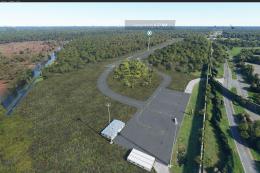
The Disney World airport/STOLport (also known as the Lake Buena Vista airport…
 MSFS Scenery
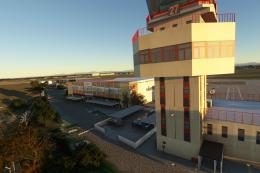
Enhance your flight simulation experience with a detailed rendition of Madrid…
 MSFS Scenery
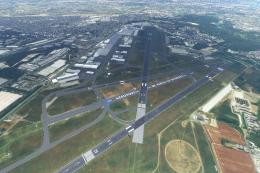
A complete and extensive replacement freeware scenery package for Paris–Le Bo…
 MSFS Scenery
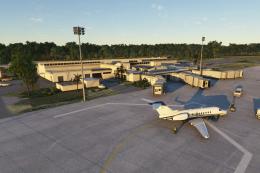
A highly detailed rendition of Gainesville Regional Airport (KGNV), Florida (…
Be the first to leave a comment on this download.
Be the first to share your thoughts on this download.