

 MSFS Civil Jet Aircraft
Ryanair Santa Livery Mega Pack for A320 Stock/Flybywire & PMDG 737
Introducing the comprehensive Ryanair Santa Repaint Mega Pack, meticulously c…
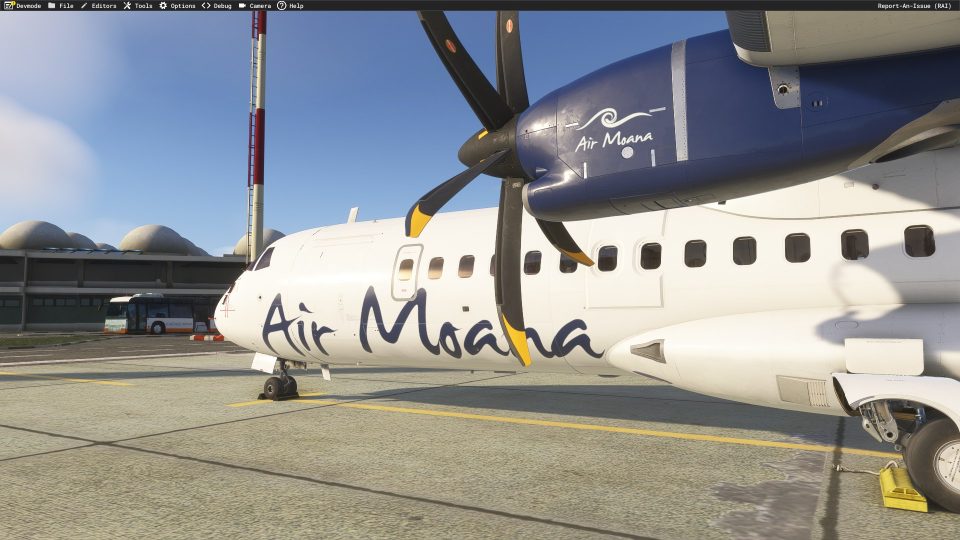
Air Moana’s French Polynesian fleet comes to Microsoft Flight Simulator 2024 with four named aircraft repaints: F-OORA Poehere, F-OREV Poereva, F-OPOE Poenui, and F-ORMT Poeiti. The pack requires the S&H Software ATR 72-600 and brings the Tahiti-based airline’s identity to simulated regional flights across its island network.
 Rate
 By dmeh_liveries
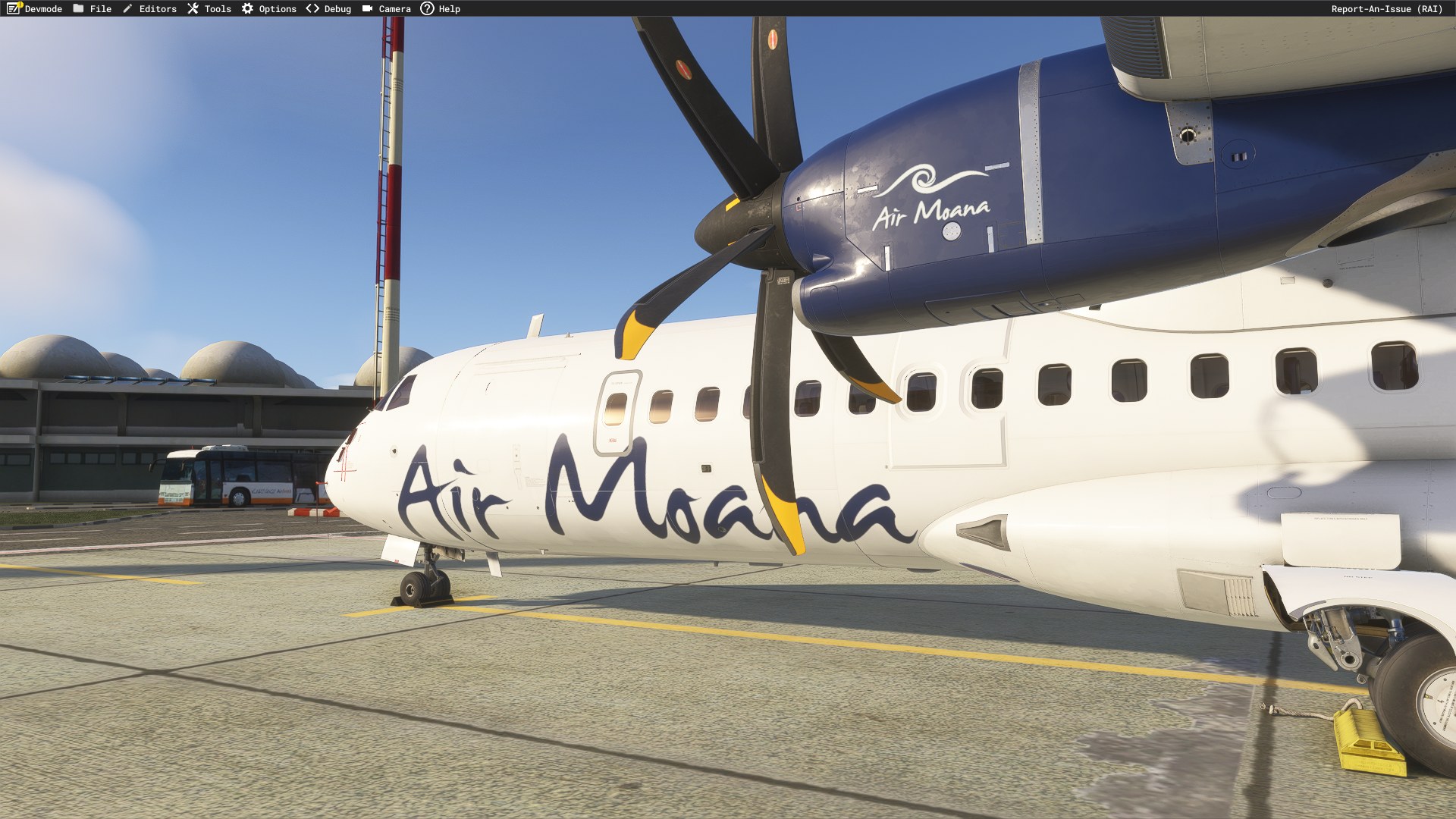
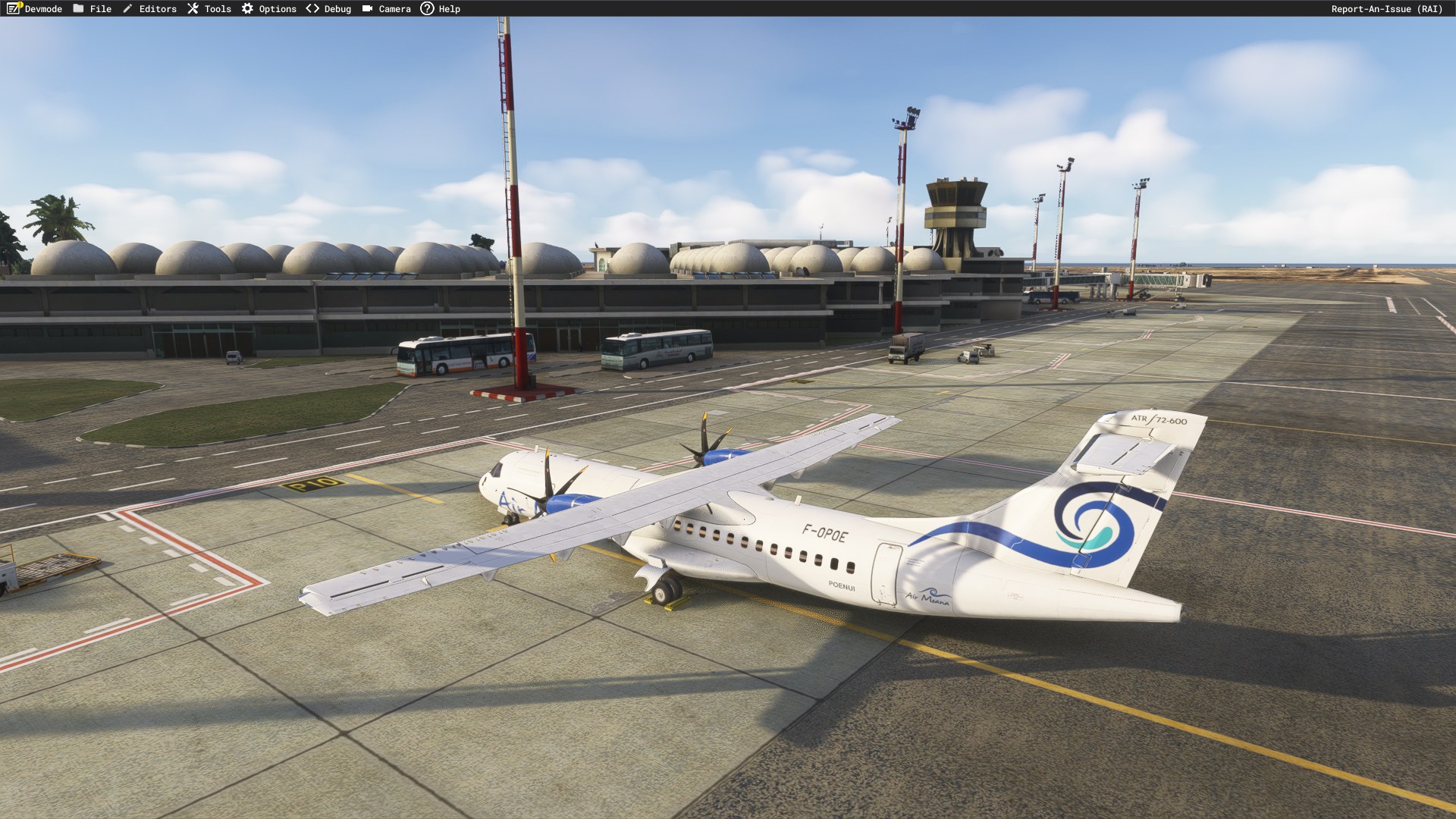
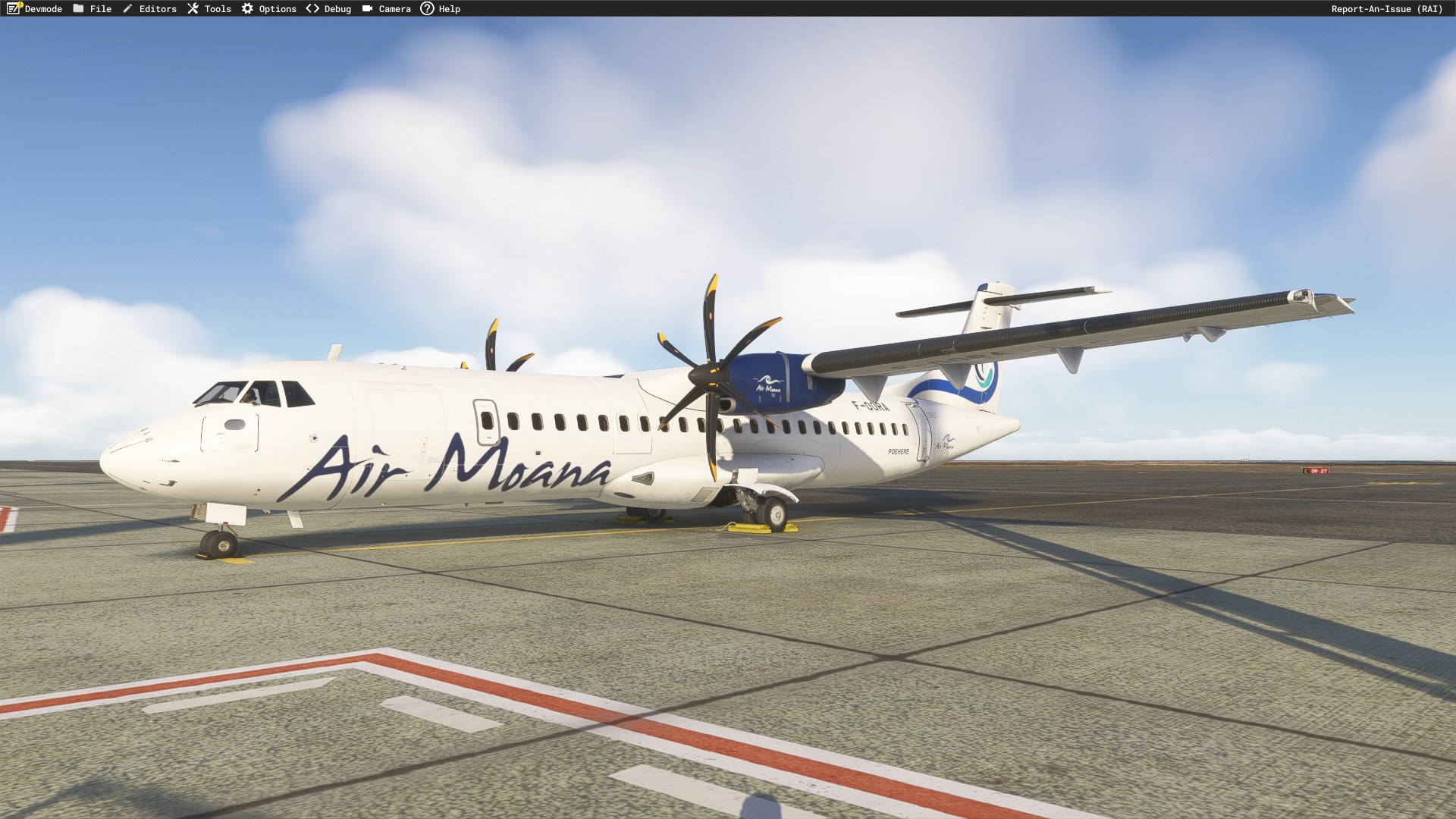
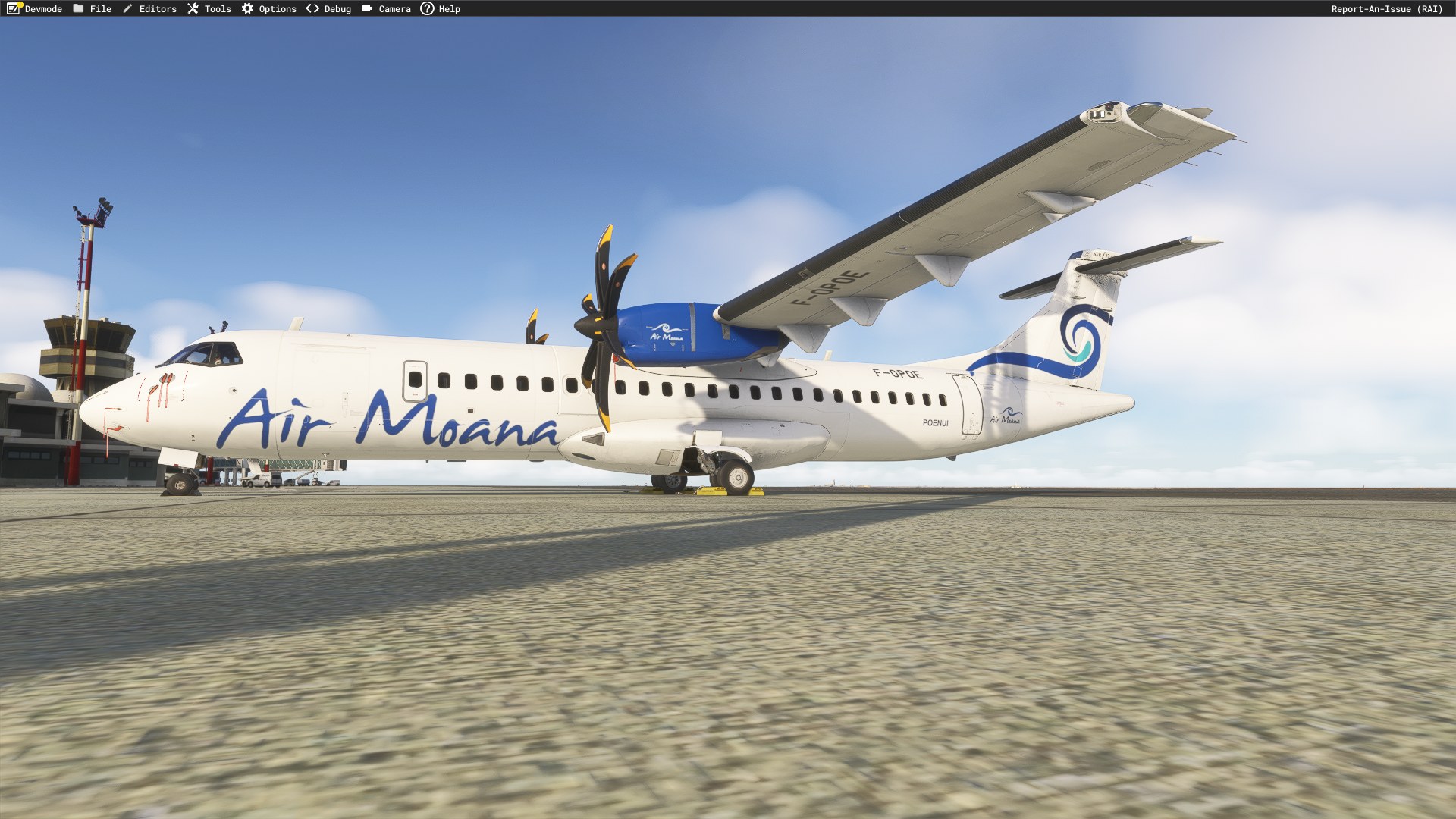
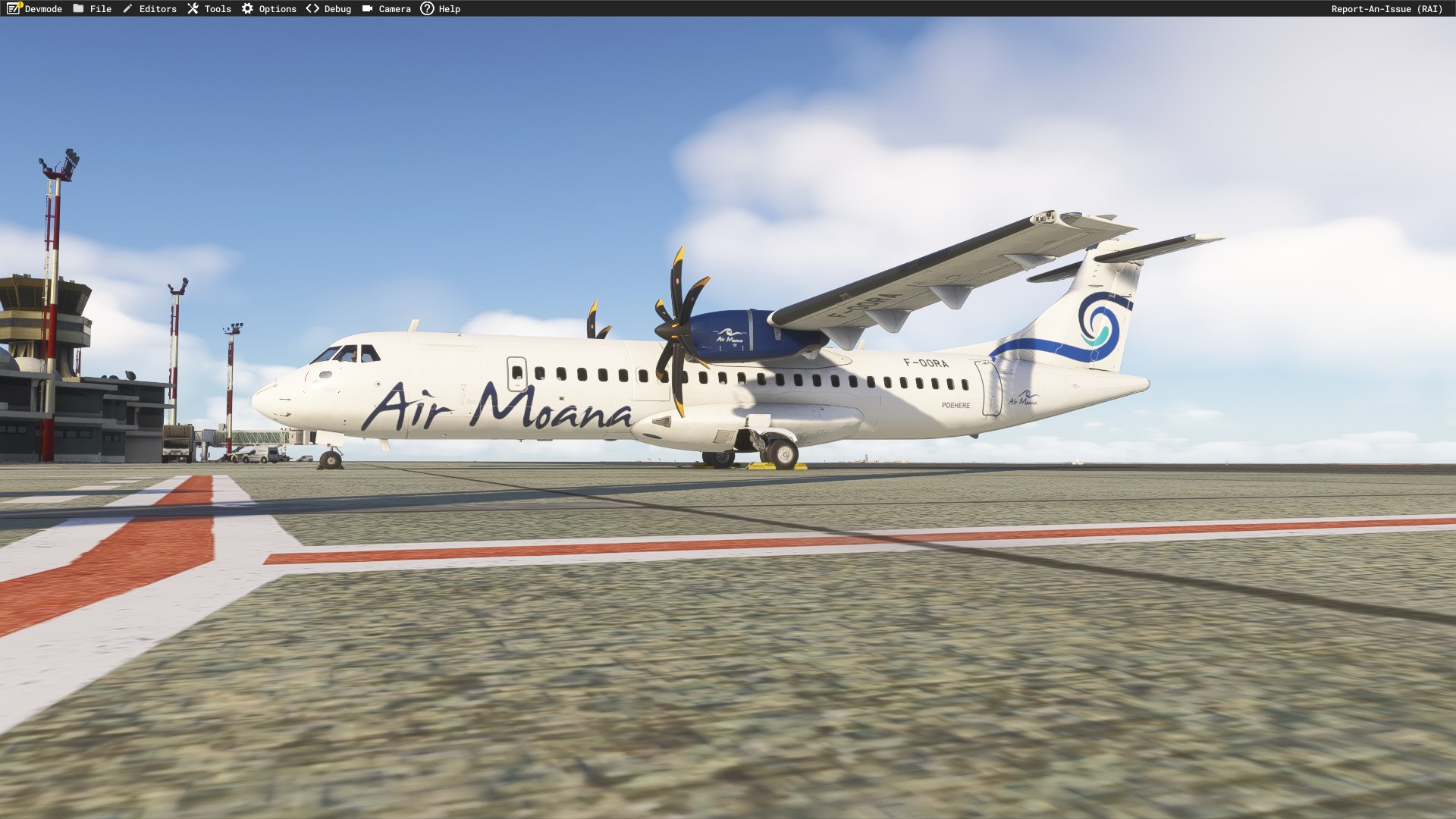
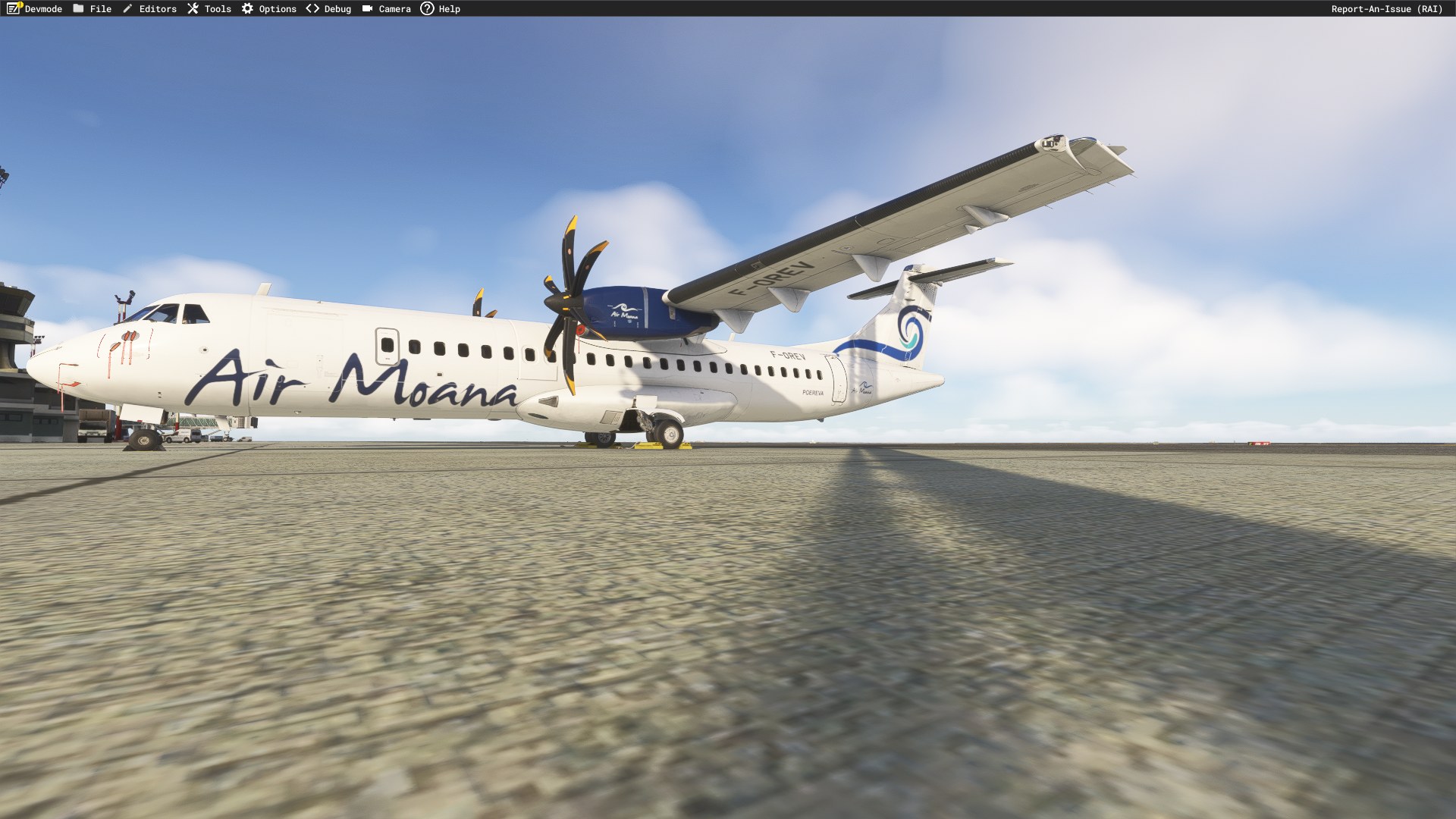
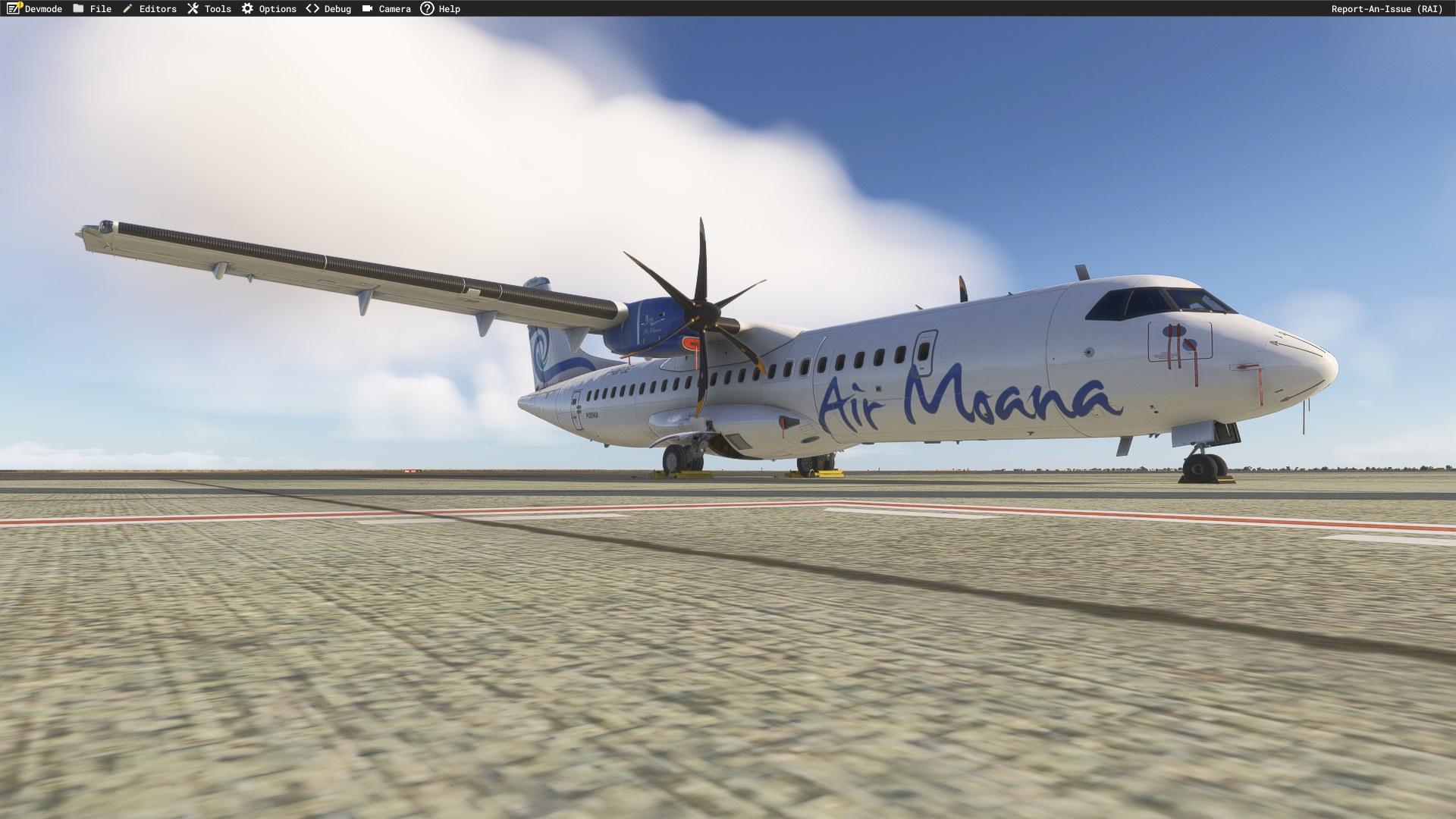
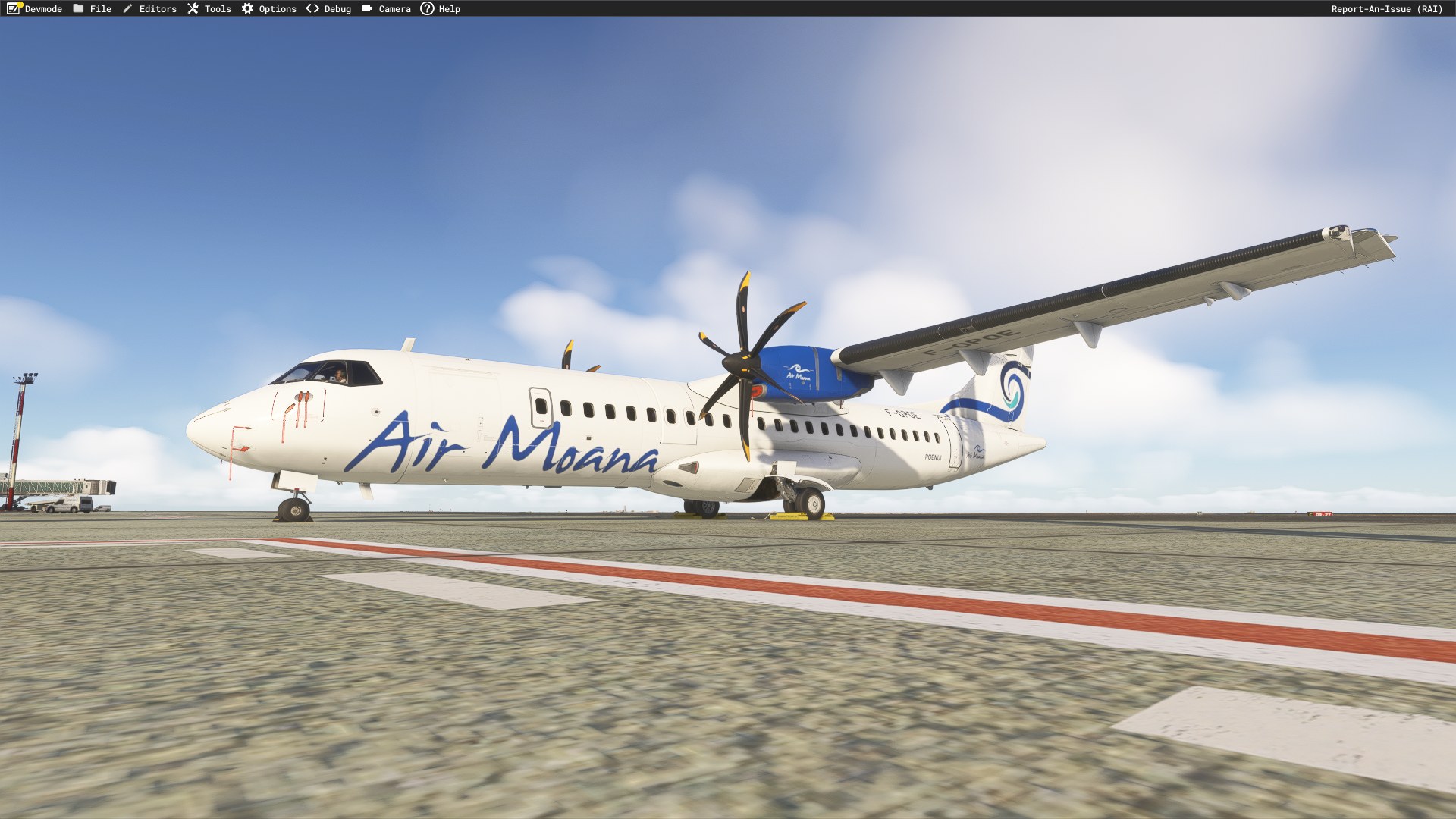
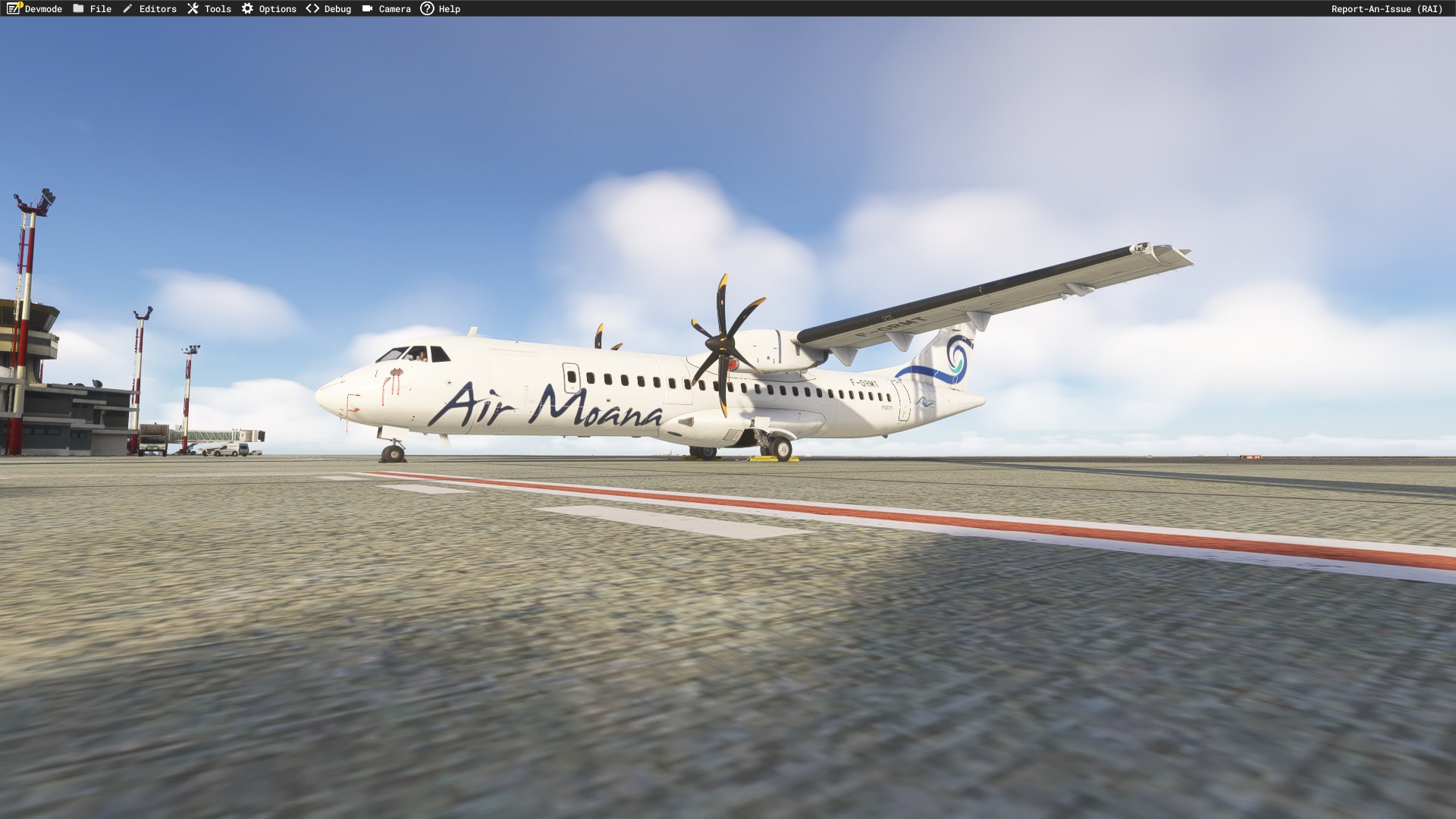
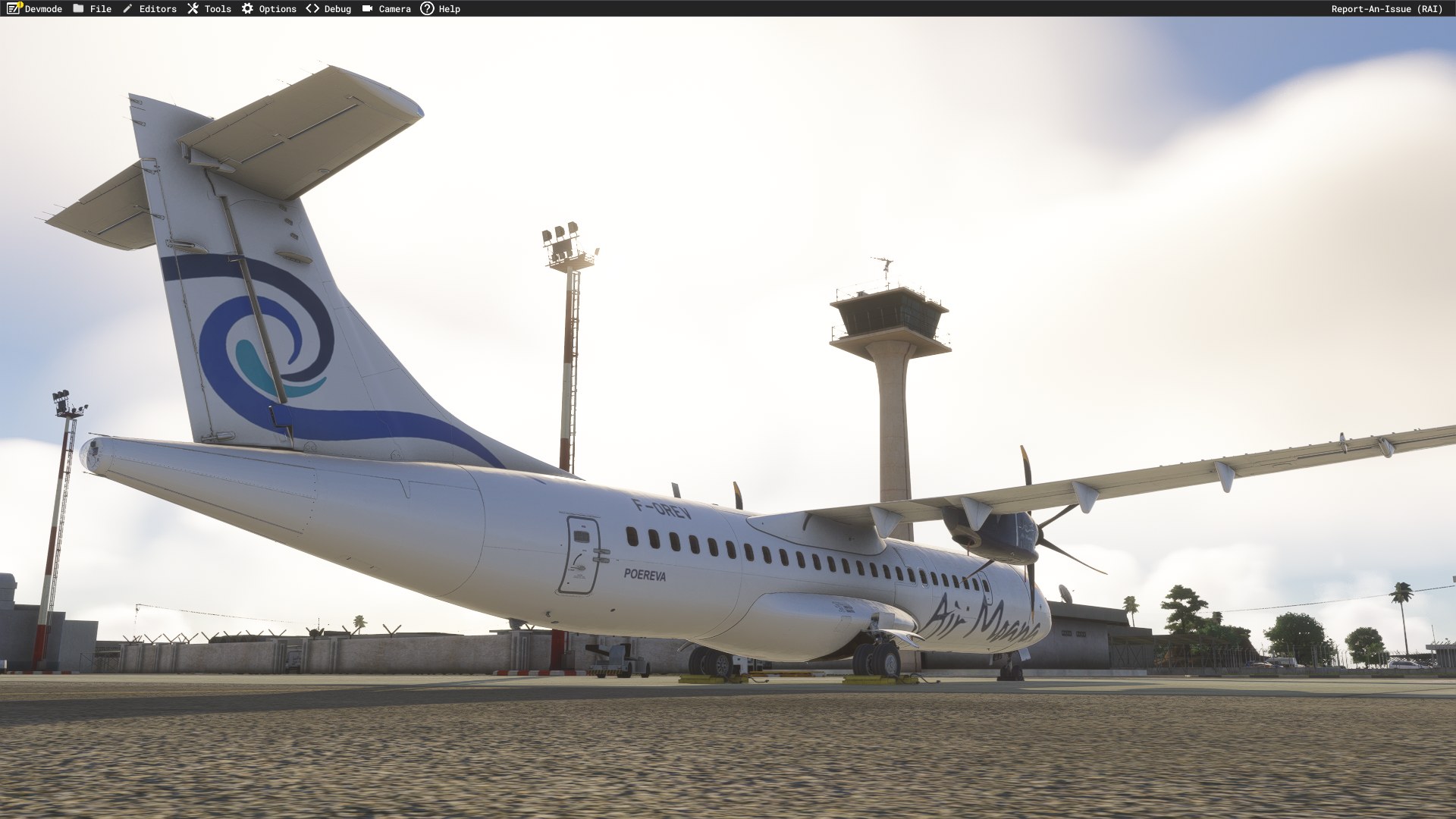
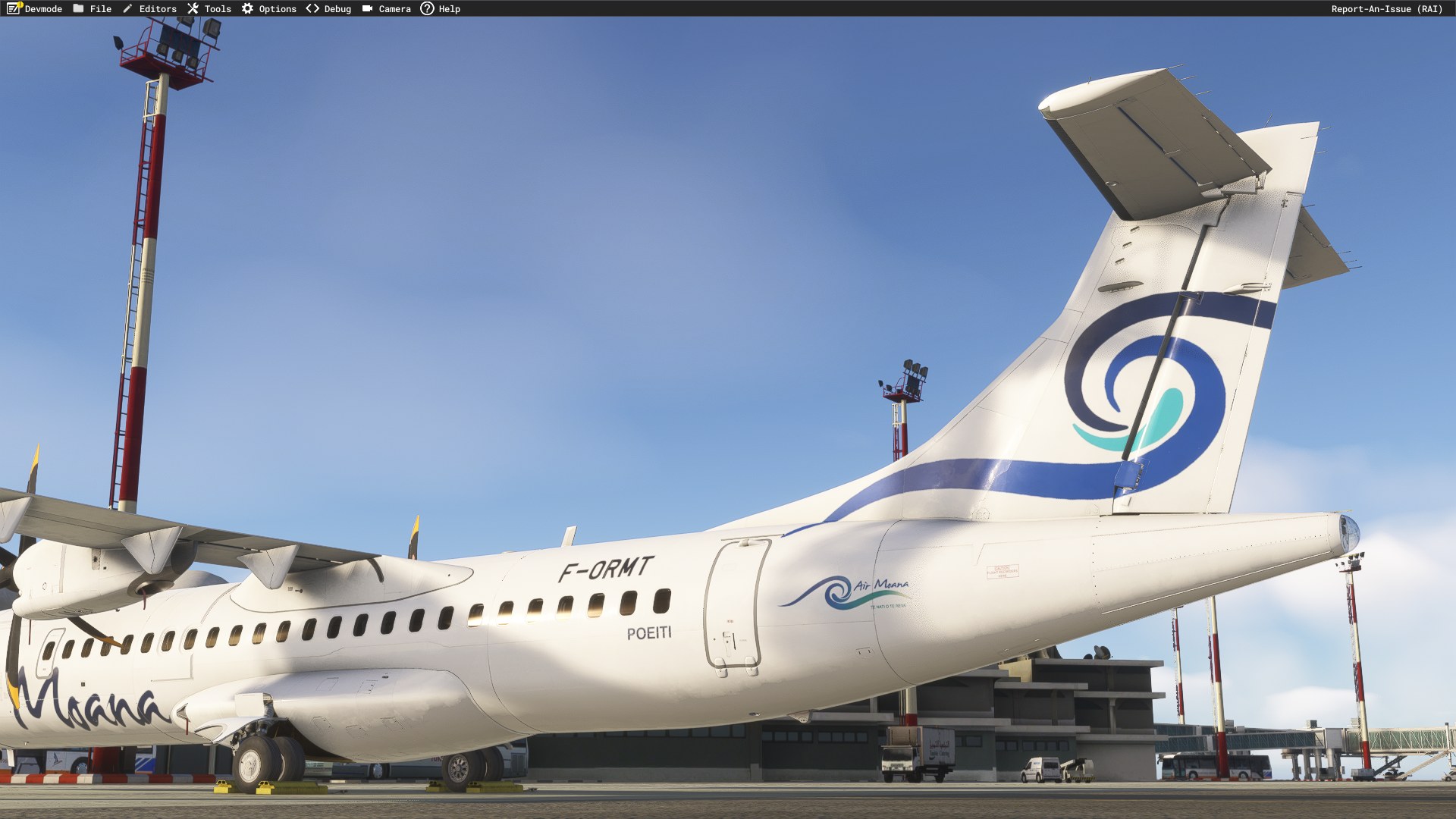
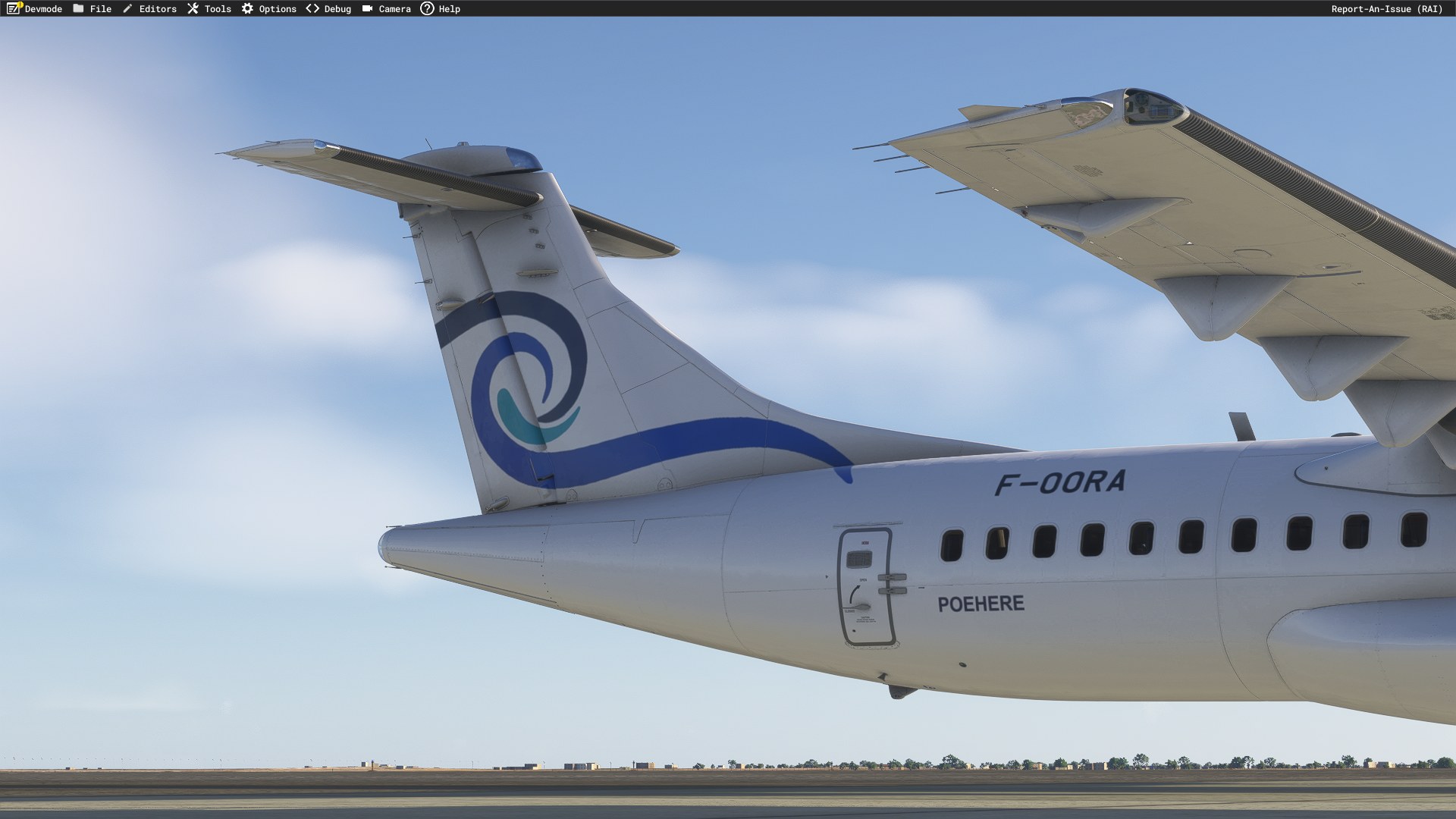
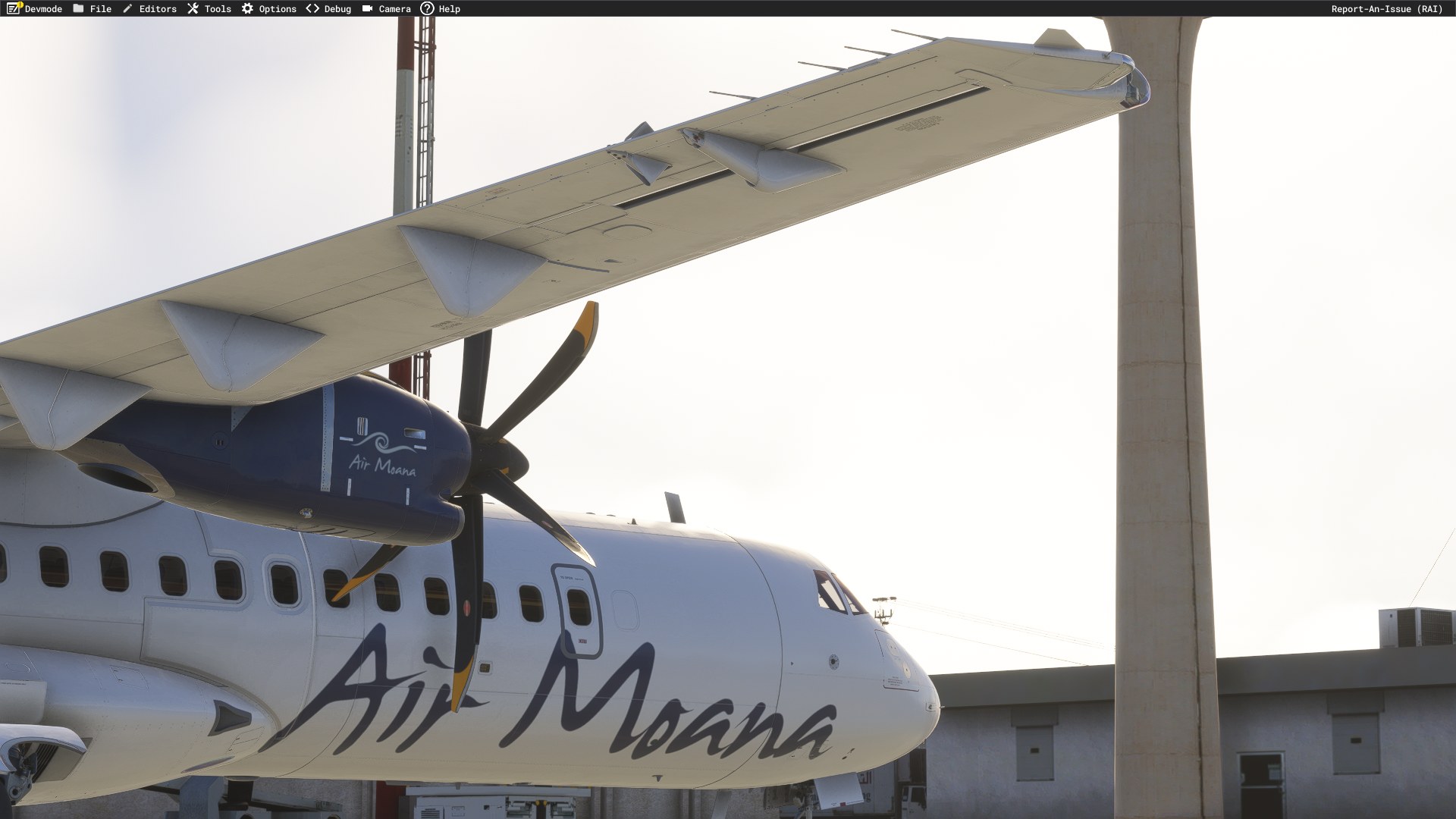
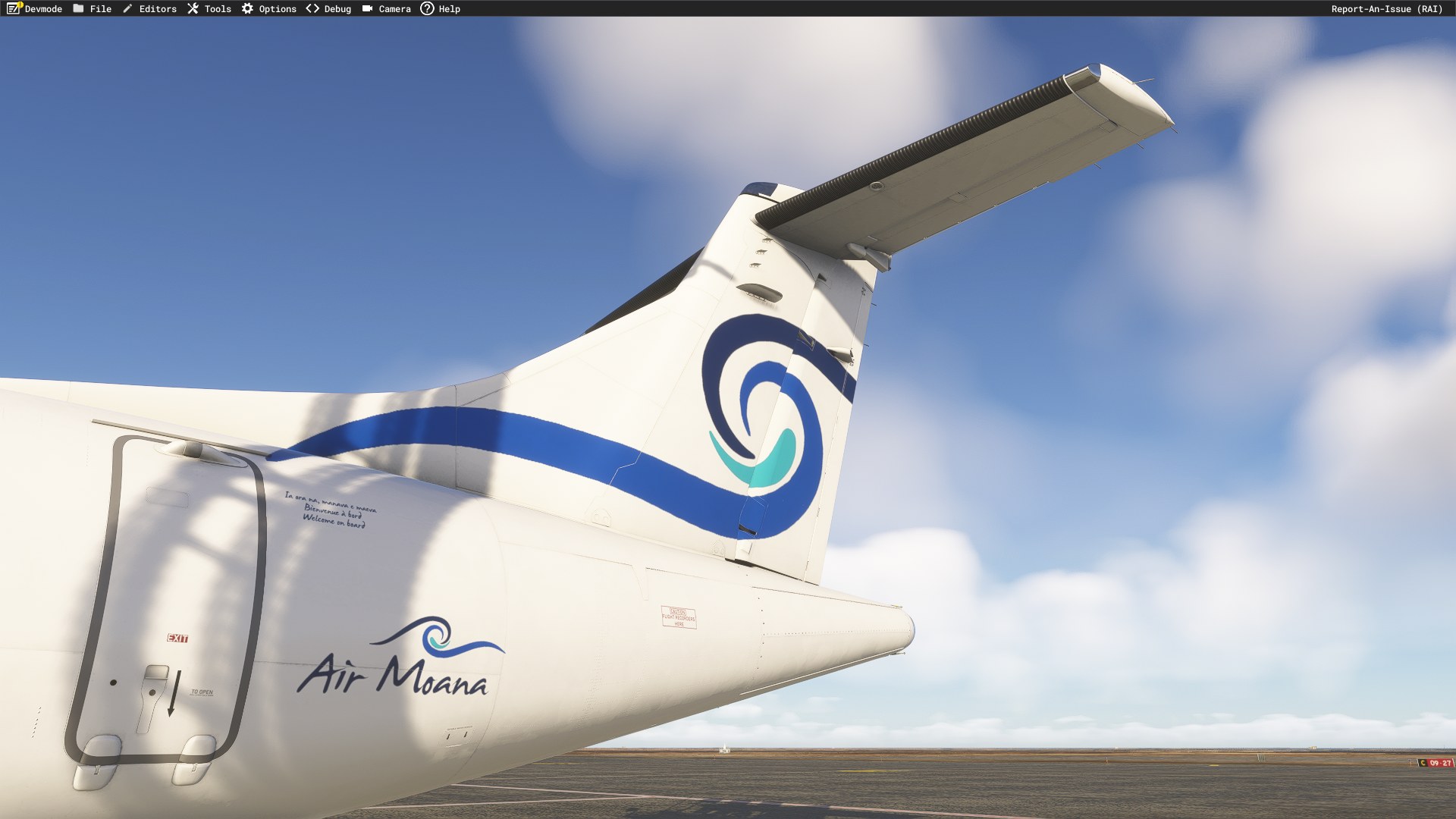

Having the launch aircraft alongside the later arrivals gives this pack a use beyond swapping registrations. I’d choose Poeiti for flights reflecting the airline’s beginnings and Poenui for a more recent operation. That spread matters to me in a fleet repaint pack: there’s a reason to return to the aircraft selector rather than settle on one paint and forget the others.
Compatibility is narrow: this is exclusively for MSFS 2024 and the separately purchased S&H ATR 72-600. Don’t download it expecting support for another ATR model.
dmeh_liveries has painted four Air Moana aircraft for the S&H Software ATR 72-600 in Microsoft Flight Simulator 2024. This requested fleet livery pack covers F-OORA, F-OREV, F-OPOE, and F-ORMT. You’ll need the separately purchased S&H aircraft to use these repaints; the payware model is not included.
The pack is exclusively for MSFS 2024. Check that you own the S&H ATR72-600 MSFS2024 before downloading.
Air Moana is a French Polynesian regional airline based in Tahiti. Established in 2022, it connects communities and destinations across the islands of French Polynesia. The four registrations here span its launch aircraft through arrivals in 2026, each with a Tahitian name built around the word for pearl.
All four real aircraft use two Pratt & Whitney PW127-series turboprop engines, suited to efficient regional operations. The ATR 72’s role as a short-haul regional transport fits Air Moana’s inter-island network.
CC BY-NC-SA 4.0
Free for all simmers · 219.03 MB · Scanned clean Nov 2026
Download speed: Free tier is capped at 2 Mbps (this file takes approximately 15 mins at the cap). PRO members download at full line speed.
NONE / Initial Version
%LOCALAPPDATA%\Packages\Microsoft.FlightSimulator_8wekyb3d8bbwe\LocalCache\Packages\Community\. Steam version: %APPDATA%\Microsoft Flight Simulator\Packages\Community\. Tip: enable Developer Mode in MSFS to see your exact Community folder path.readme.txt or README file. It tells you exactly where files go, what dependencies are needed, and any quirks specific to this add-on.Currently an engineering student in France from Tunisia. / Started publishing liveries for FSX on the Aerosoft forum. Also publishing liveries for MSFS2024 on flightsim.to.Making liveries for MSFS2024 (NOT for MSFS2020)
Are you dmeh_liveries? Sign in to Fly Away Creators for download stats, comment replies and updates. Make add-ons? Publish them here.
Only PRO members can place votes.
More MSFS add-ons hand-picked based on this download.
MSFS Civil Jet Aircraft
Introducing the comprehensive Ryanair Santa Repaint Mega Pack, meticulously c…
 MSFS Civil Jet Aircraft
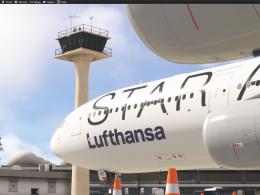
dmeh_liveries (DMeh) has painted two requested Lufthansa Star Alliance liveri…
 MSFS Civil Jet Aircraft
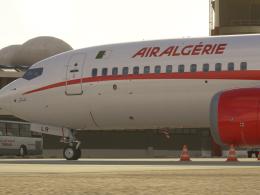
dmeh_liveries painted Air Algérie’s 7T-VLR for the iFly Boeing 737 MAX 8 in M…
 MSFS Civil Jet Aircraft
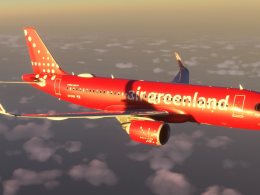
dmeh_liveries paints Air Greenland's LN-RGO for the iniBuilds Airbus A320neo,…
 MSFS Civil Jet Aircraft
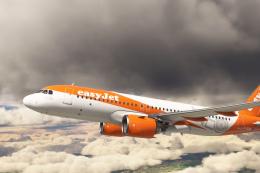
An add-on for MSFS 2020 brings the easyJet A320neo registration G-UZHA livery…
 MSFS Civil Jet Aircraft
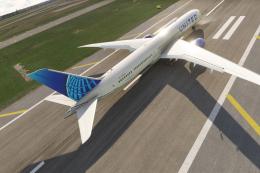
A complete freeware add-on for Microsoft Flight Simulator (MSFS) 2020 release…
 MSFS Civil Jet Aircraft
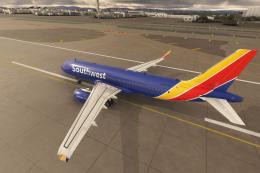
A high-definition Southwest Airlines livery/repaint for the default Microsoft…
 MSFS Civil Jet Aircraft
A livery pack for the default Airbus A320neo in Microsoft Flight Simulator (M…
Be the first to leave a comment on this download.
Be the first to share your thoughts on this download.