

 FSX Business Jet Aircraft
Default Lear 45 Engine Smoke Effect
default Lear 45 engine smoke effect. Just add to your FSX Default Lear 45. Si…
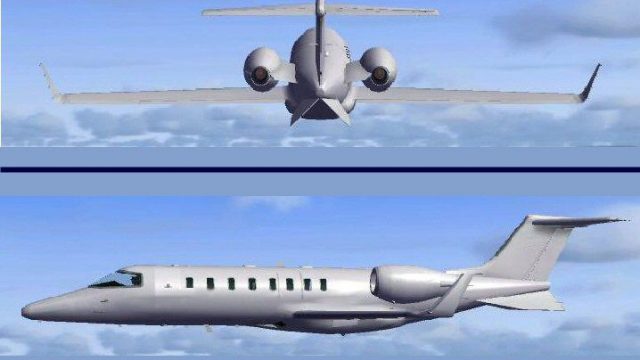
Project Blank Lear 45 delivers a clean, paint-ready repaint of the stock Learjet 45 for Microsoft Flight Simulator X, built as a simple texture kit with accessible bitmap files for custom liveries. It keeps the default model, panel, and sounds, and supports Angel Flight-themed repaints for varied community projects.
 Rate
Rate
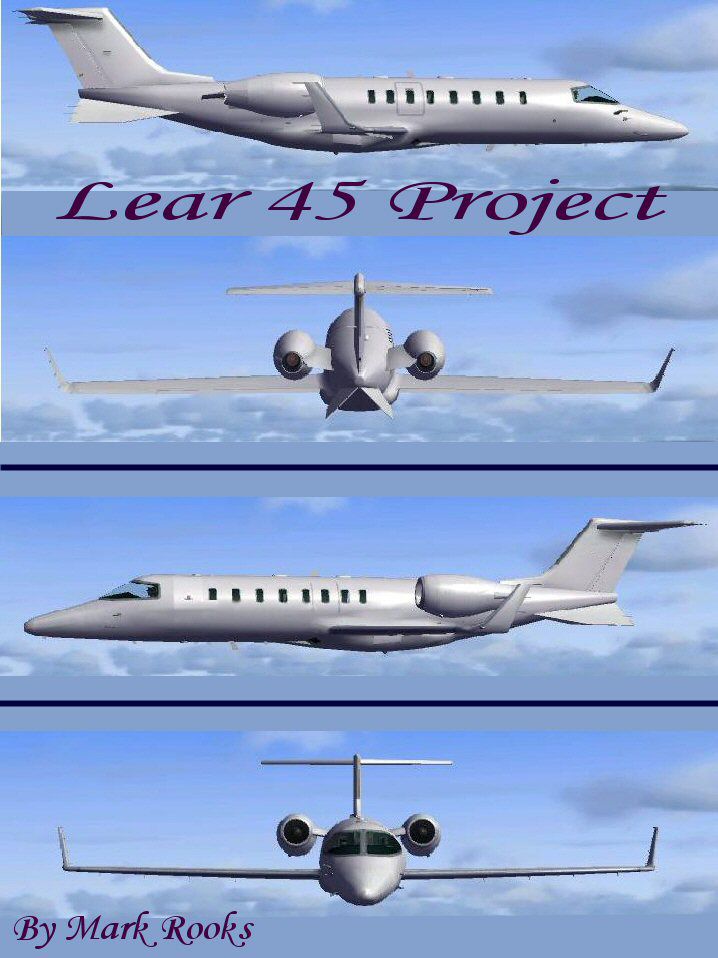
This is a Repaint of a Stock Lear 45 For Flight Simulator FSX Created as a Blank texture Project Aircraft . A good starting point for any Lear 45 Project Created with easy to use Bit Map Files and easy to follow instructions on how to convert for FSX.. Textures by Mark Rooks of RDG
Blank Lear 45 Project Aircraft Support Angel Flight
To install this aircraft:
As always back up any original files.
1.Unzip downloaded folders to your desktop or temporary directory of your choice.
2.Copy the "Project Lear 45 " folder and paste it in the main aircraft folder.
By default the main aircraft folder is located at:
"C:Program FilesMicrosoft GamesFSxSim Objects/Aircraft".
3. Aircraft is the FSx default aircraft with easyer to use bit map textures
4. After painting must be saved in a bit map format compatable with FSX I use FS70 DXT1BMP
and convert with MW Graphics convim tool http://www.fly.to/mwgfx
5. Don't For get to change the name of your new aircraft in the CFG file ... Change Title=________
and Variation=___________ to what you like sample Title =Safari Tours Variation=Zebra Camo
Enjoy Don't forget the default sound and panel files
Textures created by Mark "Fire Ball" Rooks.
Thanks for downloading,
"Fire Ball"

Blank LearJet 45
Free for all simmers · 10.75 MB · Scanned clean Oct 2026
Download speed: Free tier is capped at 0.5 Mbps (this file takes approximately 3 mins at the cap). PRO members download at full line speed.
texture.{airline}) inside FSX\SimObjects\Airplanes\{base-aircraft}\.aircraft.cfg in Notepad. Add a new [fltsim.X] section per the readme.readme.txt or README file. It tells you exactly where files go, what dependencies are needed, and any quirks specific to this add-on.The archive pbl45rdg.zip has 7 files and directories contained within it.
This list displays the first 500 files in the package. If the package has more, you will need to download it to view them.
| Filename/Directory | File Date | File Size |
|---|---|---|
| Blank Aircraft Read Me First.txt | 09.07.07 | 1.14 kB |
| Blank Project lear45.zip | 09.07.07 | 10.66 MB |
| Lear 45 text1.txt | 09.07.07 | 287 B |
| Screen Lear Blank.jpg | 09.07.07 | 94.99 kB |
| Thumbs.db | 09.07.07 | 5.50 kB |
| flyawaysimulation.txt | 10.29.13 | 959 B |
| Go to Fly Away Simulation.url | 01.22.16 | 52 B |
Only PRO members can place votes.
More FSX & P3D add-ons hand-picked based on this download.
FSX Business Jet Aircraft
default Lear 45 engine smoke effect. Just add to your FSX Default Lear 45. Si…
 FSX Business Jet Aircraft
Eurojet (Tumas Group) Lear 60. Repaint and flight plan for Eurojet (Tumas Gro…
 FSX Business Jet Aircraft
A selection of repaints/liveries for the default Microsoft Flight Simulator X…
 FSX Business Jet Aircraft
Comes with default Lear 45 sounds, panel, virtual cockpit, and everything els…
 FSX Business Jet Aircraft
These textures are for the default FSX Lear 45. This file contains eleven new…
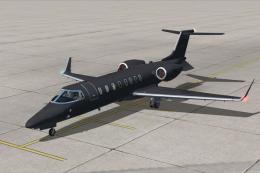 FSX Business Jet Aircraft
Black Operations Learjet 45. Textures only for the default Lear 45. "Black Op…
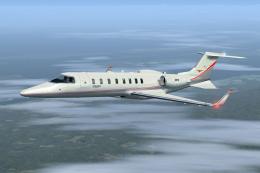 FSX Business Jet Aircraft
Skyhearts Air Ambulance Learjet 45. Skyhearts Air Ambulance repaint for the d…
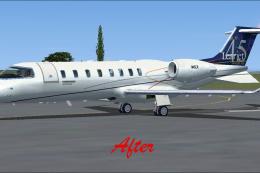 FSX Business Jet Aircraft
This modification provides updated texture files for the default Bombardier L…
Be the first to leave a comment on this download.
Be the first to share your thoughts on this download.