

 FSX Civil Aircraft
Qantas Boeing 787-9 V2
The FSX Qantas Boeing 787-9 v2 freeware package introduces a refined long-hau…
Qantas Boeing 787-8 V2 brings a refined Dreamliner exterior, updated fuselage shaping, and animated ground servicing with working doors, cargo holds, and ramp vehicles for a more lifelike turnaround. Built as a complete freeware aircraft for FSX, it delivers a convincing Australian long-haul look and feel from gate to cruise.
 Rate
Rate
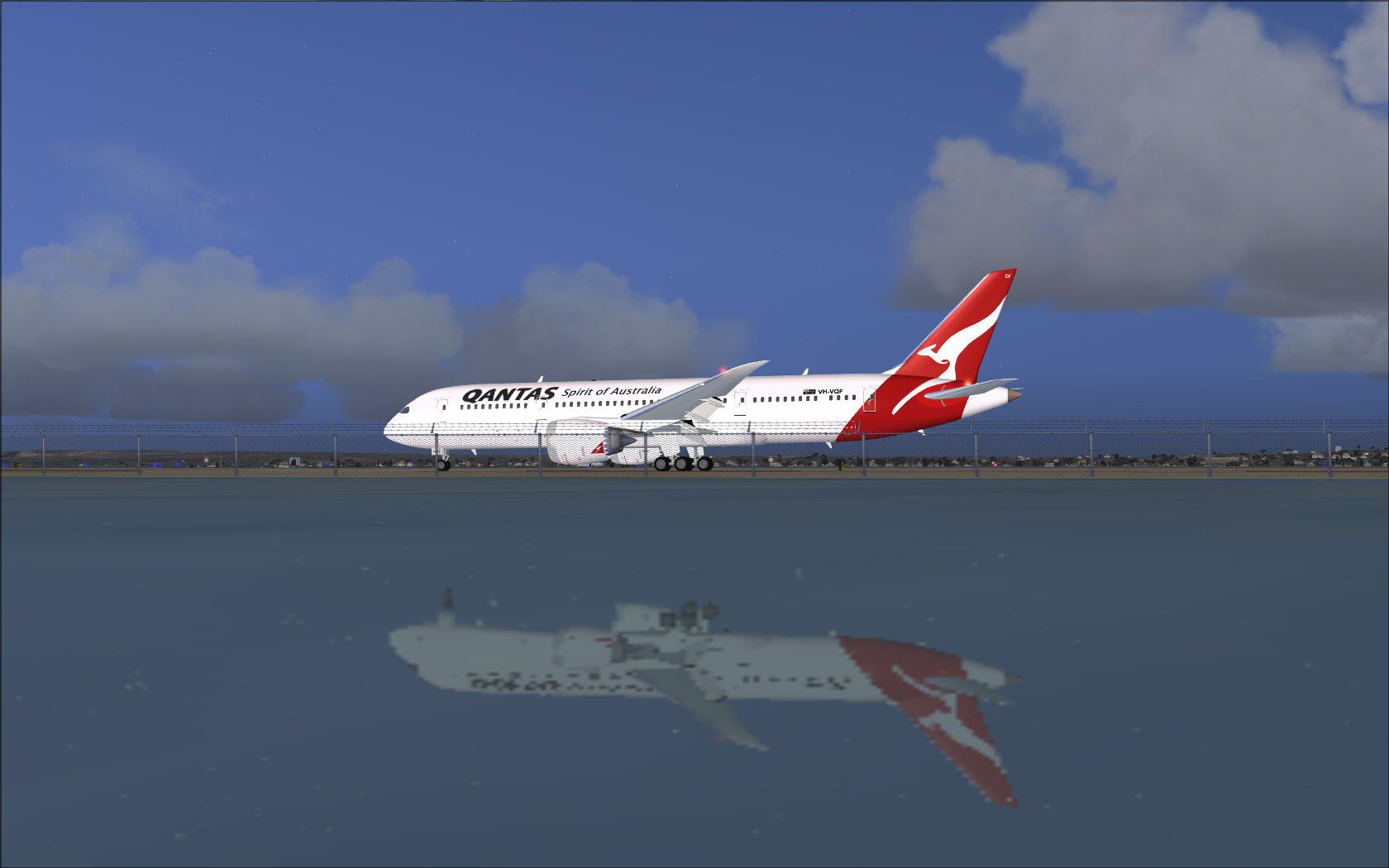
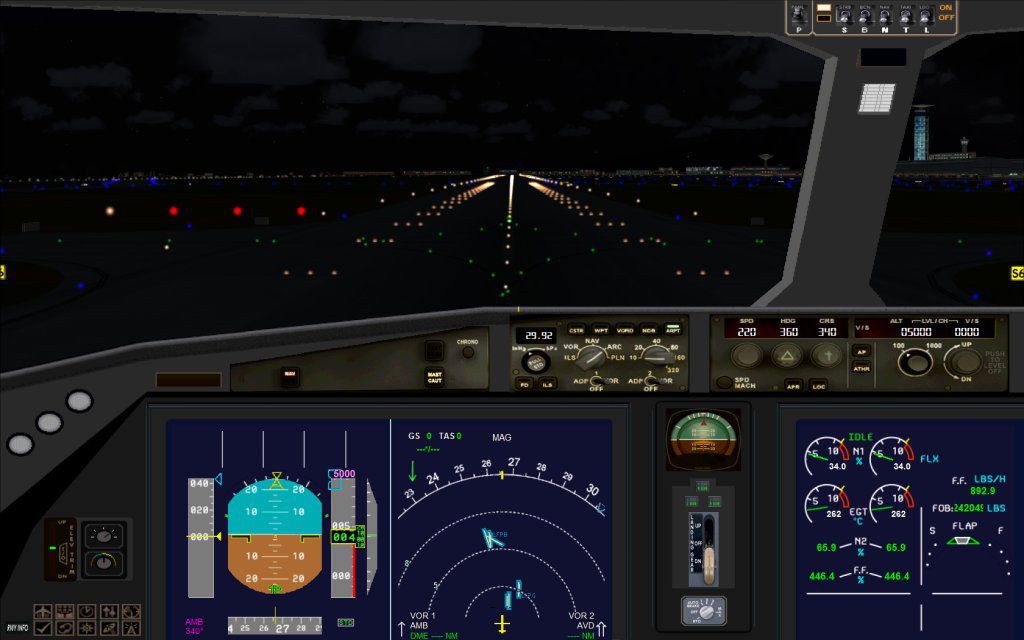
This release highlights a second-generation rendition of a popular wide-body, complete with integrated ground operations and a refined aerodynamic profile. CamSim Aviation Simulation created and painted this package, ensuring compatibility with FSX and including the full base model. Enthusiasts of modern jet travel, especially those seeking an authentic Australian carrier experience, will find much to explore in this freeware package.
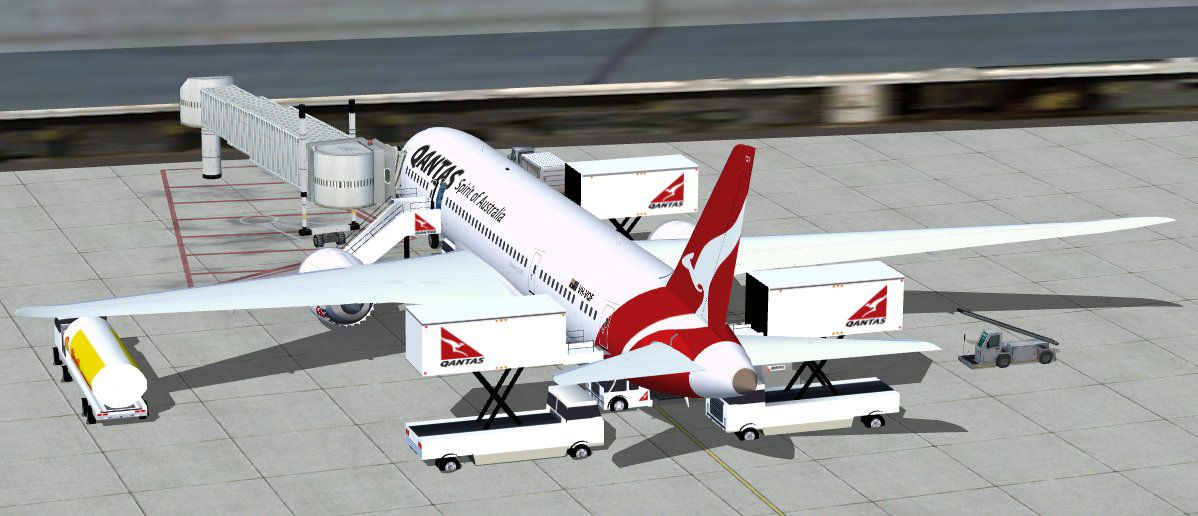
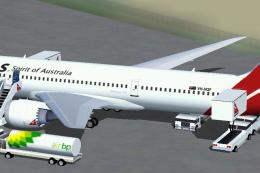
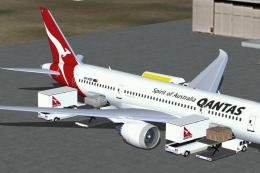
This rendition by Camil Valiquette integrates an improved external model and animated ground servicing (AGS), which stands for Animated Ground Servicing. These active services supply vehicles and openable compartments, allowing users to simulate real-world handling procedures. The reworked fuselage geometry also aims to enhance realism during flight and on the ramp.
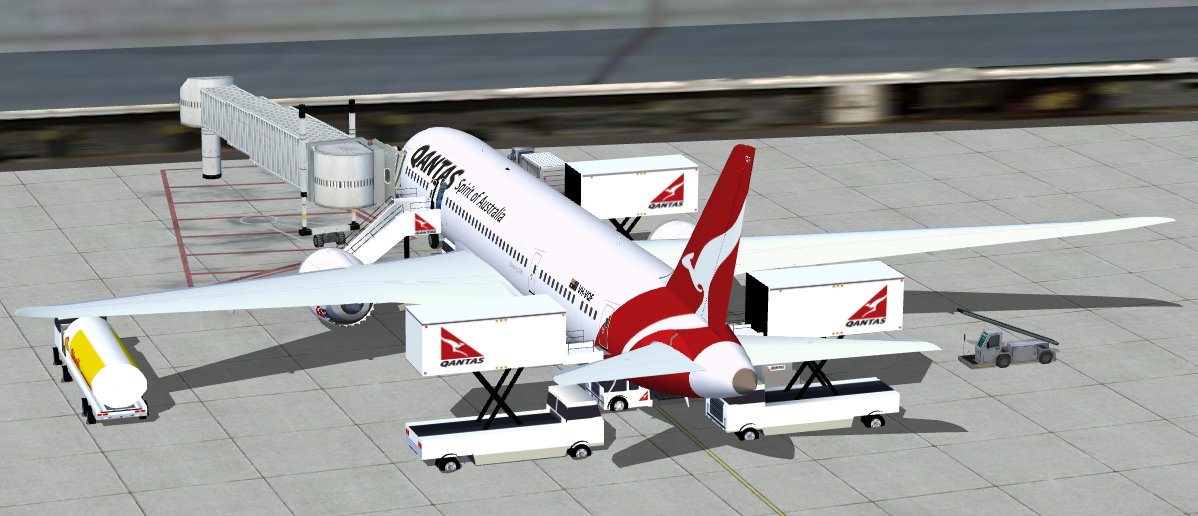
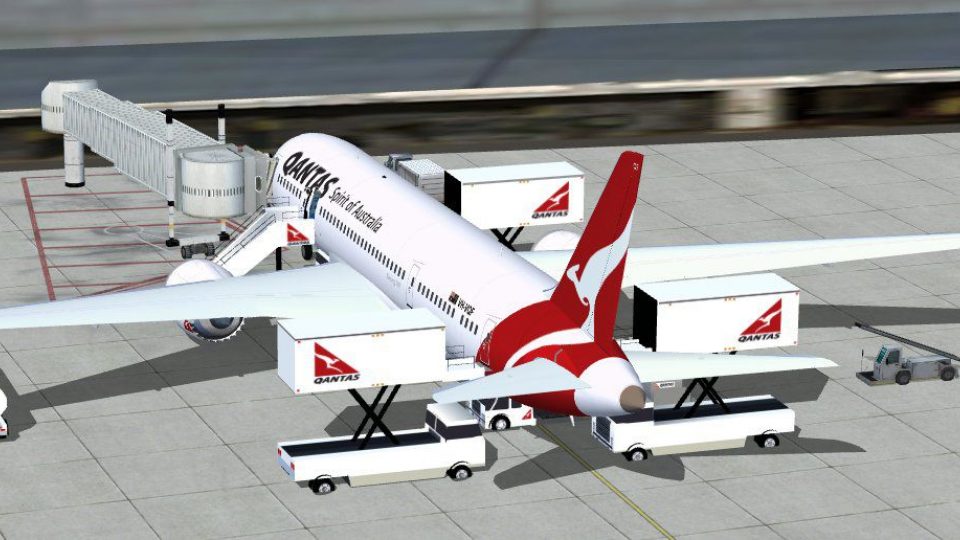
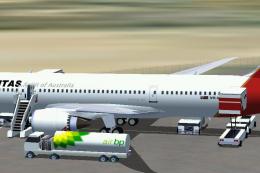
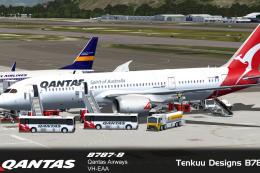
Qantas Boeing 787-8 at boarding gate.
This version features Qantas, a carrier recognized for long-distance itineraries and a distinctive tail livery. The complete visual package captures the airline’s signature design, making it ideal for sim pilots eager to replicate actual routes flown by this flagship fleet. In addition, the Dreamliner’s real-world efficiency—along with its high-comfort cabin layout—has been thoughtfully mirrored here.
This aircraft incorporates multiple service animations through specific key combinations. To manage various doors and hatches, use the following instructions:
The above functions require assigning the following controls within your simulator’s options menu:
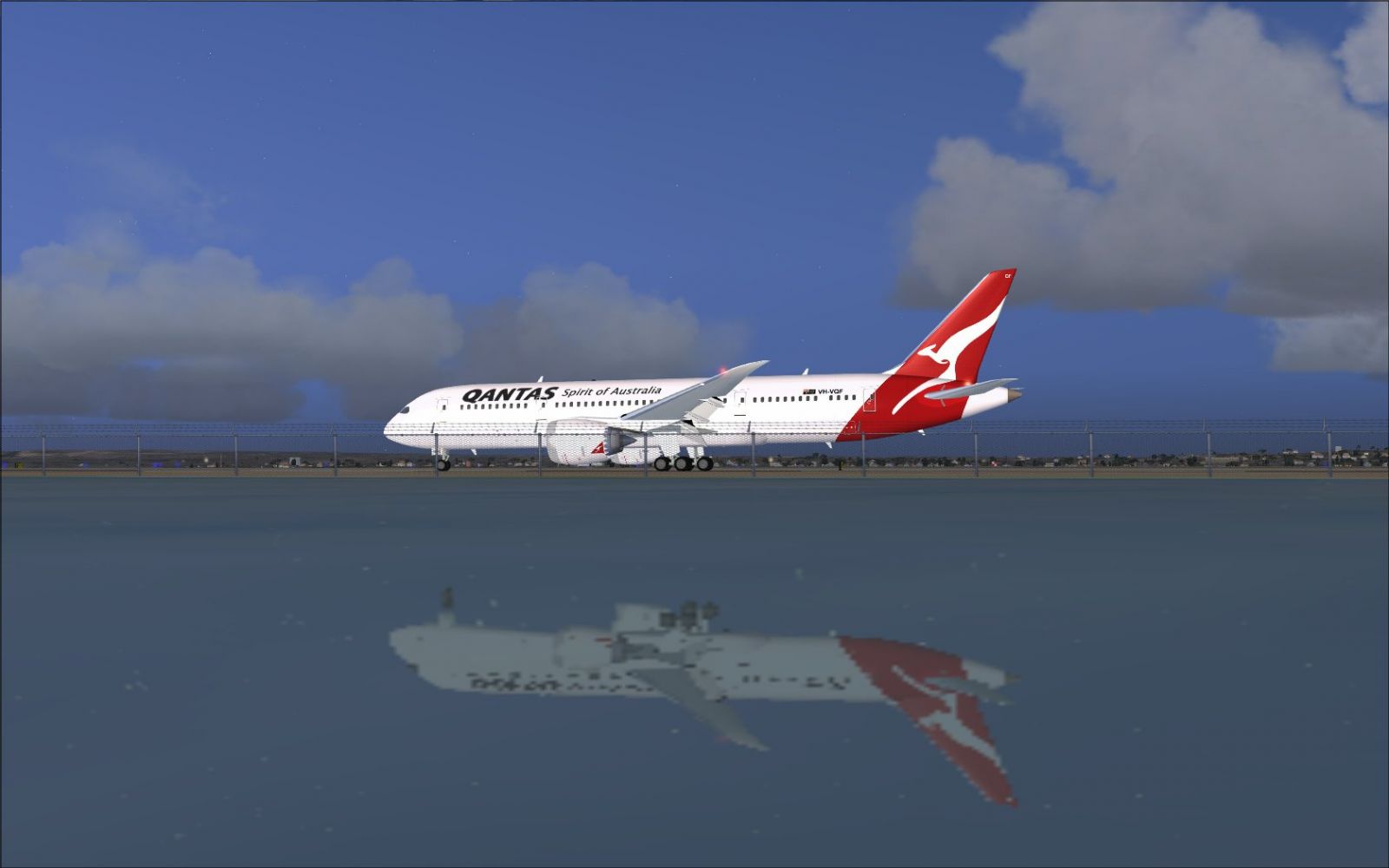
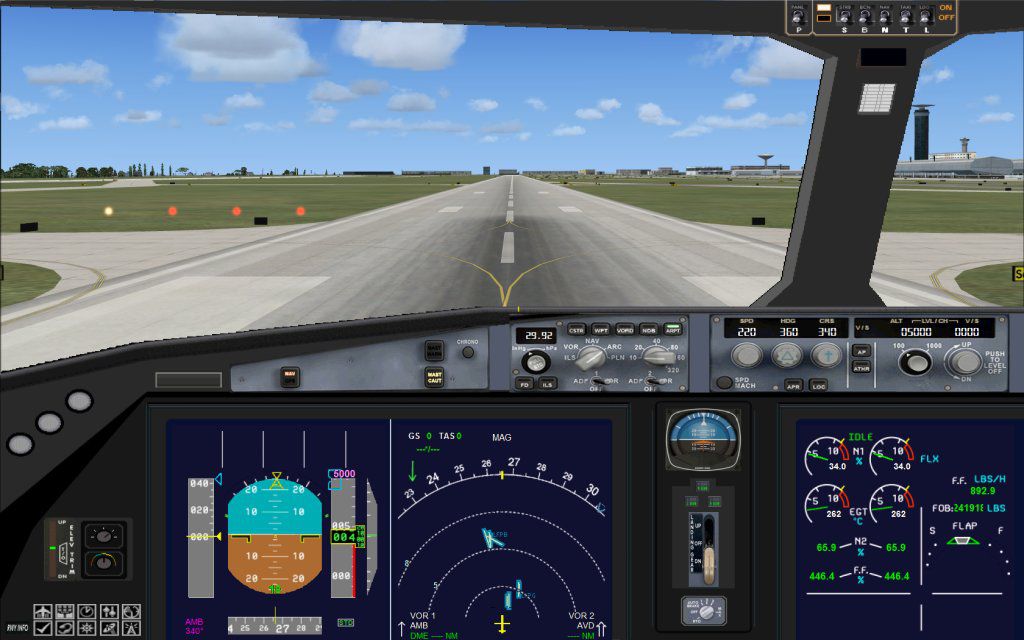
Qantas Boeing 787-8.
Developed and painted by Camil Valiquette, this free offering from CamSim Aviation Simulation aims to replicate the Boeing 787 experience true to real-world operations. By including animated ground servicing, a visually detailed exterior, and full FSX functionality, this package stands ready for sim captains interested in modern long-haul aviation under the Qantas banner.
Free for all simmers · 5.14 MB · Scanned clean Oct 2026
Download speed: Free tier is capped at 0.5 Mbps (this file takes approximately 1 min at the cap). PRO members download at full line speed.
This add-on may require the following files to function properly. If this is a repaint, the dependency below is likely the base aircraft package.
FSX\SimObjects\Airplanes\. The folder must contain an aircraft.cfg file. Effects go into FSX\Effects\; gauges go into FSX\Gauges\.readme.txt or README file. It tells you exactly where files go, what dependencies are needed, and any quirks specific to this add-on.The archive 788v2qf0.zip has 36 files and directories contained within it.
This list displays the first 500 files in the package. If the package has more, you will need to download it to view them.
| Filename/Directory | File Date | File Size |
|---|---|---|
| CamSim Boeing 787-8 V2 Qantas | 03.13.10 | 0 B |
| 787-8.air | 02.25.10 | 12.76 kB |
| 788qf_fsx.jpg | 03.12.10 | 98.15 kB |
| 788v2qf_ags fsx.jpg | 03.13.10 | 110.51 kB |
| aircraft.cfg | 03.13.10 | 15.43 kB |
| Effects.zip | 03.25.06 | 1.80 kB |
| file_id.diz | 03.11.10 | 186 B |
| fsx cpit_d.jpg | 03.03.10 | 107.14 kB |
| fsx cpit_n.jpg | 03.03.10 | 85.82 kB |
| model.787-8 ags | 03.13.10 | 0 B |
| 787-8 ags.mdl | 12.21.09 | 2.67 MB |
| Model.cfg | 03.16.06 | 28 B |
| Panel | 03.13.10 | 0 B |
| 787_350_panel_background.bmp | 02.25.10 | 2.25 MB |
| 787_350_panel_background_night.bmp | 02.25.10 | 2.25 MB |
| Airbus_A321.cab | 09.04.06 | 2.72 MB |
| panel.cfg | 02.25.10 | 5.48 kB |
| Read Me_FSX.txt | 03.11.10 | 2.45 kB |
| sound | 03.13.10 | 0 B |
| Sound.cfg | 05.27.09 | 30 B |
| texture.qf | 03.13.10 | 0 B |
| 787eng_t.bmp | 03.11.10 | 1.00 MB |
| 787ext_L.bmp | 07.08.08 | 4.00 MB |
| 787ext_t.bmp | 03.11.10 | 1.00 MB |
| 787int_L.bmp | 03.11.10 | 4.00 MB |
| 787int_t.bmp | 03.11.10 | 1.00 MB |
| 787tail_t.bmp | 07.07.08 | 1.00 MB |
| 788fuse_t.bmp | 03.11.10 | 1.00 MB |
| 789wings_t.bmp | 11.24.09 | 1.00 MB |
| gris_t.bmp | 12.09.09 | 16.07 kB |
| pilot1.bmp | 03.04.10 | 257.05 kB |
| pilot1_l.bmp | 12.06.06 | 1.00 MB |
| thumbnail.jpg | 03.11.10 | 6.34 kB |
| w_t.bmp | 12.06.08 | 16.07 kB |
| flyawaysimulation.txt | 10.29.13 | 959 B |
| Go to Fly Away Simulation.url | 01.22.16 | 52 B |
Only PRO members can place votes.
More FSX & P3D add-ons hand-picked based on this download.
FSX Civil Aircraft
The FSX Qantas Boeing 787-9 v2 freeware package introduces a refined long-hau…
 FSX Civil Aircraft
Qantas Boeing 787-8 including the Animated Ground Servicing (AGS). Model desi…
 FSX Civil Aircraft
Immerse yourself in a detailed simulation of Qantas’ Boeing 787-8 Dreamliner …
 FSX Civil Aircraft
This freeware release brings a detailed Boeing 787-9 wearing Qantas’s updated…
 FSX Civil Aircraft
This comprehensive freeware package showcases a Qantas Boeing 787-8 in the ai…
 FSX Civil Aircraft
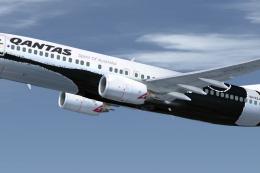
Qantas Boeing 737-800NGX aboriginal livery "Mendoowoorrji". Textures only, re…
 FSX Civil Aircraft
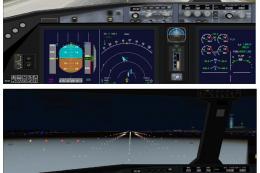
This comprehensive freeware package offers a faithful representation of the L…
 FSX Civil Aircraft
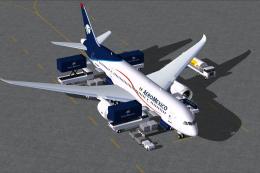
This updated package offers a refined AeroMexico 787 Dreamliner rendition fea…
Be the first to leave a comment on this download.
Be the first to share your thoughts on this download.