

 FSX Civil Aircraft
Japan Airlines Boeing 787-9 V5
The latest release of this freeware Japan Airlines Boeing 787-9 includes a re…
Japan Airlines’ first special-livery Boeing 787-8 Dreamliner brings long-haul realism to FSX with CamSim’s V2 geometry, refined wide-body proportions, and crisp, high-resolution textures. Animated Ground Servicing adds user-controlled passenger and cargo doors plus ramp equipment, complemented by convincing exterior details and a fully modeled virtual cockpit for immersive airline operations.
 Rate
Rate
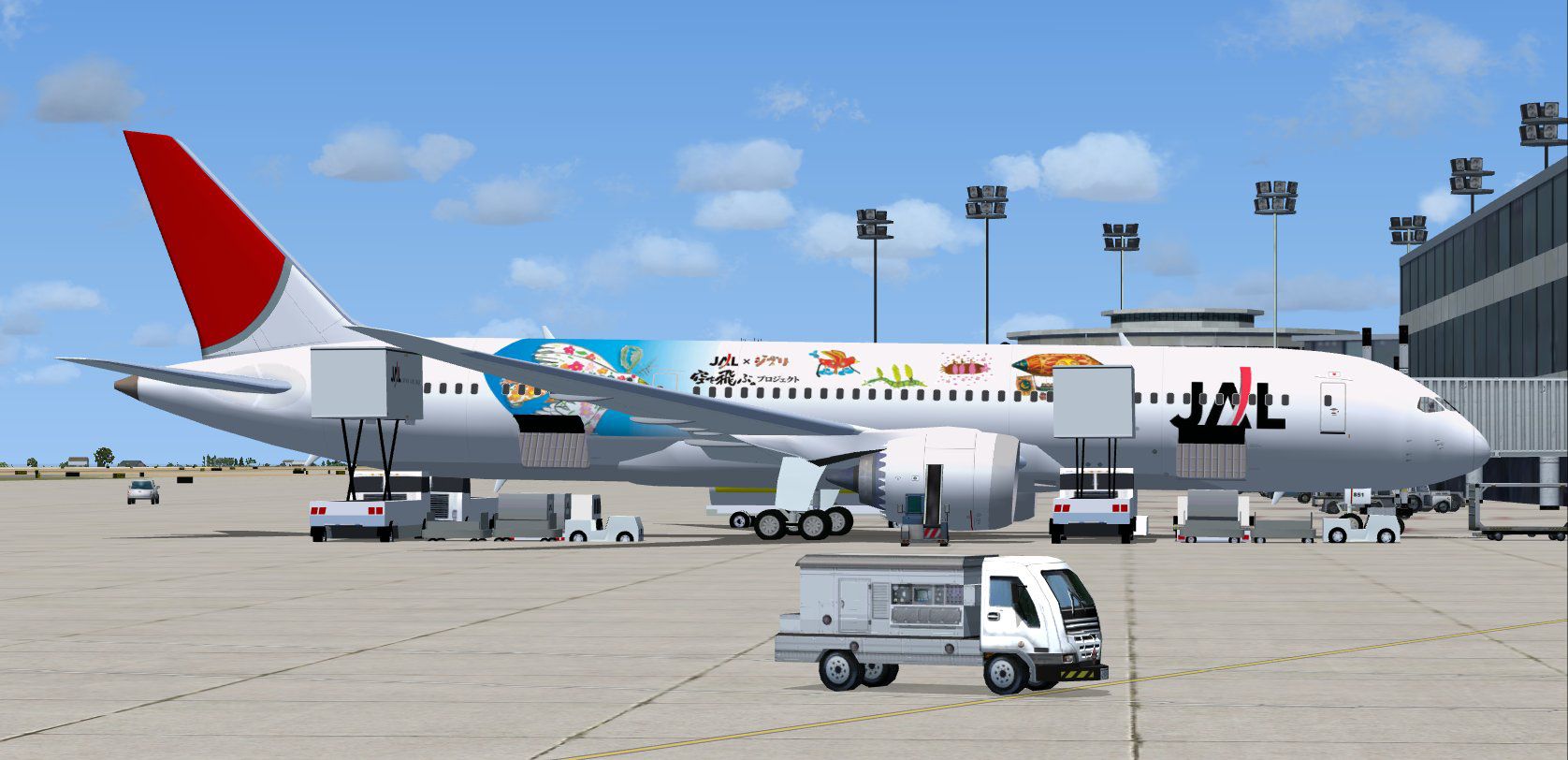
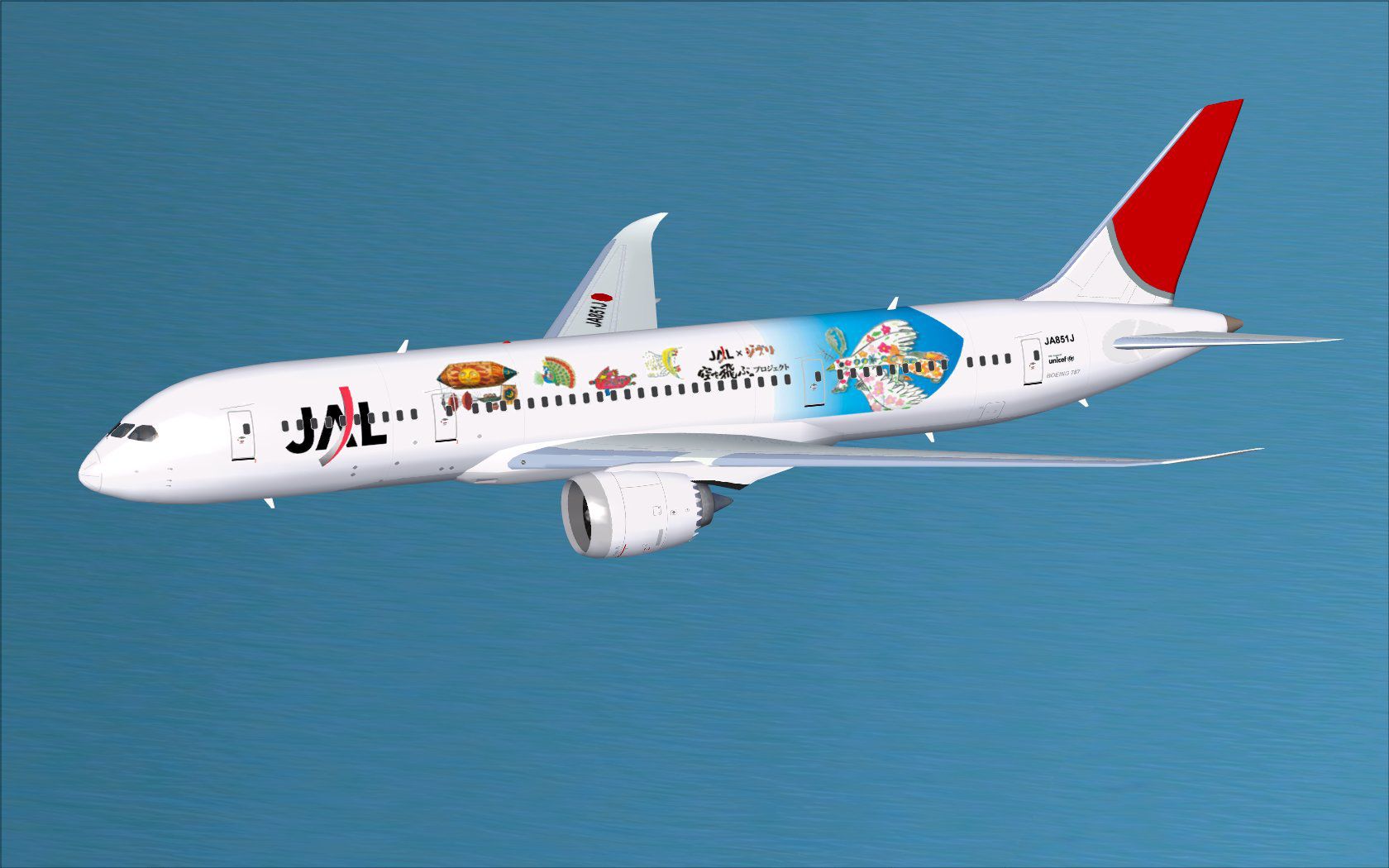
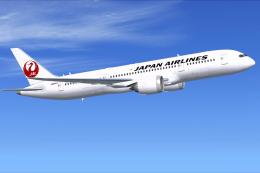
Immerse yourself in a refined rendition of the Boeing 787-8 Dreamliner emblazoned with Japan Airlines’ first special livery. Created by CamSim, with precise aircraft modeling and livery work by Camil Valiquette, this FSX add-on integrates advanced ground support animations and detailed textures for a realistic simulation experience.
This model replicates the wide-body 787-8 structure and highlights the airline’s unique special marking. The updated geometry within CamSim’s Version 2 design introduces fine-tuned aerodynamics and a more intricate fuselage layout. The 787-8’s long-haul capabilities shine here, showcasing its composite materials and innovative engines in a virtual environment accurately painted by Camil Valiquette.
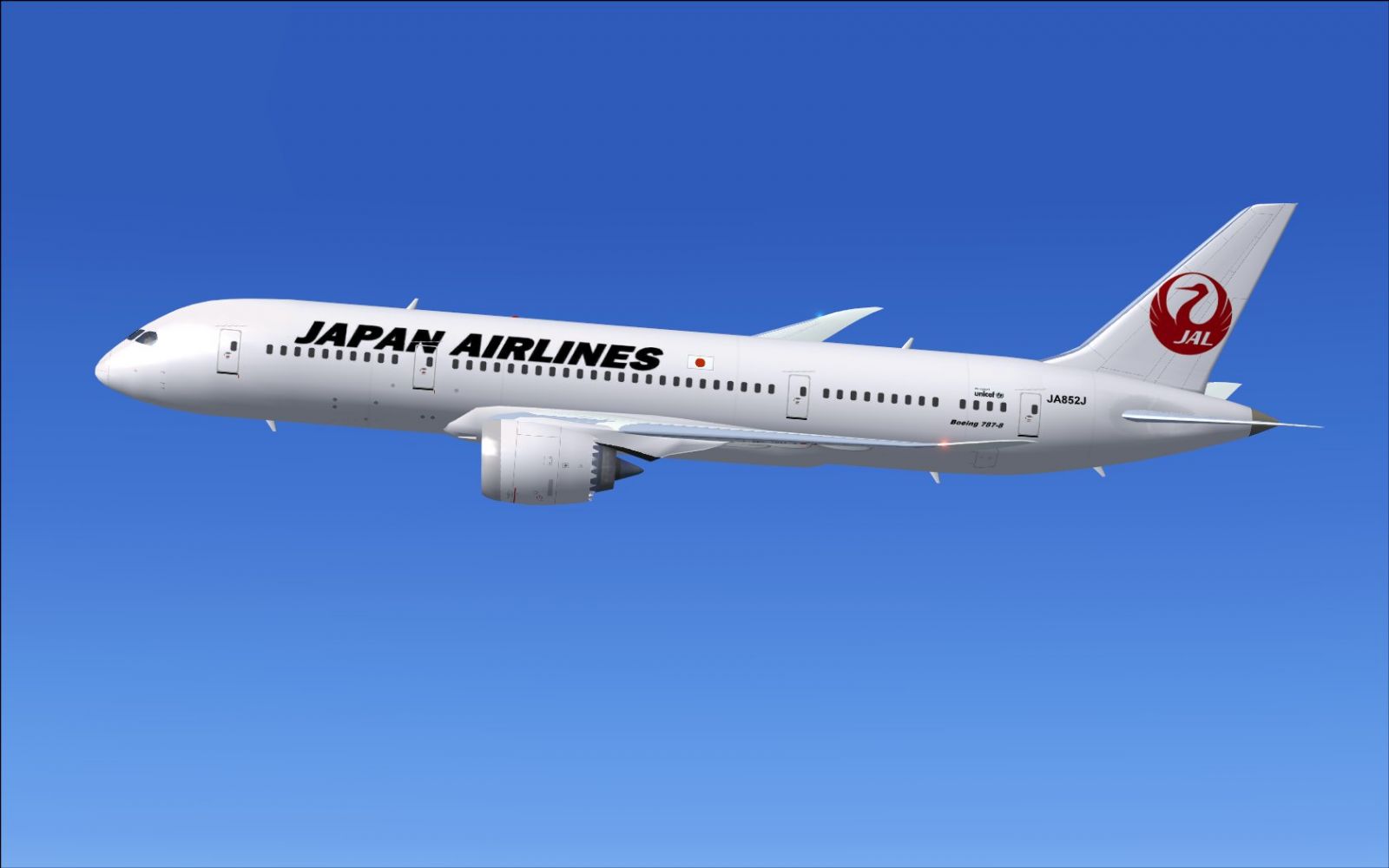
Japan Airlines Boeing 787-8 in flight.
This release features Animated Ground Servicing (AGS), which deploys user-controlled doors and support equipment:
For complete functionality, map these controls under the FSX Options menu:
Follow these steps to integrate this package into FSX:
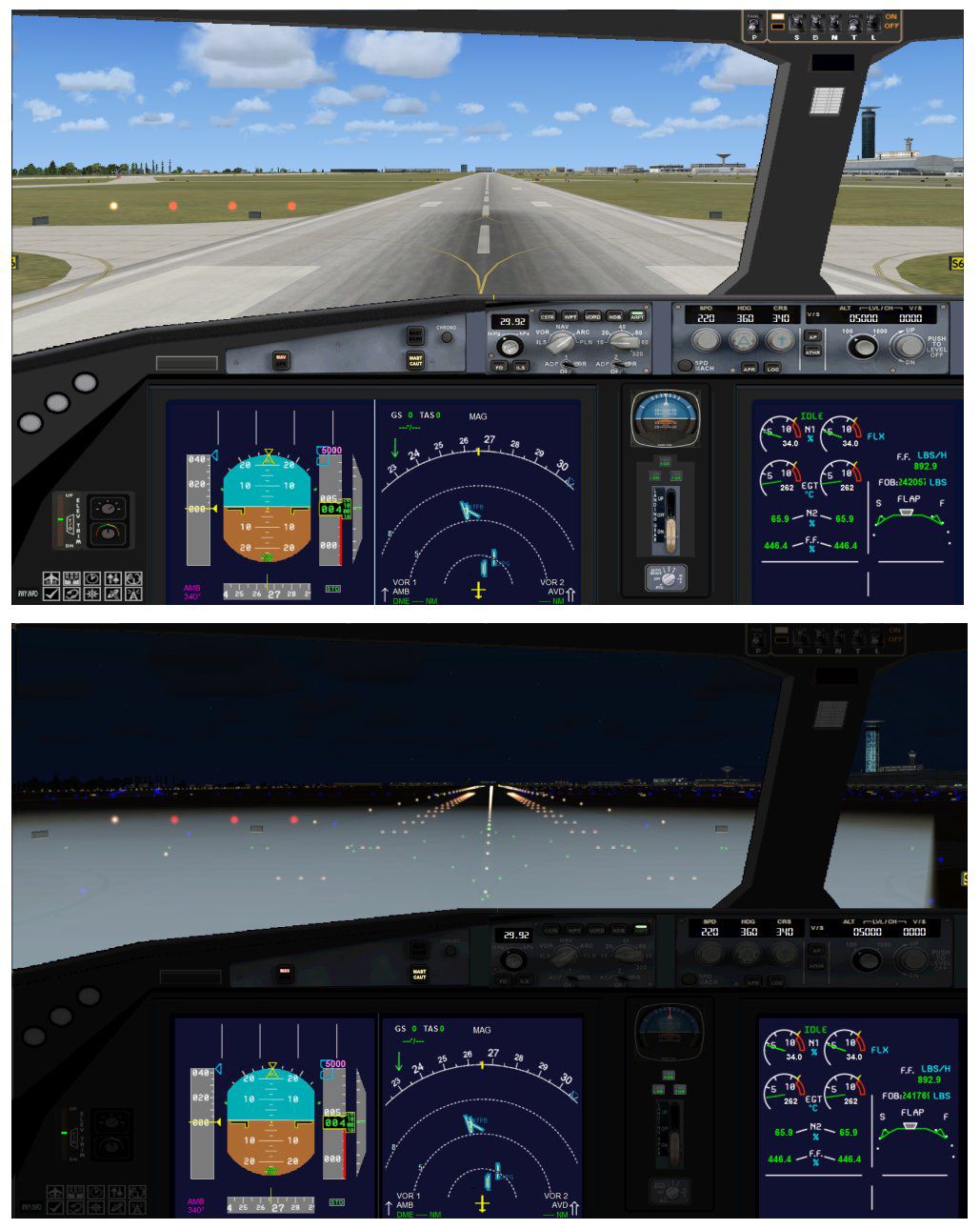
This aircraft mod arrives as a complete standalone package. It includes all necessary files and does not rely on other installations, providing a straightforward setup that places you directly behind the virtual flight deck of JAL’s distinctive 787-8.
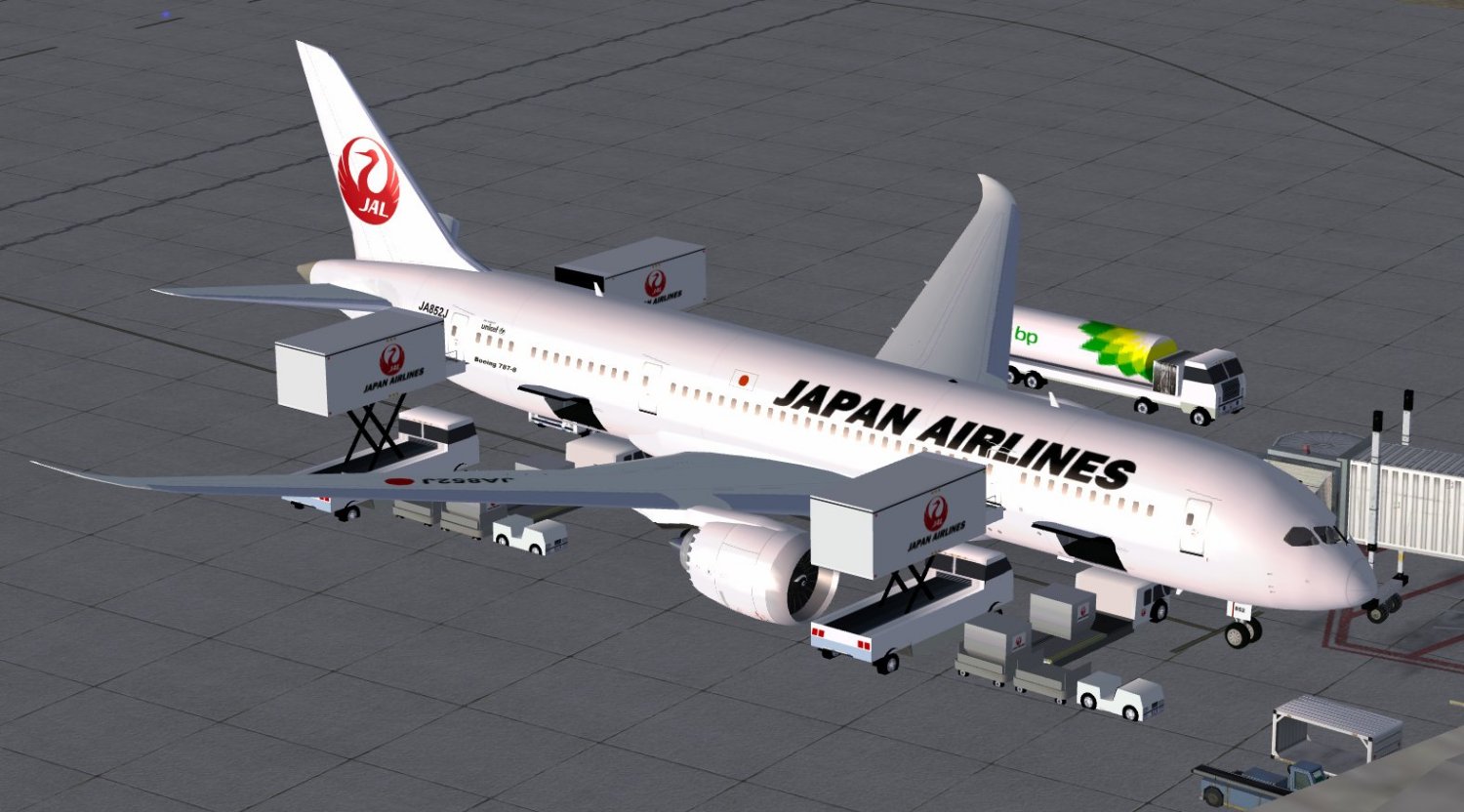
Japan Airlines Boeing 787-8.
This project was modeled and painted by Camil Valiquette, under the CamSim banner. Both CamSim and Camil Valiquette dedicate their efforts to producing high-quality freeware projects for the community. This Boeing 787-8 depiction captures Japan Airlines’ inaugural special livery with engaging fidelity and accurate performance characteristics.
Free for all simmers · 5.22 MB · Scanned clean Oct 2026
Download speed: Free tier is capped at 0.5 Mbps (this file takes approximately 1 min at the cap). PRO members download at full line speed.
This add-on may require the following files to function properly. If this is a repaint, the dependency below is likely the base aircraft package.
FSX\SimObjects\Airplanes\. The folder must contain an aircraft.cfg file. Effects go into FSX\Effects\; gauges go into FSX\Gauges\.readme.txt or README file. It tells you exactly where files go, what dependencies are needed, and any quirks specific to this add-on.The archive ja851j_0.zip has 35 files and directories contained within it.
This list displays the first 500 files in the package. If the package has more, you will need to download it to view them.
| Filename/Directory | File Date | File Size |
|---|---|---|
| CamSim Boeing 787-8 V2 JAL JA851J | 04.13.10 | 0 B |
| 787-8.air | 02.25.10 | 12.76 kB |
| 788v2ja851 ags 0.jpg | 04.13.10 | 171.46 kB |
| 788v2ja851_0.jpg | 04.12.10 | 155.72 kB |
| aircraft.cfg | 04.13.10 | 15.47 kB |
| Effects.zip | 03.25.06 | 1.80 kB |
| file_id.diz | 04.13.10 | 246 B |
| model.787-8 ags | 04.13.10 | 0 B |
| 787-8 ags.mdl | 12.21.09 | 2.67 MB |
| Model.cfg | 03.16.06 | 28 B |
| Panel | 04.13.10 | 0 B |
| 787_350_panel_background.bmp | 02.25.10 | 2.25 MB |
| 787_350_panel_background_night.bmp | 02.25.10 | 2.25 MB |
| Airbus_A321.cab | 09.04.06 | 2.72 MB |
| panel.cfg | 02.25.10 | 5.48 kB |
| panel camsim 787-350 afx_2.jpg | 04.09.10 | 182.86 kB |
| Read Me_FSX.txt | 04.13.10 | 2.50 kB |
| sound | 04.13.10 | 0 B |
| Sound.cfg | 05.27.09 | 30 B |
| texture.jal1 | 04.13.10 | 0 B |
| 787eng_t.bmp | 04.12.10 | 1.00 MB |
| 787ext_L.bmp | 04.13.10 | 4.00 MB |
| 787ext_t.bmp | 04.13.10 | 1.00 MB |
| 787int_L.bmp | 04.13.10 | 4.00 MB |
| 787int_t.bmp | 04.13.10 | 1.00 MB |
| 787tail_t.bmp | 04.12.10 | 1.00 MB |
| 788fuse_t.bmp | 04.13.10 | 1.00 MB |
| 789wings_t.bmp | 04.12.10 | 1.00 MB |
| gris_t.bmp | 12.09.09 | 16.07 kB |
| pilot1.bmp | 03.04.10 | 257.05 kB |
| pilot1_l.bmp | 12.06.06 | 1.00 MB |
| thumbnail.jpg | 04.13.10 | 5.18 kB |
| w_t.bmp | 12.06.08 | 16.07 kB |
| flyawaysimulation.txt | 10.29.13 | 959 B |
| Go to Fly Away Simulation.url | 01.22.16 | 52 B |
Only PRO members can place votes.
More FSX & P3D add-ons hand-picked based on this download.
FSX Civil Aircraft
The latest release of this freeware Japan Airlines Boeing 787-9 includes a re…
 FSX Civil Aircraft
This specialized package features Japan Airlines’ updated livery on a Boeing …
 FSX Civil Aircraft
This high-fidelity repaint modifies the CamSim Boeing 787-8 model to display …
 FSX Civil Aircraft
This comprehensive freeware package offers a faithful representation of the L…
 FSX Civil Aircraft
This updated package showcases a United Airlines Boeing 787-8 in the post-mer…
 FSX Civil Aircraft
Discover a refined LAN Airlines Boeing 787-8 for FSX that integrates an enhan…
 FSX Civil Aircraft
This updated package offers a refined AeroMexico 787 Dreamliner rendition fea…
 FSX Civil Aircraft
The FSX Qantas Boeing 787-9 v2 freeware package introduces a refined long-hau…
Be the first to leave a comment on this download.
Be the first to share your thoughts on this download.