

 FSX Civil Aircraft
Avianca Boeing 787-8 V3
A fully featured rendition of the Avianca Boeing 787-8 is now available, show…
Avianca’s Boeing 787-8 Dreamliner arrives as a detailed freeware wide-body for FSX, combining a high-fidelity exterior livery with a modeled virtual cockpit and smooth performance. Animated Ground Servicing adds selectable passenger and cargo door sequences that integrate cleanly with default ground vehicles for realistic turnaround and ramp operations.
 Rate
Rate
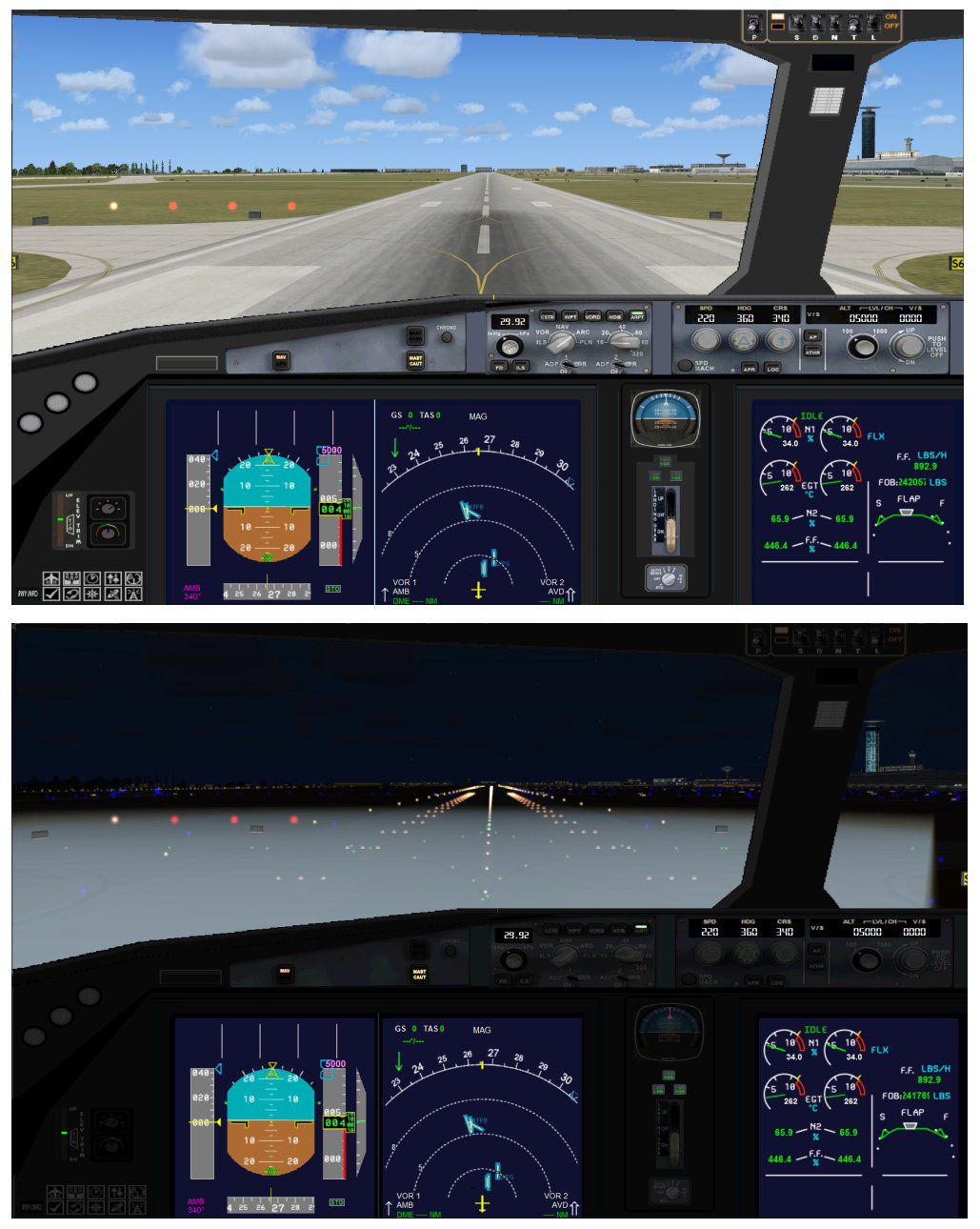
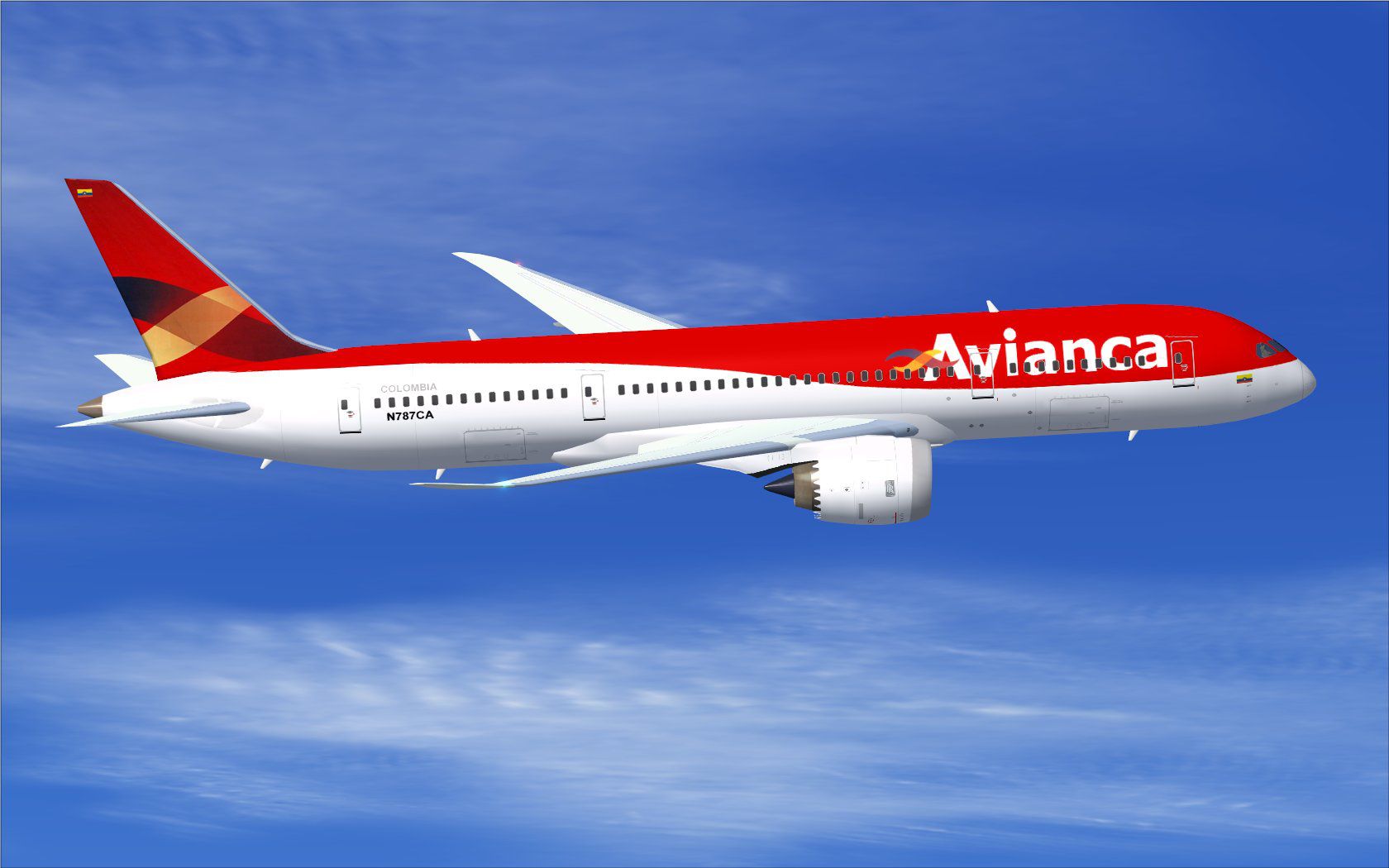
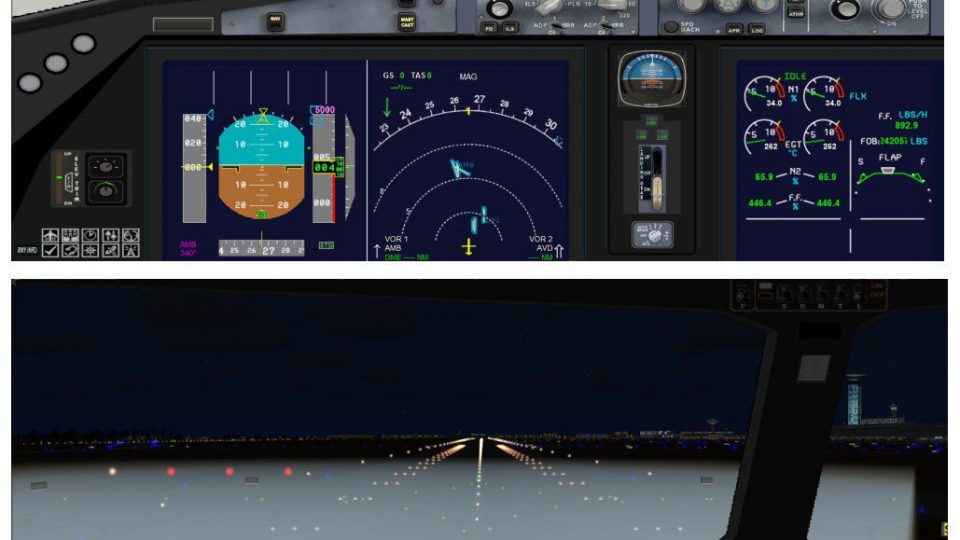
Explore this detailed freeware Boeing 787-8 package featuring Avianca’s signature livery. It originates from CAMSIM Aviation Simulation, with all modeling and painting carried out by Camil Valiquette. Enthusiasts seeking a twin-aisle Dreamliner with an intuitive ground services system will appreciate the refined animations and streamlined installation steps, all tailored for this specific simulator platform.
This version represents the second generation of CAMSIM’s Boeing 787-8 framework, designed to capture the aircraft’s defining features. The 787-8, often referred to as part of the Dreamliner series, incorporates composite materials and efficient engine technology. Avianca, a major carrier in Latin America, uses this modern wide-body to link important destinations worldwide. In this package, the exterior finish aligns with Avianca’s recognizable color scheme, merging realism and smooth performance.
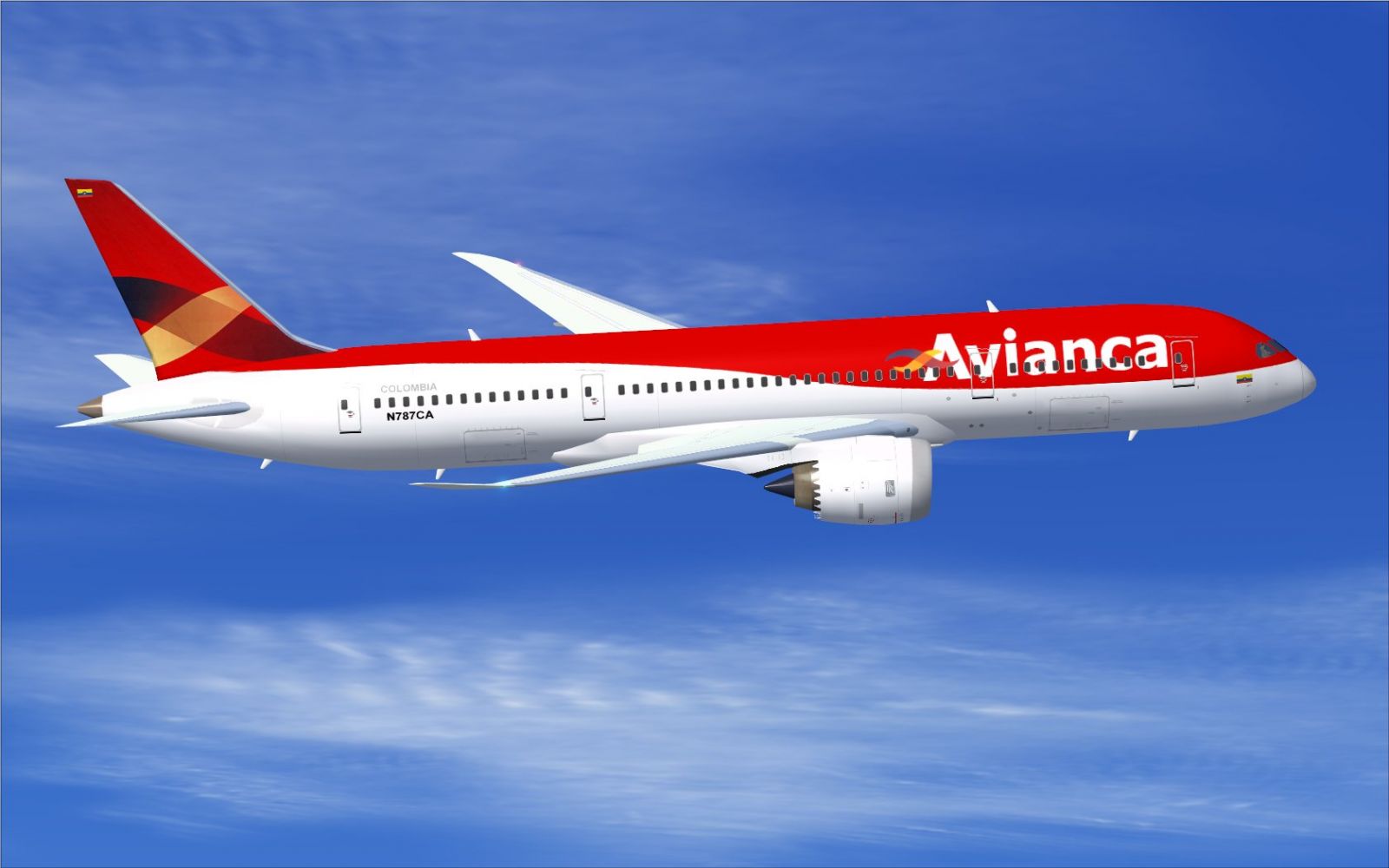
Avianca Boeing 787-8 in flight.
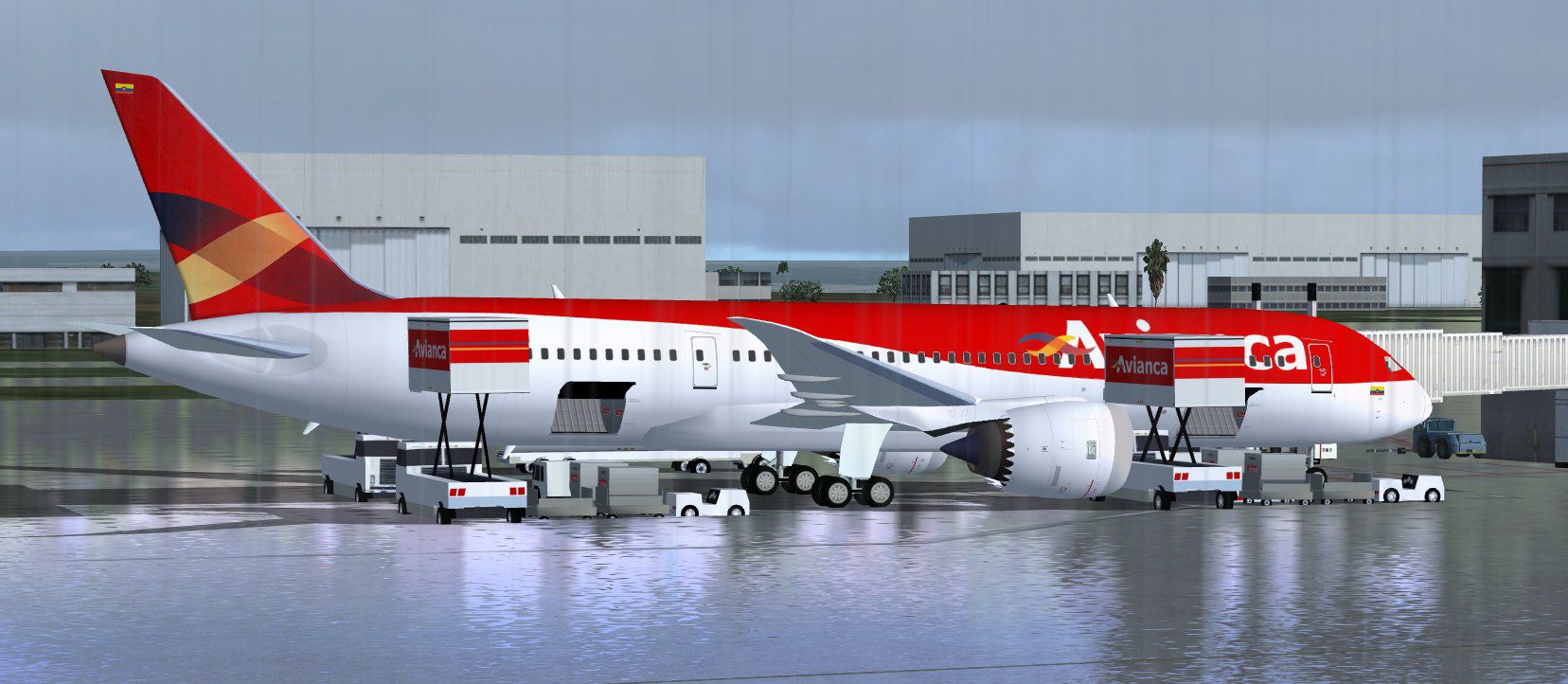
To add more authenticity, CAMSIM’s model incorporates Animated Ground Servicing (AGS). This feature deploys selectable actions like opening passenger doors and cargo compartments. The sequence integrates smoothly with the platform’s ground vehicles, and it allows users to simulate complete pre-flight and post-flight operations with minimal effort. AGS is initiated through custom keystrokes, described below.
Assign these commands in the simulator’s control menu under Buttons/Keys to manage every animated element:
These bindings enable precise door configurations, ensuring seamless cargo loading and passenger boarding sequences. They also provide flexibility in adjusting the aircraft state during different phases of flight simulation.
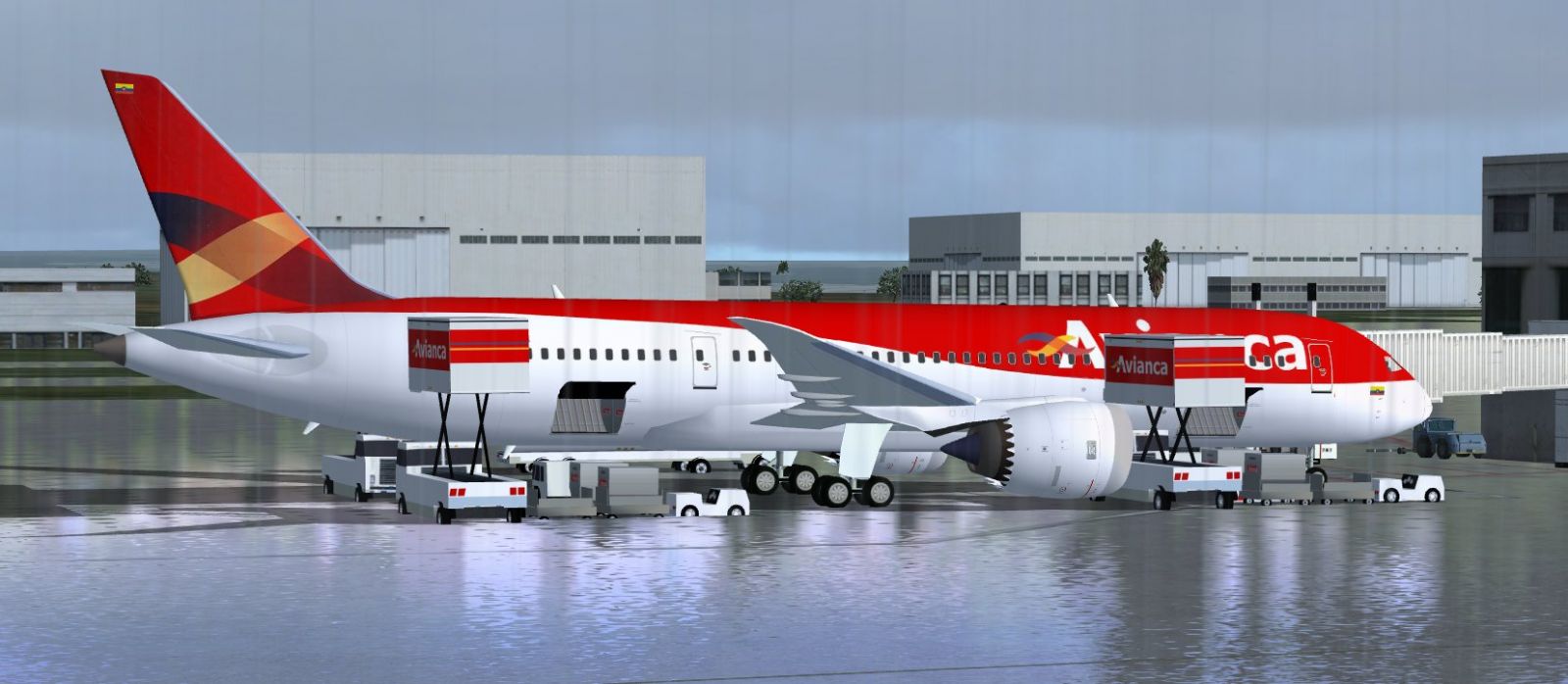
Avianca Boeing 787-8 at boarding gate.
Follow these steps to install the aircraft into the simulator environment:
Once these tasks are complete, the Boeing 787-8 should be ready for immediate use. The high-resolution exterior paint, along with the interior visual model, aims to replicate the real aircraft’s appearance both at the gate and during flight operations.
Model design and livery by Camil Valiquette. Developed under CAMSIM Aviation Simulation, this all-in-one package presents a fully functional Dreamliner experience, reflecting real-world Avianca aesthetics. Enjoy simulating long-haul missions and short segments alike, all while experiencing the advanced features of this complete freeware release.
Free for all simmers · 5.27 MB · Scanned clean Oct 2026
Download speed: Free tier is capped at 0.5 Mbps (this file takes approximately 1 min at the cap). PRO members download at full line speed.
This add-on may require the following files to function properly. If this is a repaint, the dependency below is likely the base aircraft package.
FSX\SimObjects\Airplanes\. The folder must contain an aircraft.cfg file. Effects go into FSX\Effects\; gauges go into FSX\Gauges\.readme.txt or README file. It tells you exactly where files go, what dependencies are needed, and any quirks specific to this add-on.The archive 788v2avx.zip has 35 files and directories contained within it.
This list displays the first 500 files in the package. If the package has more, you will need to download it to view them.
| Filename/Directory | File Date | File Size |
|---|---|---|
| CamSim Boeing 787-8 V2 Avianca | 06.03.10 | 0 B |
| 787-8.air | 02.25.10 | 12.76 kB |
| 788v2av ags fsx.jpg | 06.02.10 | 169.42 kB |
| 788v2av_.jpg | 06.02.10 | 119.66 kB |
| aircraft.cfg | 06.02.10 | 15.43 kB |
| Effects.zip | 03.25.06 | 1.80 kB |
| file_id.diz | 06.02.10 | 187 B |
| model.787-8 ags | 06.03.10 | 0 B |
| 787-8 ags.mdl | 12.21.09 | 2.67 MB |
| Model.cfg | 03.16.06 | 28 B |
| Panel | 06.03.10 | 0 B |
| 787_350_panel_background.bmp | 02.25.10 | 2.25 MB |
| 787_350_panel_background_night.bmp | 02.25.10 | 2.25 MB |
| Airbus_A321.cab | 09.04.06 | 2.72 MB |
| panel.cfg | 02.25.10 | 5.48 kB |
| panel camsim 787-350 afx_2.jpg | 04.09.10 | 182.86 kB |
| Read Me_FSX.txt | 06.03.10 | 2.07 kB |
| sound | 06.03.10 | 0 B |
| Sound.cfg | 11.04.09 | 35 B |
| texture.av | 06.03.10 | 0 B |
| 787eng_t.bmp | 06.02.10 | 1.00 MB |
| 787ext_L.bmp | 06.02.10 | 4.00 MB |
| 787ext_t.bmp | 06.02.10 | 1.00 MB |
| 787int_L.bmp | 06.02.10 | 4.00 MB |
| 787int_t.bmp | 06.02.10 | 1.00 MB |
| 787tail_t.bmp | 03.30.07 | 1.00 MB |
| 788fuse_t.bmp | 06.02.10 | 1.00 MB |
| 789wings_t.bmp | 11.24.09 | 1.00 MB |
| gris_t.bmp | 12.09.09 | 16.07 kB |
| pilot1.bmp | 09.11.09 | 257.05 kB |
| pilot1_l.bmp | 12.06.06 | 1.00 MB |
| thumbnail.jpg | 06.02.10 | 6.82 kB |
| w_t.bmp | 12.06.08 | 16.07 kB |
| flyawaysimulation.txt | 10.29.13 | 959 B |
| Go to Fly Away Simulation.url | 01.22.16 | 52 B |
Only PRO members can place votes.
More FSX & P3D add-ons hand-picked based on this download.
FSX Civil Aircraft
A fully featured rendition of the Avianca Boeing 787-8 is now available, show…
 FSX Civil Aircraft
This is the Boeing 737-900ER, Extended Range, in Avianca Colombia livery, pai…
 FSX Civil Aircraft
A photoreal repaint. Model by AI Aardvark. Repaint by Claudio A. Dobre. Scree…
 FSX Civil Aircraft
This freeware release features a complete Boeing 777-200ER package in Avianca…
 FSX Civil Aircraft
This add-on provides a carefully refined Avianca Boeing 777-200ER (registrati…
 FSX Civil Aircraft
Avianca Boeing 767-300ER (Star Alliance) registration N984N (fictional). Text…
 FSX Civil Aircraft
The Boeing 737 is one of the most successful airplanes that have ever been pr…
 FSX Civil Aircraft
Avianca Airbus A319-100, registration HK-4553-X. This plane was made by Proje…
Be the first to leave a comment on this download.
Be the first to share your thoughts on this download.