

 FSX Civil Aircraft
Tam Airbus A321 NC
Tam Airbus A321. Textures only for the default model By Felipe Bossart. Tam A…
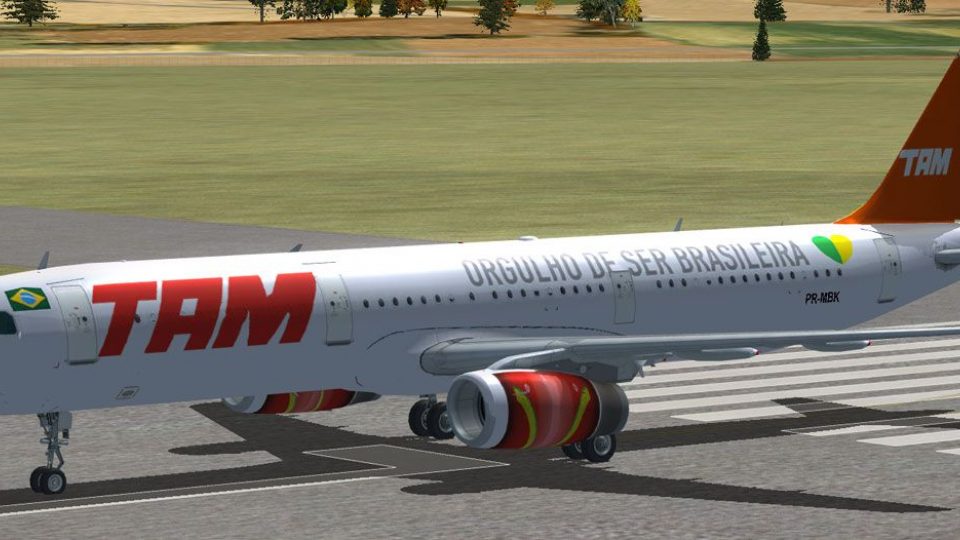
TAM Linhas Aéreas Airbus A321 repaint for PR-MBK captures the airline’s classic scheme with accurate markings, including the PR-MBK registration and flight number details for authentic traffic and screenshot setups in FSX. Requires the default Airbus A321, and integrates cleanly into aircraft selection with matching ATC callsign and identifiers.
 Rate
Rate
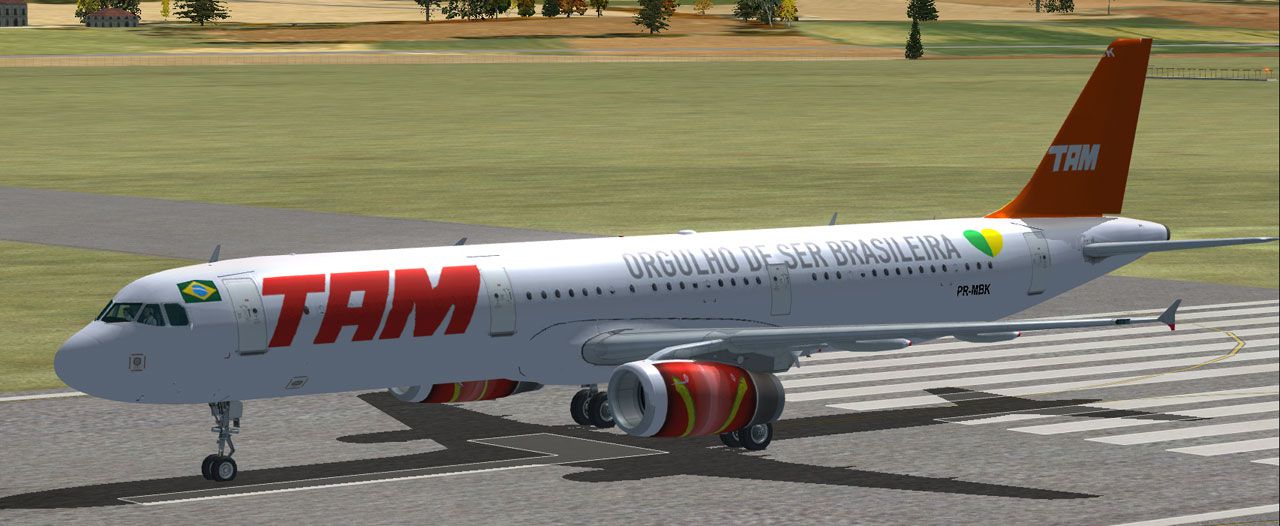
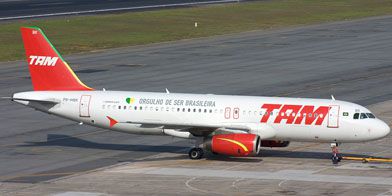
TAM Airbus A321, registration PR-MBK. Crashed Sao Paulo 17 July 2007. Failed to stop and went off the runway, then became airborne, cleared the perimeter fence and a busy highway and collided with a concrete building, bursting into flames. Worst crash involve Airbus A320. Texture only for the default Airbus A321. Repaint by Richard Monnin.
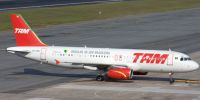
TAM Airbus A321.
[fltsim.X]

title=Airbus A321 TAM

sim=Airbus_A321

model=

panel=

sound=

texture=TAM

kb_checklists=AirbusA321_check

kb_reference=AirbusA321_ref

atc_id=PR-MBK

atc_airline=TAM

atc_flight_number=3054

ui_manufacturer="Airbus"

ui_type="A321"

ui_variation="TAM Linhas Aéreas"

ui_typerole="Commercial Airliner"

ui_createdby="Microsoft Corporation"

description="TAM Flight 3054 was a regular flight from Porto Alegre (POA) to São Paulo-Congonhas (CGH). The Airbus A.320 departed Porto Alegre at 17:16. The thrust reverser of engine nr.2 was deactivated before the flight.

It was raining as the flight approached São Paulo. The tower controller cleared the flight to land on runway 35L. The runway condition was given as wet and slippery; wind was reported from 330 degrees at 8 knots.

The cockpit voice recorder transcript indicates that the spoilers did not activate after touchdown. It failed to stop and went off the runway. Since the runway is at a higher elevation than the surrounding street and residential area, the A320 probably became airborne, cleared the perimeter fence and a busy highway and collided with a concrete building, bursting into flames."
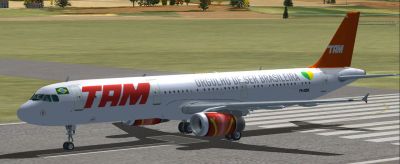
TAM Airbus A321 on runway.
Free for all simmers · 491.26 KB · Scanned clean Oct 2026
Download speed: Free tier is capped at 0.5 Mbps. PRO members download at full line speed.
texture.{airline}) inside FSX\SimObjects\Airplanes\{base-aircraft}\.aircraft.cfg in Notepad. Add a new [fltsim.X] section per the readme.readme.txt or README file. It tells you exactly where files go, what dependencies are needed, and any quirks specific to this add-on.The archive pr-mbk.zip has 9 files and directories contained within it.
This list displays the first 500 files in the package. If the package has more, you will need to download it to view them.
| Filename/Directory | File Date | File Size |
|---|---|---|
| Texture.TAM | 09.03.10 | 0 B |
| A321_1_T.dds | 09.01.10 | 1.33 MB |
| A321_1_T_spec.dds | 09.01.10 | 1.33 MB |
| add_to_aircraft_cfg.txt | 09.03.10 | 1.14 kB |
| PR-MBK.jpg | 09.03.10 | 128.69 kB |
| texture.cfg | 08.14.06 | 137 B |
| thumbnail.jpg | 09.01.10 | 36.58 kB |
| flyawaysimulation.txt | 10.29.13 | 959 B |
| Go to Fly Away Simulation.url | 01.22.16 | 52 B |
Only PRO members can place votes.
More FSX & P3D add-ons hand-picked based on this download.
FSX Civil Aircraft
Tam Airbus A321. Textures only for the default model By Felipe Bossart. Tam A…
 FSX Civil Aircraft
FSX TAM Airbus A321. A repaint of the FSX default Airbus A321, in the colors …
 FSX Civil Aircraft
FSX TAM Airbus A321. Textures only for the default A321. Repaint by Fernando …
 FSX Civil Aircraft
This freeware release features the accurate portrayal of a Star Alliance-live…
 FSX Civil Aircraft
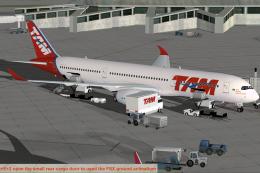
Experience a detailed rendition of the TAM Airbus A350-900 XWB within FSX wit…
 FSX Civil Aircraft
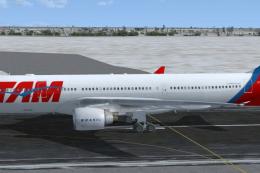
Tam Linhas Aereas Airbus A330-223, registration number PT-MVQ. Textures only …
 FSX Civil Aircraft
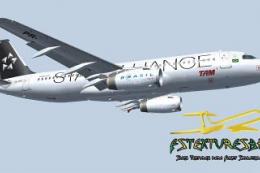
This freeware package offers a meticulously rendered TAM Airbus A320 in a Sta…
 FSX Civil Aircraft
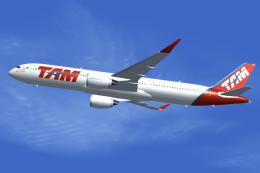
FSX TAM Airbus A350-900 (new colors) XWB (Extra Wide Body) including Animated…
Read what other simmers think, or add your own.

The A320 crashed into a petrol station, which was next to a TAM Airlines building! Anyway, great livery!