

 FSX Civil Aircraft
United Airlines Boeing 737-200 Mainliner
This carefully crafted texture package reproduces United Airlines’ classic “M…
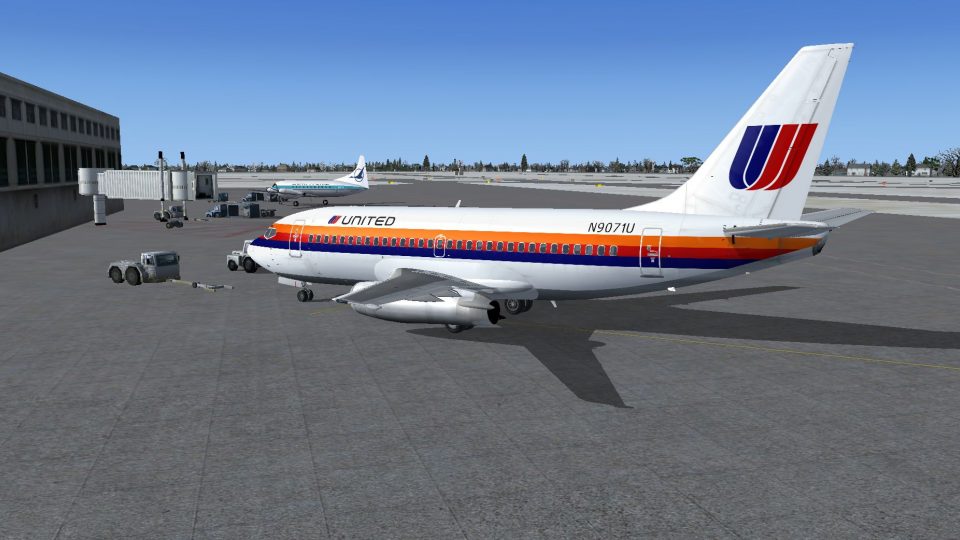
United Airlines’ classic Tri-Color livery brings the Tinmouse II Boeing 737-200 to life with crisp stripes, period-correct markings, and a vintage short-haul look that suits 1970s and 1980s route planning. Built for Microsoft Flight Simulator X, it requires the Tinmouse II freeware base model and preserves the aircraft’s detailed virtual cockpit and flight dynamics.
 Rate
Rate
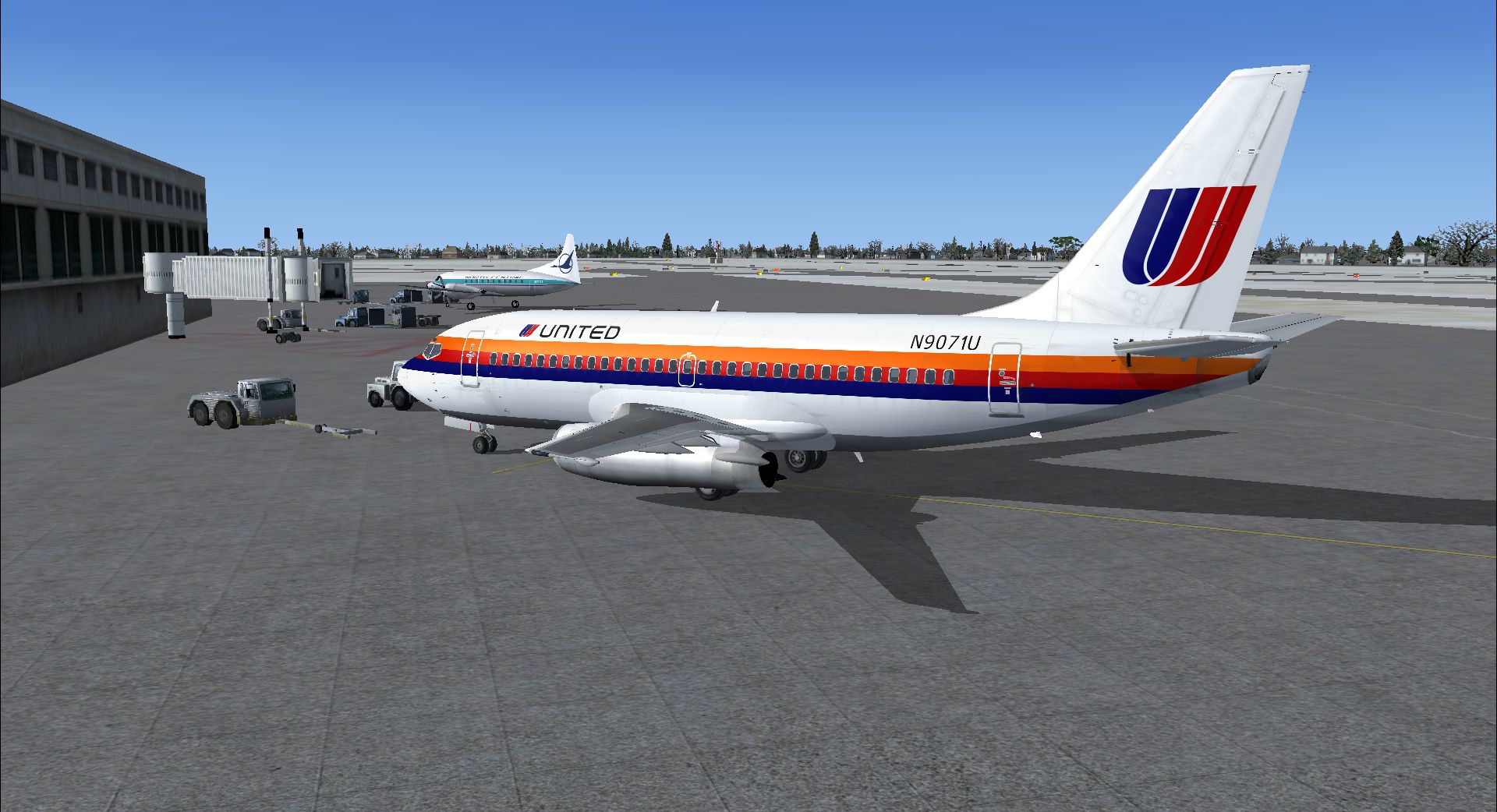
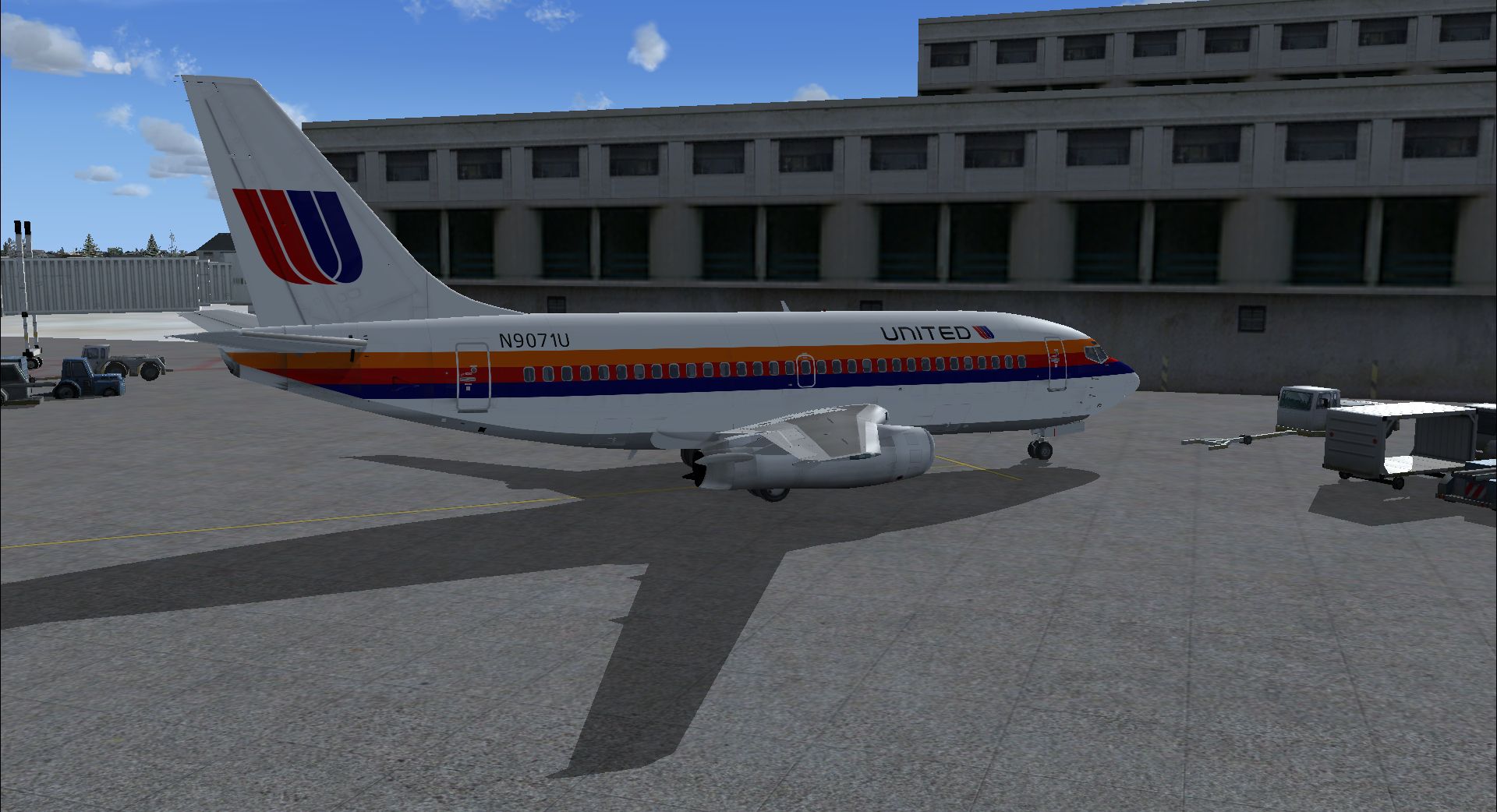
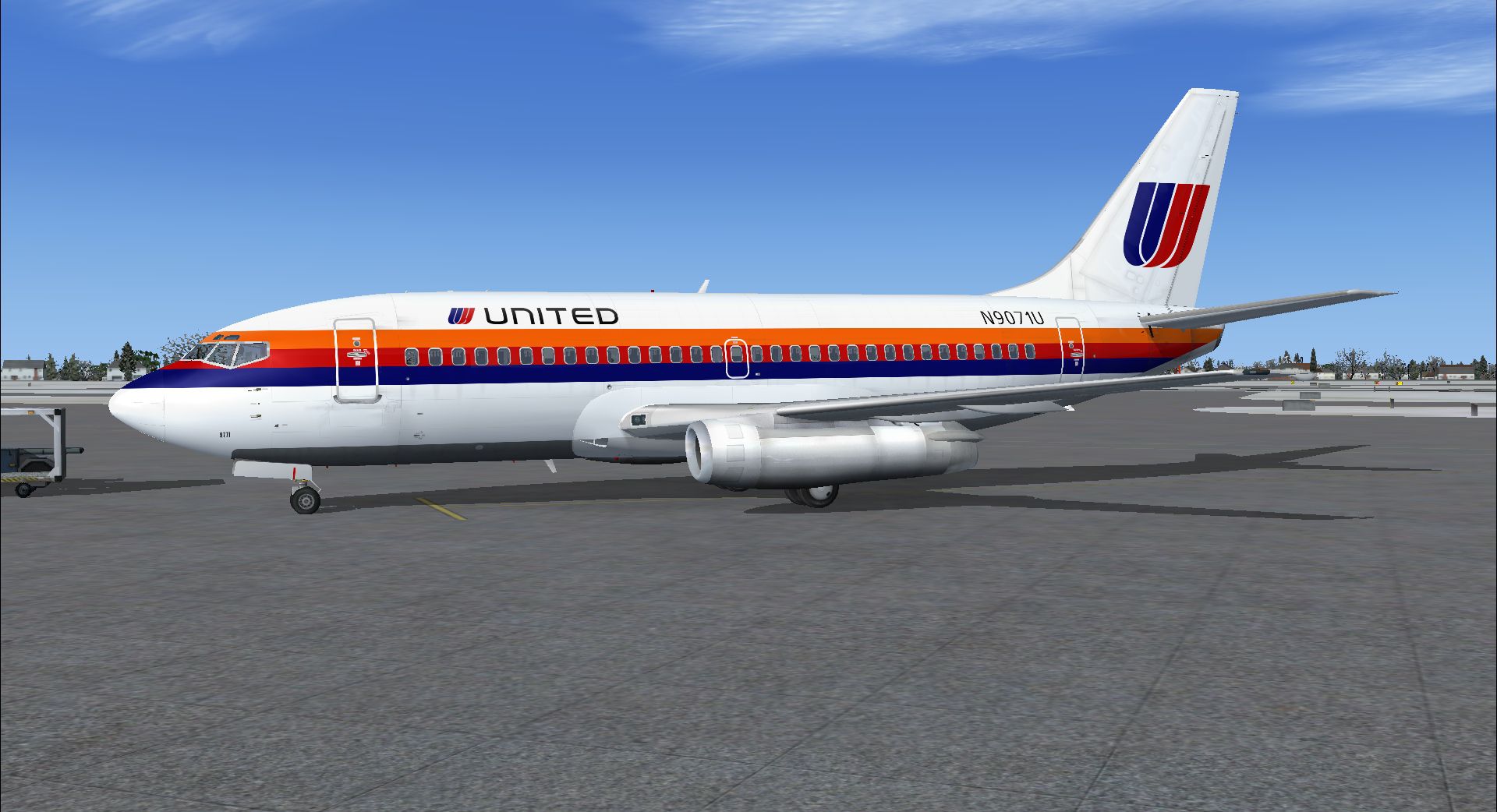
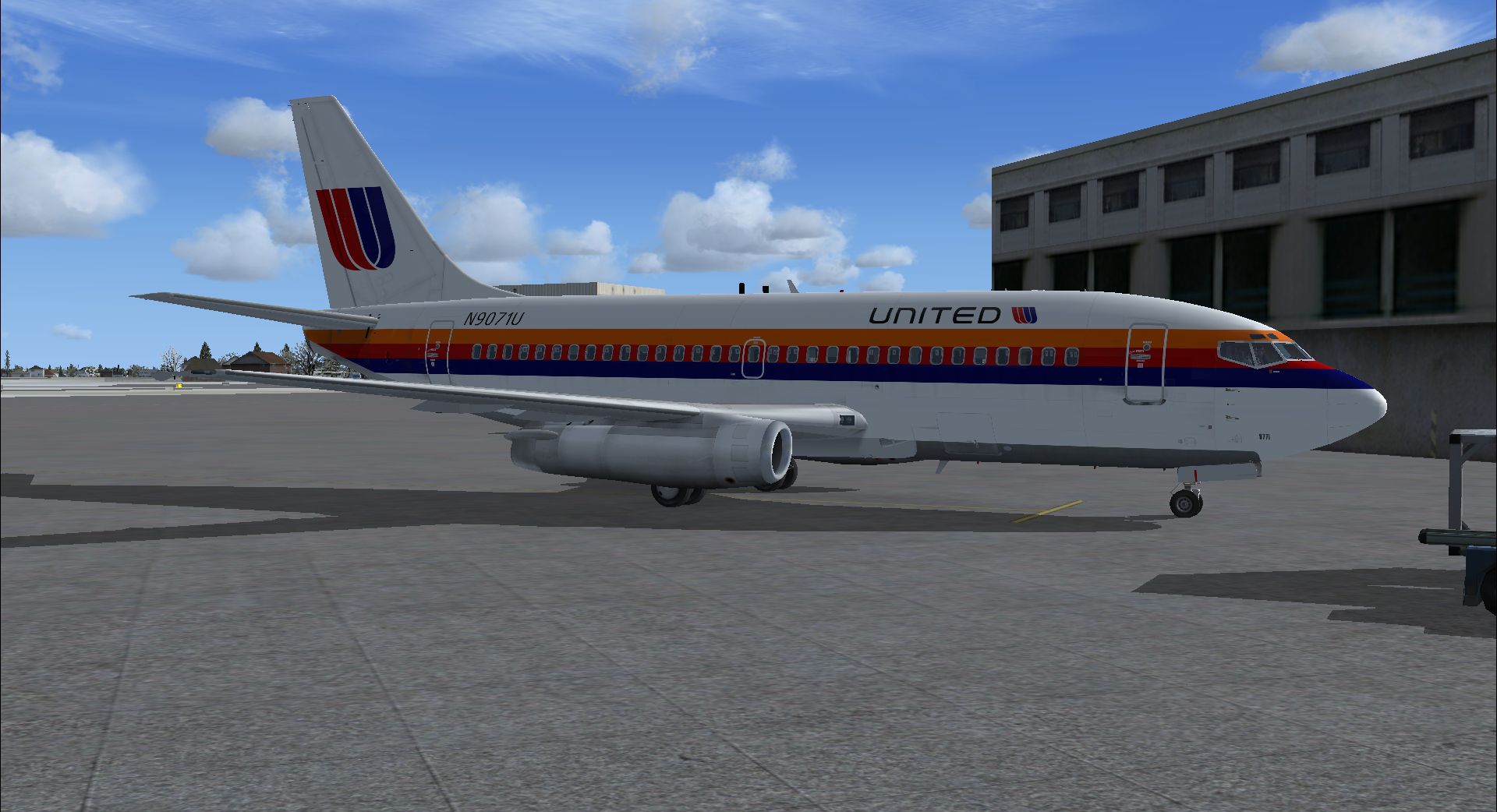
This repaint package offers a classic United Airlines color scheme applied to the Tinmouse II Boeing 737-200. It has been verified to operate correctly in Microsoft Flight Simulator X only and requires the essential freeware base model (TINMOUSE_II_V1_25.ZIP). Created by Bill Howland, these textures replicate an iconic livery known to many aviation enthusiasts, providing a faithful rendition of United’s beloved short-haul jet.
The Boeing 737-200 is a second-generation narrow-body aircraft that served as a backbone for numerous airlines worldwide. Known for its JT8D engines and efficient performance on short to medium routes, it introduced many pilots to modern automated systems. United Airlines historically utilized this series for regional travel and hub connectivity, making the repaint an authentic approach for virtual flight schedules.
The Tinmouse II 737-200 (base model: TINMOUSE_II_V1_25.ZIP) includes accurately simulated cockpit instrumentation, well-mapped textures, and realistic flight dynamics. This enhancement leverages those systems to present users with an immersive experience when flying the distinctive tri-color United scheme. The repaint retains all cockpit details without altering any fundamental systems.
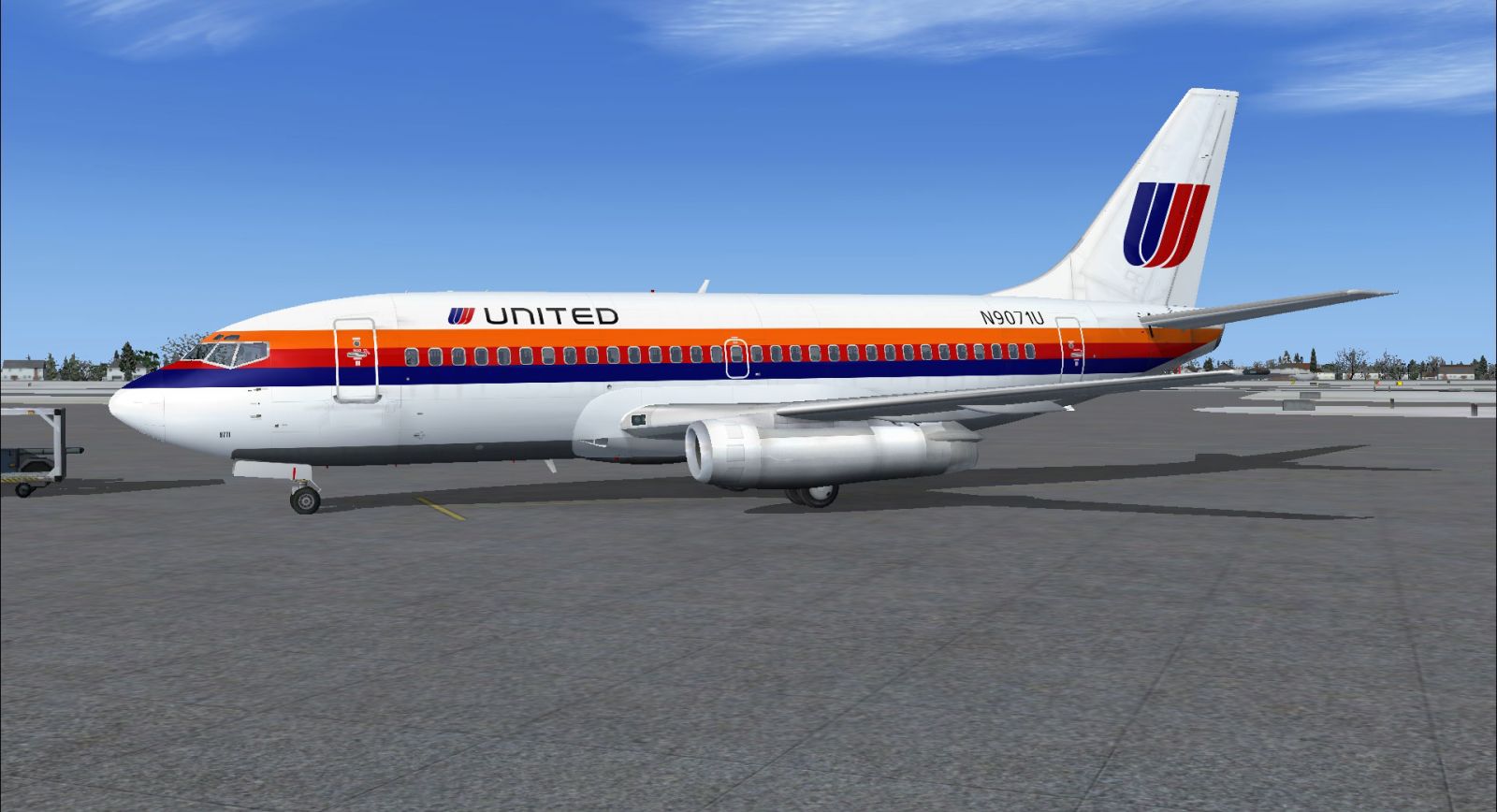
United Airlines Boeing 737-200 in flight.
Once the tinmouse_ii_v1_25.zip file has been installed, users should integrate these repaint textures by adding the entries below to the aircraft configuration file. The new section should appear directly after the existing [fltsim.x] entries. Replace “x” with the next sequential number to ensure correct listing:
[fltsim.x] title=Boeing 737-200 United TriColor JT8D-9 sim=737-200adv model=PNK panel= sound= texture=United-TriColor kb_checklists=Boeing737-200_check kb_reference=Boeing737-200_ref atc_id=N9071U atc_airline=United atc_flight_number=169 ui_manufacturer=Boeing ui_type=737-200 ui_variation=TriColor description="Boeing 737-247 ADV with JT8D-9 engines
The United paint work offers the three-stripe motif from a notable era of the airline’s branding. Sharp lines, accurate color placement, and carefully sized markings ensure the aircraft appears as it did during regular regional service. The livery highlights the airline’s transition phase in design, making the aircraft visually unique among United’s evolving schemes.
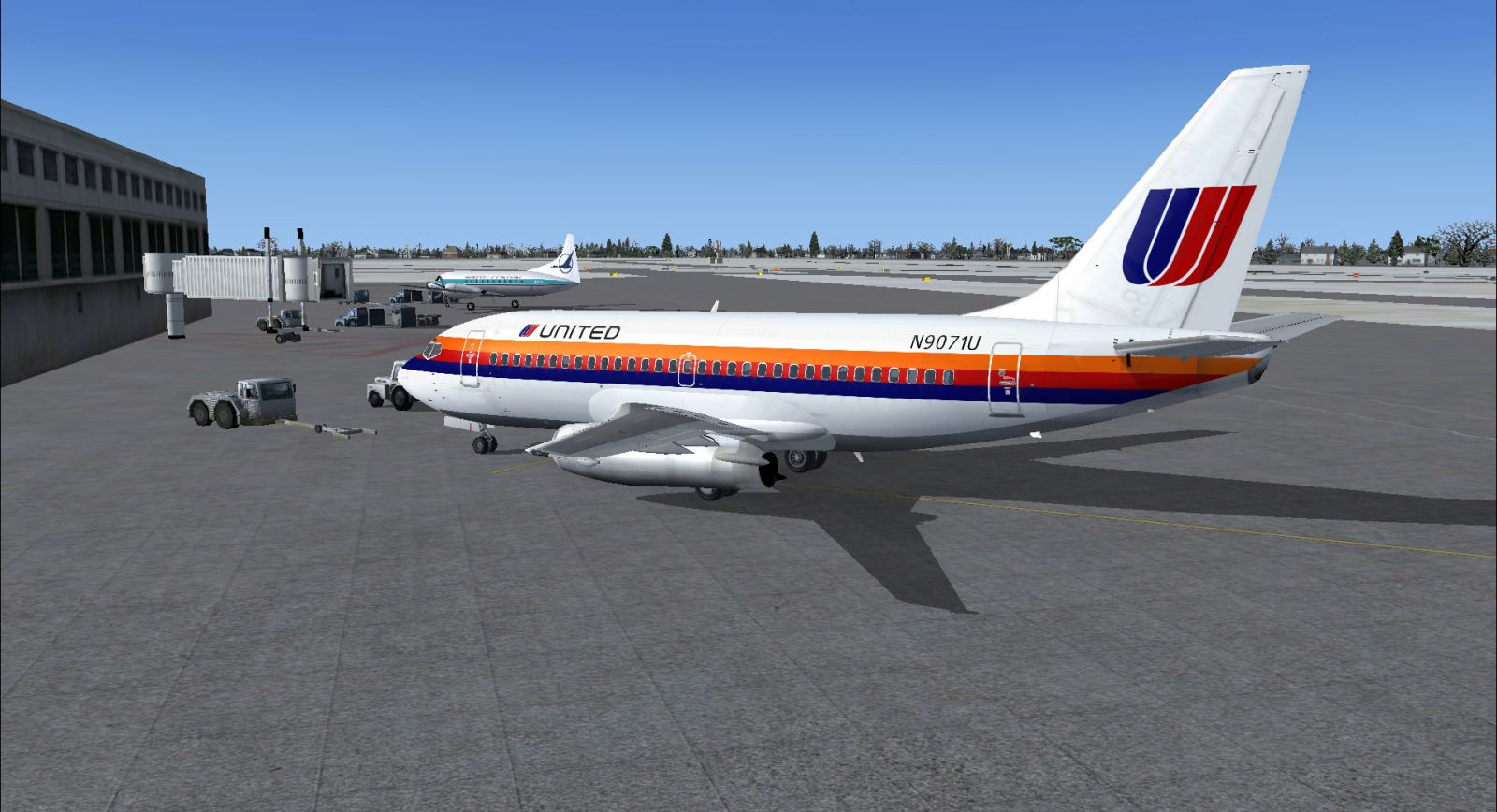
Vintage TriColor look on the Boeing 737-200.
This repaint was authored by Bill Howland. It is offered as freeware and will require users to obtain the freeware Tinmouse II model separately. The files and instructions for that base model can be found in the Fly Away Simulation library. By incorporating these repaint textures, flight simulation enthusiasts can recreate domestic flights typical of 1970s and 1980s United Airlines operations in Microsoft Flight Simulator X.
Free for all simmers · 6.45 MB · Scanned clean Oct 2026
Download speed: Free tier is capped at 0.5 Mbps (this file takes approximately 2 mins at the cap). PRO members download at full line speed.
texture.{airline}) inside FSX\SimObjects\Airplanes\{base-aircraft}\.aircraft.cfg in Notepad. Add a new [fltsim.X] section per the readme.readme.txt or README file. It tells you exactly where files go, what dependencies are needed, and any quirks specific to this add-on.The archive b737-200_tricolor.zip has 22 files and directories contained within it.
This list displays the first 500 files in the package. If the package has more, you will need to download it to view them.
| Filename/Directory | File Date | File Size |
|---|---|---|
| FILE_ID.DIZ | 12.23.10 | 219 B |
| Readme.txt | 12.23.10 | 1.08 kB |
| texture.United-TriColor | 12.23.10 | 0 B |
| F1_B732_CRW_C.bmp | 09.02.04 | 65.05 kB |
| F1_B732_CRW_P.bmp | 12.23.10 | 256.07 kB |
| F1_B732_F1_T.bmp | 12.23.10 | 4.00 MB |
| F1_B732_F2_T.bmp | 12.23.10 | 4.00 MB |
| F1_B732_F3_T.bmp | 12.23.10 | 4.00 MB |
| F1_B732_F4_T.bmp | 12.23.10 | 4.00 MB |
| F1_B732_MGW2.bmp | 06.28.06 | 65.05 kB |
| F1_B732_NGW2.bmp | 06.28.06 | 65.05 kB |
| F1_B732_PP_T.bmp | 12.22.10 | 4.00 MB |
| F1_B732_TRM.bmp | 07.03.06 | 257.05 kB |
| F1_B732_VS_T.bmp | 12.22.10 | 4.00 MB |
| F1_B732_W1_T.bmp | 12.19.10 | 4.00 MB |
| thumbnail.jpg | 12.23.10 | 17.93 kB |
| United N9071U - Left Front.jpg | 12.23.10 | 609.83 kB |
| United N9071U - Left Rear.jpg | 12.23.10 | 736.37 kB |
| United N9071U - Right Front.jpg | 12.23.10 | 628.41 kB |
| United N9071U - Right Rear.jpg | 12.23.10 | 724.60 kB |
| flyawaysimulation.txt | 10.29.13 | 959 B |
| Go to Fly Away Simulation.url | 01.22.16 | 52 B |
Only PRO members can place votes.
More FSX & P3D add-ons hand-picked based on this download.
FSX Civil Aircraft
This carefully crafted texture package reproduces United Airlines’ classic “M…
 FSX Civil Aircraft
This complete freeware package brings you a high-fidelity adaptation of a Uni…
 FSX Civil Aircraft
A detailed repaint of the payware Wilco/Feelthere B777-200ER in United merger…
 FSX Civil Aircraft
The United Airlines Boeing 737-800 featured here brings an updated paint sche…
 FSX Civil Aircraft
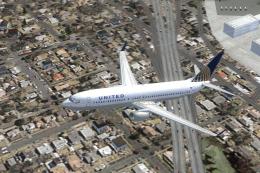
This high-fidelity repaint presents a United Airlines Boeing 737-800 (registr…
 FSX Civil Aircraft
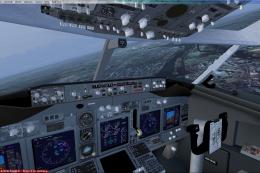
United Airlines Boeing 737-800 in post-merger livery. Includes Project Open S…
 FSX Civil Aircraft
This freeware repaint showcases a detailed United Airlines livery for the def…
 FSX Civil Aircraft
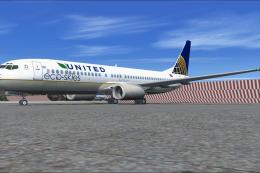
This enhanced Boeing 737-800W in the United Airlines Eco Skies scheme provide…
Be the first to leave a comment on this download.
Be the first to share your thoughts on this download.