

 FSX Civil Aircraft
Airbus A321 Saudi Arabian Airlines Textures
This is a repaint of the default FSX Airbus A321 in Saudi Arabian Airlines. S…
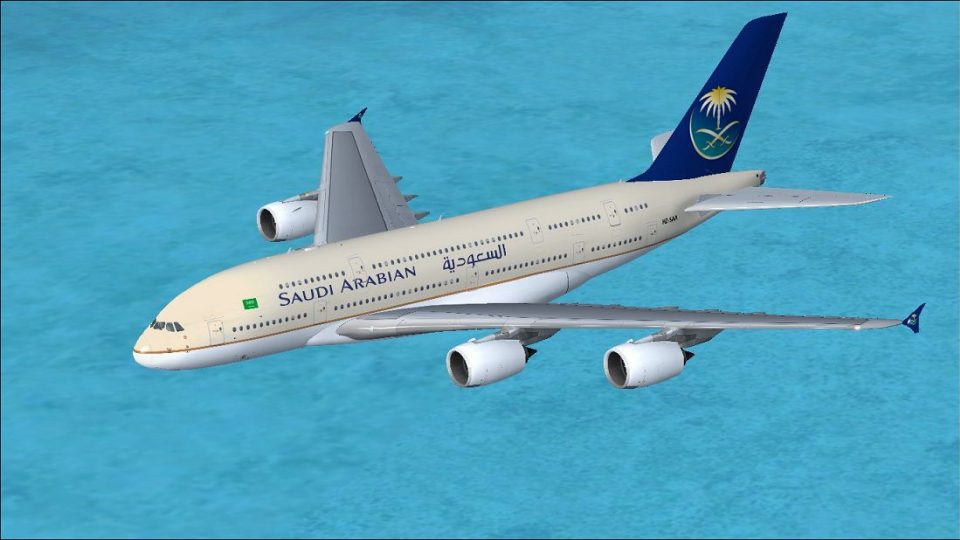
Saudi Arabian Airlines-inspired Airbus A380-800 livery brings fresh long-haul flair to Microsoft Flight Simulator X, with crisp 32-bit textures that highlight fuselage detail, tail branding, and accurate markings. It supports the Project Airbus A380’s dynamic wing flex, drooping control surfaces, and realistic gear animations, and requires the Project Airbus A380 base model.
 Rate
Rate
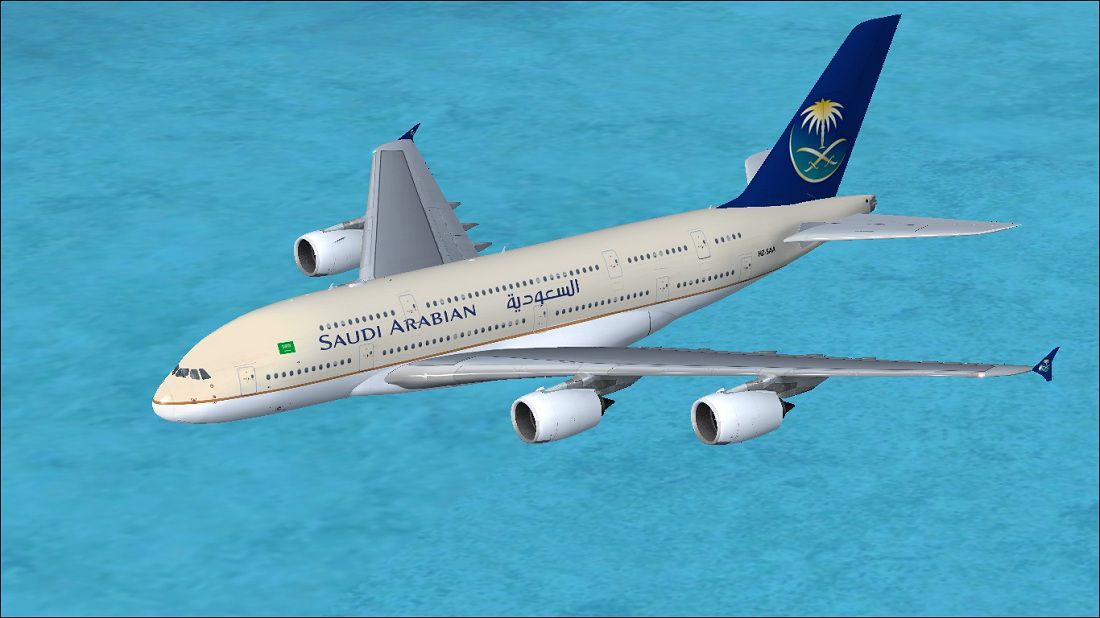
Expand your Microsoft Flight Simulator X collection with a detailed adaptation of the Airbus A380, featuring a custom Saudi Arabian Airlines livery. This fictional repaint by Paul Craig applies realistic textures to the Project Airbus A380 base model, delivering attention to fuselage details and airline branding. Although Saudi Arabian Airlines does not operate this type in real life, this high-capacity widebody remains a legendary double-deck icon suited for long-haul routes.
The repaint showcases meticulous fuselage markings and tail insignia inspired by the Kingdom's flag carrier. Engineers at Project Airbus originally crafted the A380 model with dynamic wing flex (the wing moves according to aerodynamic forces), parallel bogies (the multi-wheel assembly below the wings), and drooping control surfaces (elevators, ailerons, and rudder respond visually once powered). These advanced simulations bestow a convincing feel of a large aircraft in flight.
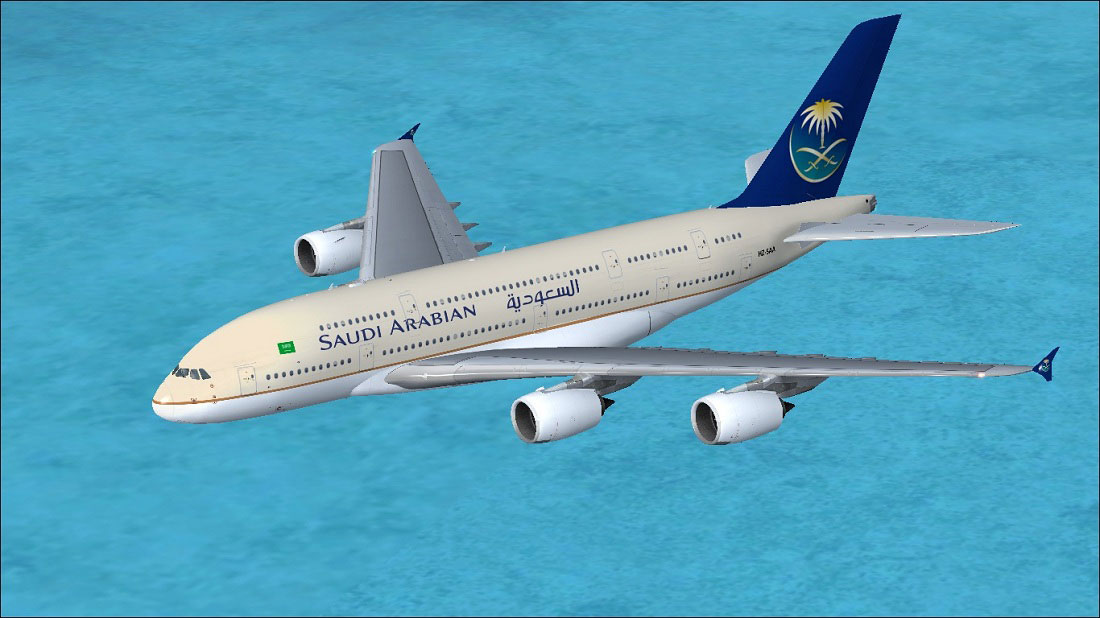
Saudi Arabian Airlines Airbus A380-800 in flight.
OS (C)/Program Files(x86)/Microsoft Games/Microsoft Flight Simulator X/SimObjects/Airplanes/A380-800[fltsim.X] with the next sequential number:
[fltsim.X]
title = Airbus A380-841 Saudi Arabian Airlines
(wingview)
sim = pa380
model =
panel =
sound =
texture =Saudi Arabian
kb_checklists =
kb_reference =
atc_id = HZ-SAA
atc_airline = Saudi Arabian
atc_flight_number = 319
ui_manufacturer = Airbus
ui_type = A380-841
ui_variation = Saudi Arabian Airlines
ui_typerole = "Commercial Airliner"
ui_createdby = "Project Airbus"
description = Project Airbus presents the Airbus A380-800. Features include dynamic wingflex (with input from several new variables), accurate LAF simulation, parallel bogies, drooping control surfaces, hardcoded double strobes, and over 40 other custom xml parts.
atc_parking_types = GATE
atc_parking_codes =
This standalone texture set uses uncompressed 32-bit BMP format for maximum clarity. You must obtain the Project Airbus A380 base pack to enable the model’s functions, which is available in the Fly Away Simulation file library. The livery reflects the rich color scheme of Saudi Arabian Airlines while retaining the structural innovations of the A380’s design.
Paul Craig expertly converted these textures to integrate seamlessly with the Project Airbus model, ensuring accurate alignment and intuitive blending of color. Keep in mind, this release includes textures only, so you will need the freeware A380 house model by Project Airbus to experience everything this widebody giant has to offer.
Free for all simmers · 7.16 MB · Scanned clean Oct 2026
Download speed: Free tier is capped at 0.5 Mbps (this file takes approximately 2 mins at the cap). PRO members download at full line speed.
texture.{airline}) inside FSX\SimObjects\Airplanes\{base-aircraft}\.aircraft.cfg in Notepad. Add a new [fltsim.X] section per the readme.readme.txt or README file. It tells you exactly where files go, what dependencies are needed, and any quirks specific to this add-on.The archive saudiarabiana380-800.zip has 32 files and directories contained within it.
This list displays the first 500 files in the package. If the package has more, you will need to download it to view them.
| Filename/Directory | File Date | File Size |
|---|---|---|
| FILE_ID.DIZ | 01.19.11 | 252 B |
| Project Airbus readme.txt | 06.26.10 | 4.01 kB |
| Readme.txt | 01.19.11 | 1.75 kB |
| Saudi Arabian Airlines Airbus A380.jpg | 01.19.11 | 160.24 kB |
| texture.Saudi Arabian | 01.19.11 | 0 B |
| A380_1_l.bmp | 08.20.10 | 4.00 MB |
| A380_1_t.bmp | 01.18.11 | 4.00 MB |
| A380_2_l.bmp | 06.30.10 | 1.07 kB |
| A380_2_t.bmp | 01.19.11 | 4.00 MB |
| A380_fuse_1_l.bmp | 08.20.10 | 4.00 MB |
| A380_fuse_1_t.bmp | 01.19.11 | 4.00 MB |
| A380_fuse_2_l.bmp | 07.03.10 | 4.00 MB |
| A380_fuse_2_t.bmp | 01.19.11 | 4.00 MB |
| A380_fuse_3_l.bmp | 07.03.10 | 4.00 MB |
| A380_fuse_3_t.bmp | 01.19.11 | 4.00 MB |
| A380_misc_1.bmp | 07.06.09 | 1.00 MB |
| A380_misc_2_l.bmp | 07.03.10 | 4.00 MB |
| A380_misc_2_t.bmp | 07.03.10 | 4.00 MB |
| A380_wing_1_l.bmp | 06.26.10 | 4.00 MB |
| A380_wing_1_t.bmp | 01.19.11 | 4.00 MB |
| A380_wing_2_l.bmp | 06.26.10 | 4.00 MB |
| A380_wing_2_t.bmp | 01.19.11 | 4.00 MB |
| cabin_l.bmp | 09.18.10 | 1.00 MB |
| cabin_t.bmp | 07.02.10 | 4.00 MB |
| floor_l.bmp | 09.11.10 | 330 B |
| floor_t.bmp | 01.08.10 | 64.07 kB |
| pax_l.bmp | 09.18.10 | 1.00 MB |
| pax_t.bmp | 01.13.10 | 4.00 MB |
| thumbnail.jpg | 01.19.11 | 13.22 kB |
| thumbnail.png | 01.19.11 | 27.22 kB |
| flyawaysimulation.txt | 10.29.13 | 959 B |
| Go to Fly Away Simulation.url | 01.22.16 | 52 B |
Only PRO members can place votes.
More FSX & P3D add-ons hand-picked based on this download.
FSX Civil Aircraft
This is a repaint of the default FSX Airbus A321 in Saudi Arabian Airlines. S…
 FSX Civil Aircraft
A repaint of the default Airbus A321 in Saudi Arabian Airlines livery. Saudi …
 FSX Civil Aircraft
Experience a meticulously repainted Airbus A320-214 bearing the livery of Sau…
 FSX Civil Aircraft
FSX Saudi Arabian Airlines Boeing 787-9 with Animated Ground Servicing (AGS).…
 FSX Civil Aircraft
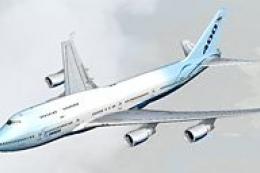
Textures only for the payware PMDG B747-400 model. Repaint by Johnny Lawrence…
 FSX Civil Aircraft
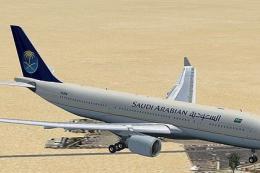
This repaint package depicts a Saudi Arabian Airlines Airbus A330-200 powered…
 FSX Civil Aircraft
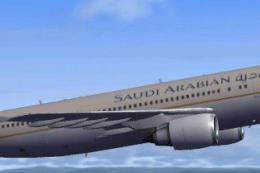
This highly detailed repaint showcases the distinctive Saudia (Saudi Arabian …
 FSX Civil Aircraft
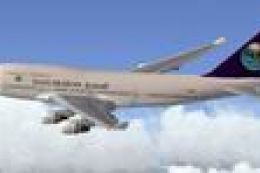
This is a repaint of the FSX default Boeing 747-400 in Saudi Arabian colours.…
Be the first to leave a comment on this download.
Be the first to share your thoughts on this download.