

 FSX Civil Aircraft
Delta Airlines Boeing 797
This updated package introduces a modern twin-aisle aircraft concept, complet…
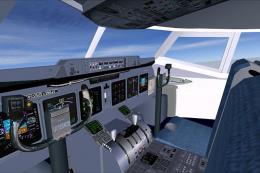
American Airlines Boeing 797 brings a 787-inspired next‑generation narrowbody concept to FSX with a crisp CamSim model, accurate airline paint, and an immersive virtual cockpit. Animated Ground Servicing adds interactive passenger and cargo doors plus ground animations, complemented by night lighting effects for realistic ramp operations.
 Rate
Rate
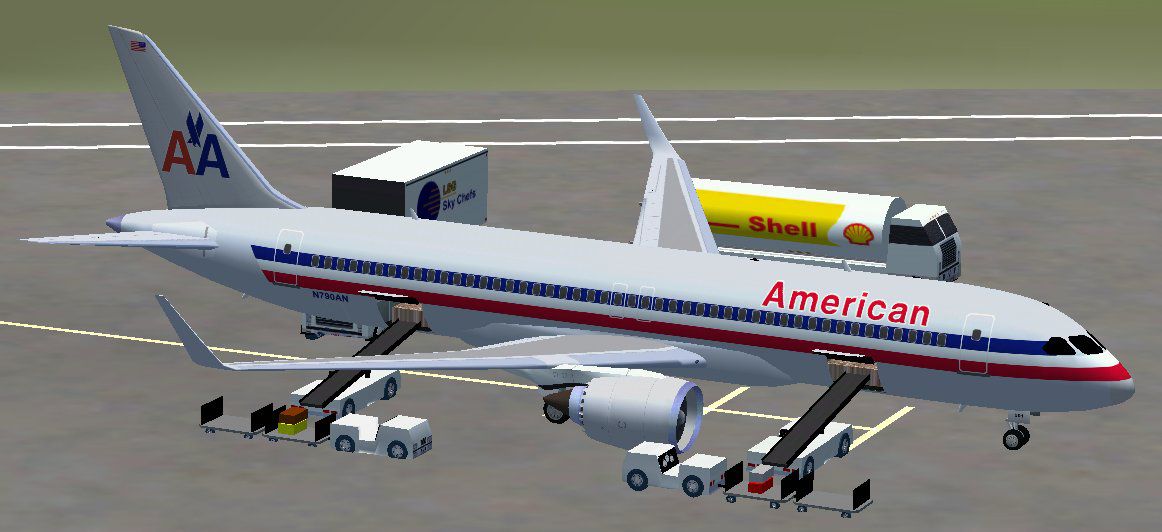
American Airlines Boeing 797. The B797 should become, with a design based on the Boeing 787, the Boeing 737 replacement. The shining aluminium look will be missed with a composite fuselage. This CamSim aircraft also has an Animated Ground Servicing (AGS) features. Model design and paint by Camil Valiquette.
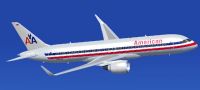
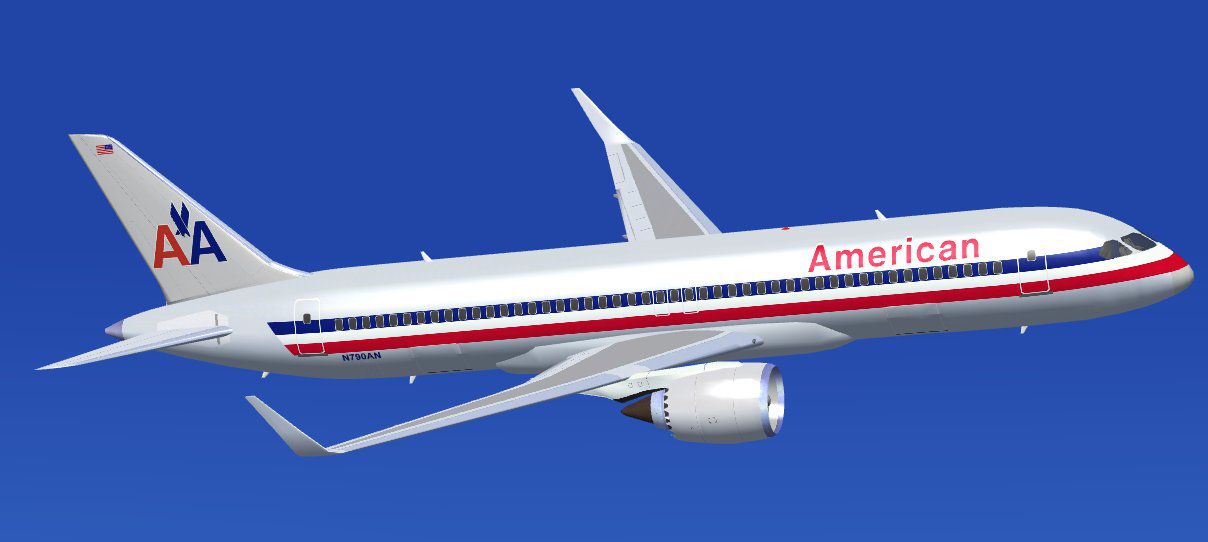
American Airlines Boeing 797 in flight.
Aircraft: American Airlines Boeing 797
Model design and paint by: Camil Valiquette
-------------------------------------------------------------------------------------------
INSTALLATIONS: FSX
1- Unzip all files in your FSX /Airplane folder.
---Note---
Skip 2 if you already have one of my AGS B787,A350,B797,A360
2- Unzip the Effects.zip (night effects) in your FSX main folder.(Should goes in Effects folder)
-------------------------------------------------------------------------------------------
Info
This aircraft come with Animated Ground Servicing (AGS)
Press Shift+E to open / close the passenger doors.
Press Shift+D to open / close the cargo doors
Press Shift+C to start / end the animations
To fully used your animation make sure that you add these commands in Options:
1- Wing fold/unfold = SHIFT + C
2- Tail hook up/down = SHIFT + D
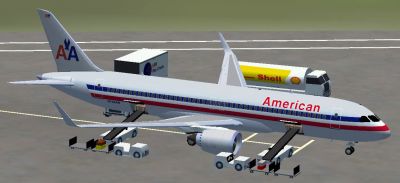
American Airlines Boeing 797.
Free for all simmers · 1.75 MB · Scanned clean Oct 2026
Download speed: Free tier is capped at 0.5 Mbps. PRO members download at full line speed.
This add-on may require the following files to function properly. If this is a repaint, the dependency below is likely the base aircraft package.
FSX\SimObjects\Airplanes\. The folder must contain an aircraft.cfg file. Effects go into FSX\Effects\; gauges go into FSX\Gauges\.readme.txt or README file. It tells you exactly where files go, what dependencies are needed, and any quirks specific to this add-on.The archive 797aa_x.zip has 27 files and directories contained within it.
This list displays the first 500 files in the package. If the package has more, you will need to download it to view them.
| Filename/Directory | File Date | File Size |
|---|---|---|
| CamSim Boeing 797 American | 07.18.07 | 0 B |
| 797.air | 02.22.06 | 12.76 kB |
| 797aa fsx1.jpg | 07.17.07 | 86.58 kB |
| 797aa2.jpg | 07.16.07 | 53.12 kB |
| aircraft.cfg | 07.18.07 | 12.65 kB |
| Effects.zip | 03.25.06 | 1.80 kB |
| file_id.diz | 07.18.07 | 322 B |
| model.797 | 07.18.07 | 0 B |
| 797.mdl | 07.07.07 | 2.28 MB |
| Model.cfg | 06.07.06 | 22 B |
| Panel | 07.18.07 | 0 B |
| panel.cfg | 02.12.07 | 40 B |
| Read Me_FSX.txt | 07.18.07 | 2.23 kB |
| SOUND | 07.18.07 | 0 B |
| Sound.cfg | 02.12.07 | 42 B |
| texture.aa | 07.18.07 | 0 B |
| 787eng_t.bmp | 05.29.07 | 1.00 MB |
| 787ext_t.bmp | 07.10.07 | 1.00 MB |
| 787int_t.bmp | 07.10.07 | 1.00 MB |
| 787tail_t.bmp | 07.10.07 | 1.00 MB |
| 789wings_t.bmp | 02.28.07 | 1.00 MB |
| 797fuse_t.bmp | 07.16.07 | 1.00 MB |
| gris_t.bmp | 03.17.06 | 16.07 kB |
| pilot1.bmp | 12.06.06 | 256.07 kB |
| Thumbs.db | 07.17.07 | 281.00 kB |
| flyawaysimulation.txt | 10.29.13 | 959 B |
| Go to Fly Away Simulation.url | 01.22.16 | 52 B |
Only PRO members can place votes.
More FSX & P3D add-ons hand-picked based on this download.
FSX Civil Aircraft
This updated package introduces a modern twin-aisle aircraft concept, complet…
 FSX Civil Aircraft
FSX Boeing House Colors Boeing 797. A future plane that should become, with a…
 FSX Civil Aircraft
This freeware release showcases a conceptual Boeing 797 aircraft model, origi…
 FSX Civil Aircraft
This updated Boeing 797 V2 freeware package provides a futuristic narrow-body…
 FSX Civil Aircraft
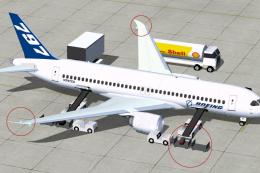
Boeing 797 V2 Fix. Corrections for the CamSim Boeing 797 version 2 (house col…
 FSX Civil Aircraft
Experience an advanced conceptual twin-aisle airliner that merges innovation …
 FSX Civil Aircraft
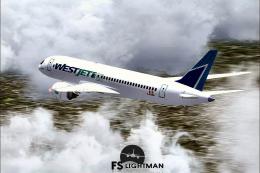
Immerse yourself in this freeware WestJet Boeing 797-100 package, which blend…
 FSX Civil Aircraft
American Airlines McDonnell Douglas/Boeing MD-11(P) 1994 livery. Long range w…
Read what other simmers think, or add your own.

Please I tried to use it in Prepared version 4, but it showed no preview. How do I fix no preview issues in prepared?