

 FSX Civil Aircraft
Jet Airways Airbus A340-313E
Jet Airways Airbus A340-313E. This is the only 4-engined aircraft operated by…
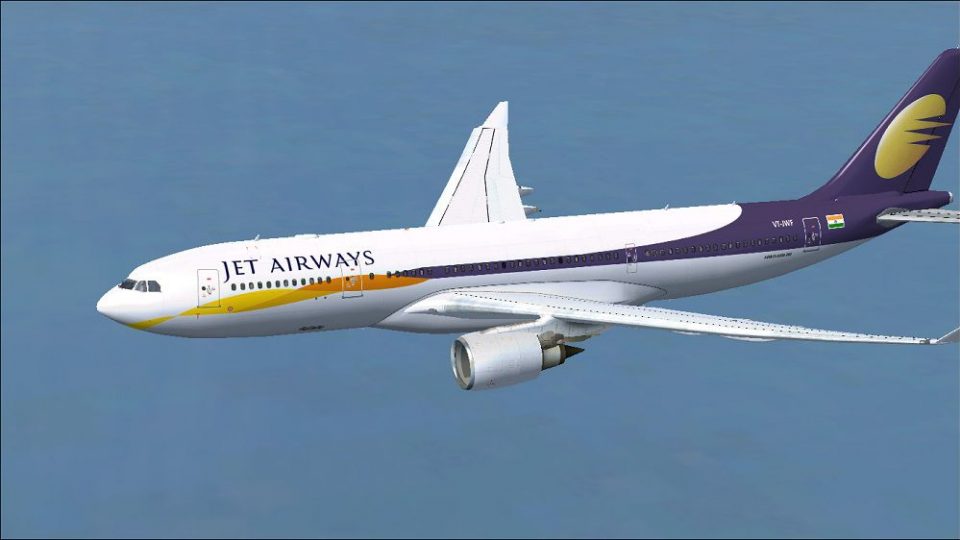
Jet Airways Airbus A330-200 repaint brings two authentic variants to Microsoft Flight Simulator X, featuring VT-JWE A330-243 with Rolls-Royce power and VT-JWF A330-203 with GE engines, matching real-world registrations and construction numbers. Textures-only package requires Tom Ruth’s A330-200 base model for a crisp airline look in the virtual cockpit and exterior.
 Rate
Rate
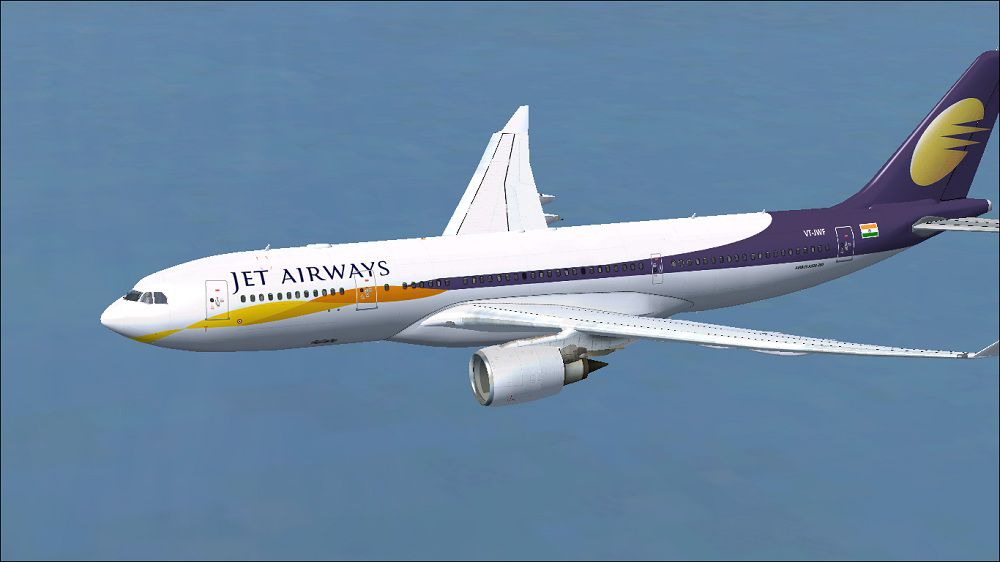
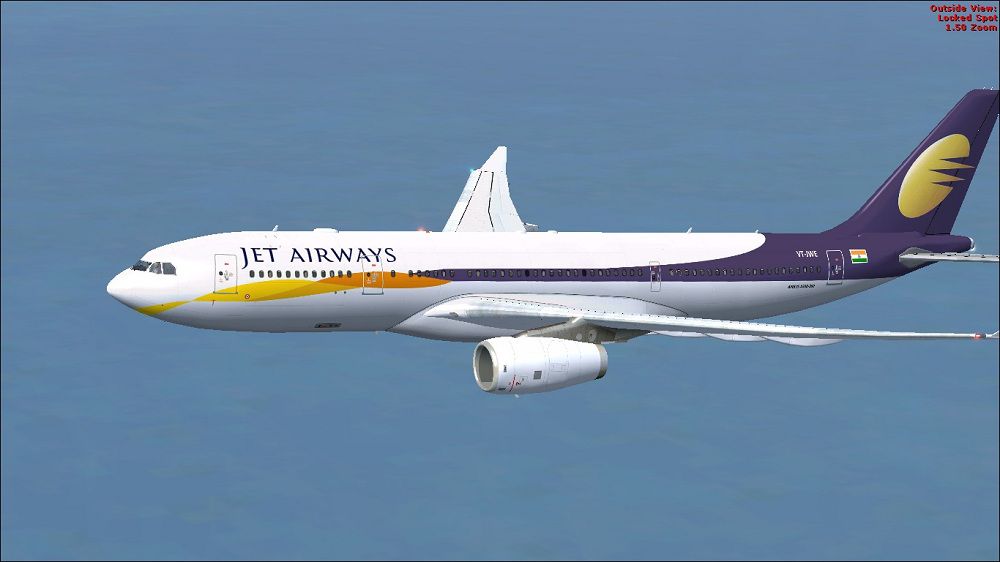
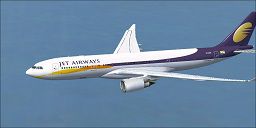
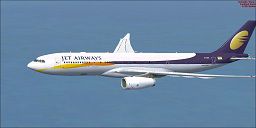
Jet Airways Airbus A330-200. Repaint of Tom Ruth's A330-200 in Jet Airways livery,A330-243(RR) registration VT-JWE, cn 807 and A330-203(GE) registration VT-JMF, cn 825.Textures only requires base model (TOMA332B.ZIP). Repaint by Paul Craig.
Jet Airways Airbus A330-200 in flight.
Thank you for downloading my Jet Airways repaint.
Installation:
Unzip downloaded files to a temporary folder.
Select engine model of your choice.
Open folder "Main Aircraft Texture Files".
Copy all files from "Main Aircraft Texture Files" (Control+a selects all files) into your engine model choice texture folder "texture.GE" or "texture.RR" .
Copy & paste the folder "texture.GE" or "texture.RR" or both into your Tom_A330-200 folder located by default as below:
OS (C)/Program Files(x86)/Microsoft Games/Microsoft Flight Simulator X/SimObjects/Airplanes/Tom_A330-200
You will need to update the aircraft cfg file (make a copy of the aircraft cfg file first in case you make a mistake!).
Copy and paste the text below after the last [fltsim.x] entry, replacing the x with the next fltsim number.
For GE texture Only
[fltsim.X]

title=Jet Airways A330-203

sim=TomA332

model=GE

panel=330

sound=

texture=Jet Airways GE

kb_checklists=

kb_reference=

atc_id=VT-JWF

atc_airline=Jet Airways

atc_flight_number=1123

atc_parking_types=GATE, RAMP, CARGO

atc_parking_code=

atc_heavy=1

ui_manufacturer=Airbus

ui_typerole=Commercial Airliner

ui_createdby=Tom

ui_type=A330-203

ui_variation=Jet Airways

description=Jet Airways Airbus A330-203, Registration VT-JWF, CN-825
For RR texture Only
title=Jet Airways A330-243

sim=TomA332

model=RR

panel=330

sound=

texture=Jet Airways RR

kb_checklists=

kb_reference=

atc_id=VT-JWE

atc_airline=Jet Airways

atc_flight_number=1123

atc_parking_types=GATE, RAMP, CARGO

atc_parking_code=

atc_heavy=1

ui_manufacturer=Airbus

ui_typerole=Commercial Airliner

ui_createdby=Tom

ui_type=A330-243

ui_variation=Jet Airways

description=Jet Airways Airbus A330-243, Registration VT-JWE, CN-807
If you experience problems inserting the text data, after making a copy of the aircraft cfg file, copy and paste the original to another location and edit, copy and paste back to the FSX aircraft and it should now work.
DISCLAIMER:
USE ALL FILES AT YOUR OWN RISK!
I wil not be held responsible for any DAMAGES/PROBLEMS/ERRORS caused by the use of these files.
Paul Craig
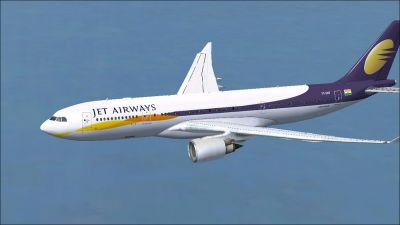
Jet Airways Airbus A330-200 in flight.
Free for all simmers · 4.36 MB · Scanned clean Sep 2026
Download speed: Free tier is capped at 0.5 Mbps (this file takes approximately 1 min at the cap). PRO members download at full line speed.
This file is a repaint — the package below is the base model it paints onto. Install it first, or the textures will have nothing to load onto.
texture.{airline}) inside FSX\SimObjects\Airplanes\{base-aircraft}\.aircraft.cfg in Notepad. Add a new [fltsim.X] section per the readme.readme.txt or README file. It tells you exactly where files go, what dependencies are needed, and any quirks specific to this add-on.The archive jetairwaysa330-200.zip has 35 files and directories contained within it.
This list displays the first 500 files in the package. If the package has more, you will need to download it to view them.
| Filename/Directory | File Date | File Size |
|---|---|---|
| FILE_ID.DIZ | 05.27.11 | 247 B |
| Jet Airways Airbus A330-203 (GE) Picture.jpg | 05.27.11 | 92.21 kB |
| Jet Airways Airbus A330-243 (RR) Picture.jpg | 05.27.11 | 94.76 kB |
| Main Aircraft Texture Files | 05.27.11 | 0 B |
| A321_1_L.dds | 02.22.09 | 1.00 MB |
| A321_2_L.dds | 02.22.09 | 256.12 kB |
| A330_VC01.dds | 02.05.09 | 1.00 MB |
| A330_VC01L.dds | 02.19.09 | 1.00 MB |
| Airbus_A321_1_C.dds | 09.04.06 | 682.79 kB |
| Airbus_A321_1_L.dds | 02.19.09 | 1.00 MB |
| Airbus_A321_2_C.dds | 09.04.06 | 682.79 kB |
| Airbus_A321_2_L.dds | 02.19.09 | 1.00 MB |
| Airbus_A321_3_C.dds | 09.04.06 | 682.79 kB |
| Airbus_A321_3_L.dds | 02.19.09 | 4.12 kB |
| Airbus_A321_4_C.dds | 09.04.06 | 682.79 kB |
| Airbus_A321_4_L.dds | 02.19.09 | 1.00 MB |
| glass.dds | 03.02.09 | 64.12 kB |
| glass_spec.dds | 11.24.08 | 4.12 kB |
| main_bump.dds | 03.03.09 | 4.00 MB |
| main_light.dds | 02.28.09 | 1.00 MB |
| main_spec.dds | 12.03.08 | 64.12 kB |
| VCblend.dds | 02.09.09 | 1.12 kB |
| wing_bump.dds | 03.17.09 | 1.00 MB |
| wing_l.dds | 05.27.11 | 1.00 MB |
| wing_r.dds | 05.27.11 | 1.00 MB |
| wing_spec.dds | 11.21.08 | 64.12 kB |
| Readme.txt | 05.27.11 | 2.47 kB |
| texture.Jet Airways GE | 05.27.11 | 0 B |
| main.dds | 05.27.11 | 4.00 MB |
| thumbnail.jpg | 05.27.11 | 9.92 kB |
| texture.Jet Airways RR | 05.27.11 | 0 B |
| main.dds | 05.27.11 | 4.00 MB |
| thumbnail.jpg | 05.27.11 | 9.38 kB |
| flyawaysimulation.txt | 10.29.13 | 959 B |
| Go to Fly Away Simulation.url | 01.22.16 | 52 B |
Only PRO members can place votes.
More FSX & P3D add-ons hand-picked based on this download.
FSX Civil Aircraft
Jet Airways Airbus A340-313E. This is the only 4-engined aircraft operated by…
 FSX Civil Aircraft
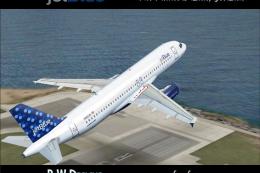
Jet Blue Airbus A320-200. The iFDG Airbus A320-200 in the colors of JetBlue. …
 FSX Civil Aircraft
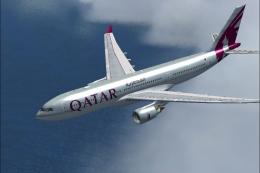
Qatar Airways Airbus A330-200. Qatar Airways repaint for Thomas Ruth's A330-2…
 FSX Civil Aircraft
Experience the blended performance of an Airbus A330-200 with this specialize…
 FSX Civil Aircraft
FSX Cyprus Airways Airbus A330-200 RR, registration 5B-DBT. Repaint by Andrea…
 FSX Civil Aircraft
Textures only package for use with the Thomas Ruth A330-200 model (TOMA332B.Z…
 FSX Civil Aircraft
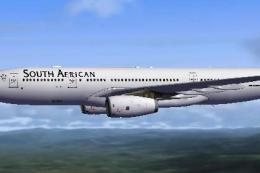
South African Airways Airbus A330-200. Textures only, requires Thomas Ruth's …
 FSX Civil Aircraft
This freeware release features Thomas Ruth’s Airbus A330-200, offered as a fu…
Read what other simmers think, or add your own.

Best repaint of Jet Airways for tom 330 zip(airbus a330 200) for fsx. Its good to fly this plane which i often see around my home town.