

 FSX Civil Aircraft
Comac House Colors C919
This complete package introduces an accurate rendition of the COMAC C919 in i…
Hainan Airlines’ Comac C919 V2 brings a modern Chinese narrow-body airliner to FSX with refined proportions for accurate fuselage length, a crisp airline livery, and built-in Animated Ground Servicing to animate doors, boarding, and cargo handling. The package includes a complete base model for a more immersive ramp-to-runway experience.
 Rate
Rate

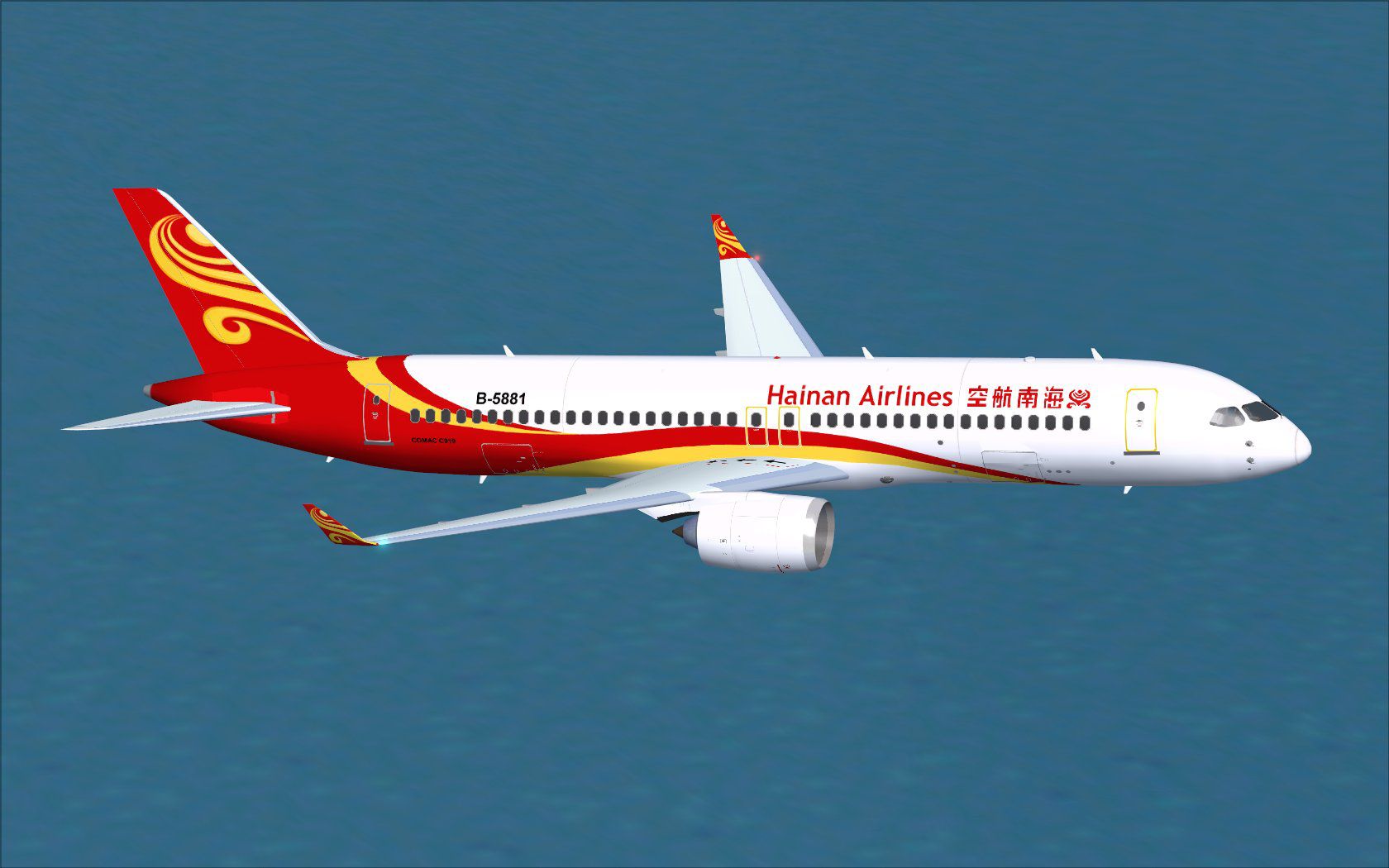
This enhanced freeware package features a meticulously updated rendition of the Comac C919 painted in Hainan Airlines livery. It integrates refined exterior dimensions for accurate length representation, and it includes built-in Animated Ground Servicing (AGS). The original model design and artwork come courtesy of Camil Valiquette (CamSim). It targets FSX users looking for a more immersive narrow-body airliner experience, especially those who appreciate modern Chinese aircraft developments.
This Comac C919 model (version 2) is built to reflect realistic proportions. You can expect:
Engineered by the Commercial Aircraft Corporation of China (COMAC), the C919 stands out as a modern, single-aisle jetliner that competes in the same category as other popular short-to-medium range aircraft. Its design approach emphasizes aerodynamic efficiency and cutting-edge avionics, making it a compelling choice for virtual pilots who appreciate emerging aviation technology.
The Animated Ground Servicing functionality allows you to simulate various ground operations. Use the following commands for door and cargo bay interactions:
Before using these, assign Wing fold/unfold to Shift+C and Tail hook up/down to Shift+D within FSX’s “Settings > Controls > Buttons/Keys” menu. Make sure to confirm these mappings so the animations function without conflict.
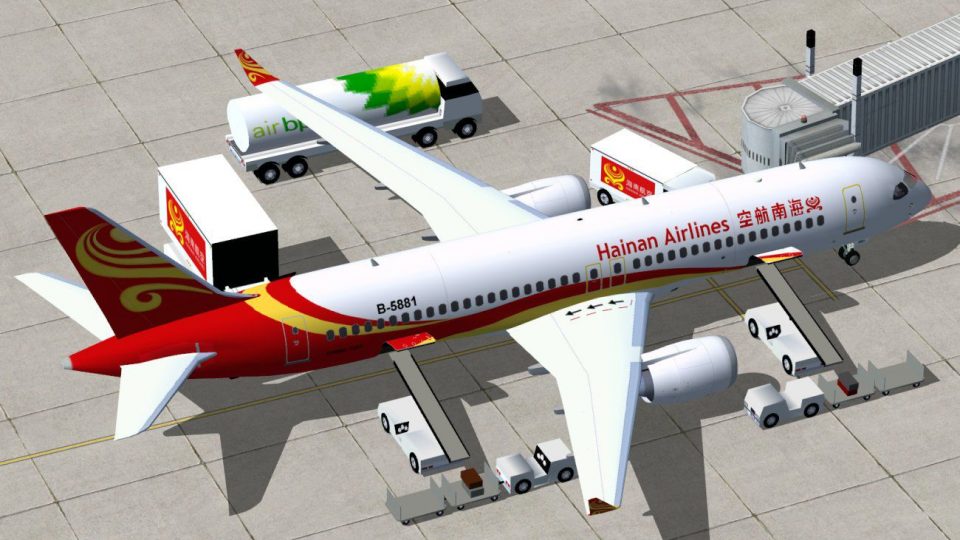
See the airline’s bright color scheme, complemented by functional ground support elements.
This freeware release from Camil Valiquette (CamSim) provides a complete base model, making the Comac C919 accessible to all FSX users without any prerequisite add-ons. Overall, it offers a deeper simulation layer for those flying Chinese-designed airliners in the virtual skies.
Free for all simmers · 4.85 MB · Scanned clean Oct 2026
Download speed: Free tier is capped at 0.5 Mbps (this file takes approximately 1 min at the cap). PRO members download at full line speed.
This add-on may require the following files to function properly. If this is a repaint, the dependency below is likely the base aircraft package.
SimObjects\Airplanes\, Addon Scenery\, Effects\, or Gauges\.readme.txt or README file. It tells you exactly where files go, what dependencies are needed, and any quirks specific to this add-on.The archive c919v2hux.zip has 34 files and directories contained within it.
This list displays the first 500 files in the package. If the package has more, you will need to download it to view them.
| Filename/Directory | File Date | File Size |
|---|---|---|
| CamSim Comac C919 V2 Hainan Airlines | 10.19.12 | 0 B |
| aircraft.cfg | 10.19.12 | 15.38 kB |
| c919.air | 02.28.12 | 12.76 kB |
| c919v2hu_fsx.jpg | 10.16.12 | 116.56 kB |
| C919V2HY AGS FSX_1300.jpg | 10.19.12 | 174.41 kB |
| Effects.zip | 03.25.06 | 1.80 kB |
| file_id.diz | 10.19.12 | 234 B |
| model.c919 ags | 10.19.12 | 0 B |
| c919 ags.mdl | 10.18.12 | 2.10 MB |
| Model.cfg | 07.01.11 | 27 B |
| PANEL | 10.19.12 | 0 B |
| 787_350_panel_background.bmp | 02.25.10 | 2.25 MB |
| 787_350_panel_background_night.bmp | 02.25.10 | 2.25 MB |
| Airbus_A321.cab | 09.04.06 | 2.72 MB |
| panel.cfg | 02.25.10 | 5.48 kB |
| Read Me_FSX.txt | 10.19.12 | 2.32 kB |
| SOUND | 10.19.12 | 0 B |
| Sound.cfg | 11.04.09 | 35 B |
| texture.hu | 10.19.12 | 0 B |
| 35tail_t.bmp | 10.16.12 | 1.00 MB |
| 787eng_t.bmp | 07.26.11 | 1.00 MB |
| 787ext_L.bmp | 10.19.12 | 4.00 MB |
| 787ext_t.bmp | 10.19.12 | 1.00 MB |
| 787int_L.bmp | 10.19.12 | 4.00 MB |
| 787int_t.bmp | 10.19.12 | 1.00 MB |
| 789wings_t.bmp | 10.16.12 | 1.00 MB |
| 797fuse_t.bmp | 10.19.12 | 1.00 MB |
| gris_t.bmp | 12.09.09 | 16.07 kB |
| pilot1.bmp | 03.04.10 | 257.05 kB |
| pilot1_l.bmp | 12.06.06 | 1.00 MB |
| thumbnail.jpg | 10.19.12 | 5.19 kB |
| w_t.bmp | 12.06.08 | 16.07 kB |
| flyawaysimulation.txt | 10.29.13 | 959 B |
| Go to Fly Away Simulation.url | 01.22.16 | 52 B |
Only PRO members can place votes.
More FSX & P3D add-ons hand-picked based on this download.
FSX Civil Aircraft
This complete package introduces an accurate rendition of the COMAC C919 in i…
 FSX Civil Aircraft
The Comac ARJ-21 is a Chinese produced regional jet based on the MD-90/717 de…
 FSX Civil Aircraft
The latest release of this freeware Boeing 787-9 package features a more refi…
 FSX Civil Aircraft
Hainan Airlines Airbus A340-600, registration B-6510. Tom Airbus series Haina…
 FSX Civil Aircraft
Hainan Airlines Boeing 737-800 WL. The Project Open Sky (Free Sky) B737-800 w…
 FSX Civil Aircraft
This repaint package features Hainan Airlines liveries applied to the Airbus …
 FSX Civil Aircraft
Experience a visually accurate Hainan Airlines repaint applied to the default…
 FSX Civil Aircraft
This freeware release introduces a meticulously crafted Hainan Airlines rendi…
Be the first to leave a comment on this download.
Be the first to share your thoughts on this download.