

 FSX Civil Aircraft
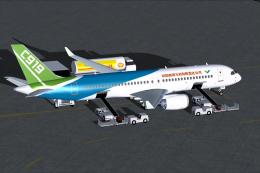
Comac House Colors C919
This complete package introduces an accurate rendition of the COMAC C919 in i…
Comac ARJ21-700 regional jet package refreshes J.R. Lucariny’s model with an updated Xiamen Airlines livery, a lightly reworked Boeing 717-style 2D panel, and custom CFM56-7B sounds for a sharper cockpit and audio experience in FSX. Includes Oceanair and Xiamen variations and focuses on 2D flying without a virtual cockpit.
 Rate
Rate
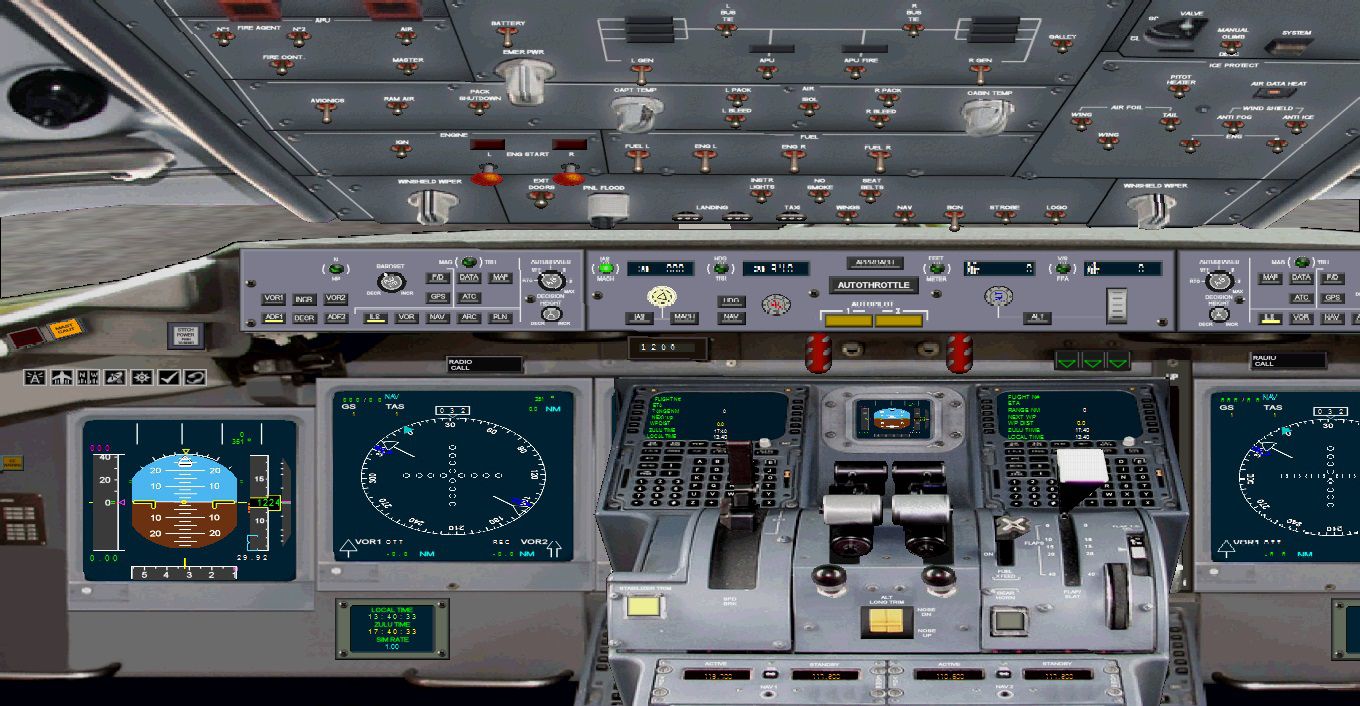
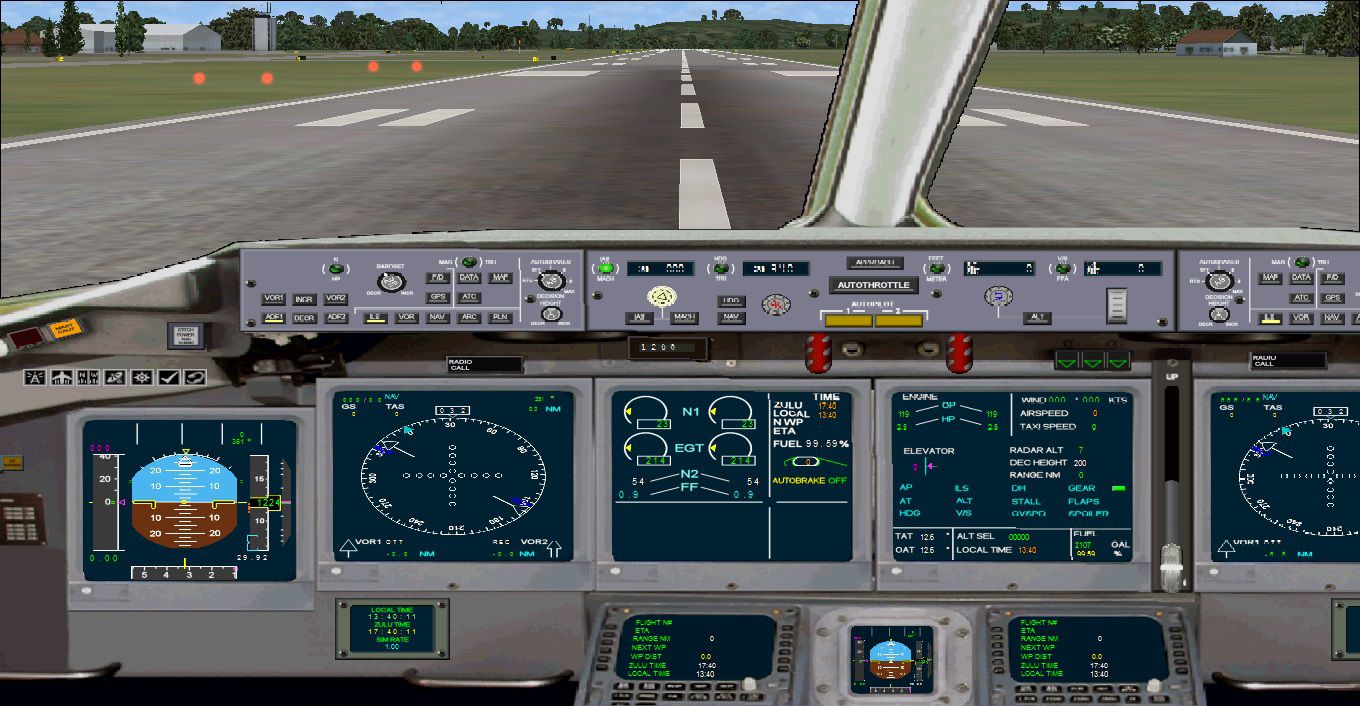
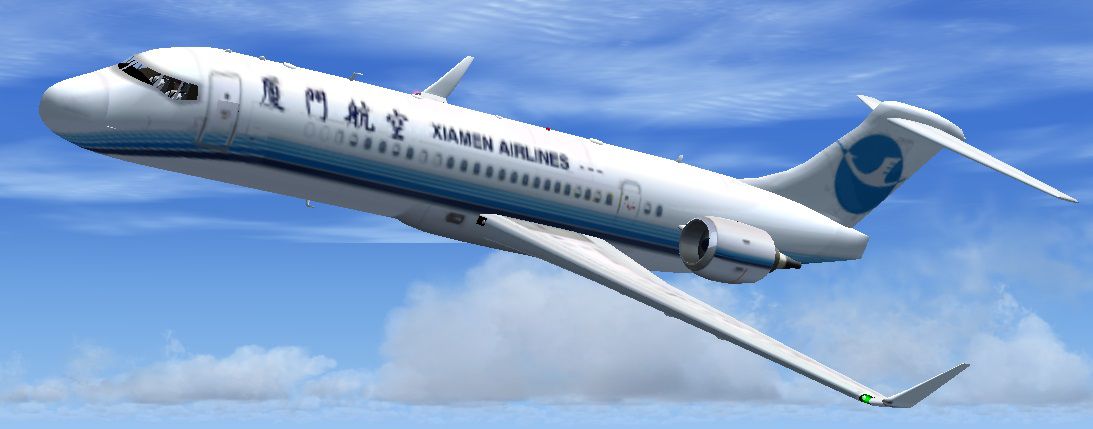
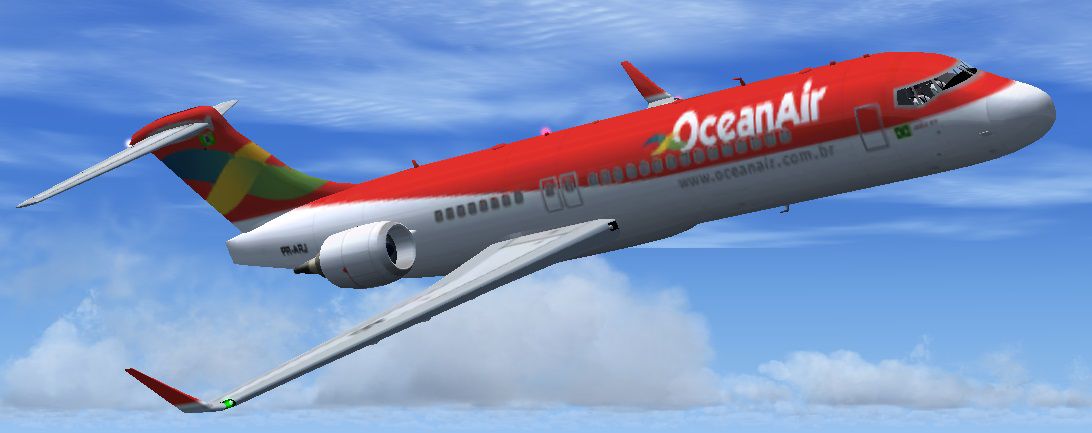
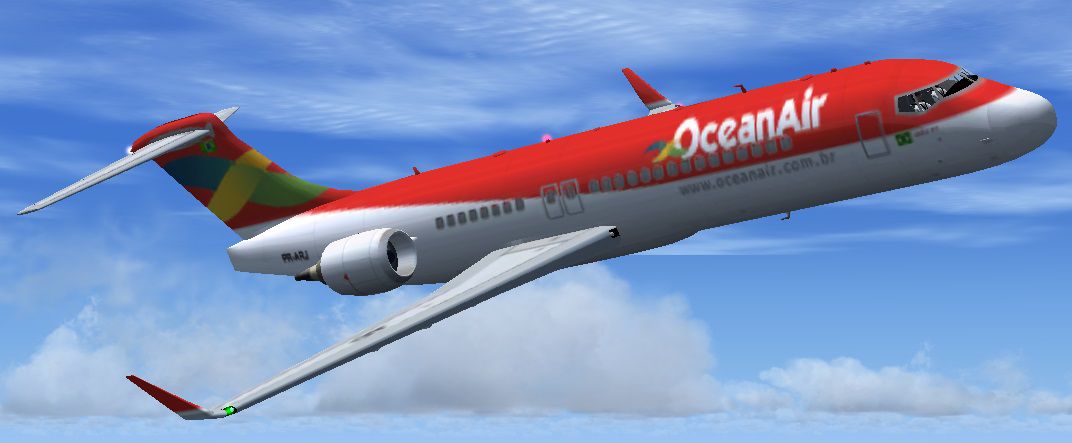
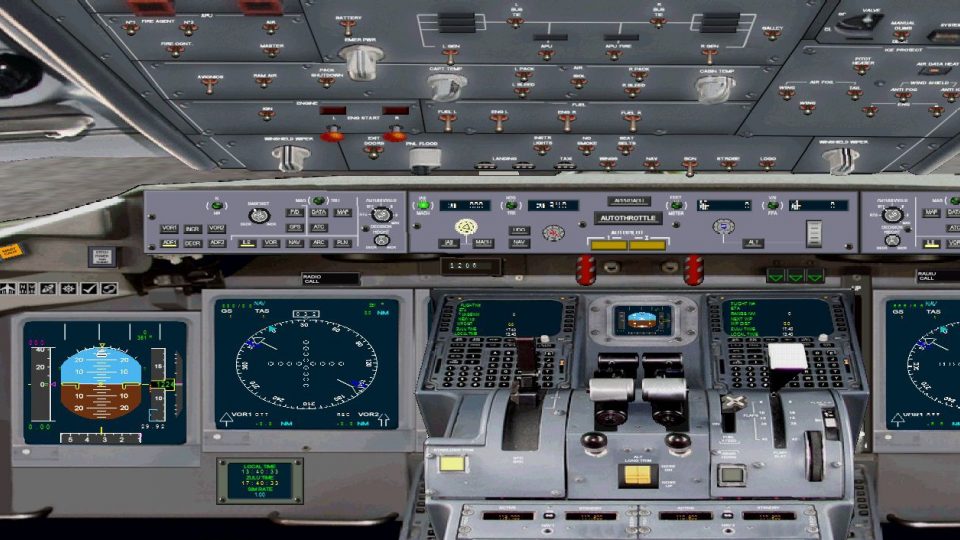
The Comac ARJ-21 is a Chinese produced regional jet based on the MD-90/717 design. An update for the J.R. Lucariny ARJ21 Regional Jet. By adding and updating Hongming Zheng's Xiamen Airlines texture, the Philippe Wallaert 717 2D panel modified slightly, and the CFM International CFM56-7B sounds created by Adam Murphy and Devyn Silverstein. 2D panel only, no VC panel. By Michael E. Roberts.
Screenshot of "OceanAir" Comac ARJ-21 in flight.
[fltsim.0]

title=ARJ21-700

sim=ARJ700

model=

panel=

sound=

texture=

kb_checklists=

description=FS2004 ARJ21-700 REGIONAL JET\nby JRLucariny

ui_manufacturer=COMAC

ui_type=ARJ21-700

ui_variation=Oceanair

atc_heavy=0

atc_id=PRARJ

atc_airline=Oceanair

atc_flight_number=249

atc_parking_types=GATE,RAMP

atc_parking_codes=OCA
[fltsim.1]

title=ARJ21-700 Xiamen Airlines

sim=ARJ700

model=

panel=

sound=

texture=xiamen

kb_checklists=

description=FS2004 ARJ21-700 REGIONAL JET\nby JRLucariny\nTexture by Hongming Zheng

ui_manufacturer=COMAC

ui_type=ARJ21-700

ui_variation=Xiamen Airlines

atc_heavy=0

atc_id=B1110L

atc_airline=ALV

atc_flight_number=143

atc_parking_types=GATE,RAMP

atc_parking_codes=XAI
Free for all simmers · 13.45 MB · Scanned clean Oct 2026
Download speed: Free tier is capped at 0.5 Mbps (this file takes approximately 4 mins at the cap). PRO members download at full line speed.
SimObjects\Airplanes\, Addon Scenery\, Effects\, or Gauges\.readme.txt or README file. It tells you exactly where files go, what dependencies are needed, and any quirks specific to this add-on.The archive comac_arj-21.zip has 102 files and directories contained within it.
This list displays the first 500 files in the package. If the package has more, you will need to download it to view them.
| Filename/Directory | File Date | File Size |
|---|---|---|
| Aircraft.cfg | 08.07.13 | 11.57 kB |
| ARJ700.air | 08.06.13 | 9.10 kB |
| Comac.jpg | 08.08.13 | 90.88 kB |
| model | 08.08.13 | 0 B |
| ARJ700.mdl | 08.06.13 | 1007.82 kB |
| Model.cfg | 08.06.13 | 25 B |
| panel.jpg | 08.08.13 | 320.54 kB |
| panel | 08.08.13 | 0 B |
| ARJ-211.jpg | 08.07.13 | 320.54 kB |
| ARJ-212.jpg | 08.07.13 | 340.57 kB |
| B717.CAB | 08.06.13 | 500.46 kB |
| Main_Panel.bmp | 08.07.13 | 4.71 MB |
| Overhead_Panel.bmp | 08.06.13 | 891.29 kB |
| panel.cfg | 08.06.13 | 6.47 kB |
| Throttle_Panel.bmp | 08.06.13 | 1.13 MB |
| Thumbs.db | 08.06.13 | 18.00 kB |
| sound | 08.08.13 | 0 B |
| CF5_AP_DISC.WAV | 08.03.13 | 101.67 kB |
| CF5_COCKPIT.wav | 08.03.13 | 586.98 kB |
| CF5_DOOR_CLOSE.wav | 08.03.13 | 131.81 kB |
| CF5_DOOR_OPEN.wav | 08.03.13 | 116.30 kB |
| CF5_EXT_1.wav | 08.03.13 | 53.55 kB |
| CF5_EXT_2.wav | 08.03.13 | 111.78 kB |
| CF5_EXT_3.wav | 08.03.13 | 8.10 kB |
| CF5_EXT_4.wav | 08.03.13 | 23.00 kB |
| CF5_EXT_5.wav | 08.03.13 | 33.36 kB |
| CF5_EXT_A.wav | 08.03.13 | 71.42 kB |
| CF5_EXT_APU.wav | 08.03.13 | 693.06 kB |
| CF5_EXT_REVERS.wav | 08.03.13 | 159.80 kB |
| CF5_EXT_START.wav | 08.03.13 | 1.38 MB |
| CF5_EXT_START2.wav | 08.03.13 | 549.89 kB |
| CF5_FLAPS.WAV | 08.03.13 | 68.69 kB |
| CF5_GEAR_DN.WAV | 08.03.13 | 126.18 kB |
| CF5_GEAR_UP.WAV | 08.03.13 | 126.18 kB |
| CF5_GEAR_WARN.wav | 08.03.13 | 14.73 kB |
| CF5_INT_1.wav | 08.03.13 | 86.23 kB |
| CF5_INT_2.wav | 08.03.13 | 32.47 kB |
| CF5_INT_3.wav | 08.03.13 | 14.21 kB |
| CF5_INT_4.wav | 08.03.13 | 95.23 kB |
| CF5_INT_APU.WAV | 08.03.13 | 316.38 kB |
| CF5_INT_REVERS.wav | 08.03.13 | 1.57 MB |
| CF5_INT_SHUT.wav | 08.03.13 | 1.53 MB |
| CF5_INT_START.wav | 08.03.13 | 2.51 MB |
| CF5_INT_START2.wav | 08.03.13 | 553.48 kB |
| CF5_OVER.WAV | 08.03.13 | 86.16 kB |
| CF5_ROLL.wav | 08.03.13 | 491.41 kB |
| CF5_TOUCH_C.wav | 08.03.13 | 192.43 kB |
| CF5_TOUCH_L.wav | 08.03.13 | 199.42 kB |
| CF5_TOUCH_R.wav | 08.03.13 | 199.42 kB |
| CF5_WIND.wav | 08.03.13 | 105.15 kB |
| sound.cfg | 08.03.13 | 11.72 kB |
| texture.xiamen | 08.08.13 | 0 B |
| ARJ700Asas.bmp | 08.06.13 | 1.33 MB |
| ARJ700Asas_L.bmp | 08.07.13 | 1.33 MB |
| ARJ700DoorBar.bmp | 08.06.13 | 341.43 kB |
| ARJ700Fan.bmp | 08.07.13 | 85.43 kB |
| ARJ700FanH.bmp | 08.07.13 | 85.43 kB |
| ARJ700Flaps.bmp | 08.06.13 | 1.33 MB |
| ARJ700Inter.bmp | 08.06.13 | 1.00 MB |
| ARJ700Inter_L.bmp | 08.07.13 | 1.33 MB |
| ARJ700Map.bmp | 08.07.13 | 1.33 MB |
| ARJ700Map_L.bmp | 08.07.13 | 1.33 MB |
| ARJ700Misc.bmp | 08.06.13 | 256.07 kB |
| ARJ700Misc_L.bmp | 08.07.13 | 341.43 kB |
| ARJ700Painel.bmp | 08.06.13 | 341.43 kB |
| ARJ700Painel_L.bmp | 08.07.13 | 341.43 kB |
| ARJ700Power.bmp | 08.06.13 | 682.75 kB |
| ARJ700Tire.bmp | 08.06.13 | 64.07 kB |
| ARJ700Turb.bmp | 08.07.13 | 1.33 MB |
| ARJ700Turb_L.bmp | 08.07.13 | 1.33 MB |
| ARJ700Turb1.bmp | 08.06.13 | 1.00 MB |
| Civil Pilot.bmp | 08.06.13 | 85.43 kB |
| Civil Pilot_L.bmp | 08.07.13 | 85.43 kB |
| thumbnail.jpg | 08.07.13 | 91.48 kB |
| Thumbs.db | 08.06.13 | 17.50 kB |
| texture | 08.08.13 | 0 B |
| ARJ700Asas.bmp | 08.07.13 | 1.33 MB |
| ARJ700Asas_L.bmp | 08.07.13 | 1.33 MB |
| ARJ700DoorBar.bmp | 08.07.13 | 341.43 kB |
| ARJ700Fan.bmp | 08.07.13 | 85.43 kB |
| ARJ700FanH.bmp | 08.07.13 | 85.43 kB |
| ARJ700Flaps.bmp | 08.07.13 | 1.33 MB |
| ARJ700Inter.bmp | 08.07.13 | 1.33 MB |
| ARJ700Inter_L.bmp | 08.07.13 | 1.33 MB |
| ARJ700Map.bmp | 08.07.13 | 1.33 MB |
| ARJ700Map_L.bmp | 08.07.13 | 1.33 MB |
| ARJ700Misc.bmp | 08.07.13 | 341.43 kB |
| ARJ700Misc_L.bmp | 08.07.13 | 341.43 kB |
| ARJ700Painel.bmp | 08.07.13 | 341.43 kB |
| ARJ700Painel_L.bmp | 08.07.13 | 341.43 kB |
| ARJ700Power.bmp | 08.07.13 | 682.75 kB |
| ARJ700Tire.bmp | 08.07.13 | 42.75 kB |
| ARJ700Turb.bmp | 08.07.13 | 1.33 MB |
| ARJ700Turb_L.bmp | 08.07.13 | 1.33 MB |
| Civil Pilot.bmp | 08.07.13 | 85.43 kB |
| Civil Pilot_L.bmp | 08.07.13 | 85.43 kB |
| thumbnail.jpg | 08.07.13 | 90.64 kB |
| Thumbs.db | 08.07.13 | 4.00 kB |
| thumbnail.jpg | 08.07.13 | 91.48 kB |
| Thumbs.db | 08.06.13 | 8.50 kB |
| flyawaysimulation.txt | 10.29.13 | 959 B |
| Go to Fly Away Simulation.url | 01.22.16 | 52 B |
Only PRO members can place votes.
More FSX & P3D add-ons hand-picked based on this download.
FSX Civil Aircraft
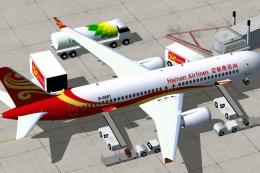
This complete package introduces an accurate rendition of the COMAC C919 in i…
 FSX Civil Aircraft
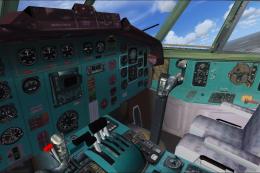
This enhanced freeware package features a meticulously updated rendition of t…
 FSX Civil Aircraft
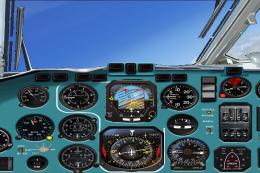
This is an update to the Tibor Kokai Tupolev Tu154 B-2. This package includes…
 FSX Civil Aircraft
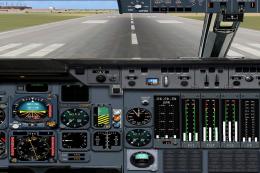
An update of the Varnavskiy Sergey IL76 by replacing the non-compatible gauge…
 FSX Civil Aircraft
An update to the Mike Stone L1011 Tristar 500, by adding the HJG L-1011 2D ri…
 FSX Civil Aircraft
An update to the J.R. Lucariny EKC390 by adding the Philippe Wallaert 717 2D …
 FSX Civil Aircraft
Dimitri Samborski's Antonov An-148 updated by adding the Lotarev D-36 sound s…
 FSX Civil Aircraft
Updates to the Guenter Kirschtein and Rey Lopez Tupolev Tu-104 and the Samdim…
Read what other simmers think, or add your own.

Please add AI traffic addons of the C919 and of the Comac ARJ-21 with the liveries of Xiamen Airlines, Hainan Airlines, and Ocean Air, and also with all the liveries of the default airlines in FS2002, FS2004, FSX, FSX:SE, Microsoft Flight Simulator 2020, and Microsoft Flight Simulator 2024, with their respective ATC call sign names.
Please ensure that:
Microsoft Flight Simulator XAddon SceneryScenery in FSX and FSX:SE.Also, please add an addon that makes the call sign names of Ocean Air and Xiamen Airlines for the FSX Comac ARJ-21 Updated Package be mentioned in FSX and FSX:SE, without affecting the mentioning, operations, or movement of the call signs of the default AI traffic or any AI traffic addons that players have installed.
Additionally, please add two Hainan Airlines liveries for the FSX Comac ARJ-21 Updated Package:
Thanks.

Please put a fixing addon to make the "autothrottle" work properly for this "FSX Comac ARJ-21 Updated Package" with the 2D panel that you putted and with whatever 2D panels and whatever 3D panels we use in FSX and FSX:SE (Microsoft Flight Simulator X and Microsoft Flight X: Steam Edition), including the default 2D panels and the default 3D panels of all the default aircrafts on FSX and FSX:SE (Microsoft Flight Simulator X and Microsoft Flight X: Steam Edition).
Thanks. God bless you. :)

Great plane and panel. Very enjoyable to fly. I wish I had a rudder indication though.. My only critique. 4 1/2 stars...