

 FSX Military Aircraft
German C-160 Transall
German C-160 Transall. A repaint in realistic German camouflage colors for th…
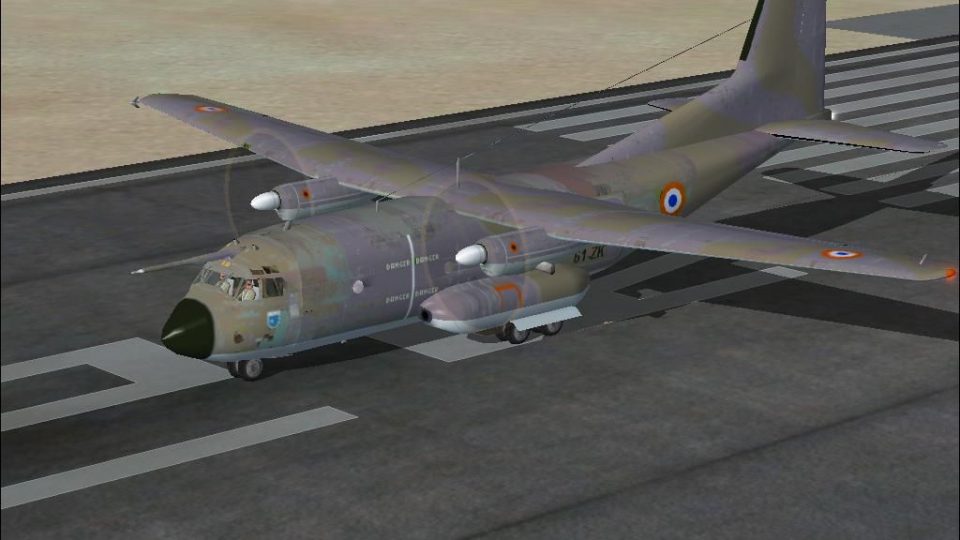
Transall C-160 brings a classic Franco-German military airlifter to FSX with a reflective metallic exterior, full animations, and a photo-based panel built from scratch. Two models and liveries cover French and German Air Force variants, plus a functional virtual cockpit with working instruments and animated controls; requires GougeSound.dll.
 Rate
Rate
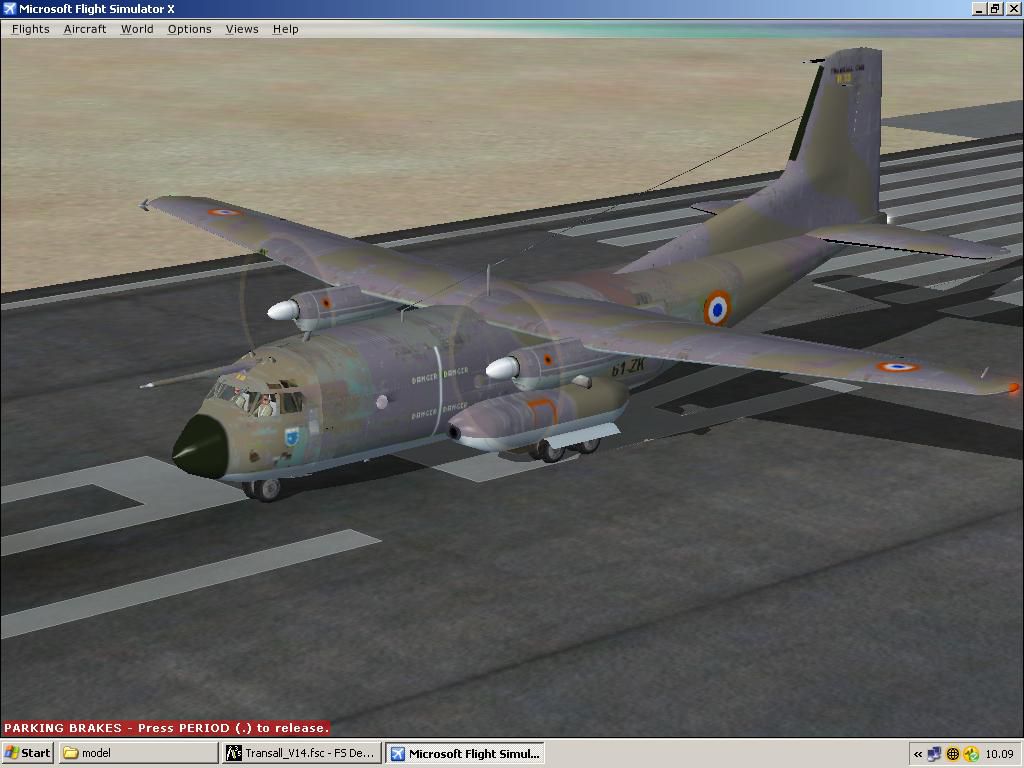

Transall C-160. The Transall C160 is a military transport aircraft developed by a consortium of French and German aircraft manufacturers for the air forces of those two nations and that of South Africa. This model features reflective metallic skin and full animations. The panel background has been created entirely from scratch, using photographic material found in the net. Two liveries and two models are provided, respectively for French AF and German AF (no refuelling probe). Most of the gauges are default gauges and some have been created by the authors. Included in this model there is also a virtual cockpit, with working flight instruments and animated flight controls. By Italo D'Attomo and Giovanni Quai.
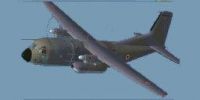
Transall C-160 in flight.
This is a full package (aircraft and panel) for FSX only or FSX+SP1.
(Please read Notes at the bottom of this page).
FOREWORD
==========
The Transall C-160 is a military transport aircraft developed by a consortium of French and German aircraft manufacturers for the air forces of those two nations and that of South Africa.
Thank you for downloading this package, we hope you'll enjoy it.
IMPORTANT!
===========
You MUST also insert the enclosed 'GougeSound.dll' in the Main FSX folder, otherwise you will experience an FS crash!!
This model features reflective metallic skin and full animations.
The panel background has been created entirely from scratch, using photographic material found in the net.
Two liveries and two models are provided, respectively for French AF and German AF (no refuelling probe).
Most of the gauges are default gauges and some have been created by the authors.
Included in this model there is also a Virtual Cockpit, with working flight instruments and animated flight controls.
INSTALLATION
============
Unzip this file into your Flight Simulator X \ airplanes folder and you will find the "Transall_C-160" folder with the usual subfolders and a 'GougeSound.dll' then operate as follows:
-Copy/Paste the enclosed 'GougeSound.dll' in your main Flight Simulator X folder (if you don't have it yet).
This should be the end of the installation procedure.
...Many happy flights!
TIPS
====
To Open/Close the rear cargo door use the key for tailhook, according to your keys assignements.
Please do not hesitate to use elevator trim as required to fly the plane hands-off.
Flying on virtual cockpit please move the eyepoint as required for better vision (check your eyepoint keyboard on FS options\controls\assignements for the keys required to move the 'eyepoint of view' (left/right/up/down/back or forward).
Please remember: to move around camera definition views, just push 'S' key to view next category then push 'A' key to view next in current category.
DISCLAIMER
==========
THE MODEL HAS BEEN TESTED MANY TIMES TO ENSURE THE PROPER OPERATION OF THIS SOFTWARE, AND ALL IS DONE TO AVOID ERRORS.
WE WILL NOT ACCEPT ANY RESPONSIBILITY FOR CONSEQUENTIAL INCIDENTAL OR ANY SYSTEM DAMAGE DUE TO THE FAILURE OR IMPROPER OPERATION OF THE SOFTWARE. THERE IS NOT ANY WARRANTY EXPRESSED OR IMPLIED FOR ANY CIRCUMSTANCE.
Capt. I. D'Attomo
Capt. G.Quai
The authors grant permission for repainting purposes only.
NOTES:
We installed succesfully this model on our FSX original and FSX Deluxe Edition plus SP1 , in airplanes folder WITHOUT installers, simply following the above procedure.
Simmers running Sp2 and/or accelerators, boosters or enhancers might encounter some undesired effects.
Note 1: Loading the aircraft for the first time you will get an 'unknown author' message for each of our gauges.
Click 'YES' if you like our gauges or 'NO' if you don't. If you say 'NO' you will not have our instruments displayed on the panel, except the default ones.
Note 2: You will get a second message asking you to "trust" the related gauge; if you "trust" it and say "Yes" when asked, you will never be asked again.
PLEASE READ CAREFULLY BOTH MESSAGES .
Note 3: If you want to see a different panel, copy or aliase a panel of a twin engine propjet-airplane of your choice or create a panel by yourself, in these cases the VC will not be shown correctly.
Note 4: Installing & using this package is at your own risk.
Note 5: Settings\Display\Graphics; selecting ''Light_Bloom'' check box, in the global options window, might not be compatible with our model and the selected plane may not appear.
February, 2010
P.S. more free aircrafts from the above authors may be found in 'flightsim.com'. Just write one of the authors' name in the 'search for text' box.
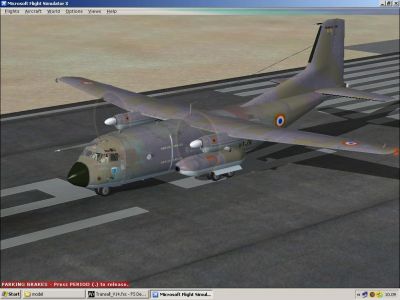
Transall C-160 in flight.
Free for all simmers · 2.43 MB · Scanned clean Oct 2026
Download speed: Free tier is capped at 0.5 Mbps. PRO members download at full line speed.
SimObjects\Airplanes\, Addon Scenery\, Effects\, or Gauges\.readme.txt or README file. It tells you exactly where files go, what dependencies are needed, and any quirks specific to this add-on.The archive transall_c160.zip has 60 files and directories contained within it.
This list displays the first 500 files in the package. If the package has more, you will need to download it to view them.
| Filename/Directory | File Date | File Size |
|---|---|---|
| Aircraft.cfg | 02.10.10 | 17.10 kB |
| C-160.JPG | 01.31.10 | 91.44 kB |
| GaugeSound.dll | 05.01.03 | 40.00 kB |
| model | 02.10.10 | 0 B |
| Model.cfg | 11.28.09 | 33 B |
| Transall_C-160.mdl | 02.10.10 | 1.34 MB |
| model.germ | 02.10.10 | 0 B |
| Model.cfg | 11.28.09 | 33 B |
| Transall_C-160.mdl | 02.10.10 | 1.33 MB |
| panel | 02.04.10 | 0 B |
| fuel_popup_background.bmp | 05.12.06 | 23.94 kB |
| fuel_popup_background_night.bmp | 05.12.06 | 67.91 kB |
| Panel.bmp | 01.29.10 | 769.05 kB |
| PANEL.CFG | 01.28.10 | 7.59 kB |
| radio_stack_bg.bmp | 05.12.06 | 67.86 kB |
| radio_stack_bg_night.bmp | 05.12.06 | 67.86 kB |
| TrGau | 01.25.10 | 0 B |
| ID_C160_Clock.gau | 01.06.10 | 116.00 kB |
| ID_C160_GearLvr.gau | 02.01.10 | 35.00 kB |
| ID_C160_RadarV2.gau | 12.16.09 | 731.50 kB |
| ID_DH100_FlapsInd.gau | 05.22.04 | 34.50 kB |
| trim_popup_background.bmp | 05.12.06 | 36.45 kB |
| trim_popup_background_night.bmp | 05.12.06 | 36.38 kB |
| Read me.txt | 02.10.10 | 3.99 kB |
| sound | 12.25.09 | 0 B |
| Sound.cfg | 11.04.09 | 42 B |
| texture | 02.04.10 | 0 B |
| $128vc2 | 02.05.09 | 17.05 kB |
| $128vc3 | 02.09.09 | 17.05 kB |
| $128vc4 | 02.09.09 | 17.05 kB |
| $pnl512 | 12.12.05 | 257.05 kB |
| C160_disco-elica.bmp | 02.01.10 | 65.05 kB |
| C160_fuse.bmp | 02.03.10 | 1.00 MB |
| C160_Glass.bmp | 11.26.09 | 65.05 kB |
| C160_Overhead.bmp | 01.28.10 | 65.05 kB |
| C160_pilot.bmp | 11.14.08 | 65.05 kB |
| C160_ruote.bmp | 09.18.09 | 65.05 kB |
| C160_Superfici.bmp | 02.03.10 | 257.05 kB |
| Seats.bmp | 01.09.10 | 65.05 kB |
| thumbnail.jpg | 02.04.10 | 4.36 kB |
| Thumbs.db | 02.04.10 | 78.00 kB |
| texture.1 | 02.03.10 | 0 B |
| $128vc2 | 02.05.09 | 17.05 kB |
| $128vc3 | 02.09.09 | 17.05 kB |
| $128vc4 | 02.09.09 | 17.05 kB |
| $pnl512 | 12.12.05 | 257.05 kB |
| C160_disco-elica.bmp | 01.31.10 | 65.05 kB |
| C160_fuse.bmp | 02.03.10 | 1.00 MB |
| C160_Glass.bmp | 11.26.09 | 65.05 kB |
| C160_Overhead.bmp | 01.28.10 | 65.05 kB |
| C160_pilot.bmp | 11.14.08 | 65.05 kB |
| C160_ruote.bmp | 09.18.09 | 65.05 kB |
| C160_Superfici.bmp | 02.03.10 | 257.05 kB |
| Seats.bmp | 01.09.10 | 65.05 kB |
| thumbnail.jpg | 01.16.10 | 5.38 kB |
| Thumbs.db | 02.04.10 | 56.50 kB |
| Trans.air | 09.04.06 | 12.38 kB |
| Transall_C-160 | 02.04.10 | 0 B |
| flyawaysimulation.txt | 10.29.13 | 959 B |
| Go to Fly Away Simulation.url | 01.22.16 | 52 B |
Only PRO members can place votes.
More FSX & P3D add-ons hand-picked based on this download.
FSX Military Aircraft
German C-160 Transall. A repaint in realistic German camouflage colors for th…
 FSX Military Aircraft
An update of Alexander Vishnyakov's Tu-160 by adding Eric Buchmann's Red 06 -…
 FSX Military Aircraft
This is the full package for the F-14D Tomcat developed by Dino Cattaneo for …
 FSX Military Aircraft
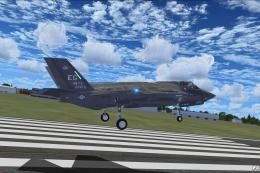
The F35 Lightning II is a fifth-generation, single-seat, single-engine stealt…
 FSX Military Aircraft
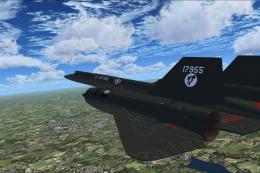
A pack containing three different Lockheed SR-71 add-ons from three different…
 FSX Military Aircraft
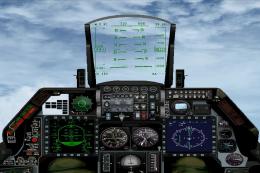
Complete aircraft with panel including working radar shows vAI traffic, panel…
 FSX Military Aircraft
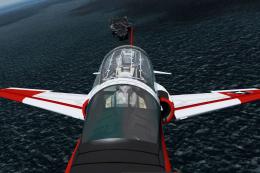
Now, v2.83. This file is compatible with FSX with the Acceleration Pack insta…
 FSX Military Aircraft
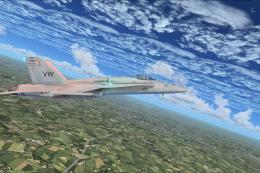
F/A-18 Combat Version. This is the Acceleration F/A-18 Hornet equipped with 2…
Read what other simmers think, or add your own.
