

 FSX Military Aircraft
French Air Force Douglas A-1H Repaint
Immerse yourself in this richly detailed French Air Force repaint for the Dou…
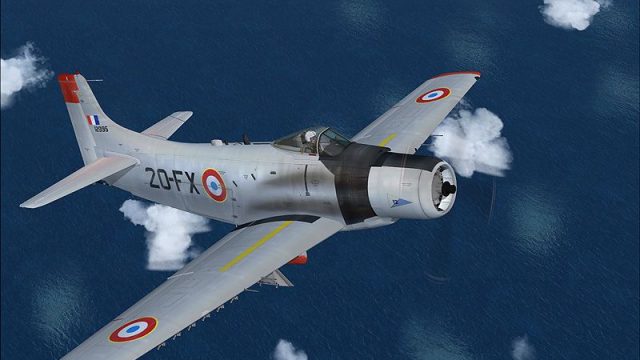
French Air Force textures for the Douglas A-1H bring a historically styled Armee de l’Air look to Microsoft Flight Simulator X, capturing the type’s close air support and search-and-rescue heritage. The repaint features crisp markings, refined panel detail with subtle weathering, and keeps the original virtual cockpit and exterior modeling intact; requires Tim Conrad’s A-1H base package.
 Rate
Rate
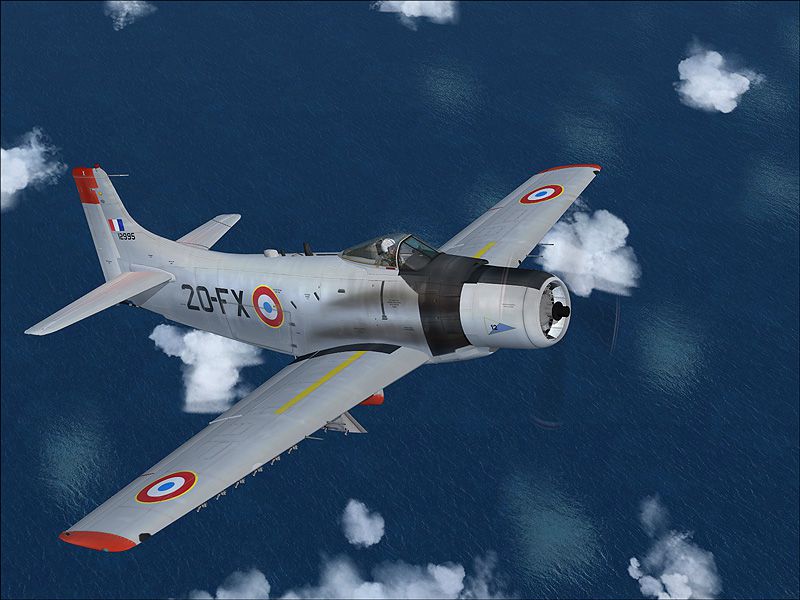
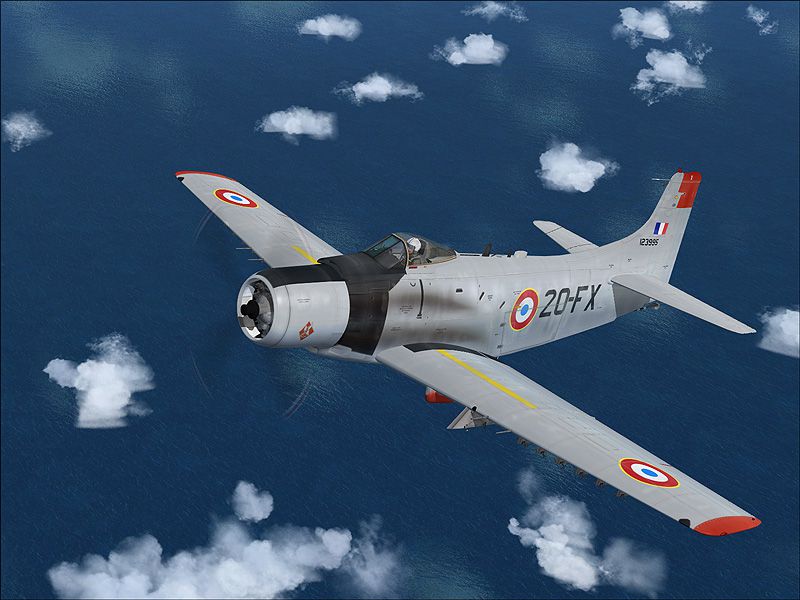
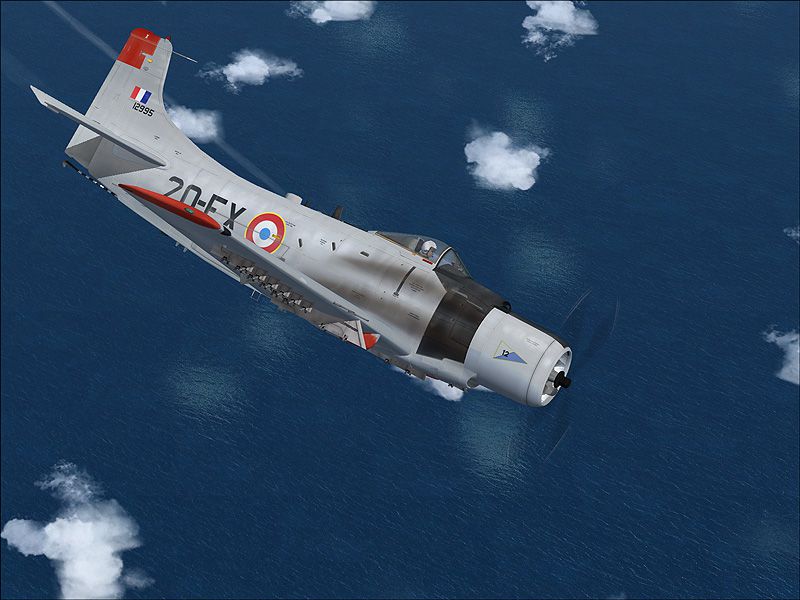
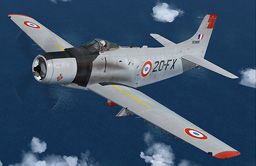
Enhance your Microsoft Flight Simulator X inventory with an authentic French Air Force livery applied to the Douglas A-1H Skyrider. Meticulously crafted by Henry William, this repaint accurately reflects the iconic single-seat aircraft once utilized for close air support and search-and-rescue missions. Originally designed by Tim Conrad, the base pack (A-1HSYRAIDER_NAVY.ZIP) must be acquired separately to integrate these new textures. This mod is a repaint for a freeware model and does not include that base model. You will need to download the freeware base model, which should be available in the Fly Away Simulation mod library.
This Douglas A-1H variant, often lauded for its formidable radial engine power and robust airframe, found a place in numerous air forces worldwide. In French operation, the airframe’s adaptability in short-runway conditions and its reliability for ground-attack tasks proved valuable. By adopting a radiant yet historically attuned camouflage, this repaint echoes the Armee de l’Air’s operational style.

Douglas A-1H in an Armee de l’Air-inspired scheme.
C:\Program Files\Microsoft Games\Microsoft Flight Simulator X\SimObjects\Airplanes\A-1H
[fltsim.xx]
title=A-1H_FR1
sim=A-1H
model=
panel=
sound=
texture=Fra1
panel_alias=
sound_alias=
kb_checklists=
kb_reference=
atc_id=39768
atc_id_color=
atc_parking_types=
atc_parking_code=
atc_airline=
atc_flight_number=
ui_manufacturer=Douglas
ui_createdby="Piglet's Peculiar Planes"
ui_type=A-1H
ui_variation=French E.C 1/20
description=Prop Driven naval CSAR and Close Support Aircraft
visual_damage=1
Creator: Henry William
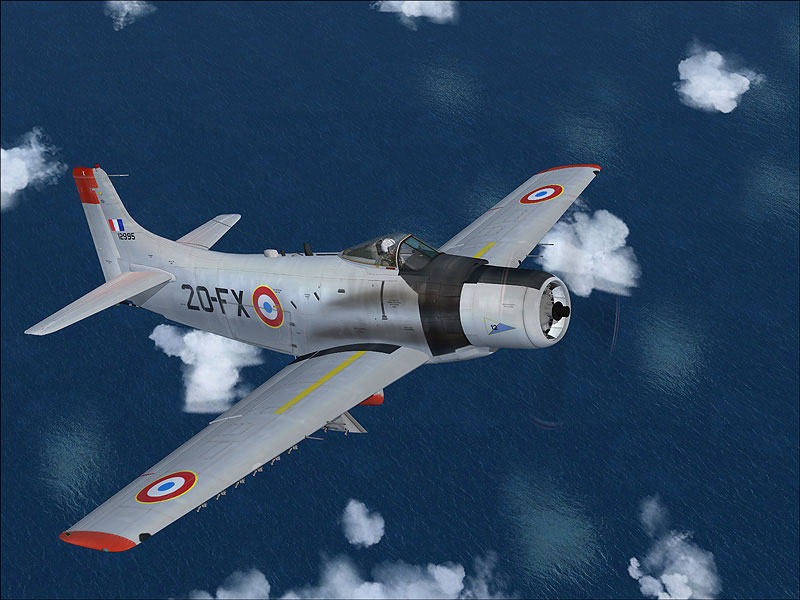
Enjoy historically styled French liveries on your Douglas A-1H.
Free for all simmers · 8.09 MB · Scanned clean Oct 2026
Download speed: Free tier is capped at 0.5 Mbps (this file takes approximately 2 mins at the cap). PRO members download at full line speed.
This file is a repaint — the package below is the base model it paints onto. Install it first, or the textures will have nothing to load onto.
texture.{airline}) inside FSX\SimObjects\Airplanes\{base-aircraft}\.aircraft.cfg in Notepad. Add a new [fltsim.X] section per the readme.readme.txt or README file. It tells you exactly where files go, what dependencies are needed, and any quirks specific to this add-on.The archive a-1fra2.zip has 27 files and directories contained within it.
This list displays the first 500 files in the package. If the package has more, you will need to download it to view them.
| Filename/Directory | File Date | File Size |
|---|---|---|
| 1.jpg | 03.14.10 | 192.36 kB |
| 2.jpg | 03.14.10 | 189.01 kB |
| 3.jpg | 03.14.10 | 197.27 kB |
| readme.txt | 03.14.10 | 1.11 kB |
| small.gif | 03.14.10 | 12.57 kB |
| texture.fra1 | 03.14.10 | 0 B |
| a1h_01.dds | 03.14.10 | 16.00 MB |
| a1h_01_spec.dds | 02.27.10 | 4.00 MB |
| a1h_02.dds | 03.14.10 | 4.00 MB |
| a1h_02_spec.dds | 03.08.10 | 1.00 MB |
| a1h_03.dds | 03.08.10 | 4.00 MB |
| a1h_aircrew.dds | 03.08.10 | 256.12 kB |
| a1h_panels.dds | 03.08.10 | 4.00 MB |
| a1_03_lm.dds | 02.24.10 | 4.00 MB |
| a1_03_spec.dds | 02.24.10 | 4.00 MB |
| a1_glass.dds | 03.01.10 | 256.12 kB |
| a1_glass_lm.dds | 02.17.10 | 256.12 kB |
| a1_panels_lm.dds | 02.24.10 | 4.00 MB |
| a1_panels_spec.dds | 02.24.10 | 4.00 MB |
| a1_prop.dds | 02.28.10 | 64.12 kB |
| a1_reflect.dds | 02.16.10 | 256.12 kB |
| thumbnail.jpg | 03.14.10 | 38.33 kB |
| Thumbs.db | 03.14.10 | 5.50 kB |
| Thumbs.db | 03.14.10 | 29.00 kB |
| a-1fra2 | 03.14.10 | 0 B |
| flyawaysimulation.txt | 10.29.13 | 959 B |
| Go to Fly Away Simulation.url | 01.22.16 | 52 B |
Only PRO members can place votes.
More FSX & P3D add-ons hand-picked based on this download.
FSX Military Aircraft
Immerse yourself in this richly detailed French Air Force repaint for the Dou…
 FSX Military Aircraft
FSX French Air Force Dassault Mirage 2000N, from 2/4 squadron, Luxeuil. Featu…
 FSX Military Aircraft
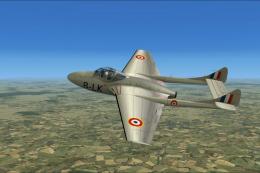
FSX French Air Force DH Vampire T.11. A repaint of the payware Alphasim DeHav…
 FSX Military Aircraft
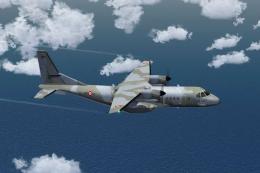
French Air Force Casa 295M Camo. This is a repaint of the Premieraircraft Cas…
 FSX Military Aircraft
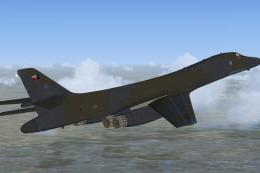
US Air Force B-1B 85-0061 "French Connection". This aircraft was delivered to…
 FSX Military Aircraft
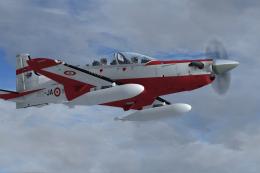
A repaint for the Iris Pilatus PC21 payware aircraft. Repaint by Martial Fero…
 FSX Military Aircraft
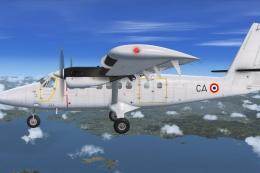
A repaint for the Aerosoft Twin Otter Extended, in the colors of French Air F…
 FSX Military Aircraft
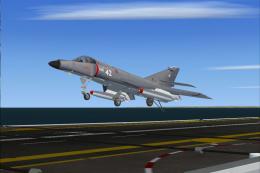
French Air Force Dassault Super Etendard texture for 1979-1990, for use with …
Be the first to leave a comment on this download.
Be the first to share your thoughts on this download.