

 FSX Helicopters
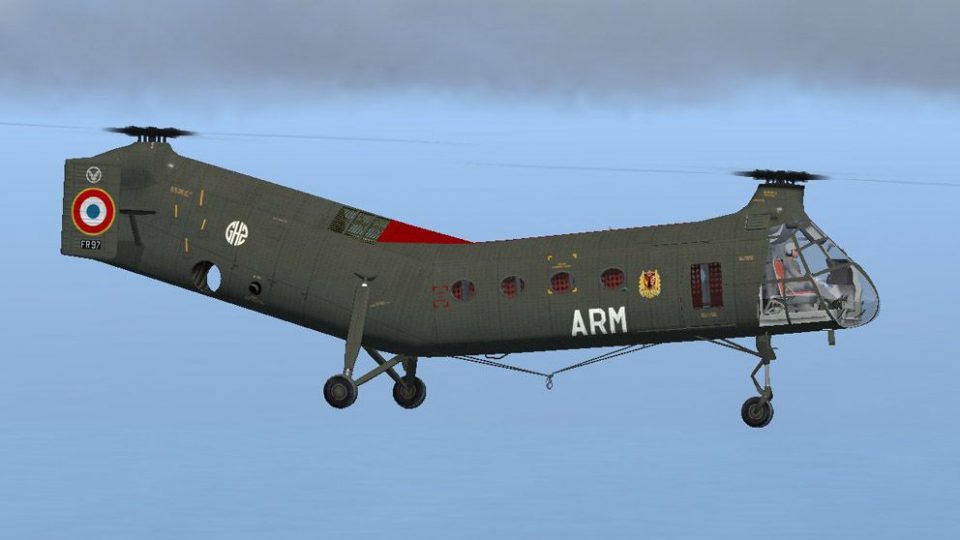
H-21C French Army (ALAT) GH2 Setif 1956
H-21C French Army (ALAT) GH2 Setif 1956. This is a repaint of Mick Posch's H-…
French Army ALAT Piasecki H-21C repaint brings Algerian-theater markings to the classic “Workhorse,” including 1960 fin roundels, Army Aviation crest, and period serial styling, plus adjusted landing gear visuals matched to GH2 Sétif modifications. Built for Microsoft Flight Simulator X, it requires Mick Posch’s freeware H-21C base model.
 Rate
Rate
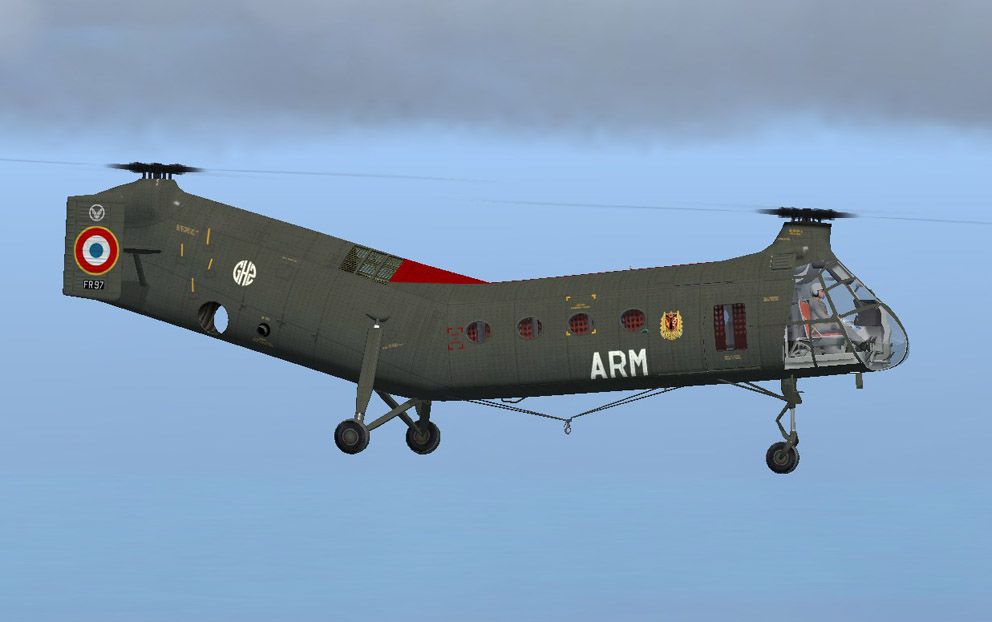
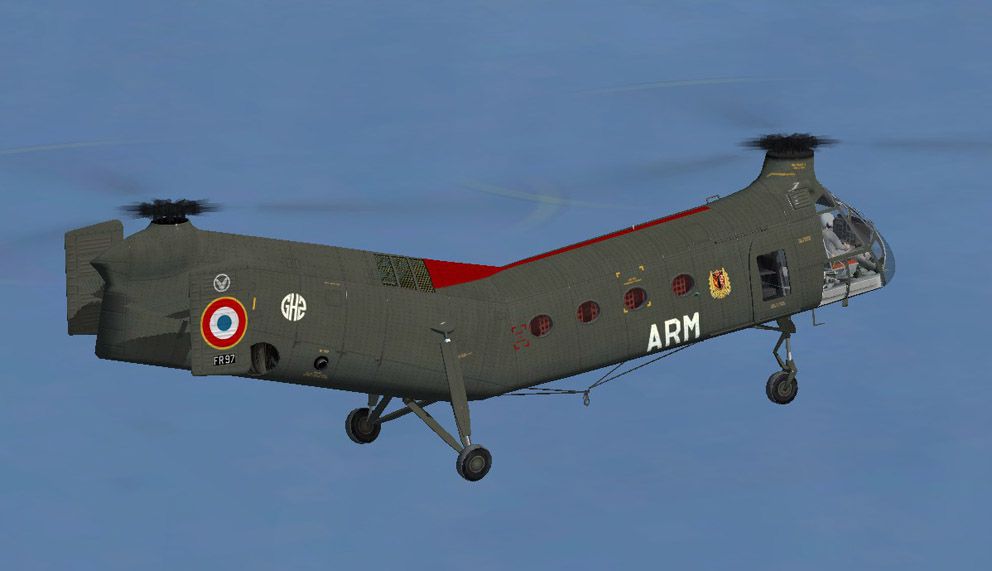
This add-on offers a fully detailed French Army Aviation (ALAT) repaint of the Piasecki H-21C, designed for Microsoft Flight Simulator X. It showcases the classic rotorcraft’s distinctive markings used in the Algerian theater, incorporating newly adjusted landing gear components for realistic visual accuracy. Created by Michel Gerard as a freeware package, this repaint leverages specially adapted model geometry from the original Piasecki H-21C by developer Mick Posch.

French Army (ALAT) Piasecki H-21C in flight.
Sample Configuration Entry:
[fltsim.xx]
title=Piasecki_H21C_ALAT_GH2_ARM
sim=Piasecki_H21C
model=French Army 2
panel=
sound=
texture=ALAT-GH2-ARM

atc_id=
atc_id_color=0xffffffff

checklists=
ui_manufacturer="Piasecki"
ui_type="H21-C"
ui_variation=France ALAT GH2 Sétif ca. 1961
kb_checklists=Piasecki_H21C_check
kb_reference=Piasecki_H21C_ref

ui_typerole="Rotorcraft"
ui_createdby="Mick Posch"
description=As from 1960 roundels were introduced on the fins of French H-21Cs...
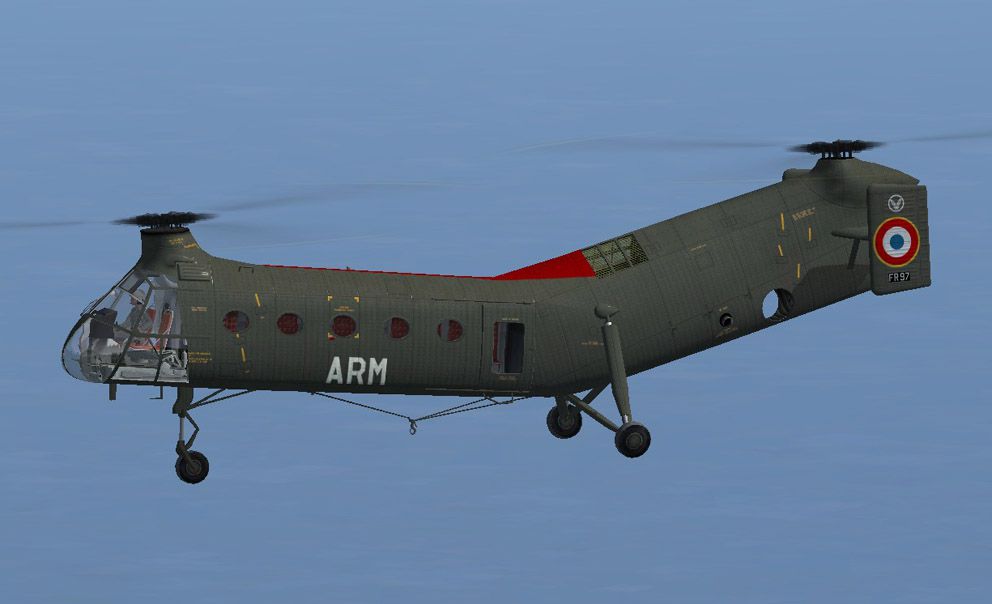
France operated 108 of these versatile H-21C helicopters, often nicknamed the “Workhorse,” starting in 1956. The majority served under Army Aviation (ALAT), with several briefly assigned to naval units until their transfer to the Army in 1960. Stationed primarily at Sétif – Aïn Arnat in Algeria, the fleet participated in both wartime and peacekeeping missions. The final group remained active until 1971, illustrating the aircraft’s durability in French service.
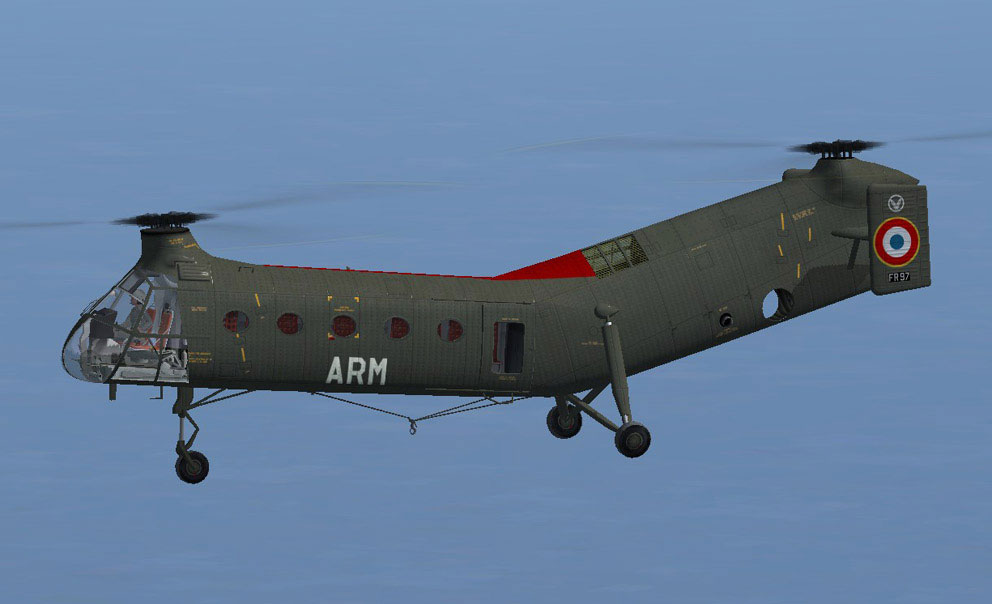
French Army (ALAT) Piasecki H-21C in flight.
This repaint was created by Michel Gerard. Special thanks are extended to developer Mick Posch for refining the 3D geometry. While every effort is made to confirm the reliability of these files, the author assumes no responsibility for any issues that may arise. Feedback and comments are always encouraged, and enthusiasts are invited to enjoy this freeware contribution to Microsoft Flight Simulator X rotorcraft enthusiasts worldwide.
Free for all simmers · 2.48 MB · Scanned clean Oct 2026
Download speed: Free tier is capped at 0.5 Mbps. PRO members download at full line speed.
This file is a repaint — the package below is the base model it paints onto. Install it first, or the textures will have nothing to load onto.
texture.{airline}) inside FSX\SimObjects\Airplanes\{base-aircraft}\.aircraft.cfg in Notepad. Add a new [fltsim.X] section per the readme.readme.txt or README file. It tells you exactly where files go, what dependencies are needed, and any quirks specific to this add-on.The archive h21_arm.zip has 19 files and directories contained within it.
This list displays the first 500 files in the package. If the package has more, you will need to download it to view them.
| Filename/Directory | File Date | File Size |
|---|---|---|
| ReadMe.txt | 03.19.09 | 2.83 kB |
| H21C_FSX.MDL | 01.19.09 | 2.49 MB |
| model.cfg | 05.20.07 | 75 B |
| H21_1_T.dds | 03.18.09 | 1.00 MB |
| H21_2_T.dds | 12.26.08 | 1.00 MB |
| H21_3_T.dds | 12.28.08 | 1.00 MB |
| H21_Xparency_T.dds | 05.10.07 | 16.12 kB |
| Markings_English.dds | 12.28.08 | 256.12 kB |
| texture.cfg | 05.09.07 | 172 B |
| thumbnail.jpg | 12.28.08 | 35.13 kB |
| Thumbs.db | 01.04.09 | 8.50 kB |
| File_id.diz | 03.23.09 | 377 B |
| H21_ARM-1.jpg | 03.19.09 | 84.40 kB |
| H21_ARM-2.jpg | 03.19.09 | 76.09 kB |
| H21_ARM-3.jpg | 03.19.09 | 77.47 kB |
| H21_ARM.gif | 03.19.09 | 9.21 kB |
| Lisez_Moi.txt | 03.19.09 | 2.87 kB |
| flyawaysimulation.txt | 10.29.13 | 959 B |
| Go to Fly Away Simulation.url | 01.22.16 | 52 B |
Only PRO members can place votes.
More FSX & P3D add-ons hand-picked based on this download.
FSX Helicopters
H-21C French Army (ALAT) GH2 Setif 1956. This is a repaint of Mick Posch's H-…
 FSX Helicopters
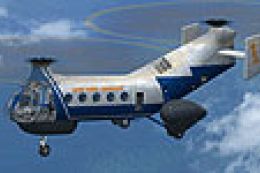
FSX Piasecki H-21C "Flying Banana". A major upgrade from the FS9 version. New…
 FSX Helicopters
For use with PIASH21C.ZIP. May 2012 upgrade package for the FSX Piasecki H21C…
 FSX Helicopters
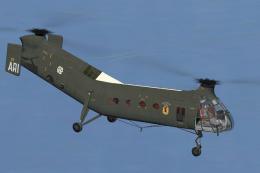
Experience a meticulously updated French Army H-21C, adapted for Microsoft Fl…
 FSX Helicopters
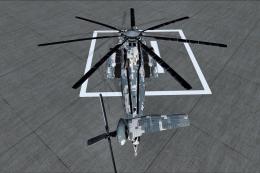
In the US, only the Marines and the Navy uses the Sikorsky CH-53E Super Stall…
 FSX Helicopters
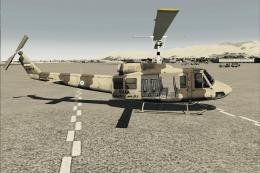
Bell 214 in Iranian Army livery. A complete model including aircraft. The Bel…
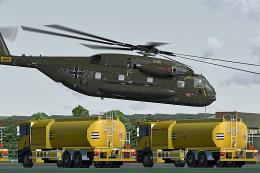 FSX Helicopters
German Army Sikorsky CH-53E. Repaint for a CH-53 in service from the German B…
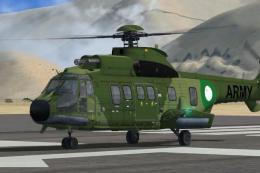 FSX Helicopters
Pakistan Army Aviation Puma AS332. Fictional textures for the Nemeth Design E…
Be the first to leave a comment on this download.
Be the first to share your thoughts on this download.