


 Portugal
  FSX Scenery
FSX Skara Bonaire X
Skara Scenery Bonaire X. Flamingo International Airport or Bonaire Internatio…
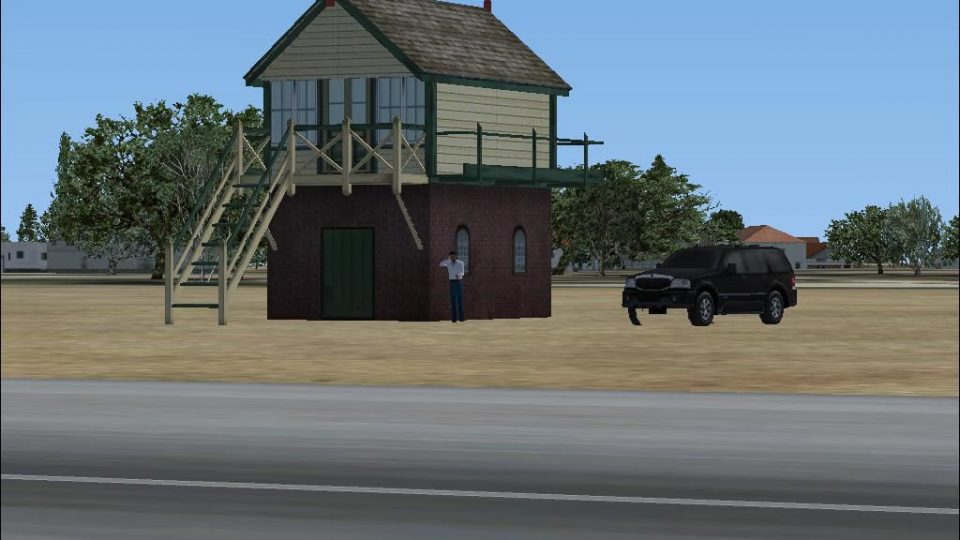
Espinho, Portugal gets a livelier airfield environment with custom hangars, a fire station, a control tower, and thoughtfully placed static aircraft that add depth on approach and departure. Designed for FSX, the scenery balances visual detail with smooth everyday flying, making local VFR circuits and coastal hops more engaging.
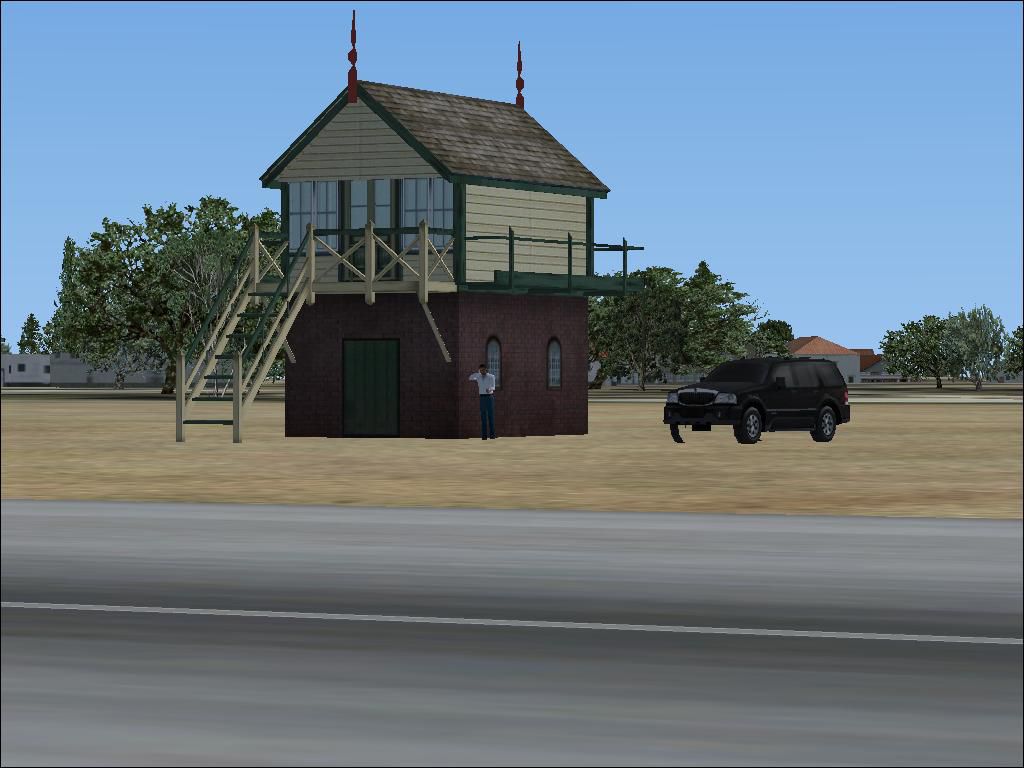
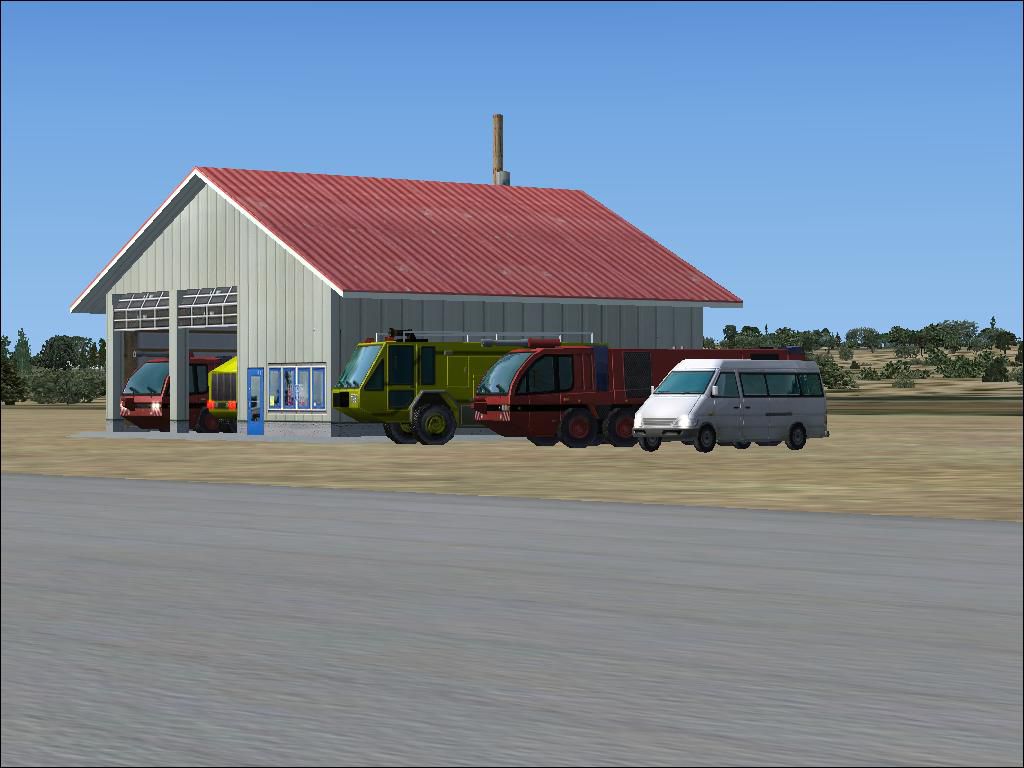
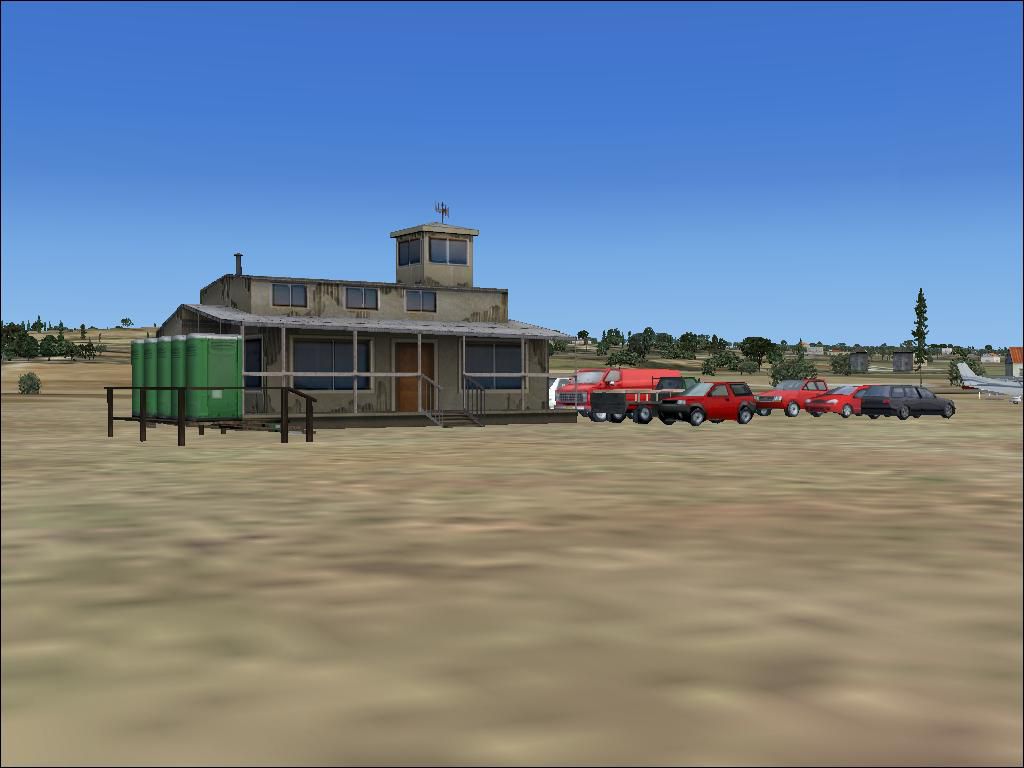
Espinho Scenery, Portugal. Adds hangars, fire station, control tower and static planes. By Pedro Vendeira.
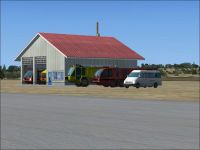
Espinho Scenery.
About the scenery:
This is the first addon scenery I've made for FS X. The scenery adds hangers, a fire station, a control tower, and some static planes (among others) to Espinho, Portugal. The scenery isn't life-like. I've created the way I wanted it. Although the scenery is not very heavy on frames, expect a slight decrease on FPS when flying by.
Installing the new scenery:
Installing the new scenery is easy. First, extract the .zim to a temp file. After that, copy the Espinho.bgl to the Addon Scenery/Scenery in the FS X directory. Then, start up FS X, and go to settings, then Scenery library. Then, check the box where is says Addon Scenery.
Known bugs:
There are no known bugs.
Redestribution:
If you wish to put the scenery on other site or redistribute it in any other way, please NOTIFY ME FIRST! I'll probably say yes, but tell me anyway so I can keep track of where my files are posted.
Sorry if there are any kind of mistakes in the Read-me. I'm not english...
I hope you enjoy the scenery, it took me about 30 mins to make :)
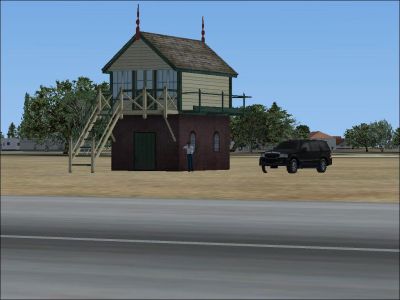
Espinho Scenery.
Free for all simmers · 217.68 KB · Scanned clean Oct 2026
Download speed: Free tier is capped at 0.5 Mbps. PRO members download at full line speed.
FSX\Addon Scenery\ containing scenery and texture sub-folders.readme.txt or README file. It tells you exactly where files go, what dependencies are needed, and any quirks specific to this add-on.Use these coordinates to fly directly to this location once the mod is installed.
41.00810000,-8.64160000
Launch FSX or Prepar3D and use Flights → Load to open the downloaded .pln file. Your aircraft will be positioned at this location.
The archive espinho.zip has 8 files and directories contained within it.
This list displays the first 500 files in the package. If the package has more, you will need to download it to view them.
| Filename/Directory | File Date | File Size |
|---|---|---|
| Espinho.bgl | 06.10.07 | 3.34 kB |
| Espinho_2.JPG | 06.10.07 | 65.11 kB |
| Espinho_3.JPG | 06.10.07 | 84.94 kB |
| Espinho_1.JPG | 06.10.07 | 86.58 kB |
| Read-Me.txt | 06.10.07 | 1.56 kB |
| FILE_ID.DIZ | 06.14.07 | 116 B |
| flyawaysimulation.txt | 10.29.13 | 959 B |
| Go to Fly Away Simulation.url | 01.22.16 | 52 B |
Only PRO members can place votes.
More FSX & P3D add-ons hand-picked based on this download.
FSX Scenery
Skara Scenery Bonaire X. Flamingo International Airport or Bonaire Internatio…
 FSX Scenery
Iwo Jima Scenery 1945 Update. This is a complete scenery with added effects a…
FSX Scenery
Kjeller Area Scenery X, Norway. Scenery around Kjeller airport with photoreal…
 FSX Scenery
FSX Loney's Alaska For FSX. This is a compilation of the author's Alaskan sce…
 FSX Scenery
For users of Flight Simulator X (and FSX: Steam Edition) and/or Prepar3D, ter…
 FSX Scenery
This freeware release by developer Aime Leclercq introduces revised highways …
 FSX Scenery
Team GEX Enhanced Autogen World. This package upgrades 522 world wide autogen…
 FSX Scenery
Princess Juliana International Airport (TNCM) in Saint Marteen, Netherlands A…
Be the first to leave a comment on this download.
Be the first to share your thoughts on this download.