

 FSX Scenery
Nutmeg Cabins Update
Nutmeg Cabins Update, for use with NUTCABS.ZIP. This update corrects a minor …
Nutmeg Cabins brings a detailed, fictitious mountain resort near Dillon Lake, Colorado to life with a 2,500-foot dirt airstrip, dense trees, and animated birds for low-and-slow backcountry flying in FSX. The scenery places custom objects around the cabins and airfield and requires the EZ-Scenery and RWY12 object libraries for full detail.
 Rate
Rate
 United States of America
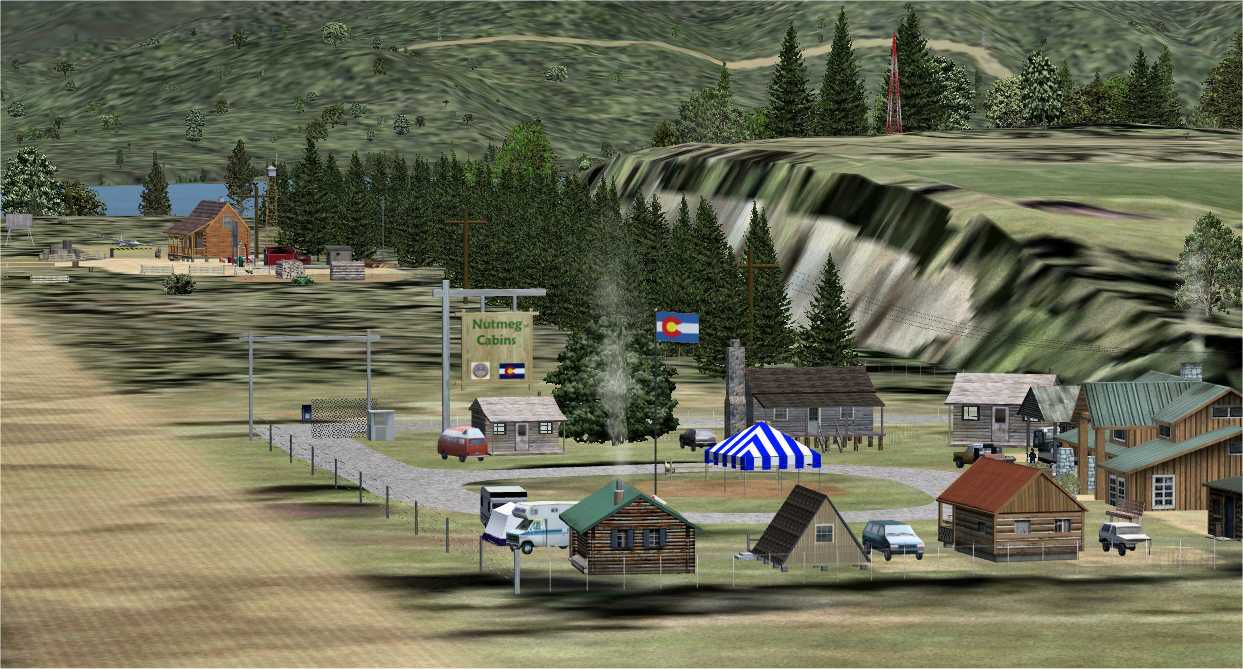
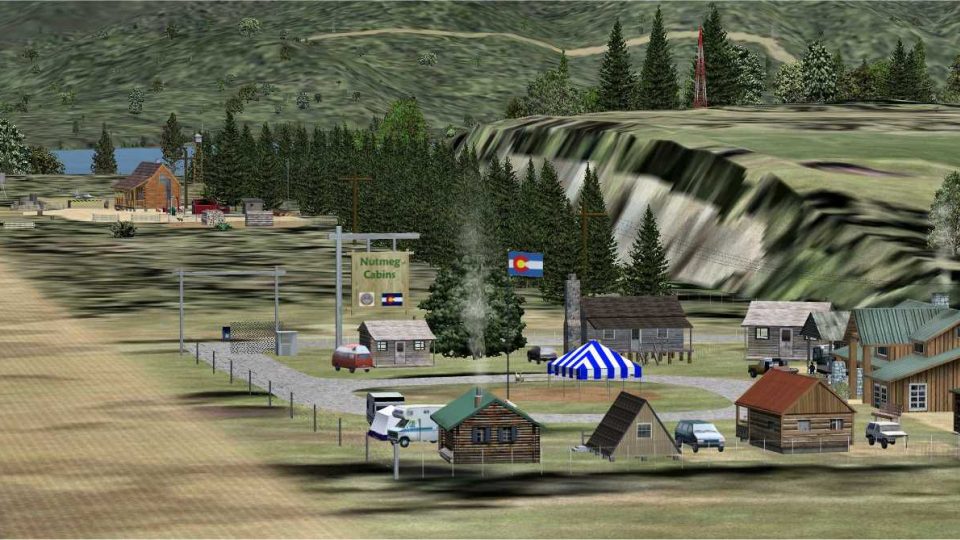
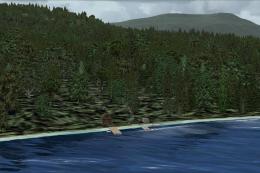
Nutmeg Cabin, CO. Nutmeg Cabins is a (fictitious) mountain cabin resort located near Dillon Lake in Colorado (Summit County). Nutmeg Cabins has its own airfield (2500 foot dirt runway). Highly detailed scenery includes numerous trees, flying birds (crows and seagulls). By Bernie Martin. (See also NUTCAB2.ZIP).
Nutmeg Cabin Scenery.
This scenery was created using AFX, SBuilderX and Rwy12. Macros were created in EOD. Please note that this scenery was designed to be used in FSX, and has not been tested in previous versions.
Description:
Nutmeg Cabins is a wood cabin resort located at Dillon Lake (Summit County, CO). The scenery features an airfield with a 2500-ft runway. Nutmeg Cabins coordinates are: N39 31.74 W79 21.16
Installation:
- In the ADDON SCENERY folder in FSX, create a new folder and name it "Nutmeg Cabins"
- Within that folder, create two new folders named "scenery" and "texture":
Microsoft Flight Simulator X/ADDON SCENERY/Nutmeg Cabins/scenery/texture.
- Unzip the contents of scenery.zip into the "scenery" subfolder you just created.
- Unzip the contents of texture.zip into the "texture" subfolder you just created.
- Start FSX and in the "world" menu choose "scenery library".
- Choose "add area" and find the path to your new scenery folder (FSX/ADDON SCENERY/Nutmeg Cabins/scenery).
- Enter "Nutmeg Cabins" as the area scenery title in field (make sure "Use this scenery directly" is selected), then click OK.
- After the scenery is installed, you can start directly at Nutmeg Cabins by selecting "go to airport" in the "world" menu in FSX and entering "KARO" as the airport name (Arapaho).
IMPORTANT NOTE:
You will need to have the EZ-scenery and RWY12 Object Libraries (and textures) installed in your FSX ADDON SCENERY folder in order for all objects to display correctly. Both are available as free downloads.
Thanks to the authors who contribute to the ez-scenery and RWY12 libraries, their effort has made this project so much easier.
Credits
- SBuilderX by Luis Sa
- Rwy12 by Seev Kahn ans Israel Roth
- Easy Object Designer by Matthias Bruckner
- All other contributors -some of them anonymous- for their various creations (scenery objects, effects, etc...)
Many thanks to these designers for their creations and allowing other designers to use them.
Limitations
- This file is provided as freeware. You may download it, upload it and distribute it freely on any Internet site as long as no fee is charged. No profit of any kind may be made from the use of this file. Original scenery files can be used freely, but under the same limitations. Original authors should be acknowledged.
- The file is provided "as is", with no form of support or warranty. User is responsible for any damage or loss to user's hardware or software.
Free for all simmers · 3.69 MB · Scanned clean Oct 2026
Download speed: Free tier is capped at 0.5 Mbps (this file takes approximately 1 min at the cap). PRO members download at full line speed.
This add-on may require the following files to function properly. If this is a repaint, the dependency below is likely the base aircraft package.
FSX\Addon Scenery\ containing scenery and texture sub-folders.readme.txt or README file. It tells you exactly where files go, what dependencies are needed, and any quirks specific to this add-on.Use these coordinates to fly directly to this location once the mod is installed.
39.63000000,-106.05000000
Launch FSX or Prepar3D and use Flights → Load to open the downloaded .pln file. Your aircraft will be positioned at this location.
The archive nutcabs.zip has 10 files and directories contained within it.
This list displays the first 500 files in the package. If the package has more, you will need to download it to view them.
| Filename/Directory | File Date | File Size |
|---|---|---|
| File_id.diz | 11.04.07 | 311 B |
| Nutcabs.gif | 11.04.07 | 11.97 kB |
| Nutcabs.jpg | 11.04.07 | 119.78 kB |
| Pix.zip | 11.04.07 | 2.40 MB |
| Readme.txt | 11.04.07 | 2.63 kB |
| scenery.zip | 11.04.07 | 10.20 kB |
| texture.zip | 11.04.07 | 1.15 MB |
| Nutcabs | 11.04.07 | 0 B |
| flyawaysimulation.txt | 10.29.13 | 959 B |
| Go to Fly Away Simulation.url | 01.22.16 | 52 B |
Only PRO members can place votes.
More FSX & P3D add-ons hand-picked based on this download.
FSX Scenery
Nutmeg Cabins Update, for use with NUTCABS.ZIP. This update corrects a minor …
 FSX Scenery
Cozy Cabin A small remote cabin positioned not far from Salt Spring Island, B…
 FSX Scenery
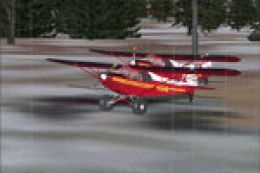
Grizz's Cabin, located east of Talkeetna, Alaska (AK). Part of a series that …
 FSX Scenery
Skara Scenery Bonaire X. Flamingo International Airport or Bonaire Internatio…
 FSX Scenery
Iwo Jima Scenery 1945 Update. This is a complete scenery with added effects a…
FSX Scenery
Kjeller Area Scenery X, Norway. Scenery around Kjeller airport with photoreal…
 FSX Scenery
FSX Loney's Alaska For FSX. This is a compilation of the author's Alaskan sce…
 FSX Scenery
For users of Flight Simulator X (and FSX: Steam Edition) and/or Prepar3D, ter…
Be the first to leave a comment on this download.
Be the first to share your thoughts on this download.