


 Belize
  FSX Scenery
Belize City Airport
Belize City Airport. A bug fix for Belize City municipal airport, Belize. By …
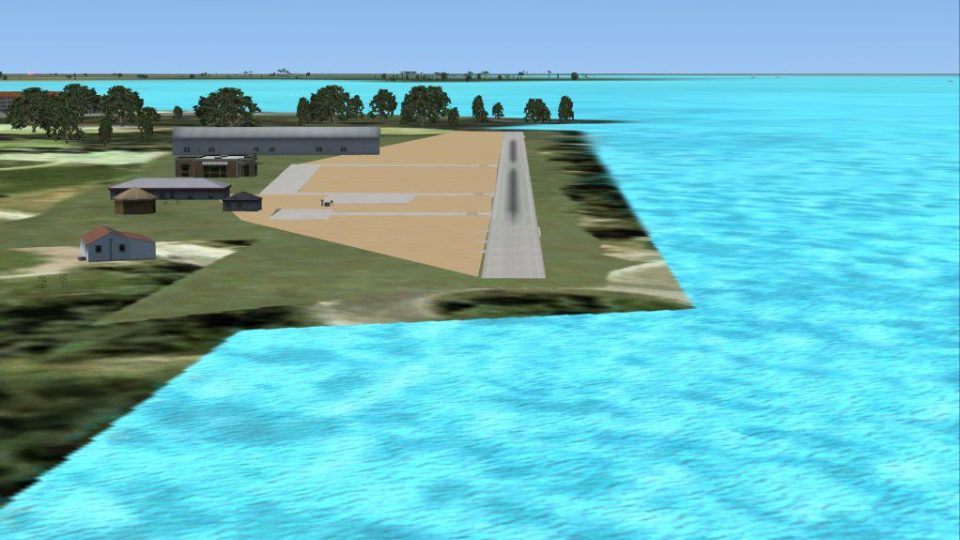
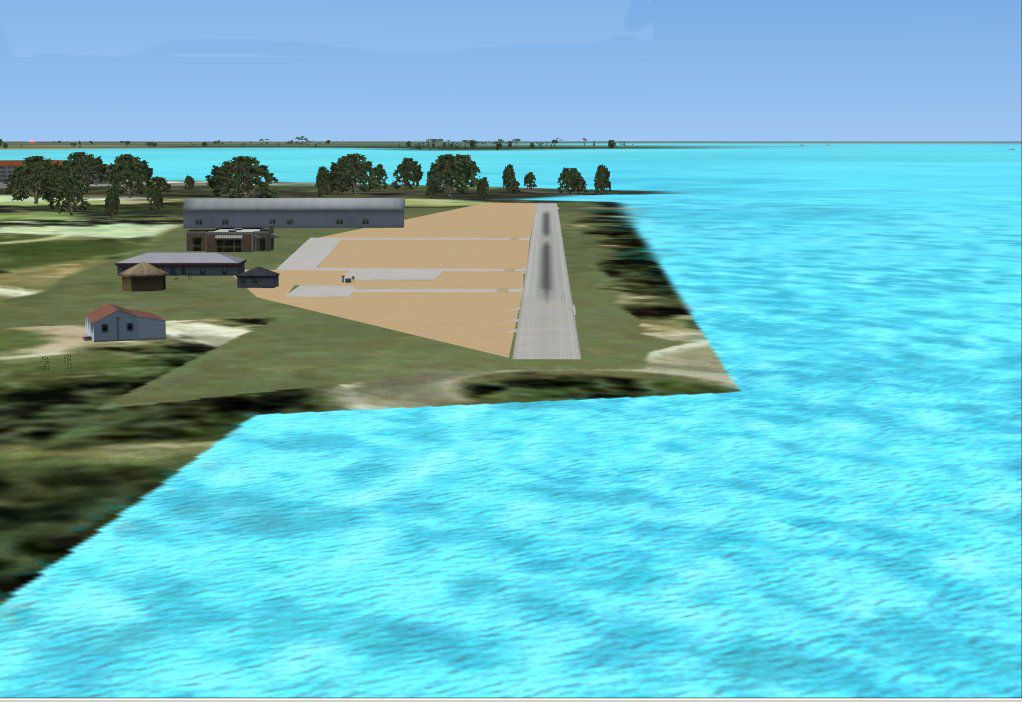
Belize City Municipal Airport scenery refreshes the TZA/MZ55 field with an updated terminal, cleared runway edges, and distinctive mangrove-swamp approaches for more authentic VFR flying. In FSX it also corrects key Belize City shorelines and the riverbed, improving visual navigation cues and day-to-day traffic realism around this busy local hub.
Belize City Municipal Airport By Alf B. Meier.
Belize City Municipal Airport Scenery.
Introduction:
Before I get e-mails from some of the fans of my FS9 version of TZA (IATA code) let me say that some of the landmarks, such as those original hut-terminals and the wave breakers don't exist anymore. The former have been substituted for a modern terminal and the latter has been covered by sand and vegetation.
The shrubs at the beginning of the landing strip have been removed. What remains is the mangrove swamp at the north-west end of the airport, which makes north take off and south landings quite challenging (and a crash introduction to the meaning of: “landing over a 30 foot obstacle”) and the ditches at the both ends of the runway, which should serve as a reminder to the meaning of “decision points”.
Despite of not having an ICAO code this airport still serves as hub of the Maya Island Air airline and has frequent traffic movements. (MZ55 is a code I have assigned to this airport because you cannot use it in FSX without).
The shorelines of most of Belize City have been corrected, as well as the river's bed to make VFR approaches a little less guesswork.
Installation:
Simply unzip the *.bgl files into the Addon Scenery/scenery folder.
Uninstallation:
Remove the files from the Addon Scenery/scenery folder.
Acknowledgments:
These files have been partially generated by SbuilderX and Airport Design Editor and the coordinates are generated from Google Earth.
Have fun.
Alf B. Meier
Free for all simmers · 117.63 KB · Scanned clean Oct 2026
Download speed: Free tier is capped at 0.5 Mbps. PRO members download at full line speed.
FSX\Addon Scenery\ containing scenery and texture sub-folders.readme.txt or README file. It tells you exactly where files go, what dependencies are needed, and any quirks specific to this add-on.Use these coordinates to fly directly to this location once the mod is installed.
17.50640000,-88.19760000
Launch FSX or Prepar3D and use Flights → Load to open the downloaded .pln file. Your aircraft will be positioned at this location.
The archive fsxtzaam.zip has 8 files and directories contained within it.
This list displays the first 500 files in the package. If the package has more, you will need to download it to view them.
| Filename/Directory | File Date | File Size |
|---|---|---|
| MZ55_ADE_ABM.BGL | 12.30.07 | 2.95 kB |
| MZ55_OBX.BGL | 12.30.07 | 2.09 kB |
| CVX_MZ55.BGL | 12.30.07 | 2.93 kB |
| TZA.jpg | 12.30.07 | 114.68 kB |
| README.txt | 12.30.07 | 2.15 kB |
| File ID.DIZ.txt | 12.30.07 | 56 B |
| flyawaysimulation.txt | 10.29.13 | 959 B |
| Go to Fly Away Simulation.url | 01.22.16 | 52 B |
Only PRO members can place votes.
More FSX & P3D add-ons hand-picked based on this download.
FSX Scenery
Belize City Airport. A bug fix for Belize City municipal airport, Belize. By …
FSX Scenery
Scenery Ocean City Municipal Airport (26N), NJ. Located two miles southwest o…
 FSX Scenery
Belize Airports Package. Contains 12 regional airports in Belize, including a…
 FSX Scenery
Autogen fix for Hana PHHN and Belize MZBZ. Diagram showing Hana airport fix S…
 FSX Scenery
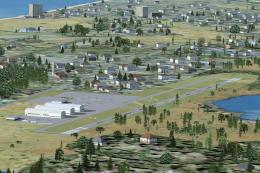
(26N) is a public airport located two nautical miles southwest of the central…
 FSX Scenery
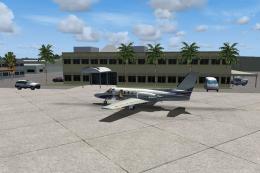
Immerse yourself in a carefully overhauled representation of Naples Municipal…
 FSX Scenery
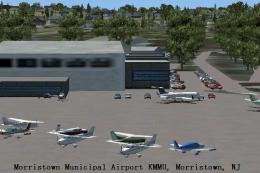
Morristown Municipal Airport serves Morristown and Morris County and is owned…
 FSX Scenery
Pueblo Municipal Airport. Pueblo Memorial is the airport located in Pueblo, C…
Be the first to leave a comment on this download.
Be the first to share your thoughts on this download.