

 FSX Scenery
St Eustatius Caribbean Photo V2
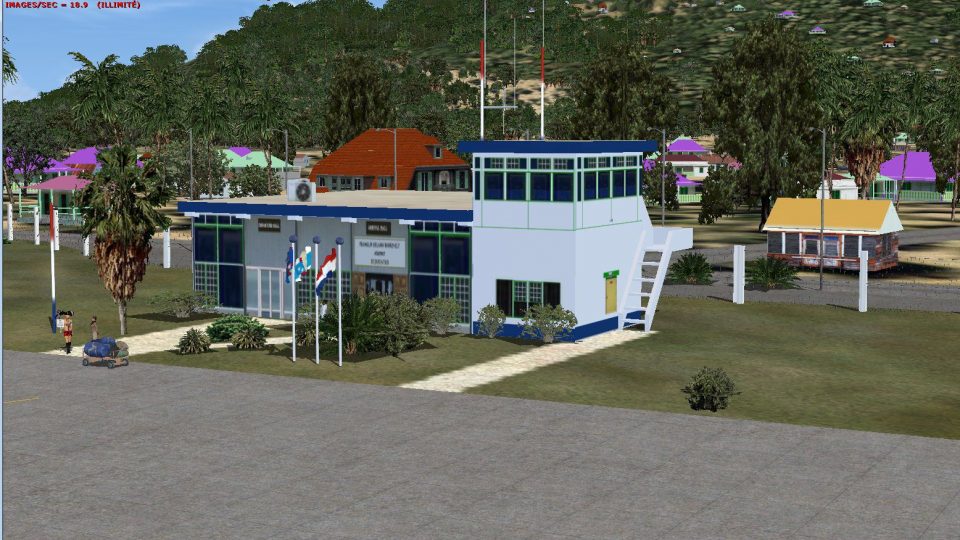
Photoreal model of terminal, tower and PIR in the photo scenery of St. Eustat…
St. Eustatius scenery refreshes the Netherlands Antilles island with rebuilt coastlines, improved landclass, and a more coherent Oranjestad layout, plus an enhanced F. D. Roosevelt Airport (TNCE). Roads and traffic align with the updated terrain for more believable VFR navigation in FSX.
 Rate
Rate
 Bonaire, Sint Eustatius and Saba
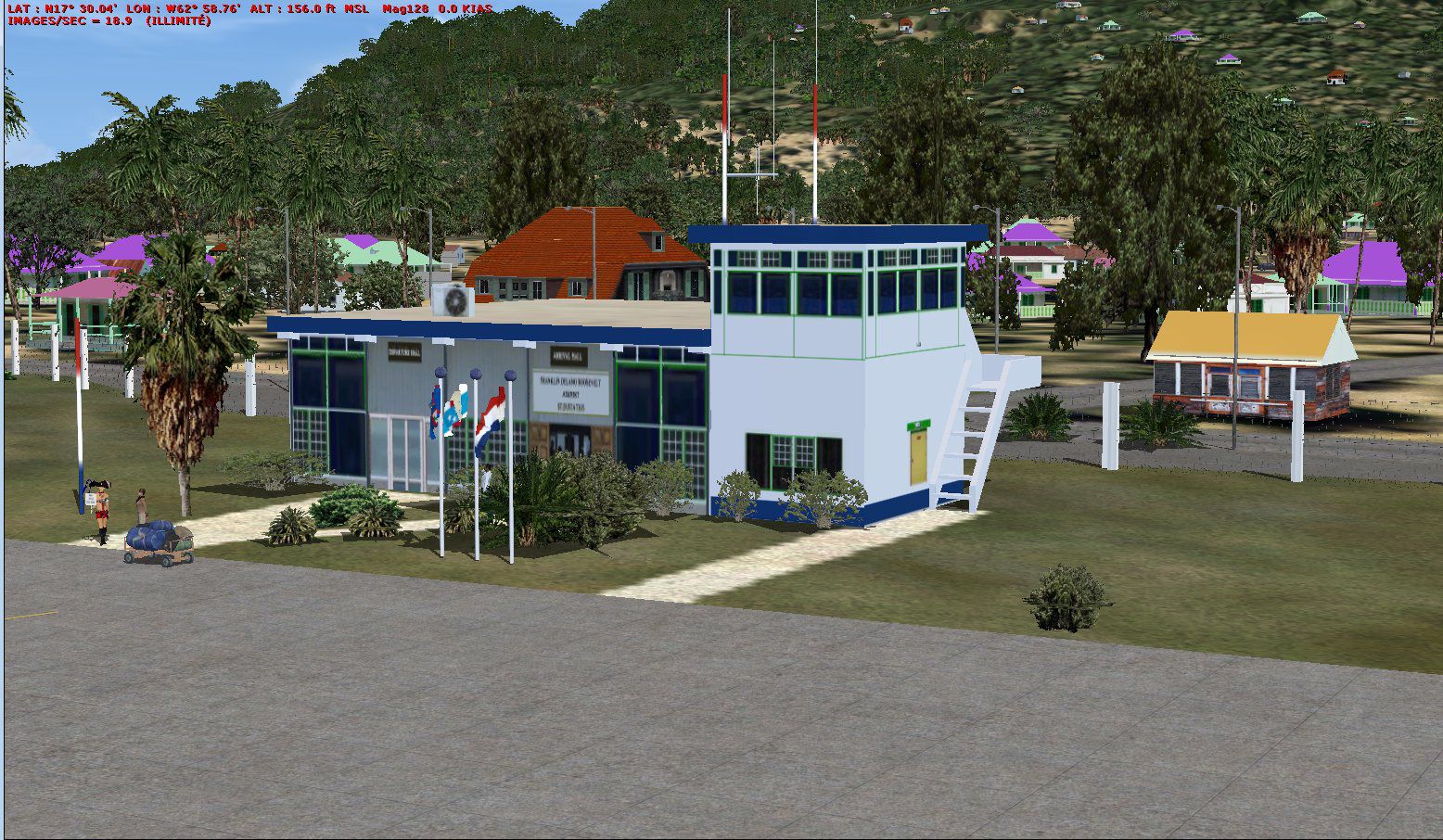
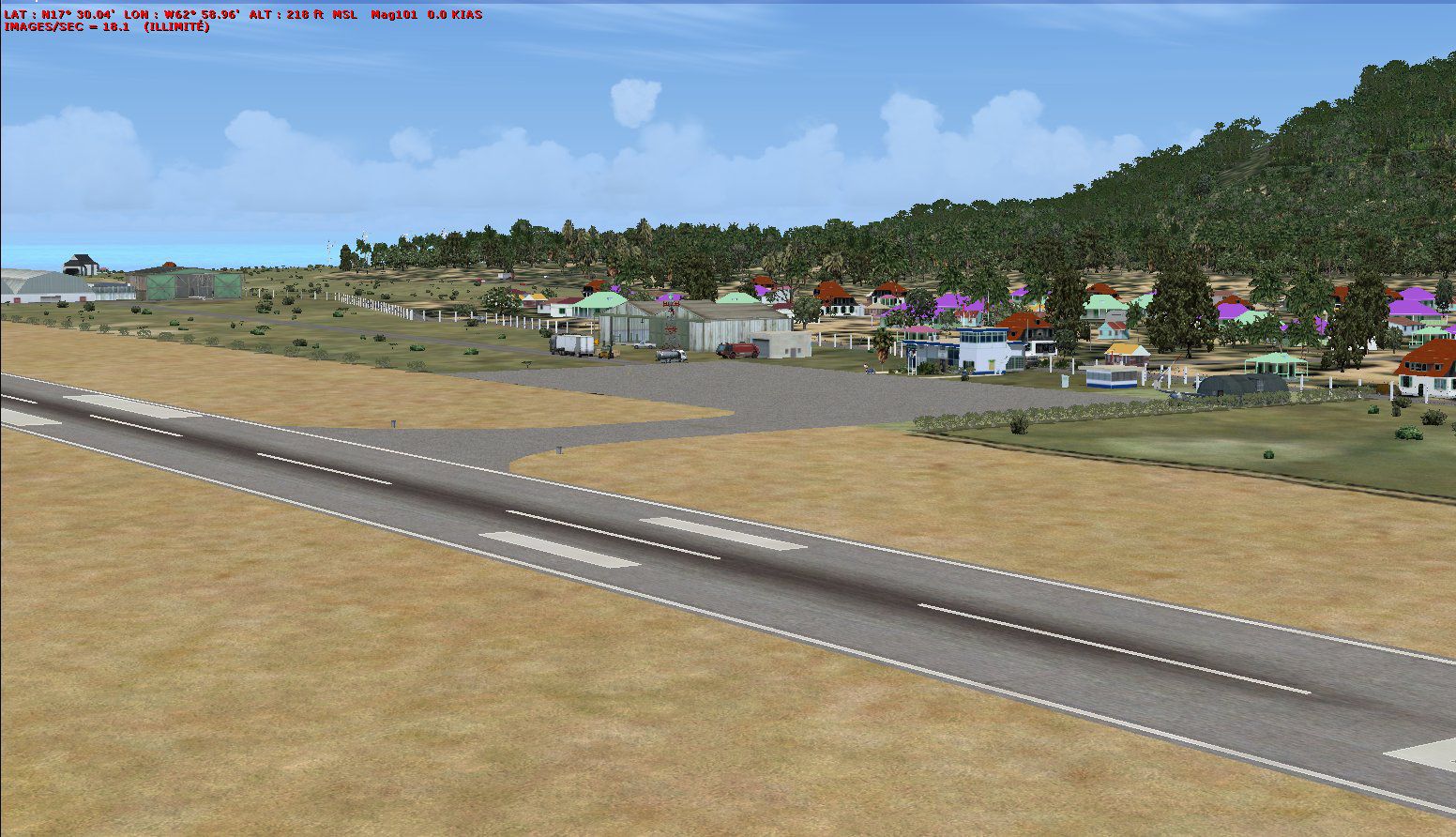
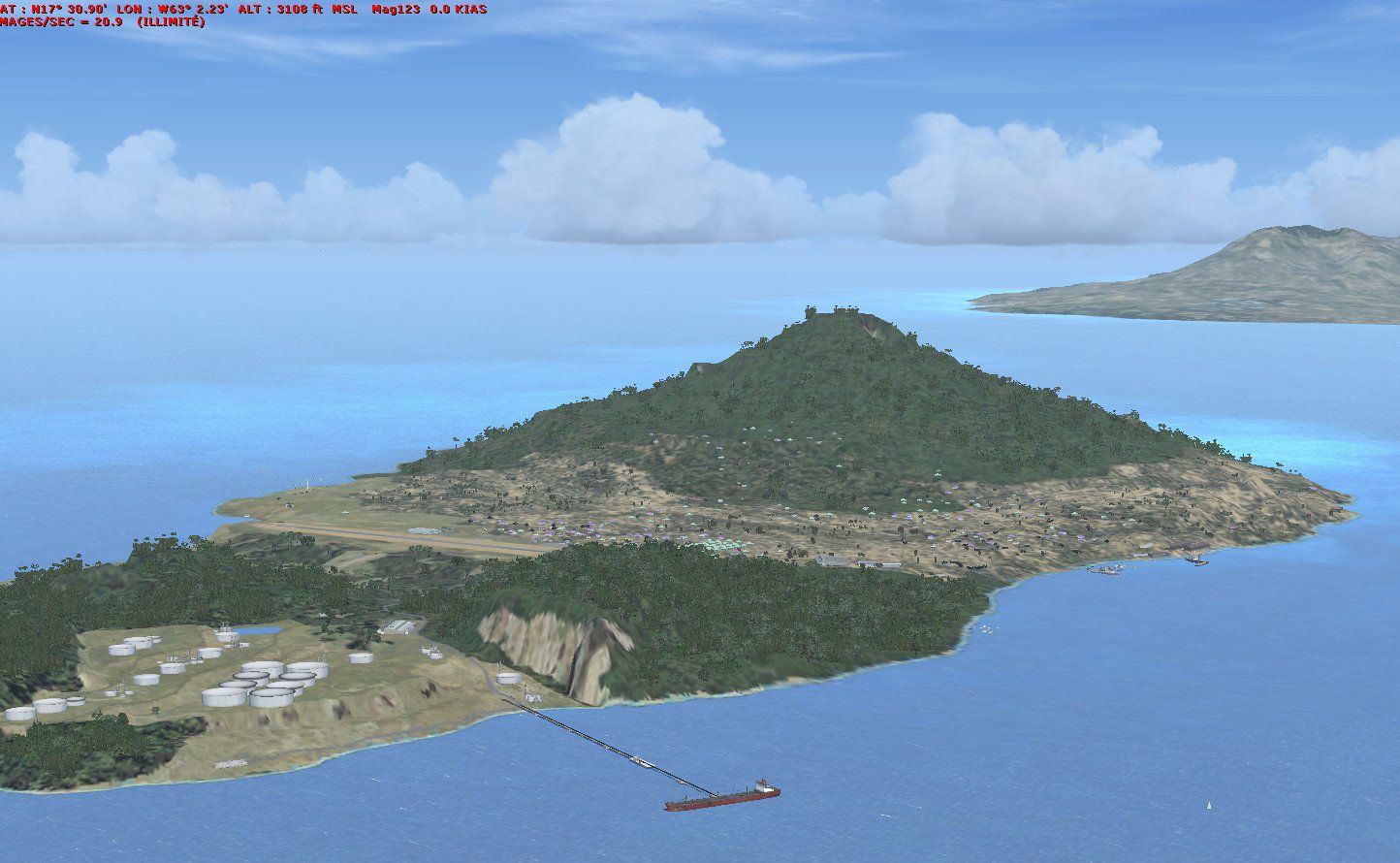
St. Eustatius, Netherlands Antilles. Redesign of all coasts and landclass. Includes F. D. Roosevelt airport (TNCE) and the city of Oranjestad. Roads and traffic adjust with land class. By Valladier Jean Louis.
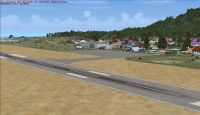
St. Eustatius Scenery.
Redisign of all coasts and land class.
F.D. Roosevelt airport (TNCE).
City : Oranjestad
Roads and traffic adjust with land class.
It is running under FSX SP1 and SP2.
Installation:
Unzip the Statiax.ZIP into a work subfolder.
From your work subfolder:
Copy subfolder in <\Microsoft Flight Simulator X\Addon Scenery>
Run Simulator X.
Click
1-parameters
2-library of the scenery
3-add a zone
4-select Program Files\Microsoft Games\Microsoft Flight Simulator X\Addon
5-select: Statia
6-OK
This scene it is free to use for any simmor but it not to use for REGULAR COMMERCIAL PRACTICES.
Thank you with many persons which made it possible to know this new word and in particular for their programs articles or blogs and or councils.
Guy Nemos, Patrick RENAUDIN.
JL Valladier
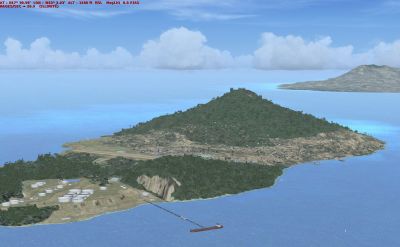
St. Eustatius Scenery.
Free for all simmers · 3.25 MB · Scanned clean Oct 2026
Download speed: Free tier is capped at 0.5 Mbps. PRO members download at full line speed.
FSX\Addon Scenery\ containing scenery and texture sub-folders.readme.txt or README file. It tells you exactly where files go, what dependencies are needed, and any quirks specific to this add-on.Use these coordinates to fly directly to this location once the mod is installed.
17.49650000,-62.97950000
Launch FSX or Prepar3D and use Flights → Load to open the downloaded .pln file. Your aircraft will be positioned at this location.
The archive statiax.zip has 20 files and directories contained within it.
This list displays the first 500 files in the package. If the package has more, you will need to download it to view them.
| Filename/Directory | File Date | File Size |
|---|---|---|
| lisezmoi.txt | 05.03.09 | 1.85 kB |
| readme.txt | 05.03.09 | 1.73 kB |
| sainteustatius | 05.01.09 | 0 B |
| scenery | 05.01.09 | 0 B |
| cvx_statia.BGL | 05.03.09 | 38.08 kB |
| statiawhisplacer.bgl | 05.02.09 | 1.79 MB |
| TNCE_ADE_JLV.BGL | 05.01.09 | 3.69 kB |
| texture | 05.01.09 | 0 B |
| corsaire.dds | 04.21.09 | 170.79 kB |
| maisonscreole1.dds | 04.08.09 | 682.79 kB |
| maisonscreole1nuit.dds | 04.20.09 | 682.79 kB |
| oldzi.dds | 12.09.08 | 682.79 kB |
| oldzinuit.dds | 04.20.09 | 682.79 kB |
| statia.dds | 04.20.09 | 682.79 kB |
| statianuit.dds | 04.20.09 | 682.79 kB |
| statia01.jpg | 05.01.09 | 299.62 kB |
| statia02.jpg | 05.01.09 | 179.22 kB |
| statia03.jpg | 05.01.09 | 393.43 kB |
| flyawaysimulation.txt | 10.29.13 | 959 B |
| Go to Fly Away Simulation.url | 01.22.16 | 52 B |
Only PRO members can place votes.
More FSX & P3D add-ons hand-picked based on this download.
FSX Scenery
Photoreal model of terminal, tower and PIR in the photo scenery of St. Eustat…
 FSX Scenery
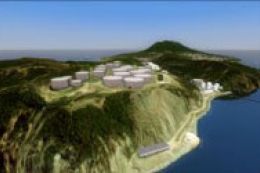
(TNCE). Scenery of St. Eustatius (Statia) in the Caribbean with the airport F…
 FSX Scenery
Requires photo scenery of St. Eustatius (Statia) in the Caribbean with the ai…
 FSX Scenery
Princess Juliana International Airport (TNCM), Philipsburg, Sint Maarten, Net…
 FSX Scenery
This is a freeware file and has taken a lot of time and effort to make To ins…
 FSX Scenery
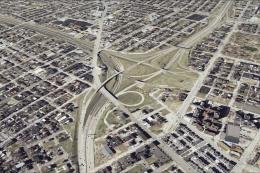
St Louis PhotoReal Scenery. This is high resolution, 1 meter/pixel, terrain s…
 FSX Scenery
St Barthelemy island (TFFJ) is situated in the Caribbean Sea. It's small slop…
FSX Scenery
St. Barth Scenery. A scenery upgrade for the default FSX Aerodrom de Saint Je…
Be the first to leave a comment on this download.
Be the first to share your thoughts on this download.