


 Angola
  FSX Scenery
Princess Juliana International Airport
Princess Juliana International Airport (TNCM) in Saint Marteen, Netherlands A…
Luanda’s Quatro de Fevereiro Airport (FNLU) gets a thorough freeware overhaul with a refreshed AFCAD, reworked taxiways and parking, added airport structures, and ramp clutter that better reflects the local setting while keeping performance efficient using stock assets in Microsoft Flight Simulator X. Optional night illumination requires Jim Dhaenens’ fsx_lts.zip.
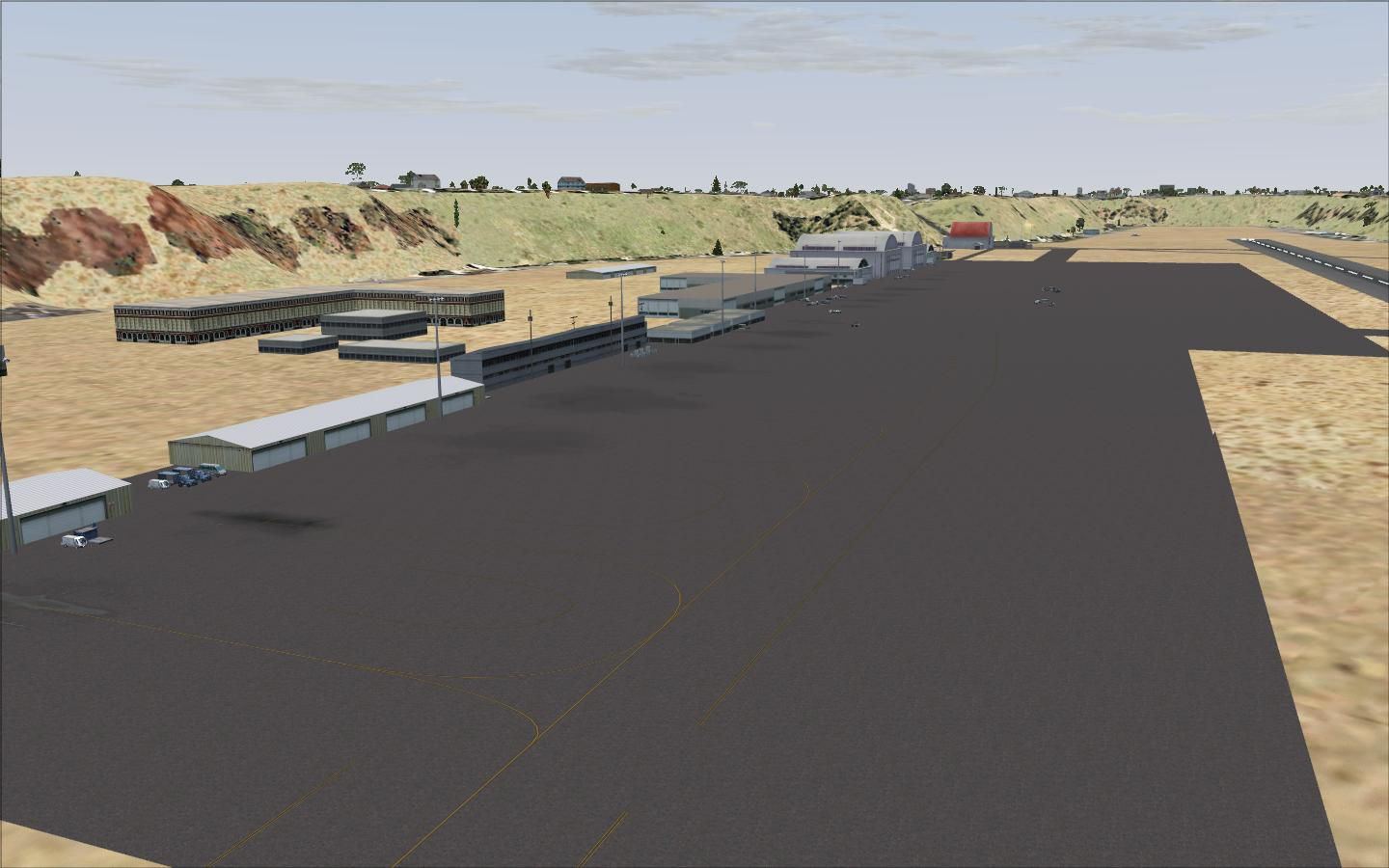
This freeware package thoroughly renovates Luanda Airport (often referred to as Quatro de Fevereiro Airport) in Angola, giving virtual pilots a major upgrade for their approaches and departures. It incorporates a refreshed AFCAD, additional structures, and expanded details aligned with local surroundings. Developer Lee Marrow has utilized default elements extensively to keep performance efficient, and this release is fully compatible with Microsoft Flight Simulator X. For dynamic lighting, remember to retrieve the separate file by Jim Dhaenens named fsx_lts.zip.
The primary objective of this project is to furnish a precise and well-rounded depiction of Luanda’s airport facilities. You will find custom cargo areas, additional parking positions, and various subtle objects spread throughout the ramp. These enhancements introduce more operational realism, allowing for busier ground traffic and better immersion during arrivals or departures. Even the placement of vehicles and general building utilities has been rethought to represent the typical flow of movement within an international African airport terminal.
By investing effort into merging stock scenery objects with newly arranged textures, users will experience livelier surroundings. Cargo containers, baggage loaders, and support vehicles are positioned carefully to mirror the daily bustle on the tarmac. The revised layout will help you navigate the gates and ramps more effectively, especially with the new parking codes that accommodate additional aircraft types.

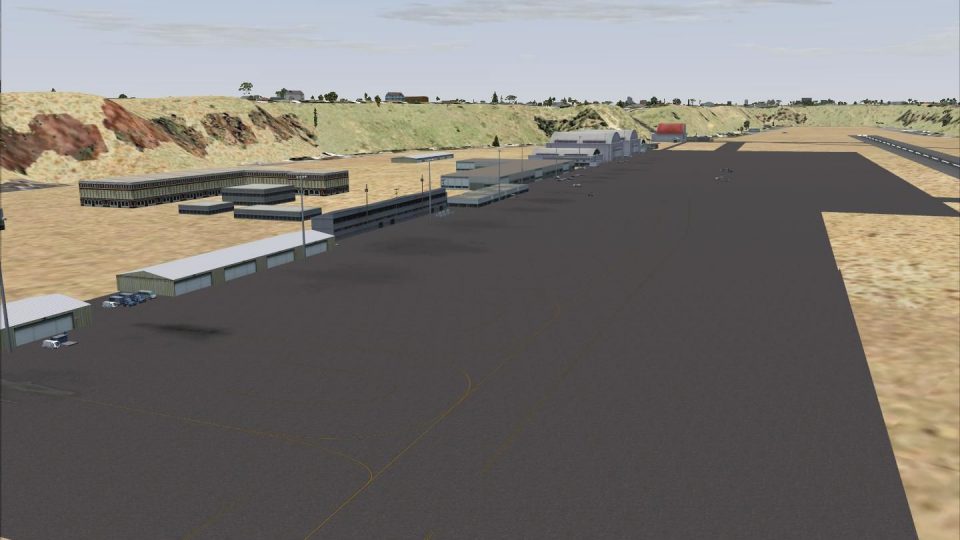
Luanda Airport Scenery.
To incorporate these files into your simulator, simply extract the included “FNLU” folder into your “Addon Scenery” directory. Then, add the new area within your scenery library to integrate the updates. In order to fully benefit from night lighting, download and install fsx_lts.zip by Jim Dhaenens (no direct link provided). Once installed, you should see improved illumination and more realistic runway and apron lighting after dark.
An updated AFCAD offers revised taxi routes, new parking stands, and refined gate alignments. Incorporating stock Microsoft Flight Simulator X objects ensures compatibility while minimizing any noticeable performance impact. You can expect consistent frame rates in normal operating conditions, even when taxiing with AI traffic or during crowded events.
This renovation reflects substantial effort from Lee Marrow to refine Angola’s primary international airport for simmers. You are encouraged to share any feedback or comments so further refinements can be explored in future updates. Thanks for downloading and enjoy a more authentic experience when flying into or out of Luanda!
Free for all simmers · 120.74 KB · Scanned clean Oct 2026
Download speed: Free tier is capped at 0.5 Mbps. PRO members download at full line speed.
FSX\Addon Scenery\ containing scenery and texture sub-folders.readme.txt or README file. It tells you exactly where files go, what dependencies are needed, and any quirks specific to this add-on.Use these coordinates to fly directly to this location once the mod is installed.
-8.85583300,13.22888900
Launch FSX or Prepar3D and use Flights → Load to open the downloaded .pln file. Your aircraft will be positioned at this location.
The archive fnlu1.zip has 11 files and directories contained within it.
This list displays the first 500 files in the package. If the package has more, you will need to download it to view them.
| Filename/Directory | File Date | File Size |
|---|---|---|
| Addon Scenery | 08.31.09 | 0 B |
| fnlu Read me.txt | 08.31.09 | 608 B |
| fnlu.jpg | 08.31.09 | 114.46 kB |
| FNLU | 08.31.09 | 0 B |
| scenery | 08.31.09 | 0 B |
| AFX_FNLU.bgl | 08.31.09 | 17.64 kB |
| FNLU_BLD.bgl | 08.31.09 | 1004 B |
| FNLU_LTS.bgl | 08.31.09 | 1.03 kB |
| FNLU_OBJ.bgl | 08.31.09 | 1.64 kB |
| flyawaysimulation.txt | 10.29.13 | 959 B |
| Go to Fly Away Simulation.url | 01.22.16 | 52 B |
Only PRO members can place votes.
More FSX & P3D add-ons hand-picked based on this download.
FSX Scenery
Princess Juliana International Airport (TNCM) in Saint Marteen, Netherlands A…
 FSX Scenery
Los Angeles Airport Scenery v3, California (CA). This photoreal scenery is a …
 FSX Scenery
Barbados International Airport (TBPB). Grantley Adams International Airport f…
 FSX Scenery
Paris Charles de Gaulle Airport (CDG, LFPG), France. The entire airport has b…
 FSX Scenery
John F. Kennedy Airport (KJFK), New York, NYU. This is a photoreal scenery re…
 FSX Scenery
Dubai International Airport (OMDB), Dubai. Includes a new passenger terminal …
 FSX Scenery
Soekarno-Hatta International Airport (WIII), Jakarta, Indonesia. An update to…
 FSX Scenery
San Diego International Airport, California (CA), USA. This photoreal scenery…
Read what other simmers think, or add your own.

What is this suposed to be? It has nothing to do with the real FNLU. To start with... the airport sits above the land horizon, not below, and... it is located in the middle of the capital. By the way... FNLU changed a lot lately. New taxiway and stuff... new terminal... new buildings. Check it out.