


 France
  FSX Scenery
LFEA Belle Ile
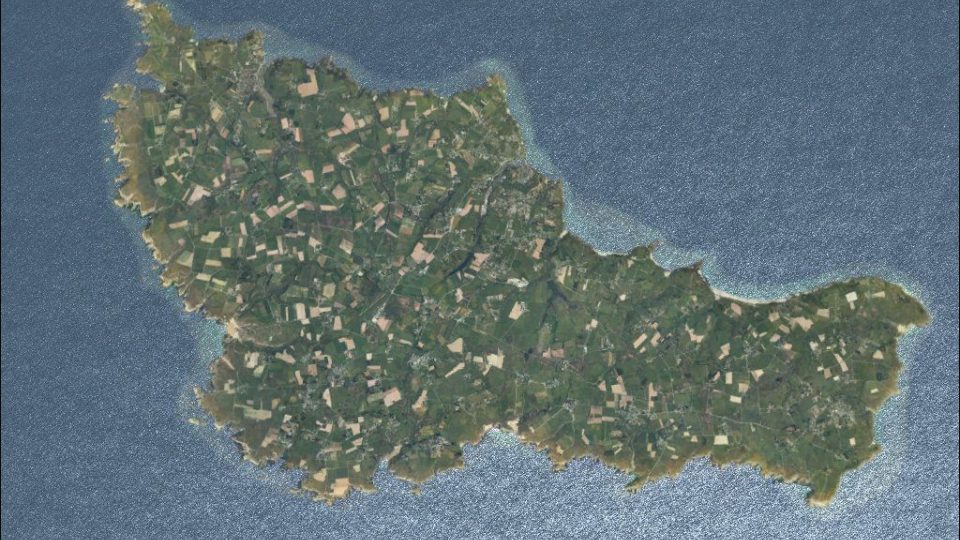
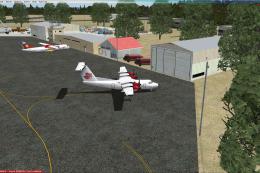
Scenery LFEA Belle Ile, France. A nice French island, in the Atlantic Ocean, …
Belle-Île-en-Mer comes to life with crisp photoreal textures and coastline detail that rewards higher water settings, creating a convincing French island hop for low-and-slow flying in Microsoft Flight Simulator X. For the full experience, requires the LFEA Belle Ile airport package (LFEABELLEILE.ZIP) and integrates smoothly alongside common terrain enhancements.
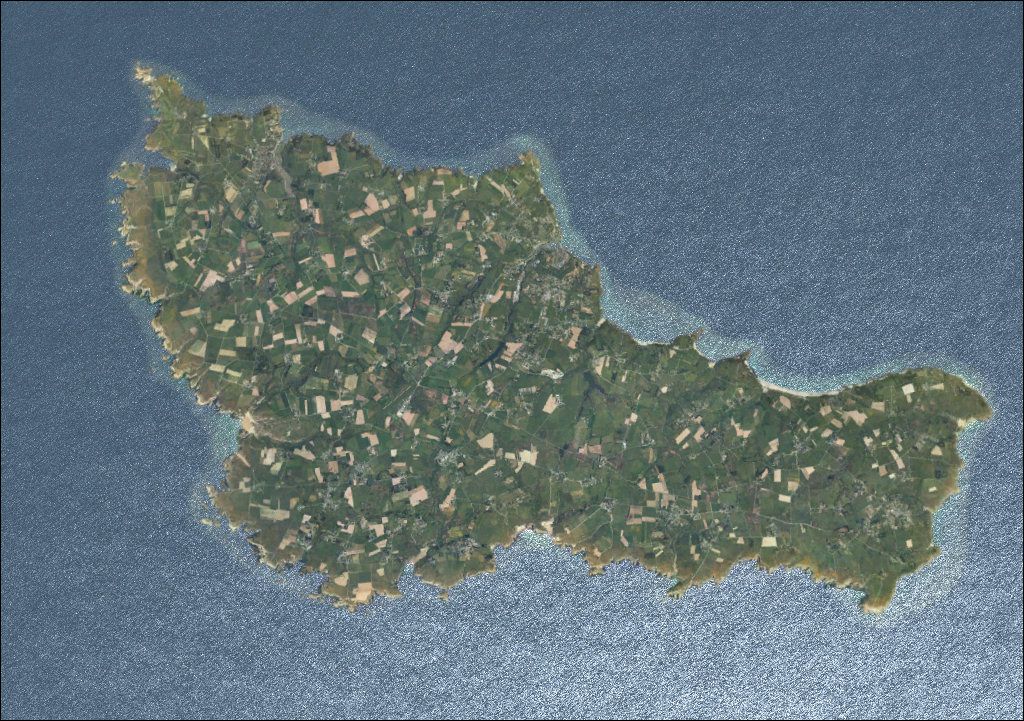
Scenery Belle Ile, France. Photoreal scenery. Suggested for use with LFEABELLEILE.ZIP. By Pips Perez.
Aerial shot of Belle Ile.
To install put the whole Bellelle folder in to your addon scenery folder and activate in the scenery library.The scenery is photo real and is best with water set to high,the scenery has been tested in FSX only and UTX,but it should work without UTX europe.
I also use lfeabelleile.zip for the airport,it is made by Dominique M. L. Donzelot.
Free for all simmers · 32.78 MB · Scanned clean Oct 2026
Download speed: Free tier is capped at 0.5 Mbps (this file takes approximately 9 mins at the cap). PRO members download at full line speed.
This add-on may require the following files to function properly. If this is a repaint, the dependency below is likely the base aircraft package.
FSX\Addon Scenery\ containing scenery and texture sub-folders.readme.txt or README file. It tells you exactly where files go, what dependencies are needed, and any quirks specific to this add-on.Use these coordinates to fly directly to this location once the mod is installed.
47.31060000,-3.19930000
Launch FSX or Prepar3D and use Flights → Load to open the downloaded .pln file. Your aircraft will be positioned at this location.
The archive bellelle.zip has 7 files and directories contained within it.
This list displays the first 500 files in the package. If the package has more, you will need to download it to view them.
| Filename/Directory | File Date | File Size |
|---|---|---|
| scenery | 10.07.10 | 0 B |
| Bellelle.bgl | 10.07.10 | 36.03 MB |
| texture | 10.04.10 | 0 B |
| readme.txt | 10.07.10 | 482 B |
| Bellelle01.jpg | 10.07.10 | 288.12 kB |
| flyawaysimulation.txt | 10.29.13 | 959 B |
| Go to Fly Away Simulation.url | 01.22.16 | 52 B |
Only PRO members can place votes.
More FSX & P3D add-ons hand-picked based on this download.
FSX Scenery
Scenery LFEA Belle Ile, France. A nice French island, in the Atlantic Ocean, …
 FSX Scenery
CYGR - Ile de la Madeleine. Iles-de-la-Madeleine Airport is located on the is…
 FSX Scenery
Alcester and Belle-Vue Farm Strips UK. Scenery Addon to A Day On The Farm and…
FSX Scenery
Skara Scenery Bonaire X. Flamingo International Airport or Bonaire Internatio…
 FSX Scenery
Iwo Jima Scenery 1945 Update. This is a complete scenery with added effects a…
FSX Scenery
Kjeller Area Scenery X, Norway. Scenery around Kjeller airport with photoreal…
 FSX Scenery
FSX Loney's Alaska For FSX. This is a compilation of the author's Alaskan sce…
 FSX Scenery
For users of Flight Simulator X (and FSX: Steam Edition) and/or Prepar3D, ter…
Be the first to leave a comment on this download.
Be the first to share your thoughts on this download.