

 FSX Scenery
Formosa X RCTP Airport 1.1 Patch
Formosa X RCTP Airport 1.1 Patch. This patch updates the Formosa X RCTP Airpo…
RCFG Nangan Airport scenery brings the Matzu Islands’ 2003-era airfield to life in Microsoft Flight Simulator X with a fully modeled terminal area, custom structures, and refined ground layout. Satellite-referenced placement updates the runway, apron, parking, signage, and key details, replacing the sparse default with a believable regional gateway.
 Rate
Rate
 Taiwan, Province of China
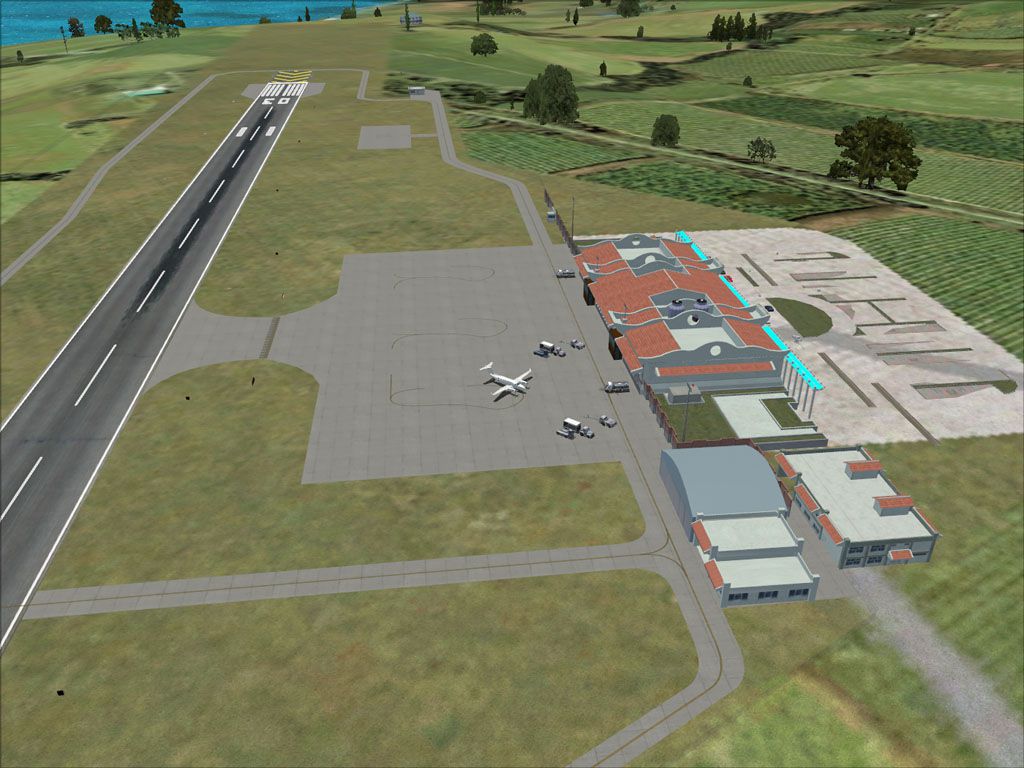

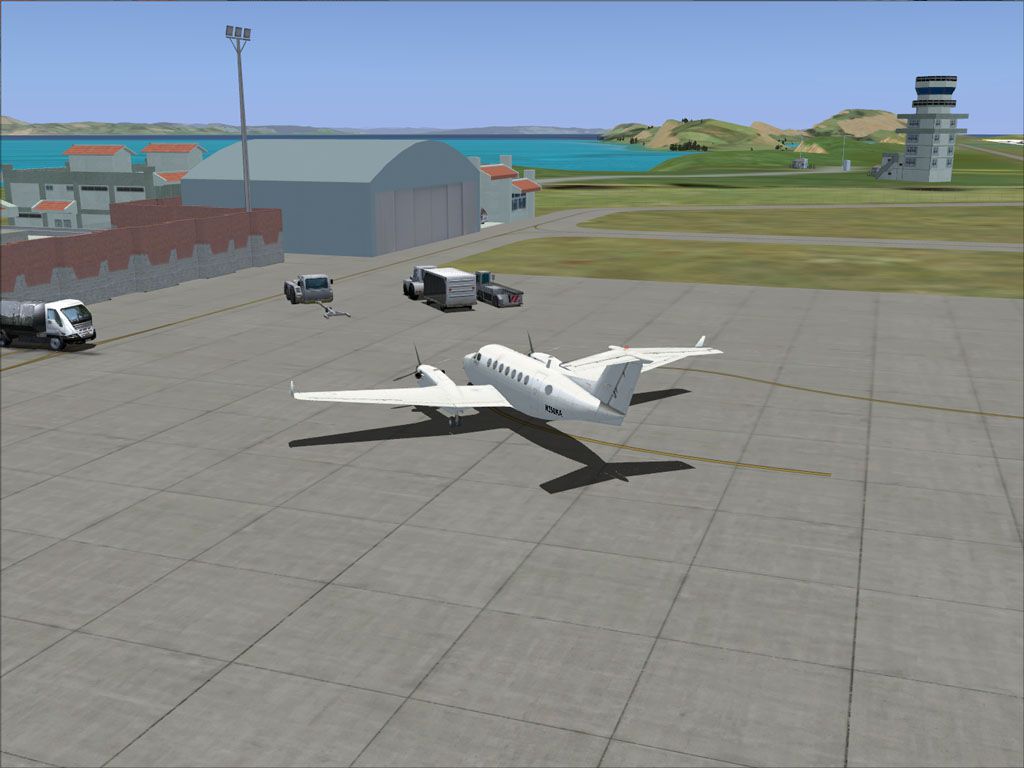
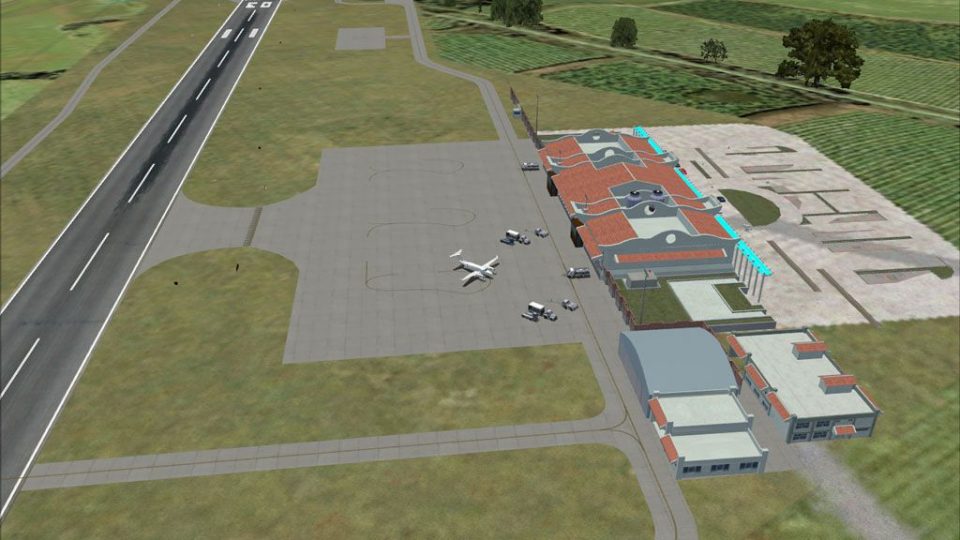
Formosa X RCFG Nangan Airport. This is a depiction of the RCFG Nangan Airport in Matzu, Republic of China. This airport, opened in 2003, is one of two airports that serve the Matzu Islands. The FSX default scenery for this airport is a bare runway. Custom buildings converted from FS2004 El Formosa Project as well as newly built ones were added. All buildings, runway, apron, parking, signs, and other features were positioned based on satellite image. Created by Kenny Chen, Rudolf Liu, and Mike Huang.
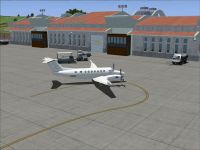
Screenshot of Formosa X RCFG Nangan Airport scenery.
Installation:
1. Unzip the content of the RCFG folder within this package to the Addon Scenery folder of your FSX.
2. Start FSX, and add this scenery from the menu.
This package is supplied as freeware and SHALL NOT be used nor distributed in any manner for generating monetary profit. Free redistribution of this package is welcomed.
Mike Huang

Aerial view of Formosa X RCFG Nangan Airport.
Free for all simmers · 2 MB · Scanned clean Sep 2026
Download speed: Free tier is capped at 0.5 Mbps. PRO members download at full line speed.
FSX\Addon Scenery\ containing scenery and texture sub-folders.readme.txt or README file. It tells you exactly where files go, what dependencies are needed, and any quirks specific to this add-on.Use these coordinates to fly directly to this location once the mod is installed.
26.15980000,119.95810000
Launch FSX or Prepar3D and use Flights → Load to open the downloaded .pln file. Your aircraft will be positioned at this location.
The archive formosax_rcfg_01_00.zip has 44 files and directories contained within it.
This list displays the first 500 files in the package. If the package has more, you will need to download it to view them.
| Filename/Directory | File Date | File Size |
|---|---|---|
| FormosaX_RCFG_01_00 | 04.25.11 | 0 B |
| FormosaX_RCFG-1.gif | 04.25.11 | 17.64 kB |
| FormosaX_RCFG-1.jpg | 04.25.11 | 170.72 kB |
| FormosaX_RCFG-2.jpg | 04.25.11 | 135.62 kB |
| FormosaX_RCFG-3.jpg | 04.25.11 | 110.58 kB |
| RCFG | 04.25.11 | 0 B |
| scenery | 04.25.11 | 0 B |
| RCFG_ADEX_ADE.BGL | 04.25.11 | 4.56 kB |
| RCFG_ADEX_ADE_CVX.bgl | 04.25.11 | 406 B |
| RCFG_ADEX_ADE_OBJ.BGL | 04.25.11 | 660 B |
| RCFG_OBX.BGL | 04.24.11 | 978.83 kB |
| texture | 04.25.11 | 0 B |
| ALUMINUM.dds | 04.24.11 | 42.79 kB |
| CONCRETE.dds | 04.24.11 | 170.79 kB |
| CONCRETE_LM.dds | 04.24.11 | 42.79 kB |
| GLASSSHED.dds | 04.24.11 | 42.79 kB |
| LAMPSHADE.dds | 04.24.11 | 42.79 kB |
| LAMPSHADE_LM.dds | 04.24.11 | 42.79 kB |
| rcfg_coolingtower.dds | 04.24.11 | 32.12 kB |
| RCFG_FIRESTATION.dds | 04.24.11 | 170.79 kB |
| RCFG_FIRESTATION_LM.dds | 04.24.11 | 170.79 kB |
| RCFG_HANGAR.dds | 04.09.11 | 42.79 kB |
| RCFG_HANGAR_LM.dds | 04.09.11 | 42.79 kB |
| RCFG_MISC.dds | 04.24.11 | 341.45 kB |
| RCFG_MISC_LM.dds | 04.24.11 | 341.45 kB |
| RCFG_PARKING.dds | 04.24.11 | 42.79 kB |
| RCFG_PARKINGLOT.dds | 04.24.11 | 170.79 kB |
| RCFG_STONE.dds | 04.24.11 | 42.79 kB |
| RCFG_TERM_C.dds | 04.24.11 | 170.79 kB |
| RCFG_TERM_C_LM.dds | 04.24.11 | 170.79 kB |
| RCFG_TERM_GATE.dds | 04.24.11 | 170.79 kB |
| RCFG_TERM_GATE_LM.dds | 04.24.11 | 170.79 kB |
| RCFG_TERM_L.dds | 04.24.11 | 170.79 kB |
| RCFG_TERM_L_LM.dds | 04.24.11 | 170.79 kB |
| RCFG_TERM_R.dds | 04.24.11 | 170.79 kB |
| RCFG_TERM_R_LM.dds | 04.24.11 | 170.79 kB |
| RCFG_TOWER.dds | 04.24.11 | 341.45 kB |
| RCFG_TOWER_LM.dds | 04.24.11 | 341.45 kB |
| RCFG_WATERTOWER.dds | 04.24.11 | 42.79 kB |
| ROOFTILE.dds | 04.24.11 | 170.79 kB |
| rooftile_lm.dds | 04.24.11 | 170.79 kB |
| readme rcfg.txt | 04.25.11 | 1.12 kB |
| flyawaysimulation.txt | 10.29.13 | 959 B |
| Go to Fly Away Simulation.url | 01.22.16 | 52 B |
Only PRO members can place votes.
More FSX & P3D add-ons hand-picked based on this download.
FSX Scenery
Formosa X RCTP Airport 1.1 Patch. This patch updates the Formosa X RCTP Airpo…
 FSX Scenery
Formosa X RCMT Beigan Airport. This is a depiction of the RCMT Beigan Airport…
 FSX Scenery
Formosa X, RCTP Taiwan Taoyuan Int'l Airport 1. This project improves the def…
 FSX Scenery
Princess Juliana International Airport (TNCM) in Saint Marteen, Netherlands A…
 FSX Scenery
Los Angeles Airport Scenery v3, California (CA). This photoreal scenery is a …
 FSX Scenery
Barbados International Airport (TBPB). Grantley Adams International Airport f…
 FSX Scenery
Paris Charles de Gaulle Airport (CDG, LFPG), France. The entire airport has b…
 FSX Scenery
John F. Kennedy Airport (KJFK), New York, NYU. This is a photoreal scenery re…
Be the first to leave a comment on this download.
Be the first to share your thoughts on this download.