

 FS2004 Civil Jet Aircraft
Thomas Cook Boeing 757-200PW TCW Pack
This add-on enhances your AI traffic in Microsoft Flight Simulator 2004 with …
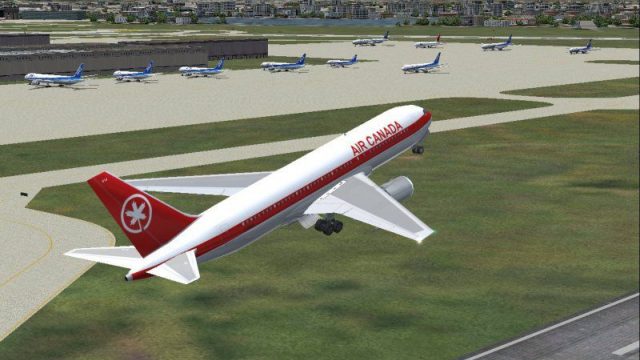
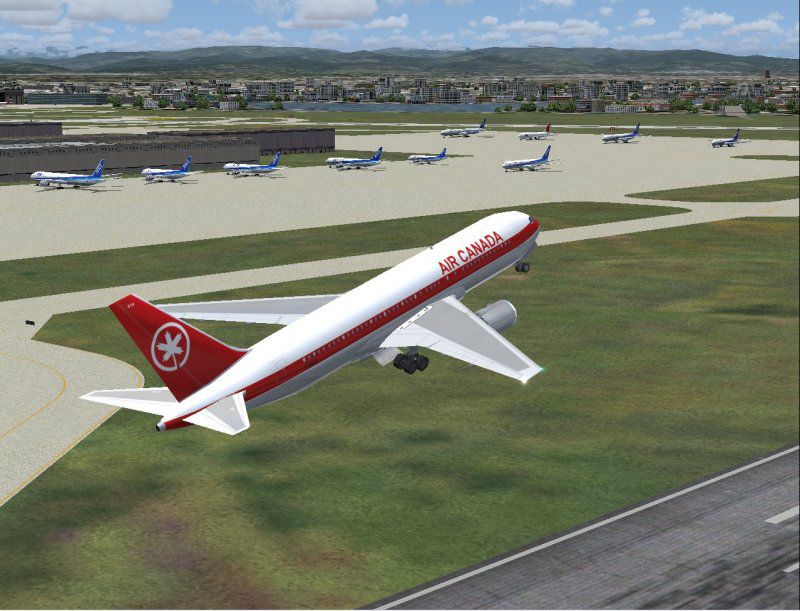
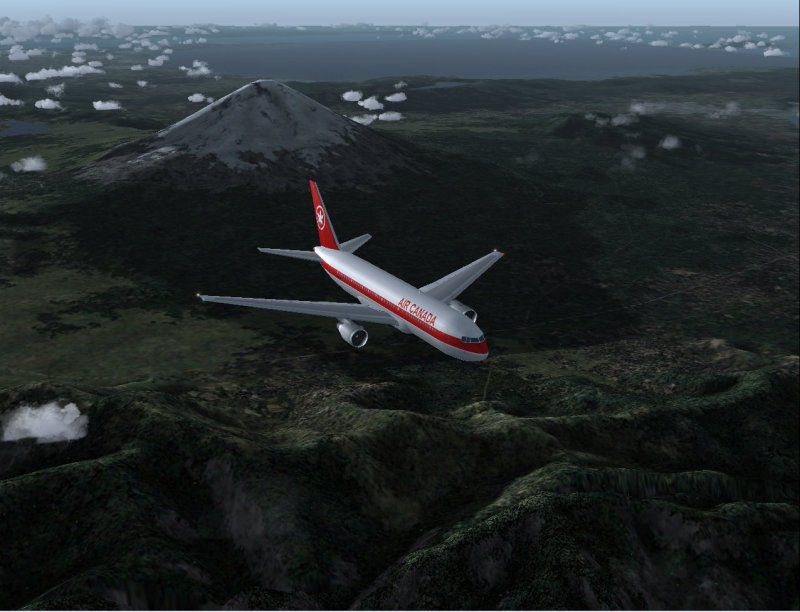
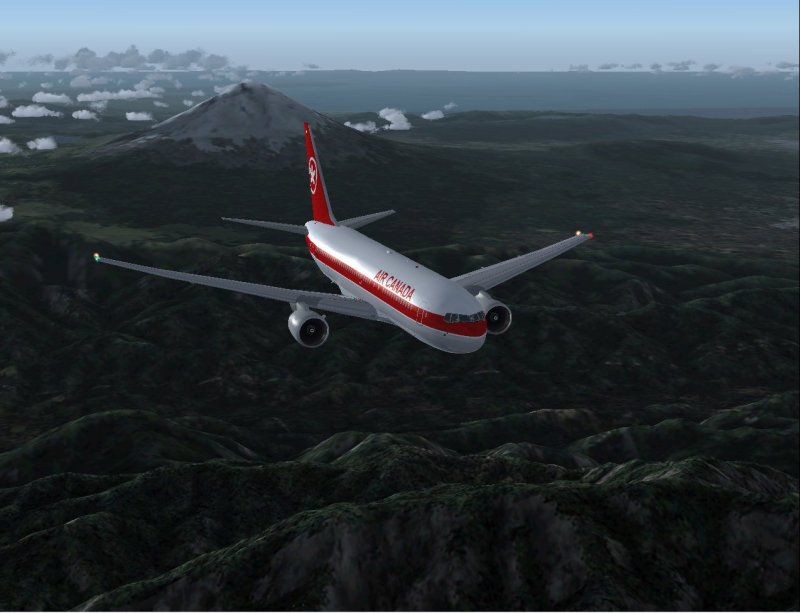
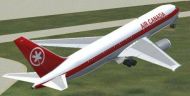
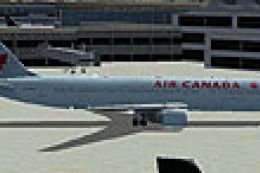
Air Canada’s classic Boeing 767-200PW livery brings AI Aardvark’s framerate-friendly model to life with crisp 32-bit reflective textures, detailed animations, and clean proportions suited to busy traffic schedules in FS2004. A bonus matching repaint is included for the iFDG 767, keeping fleet visuals consistent across packages.
 Rate
Rate
Free for all simmers · 1.1 MB · Scanned clean Oct 2026
Download speed: Free tier is capped at 0.5 Mbps. PRO members download at full line speed.
FS9\Aircraft\, FS9\Addon Scenery\, FS9\Gauges\, or FS9\Effects\.readme.txt or README file. It tells you exactly where files go, what dependencies are needed, and any quirks specific to this add-on.The archive av76acao.zip has 25 files and directories contained within it.
This list displays the first 500 files in the package. If the package has more, you will need to download it to view them.
| Filename/Directory | File Date | File Size |
|---|---|---|
| aav b762 aca oc 2.jpg | 06.23.04 | 73.47 kB |
| aav b762 aca oc readme.txt | 06.23.04 | 498 B |
| aav b762 aca oc small.gif | 06.23.04 | 10.80 kB |
| aav b762 aca oc.jpg | 06.23.04 | 100.83 kB |
| aia_767_200_pw.air | 06.23.04 | 8.69 kB |
| Aircraft.cfg | 06.23.04 | 13.84 kB |
| BONUS FILE - iFDG B762 Textures | 06.23.04 | 0 B |
| 762fuse_t.bmp | 06.23.04 | 4.00 MB |
| 767_tails_t.bmp | 06.04.04 | 1.00 MB |
| Thumbs.db | 06.23.04 | 15.00 kB |
| ifdg b762 aca oc.jpg | 06.23.04 | 60.82 kB |
| model.pw reflective | 06.23.04 | 0 B |
| aia_767_200_pw.mdl | 11.09.03 | 532.69 kB |
| model.cfg | 11.13.03 | 31 B |
| panel | 06.23.04 | 0 B |
| panel.cfg | 04.20.04 | 42 B |
| Thumbs.db | 04.20.04 | 27.50 kB |
| sound.pw | 06.23.04 | 0 B |
| Sound.cfg | 05.14.04 | 37 B |
| texture.aca oc | 06.23.04 | 0 B |
| AIA_767_200_pw_l.bmp | 11.28.03 | 256.07 kB |
| AIA_767_200_pw_t.bmp | 06.23.04 | 4.00 MB |
| Thumbs.db | 06.23.04 | 18.50 kB |
| flyawaysimulation.txt | 10.29.13 | 959 B |
| Go to Fly Away Simulation.url | 01.22.16 | 52 B |
Only PRO members can place votes.
More FS2004 add-ons hand-picked based on this download.
FS2004 Civil Jet Aircraft
This add-on enhances your AI traffic in Microsoft Flight Simulator 2004 with …
 FS2004 Civil Jet Aircraft
This complete freeware package showcases an Air Canada Boeing 767-375ER with …
 FS2004 Civil Jet Aircraft
Enhance your FS2004 collection with this faithful representation of the Boein…
 FS2004 Civil Jet Aircraft
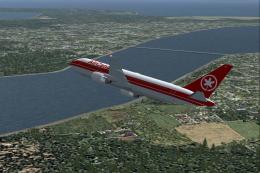
Boeing 767-233 (PW) in Air Canada's classic livery, registration C-GDSS, util…
 FS2004 Civil Jet Aircraft
Air Canada Boeing 767-300 GE (new colors). Model by AI Aardvark. Repaint by B…
 FS2004 Civil Jet Aircraft
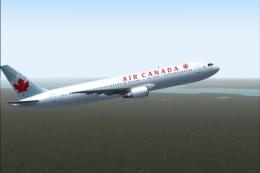
This AI Aardvark aircraft was designed specifically for use as an AI aircraft…
 FS2004 Civil Jet Aircraft
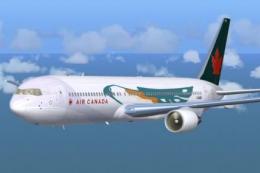
Textures only. Requires SUNNY767.ZIP. Model by Sunny Xia. Textures by Shane S…
 FS2004 Civil Jet Aircraft
Air Canada unveiled this new livery on 19 October 2004 at a gala event which …
Read what other simmers think, or add your own.
