


 Germany
  FSX Scenery
RAF Laarbruch AB
RAF Laarbruch AB v1. RAF Laarbruch Air Base (EDLV originally ETUL) is located…
RAF Wildenrath AB (ETUW) scenery recreates the former “clutch base” on the German–Dutch border with accurate airfield layout, extensive parking, and full-taxiable routing for realistic military ops in FSX. Built with ADE and stock objects, it includes Jim Dhaenens shelter models for authentic hardened aircraft protection.
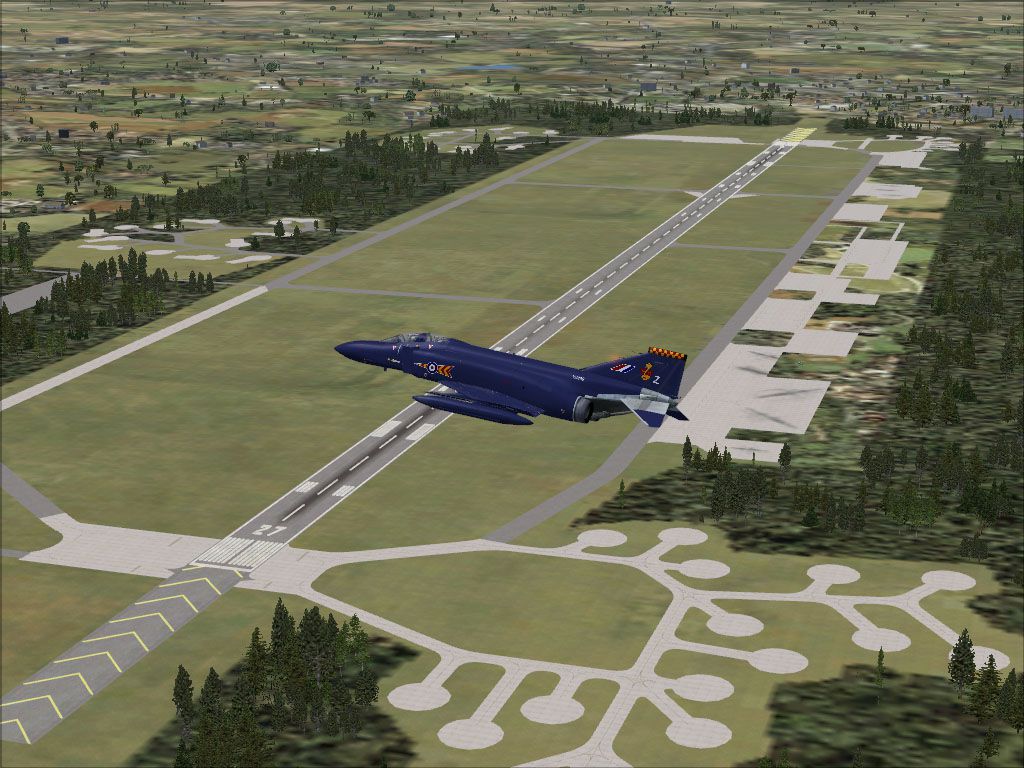
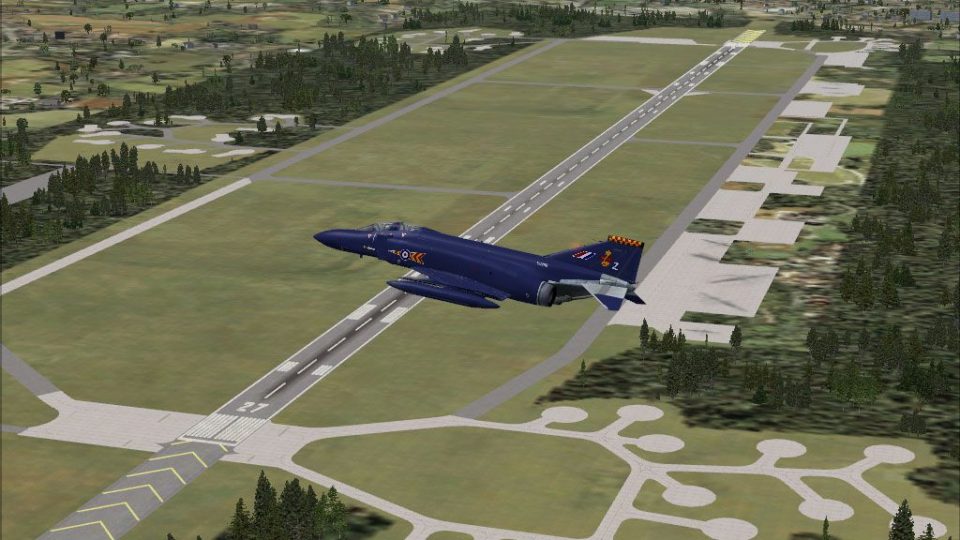
RAF Wildenrath AB (ETUW), located in western Germany near the town of Schleswig/Schleswig-Holstein and at the German/Dutch border. Wildenrath was one of four so called clutch bases. In 1992 the base was closed. This scenery is done with ADE X 1.50 and objects from stock. It has lots of parking spots and you can taxi everywhere as it was in real. Also included are shelter objects by Jim Dhaenens. By Uwe Steenweg.
Screenshot of RAF Wildenrath AB Scenery.
Note: The Scenery has not been tested with any addon software like Ultimate Terrain Europe X or VFR Germany.
Installation of Jim Dhaenens Shelters:
-unzip the file shelters.zip were every you like.
-install the shelters as given in the attached readme file.
Installation of my work:
-Unzip the files anywhere
-to get RAF Wildenrath AB move the two .bgl files of the Folder ETUW RAF Wildenrath AB V-1 called
ETUW_ADEX_US.BGL and
ETUW_ADEX_US_CVX.bgl
to your FSX /Addon Scenery /scenery Folder.
Remove:
Just delete the files from the folders mentioned above.
Happy landings.
Uwe Steenweg.
Free for all simmers · 3.09 MB · Scanned clean Oct 2026
Download speed: Free tier is capped at 0.5 Mbps. PRO members download at full line speed.
FSX\Addon Scenery\ containing scenery and texture sub-folders.readme.txt or README file. It tells you exactly where files go, what dependencies are needed, and any quirks specific to this add-on.Use these coordinates to fly directly to this location once the mod is installed.
51.10000000,6.23000000
Launch FSX or Prepar3D and use Flights → Load to open the downloaded .pln file. Your aircraft will be positioned at this location.
The archive etuw_raf-wildenrath-ab_v1.zip has 9 files and directories contained within it.
This list displays the first 500 files in the package. If the package has more, you will need to download it to view them.
| Filename/Directory | File Date | File Size |
|---|---|---|
| ETUW_RAF-Wildenrath-AB_V1 | 03.11.12 | 0 B |
| ETUW_ADEX_US_V-1.BGL | 03.09.12 | 52.36 kB |
| ETUW_ADEX_US_V-1_CVX.bgl | 03.09.12 | 2.66 kB |
| ETUW_RAF-Wildenrath_AB-5.jpg | 03.08.12 | 221.42 kB |
| Readme.txt | 03.11.12 | 1.18 kB |
| shelters.zip | 02.22.12 | 2.98 MB |
| Archive created by free jZip.url | 01.04.11 | 58 B |
| flyawaysimulation.txt | 10.29.13 | 959 B |
| Go to Fly Away Simulation.url | 01.22.16 | 52 B |
Only PRO members can place votes.
More FSX & P3D add-ons hand-picked based on this download.
FSX Scenery
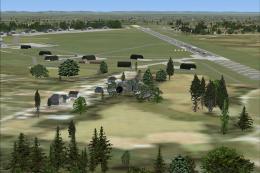
RAF Laarbruch AB v1. RAF Laarbruch Air Base (EDLV originally ETUL) is located…
 FSX Scenery
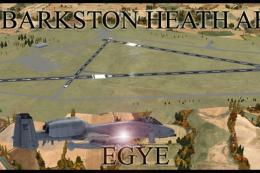
RAF Gutersloh AB (ETUO), v1. Gutersloh Air Base is located in western Germany…
 FSX Scenery
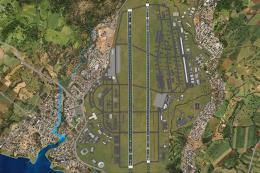
Scenery RAF Barkston Heath AB. RAF Barkston Heath is the home of the Defence …
 FSX Scenery
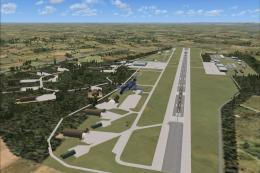
Kadena AB And Okinawa Islands airstrips, southern Japan. This package contain…
 FSX Scenery
Z11L Leipheim AB v1. Leipheim Air Base (Z11L, earlier also known as EDSD) is …
 FSX Scenery
Norvenich AB (ETNN) v1, an airbase located in western Germany "Jagdbombergesc…
 FSX Scenery
Scenery Thule AB BGTL, Greenland. Located 750 miles north of the Arctic Circl…
 FSX Scenery
Manching Air Base (ETSI) is located in southern Germany near the the city of …
Be the first to leave a comment on this download.
Be the first to share your thoughts on this download.