

 FSX Historic & Vintage Aircraft
Vought Corsair F4U-1a
A fully-featured freeware Vought Corsair F4U-1a add-on for all versions of Mi…
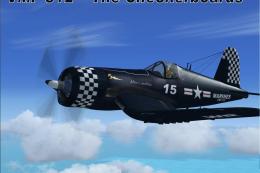
Chance Vought F4U-1A Corsair textures recreate VMF-214 “Black Sheep” ace Major Gregory “Pappy” Boyington’s “Lulubelle,” inspired by Pacific operations from Vella Lavella. Built for FSX, the repaint delivers crisp period markings and a faithful military finish, and requires the A2A Simulations Aircraft Factory F4U-1A base model.
 Rate
Rate
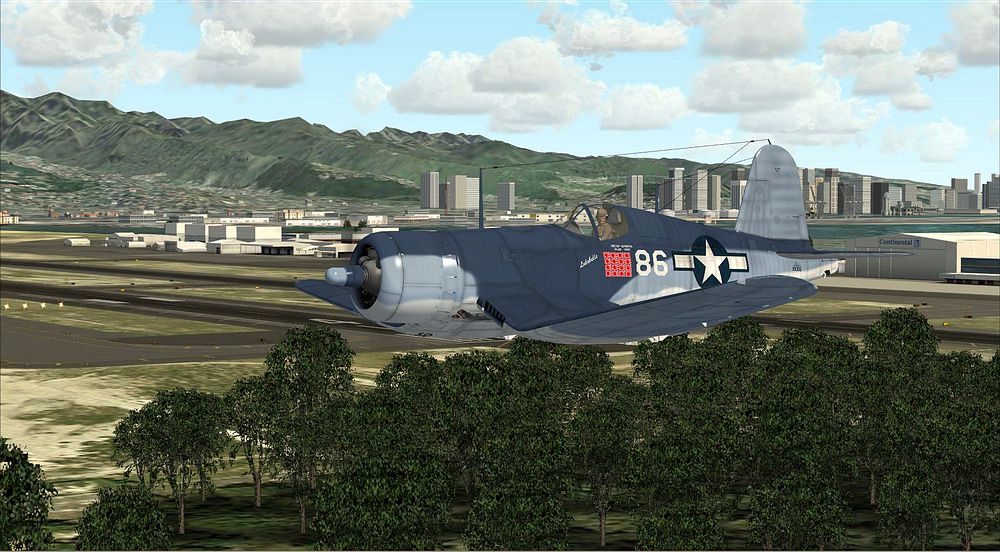
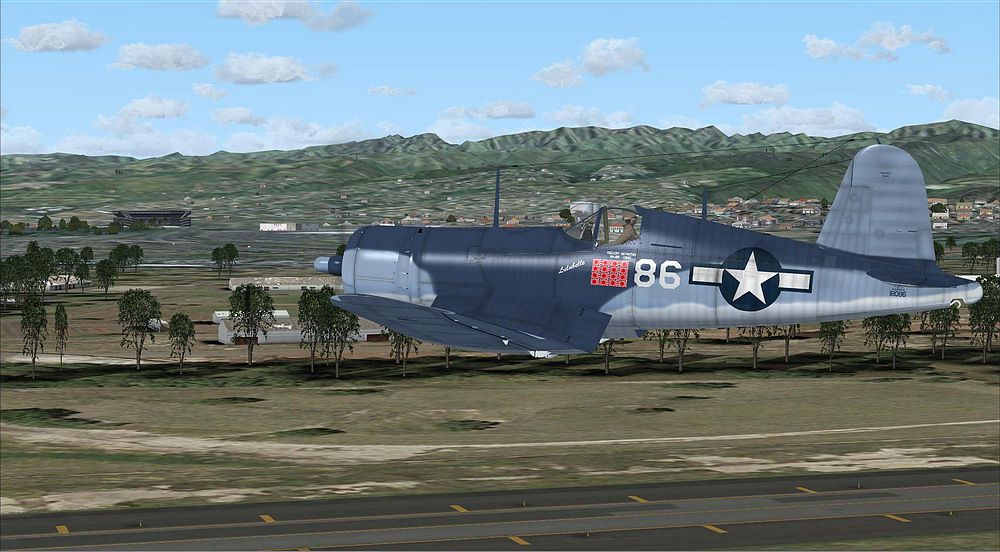
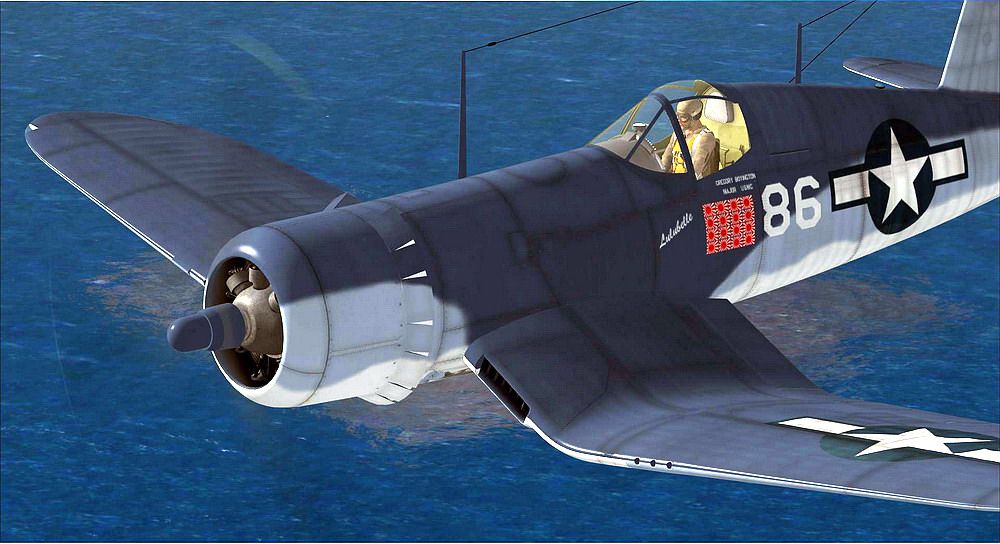
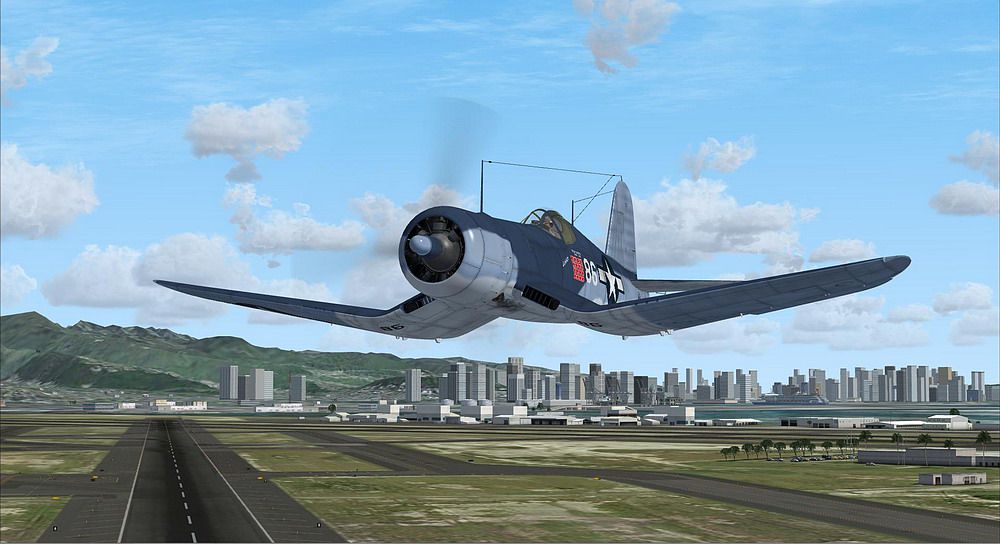
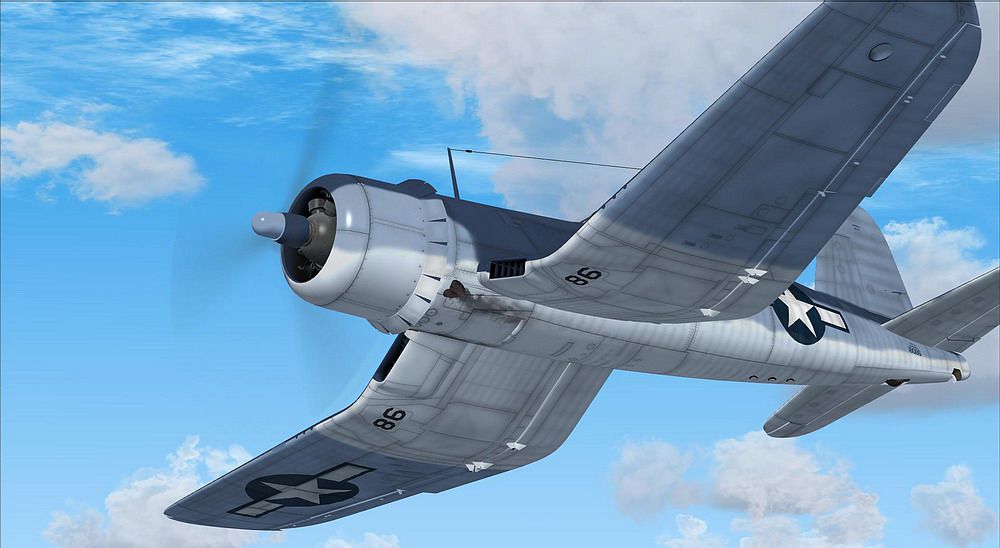
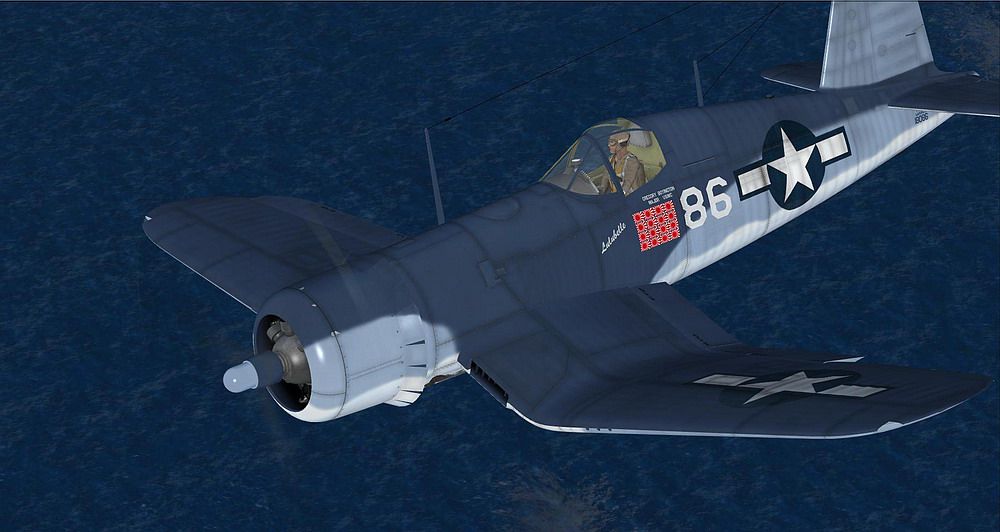
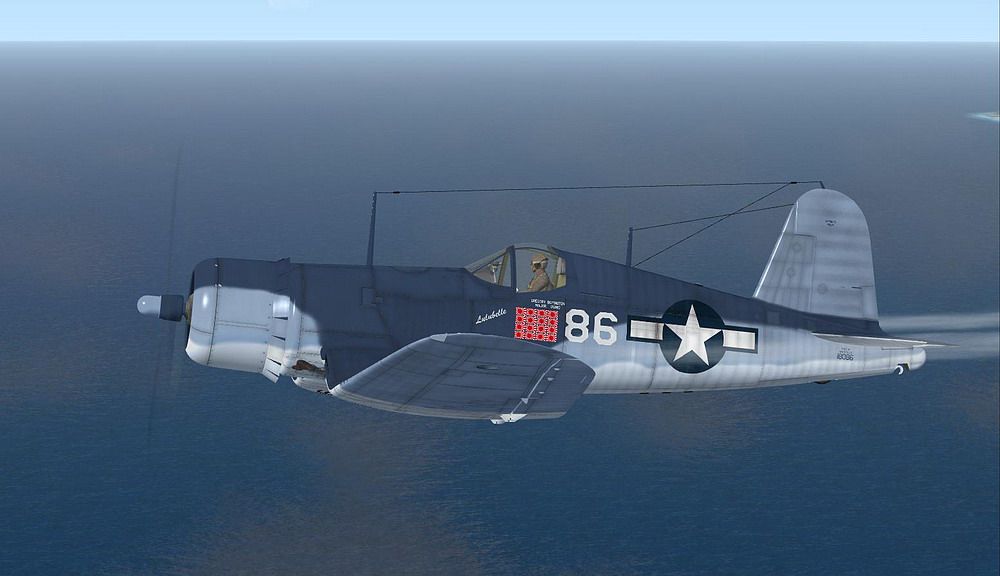
F4u-1A Corsair In Livery Of VMF-214 "Lulubelle" of Major Gregory "Pappy" Boyington based at Vella Lavella. Repaint with the paint kit for the A2A Simulations, Aircraft Factory by Martial Feron.
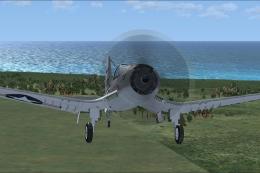
Screenshot of F4U-1A Corsair flying over water.
Textures only requires corsair F4u-1A of A2A aircraft factory. Major Gregory "Pappy" Boyington was perhaps the Pacific War's most flambouyant flier.Commanding officer of the infamous VMF214 "Black Sheep" Squadron, his personal war tally was 22 aircraft which included those claimed in the famous "Flying Tigers" in Indo-China.
Installation (FsX)
This zip file contains only the textures.
A) Extract the texture files (*.bmp) in this zip file to the main AF_F4U-1A folder (Install with folder path "ON")
B) Edit the aircraft.cfg files to add a new [fltsim.x] section that reads as follows: (change "x" to be the next number in sequence -- don't duplicate or skip or it will not work)
[fltsim.x]

title=Corsair F4U-1A Lulubelle

sim=corsair

model=

panel=

sound=

texture=Lulubelle

kb_checklists=

kb_reference=

ui_manufacturer=Chance Vought

ui_type=F4U-1A

ui_variation=Lulubelle

ui_typerole="Single Engine Prop"

ui_createdby="Aircraft Factory"

atc_airline=MARINE

description=Chance Vought F4U-1A

atc_parking_codes=F4U

atc_parking_types=Ramp Mil Combat

atc_id=18086

atc_flight_number=086

atc_heavy=0

atc_id_color=0000000000

visual_damage=0
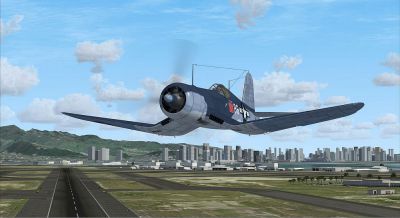
Screenshot of F4U-1A Corsair in flight.
Free for all simmers · 8.73 MB · Scanned clean Oct 2026
Download speed: Free tier is capped at 0.5 Mbps (this file takes approximately 2 mins at the cap). PRO members download at full line speed.
texture.{airline}) inside FSX\SimObjects\Airplanes\{base-aircraft}\.aircraft.cfg in Notepad. Add a new [fltsim.X] section per the readme.readme.txt or README file. It tells you exactly where files go, what dependencies are needed, and any quirks specific to this add-on.The archive vmf214.zip has 22 files and directories contained within it.
This list displays the first 500 files in the package. If the package has more, you will need to download it to view them.
| Filename/Directory | File Date | File Size |
|---|---|---|
| body_1.dds | 02.02.10 | 4.00 MB |
| body_1_S.dds | 03.26.09 | 4.00 MB |
| body_2.dds | 02.01.10 | 4.00 MB |
| body_2_S.dds | 03.19.09 | 4.00 MB |
| file_id.diz | 02.02.10 | 203 B |
| Prop.dds | 03.16.09 | 64.12 kB |
| readme.txt | 02.02.10 | 1.53 kB |
| screenshot3448.JPG | 02.02.10 | 213.17 kB |
| screenshot3452.JPG | 02.02.10 | 166.05 kB |
| screenshot3453.JPG | 02.02.10 | 136.72 kB |
| screenshot3457.JPG | 02.02.10 | 95.66 kB |
| screenshot3458.JPG | 02.02.10 | 121.62 kB |
| screenshot3459.JPG | 02.02.10 | 117.33 kB |
| texture.cfg | 03.16.09 | 155 B |
| thumbnail.JPG | 11.03.09 | 150.90 kB |
| wing_1.dds | 02.02.10 | 4.00 MB |
| wing_1_S.dds | 03.31.09 | 4.00 MB |
| wing_2.dds | 02.02.10 | 4.00 MB |
| wing_2_S.dds | 03.31.09 | 4.00 MB |
| vm214 | 02.02.10 | 0 B |
| flyawaysimulation.txt | 10.29.13 | 959 B |
| Go to Fly Away Simulation.url | 01.22.16 | 52 B |
Only PRO members can place votes.
More FSX & P3D add-ons hand-picked based on this download.
FSX Historic & Vintage Aircraft
A fully-featured freeware Vought Corsair F4U-1a add-on for all versions of Mi…
 FSX Historic & Vintage Aircraft
VF-17 Jolly Rogers Vought F4U-7 Corsair "First Mate". A repaint of Guy Hulin'…
 FSX Historic & Vintage Aircraft
This repaint package offers a faithful portrayal of the F4U-1A Corsair, showc…
 FSX Historic & Vintage Aircraft
Vista Prop Fix For Alpha Bleu Ciel Vought Corsair F4U-7 (CORSF4U7.ZIP). Teste…
 FSX Historic & Vintage Aircraft
Glass Fix For Alpha Bleu Ciel Vought Corsair F4U-7 (CORSF4U7.ZIP). Most of th…
 FSX Historic & Vintage Aircraft
The first production Spitfire, the mark I was powered by a Merlin III giving …
 FSX Historic & Vintage Aircraft
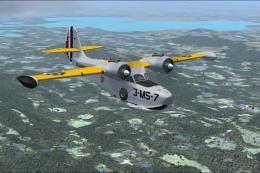
This a repaint of the default Grumman G-21 as a US Marines JRF-1A assigned to…
 FSX Historic & Vintage Aircraft
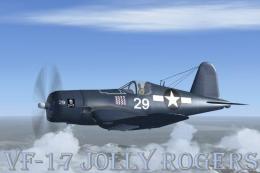
This is a Repaint of the Guy Hulin Corsair model updated for Flight Simulator…
Be the first to leave a comment on this download.
Be the first to share your thoughts on this download.