

 FSX Historic & Vintage Aircraft
SP2 Acceleration Fairchild PT-19B
Fairchild PT-19B, WW2 USAAF basic training aircraft. This release comes with …
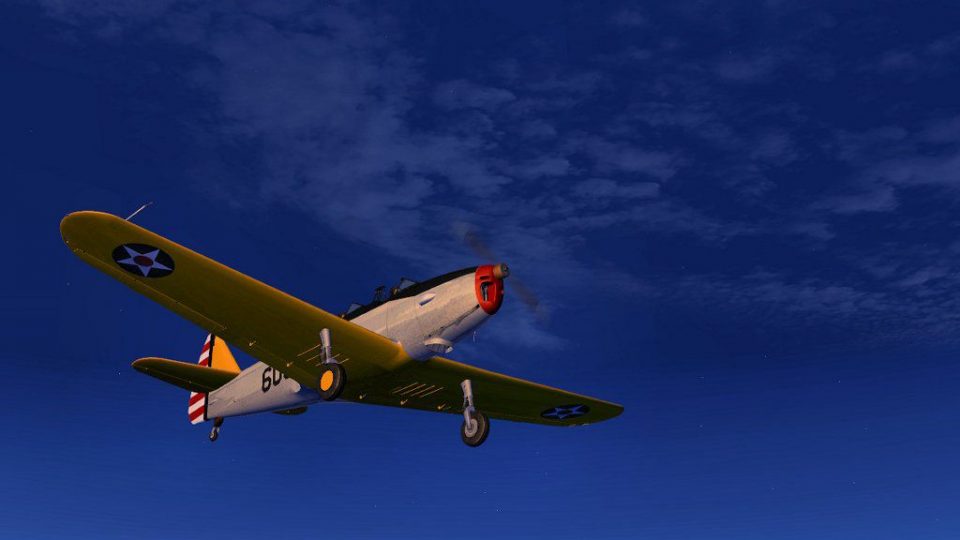
Fairchild PT-19B Yellow and Silver repaint refreshes Tim Conrad’s classic trainer with crisp textures and an authentic period look for Microsoft Flight Simulator X, including an updated thumbnail for easy selection. Textures only, it keeps the original flight model and virtual cockpit intact, and requires the PT-19-1.ZIP base package.
 Rate
Rate
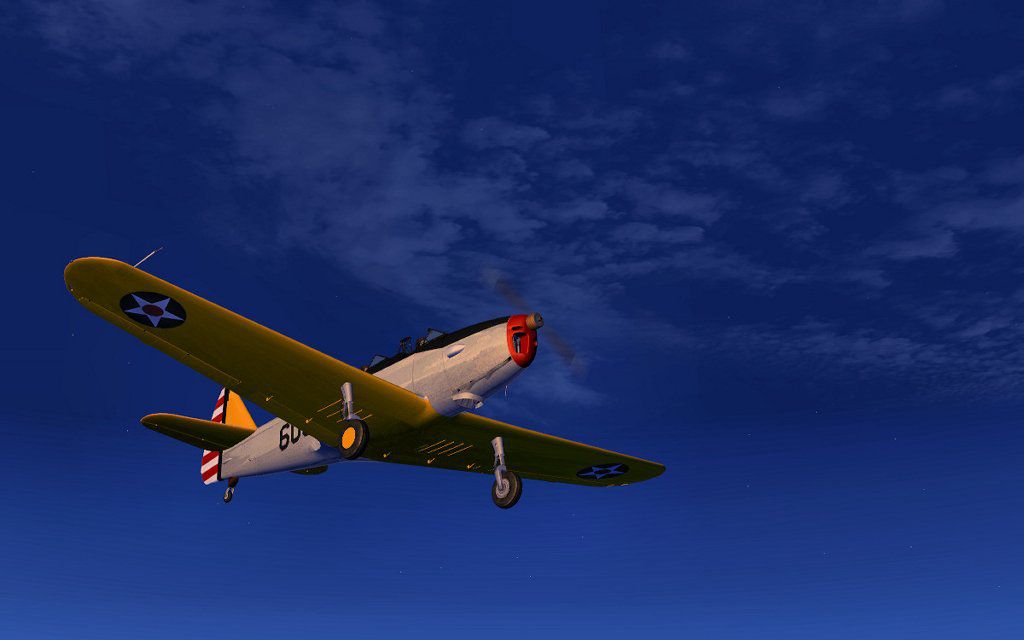
A repaint of the Tim Conrad's Fairchild PT19B. Requires the file PT-19-1.ZIP, Repaint by John Barner.
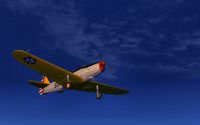
Screenshot of Fairchild PT-19B in flight.
Fairchild PT-19B (textures only).
Texture Installation :
1 - Unzip the pt19ys.zip file to a temporary folder.
2 - Open your airplanes folder in FSX and find and open the folder "PT-19". Find the folder named "texture" and copy it, then rename it "texture.yel".
3 - Open the temporary folder and find the files "pt19_01.dds" and "thumbnail.jpg". Copy both files into the "texture.yel" over writing the existing files.
4 - Open the "Aircraft.cfg" file (make a backup copy first). Cut and paste the text below into the cfg file underneath the last [fltsim.*] entry (change the xx to the next number).
[fltsim.xx]

title=PT-19 YEllow & Silver

sim=PT-19

model=

panel=

sound=

texture=yel

kb_checklists=

kb_reference=

atc_id_color=0xffff0000

atc_id=0310

ui_manufacturer="Fairchild"

ui_type="PT-19"

ui_variation= YEllow & Silver

ui_typerole="Single Engine Prop"

ui_createdby="Piglet's Peculiar Planes"

description="
5 - Finished, go fly.
This work has been supplied as freeware and is therefore to be used without charge and is only to be used with Tim Conrad's Fairchild PT-19.
You cannot include it in any payware pack, this a freeware release.
These files are to be used on the understanding that they are used at the risk of the user and I take no responsibility for any loss of existing files or any other damage that may occur to your computer by the use of these files.
BarnYard Repaints.
Free for all simmers · 1.14 MB · Scanned clean Oct 2026
Download speed: Free tier is capped at 0.5 Mbps. PRO members download at full line speed.
This file is a repaint — the package below is the base model it paints onto. Install it first, or the textures will have nothing to load onto.
texture.{airline}) inside FSX\SimObjects\Airplanes\{base-aircraft}\.aircraft.cfg in Notepad. Add a new [fltsim.X] section per the readme.readme.txt or README file. It tells you exactly where files go, what dependencies are needed, and any quirks specific to this add-on.The archive pt19ys.zip has 9 files and directories contained within it.
This list displays the first 500 files in the package. If the package has more, you will need to download it to view them.
| Filename/Directory | File Date | File Size |
|---|---|---|
| Thumbs.db | 09.04.11 | 7.50 kB |
| FILE_ID.DIZ | 09.04.11 | 154 B |
| pt15.jpg | 09.04.11 | 48.41 kB |
| pt19.gif | 09.04.11 | 7.72 kB |
| pt19_01.dds | 08.24.11 | 4.00 MB |
| Read Me First.txt | 09.04.11 | 2.14 kB |
| thumbnail.jpg | 09.04.11 | 9.84 kB |
| flyawaysimulation.txt | 10.29.13 | 959 B |
| Go to Fly Away Simulation.url | 01.22.16 | 52 B |
Only PRO members can place votes.
More FSX & P3D add-ons hand-picked based on this download.
FSX Historic & Vintage Aircraft
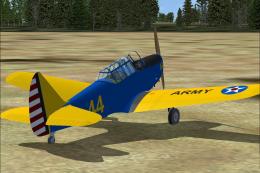
Fairchild PT-19B, WW2 USAAF basic training aircraft. This release comes with …
 FSX Historic & Vintage Aircraft
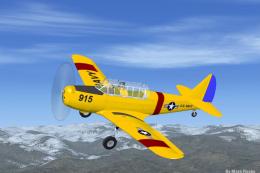
This add-on offers a painstakingly recreated Fairchild PT-26, originally deve…
 FSX Historic & Vintage Aircraft
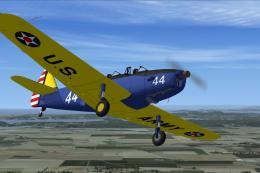
Experience an iconic American trainer from World War II with this freeware si…
 FSX Historic & Vintage Aircraft
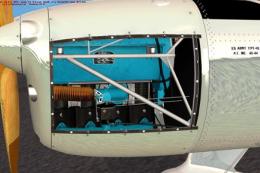
Army repaint of Tim Conrad's PT-19; requires original aircraft PT-19-1.ZIP. R…
 FSX Historic & Vintage Aircraft
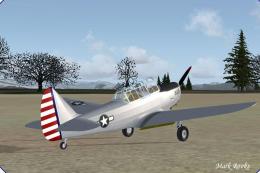
V1.1 with fixed altimeter. Uses stock FS2004 gauges, effects and sounds. Mode…
 FSX Historic & Vintage Aircraft
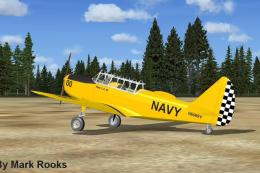
This is the J.E. Narcizo Fairchild PT26 modified For FSX. The PT-26 was the p…
 FSX Historic & Vintage Aircraft
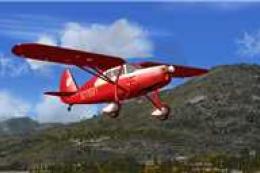
Bring an authentic World War II training experience into Microsoft Flight Sim…
 FSX Historic & Vintage Aircraft
Original William Ortis creation adapted to work in FSX by Danny Garnier. Pane…
Be the first to leave a comment on this download.
Be the first to share your thoughts on this download.