

 FSX Turboprops
Vieques Air Link Cessna 208 Caravan
Cessna 208 Caravan in Vieques Air Link colors (new and old). By Roberto Ayala…
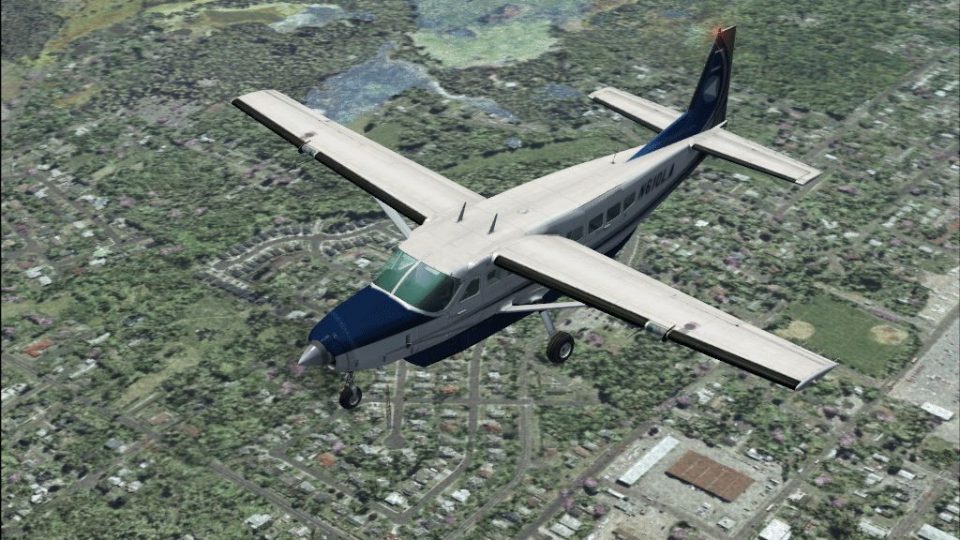
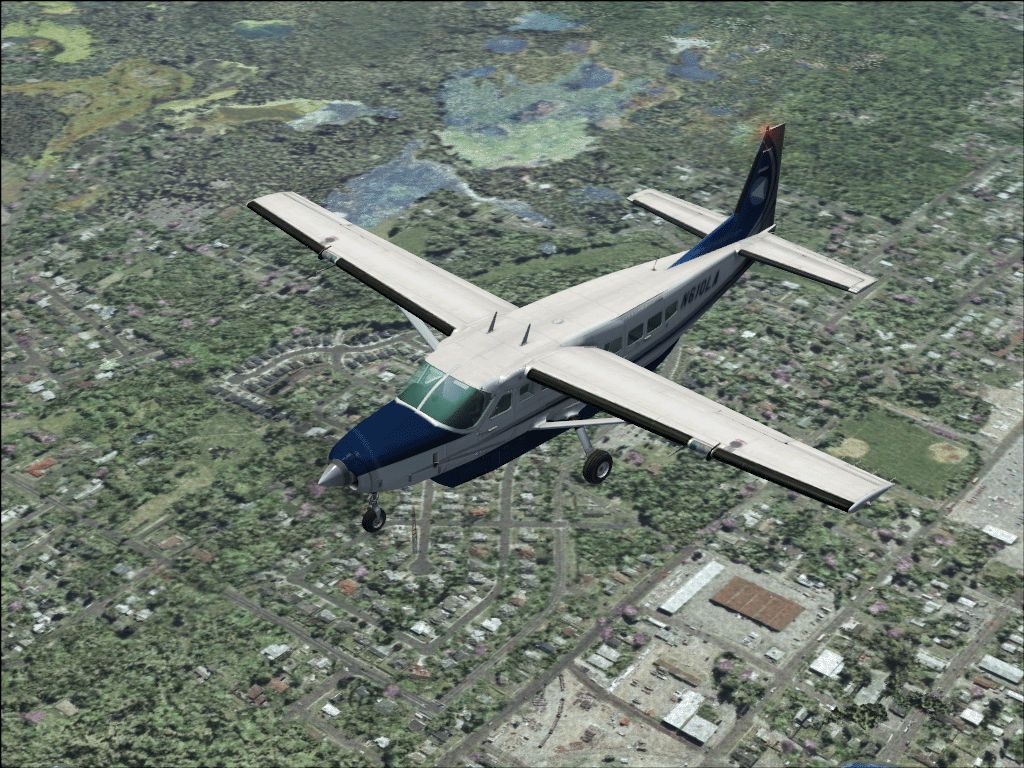
Linear Air livery textures refresh the default Cessna 208B Grand Caravan with airline-style markings for a more authentic regional turboprop look in FSX. Designed as a repaint for the stock aircraft, it preserves the original model, virtual cockpit, and flight dynamics while adding a clean, recognizable scheme for everyday cargo or commuter flights.
 Rate
Rate
Textures for the default C208 Caravan. By George Hutton.
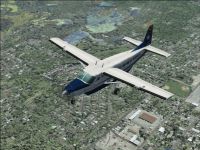
Screenshot of Linear Air Cessna 208 in flight.
Repaint for the FSX default C208.
Installation:
Unzip to a temporary folder. Move the "Texture.lnr" Folder to your C208 Folder.
Copy and paste the following into the existing aircraft.cfg for the C208 replacing 'X' with the next number in the sequence ( if you have no other textures other than the default, then this should be "4").
[fltsim.X]

	title=Cessna Grand Caravan Linear Air

	sim=Cessna208B

	model=

	panel=

	sound=

	texture=lnr

	kb_checklists=Cessna208B_Check

	kb_reference=Cessna208B_ref

	atc_id=

	atc_id_color=0xff000000

	atc_parking_types=RAMP

	ui_manufacturer="Cessna"

	ui_type="C208B Grand Caravan"

	ui_variation="Linear Air"

	ui_typerole="Single Engine TurboProp"

	ui_createdby="Microsoft Corporation" - Repaint by George Hutton

	description="Wherever you want to go today, the Cessna Caravan can get you there. First introduced by Cessna in 1985, the Caravan was designed to land nearly anywhere, on land or water. Undoubtedly, it has lived up to its creators' intentions. Whether supplies need to be brought to a flooded village in the mountains of Peru, an injured person needs to be flown out from a remote lake in Alaska, or an archeologist wants access to a tiny site in the African desert, the Caravan has what's needed to do the job."
Hope you enjoy.
George Hutton
Free for all simmers · 1.59 MB · Scanned clean Oct 2026
Download speed: Free tier is capped at 0.5 Mbps. PRO members download at full line speed.
FSX\SimObjects\Airplanes\. The folder must contain an aircraft.cfg file. Effects go into FSX\Effects\; gauges go into FSX\Gauges\.readme.txt or README file. It tells you exactly where files go, what dependencies are needed, and any quirks specific to this add-on.The archive c208lin.zip has 9 files and directories contained within it.
This list displays the first 500 files in the package. If the package has more, you will need to download it to view them.
| Filename/Directory | File Date | File Size |
|---|---|---|
| c208lin.gif | 04.27.07 | 645.03 kB |
| FILE ID.diz | 04.27.07 | 69 B |
| readme.txt | 04.27.07 | 1.42 kB |
| C208_Spec.dds | 09.04.06 | 1.33 MB |
| C208_T.dds | 04.23.07 | 682.80 kB |
| texture.cfg | 08.14.06 | 137 B |
| thumbnail.jpg | 04.27.07 | 48.71 kB |
| flyawaysimulation.txt | 10.29.13 | 959 B |
| Go to Fly Away Simulation.url | 01.22.16 | 52 B |
Only PRO members can place votes.
More FSX & P3D add-ons hand-picked based on this download.
FSX Turboprops
Cessna 208 Caravan in Vieques Air Link colors (new and old). By Roberto Ayala…
 FSX Turboprops
Air Milford Cessna 208 Caravan, registration ZK-SKB. Textures only for the de…
 FSX Turboprops
A remake of the default FS2004 Cessna 208 Caravan amphibian so it can now be …
 FSX Turboprops
This new FDE includes an improved flight model plus a much improved PT6 simul…
 FSX Turboprops
This is a Cessna C208 Grand Caravan for Arrow Head Cargo Regional VA, registr…
 FSX Turboprops
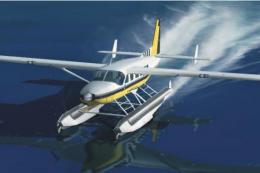
Cessna 208 Amphibian Update. The second update for FSX of the C208 amphibian.…
 FSX Turboprops
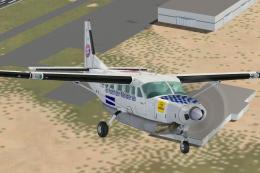
Cessna 208 Caravan, registration D-BFCB and OE-BSAL. Two German repaints of t…
 FSX Turboprops
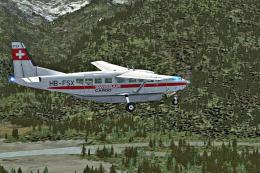
Swissair-Cargo Cessna 208. An imaginary repaint for the default Cessna 208 Ca…
Be the first to leave a comment on this download.
Be the first to share your thoughts on this download.