

 FS2004 Civil Jet Aircraft
Airbus A-320-232, Royal Brunei Airlines
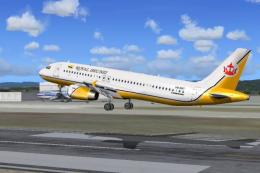
This package offers a detailed livery that portrays Royal Brunei Airlines’ st…
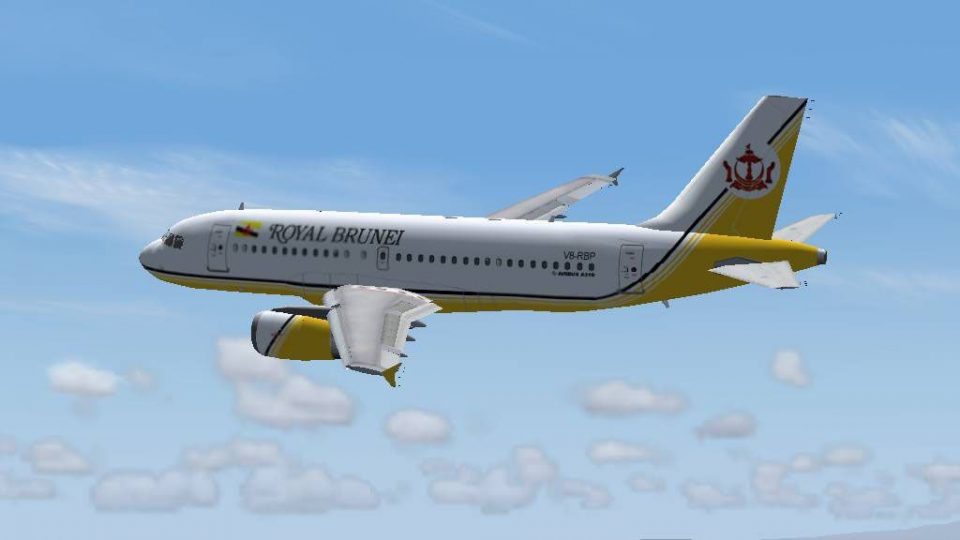
Royal Brunei Airlines’ Airbus A319-132 livery brings the carrier’s understated colors, crisp markings, and realistic shading to the Phoenix Simulation Software A320 Professional in Microsoft Flight Simulator 2004. High-resolution exterior textures add subtle metallic reflections and fine surface detail while matching the model’s proportions for convincing short-haul and regional operations.
 Rate
Rate
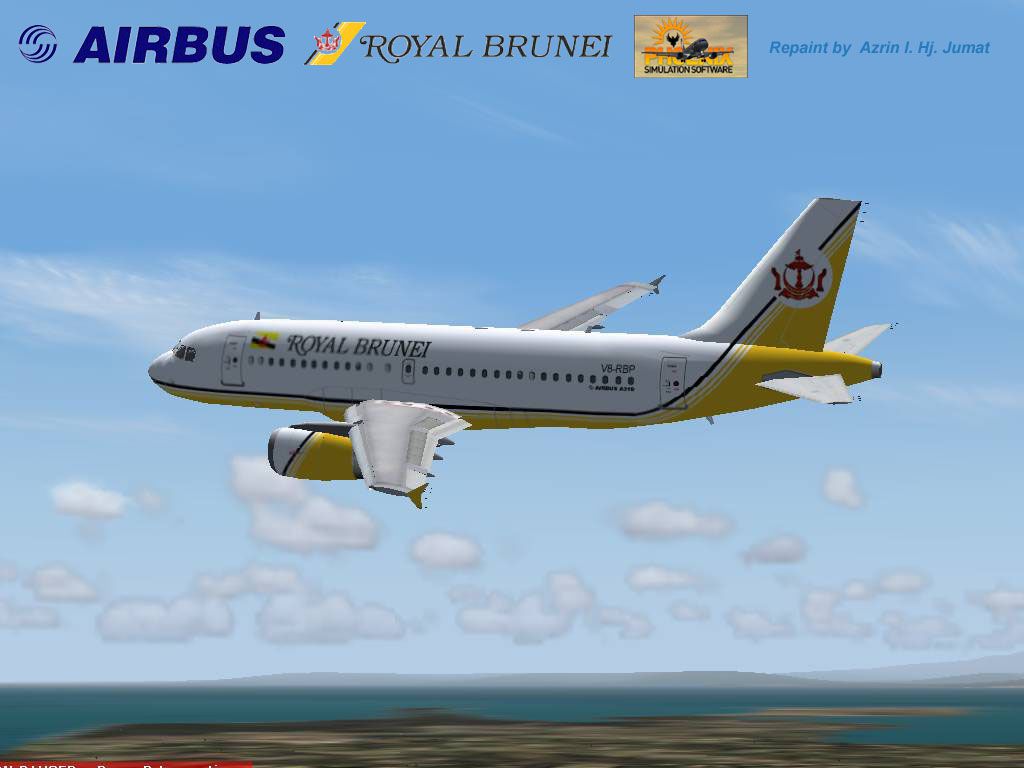
Immerse yourself in the livery of Royal Brunei Airlines with this custom repaint designed exclusively for Microsoft Flight Simulator 2004 (FS2004). This package focuses on the Airbus A319-132 model, showcasing the airline’s subtle yet distinctive scheme for regional and short-haul operations. It includes only the external texture files and thus requires the payware Phoenix Simulation Software A320 Professional product for complete functionality. Royal Brunei Airlines, the national carrier of the Sultanate of Brunei, is known for its modern fleet of Airbus aircraft serving a range of nearby destinations. The repaint was carefully created by Azrin I. Hj. Jumat, while the base model and development assets belong to Phoenix Simulation Software.
These liveries highlight the airline’s signature color palette while incorporating subtle wear, shading, and metallic reflections that accurately capture the essence of the real Royal Brunei Airbus A319. The repaint files integrate seamlessly with the existing virtual cockpit and external model, ensuring that even the smallest rivets and fuselage markings mirror the actual aircraft registry.
The Airbus A319-132 serves as a compact member of the A320 family, retaining efficient aerodynamics and advanced avionics. Royal Brunei Airlines opted for the A319 to optimize both domestic and regional routes, ensuring a comfortable cabin environment alongside reliable performance. This configuration allows operators to manage runway constraints in various airports around Asia.
Please note that these textures alone do not include any 3D model files. Owners of the Phoenix Simulation Software A320 Professional package can incorporate this repaint into the existing payware platform. The custom textures have been tested for compatibility within Microsoft Flight Simulator 2004, ensuring stable performance and an immersive flight experience. If you have not acquired the payware base model, it is available for purchase from outlets such as SimShack.
Once installed, you can explore Royal Brunei’s regional routes in a faithful recreation of the airline’s Airbus A319 while enjoying all of the enhancements offered by this specialized texture set.
Free for all simmers · 1.19 MB · Scanned clean Sep 2026
Download speed: Free tier is capped at 0.5 Mbps. PRO members download at full line speed.
FS9\Aircraft\, FS9\Addon Scenery\, FS9\Gauges\, or FS9\Effects\.readme.txt or README file. It tells you exactly where files go, what dependencies are needed, and any quirks specific to this add-on.The archive a319rba.zip has 9 files and directories contained within it.
This list displays the first 500 files in the package. If the package has more, you will need to download it to view them.
| Filename/Directory | File Date | File Size |
|---|---|---|
| a319_v_l.bmp | 04.03.04 | 4.00 MB |
| a319_V_t.bmp | 04.03.04 | 4.00 MB |
| Wing_l.bmp | 04.03.04 | 4.00 MB |
| Wing_t.bmp | 04.03.04 | 4.00 MB |
| file_id.diz | 04.03.04 | 355 B |
| RBA319.jpg | 04.03.04 | 83.19 kB |
| readme.txt | 04.03.04 | 2.06 kB |
| flyawaysimulation.txt | 10.29.13 | 959 B |
| Go to Fly Away Simulation.url | 01.22.16 | 52 B |
Only PRO members can place votes.
More FS2004 add-ons hand-picked based on this download.
FS2004 Civil Jet Aircraft
This package offers a detailed livery that portrays Royal Brunei Airlines’ st…
 FS2004 Civil Jet Aircraft
Experience the distinctive livery of Royal Brunei Airlines on the Airbus A320…
 FS2004 Civil Jet Aircraft
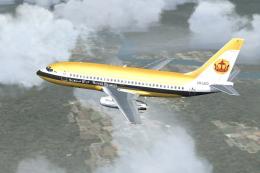
A repaint of Erick Cantu's B737-200 in the old colors of Royal Brunei Airline…
 FS2004 Civil Jet Aircraft
This download contains a model of an Airbus A319-100, operated by Bru Bird. T…
 FS2004 Civil Jet Aircraft
Fly one of the most pervasive jets in history with this file for Microsoft Fl…
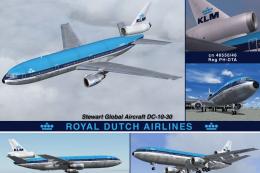 FS2004 Civil Jet Aircraft
Experience an updated KLM Royal Dutch Airlines DC-10-30 freeware package craf…
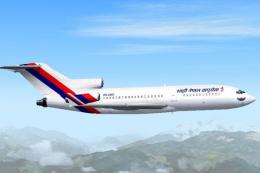 FS2004 Civil Jet Aircraft
Currently a fictional repaint. Model by AI Aardwark with required moving part…
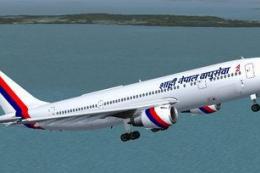 FS2004 Civil Jet Aircraft
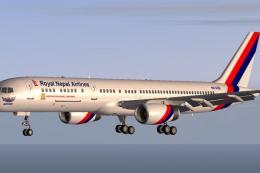
The SGA Airbus A300B4-200 repainted in the Royal Nepal Airlines livery (Naray…
Be the first to leave a comment on this download.
Be the first to share your thoughts on this download.