

 FS2004 Civil Jet Aircraft
Airbus A-320-232, Royal Brunei Airlines
This package offers a detailed livery that portrays Royal Brunei Airlines’ st…
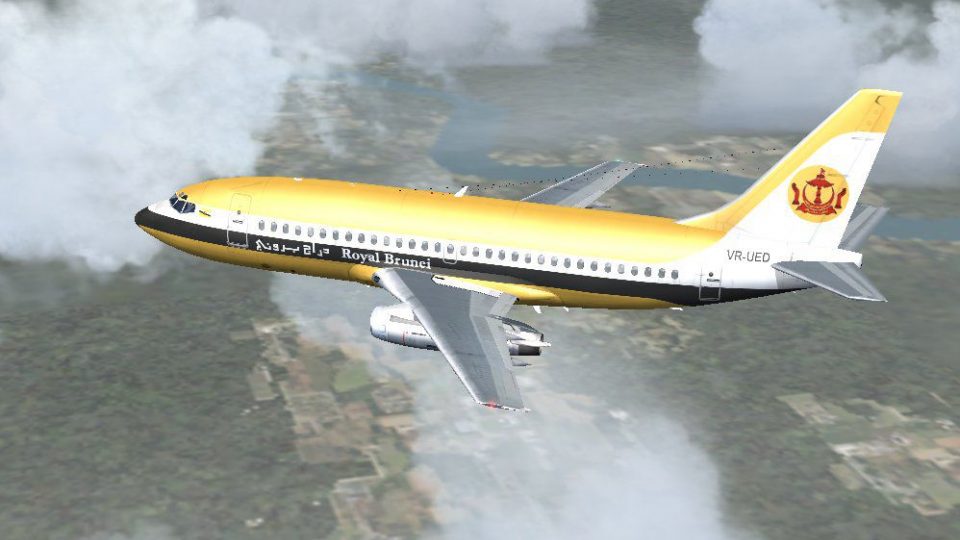
Royal Brunei Airlines’ classic Boeing 737-200 livery brings the carrier’s early national colours to Erick Cantu’s detailed jetliner, with a matching flight dynamics package by Mike Baumann and repaint by Roland Ting for FS2004. Requires Erick Cantu’s B737-200 base model to enjoy authentic period styling in the virtual cockpit and exterior.
 Rate
Rate
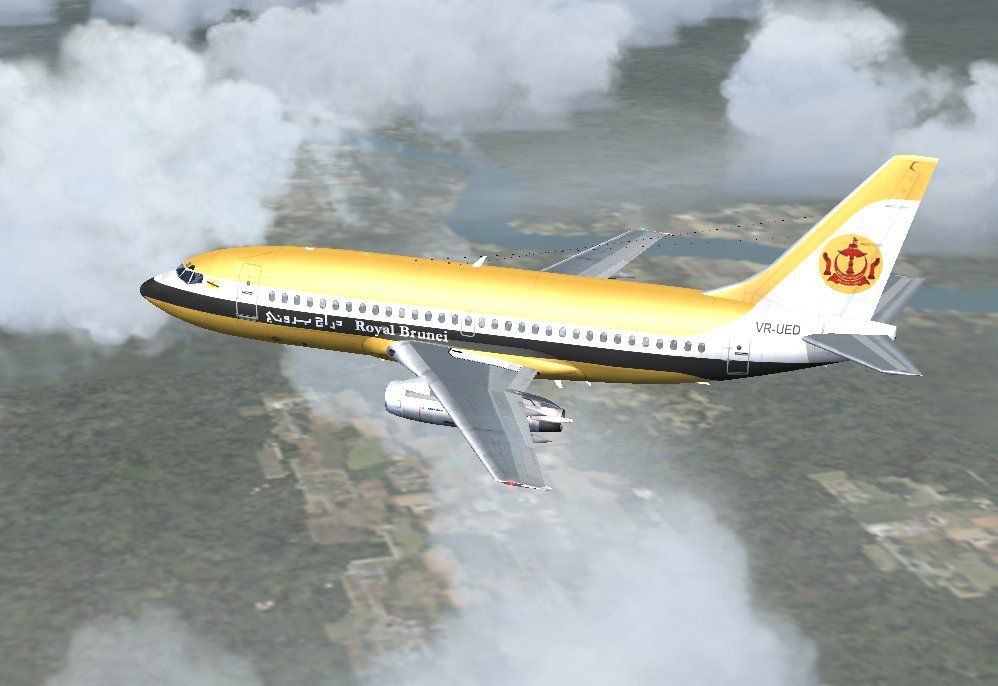
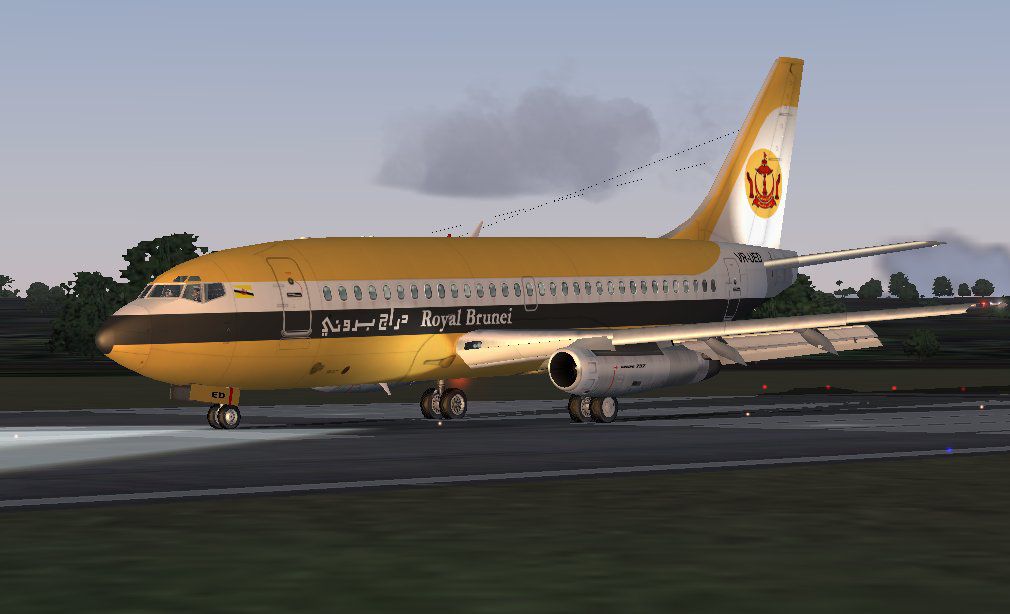
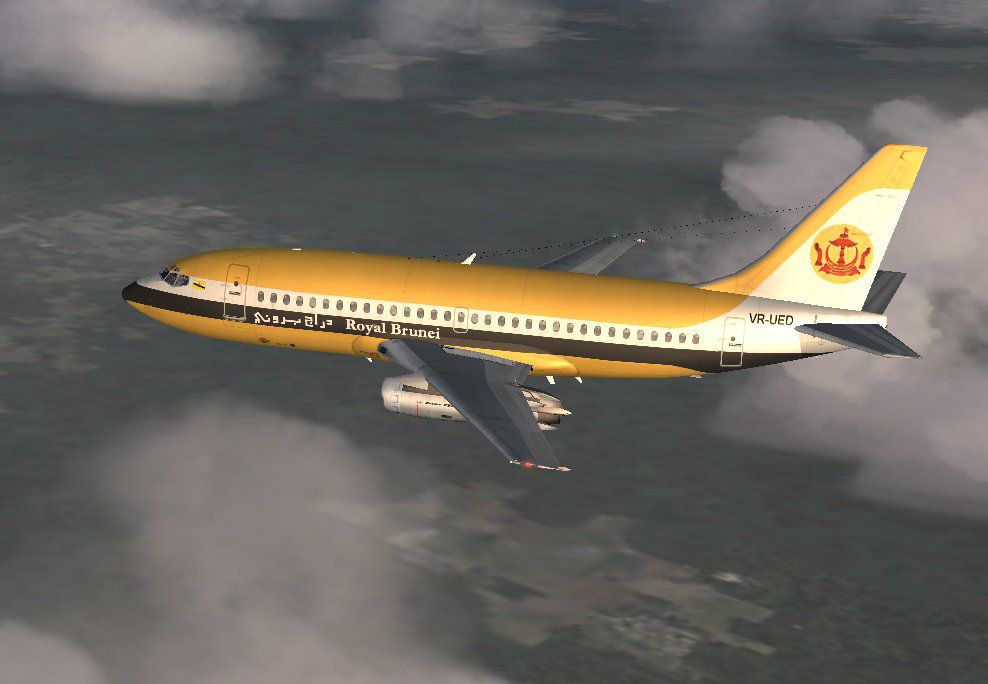
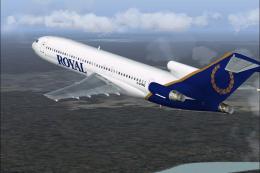
A repaint of Erick Cantu's B737-200 in the old colors of Royal Brunei Airline. Model by Erick Cantu, FDE by Mike Baumann. Repainted by Roland Ting.
Screenshot of Royal Brunei Boeing 737-200 in flight.
Established on 18 November 1974, Royal Brunei Airlines is an independent corporation wholly owned by the government of Brunei Darussalam.
At its first meeting which took place seven days after the incorporation, the Board of Directors decided to purchase two Boeing 737-200 aircraft to start up the fleet. Six months later, on 14 May 1975, one of the B737s, bearing the nation's colours, thundered down the runway of the similarly new Brunei International Airport en route to Singapore, Royal Brunei Airline's first-ever scheduled service.
Free for all simmers · 2.57 MB · Scanned clean Oct 2026
Download speed: Free tier is capped at 0.5 Mbps. PRO members download at full line speed.
FS9\Aircraft\, FS9\Addon Scenery\, FS9\Gauges\, or FS9\Effects\.readme.txt or README file. It tells you exactly where files go, what dependencies are needed, and any quirks specific to this add-on.The archive rba737-2.zip has 25 files and directories contained within it.
This list displays the first 500 files in the package. If the package has more, you will need to download it to view them.
| Filename/Directory | File Date | File Size |
|---|---|---|
| 7372.air | 06.16.04 | 8.20 kB |
| AIRCRAFT.CFG | 07.13.04 | 17.19 kB |
| rba-01.jpg | 07.13.04 | 82.20 kB |
| rba-02.jpg | 07.13.04 | 64.30 kB |
| rba-03.jpg | 07.13.04 | 70.23 kB |
| readme.txt | 07.13.04 | 827 B |
| SMOKE_JT8D.fx | 02.23.04 | 1.87 kB |
| B737_200.mdl | 02.21.04 | 1.31 MB |
| MODEL.CFG | 02.08.03 | 25 B |
| panel.cfg | 07.13.04 | 42 B |
| sound.cfg | 07.08.04 | 30 B |
| 732_B_T.BMP | 07.11.04 | 256.07 kB |
| 737INTERIOR_T.BMP | 12.31.03 | 1.00 MB |
| B732FUSE_L.bmp | 03.09.04 | 1.00 MB |
| B732FUSE_t.bmp | 07.11.04 | 4.00 MB |
| B737TAIL_L.BMP | 02.23.04 | 64.07 kB |
| B737TAIL_t.bmp | 07.11.04 | 1.00 MB |
| ENGINES_L.BMP | 02.23.04 | 64.07 kB |
| engines_t.bmp | 03.21.04 | 1.00 MB |
| MISC_L.BMP | 02.23.04 | 4.07 kB |
| misc_t.bmp | 07.11.04 | 1.00 MB |
| WINGS_L.BMP | 02.23.04 | 256.07 kB |
| WINGS_T.BMP | 07.11.04 | 4.00 MB |
| flyawaysimulation.txt | 10.29.13 | 959 B |
| Go to Fly Away Simulation.url | 01.22.16 | 52 B |
Only PRO members can place votes.
More FS2004 add-ons hand-picked based on this download.
FS2004 Civil Jet Aircraft
This package offers a detailed livery that portrays Royal Brunei Airlines’ st…
 FS2004 Civil Jet Aircraft
Immerse yourself in the livery of Royal Brunei Airlines with this custom repa…
 FS2004 Civil Jet Aircraft
Experience the distinctive livery of Royal Brunei Airlines on the Airbus A320…
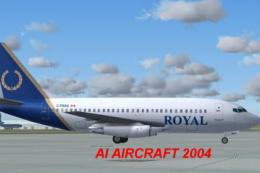 FS2004 Civil Jet Aircraft
This freeware release of the Royal Boeing 737-200 showcases a classic twinjet…
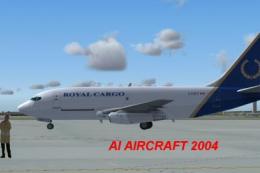 FS2004 Civil Jet Aircraft
This all-in-one freeware package offers a robust Royal Cargo Boeing 737-200 s…
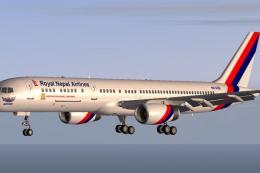 FS2004 Civil Jet Aircraft
Fly one of the most pervasive jets in history with this file for Microsoft Fl…
 FS2004 Civil Jet Aircraft
Textures only. Model by Project Open Sky. Livery by Dario Carbone. Screenshot…
 FS2004 Civil Jet Aircraft
A repaint of the Vistaliners B727. Textures only; requires B72720VL.ZIP. Repa…
Be the first to leave a comment on this download.
Be the first to share your thoughts on this download.