

 FSX Turboprops
Pilatus PC-7 Smoke System
A smoke system for Tim Conrad's Pilatus PC7 (PC7_PAK.ZIP). By Alexander Jenne…
Convair CV-580 engine smoke effect adds convincing exhaust trails tuned for the CalClassic CV-580 updated for FSX SP2, enhancing immersion from startup through climb. The package supplies an adjusted fx_smoke_f6 effect and corrected smoke system entries that display properly and respond to the in-sim smoke toggle.
 Rate
Rate
compatible engine smoke effect for the CalClassic Convair 580. Good engine smoke results in FSX-SP2 using the Convair 580 CCCV580FSXSP2.ZIP file, which is Bjoern Kesten's FSX-SP2 update of the CalClassic Convair 580. Easy installation. By Tom Tiedman.
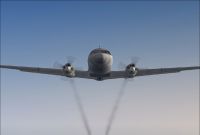
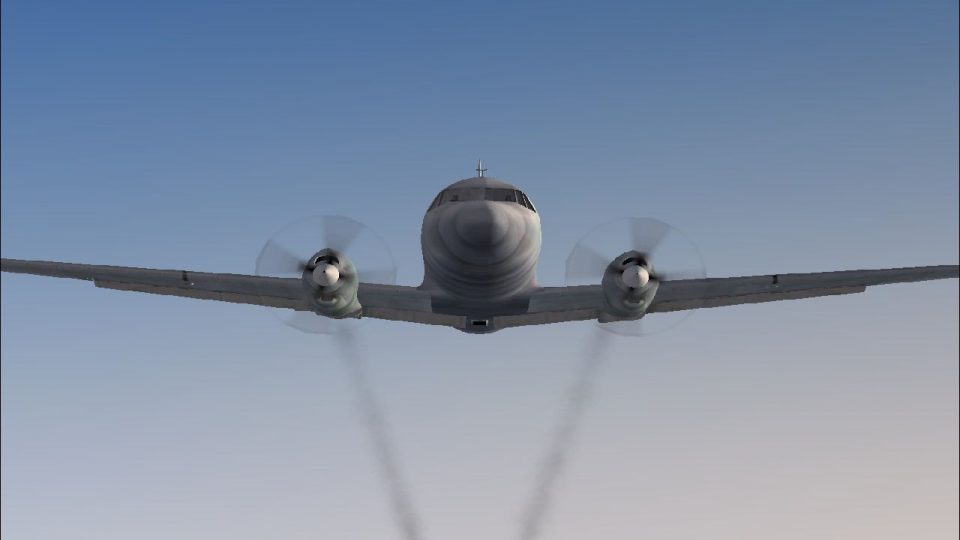
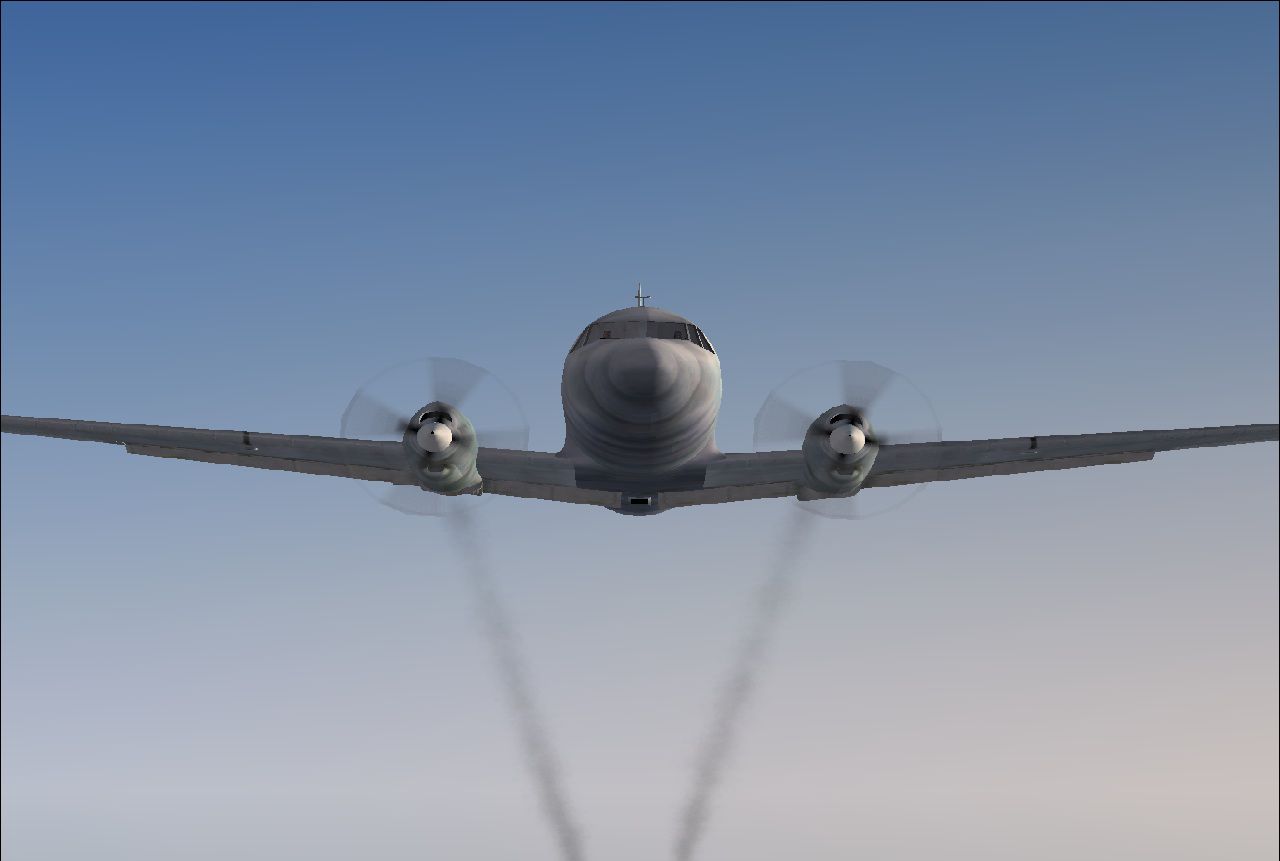
Screenshot of smoke effect on Convair CV580.
CREDITS:
1.) The CalClassic team, for their wonderful Convair 580.
2.) Bjoern Kesten, for updating the CV-580 to FSX-SP2.
3.) The original author of the "fx_smoke_f6" effects file, whoever you are.
4.) I take no credit for any of this. All I did was a tiny bit of math.
INSTALLATION: Simple!
1.) Copy and paste the enclosed "fx_smoke_f6" file into your FSX "Effects" folder. (It's probably there already).
2.) IMPORTANT!!! Open your Convair 580 "aircraft.cfg" file and find the [SMOKESYSTEM] section. ERASE IT!!!, because it does not display properly in FSX-SP2.
3.) Copy and paste the entire enclosed [SMOKESYSTEM] info. found below back into your "aircraft.cfg." file, replacing what you just erased. (Then click 'file', then click 'save', of course).
4.) Press your "I" key while flying your Convair 580 and enjoy the smoke!
[SMOKESYSTEM]

	smoke.0=-11.201, -12.506, -2.101, fx_smoke_f6

	smoke.1=-11.201, 13.206, -2.101, fx_smoke_f6
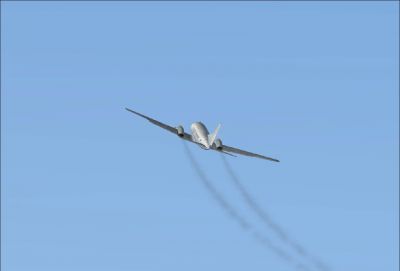
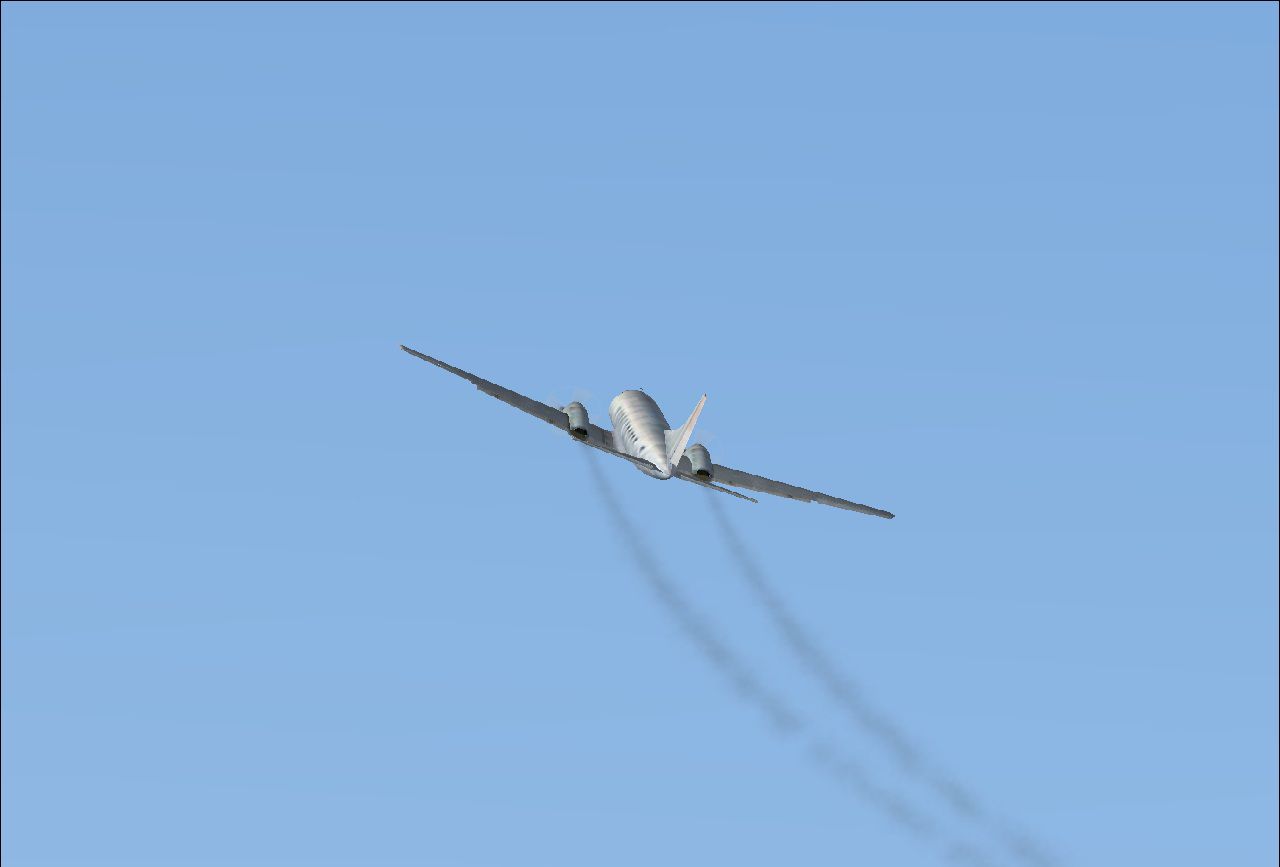
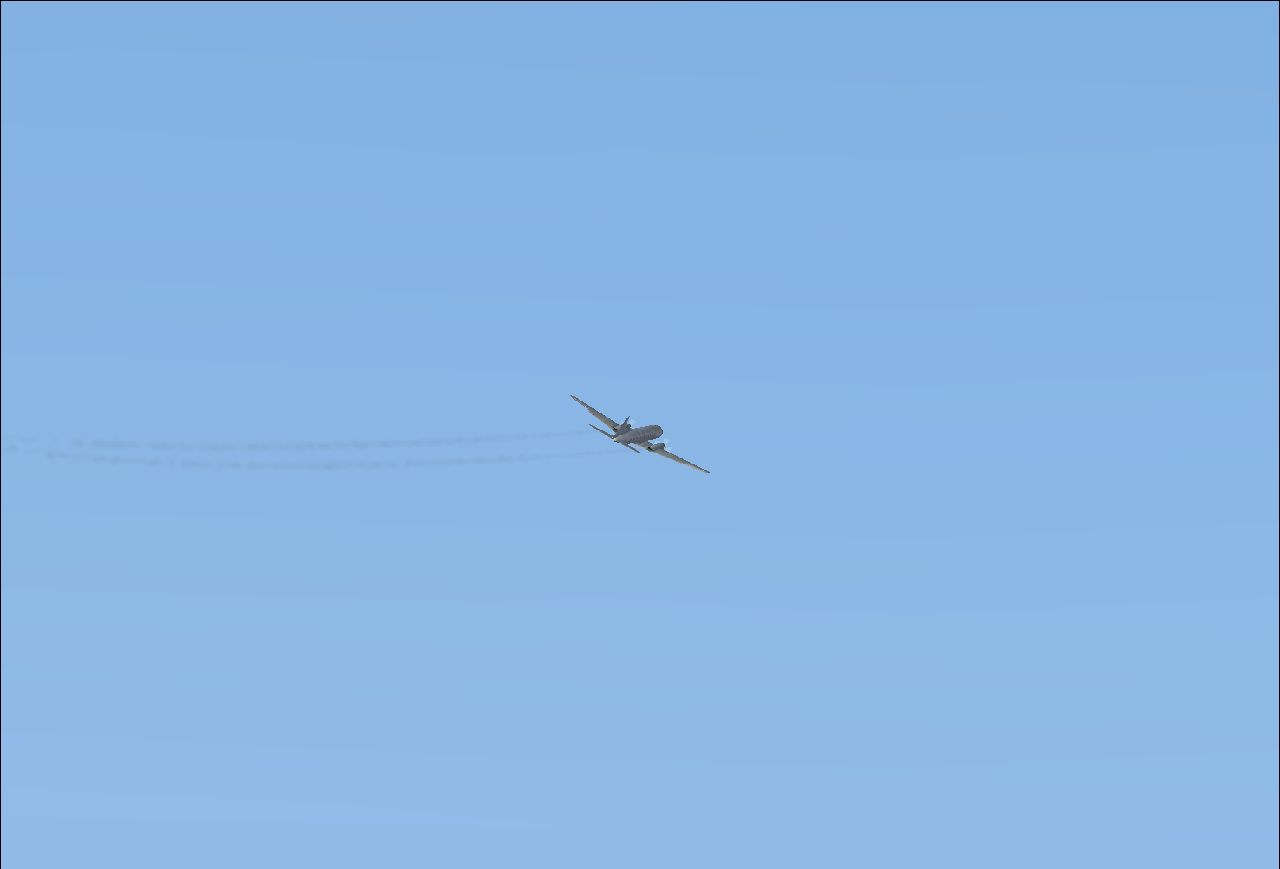
Screenshot of Convair CV580 in flight leaving smoke trails.
Free for all simmers · 114.89 KB · Scanned clean Oct 2026
Download speed: Free tier is capped at 0.5 Mbps. PRO members download at full line speed.
This add-on may require the following files to function properly. If this is a repaint, the dependency below is likely the base aircraft package.
SimObjects\Airplanes\, Addon Scenery\, Effects\, or Gauges\.readme.txt or README file. It tells you exactly where files go, what dependencies are needed, and any quirks specific to this add-on.The archive fsx-sp2_convair_580_engine_smoke.zip has 8 files and directories contained within it.
This list displays the first 500 files in the package. If the package has more, you will need to download it to view them.
| Filename/Directory | File Date | File Size |
|---|---|---|
| 2.jpg | 02.13.11 | 35.97 kB |
| 3.jpg | 02.13.11 | 47.85 kB |
| Convair_580_Smoke.jpg | 02.13.11 | 87.67 kB |
| file_id.diz | 02.13.11 | 330 B |
| fx_smoke_f6.fx | 04.19.04 | 1.17 kB |
| READ ME and INSTALLATION.txt | 02.13.11 | 1.35 kB |
| flyawaysimulation.txt | 10.29.13 | 959 B |
| Go to Fly Away Simulation.url | 01.22.16 | 52 B |
Only PRO members can place votes.
More FSX & P3D add-ons hand-picked based on this download.
FSX Turboprops
A smoke system for Tim Conrad's Pilatus PC7 (PC7_PAK.ZIP). By Alexander Jenne…
 FSX Turboprops
Dive into a meticulously detailed simulation experience with the FSX Convair …
 FSX Turboprops
The Convair 640 was an American twin-engined medium-range airliner first flow…
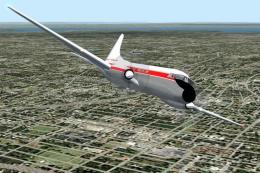 FSX Turboprops
Convair 600, a conversion from a Convair 240 aircraft with the original pisto…
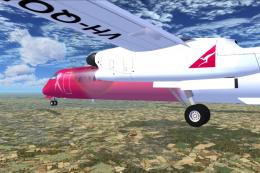 FSX Turboprops
This aircraft is another success story for Bombardier. It is well liked by ai…
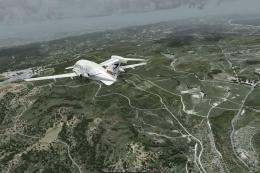 FSX Turboprops
This is a true FSX (SP2) SDK aircraft Version 3.0 brings an entirely new cock…
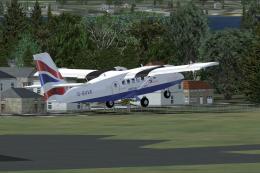 FSX Turboprops
Two aircraft pack, with BA (Loganair) G-BVVK and Scilly Skybus G-BIHO. Includ…
 FSX Turboprops
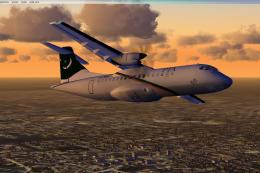
Pakistan International Airlines Aerospatiale ATR 42-500, AP-BHO wearing the n…
Be the first to leave a comment on this download.
Be the first to share your thoughts on this download.