

 FSX AFCAD Files
FSPP Praslin Island, Seychelles
Experience a carefully refined airport environment on Praslin Island in the S…
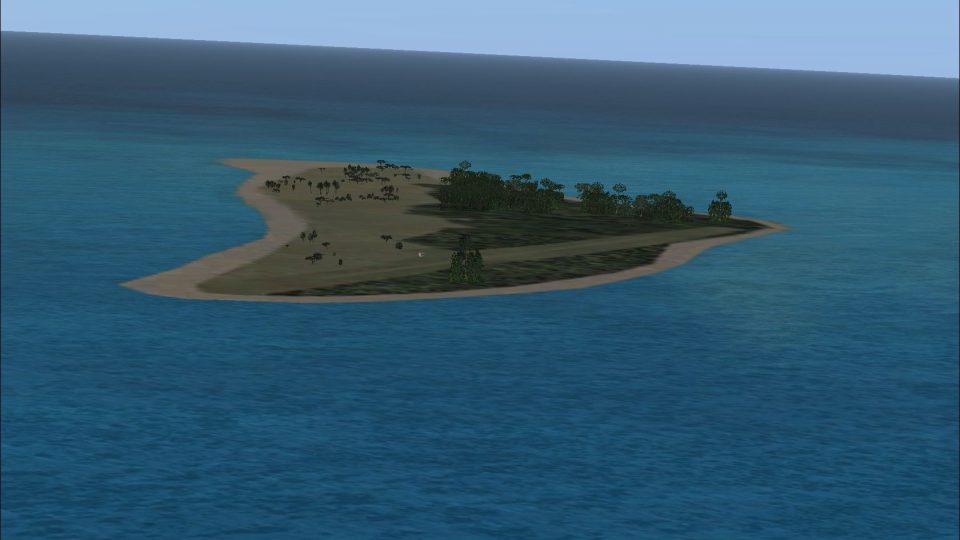
Bird Island Airport (FSSB) brings a faithful grass-strip rendition of the Seychelles, with refined AFCAD data, accurate parking, and smooth AI-friendly taxi flows to support charter-style operations. Built for Microsoft Flight Simulator X and Microsoft Flight Simulator 2004, it requires AIG Seychelles landclass for the most consistent island terrain and placement.
 Rate
Rate
 Seychelles
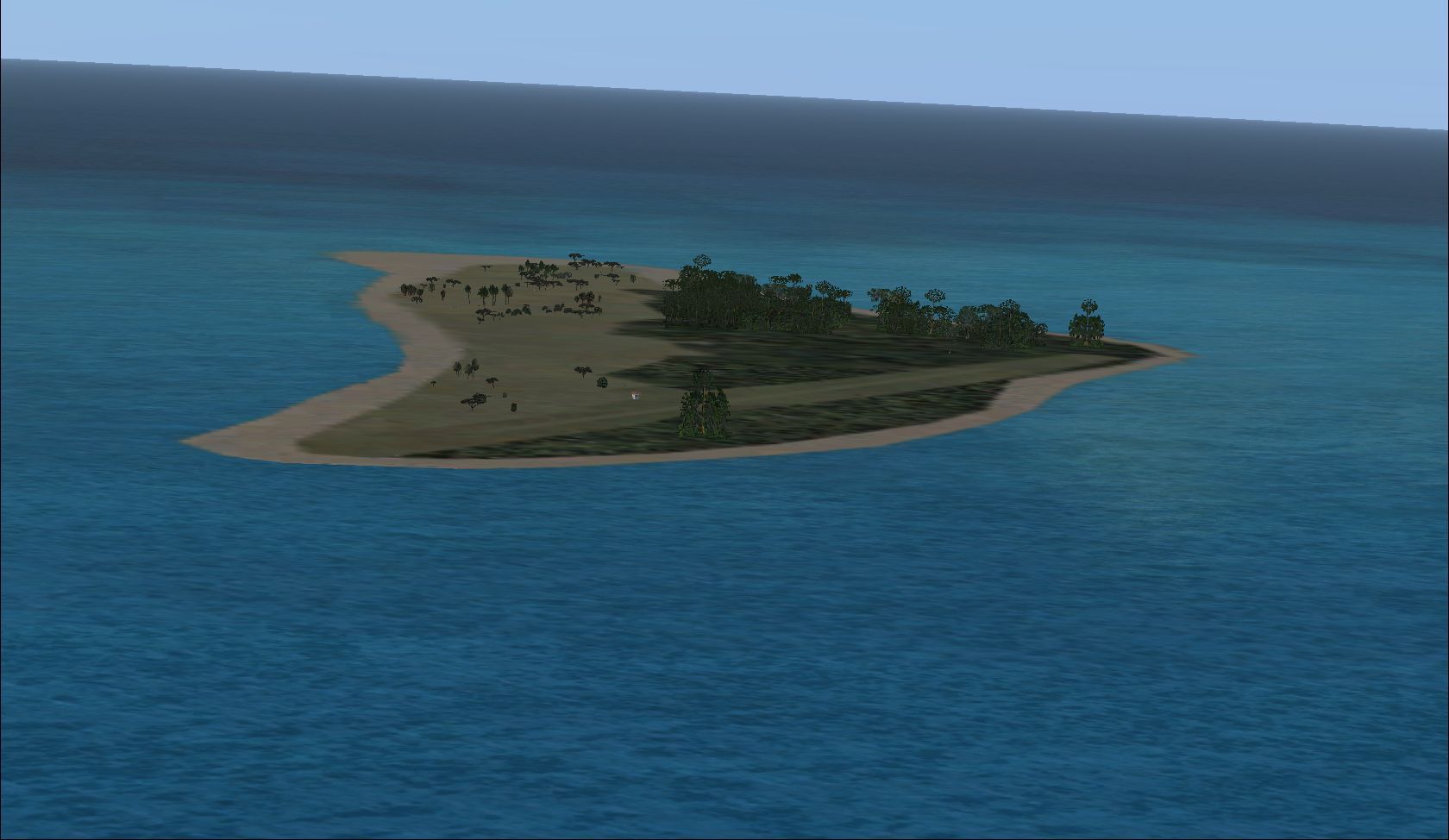
This freeware update delivers a meticulously designed Bird Island Airport (FSSB) scenery, crafted by Kai P. Kamjunke and Alpha India Group. It introduces a realistic grass runway in the Seychelles, complete with charter traffic and accurate parking positions. This package aligns seamlessly with Microsoft Flight Simulator X and Microsoft Flight Simulator 2004, ensuring highly detailed layouts that enhance virtual aviation within this picturesque region.
Alpha India Group designed this airport enhancement as part of their tenth wave of updated airfields. Their proprietary technique, known internally as AIG Ground, refines AFCAD (airport facility data) for both default and add-on scenery. The aim is to achieve faithful replication of real-world characteristics while offering functional paths for AI traffic. The presence of a grass runway mirrors the actual Bird Island setup, where Air Seychelles conducts charter flights to the main international hub. That design focus allows realistic flight operations and an immersive experience for those exploring the remote northern isles of the Seychelles.
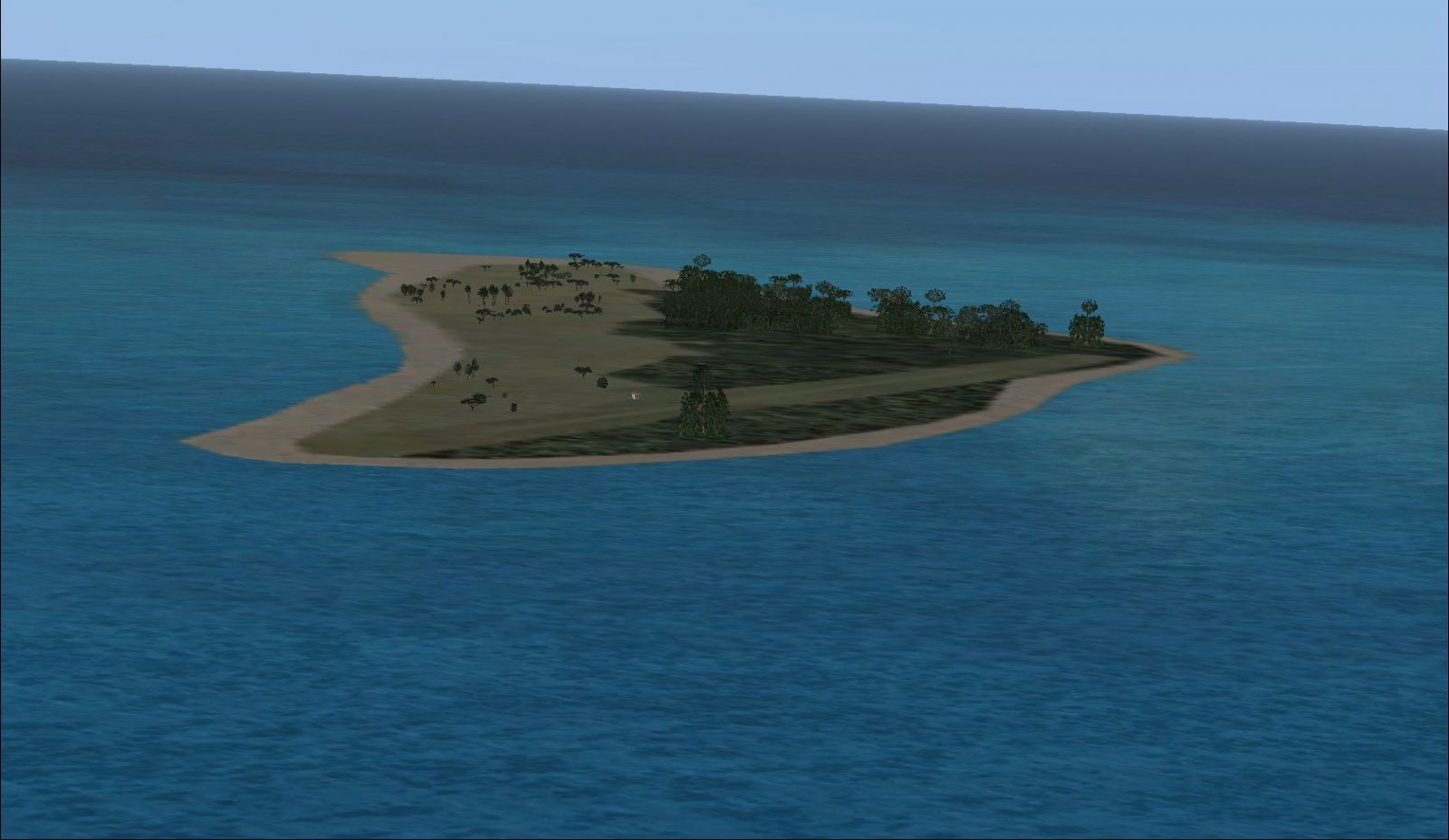
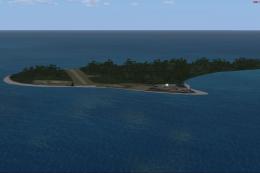
View of Bird Island, Seychelles.
Using this modification with the default island layout may lead to scenery conflicts. To address accurate landclass data for Bird Island, Alpha India Group advises installing aig_seychelles_landclass_fsx_default.zip for reliable terrain representation. This approach ensures the add-on meshes properly with the surrounding environment in Microsoft Flight Simulator X or FS2004.
This scenery owes its precision to the adept work of Jon Masterson and the entire Airport Design Editor (ADE) team, specifically version 1.47.07. The assistance of Jim Vile in creating a specialized approach layout for FS9 has also been instrumental. Their collaboration allowed Kai P. Kamjunke and Alpha India Group to produce a highly functional grass airstrip true to Bird Island’s real-world scale and operations.
Free for all simmers · 162.36 KB · Scanned clean Oct 2026
Download speed: Free tier is capped at 0.5 Mbps. PRO members download at full line speed.
This add-on may require the following files to function properly. If this is a repaint, the dependency below is likely the base aircraft package.
SimObjects\Airplanes\, Addon Scenery\, Effects\, or Gauges\.readme.txt or README file. It tells you exactly where files go, what dependencies are needed, and any quirks specific to this add-on.Use these coordinates to fly directly to this location once the mod is installed.
-3.72800000,55.20500000
Launch FSX or Prepar3D and use Flights → Load to open the downloaded .pln file. Your aircraft will be positioned at this location.
The archive aig_fssb_bird_island_seychelles_fsx_default.zip has 6 files and directories contained within it.
This list displays the first 500 files in the package. If the package has more, you will need to download it to view them.
| Filename/Directory | File Date | File Size |
|---|---|---|
| AIG Ground FSX.png | 01.03.09 | 26.71 kB |
| Bird Island.jpg | 07.06.10 | 137.99 kB |
| Readme.txt | 09.05.10 | 2.82 kB |
| AIG_FSSB_ADEX_KPK_Default.BGL | 07.19.10 | 1.62 kB |
| flyawaysimulation.txt | 10.29.13 | 959 B |
| Go to Fly Away Simulation.url | 01.22.16 | 52 B |
Only PRO members can place votes.
More FSX & P3D add-ons hand-picked based on this download.
FSX AFCAD Files
Experience a carefully refined airport environment on Praslin Island in the S…
 FSX AFCAD Files
Located in the northern region of the Seychelles archipelago, this freeware a…
 FSX AFCAD Files
Experience a carefully enhanced rendition of Fregate Island Airport in the Se…
 FSX AFCAD Files
This scenery add-on provides an updated rendition of Seychelles International…
 FSX AFCAD Files
A simple AFCAD file for the locally-famous Vis Island recovery airstrip datin…
 FSX Civil Aircraft
Immerse yourself in this specially-crafted fictional Air Seychelles repaint f…
 FSX Scenery
Seychelles Landclass Scenery. This is part of the tenth round of airports iss…
 FS2004 Civil Jet Aircraft
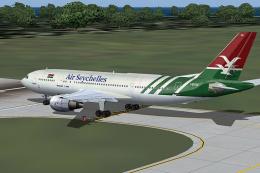
This freeware release delivers a faithfully recreated Airbus A300B4-203 featu…
Be the first to leave a comment on this download.
Be the first to share your thoughts on this download.