

 FS2004 Civil Jet Aircraft
Lockheed L-1011 Tristar
Lockheed L-1011 Tristar in Mediterranea Virtual Airlines. Gmax model with ful…
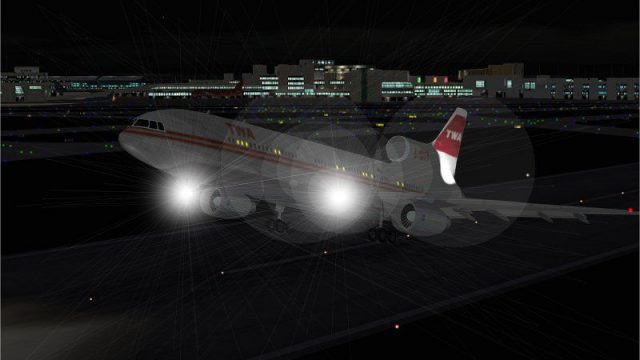
TWA’s classic Lockheed L-1011 TriStar livery brings authentic airline character to Microsoft Flight Simulator 2004 with crisp exterior markings, extra decals, and carefully crafted night textures for convincing dusk and after-dark flying. The repaint requires the ADSL1011 base model and complements the tri-jet’s vintage wide-body presence.
 Rate
Rate
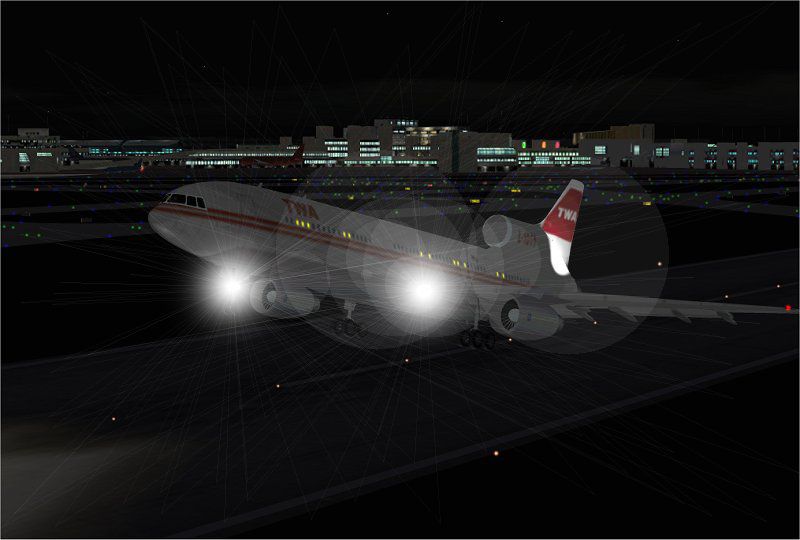
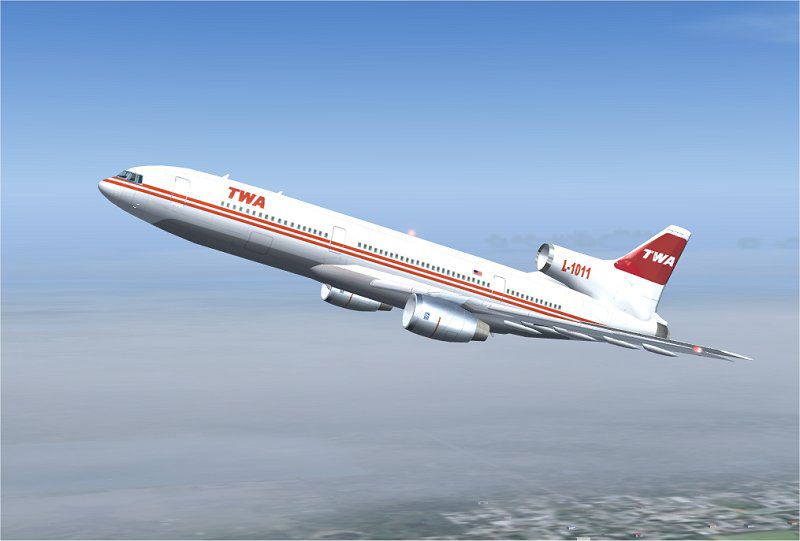
This freeware package adds a distinctive Trans World Airlines (TWA) repaint for the iconic Lockheed L-1011 TriStar in Microsoft Flight Simulator 2004. It offers carefully detailed night textures and complements the base model that is essential for proper functionality. Paintwork has been prepared by Rey Lopez and showcases a classic, wide-body tri-jet that once served extensive routes under TWA’s historic operations.
This TWA-themed texture set enhances the visual authenticity of the Lockheed L-1011. It includes additional decals and markings that represent the aircraft’s real-world design, plus nighttime illumination layers that foster a more realistic atmosphere during twilight flights. The Lockheed L-1011 TriStar, known for its three-engine configuration, introduced advanced avionics (such as the automatic landing system [autoland]) during its era, and these textures pay homage to that technological legacy.
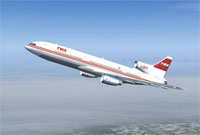
Screenshot of TWA Lockheed L-1011 Tristar in flight.
Trans World Airlines famously employed the Lockheed L-1011 for transcontinental and intercontinental routes, leveraging its optimal range and passenger capacity for numerous high-profile flights. Ground crews and pilots appreciated the aircraft’s innovative automation, which made long-haul travel more dependable and consistent across TWA’s global network.
After downloading and decompressing this repaint package, place every file directly into the ADSL1011 folder (associated with the base ADSL1011.ZIP). The repaint integrates seamlessly, so no further adjustments are required. Load your simulator and locate this updated texture under the L-1011 aircraft listing to indulge in the TWA experience.
ADSL1011.ZIP installed before applying these textures.The L-1011 was admired for its low interior noise levels and its advanced S-duct engine intake on the tail-mounted powerplant. Such features were pivotal in its day, and these textures reflect the legacy of that design. By installing this add-on, enthusiasts can relive an essential chapter in TWA’s past while operating one of Lockheed’s most noteworthy airliners in a highly authentic manner.
Free for all simmers · 991.5 KB · Scanned clean Oct 2026
Download speed: Free tier is capped at 0.5 Mbps. PRO members download at full line speed.
This add-on may require the following files to function properly. If this is a repaint, the dependency below is likely the base aircraft package.
FS9\Aircraft\, FS9\Addon Scenery\, FS9\Gauges\, or FS9\Effects\.readme.txt or README file. It tells you exactly where files go, what dependencies are needed, and any quirks specific to this add-on.The archive textwa.zip has 23 files and directories contained within it.
This list displays the first 500 files in the package. If the package has more, you will need to download it to view them.
| Filename/Directory | File Date | File Size |
|---|---|---|
| File_id.diz | 04.21.04 | 151 B |
| Must_read.txt | 04.21.04 | 1012 B |
| NIGHT DEP.jpg | 04.21.04 | 52.74 kB |
| Texture.twa | 04.21.04 | 0 B |
| CHROME.bmp | 01.21.04 | 32.07 kB |
| CHROME_LM.bmp | 04.21.04 | 65.05 kB |
| COCKPIT_MISC.bmp | 02.05.04 | 1.00 MB |
| FUSE.bmp | 04.21.04 | 1.00 MB |
| FUSE_LM.bmp | 04.21.04 | 1.00 MB |
| HOR_STAB.bmp | 04.05.04 | 1.00 MB |
| HOR_STAB_LM.bmp | 01.21.04 | 1.00 MB |
| MISC.bmp | 01.23.04 | 1.00 MB |
| PANEL.bmp | 01.04.04 | 1.00 MB |
| pilot.bmp | 01.21.04 | 65.05 kB |
| pilot_lm.bmp | 06.17.02 | 65.05 kB |
| pspbrwse.jbf | 04.21.04 | 33.55 kB |
| TIRE.bmp | 01.21.04 | 257.05 kB |
| WINGS.bmp | 02.25.04 | 1.00 MB |
| WINGS_LM.bmp | 01.21.04 | 1.00 MB |
| textwa.jpg | 04.21.04 | 43.64 kB |
| TEXTWA | 04.21.04 | 0 B |
| flyawaysimulation.txt | 10.29.13 | 959 B |
| Go to Fly Away Simulation.url | 01.22.16 | 52 B |
Only PRO members can place votes.
More FS2004 add-ons hand-picked based on this download.
FS2004 Civil Jet Aircraft
Lockheed L-1011 Tristar in Mediterranea Virtual Airlines. Gmax model with ful…
 FS2004 Civil Jet Aircraft
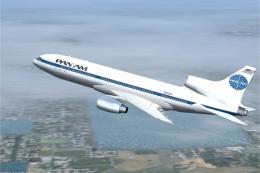
This add-on provides a meticulously crafted set of Pan American textures for …
 FS2004 Civil Jet Aircraft
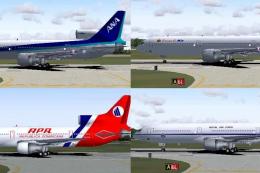
Four repaints of Charles Dayhuff's Lockheed L1011 TriStar: 'ANA' All Nippon A…
 FS2004 Civil Jet Aircraft
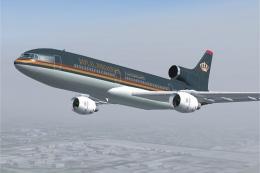
This freeware pack adds specialized Jordanian textures for the Lockheed L-101…
 FS2004 Civil Jet Aircraft
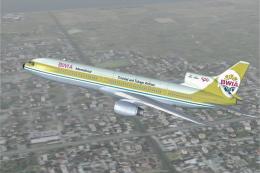
This freeware package brings the BWIA (British West Indian Airways) livery to…
 FS2004 Civil Jet Aircraft
This freeware repaint set brings the classic Pacific Southwest Airlines (PSA)…
 FS2004 Civil Jet Aircraft
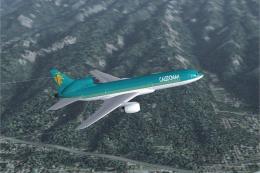
This freeware repaint captures the classic Caledonian scheme on the Lockheed …
 FS2004 Civil Jet Aircraft
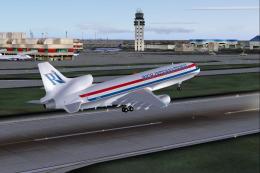
Textures only; requires SL10115.ZIP. Rich International livery for the Lockhe…
Be the first to leave a comment on this download.
Be the first to share your thoughts on this download.