

 FS2004 Civil Jet Aircraft
FS2002/FS2004 CRJ-200, Air Sahara
Air Sahara is India's third largest domestic airline. It operates these CRJ's…
Air France and Brit Air livery for the Bombardier CRJ-200 brings authentic regional airline colors to AI traffic in FS2004, using FSPainter’s model with an included .air file for straightforward integration. The package delivers a complete aircraft folder setup, accurate registration and airline callsign details, plus a clean virtual cockpit exterior presentation.
 Rate
Rate
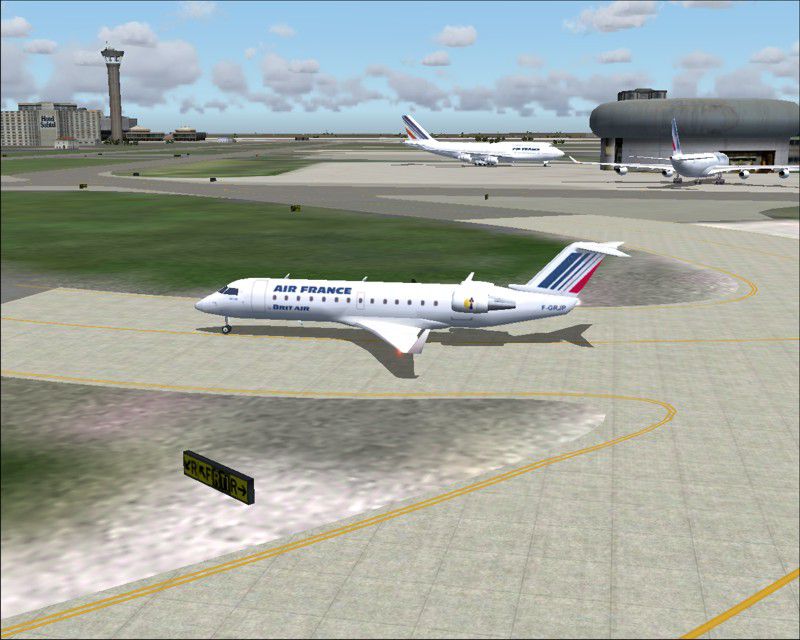
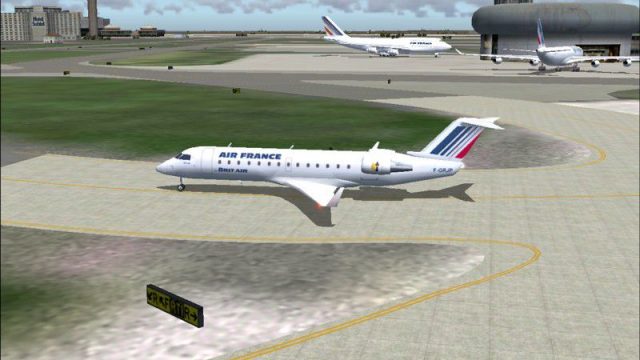
A repaint of FSPainter's CRJ-200 in Air France/Brit Airs' color scheme. Complete model and .air file for are included. By Andre Reitter.
Screenshot of CRJ-200 taxiing to runway.
Simply move the folder "texture.db" into the corresponding aircraft folder and update the original aircraft.cfg with the content of the included aircraft.cfg-files. (Do not replace the existing aircraft.cfg-file!!!) Don't forget to rename the "[fltsim.x]" in the first line with the latest no. in your aircraft.cfg-file (e.g. [fltsim.5] if this is your 5th aircraft in this file).
[fltsim.x]

	title=Bombardier Canadair RegionalJet 200ER Air France - Brit Air AI

	sim=crj100-200

	model=

	panel=

	sound=

	texture=db

	kb_checklists=

	kb_reference=

	atc_id=F-GRJP

	atc_airline=Britair

	atc_flight_number=1123

	atc_heavy=0

	atc_parking_types=GATE,RAMP

	ui_manufacturer=AI Aircraft

	ui_type="Bombardier CRJ-200"

	ui_variation="Air France - Brit Air"

	visual_damage=1

	description="For AI aircraft"
Free for all simmers · 355.34 KB · Scanned clean Oct 2026
Download speed: Free tier is capped at 0.5 Mbps. PRO members download at full line speed.
FS9\Aircraft\, FS9\Addon Scenery\, FS9\Gauges\, or FS9\Effects\.readme.txt or README file. It tells you exactly where files go, what dependencies are needed, and any quirks specific to this add-on.The archive crjdb.zip has 9 files and directories contained within it.
This list displays the first 500 files in the package. If the package has more, you will need to download it to view them.
| Filename/Directory | File Date | File Size |
|---|---|---|
| fsp_crj12_l.bmp | 08.11.03 | 1.33 MB |
| fsp_crj12_t.bmp | 06.10.04 | 1.33 MB |
| texture.db | 06.11.04 | 0 B |
| aircraft.cfg | 06.10.04 | 14.45 kB |
| crjdb.gif | 06.11.04 | 9.59 kB |
| crjdb.jpg | 06.11.04 | 109.51 kB |
| Readme.txt | 06.11.04 | 727 B |
| flyawaysimulation.txt | 10.29.13 | 959 B |
| Go to Fly Away Simulation.url | 01.22.16 | 52 B |
Only PRO members can place votes.
More FS2004 add-ons hand-picked based on this download.
FS2004 Civil Jet Aircraft
Air Sahara is India's third largest domestic airline. It operates these CRJ's…
 FS2004 Civil Jet Aircraft
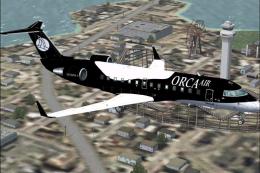
A Las Vegas Air Paint scheme in new colours for it's reopening. Aircraft crea…
 FS2004 Civil Jet Aircraft
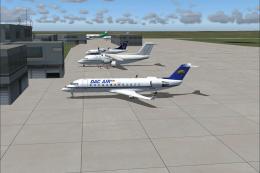
Model by Project Open Sky. Livery by Shandon Hudson. Screenshot of Orca Air B…
 FS2004 Civil Jet Aircraft
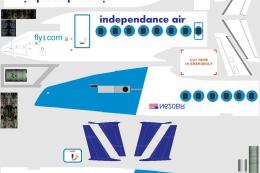
The Romanian company Dac Air owned two types of aircraft Dash 8s and the CRJ …
 FS2004 Civil Jet Aircraft
Fixes the misspelling on the aircraft. Model by Project Open Sky. Repaint by …
 FS2004 Civil Jet Aircraft
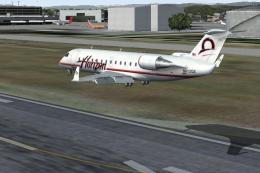
Photoreal textures only for use with CRJ Experience from Wilco Publishing. Re…
 FS2004 Civil Jet Aircraft
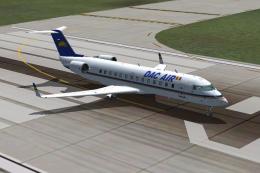
This zip file contains corrections for the flag placement and tail logo. This…
 FS2004 Civil Jet Aircraft
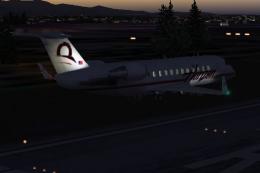
Night textures only, for use with CRJHORIZ.ZIP. By Frank van Gool. Screenshot…
Be the first to leave a comment on this download.
Be the first to share your thoughts on this download.